
Cat Skull - Easy(ish) Print

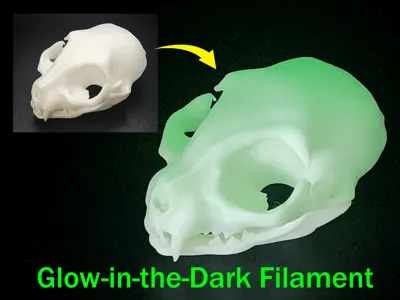
Print Profile(4)


Description
Version 2 Now Available: https://makerworld.com/en/models/1041543#profileId-1026567
I highly recommend using Glue when printing this model
The only complication with this model is that it has a fairly small footprint on the bed and you need to make sure it sticks to the bed. Normally, I'd use a brim to assist with this, but the brim left some artifacts on the back of the skull that I didn't really like. You can use a brim if you want. If you do, I recommend using a large brim that also reaches the supports. But I think the print turns out a little better if you use glue instead.
SuperTack and CryoGrip build plates both work well without the need for glue or a brim.
----
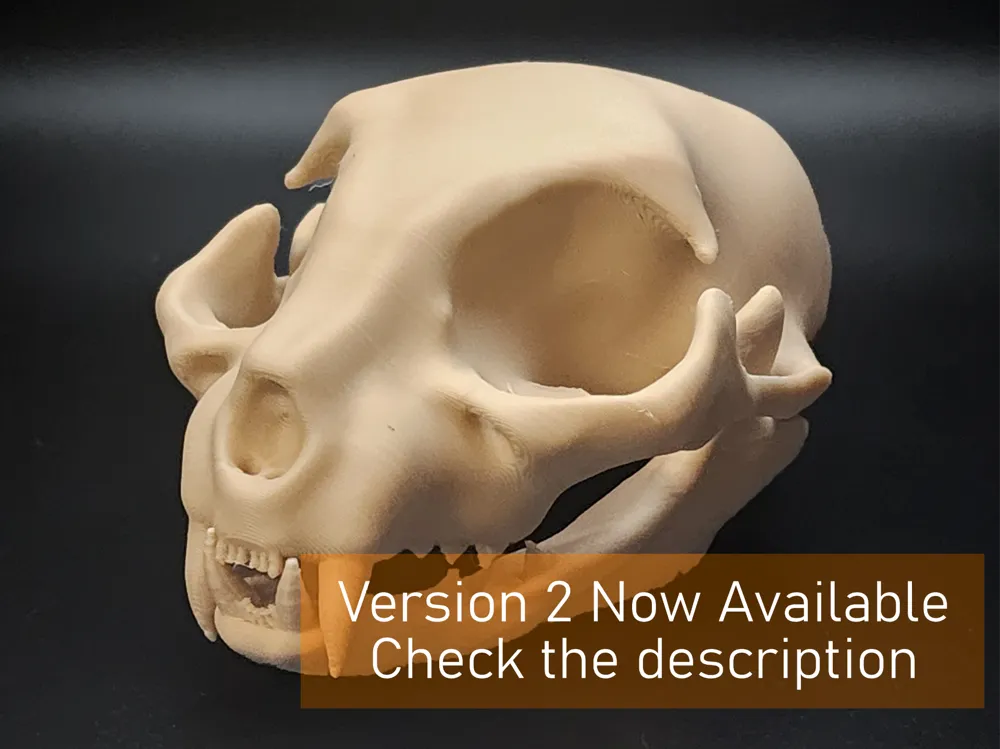
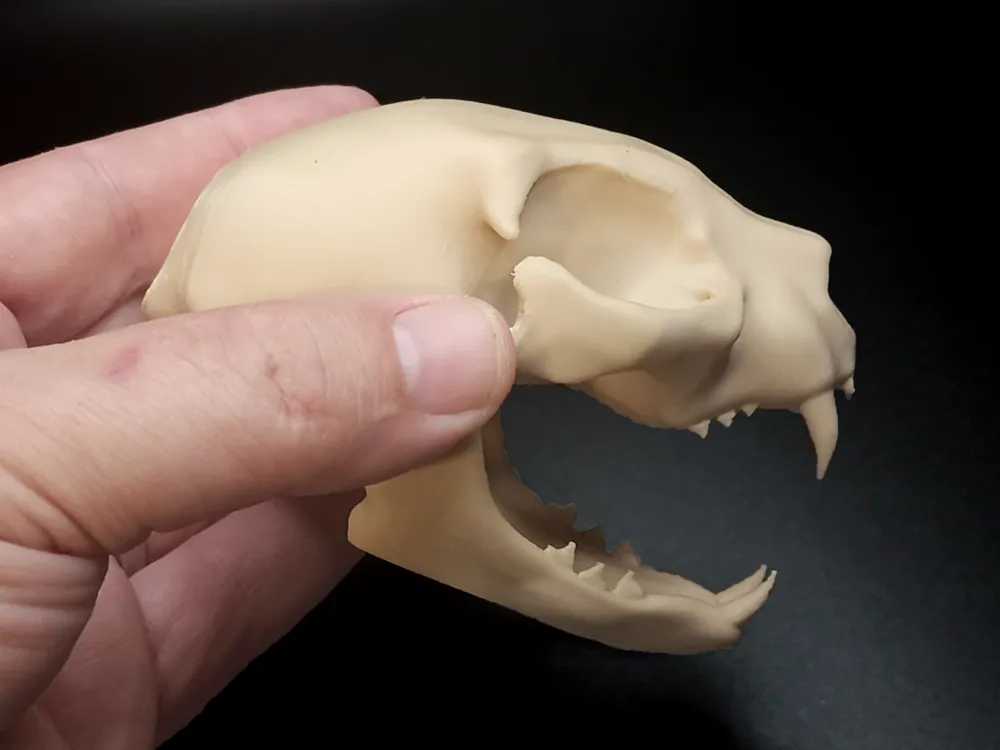
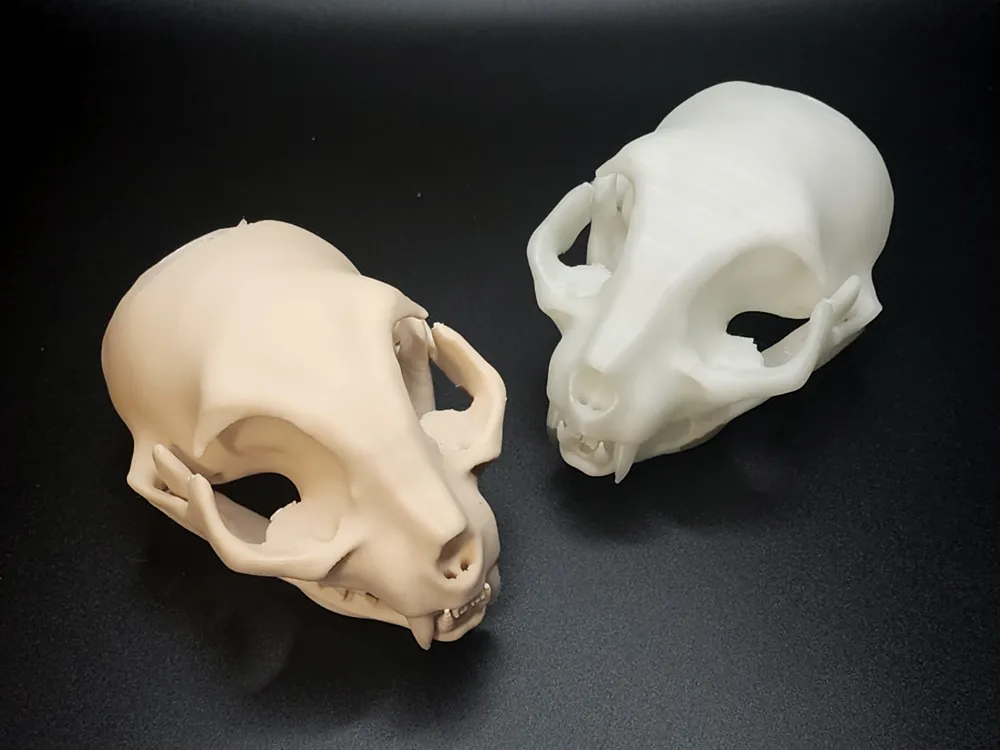
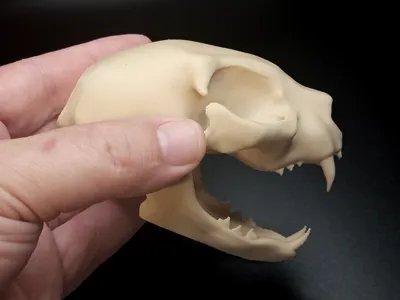
This is a sculpted cat skull, not scanned, and may not be perfectly anatomically correct. The model is fairly accurate, though. This model scales well and prints with minimal supports. The mandible (jaw) is printed separately, fits in perfectly, and rotates naturally.
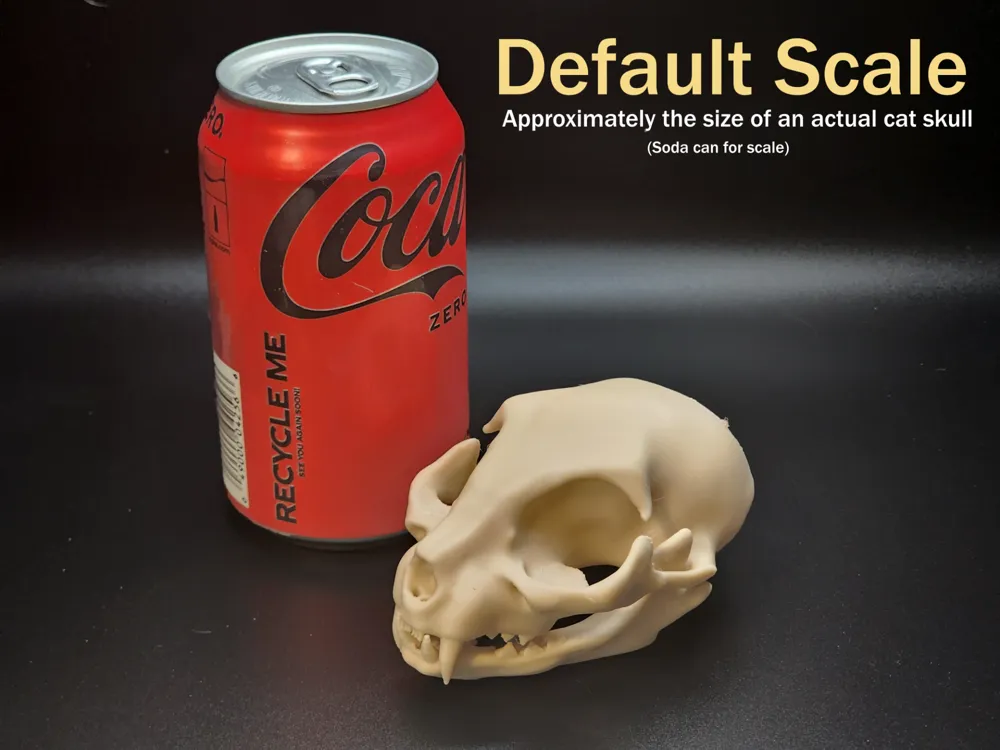
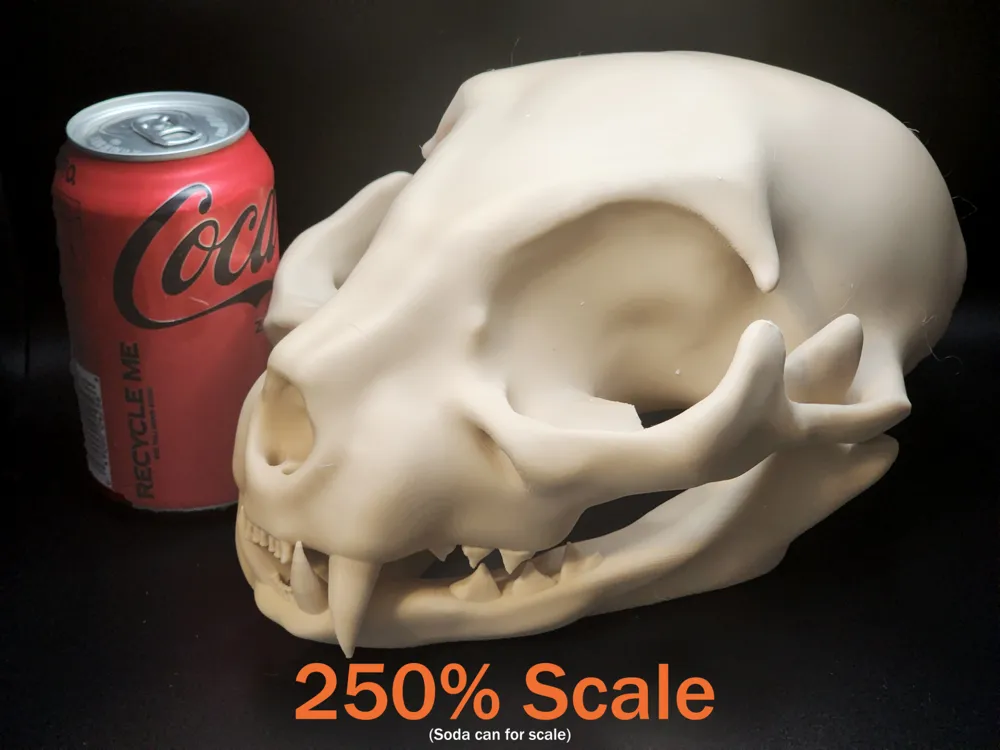
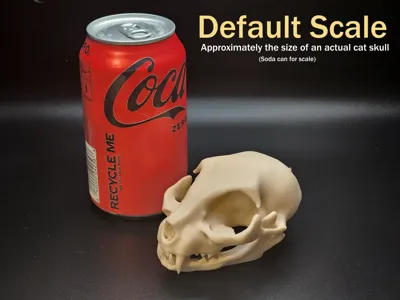
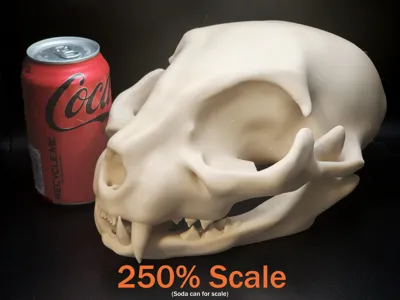
The default scale is approximately the size of an actual cat skull. I also printed a version at 250% scale, which is about the size of a human skull, if not a little larger. At 250% scale, the model is nearly 240mm tall, and therefore won't fit on the A1 Mini. So I've included a 175% print profile that will fit on the A1 mini. Feel free to play around with the scale.
Print Settings
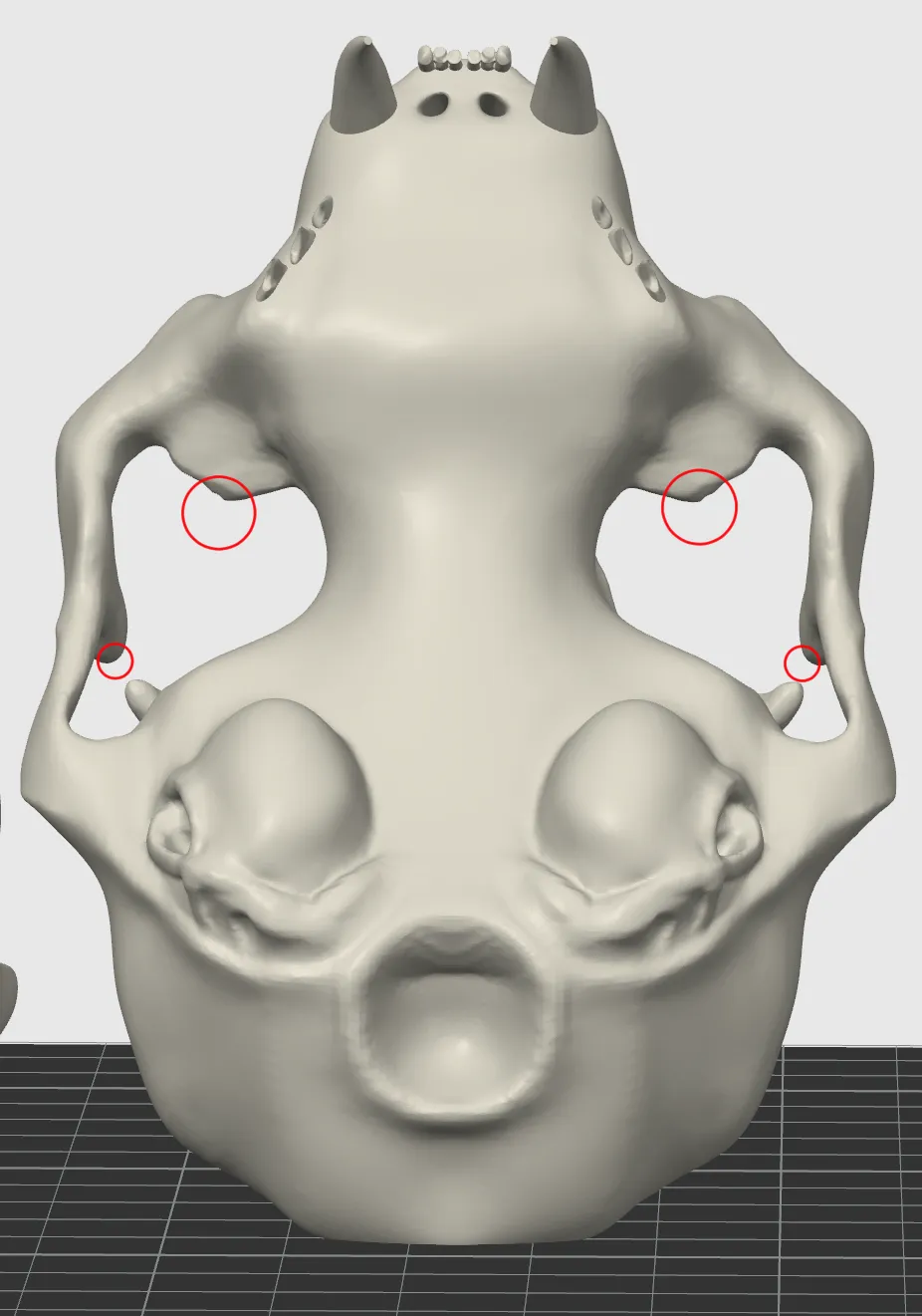
If you can't use the attached print profiles, you will need to orient the STL files on your bed. There is a flat spot on the top back of the skull, this should be placed flat on the bed. The skull is printed upright at an angle. Paint supports on the points marked below and use manual tree supports.
The jaw has a flat spot on the bottom that needs to be oriented to the bed. The jaw doesn't require any supports.
Both models should be printed with 3 walls (to make the thinner parts strong), but can be printed with lightning infill to save on material. The result will still be very strong, despite being largely hollow. If printing at a larger scale, you may want to consider 4 walls instead of 3.
Again, use glue or a large brim. I recommend glue.



Comment & Rating (286)