
Advanced Gear Removal Tool v2 for P1/X1 Extruder

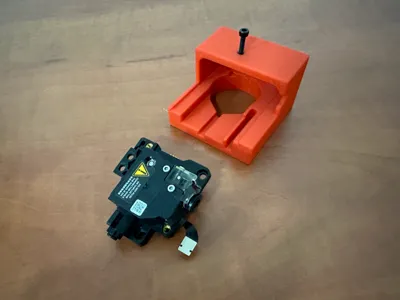
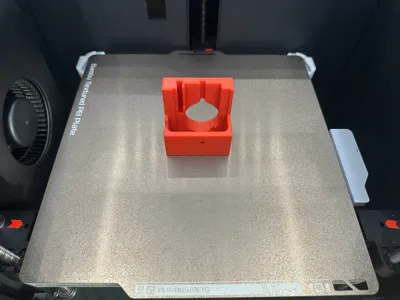
Print Profile(1)

Bill of Materials


Description
Overview
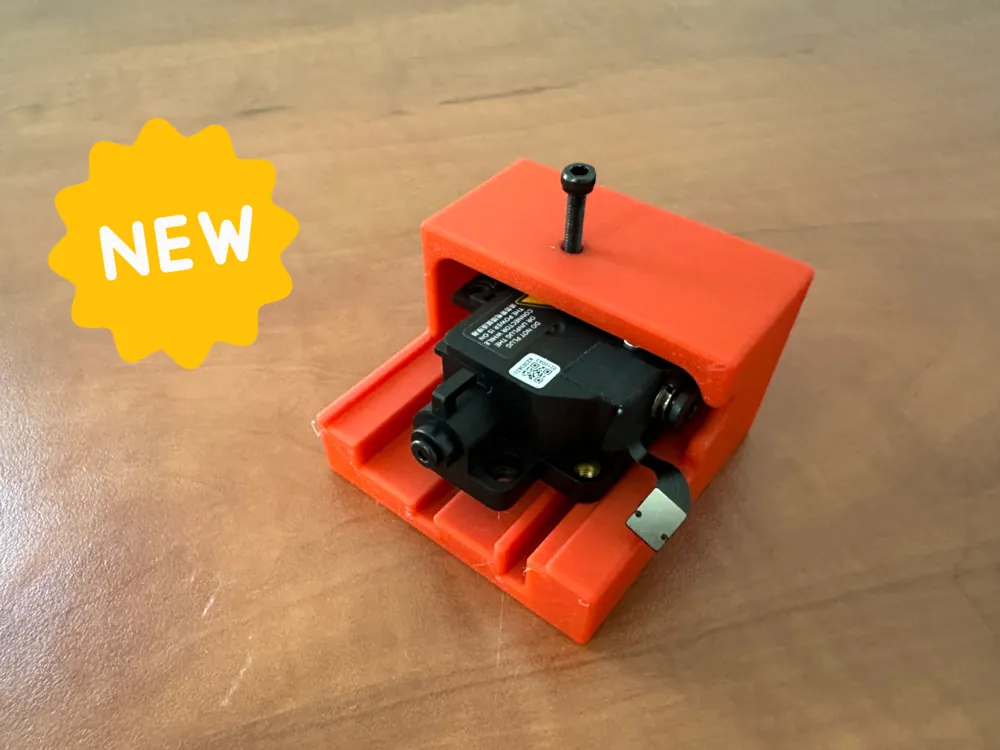
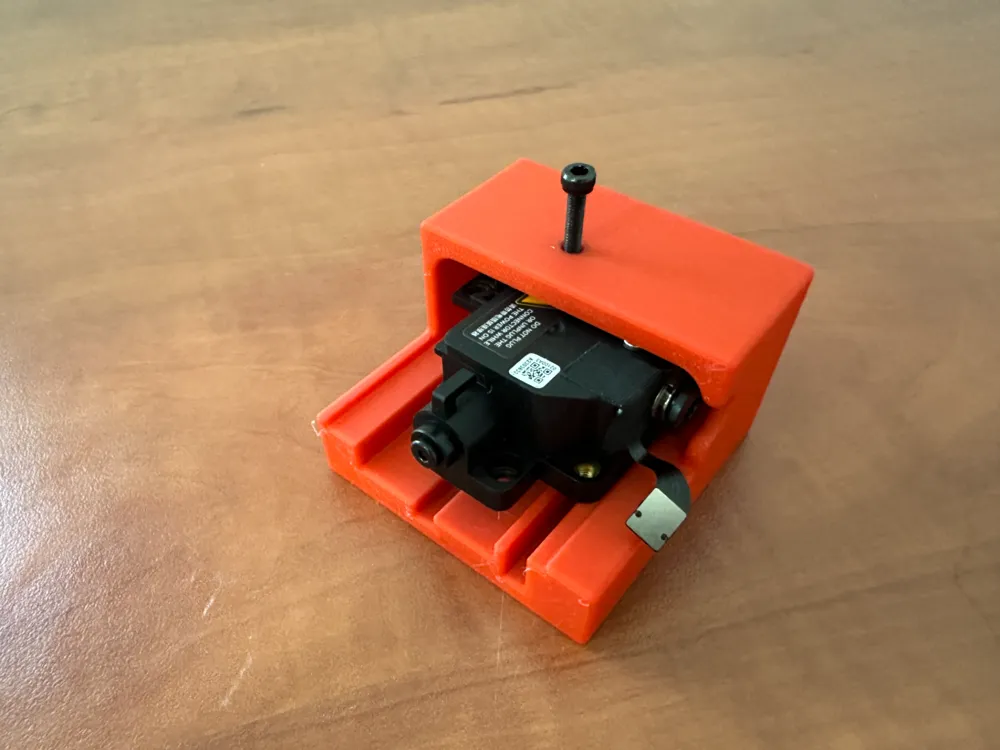
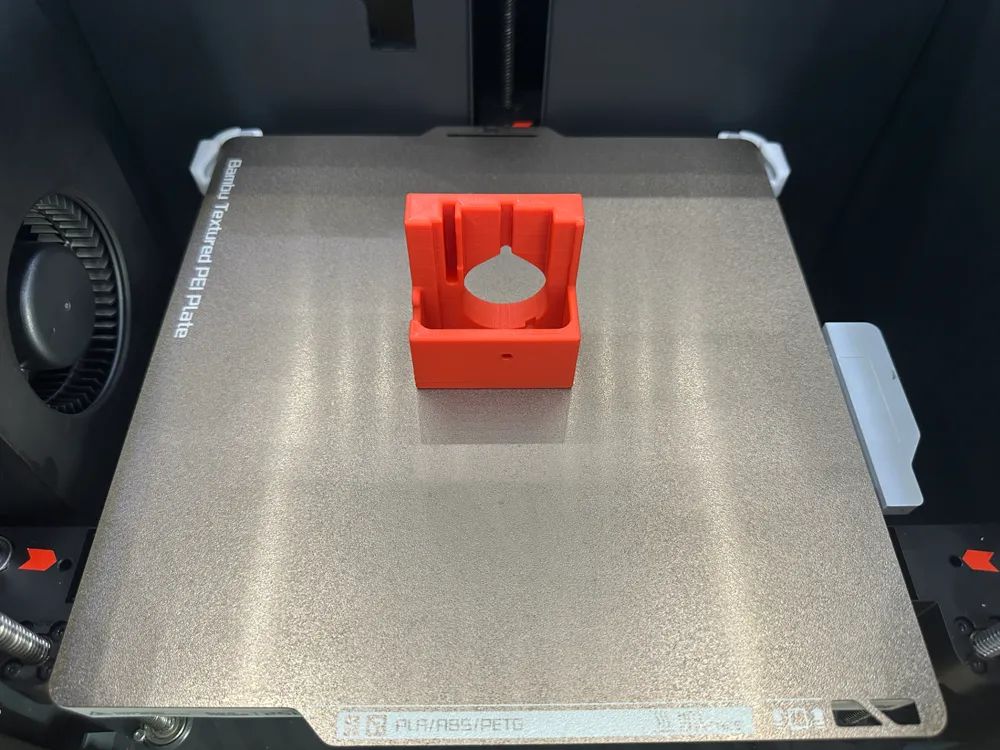
This extruder gear removal tool is designed for BambuLab P1/X1 printers to assist in situations where the extruder clogs and the filament is stuck, making traditional removal methods challenging.
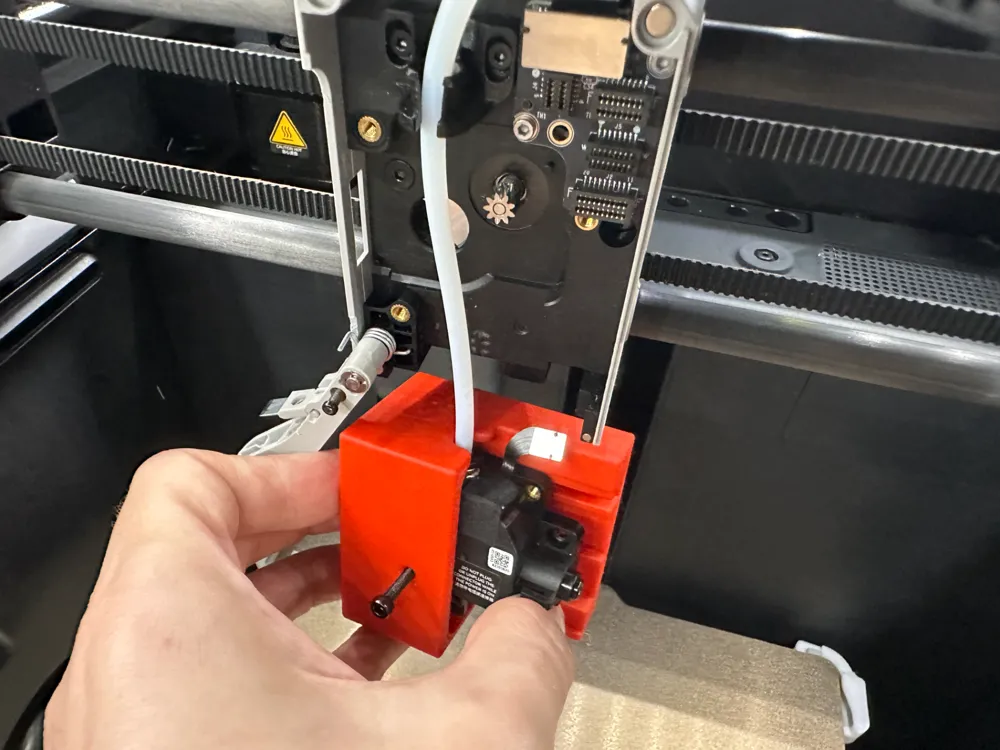
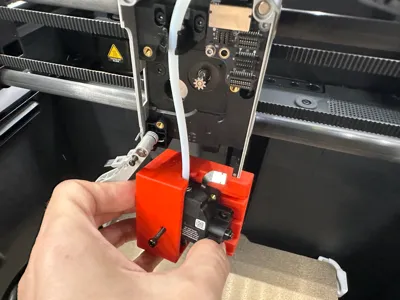
Unlike other gear removal tools that require removing the extruder from the printer, sometimes cutting the PTFE tube, and then hammering the gear out, this tool allows for safe and easy gear removal without hammering or cutting the PTFE tube, and it can be used while the extruder is still in the printer connected to the PTFE tube.Key Advantages
- Versatility: Works in scenarios where other gear removal tools fail.
- Safety and Ease of Use: Reduces the risk of damaging the extruder.
IMPORTANT! Print it before you need it! When you need it you won't be able to print it! |
Boost Me (for free)
If you enjoyed this model, please consider boosting it to encourage the creator to continue developing this and other models !
Follow Me To receive updates on new models I upload |
I really recommend you checkout my latest model - a unique filament clip. using a simple rubber band. After not finding a filament clip that fit my requirements I designed my own. Available at https://makerworld.com/en/models/1369230 . 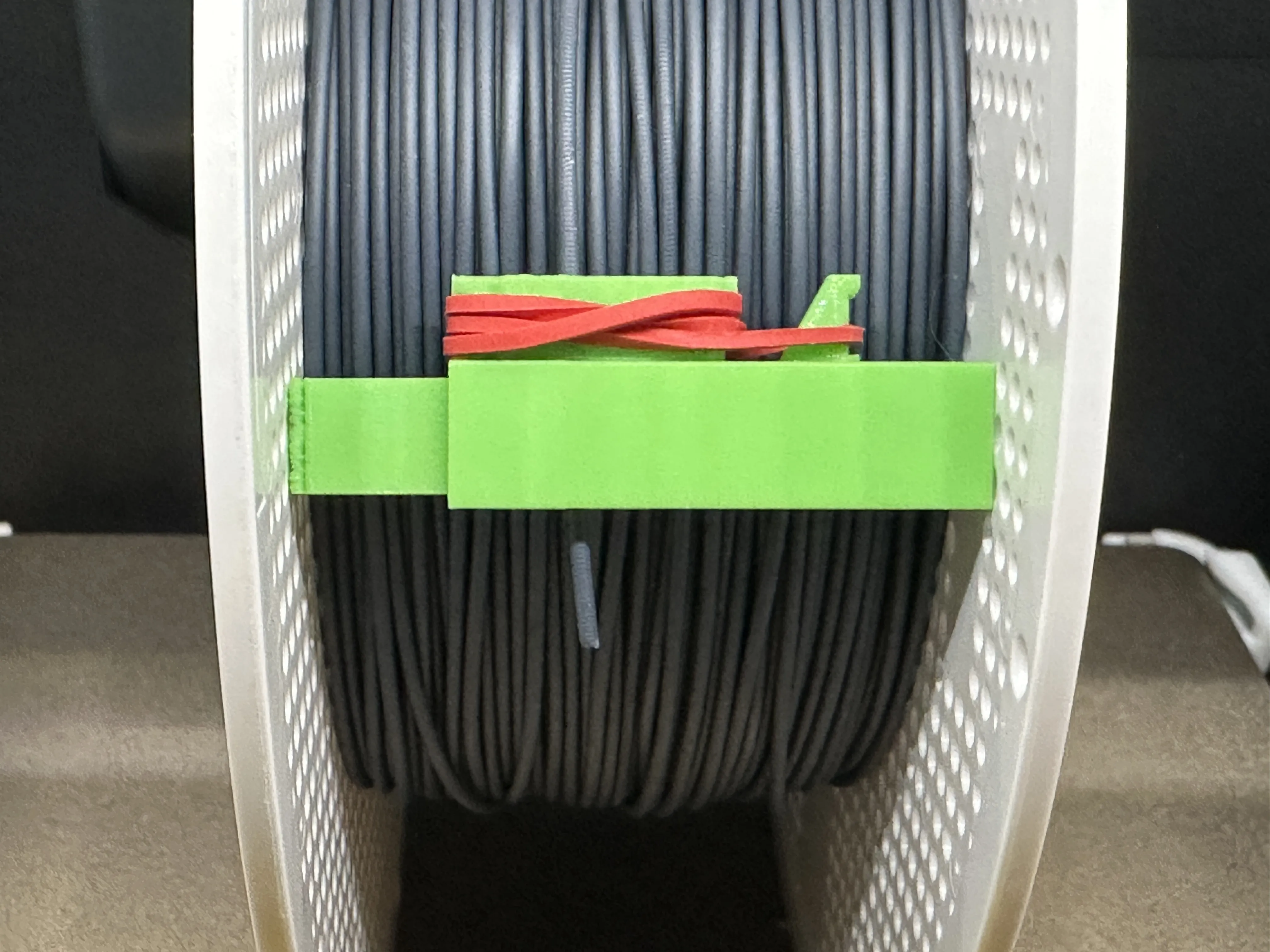 |
Check Out Other Recommended Bambulab Accessories - TwistBand Clip – Filament Clip Using a Rubber Band |
Details
Extruder clogs can occur due to heat creep, filament issues, or other factors, often requiring the removal of the extruder gear. While this can sometimes be straightforward, it is often not. Traditional tools require removing the extruder from the printer, which involves detaching the PTFE tube. However, in severe clogs, the filament is so stuck that removing the PTFE tube is nearly impossible, potentially forcing you to cut it, which can shorten its lifespan.
Additionally, traditional tools typically require hammering the gear's shaft out of the extruder, which risks damaging the extruder and is impractical if the gear must be removed while still inside the printer.
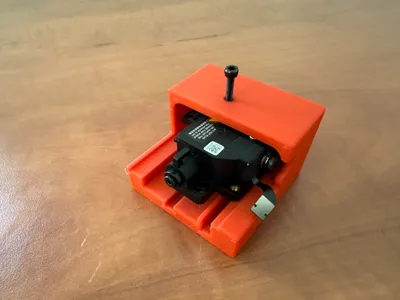
This tool acts as a dedicated vice that pushes the gear out without the need for hammering and can be used with the extruder still in the printer.
Once the gear is out, you can cut the filament inside the extruder, making it possible to release the PTFE tube without cutting it
Summary
- No need to hammer the extruder.
- Gear removal is possible inside the printer without cutting the PTFE tube even in difficult cases.
Assembly Instructions
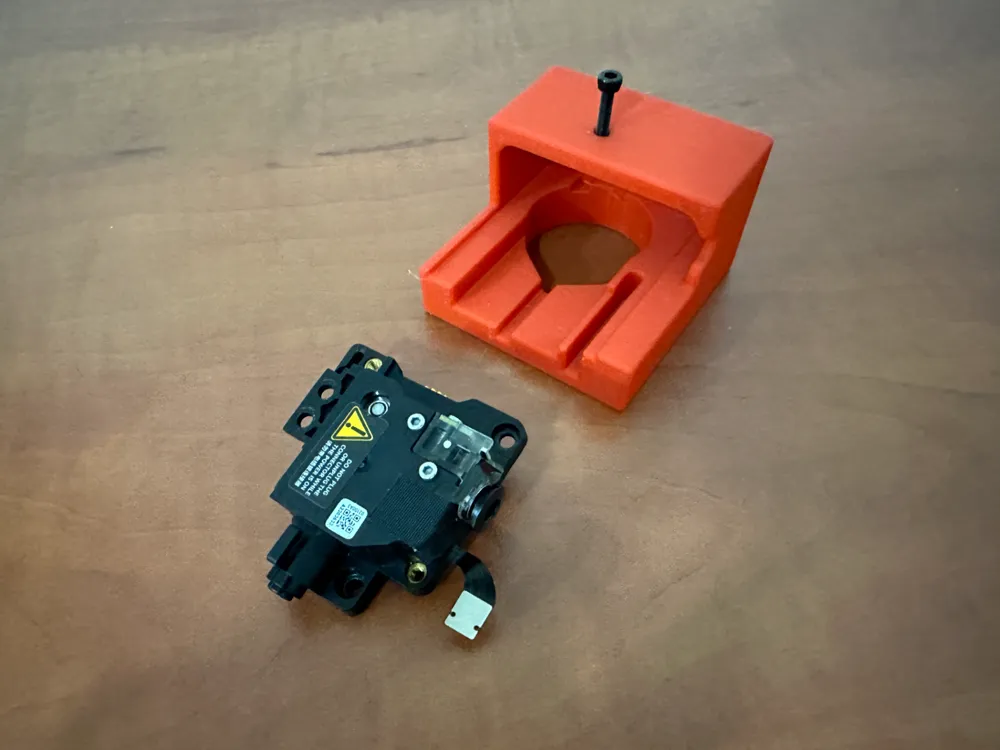
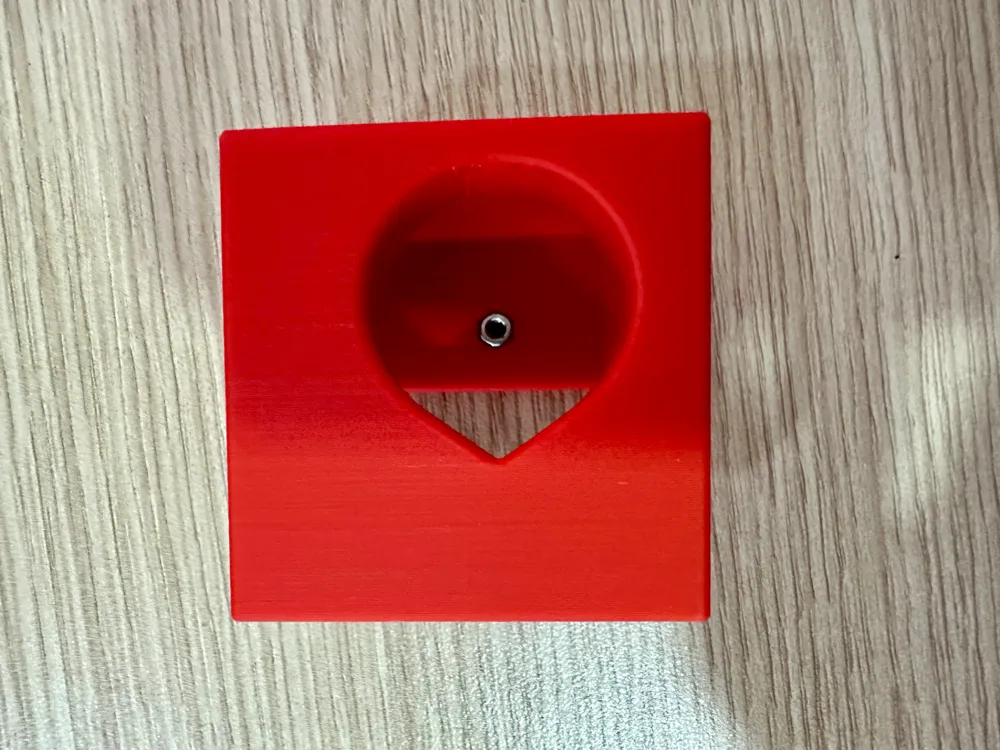
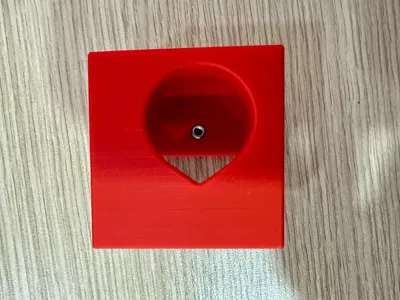
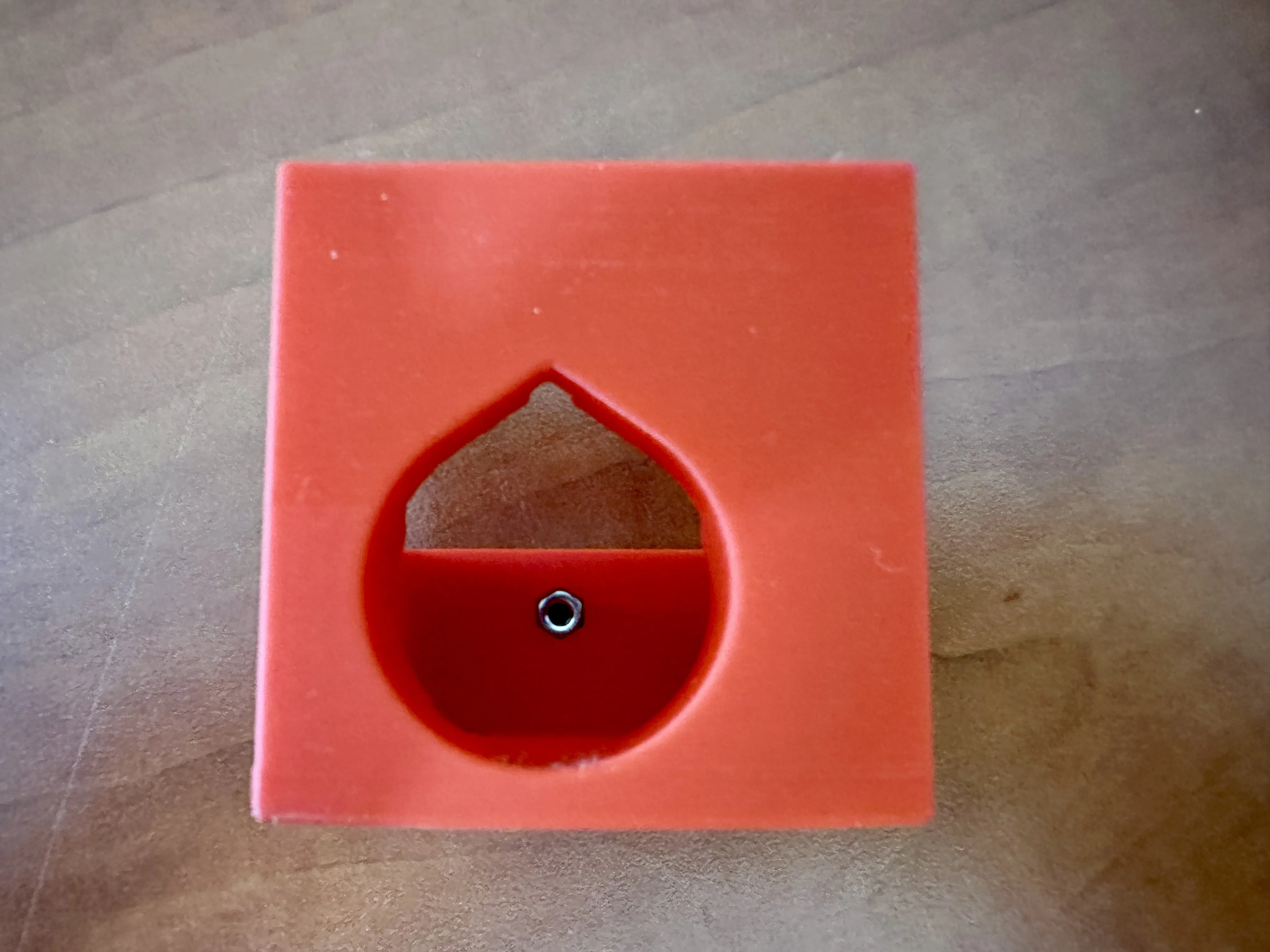
- Insert an M3 nut into the hexagonal hole inside the tool and press it firmly until it fits snugly. If needed, use a bolt to help pull it into place, ensuring the nut aligns with the hex cut.
Usage Instructions
As you follow Bambulab extruder clog instructions , when you reach Step 2, instead of ‘knocking the screw’ method, use the following simple steps:
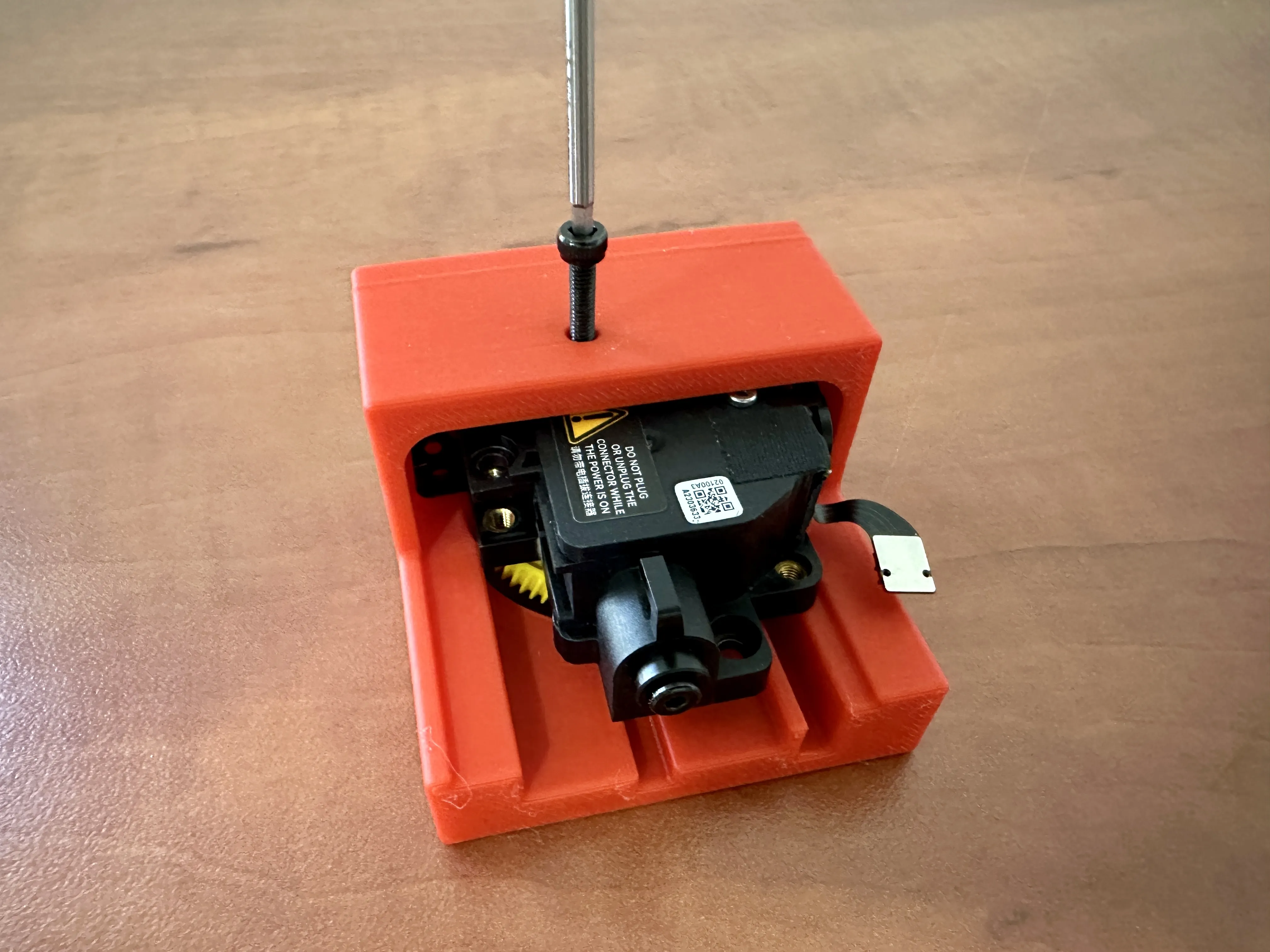
- Push the extruder fully into the tool, ensuring alignment by checking through the small bolt hole to verify it lines up with the gear shaft.
- Insert an M3x16 bolt into the hole and through the nut. Rotate the bolt until it contacts the gear, then continue rotating with increased force until the gear is pushed out. Collect the gear from the opposite side of the tool. A longer bolt will also work, and somewhat shorter will probably also work depending on how stuck the filament is, but not shorter than M3x10.
License

You shall not share, sub-license, sell, rent, host, transfer, or distribute in any way the digital or 3D printed versions of this object, nor any other derivative work of this object in its digital or physical format (including - but not limited to - remixes of this object, and hosting on other digital platforms). The objects may not be used without permission in any way whatsoever in which you charge money, or collect fees.


Comment & Rating (451)