
Mini Brick VR Headset
Print Profile(3)


Description
UPDATE:
Check out the new 3S profile for the latest release of the VR headset!
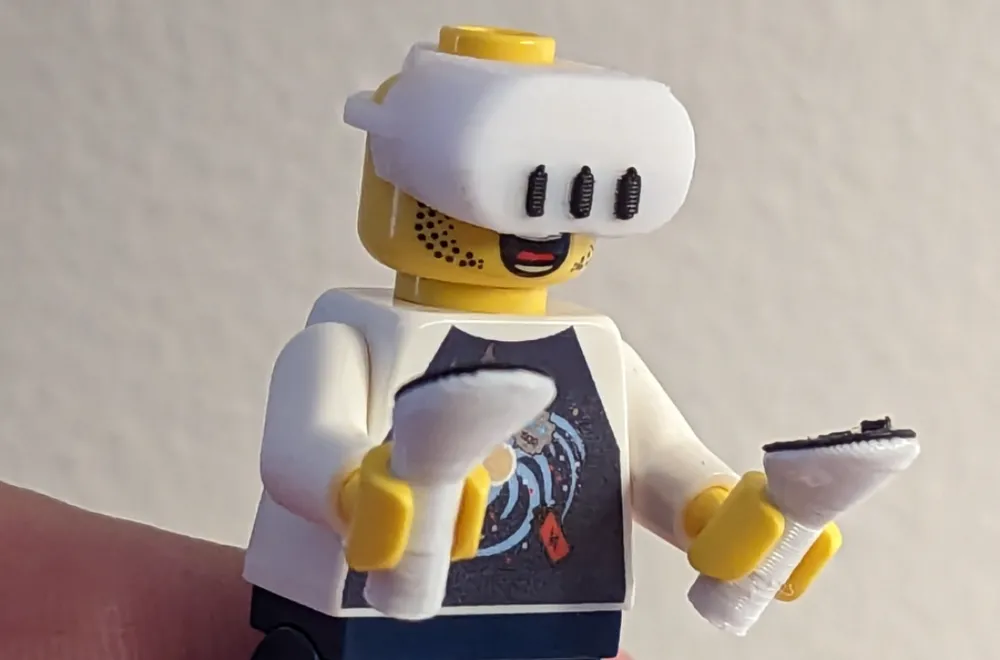
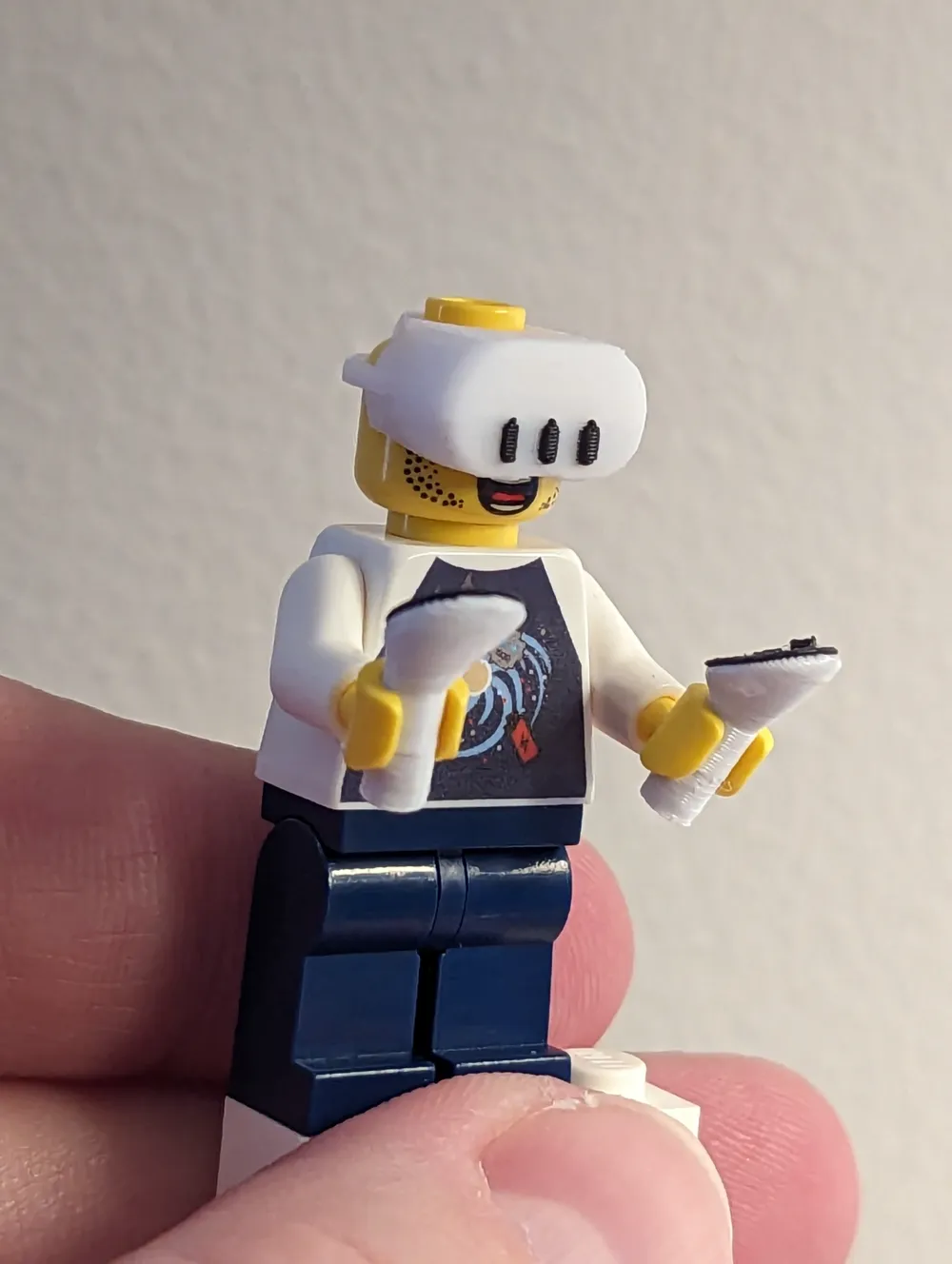
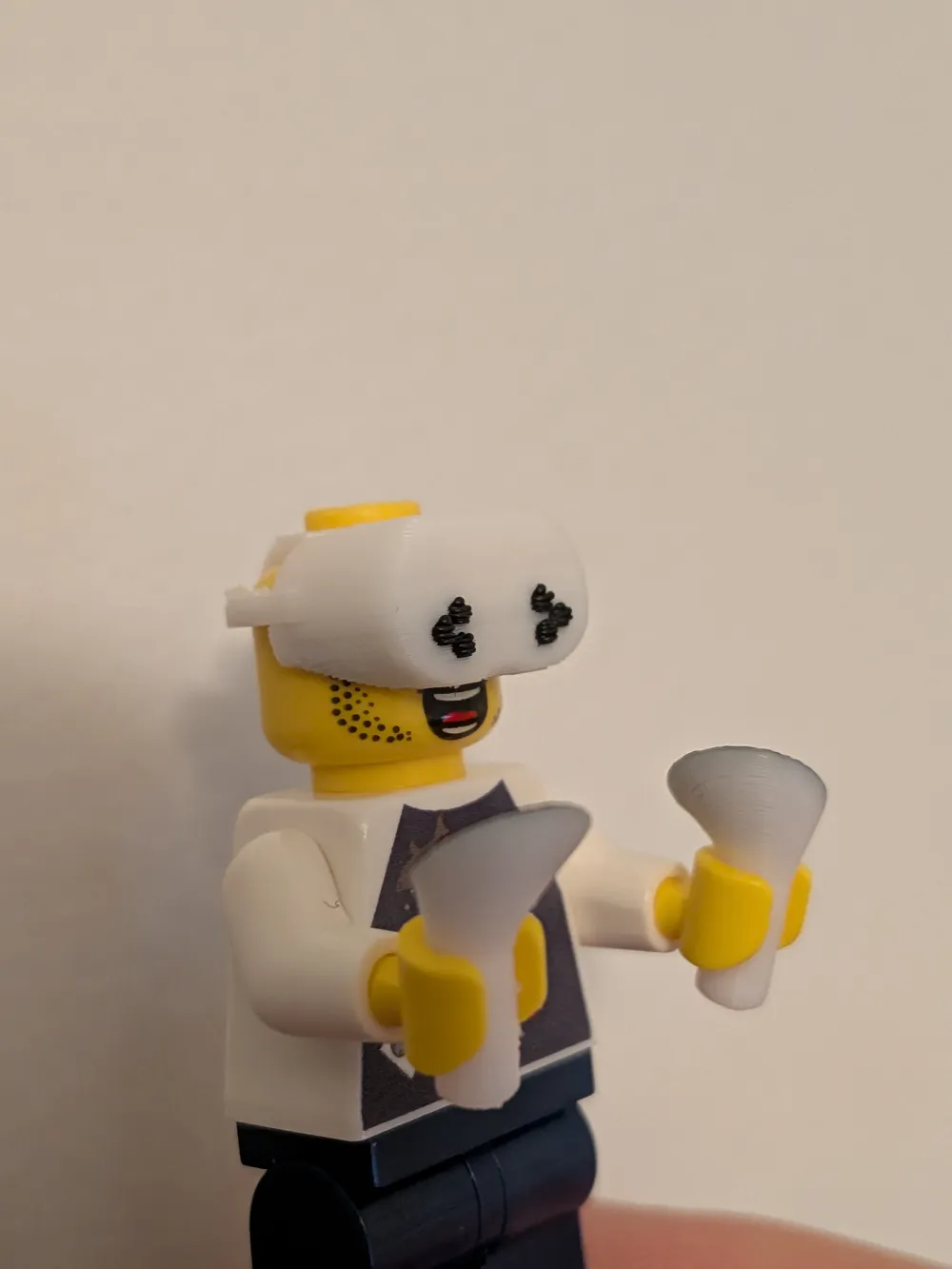
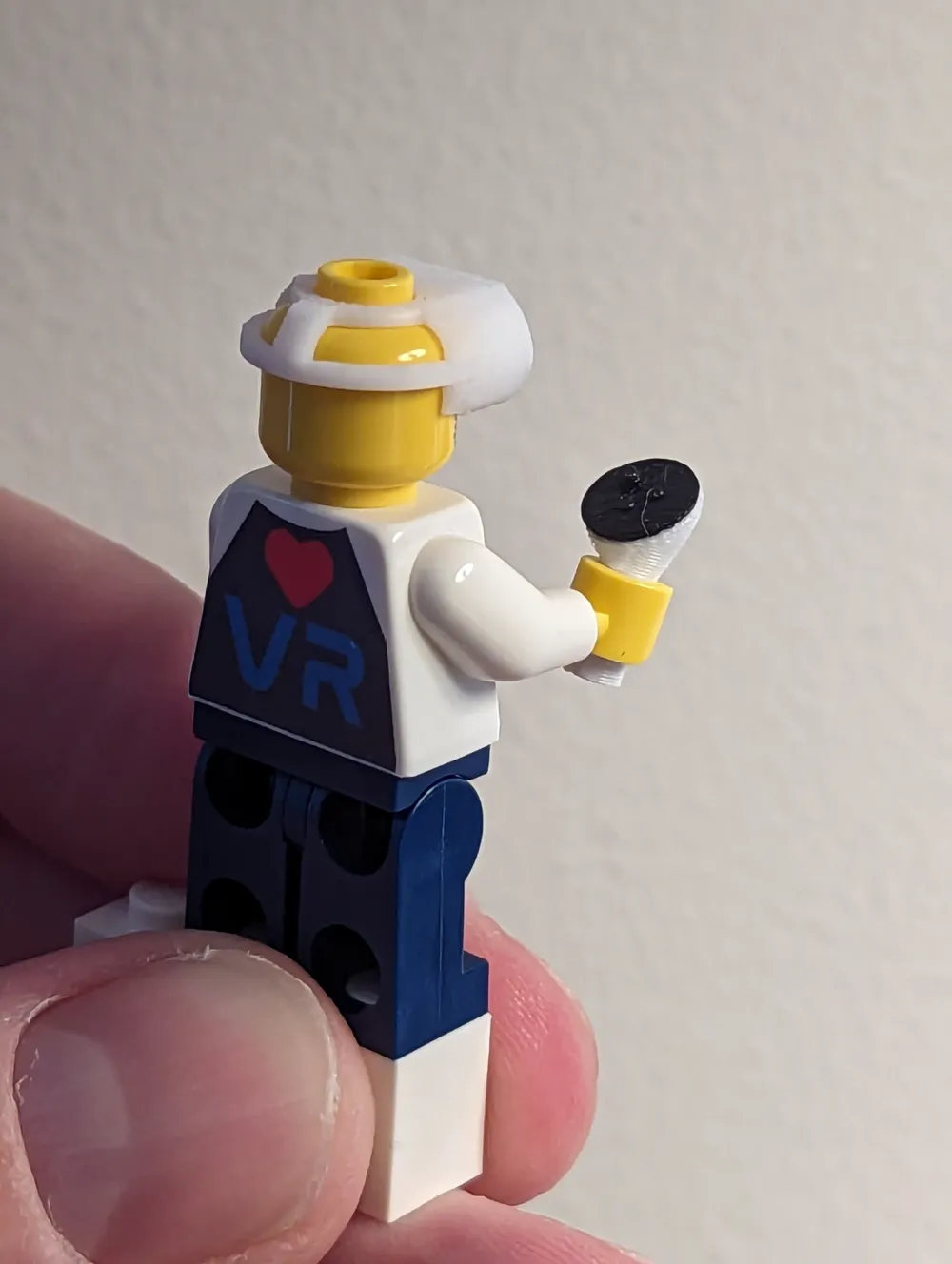
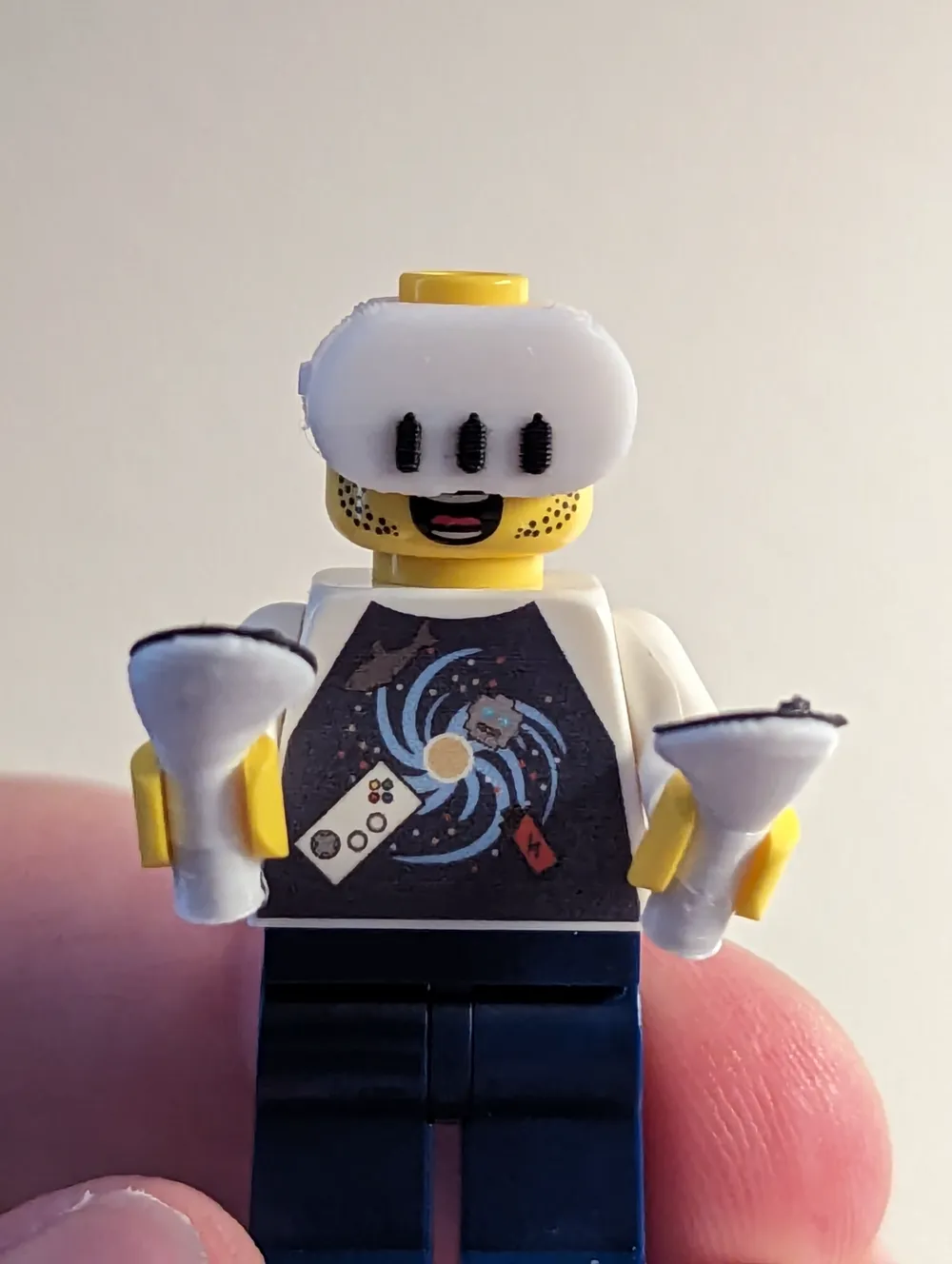
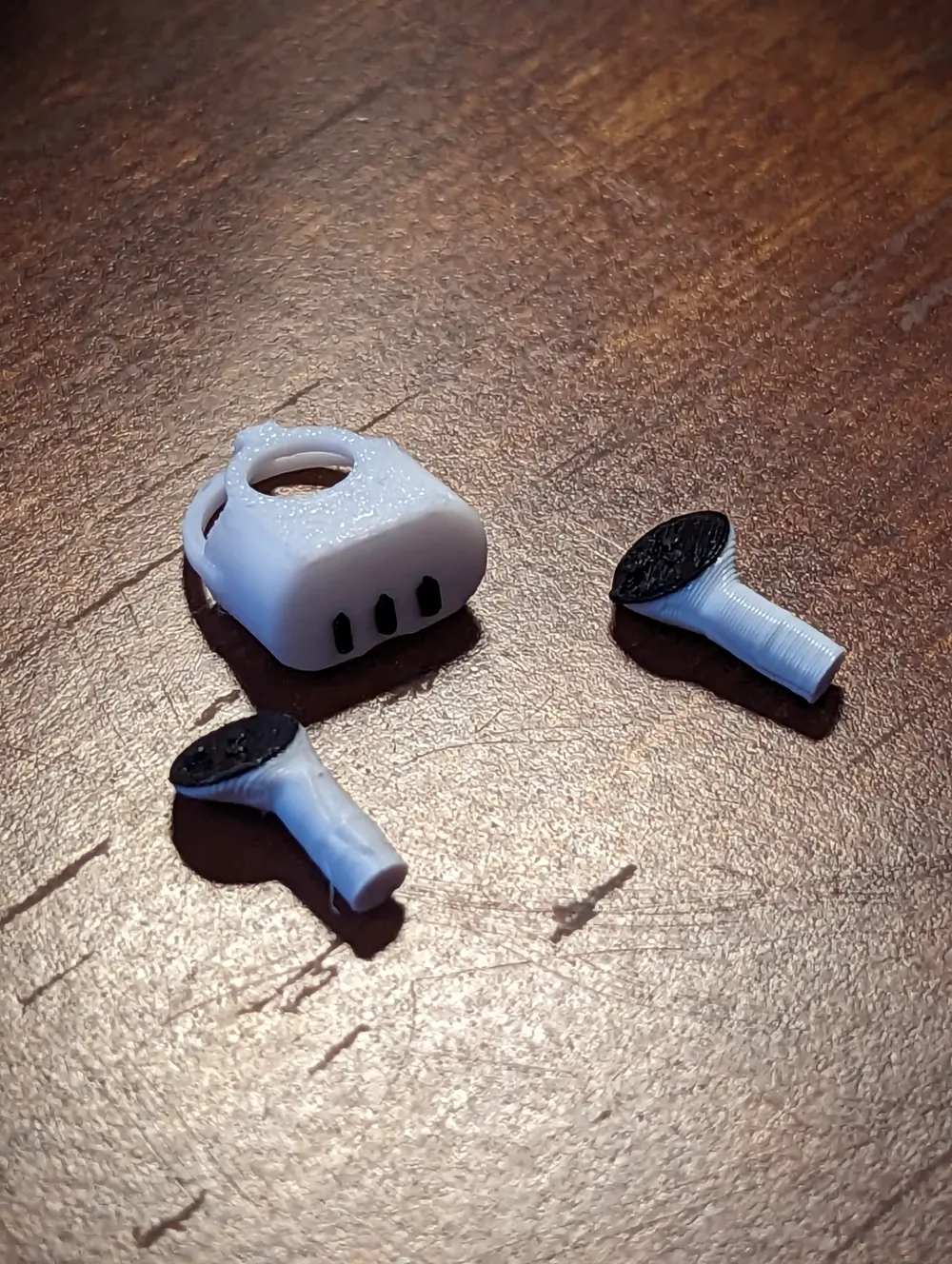
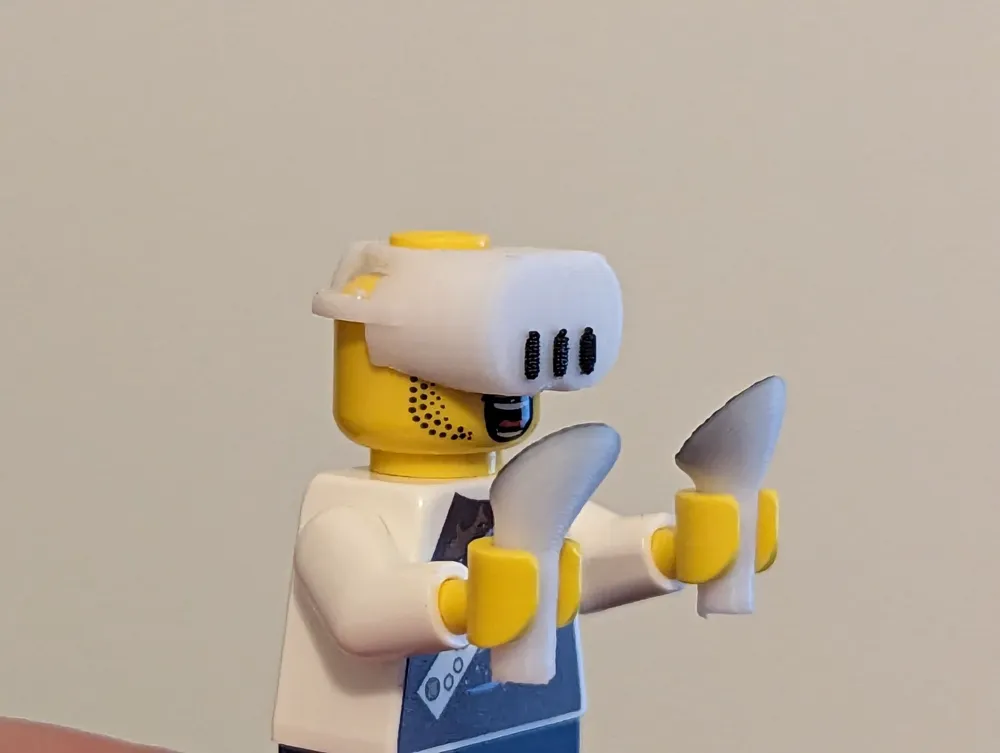
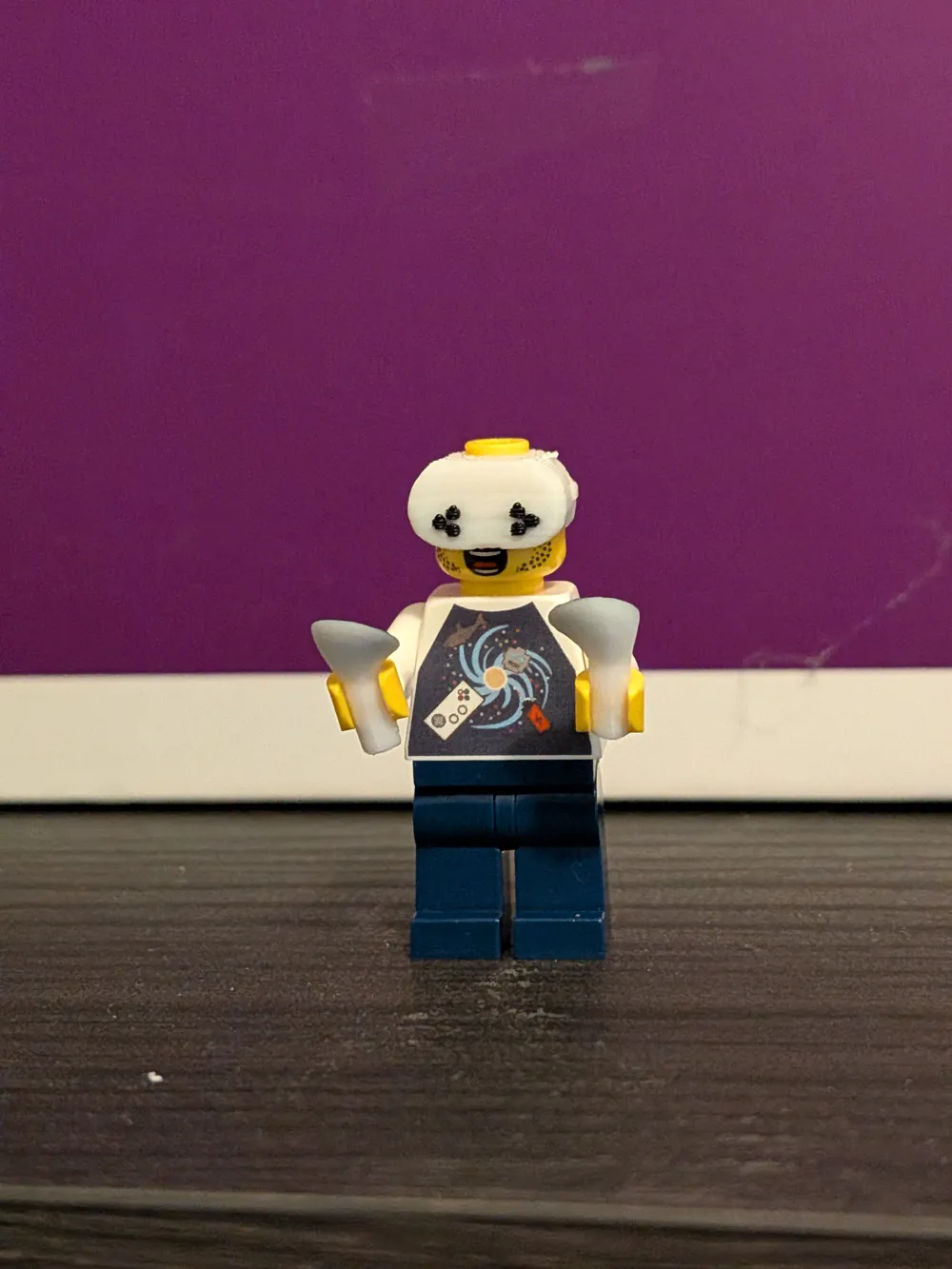
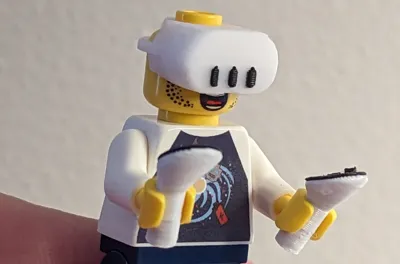
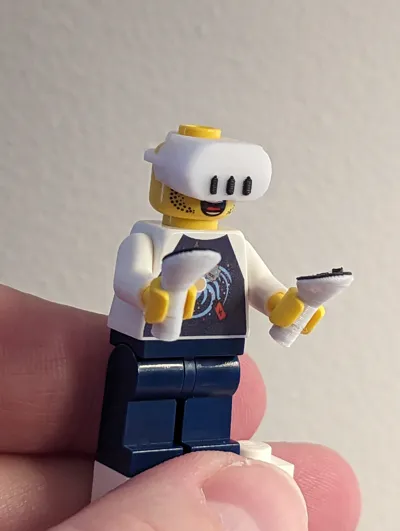
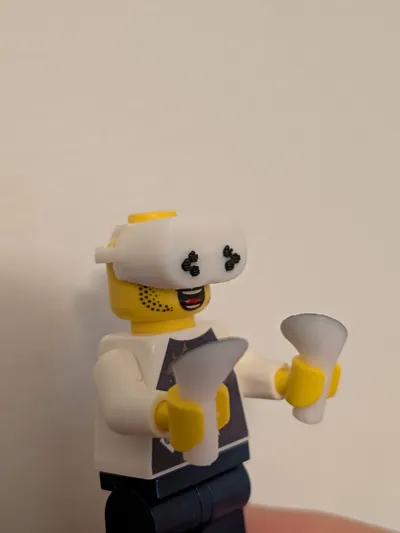
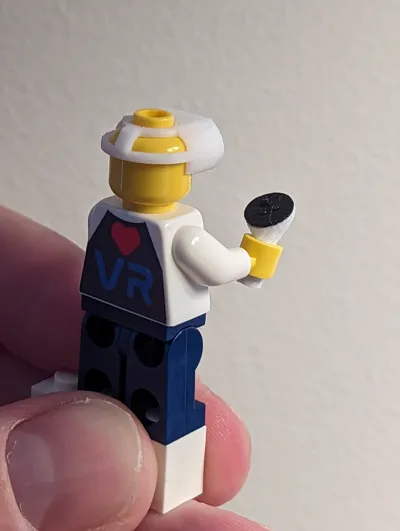
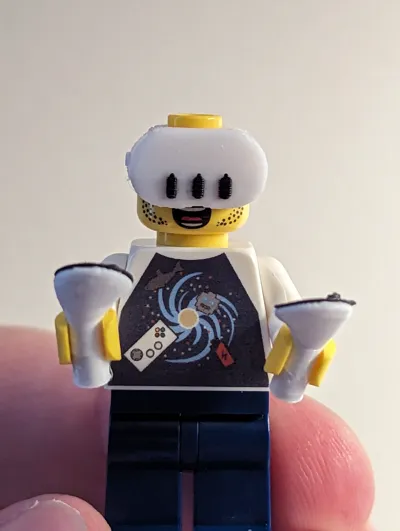
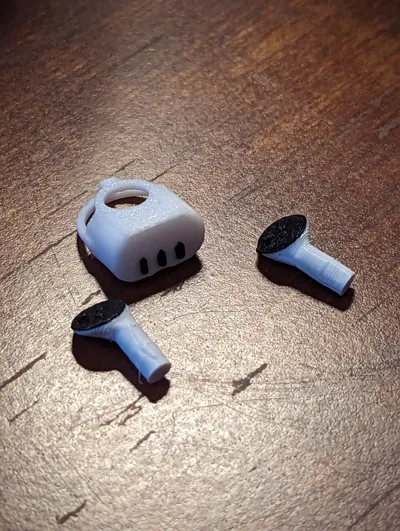
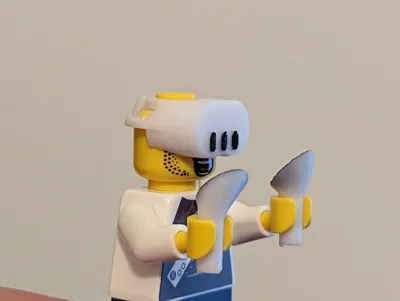
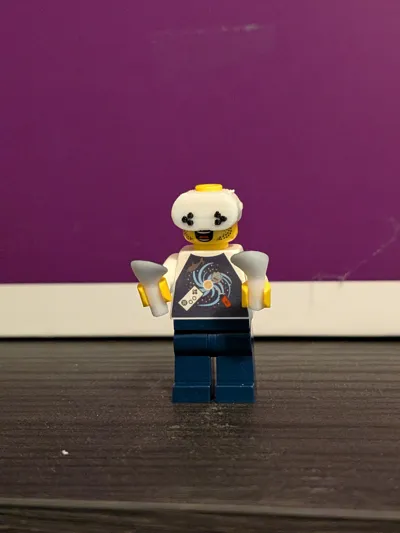
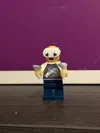
Everyone deserves the ability to experience VR so why not your tiny brick minifigure friend? This VR Headset fits onto brick minifigure sized heads and the controllers fit into similar hands. Note that due to the physical properties of different plastics, getting the tolerances just right is a bit of an experiment. Instructions below but I recommend printing with a max .10 layer height and doing a test in all white before you print the multicolor print as odds are it won't fit correctly the first time.
Print Instructions:
- Start with just the headset and eye pieces as ONE color.
- I've set this up under the first plate in the pre-configured settings
- You'll need to dial in the “X-Y Hole Compensation” underneath the “Quality Tab”
- One brick head I had was slightly smaller so I used “-0.1”mm (decreasing the hole by 0.1mm) but you may need to increase or decrease it accordingly
- Once you've dialed in the sizing, feel free to print the headset in multicolor
- You could also try painting on the black eye pieces but it's so small that I wasn't successful. I kept having paint leak onto the surrounding piece
- Then print the controllers in two parts.
- If you don't mind not having buttons, just remove them from the print bed
I recommend printing this all at a maximum of 0.1mm layer height and the layer lines will mostly disappear except in close up pictures.
Also note that the controllers have a very small contact point so you may need to increase bed temperatures to ensure they stick (I had to use 60 degrees on my textured plate)
License



Comment & Rating (78)