Search models, users, collections, and posts

Single / Dual - Saber / Bo Staff - Locking Blades
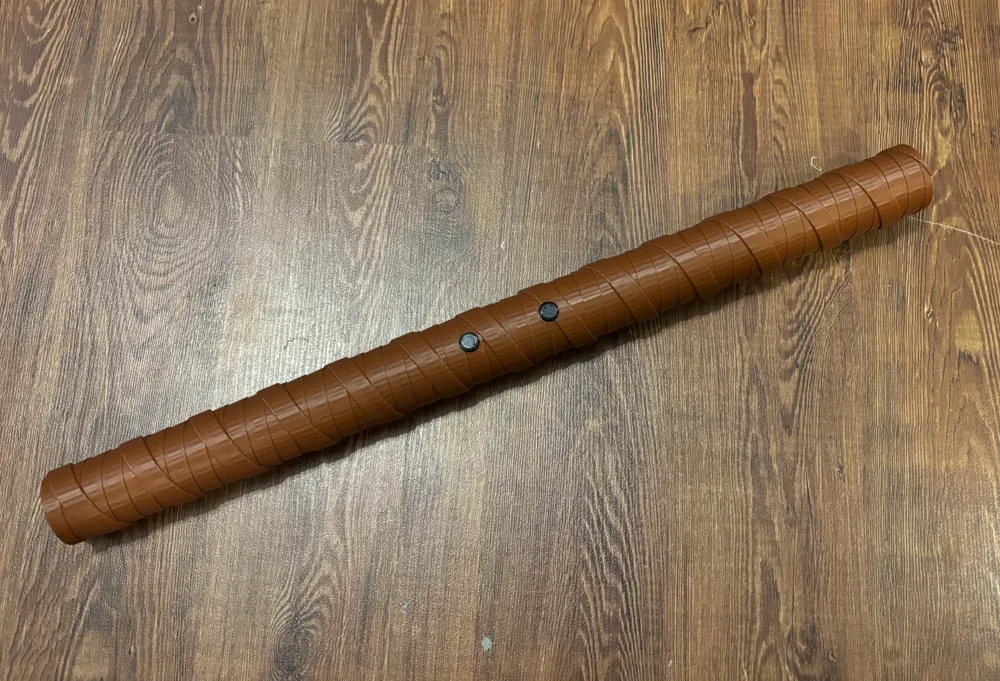
GIF
GIF
GIF

Print Profile(4)

All
P1S
P1P
X1
X1 Carbon
X1E
A1
A1 mini

Long - CoreXY Speeds
Designer
33.8 h
6 plates
4.7(17)

Short - CoreXY Speeds
Designer
24.8 h
6 plates
4.8(8)

Long - Bed Slinger Speeds
Designer
49 h
6 plates
5.0(21)

Short - Bed Slinger Speeds
Designer
36.8 h
7 plates
4.7(3)

Open in Bambu Studio
Boost
418
903
96
55
1.1 k
309
Released 

Description

Membership

Want to sell 3D prints of this design? 🔥 Get a commercial license to sell 3D-printed versions of my designs at craft fairs, online, in-store, or anywhere you like! Click Join to sign up and start selling today. 🚀

Join


update 17 Feb 2025: changed the profile configurations for CoreXY and Bed slinger printers. The high speed profiles on the bed slingers resulted in prints falling over since they are tall and slim. Now there are separate profiles with reduced speeds for the bed slingers. Additionally I've changed the button assembly again and have found it easier to work with. In general, it still assembles similar to the original design, however, glue is mandatory. The original design failed without glue anyways, but adding glue often led to issues with internals getting stuck together. This new one minimizes glue dripping outside the assembly. For button assembly please follow these steps:


update 18 Sep 2024: made some changes to the button assembly to increase durability and printablity.. Note: the top & bottom sections look a different from the assembly instructions pictures but they still function and assemble the same way.


This started as an improvement to a previous bo staff design, and ended up including a collapsable bo staff and lightsaber style variation.


What makes this collapsable build unique is the lockable blades mechanism which holds the blades inside the pommel unless they are unlocked.


This design comes with the following options:

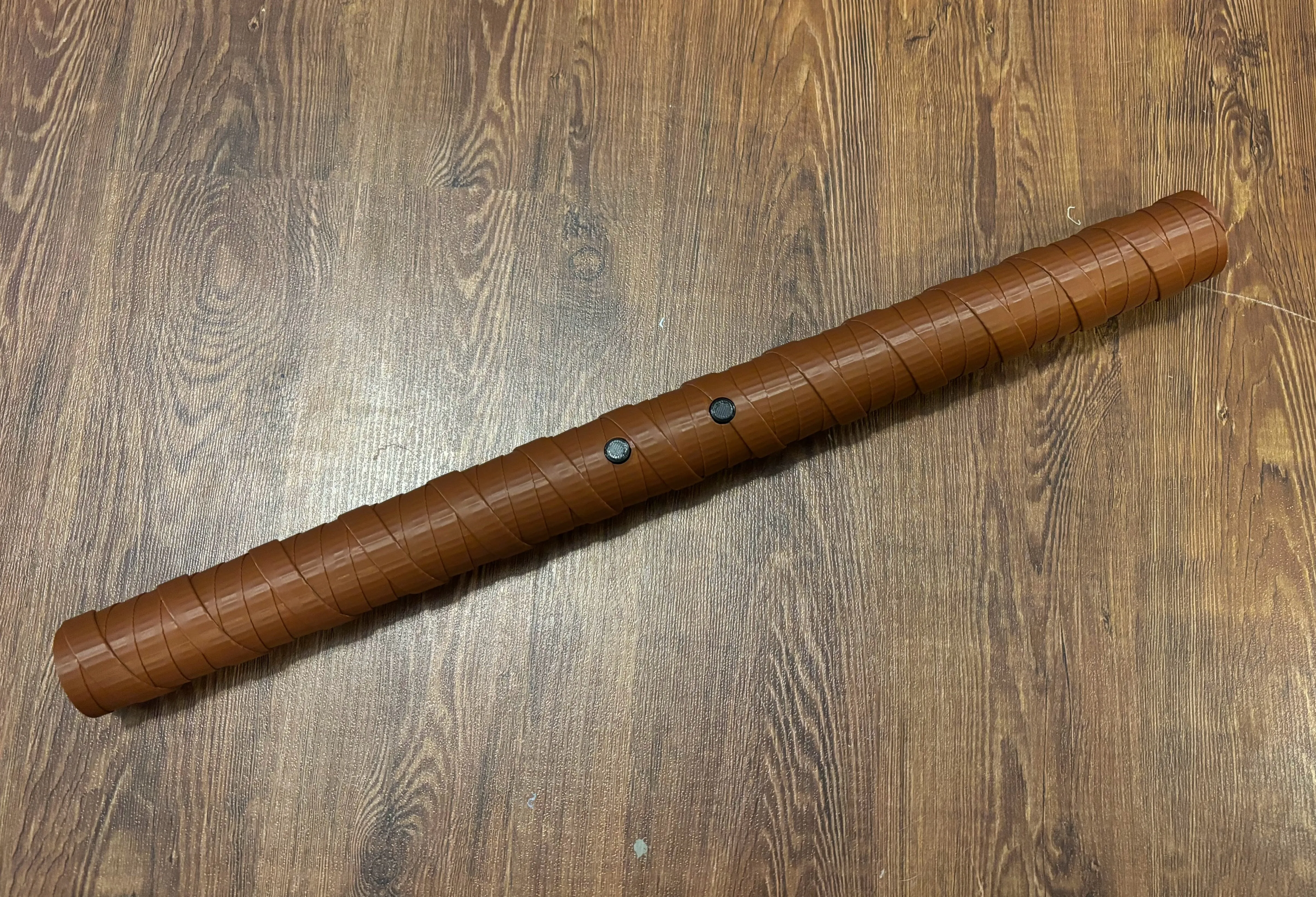
  1. Esthetic - “tape” wrapped or smooth pommels
  2. Blades - flat or rounded ends (staff or saber style)
  3. Function - dual or single blade builds possible
  4. Size - short or long (roughly 5 and 6 ft variations)

An assembly guide is included and should be reviewed to understand the locking mechanism setup.


The lock has a break-in period, requiring a good 30+ actuations before it is more comfortable to operate.


Ensure you print compatible parts (ie: long pommel with long blades, wrapped pommel with wrapped buttons, etc)


 

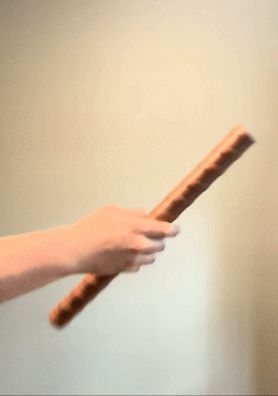
Demo - long version - dual pommels
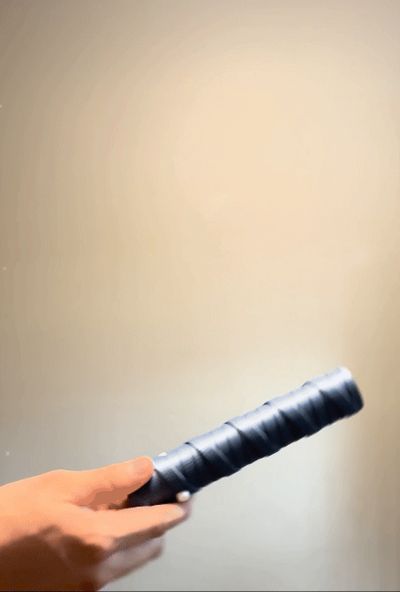
Demo - short version - single pommel with cap

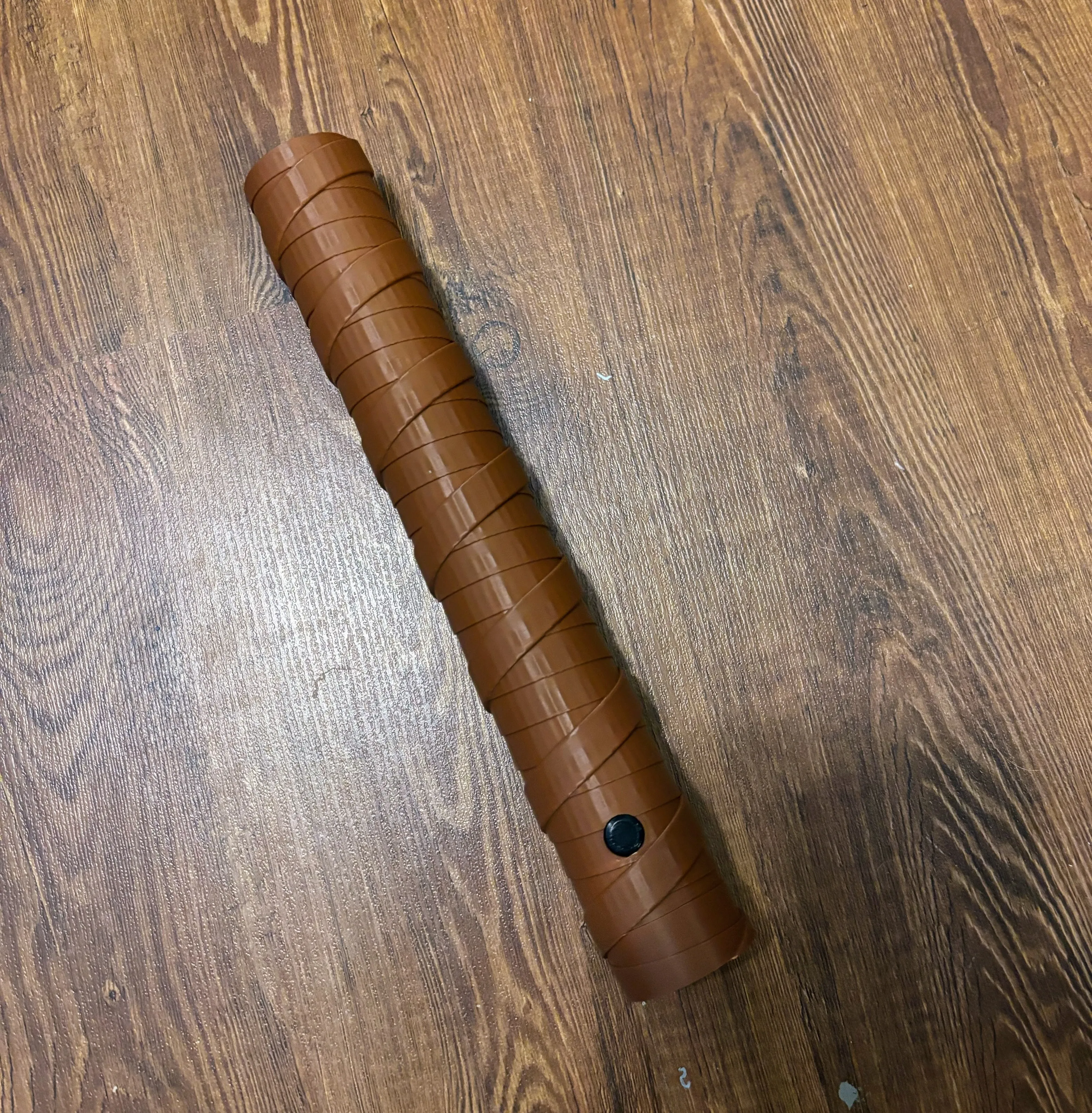
Dual pommels connected
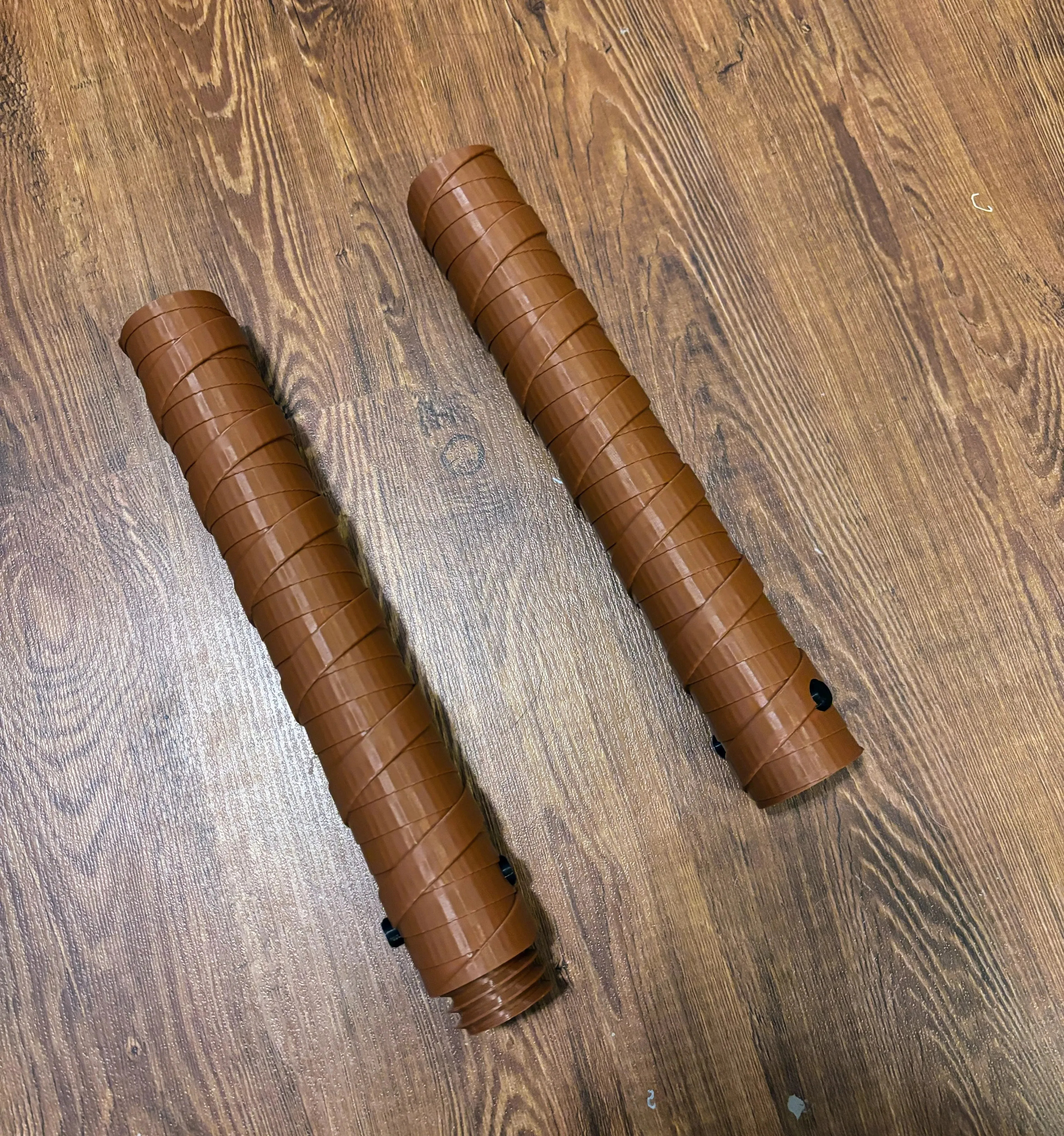
Dual pommels separated
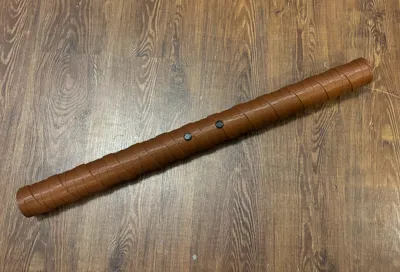
single pommel with a cap installed
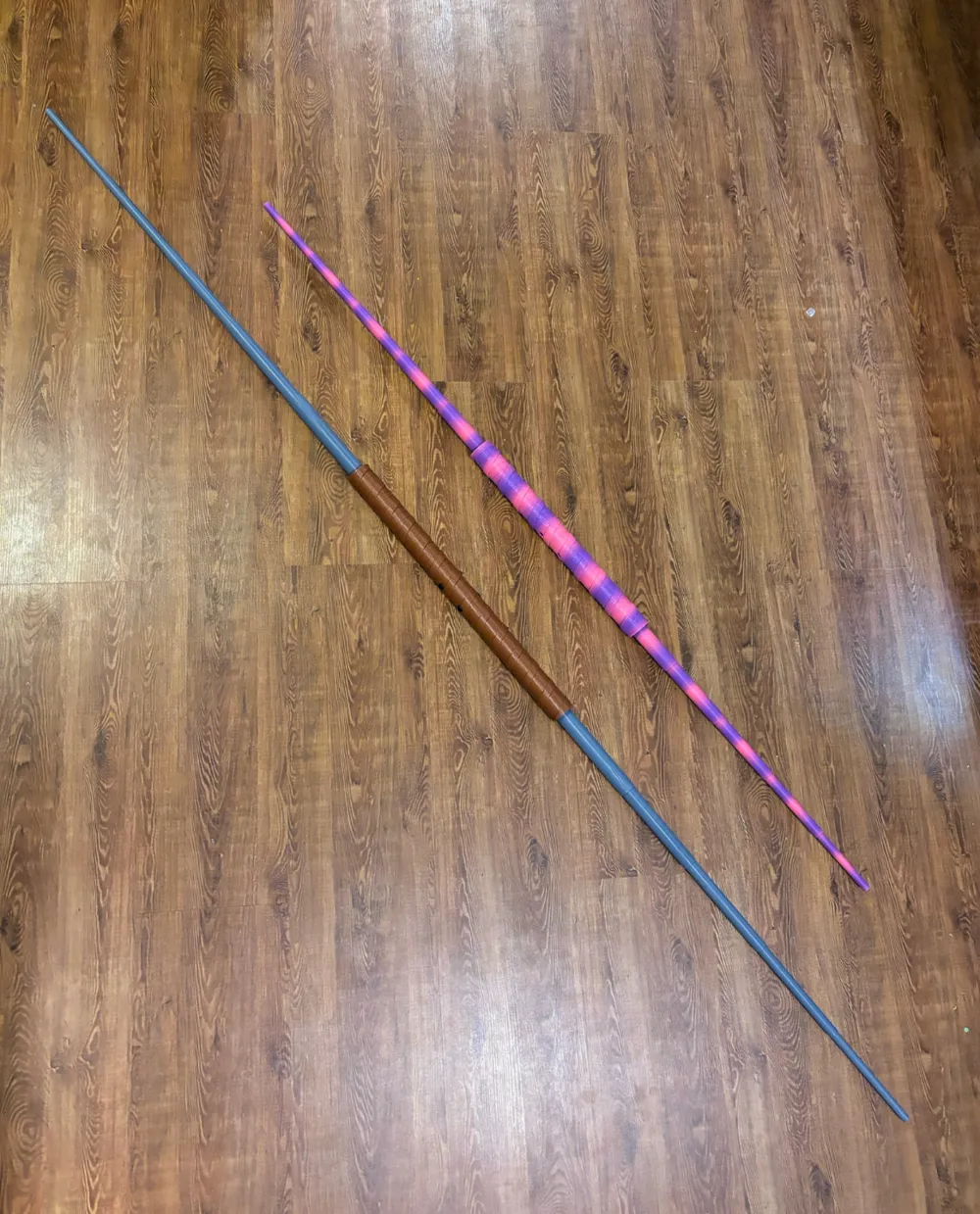
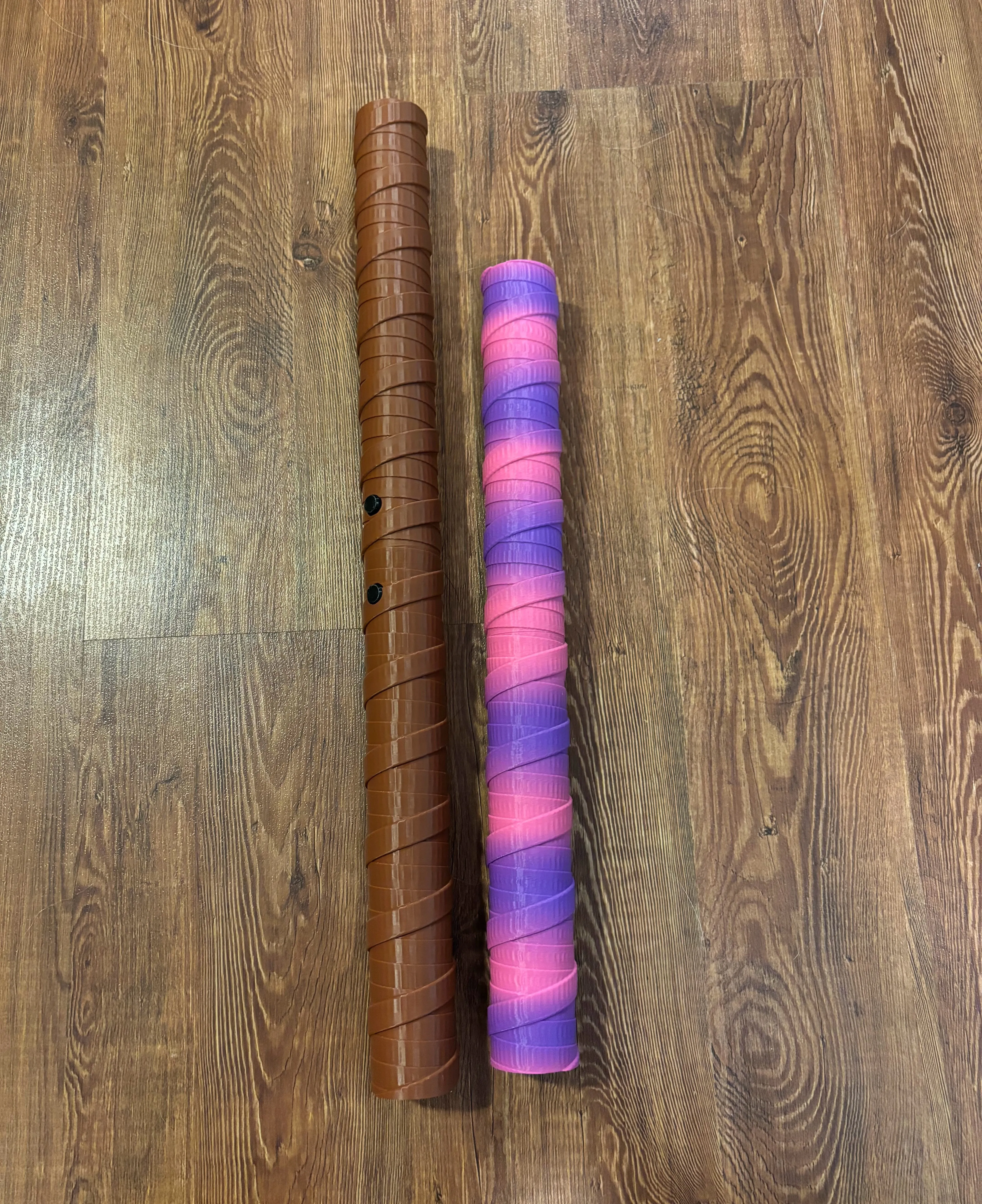
Long and short pommel comparison
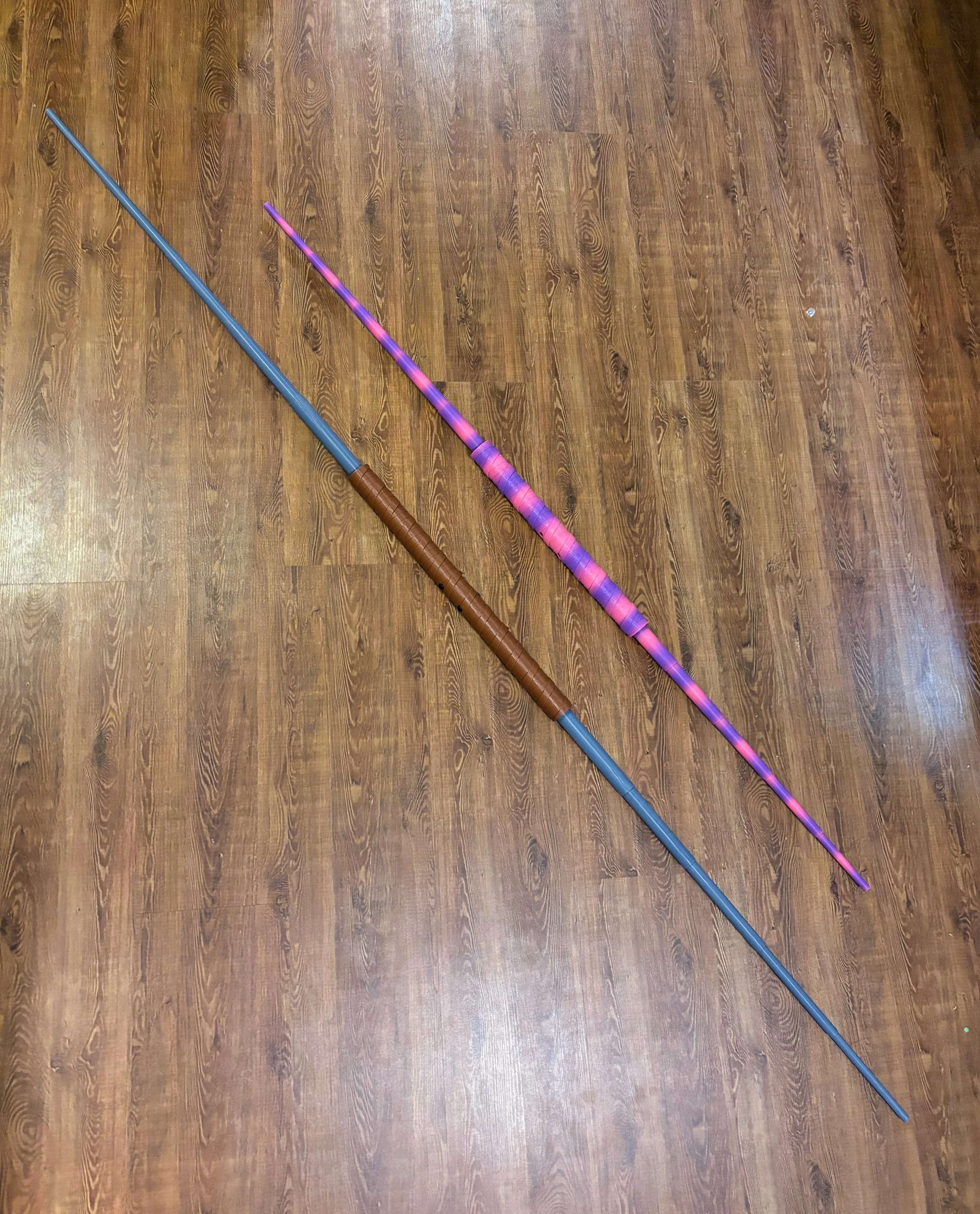
long and short dual blade comparison

Boost Me (for free)

🔥 Love this design? Give it a Boost to show your support! Your tip helps keep the creativity flowing and means the world to me. 💙 Thanks for being awesome!


Documentation (1)

Assembly Guide (1)
Assembly.pdf

Comment & Rating (96)

(0/1000)

Boosted
Print Profile
Long - CoreXY Speeds
So I took the liberty of customizing the handle a bit to fit a Robing themselves. The handle is knurled and I love this design. I'm printing the buttons as we speak and I'm designing custom end caps with the robin symbol
profile
2
Reply
When is it being released? Waiting on this to print it! : )
(Edited)
0
Reply
Boosted
Replying to @Hezan734 :
I'll release it today or tomorrow
0
Reply
Replying to @Jwill8712 :
I’m looking forward to it!
0
Reply
Boosted
Here are some updates to my custom Robin Bo staff. I created a plaque to hold each staff end and the connector piece sits in a premade hole where you see the Logo end caps.
1
Reply
that's sick, did you make the file available for printing?
0
Reply
Boosted
Replying to @Legacy678 :
I didnt but i can tomorrow
0
Reply
Replying to @Jwill8712 :
you rock! thank you🙌🏾
0
Reply
Boosted
Love this SO much... my kids are both in ATA Taekwondo and they have been playing with these non-stop since I printed them. Im going to have to find some stronger filament and perhaps print at different angles for strength? My Boys are rough on them! I Boosted you twice as I have twins! :)
(Edited)
GIF
designer
3
Reply
Your boy is amazing at using the lightsaber! That requires serious talent ☺️
0
Reply
Boosted
can u make you for the a1 mini
The designer has replied
designer
2
Reply
Hey! thanks for the support, I'm actually working on a mini version now! I had intended the "short version" to print on the mini but it's final dimensions were bigger than the mini's capacity by a few mm and I did not notice. Anyways, I currently have a mini compatible version on my printer and if it works out I should have it uploaded tonight or tomorrow. Update: mini profile uploaded :)
(Edited)
1
Reply
Replying to @ManofMysteryInt :
thank you
1
Reply
Boosted
Replying to @ManofMysteryInt :
great Thanks!
0
Reply
When I try to download the files, only the female piece is showing, Am I missing something?
0
Reply
Print Profile
Long - CoreXY Speeds
Bo time
0
Reply
Print Profile
Short - CoreXY Speeds
Beautiful, excellent bracket block
Show original
0
Reply
Print Profile
Long - CoreXY Speeds
Very nice design, prints perfectly
0
Reply
Boosted
Print Profile
Short - Bed Slinger Speeds
0
Reply
Print Profile
Long - CoreXY Speeds
I've tried to print this twice. both times they get knocked over which leads to a spaghetti failure. I made sure the textured plate was washed well. I even added larger diameter mouse ears the second time. it got twice as high, but still failed with about 60 minutes left. Any suggestions? I'm ready to throw in the towel with all this wasted filament.
The profile uploader has replied
0
Reply
slow the print down (print speeds & accels). Is it an A1? I find anything tall fails more often on my A1 since the whole thing is moving around.. I have manually painted manual supports on the sides of tall slender things before.. not because it needs the support to print, but to brace it the sides so it doesnt move can also try putting a draft shield around the print in the slicer or toss a blanket over the printer like a fort (use chairs or something so its not actually on the printer
0
Reply
the same thing happened to me. just increase the bed temperature and slow down the printing speed and it should work.
0
Reply

License

If you want to use this model commercially, please join my membership.
Join Now
This user content is licensed under a Standard Digital File License.

You shall not share, sub-license, sell, rent, host, transfer, or distribute in any way the digital or 3D printed versions of this object, nor any other derivative work of this object in its digital or physical format (including - but not limited to - remixes of this object, and hosting on other digital platforms). The objects may not be used without permission in any way whatsoever in which you charge money, or collect fees.