Search models, users, collections, and posts

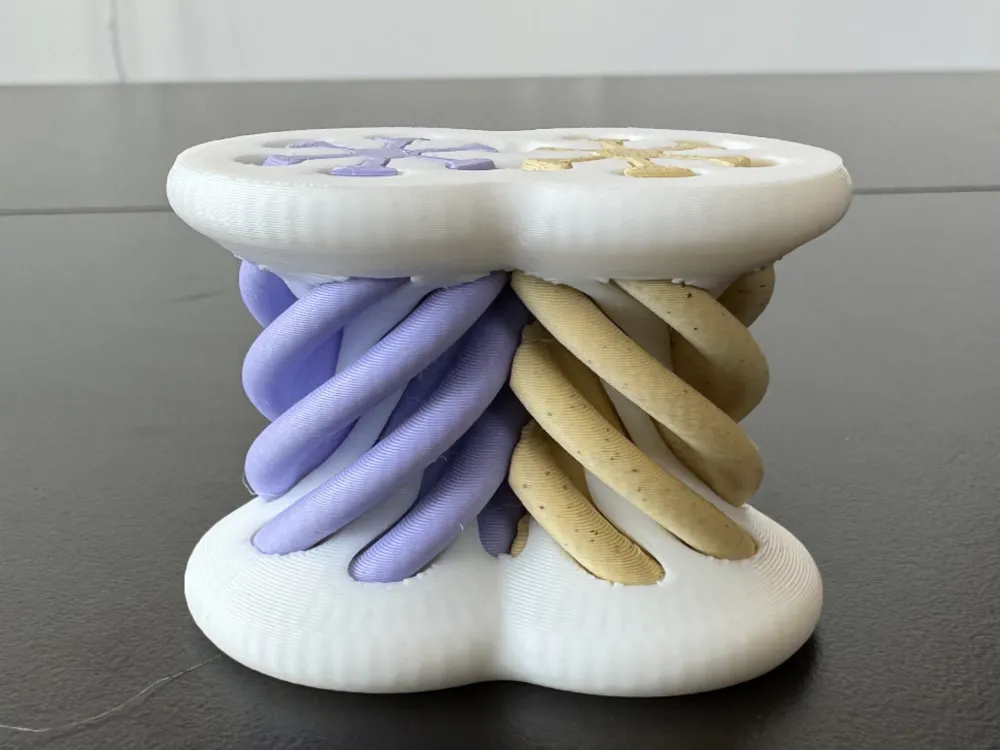

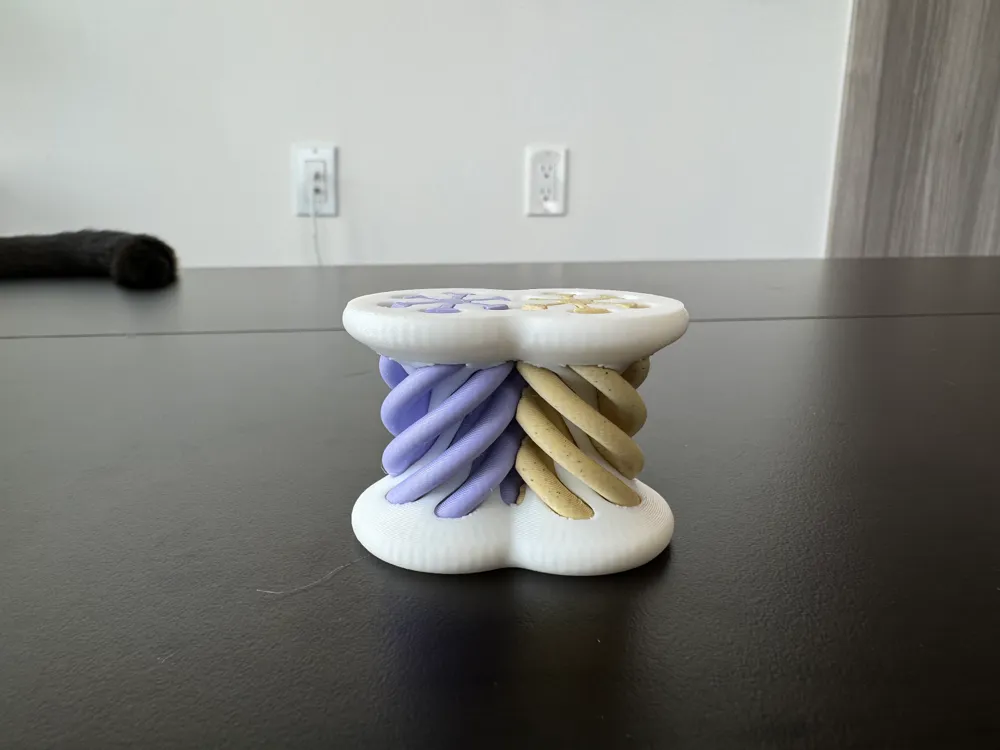
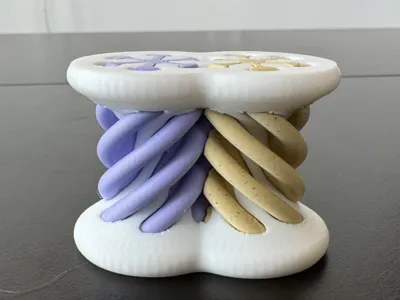
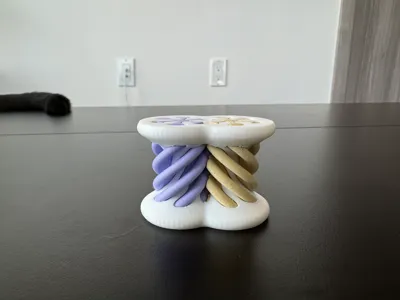
Doubly Impossible Helical Passthrough Illusion

GIF

Print Profile(1)

All
P1S
P1P
X1
X1 Carbon
X1E
A1
A1 mini
H2D
H2D Pro
H2S
P2S
H2C
X2D
A2L

Pre-configured, 0.2mm layer, 2 walls, 15% infill
Designer
2.4 h
1 plate
4.3(12)

Open in Bambu Studio
Boost
136
290
20
5
280
179
Released 

Description

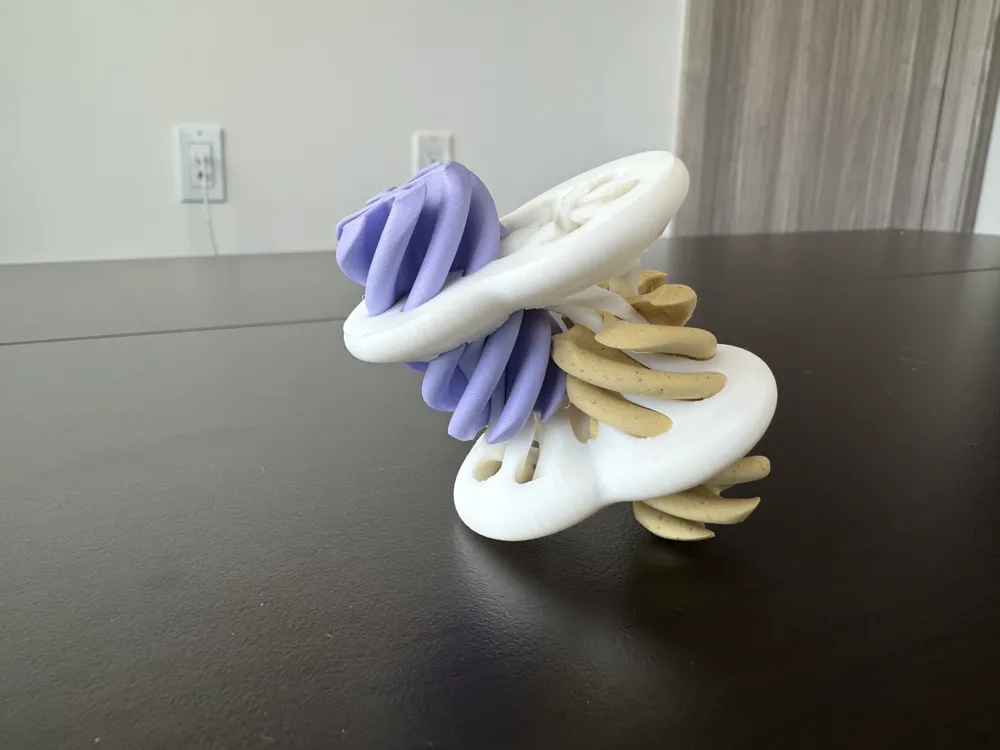
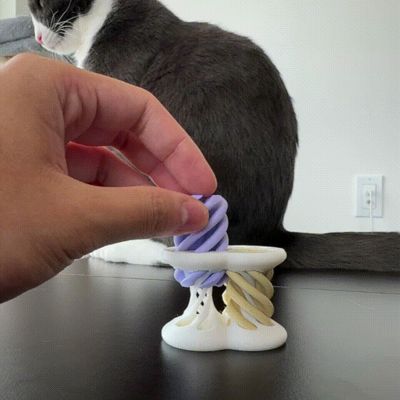
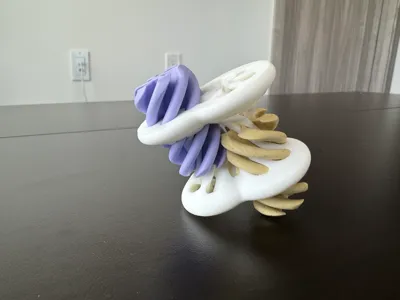
This nifty toy seemingly allows two helical inserts to pass through each other!


Print Settings:
1. Support: Tree Supports Recommended for Mirrored Insert and Shell

2. Brim: Not needed, but may be useful!

3. Layer Height: 0.20mm

4. Material: PLA (Matte or Glossy both work!)


If you are printing on a bed-slinger design, it may be beneficial to use brims or scale the model by 150%.

Comment & Rating (20)

(0/1000)

Nice Design. Brim used for Inserts. Shell failed at 100% size as threads are very thin in the middle. Model printed at 150% size worked well . Suggest printing at 150% or bigger.
The designer has replied
designer
1
Reply
Thank you for the review! Would you mind sharing the printer and bed texture you used to print? I would like to include that information in the description.
0
Reply
Replying to @EDToaster :
I printed the above model at 150% size, 0.3mm layer, 15% infill, 2walls on my Prusa Mini.
0
Reply
Print Profile
Pre-configured, 0.2mm layer, 2 walls, 15% infill
good profile, printed well.
profile
1
Reply
Print Profile
Pre-configured, 0.2mm layer, 2 walls, 15% infill
Great on P1S using jayo pla+c forgot supports but still works with a small bit of elbow grease.
0
Reply
Print Profile
Pre-configured, 0.2mm layer, 2 walls, 15% infill
Used it as a flushing object on a plate of many colors, came out gorgeous!
The profile uploader has replied
0
Reply
wow! I did not know it was possible to print an object as a flushing volume
0
Reply
Replying to @EDToaster :
Right click the object, select "flush to object". provided they are like materials (pla to pla, petg to petg, etc) it will flush in the color(s) of the previous items to either max layer height or end of flushing volume. You can make so wacky color swirls like that.
0
Reply
Print Profile
Pre-configured, 0.2mm layer, 2 walls, 15% infill
can only fit together one way
The profile uploader has replied
0
Reply
Correct. the nature of the design is that it can only fit in a specific order
0
Reply
Print Profile
Pre-configured, 0.2mm layer, 2 walls, 15% infill
does not work
0
Reply
Print Profile
Pre-configured, 0.2mm layer, 2 walls, 15% infill
prints perfect but man oh man did it stump me lol took me a hot minute to figure out how to get both pieces in there 😂
0
Reply
have tryed this print so many times now the inside bit is coming out good with no support but the shell bit is going wrong in the middle where they twist to go upto the top bit have put support on it and done it at 25% infill but still no good can anyone help please have tryed up sizeing it to 125% am using the k1 max machine and am using s silk pla filament to print with
(Edited)
0
Reply
Print Profile
Pre-configured, 0.2mm layer, 2 walls, 15% infill
works great, very fun
0
Reply
Ok what is the trick? I cannot get them both in at the same time
0
Reply