
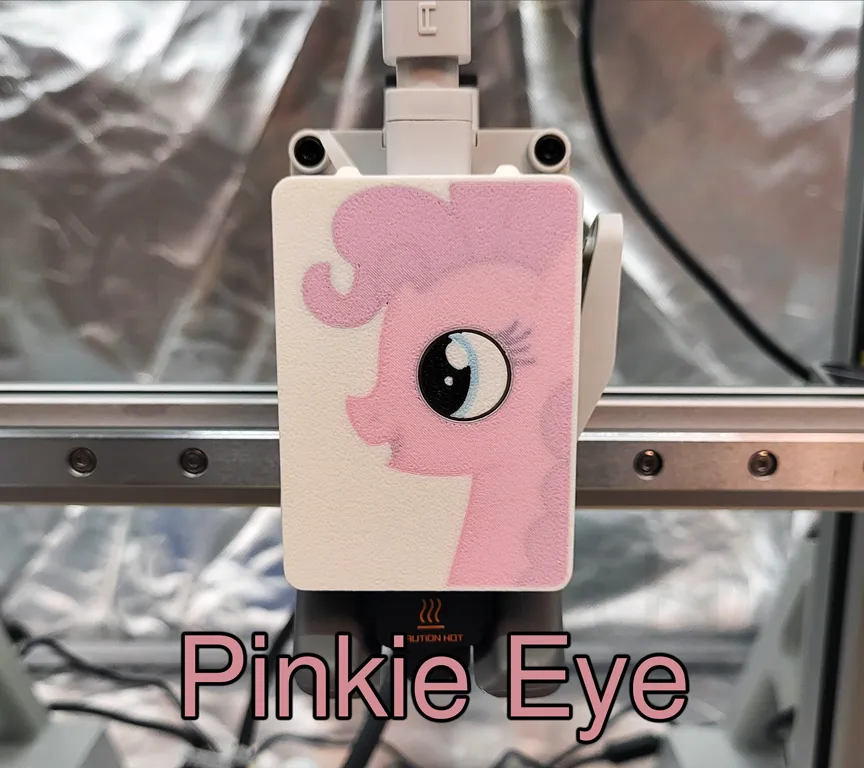
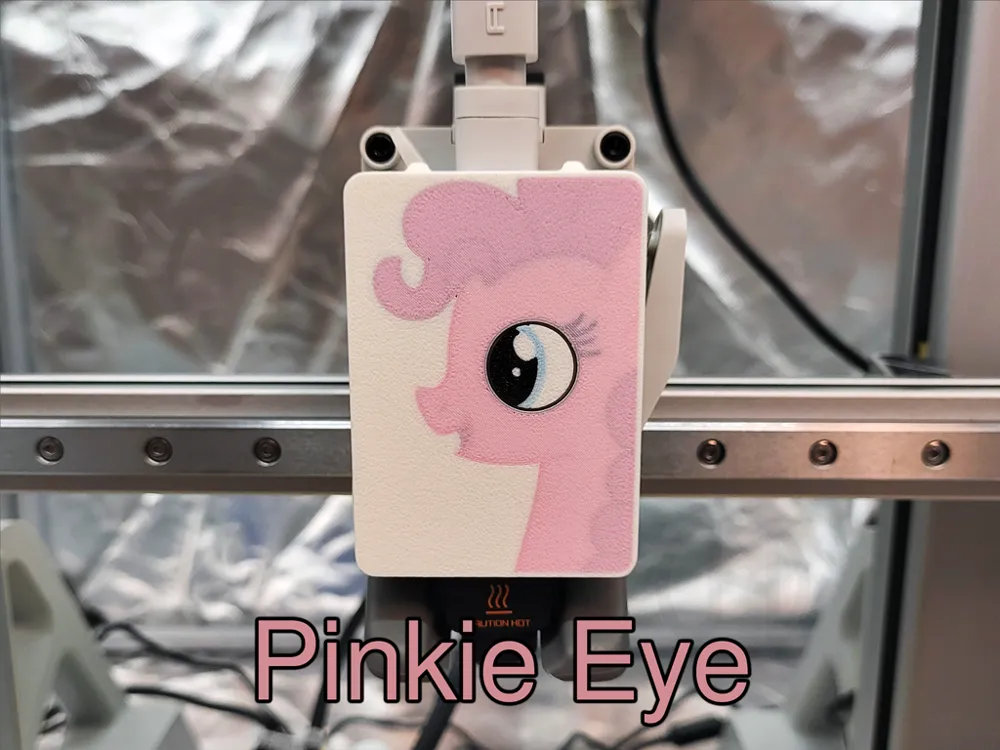
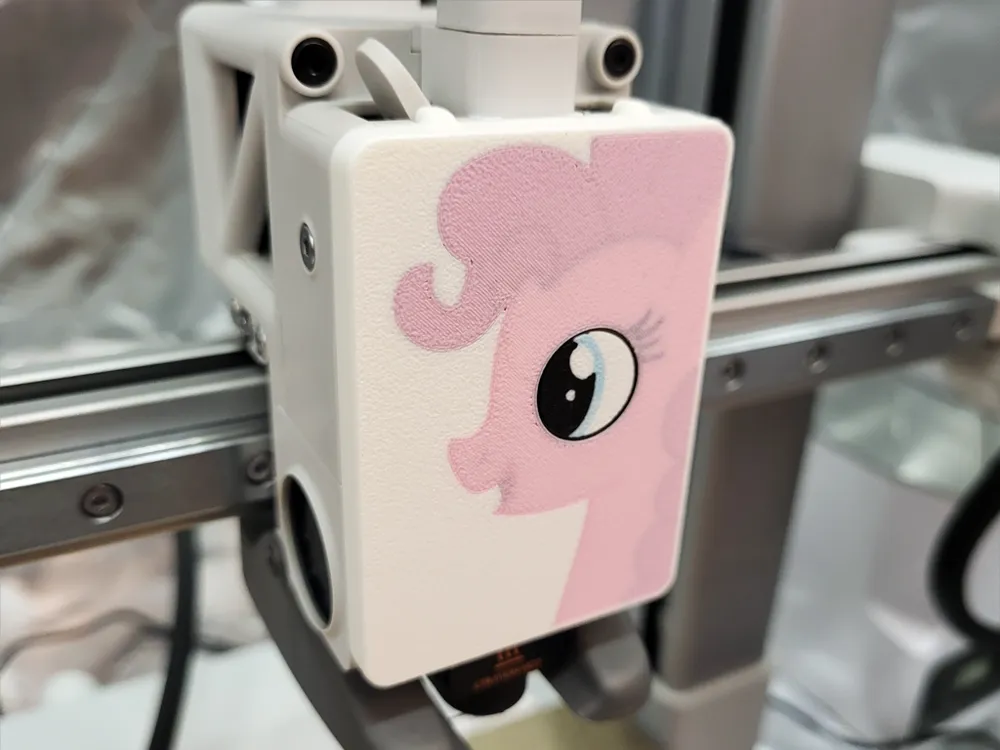
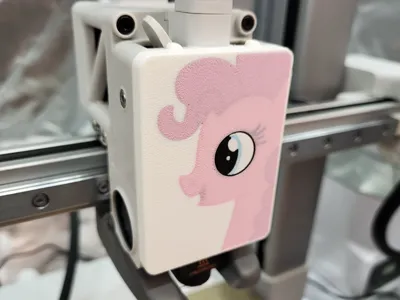
Pinkie Eye Front Cover for A1 & Mini w/ Moving Eye

Print Profile(1)

Description
Having two young daughters interested in the A1 printer, I wanted to decorate it to give them some extra joy when using the printer.
As I did not really find anything they liked online, I got to work creating my own version of a front cover that the girls would enjoy watching.
The eye rotates as the extruder feeds filament to the hotend.
The “picture” was drawn in CAD and is not taken from any other source, the pony was made in a familiar style that my daughters like.
Despite the many shades of colors, only 4 filaments are required (AMS highly recommended…):
This print can be printed in both “Bambu Lab PLA Matte” or “PolyMaker PollyTerra” as both works equally well.
The colors needed to print the item as pictured here are: “White”, “Black”, “Sakura Pink” and “Ice Blue”
To get a different colored pony, just replace the pink filament, and for a different eye color, replace the blue filament.
The inside of the front cover has been modeled as close to the original front cover as possible, while still adjusting it to make the snaps printable so they wont break during mounting, just to make sure that the cover will not affect the cooling performance of hotend.
This item has taken many weeks of past-bedtime-time in CAD to complete and many many prototypes to get the snap fit and layer effect to work well. If you like the item then please consider giving it a like :)
ATTENTION: Please do not print from Handy App, model requires a Prime Tower to print with high quality and Handy App currently does not print it despite it being selected for the 3mf model. Please use Bambu Studio on a computer to send the 3mf to your printer.
Using the Handy App can create black color banding on the borders and the exterior walls can look bad.
License

You shall not share, sub-license, sell, rent, host, transfer, or distribute in any way the digital or 3D printed versions of this object, nor any other derivative work of this object in its digital or physical format (including - but not limited to - remixes of this object, and hosting on other digital platforms). The objects may not be used without permission in any way whatsoever in which you charge money, or collect fees.


Comment & Rating (18)