
Analog Computer using Differential

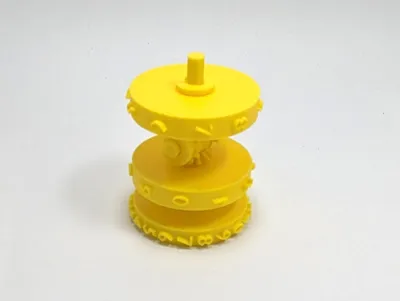
Print Profile(2)

Description
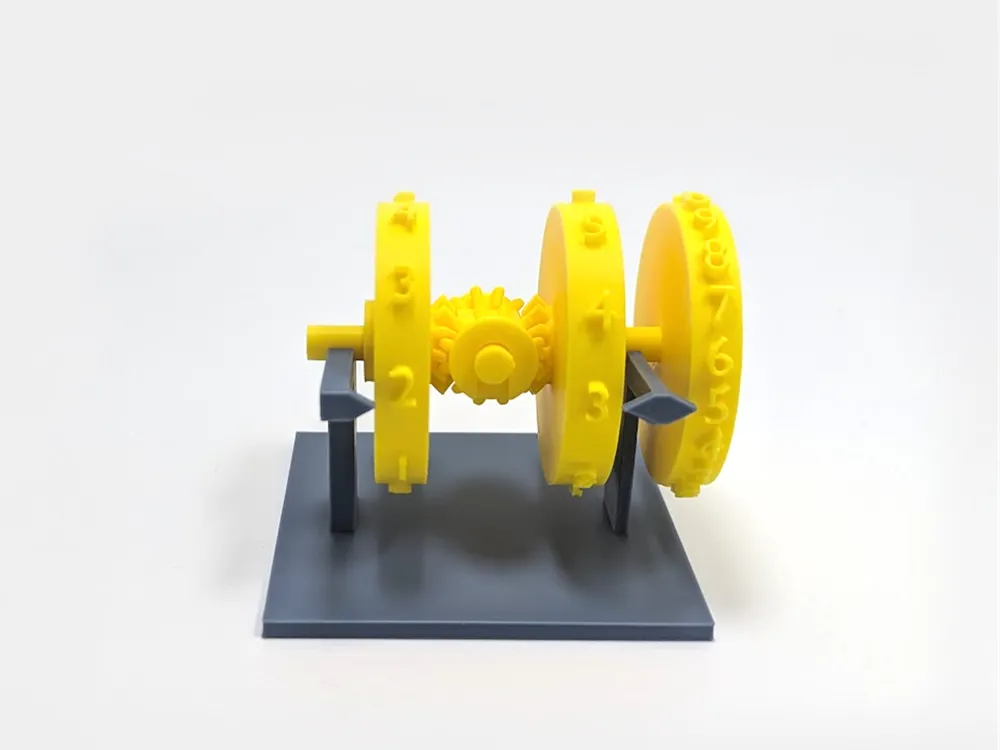
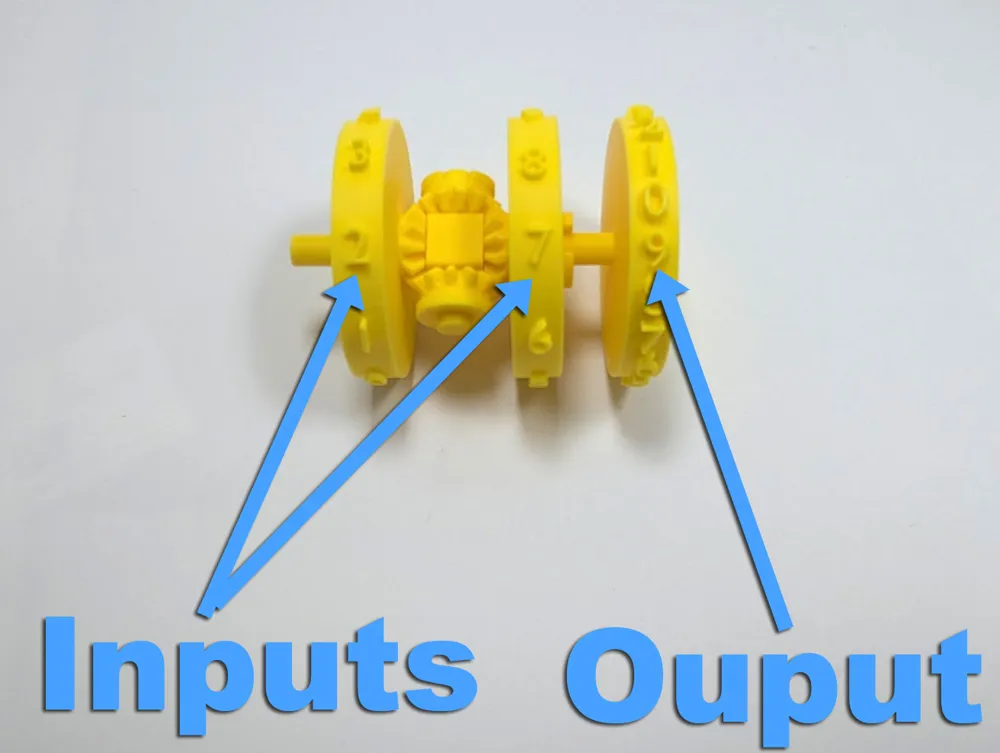
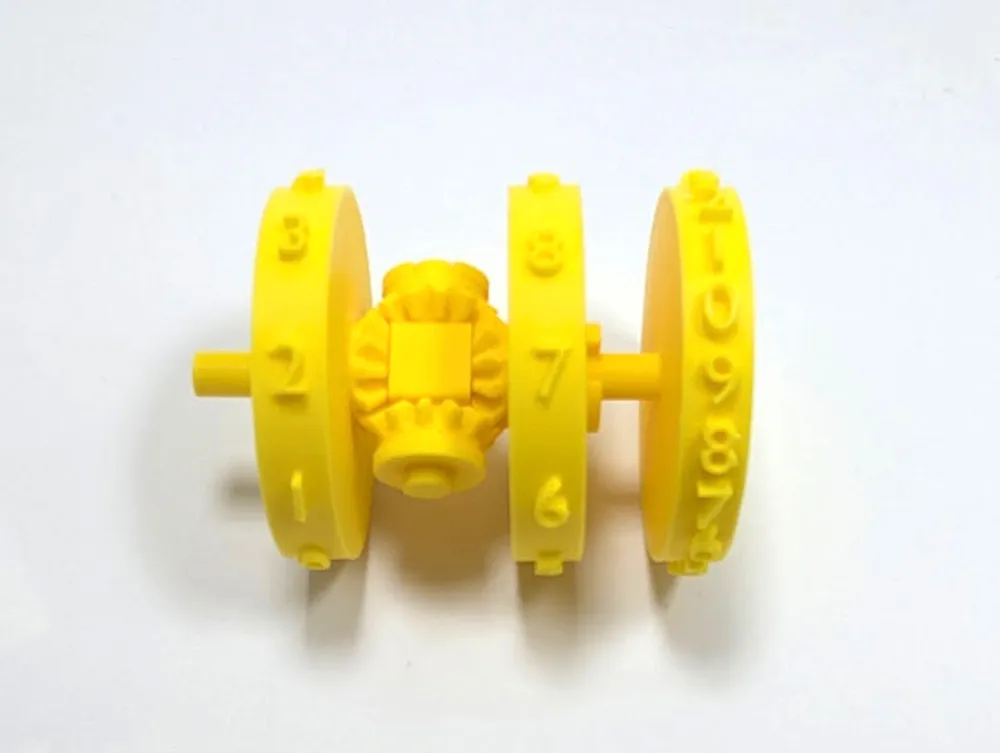
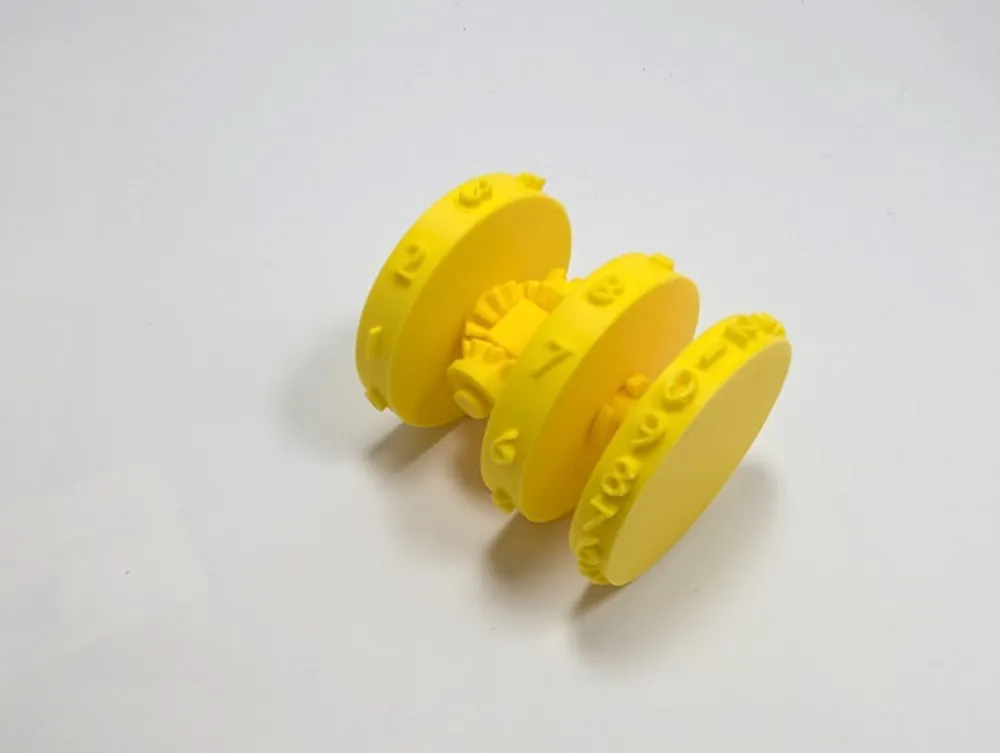
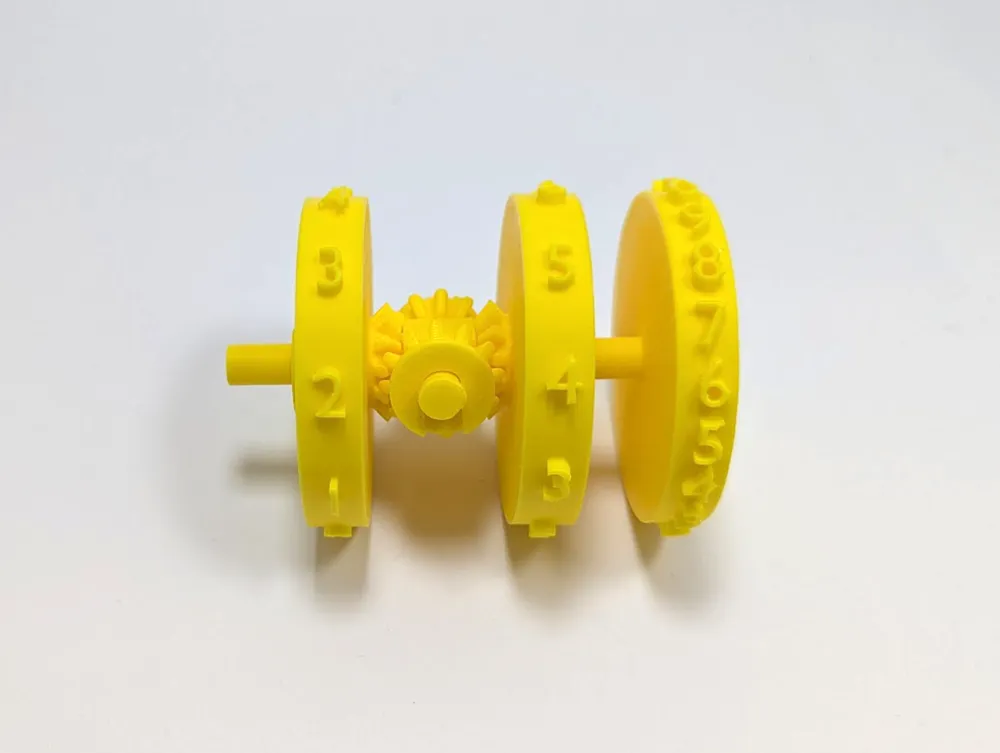
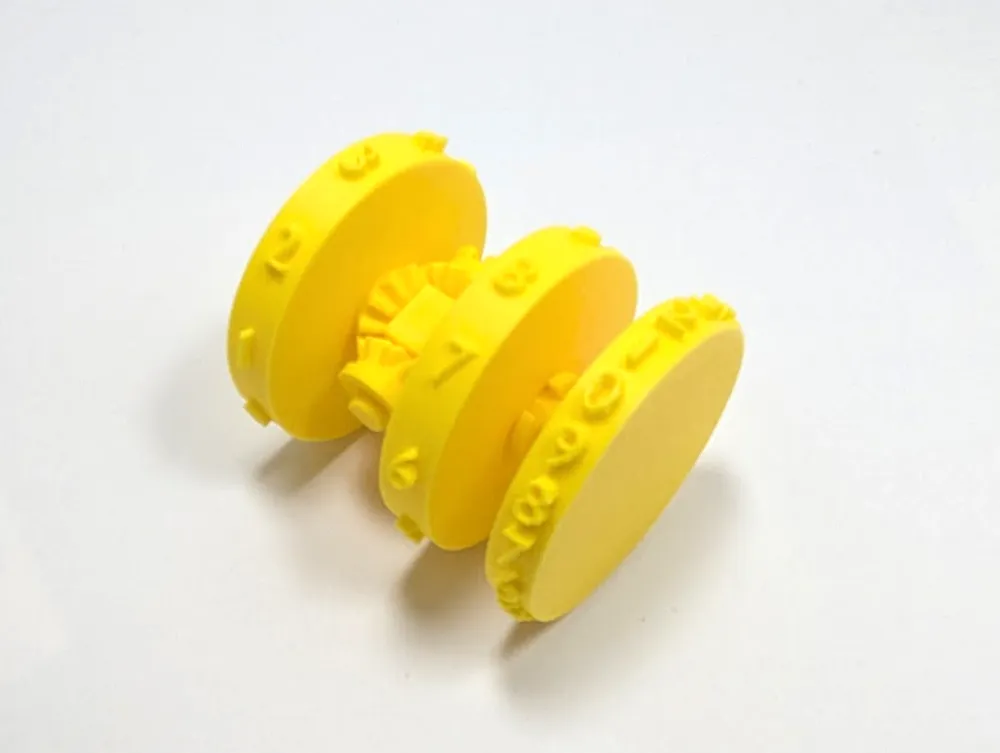
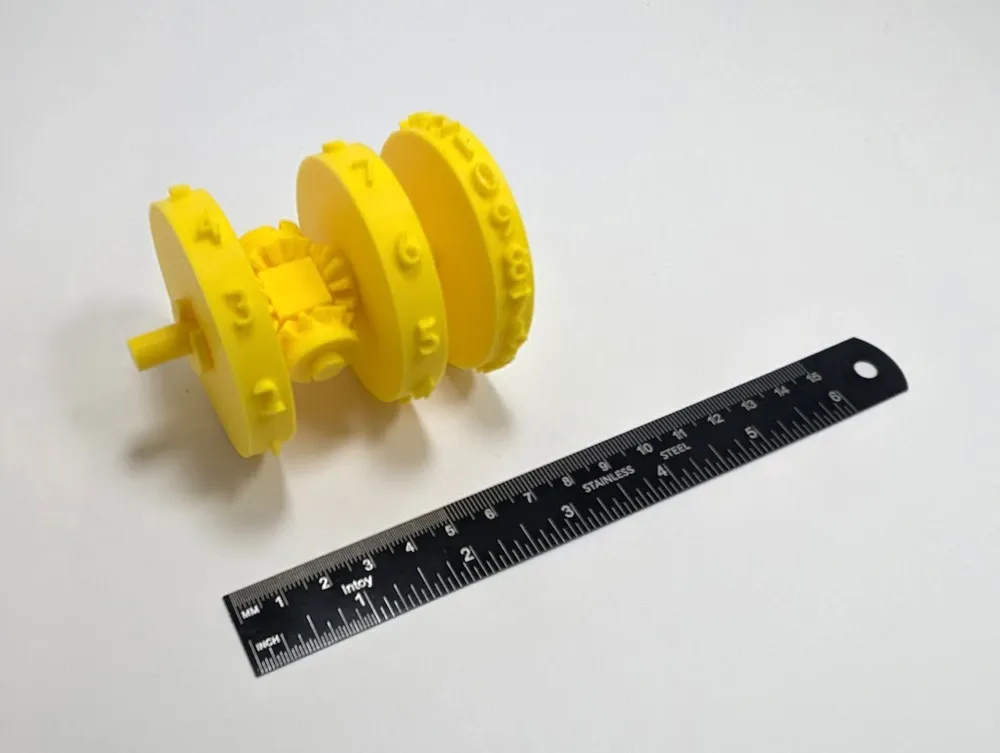
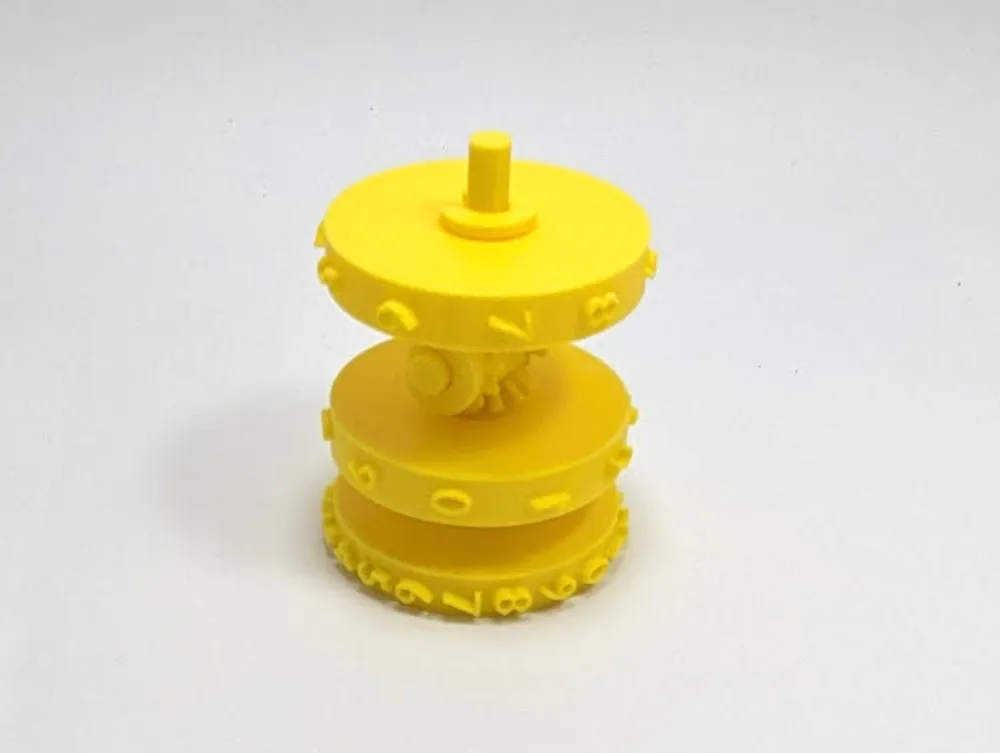
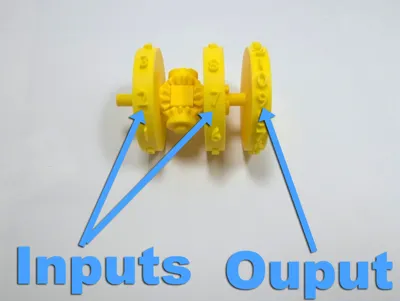
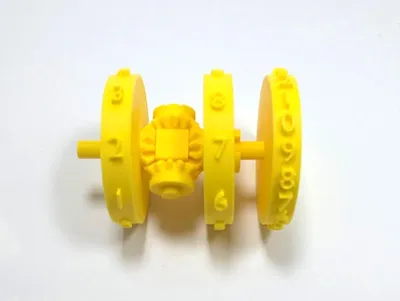
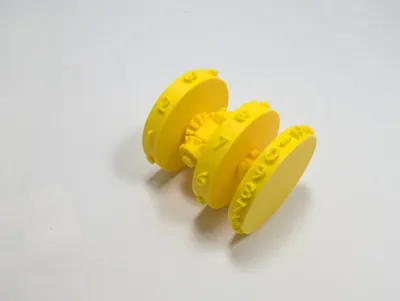
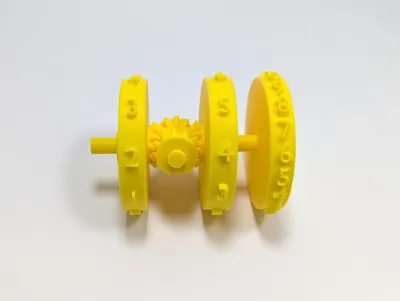
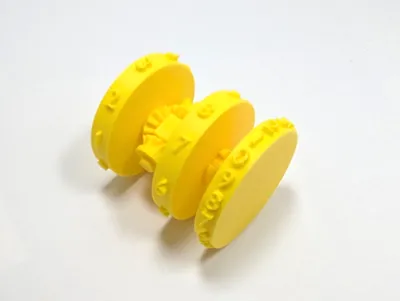
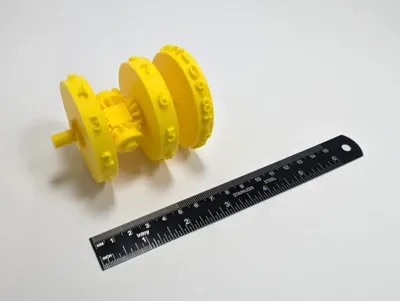
Basic Analog Computer using a differential. The input gears can be turned to compute the sum between two numbers. The result (without carry) will be shown on the output wheel.
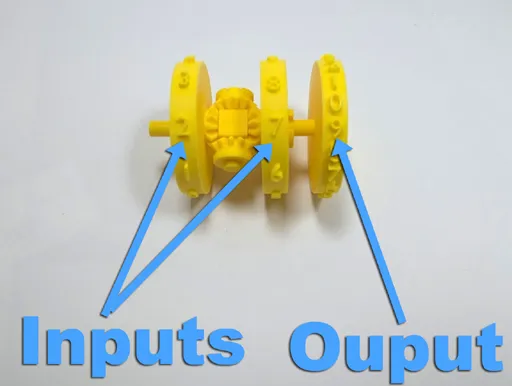
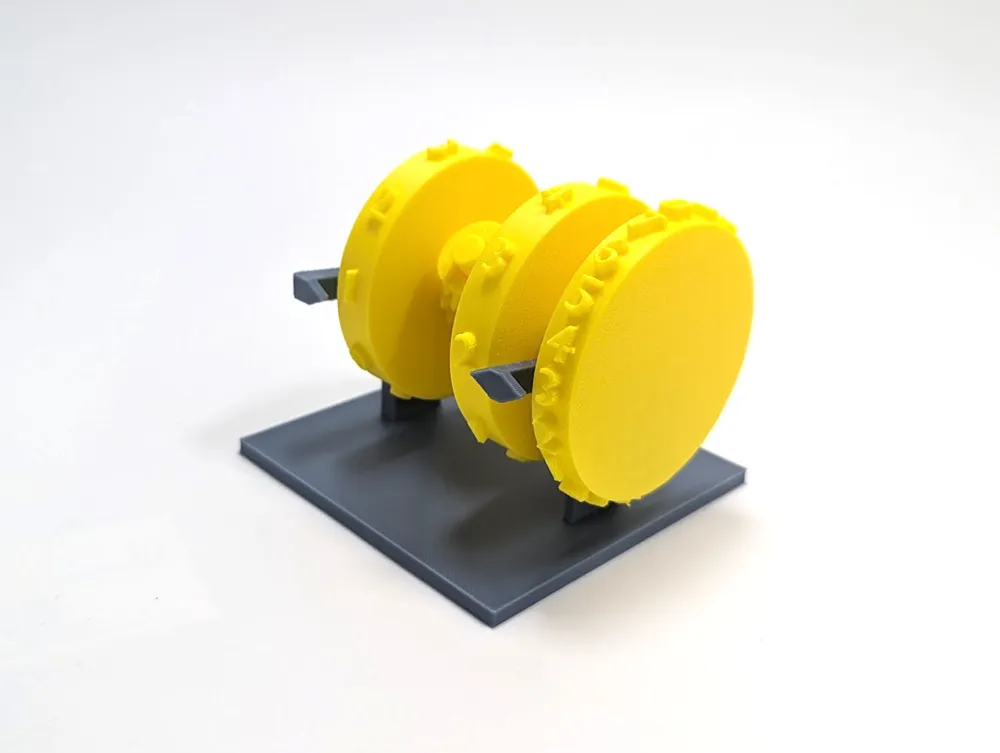
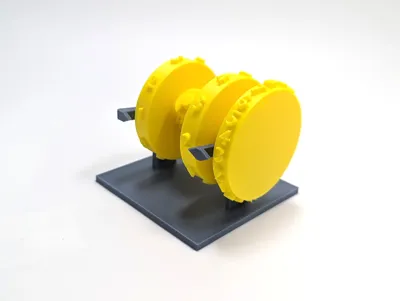
It's a single plate, easy print that fits on the A1 mini plate. An optional stand with number indicators is on the 2nd plate.
I added a version that has much less prominent numbers (perhaps a bit harder to read), but removes the need for supports around the wheels entirely, limiting them only to the hub piece.
This model was inspired by the design of fire control system used on ships in the 1950s. Mechanical systems were used to compute real-time solution to complex problems involving dozens of variables, long before digital computers were available. Human ingenuity really is quite fascinating.
Assembly Instructions

No glue is required. All parts friction-fit together.
IMPORTANT: When you assemble the last gear-wheel make sure all 0 (zero) values on all three wheels are lined up.
Please remember to rate your prints!
Profile ratings are not only important for other users but also serve as valuable feedback for designers!
Click here to see my other models
Boost Me (for free)
If you like this model, please boost! It's free to you, but it's a meaningful way to support me and my designs.
General 3d Printing Tips
- Make sure your printing plate is clean! Oils from your skin can cause adhesion issues for your prints. Regularly wash your print plate with a detergent like Dawn, and avoid touching the surface when removing prints from the bed.
- If it's an option on your printer, always level the bed before each print. If you have to perform this manually, do so after every few prints. It takes a bit of time and patience, but it's a fair trade for reliable results.
- Ensure bed and nozzle temperatures are within the expected range for the material you're printing. Temperatures that are too high or too low can negatively affect the print, causing warping, malformed layers, or adhesion issues.
- Reduce your printing speed. Slower speeds are especially important for overhangs, as they give the material more time to cool as it's deposited.
Membership
Click here to obtain a commercial license to sell physical prints of my 3D models.
License



Comment & Rating (22)