
Customizable Mario Text

Print Profile(2)


Description
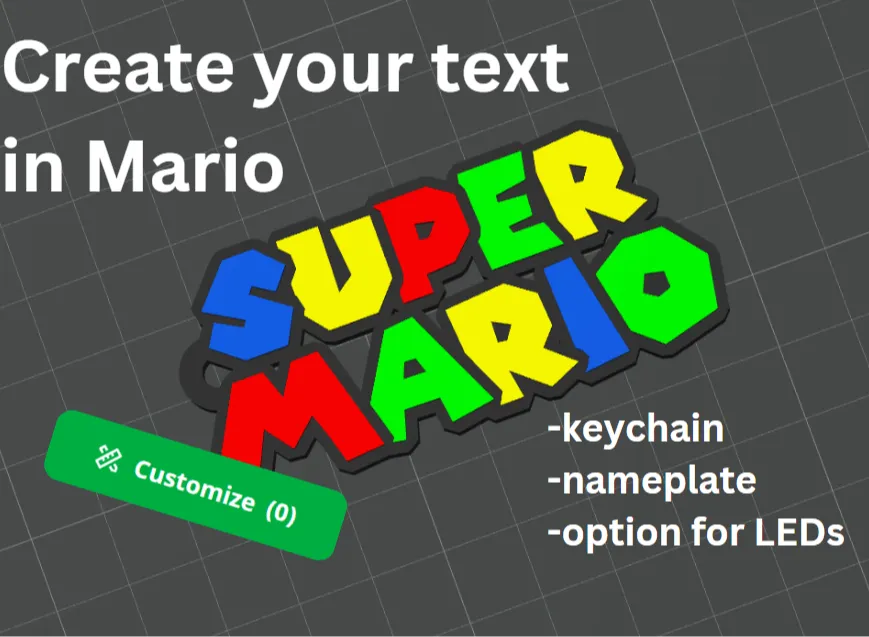
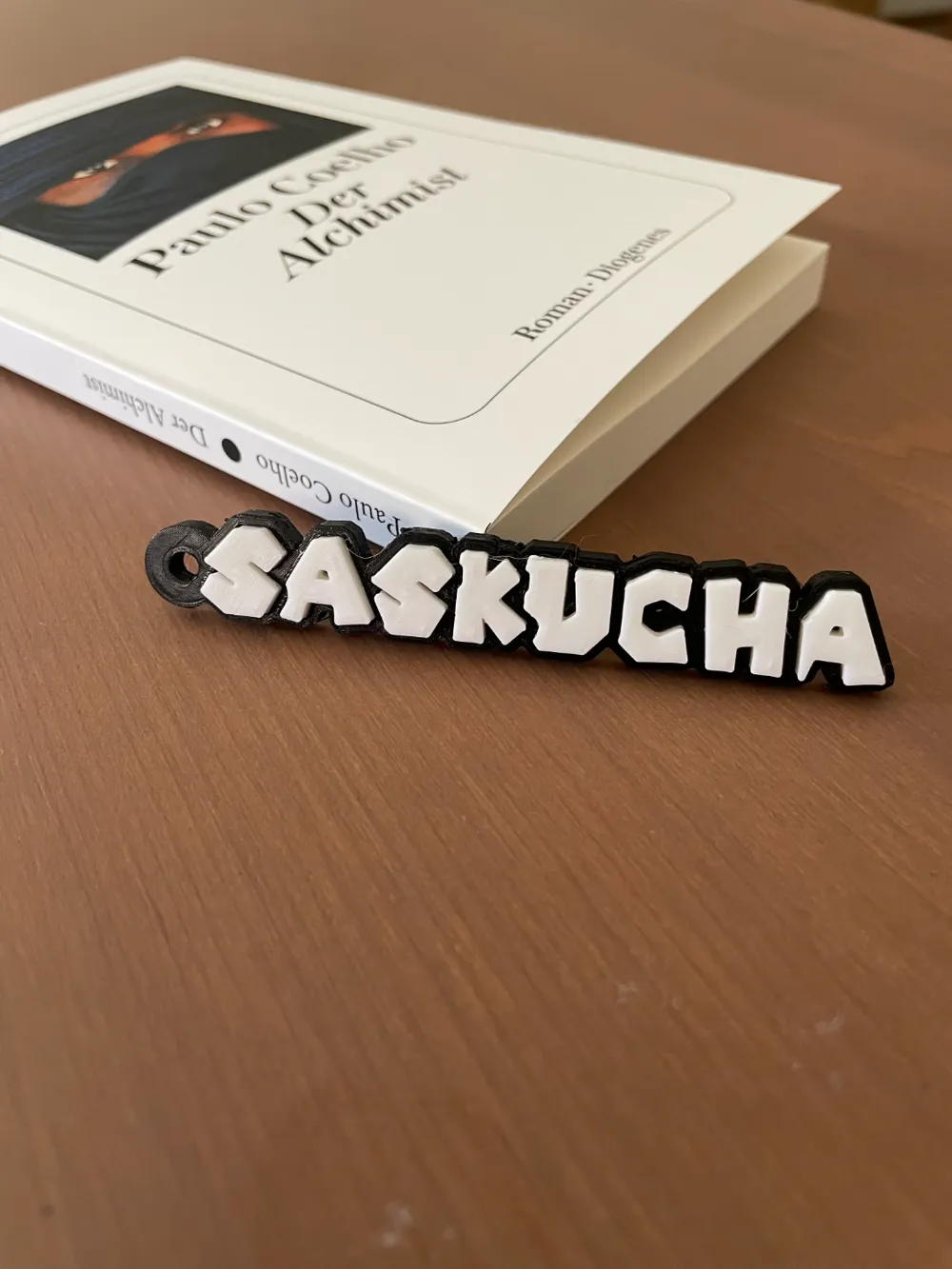
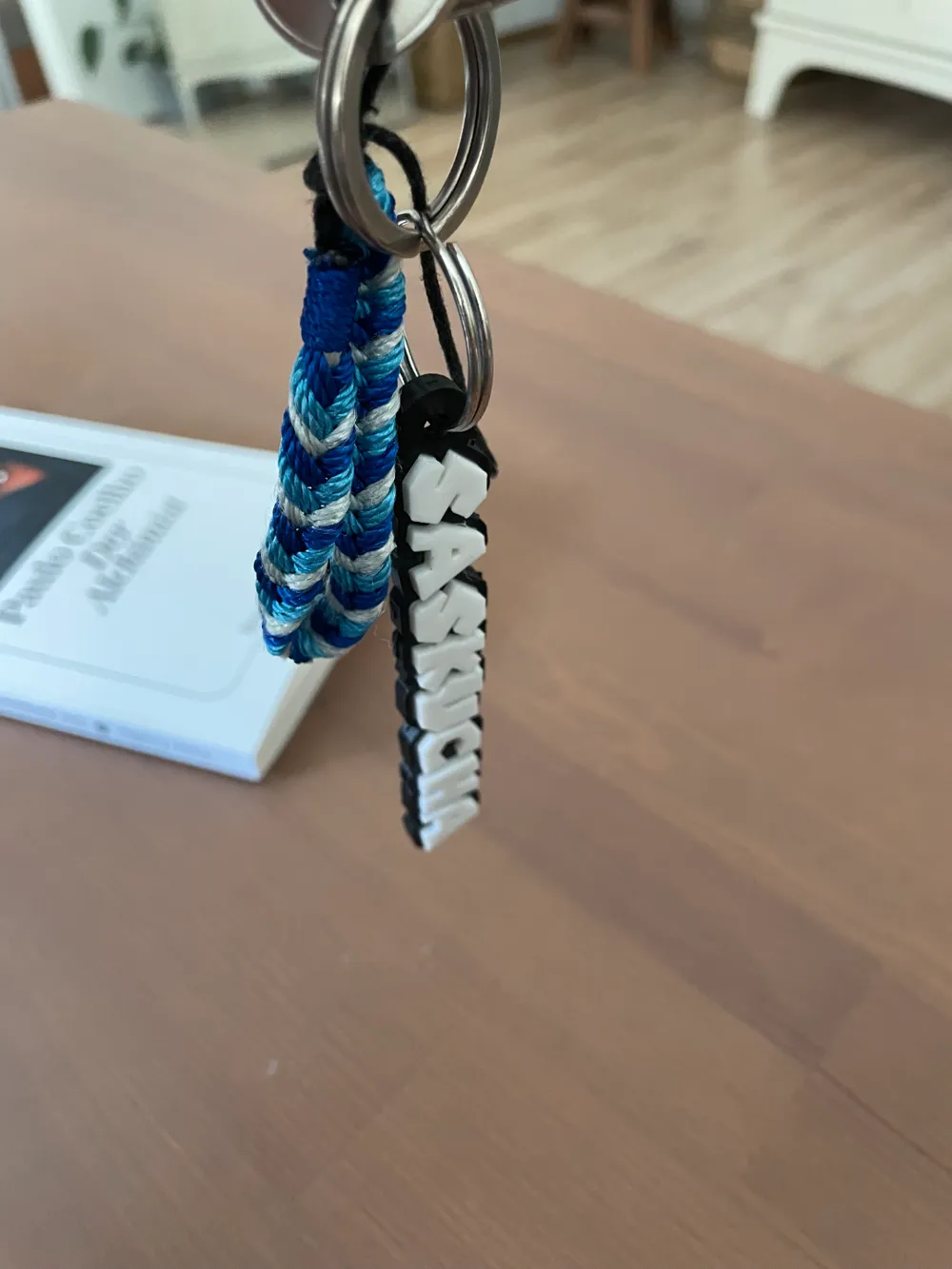
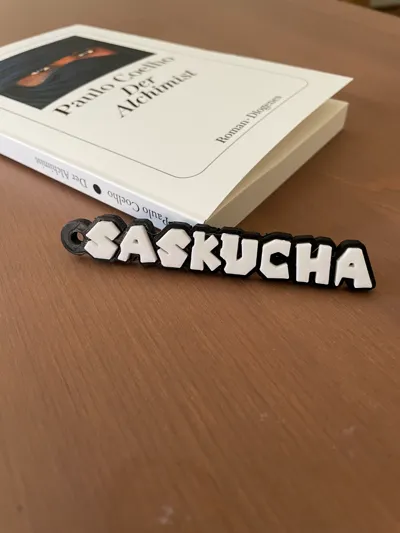
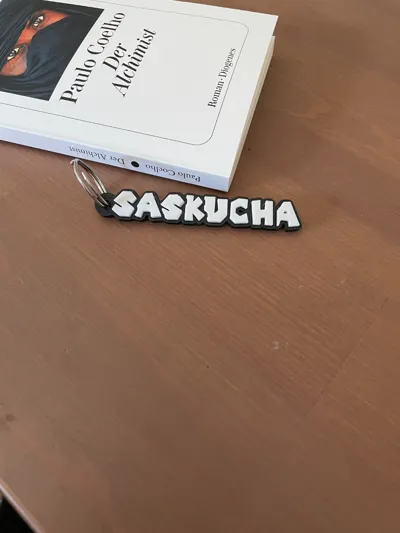
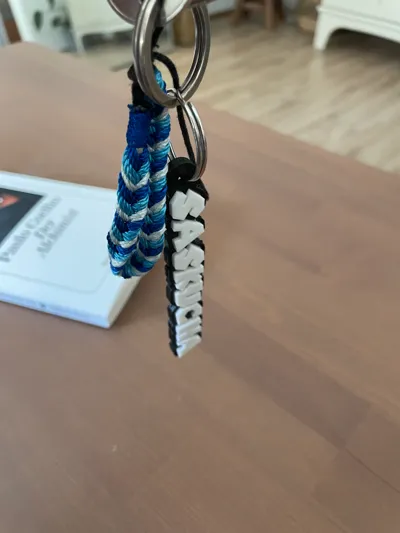
I created the Mario font to use for 3D printing. You can customize it to show your name or text. To do that, use the customize button and please add your model as a remix to this page.
The creation options are:
- Nameplate
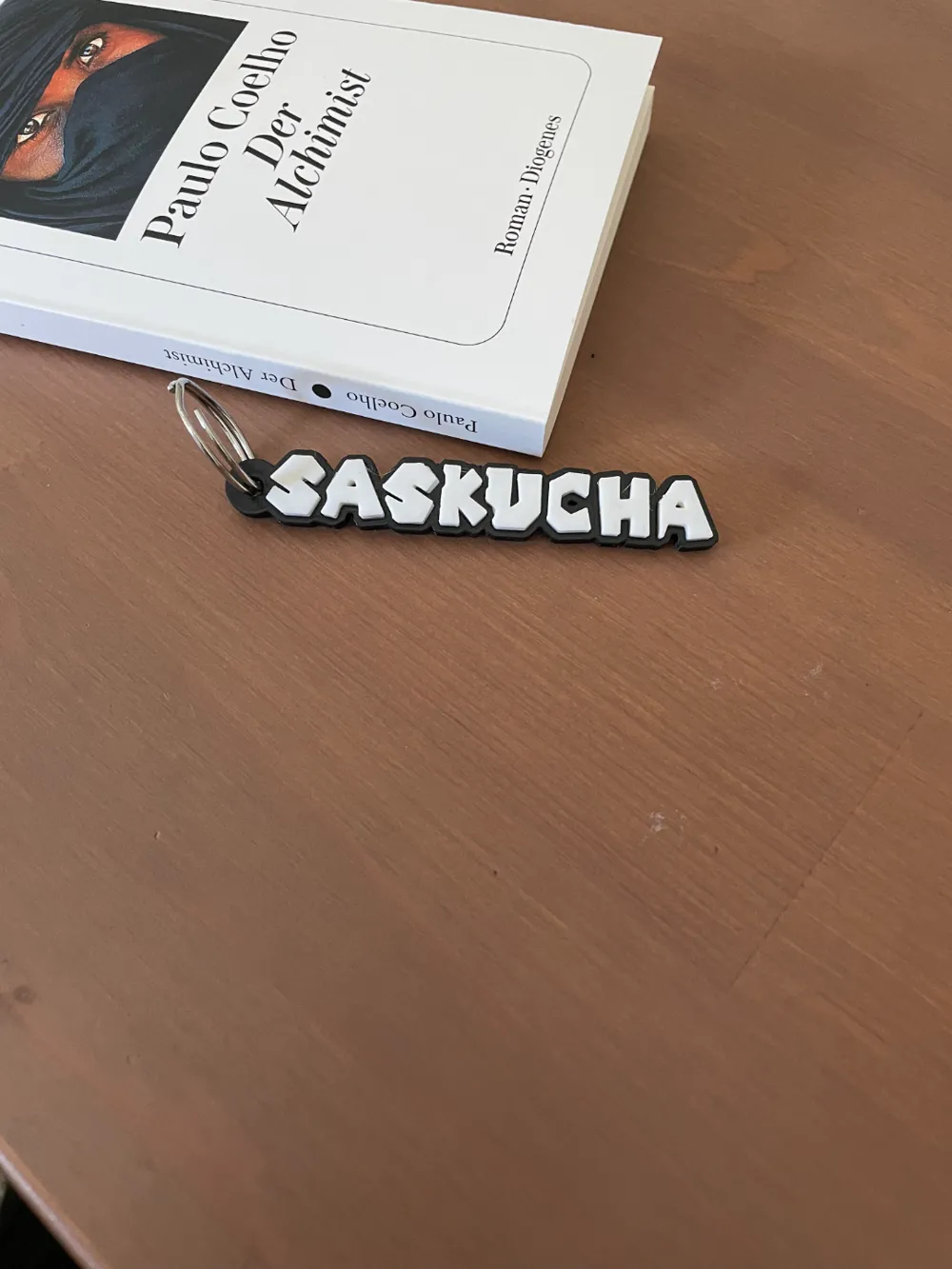
- keychain
- Lightbox
The code is still a work in progress, so not all characters on the keyboard are available. Below I included a list of all possible characters.
Customization instructions:
First you can choose to display your creation in two lines:

!!! Words must be in all CAPS, if you only want to display one word you have to enter a lower case letter in one of the two lines!!!
the word settings are relatively self-explanatory. The things that are costumizable:

- the sizes of the individual words
- the height of both words
- the height of the brim
- the radius of the brim (distance between character and edge)
- the gap between both words
the spacing between characters
The attachment settings are also relatively easy to understand

- First you can decide whether you want to make a keychain and choose accordingly
- If you decide against a keychain, you can continue with the next chapter
If you decide on a key ring, you can adjust the position of the attachment as desired and also adjust the size of the hole and the outer cylinder
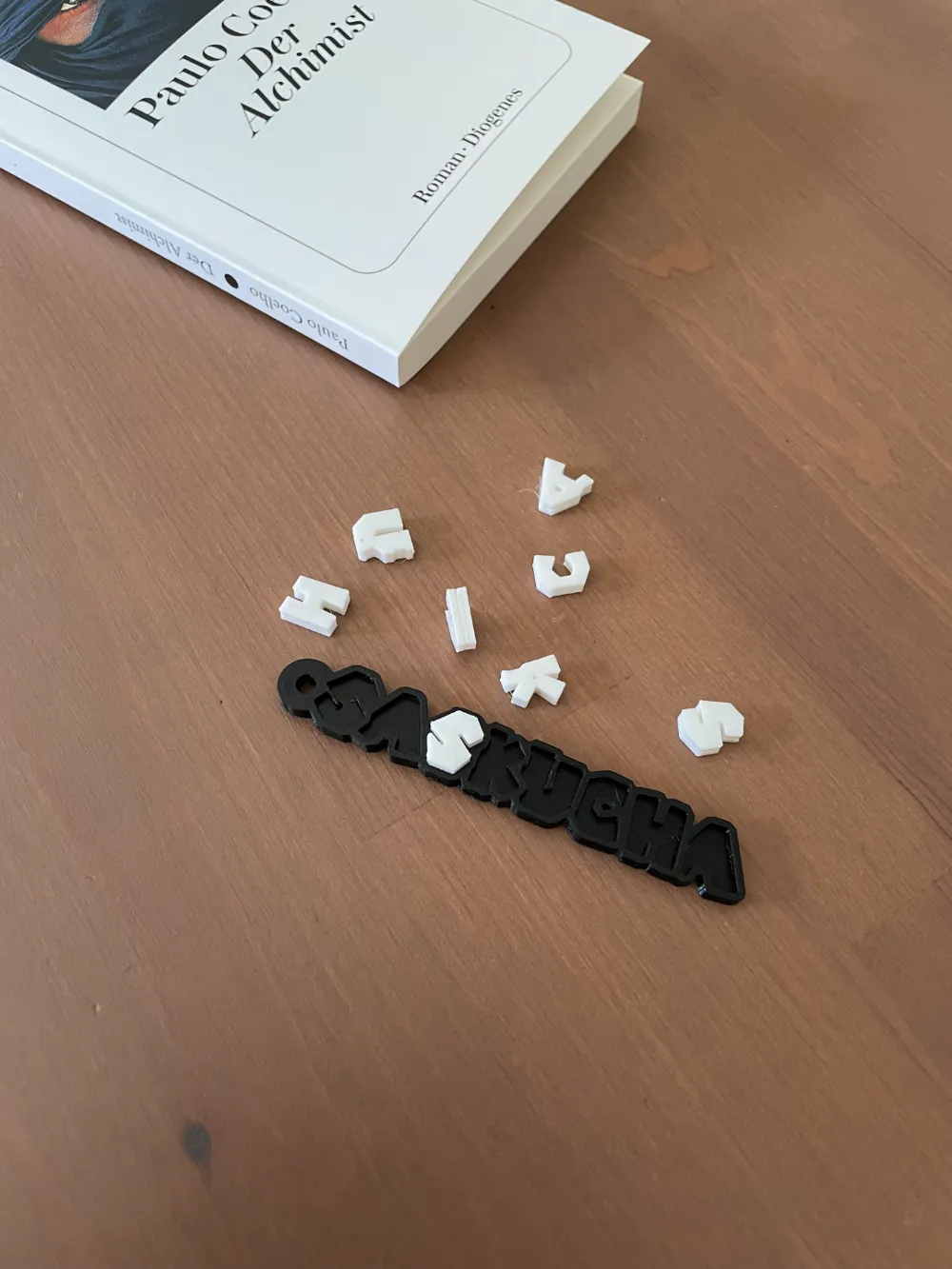
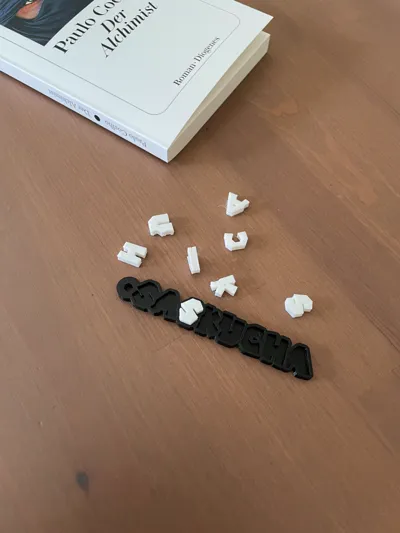
The printing without AMS settings are used to be able to display the characters and the brim separately so that they can then be printed separately and then put together

- bottom thickness is used to adjust the thickness of the bottom of the brim
wiggle allows you to set a tolerance so that the letters can be inserted later without any problems
Finally there are the light settings with these, it is possible to hollow out the characters to make them translucent and to make room for LEDs

- with hollow letters you can hollow out the letters
The wall thickness letter can be used to adjust the thickness of the walls
List of available characters :
- A - Z
- 0 - 9
@ ! % / ( ) = ? _ : , . + - [ ]
Please leave a like and follow me and if you have any questions or recommendations make sure to leave a comment and I will do my best to help you out. It would make me really happy if you could post your creations in the comment section, I would really love to see what you are creating.
!!! I really enjoyed making this and i hope u guys like it as much as me THANK U:)!!!
Boost Me (for free)
BOOST THIS TO THE MOON
License

You shall not share, sub-license, sell, rent, host, transfer, or distribute in any way the digital or 3D printed versions of this object, nor any other derivative work of this object in its digital or physical format (including - but not limited to - remixes of this object, and hosting on other digital platforms). The objects may not be used without permission in any way whatsoever in which you charge money, or collect fees.


Comment & Rating (57)