
Print Profile(1)

Description
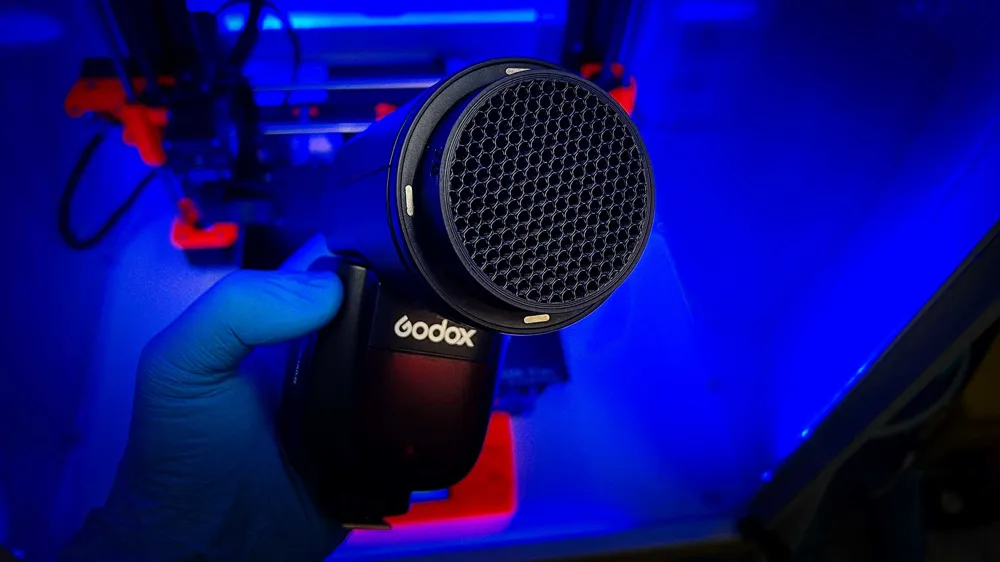
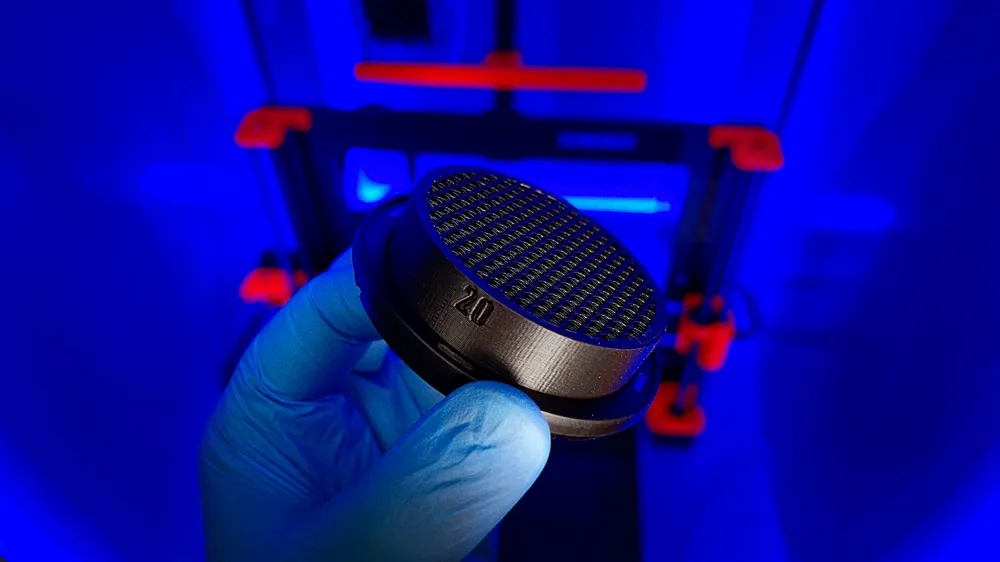
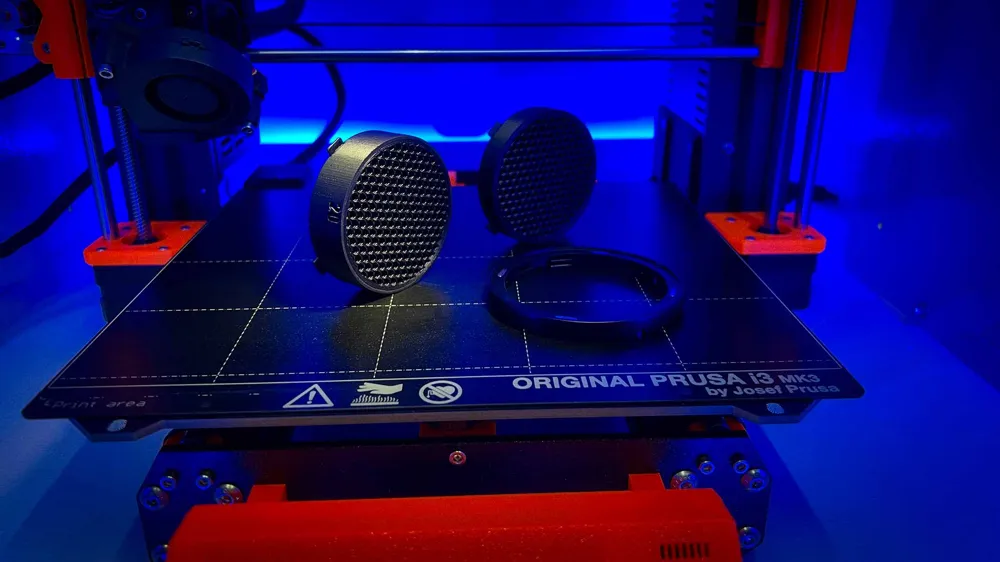
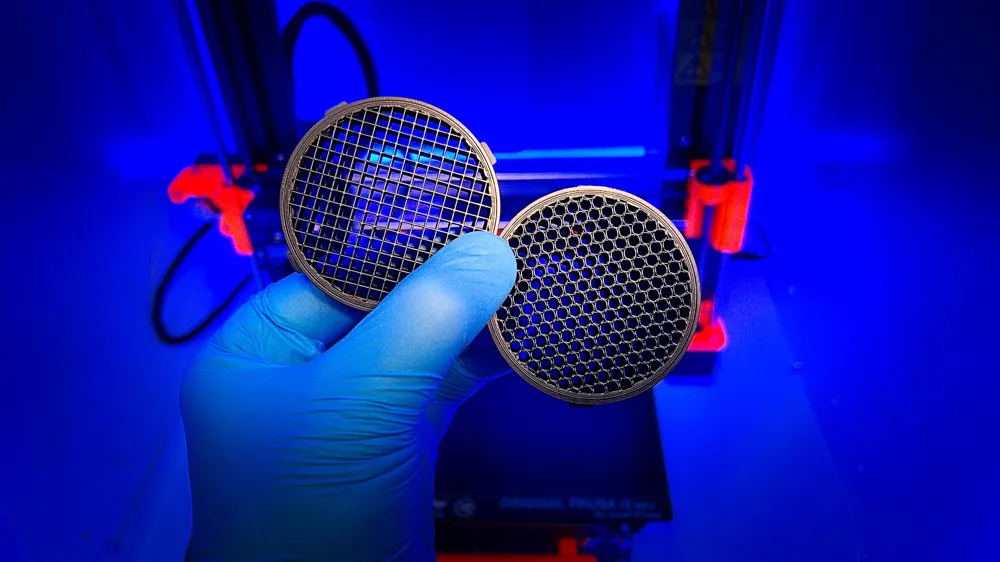
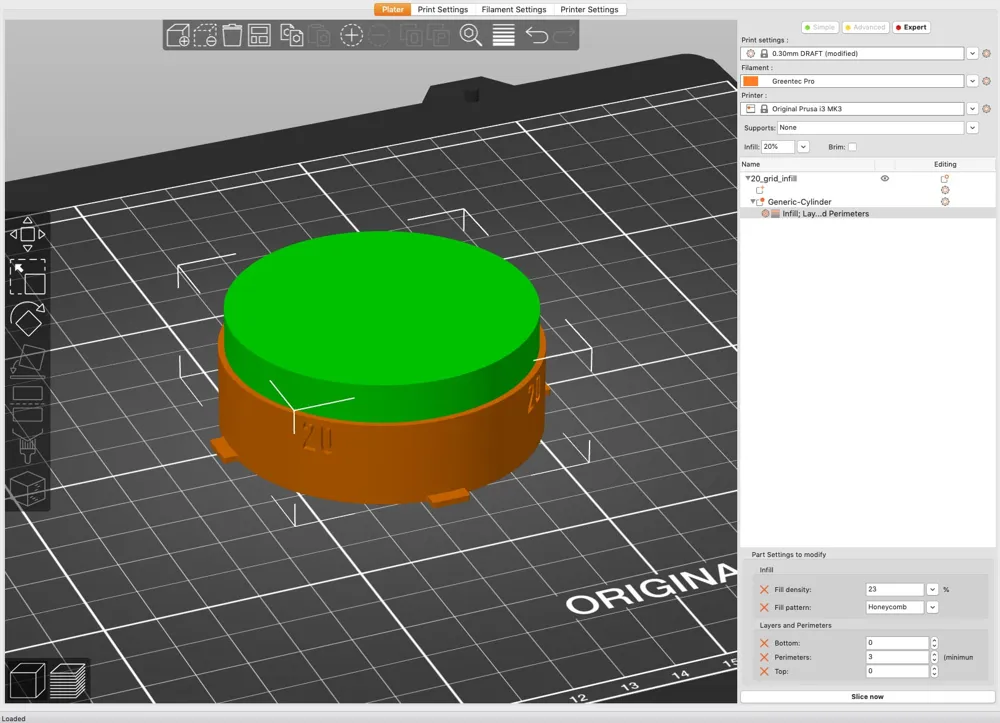
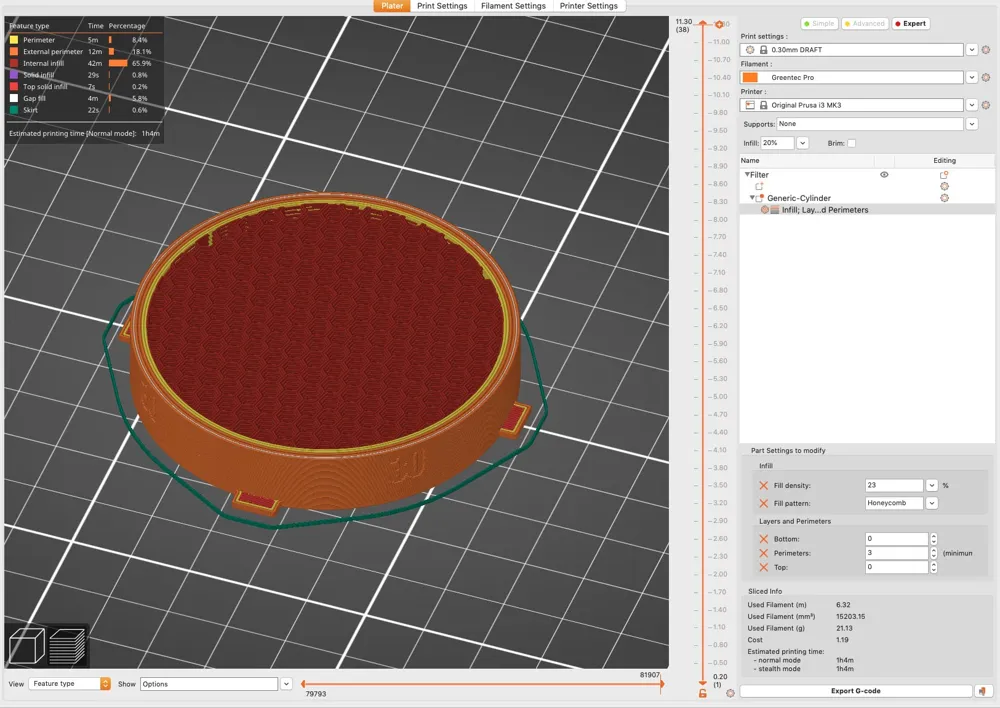
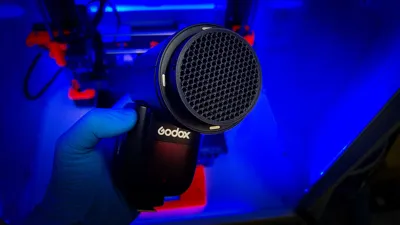
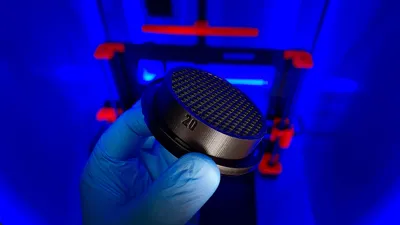
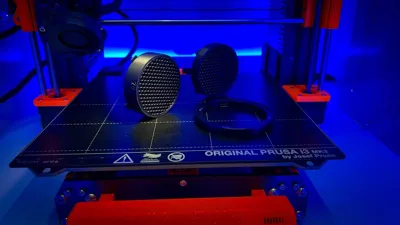
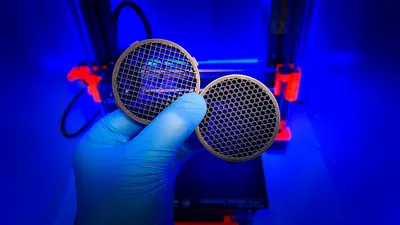
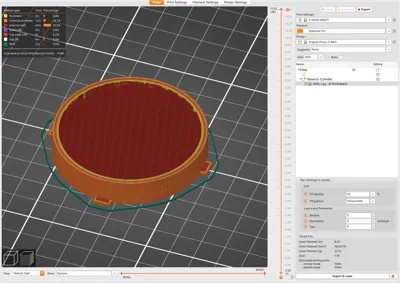
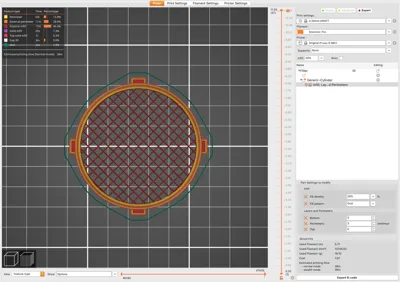
I designed a 20° and 30° honeycomb grid compatible with the Godox AD200 + H200R / V1 flash and the AK-R1 kit - that actually works. The included grid in the AK-R1 kit is not very effective in creating a small soft spot light. I used a cylindrical modifier therefore the honeycomb pattern is only visible after you hit slice in Bambu Studio. I use the infill instead of modeling the honeycomb because it prints much faster this way.
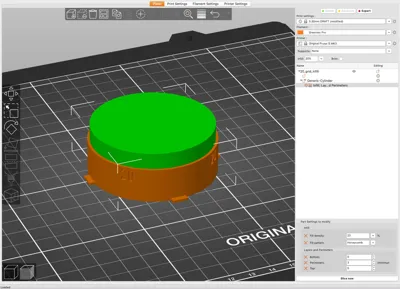
Modifier with 0 bottom and top layers and infill is already set-up just open the file, select your filament and hit slice and print.
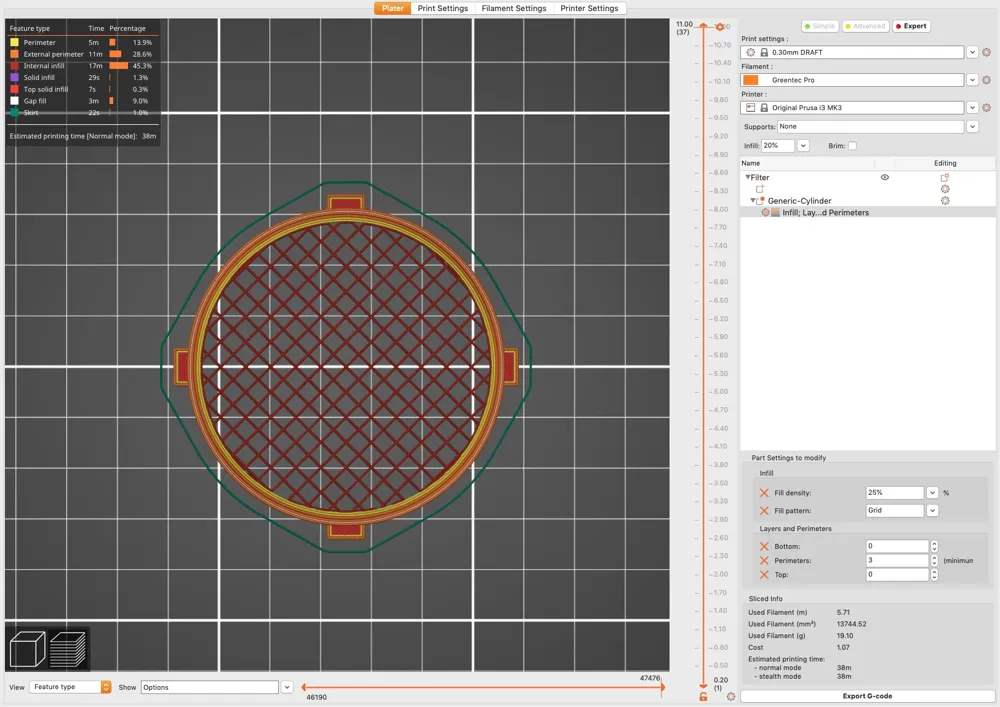
I use the honeycomb infill pattern because it creates a round spot light but takes a little bit longer to print for the 30°. If you change the infill pattern to “Grid” change also the density to 25% check the screenshot above. Grid infill prints much faster but it will produce of course a small square spot light when attached to your flash. For most cases this wont be a problem.
Links for comparison:
Godox V1c flash: https://amzn.to/4bI9qIc
Godox AD200 Pro: https://amzn.to/3zFt0HY
Godox AK-R1 Kit: https://amzn.to/462JWnI
I may earn a commission on qualifying purchases (at no extra cost to you)
More infos on my blog here:
https://www.schweinert.com/diy-grid-godox-v1-ad200/
Copyright:
All my designs are protected by copyright. By downloading, you agree to use the files for personal purposes only. This means that you do NOT have the right to sell 3D prints of the digital files, including selling products made from molds.
If you want to sell my prints commercially and legally, please join my Patreon:
https://www.patreon.com/technerd863
The digital files (STL and other formats) may never be resold, shared, remixed or given away.
License



Comment & Rating (6)