
PoopKeyCap Ver.Artisan


Print Profile(3)



Description
First of all
This model is created based on the wonderful idea from the following link. I pay my respects.
Spinning top mold 陀螺模具 by 潦草小狗爱吃雪糕
https://makerworld.com/en/models/437241
Related models are available!
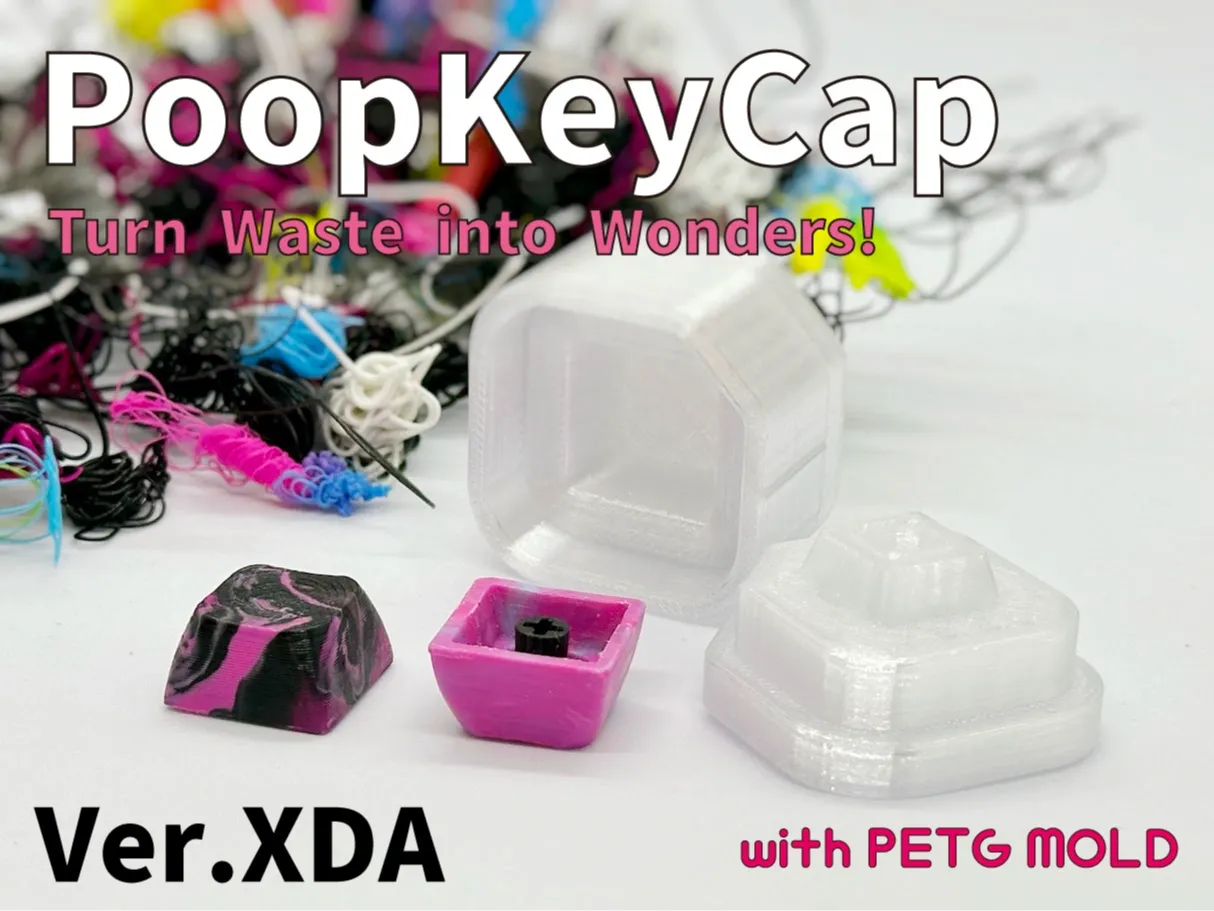
https://makerworld.com/en/models/481189
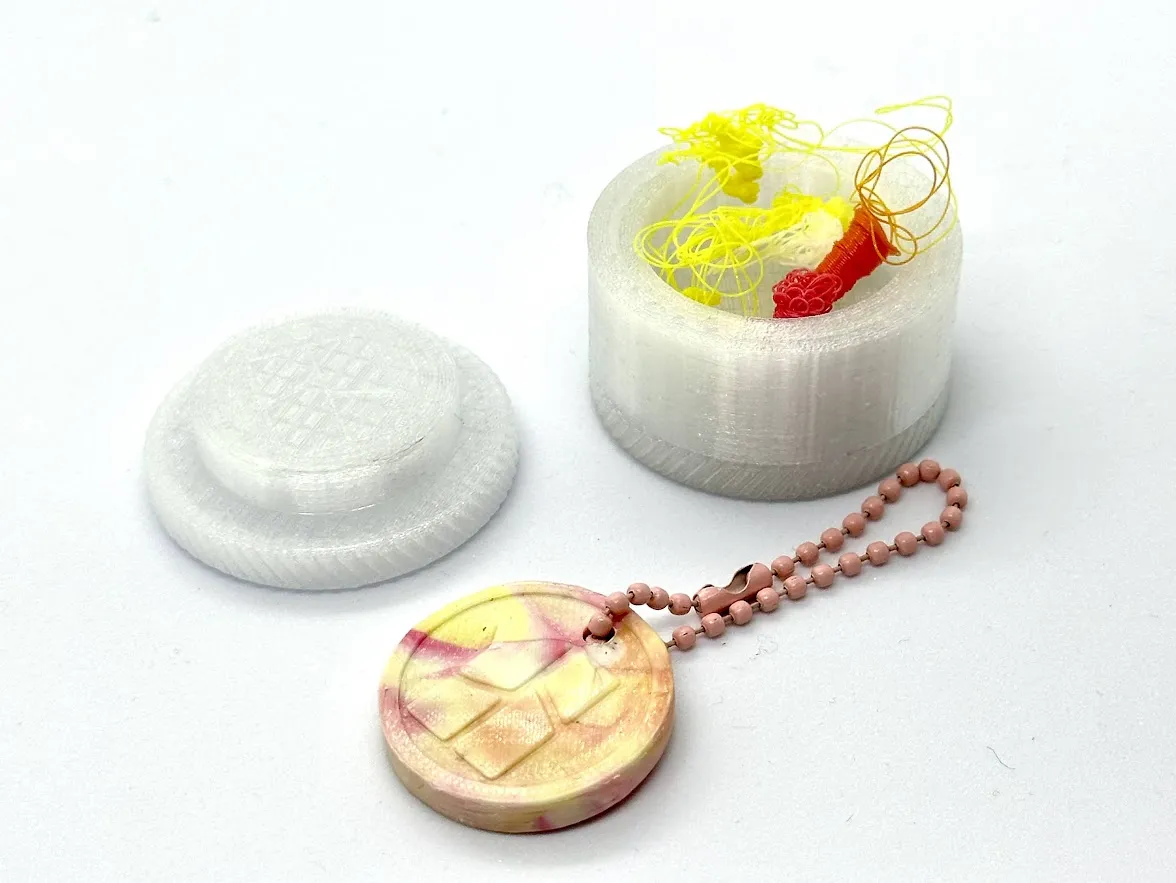
https://makerworld.com/en/models/473846
[New Information]
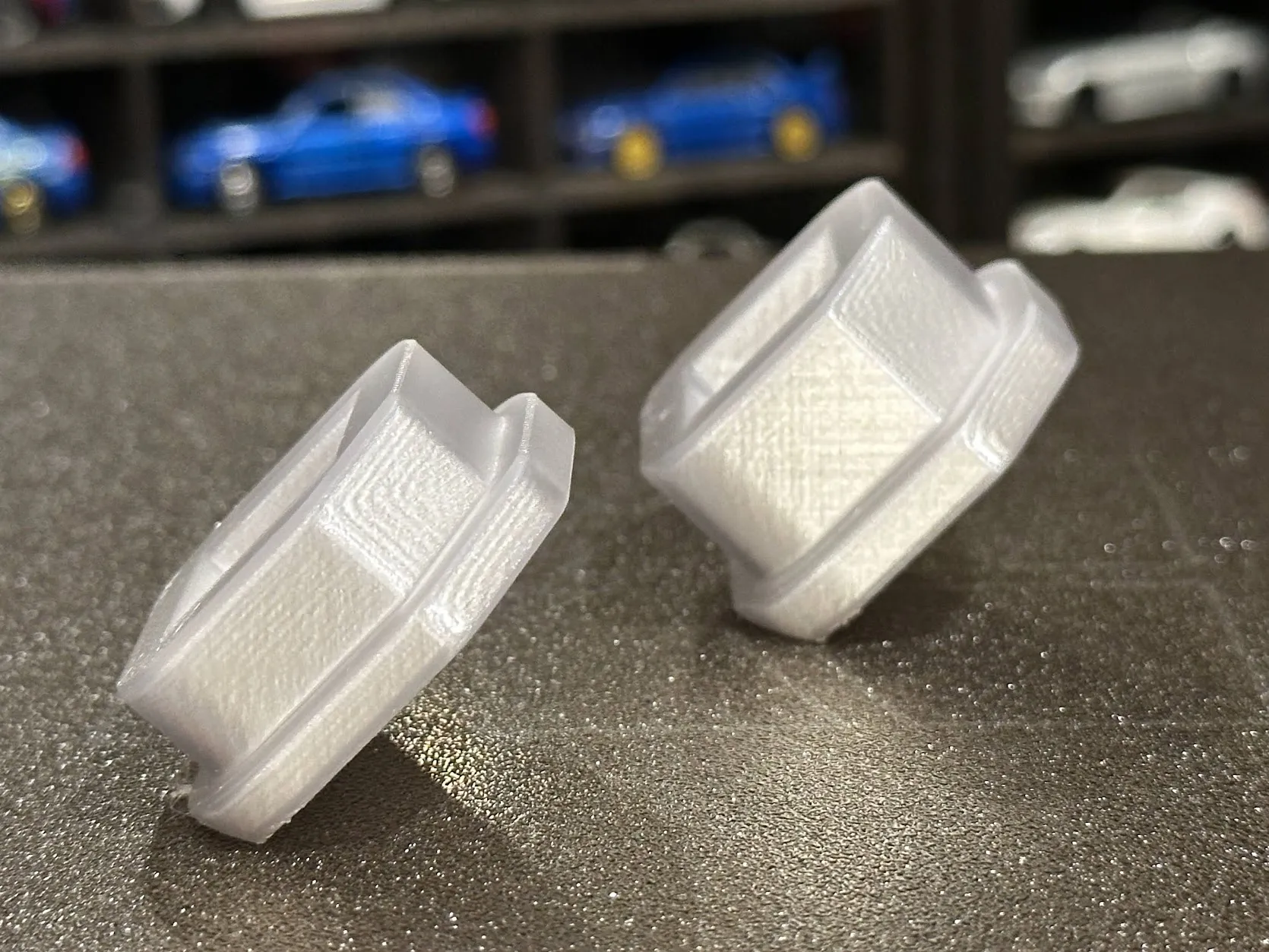
For those who are concerned about layer lines, try printing with the mold tilted at a 45-degree angle.
This can eliminate the steps on the top surface. Give it a try!
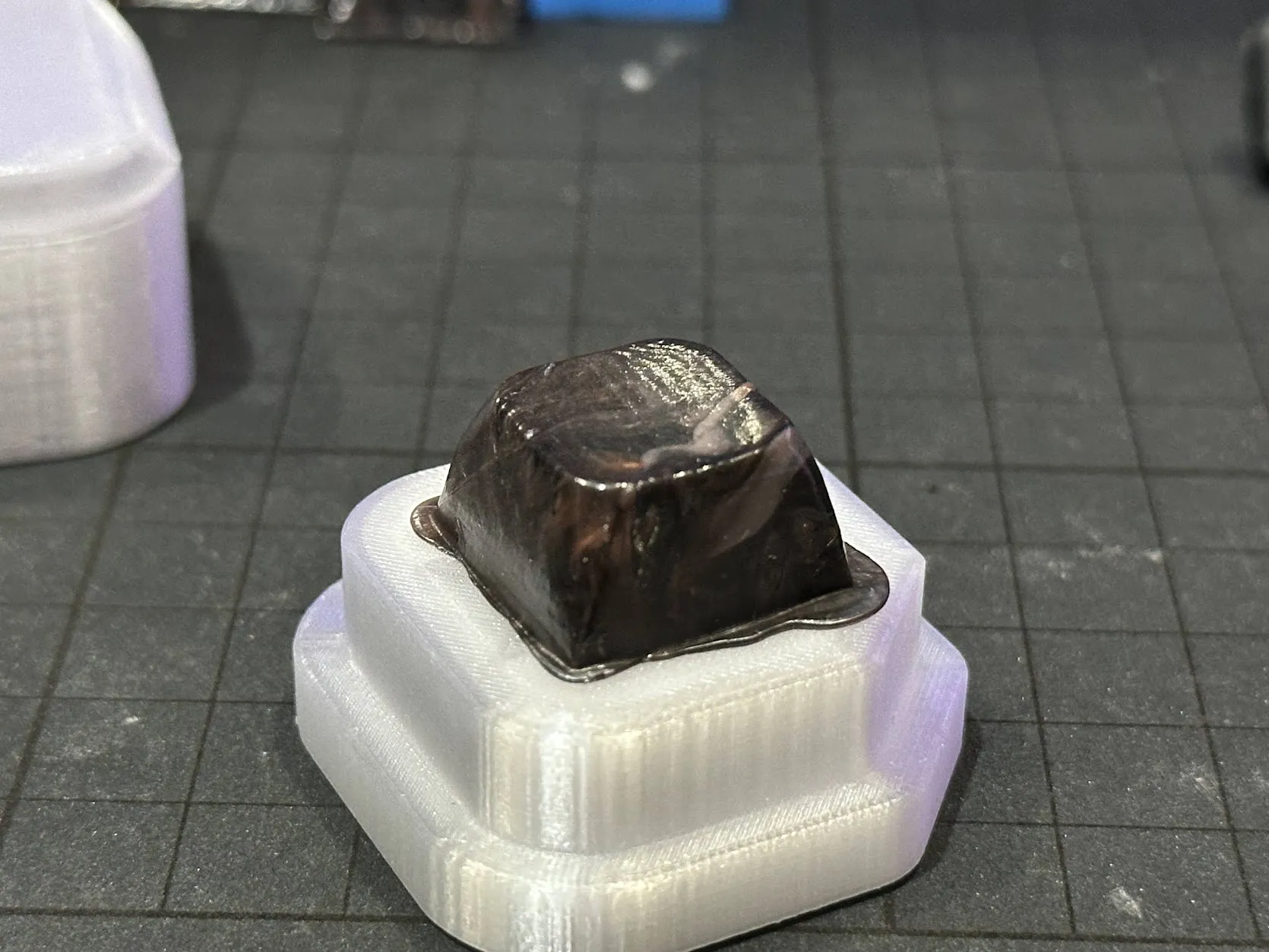
What is this ?
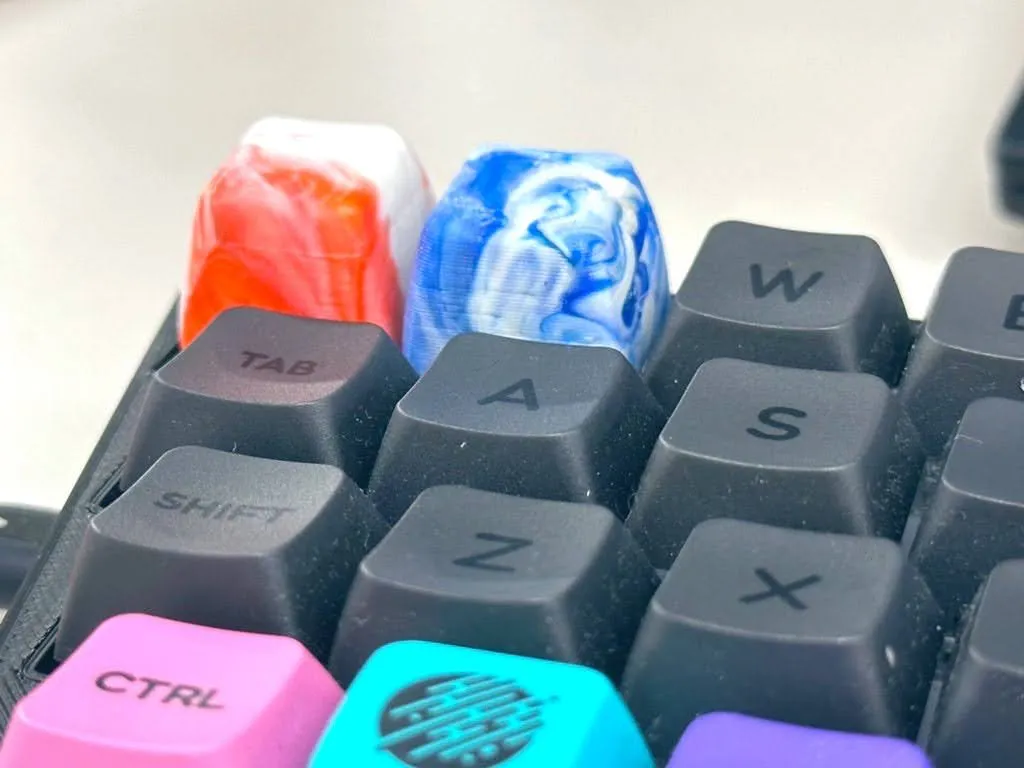
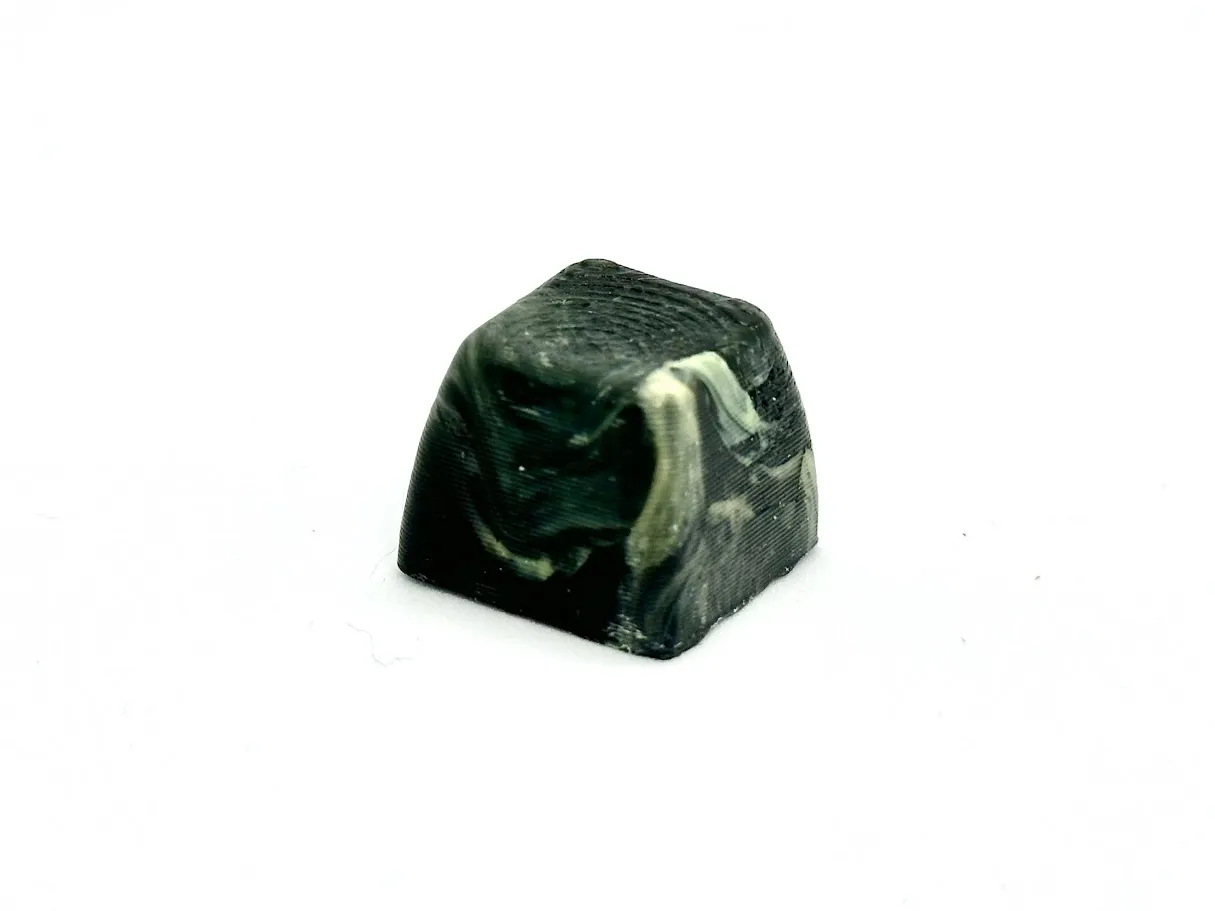
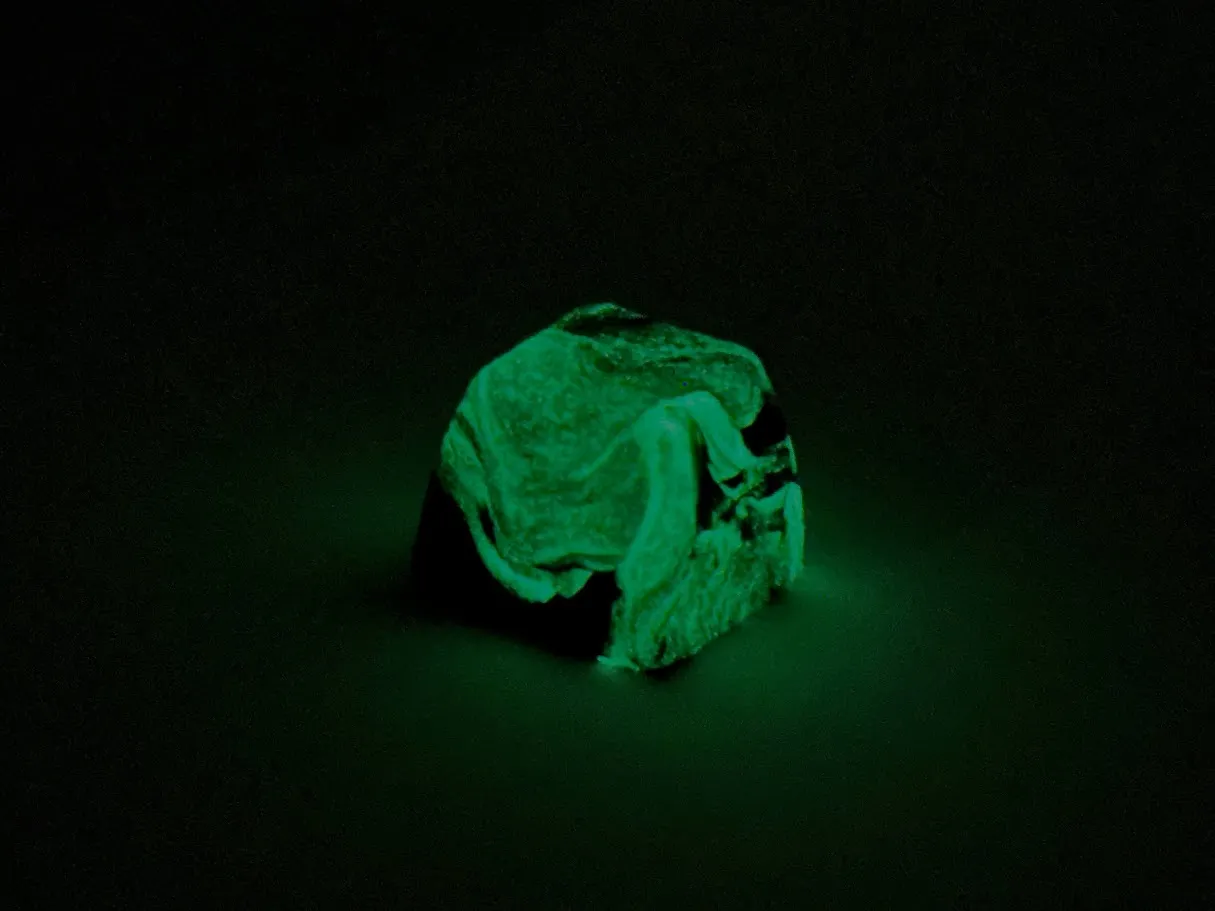
This PoopKeyCap is designed to repurpose purge material (Poop) and support material generated by 3D printers into keycaps.
The mold is printed with PETG, and the stem, made with a 0.2mm nozzle, is embedded into the heated and kneaded PLA through insert molding.
How to use
Please print the mold with PETG, using at least 6 wall layers and at least 5 top layers.
If you are using Bambu Studio, select the 0.2mm Strength setting.
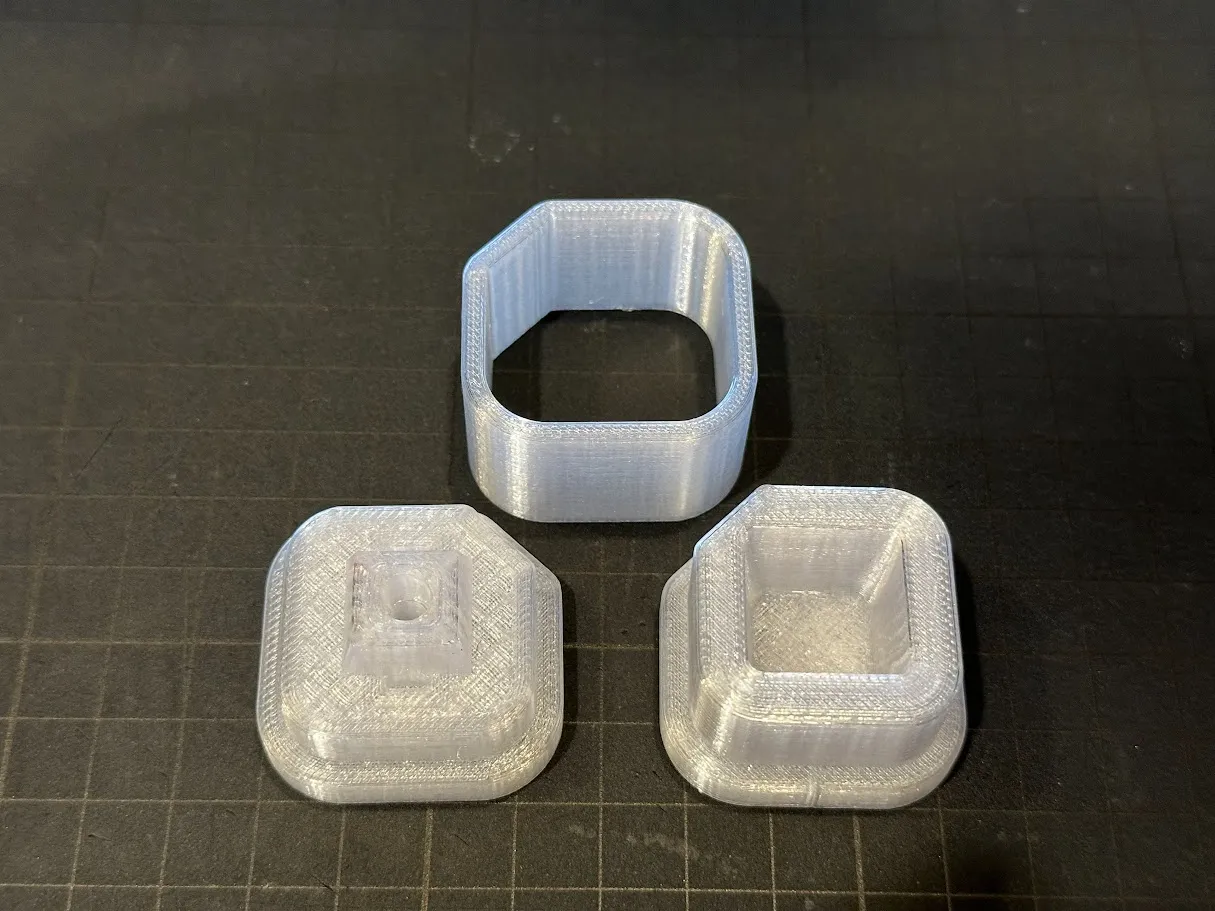
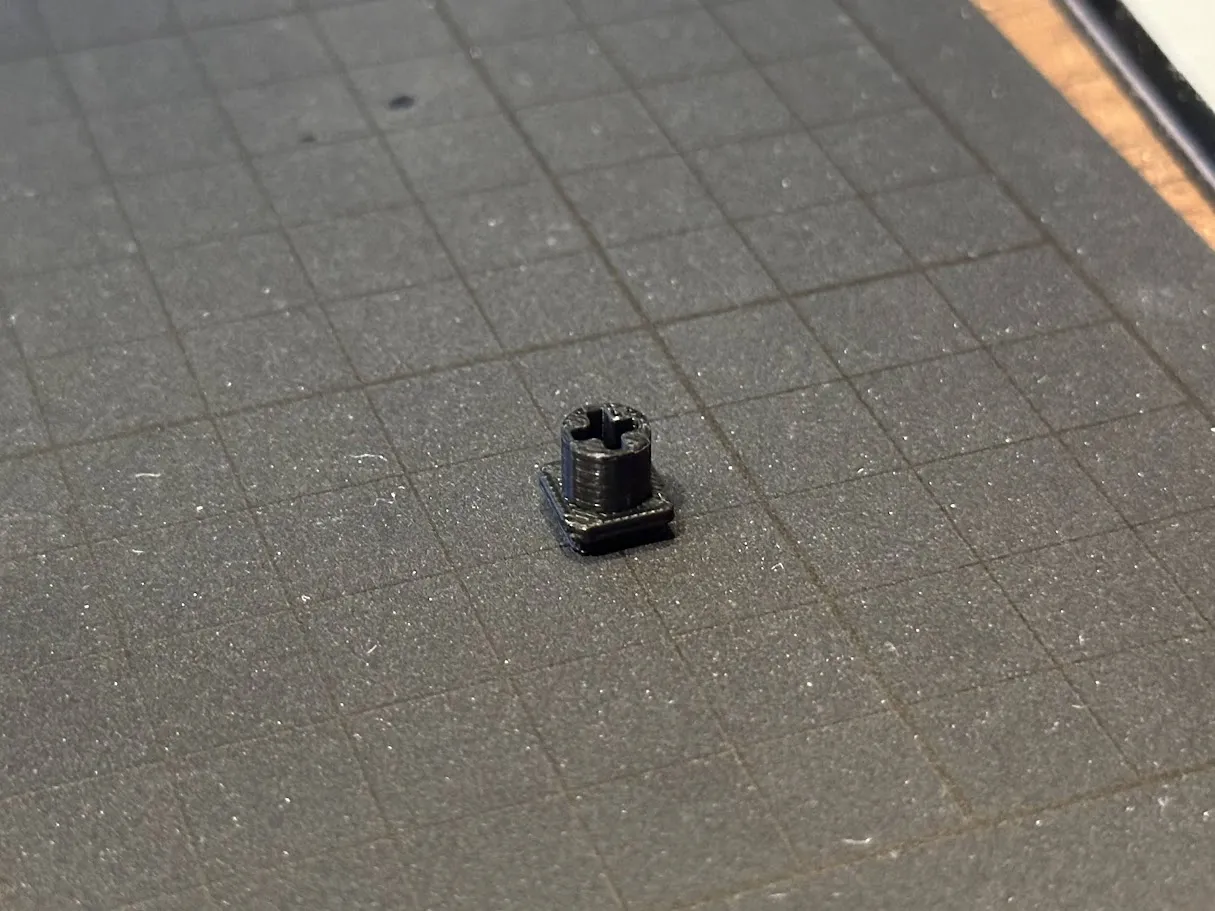
Please print the stem with PLA using a 0.2mm nozzle.
It was difficult to achieve a good fit for the key switch with a 0.4mm nozzle. However, it's not impossible with a 0.4mm nozzle, so feel free to give it a try.
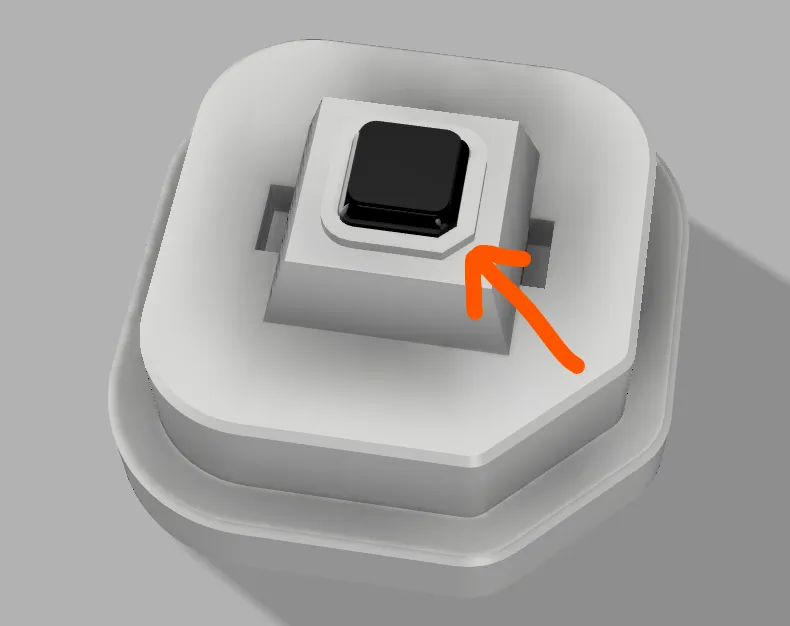
Insert the printed stem into the male mold. Insert it in the direction where the chamfered edges align.
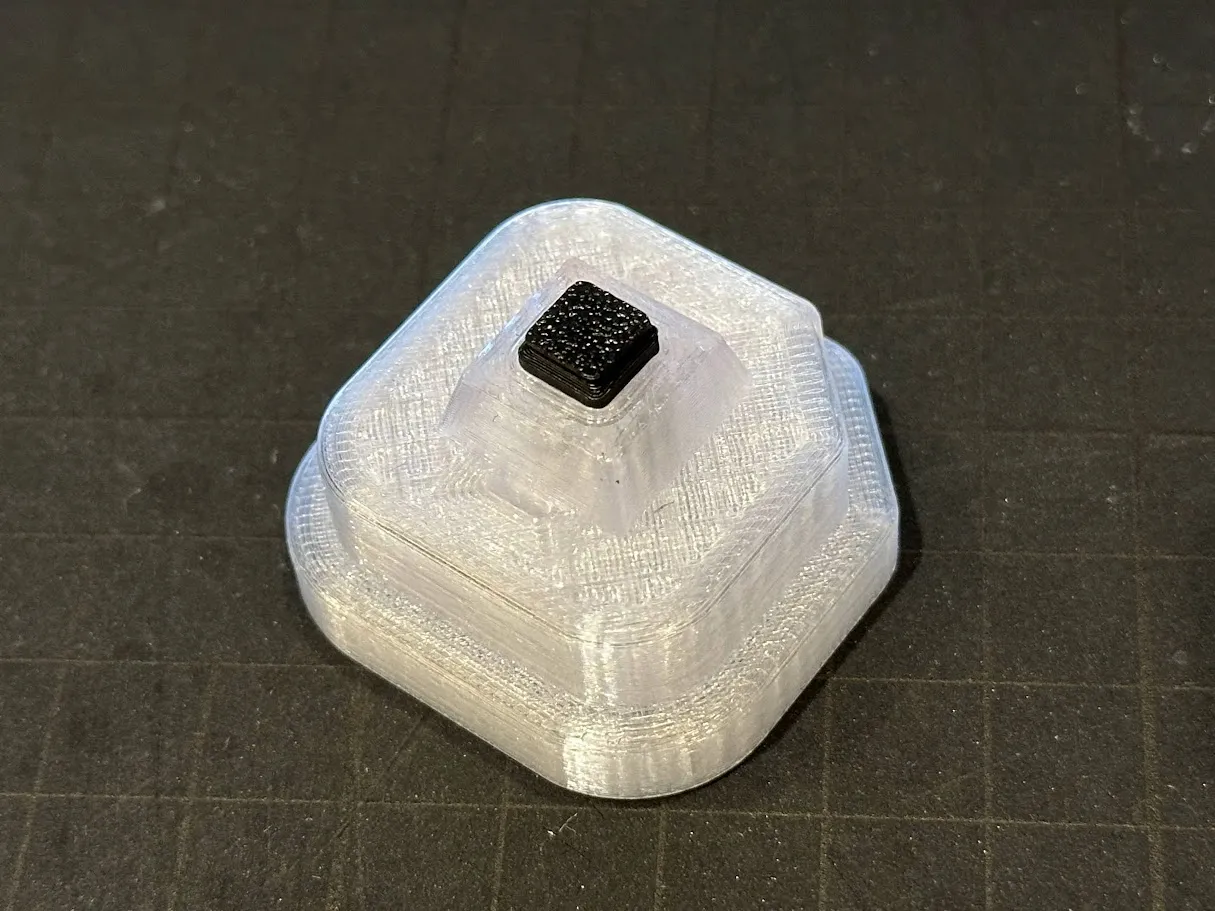
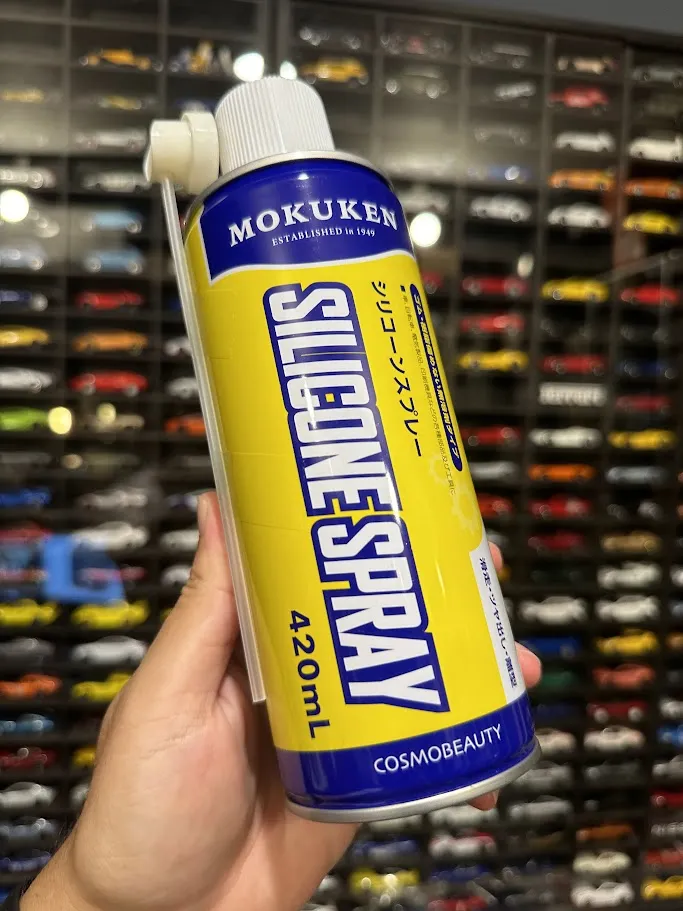
Applying a release agent
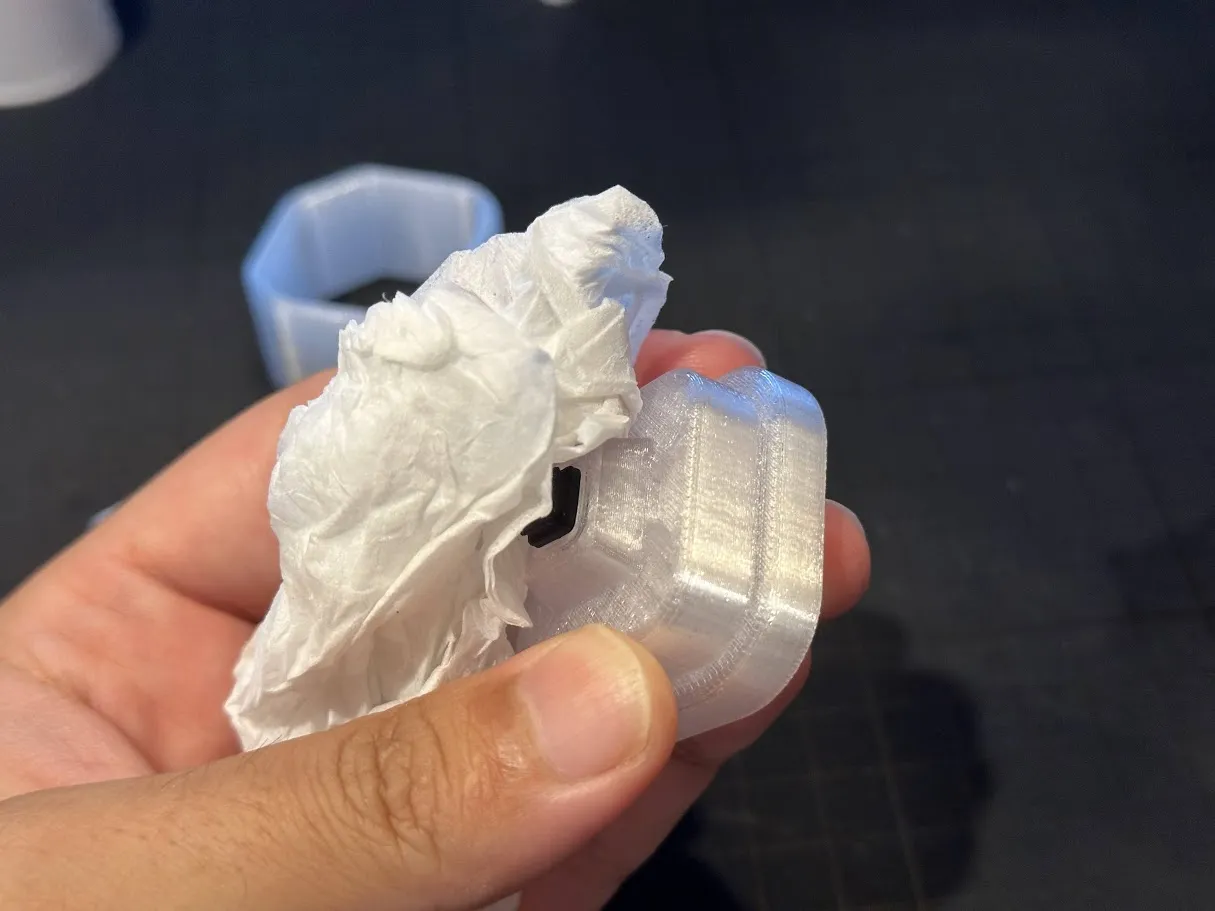
Please apply a release agent to female mold.
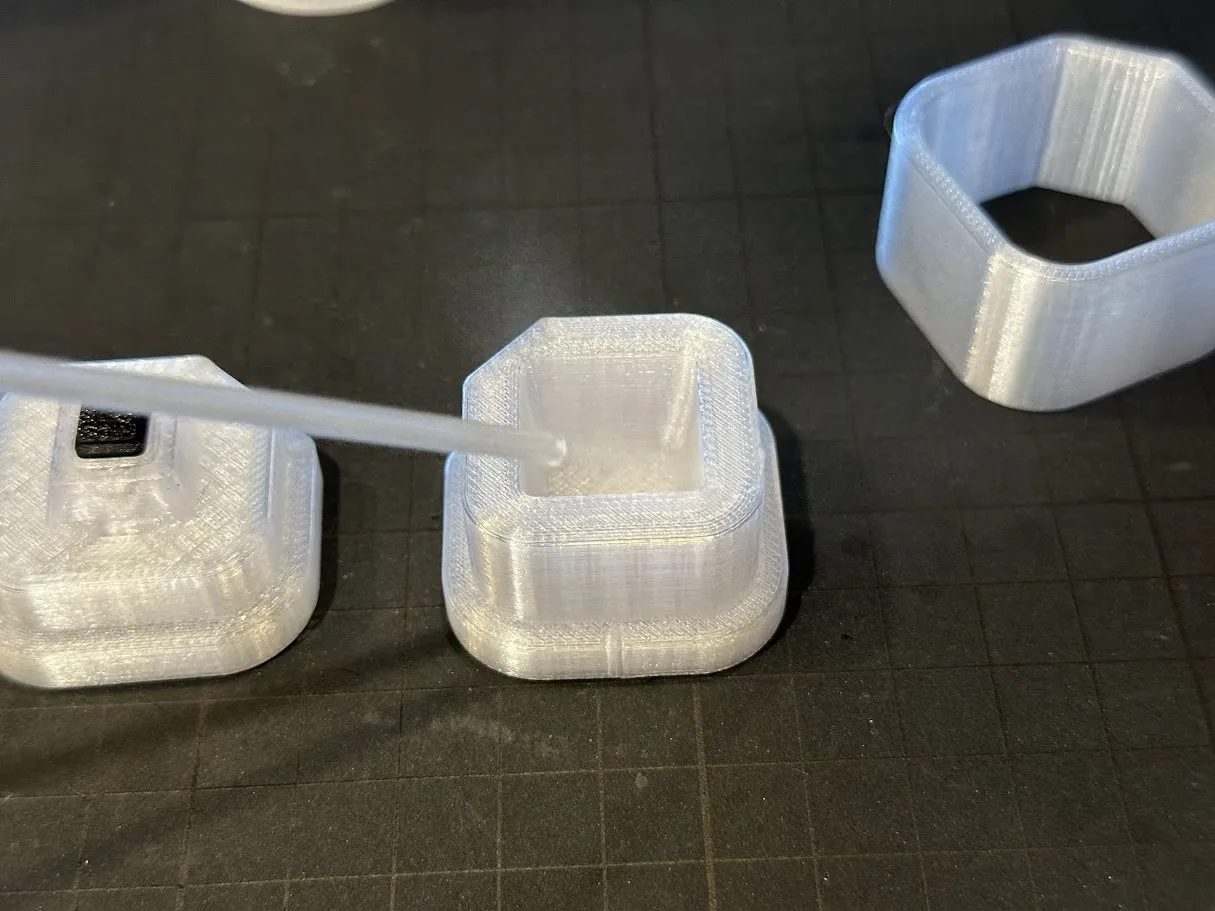
Wipe off any excess release agent.
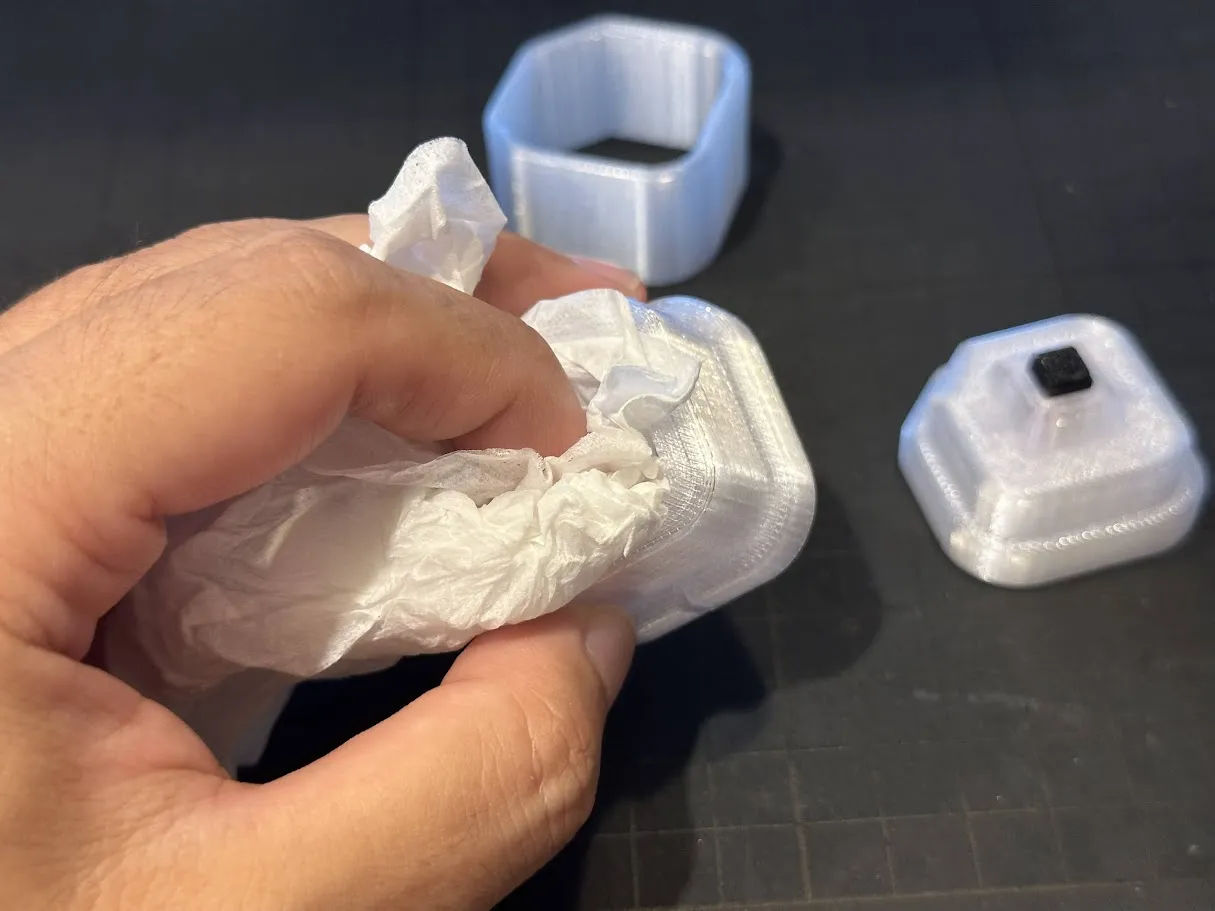
Use the wiped paper to apply the release agent to the male mold and other parts.(Do not apply to stem.)
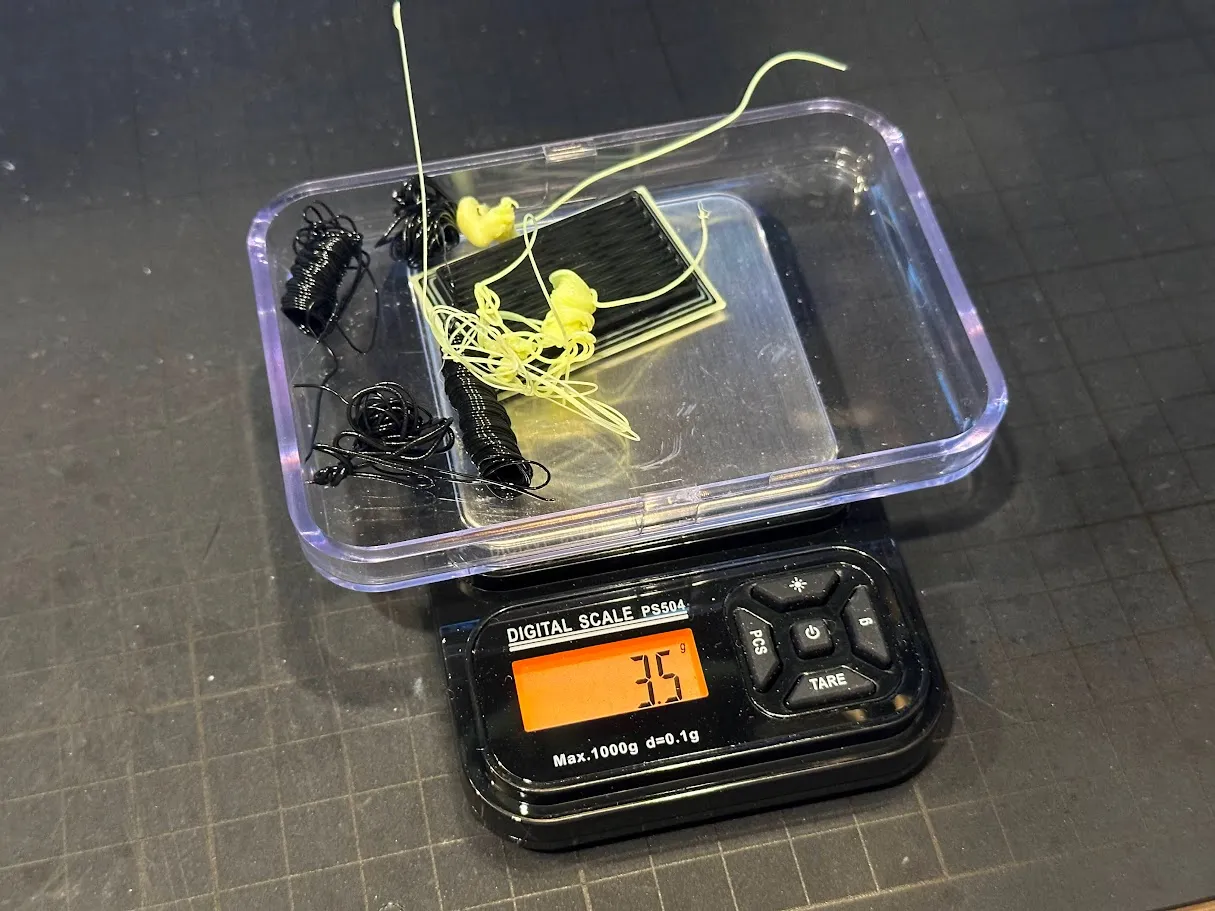
Weighing out Poops
You need 3.5g Poops. (in case of PLA)
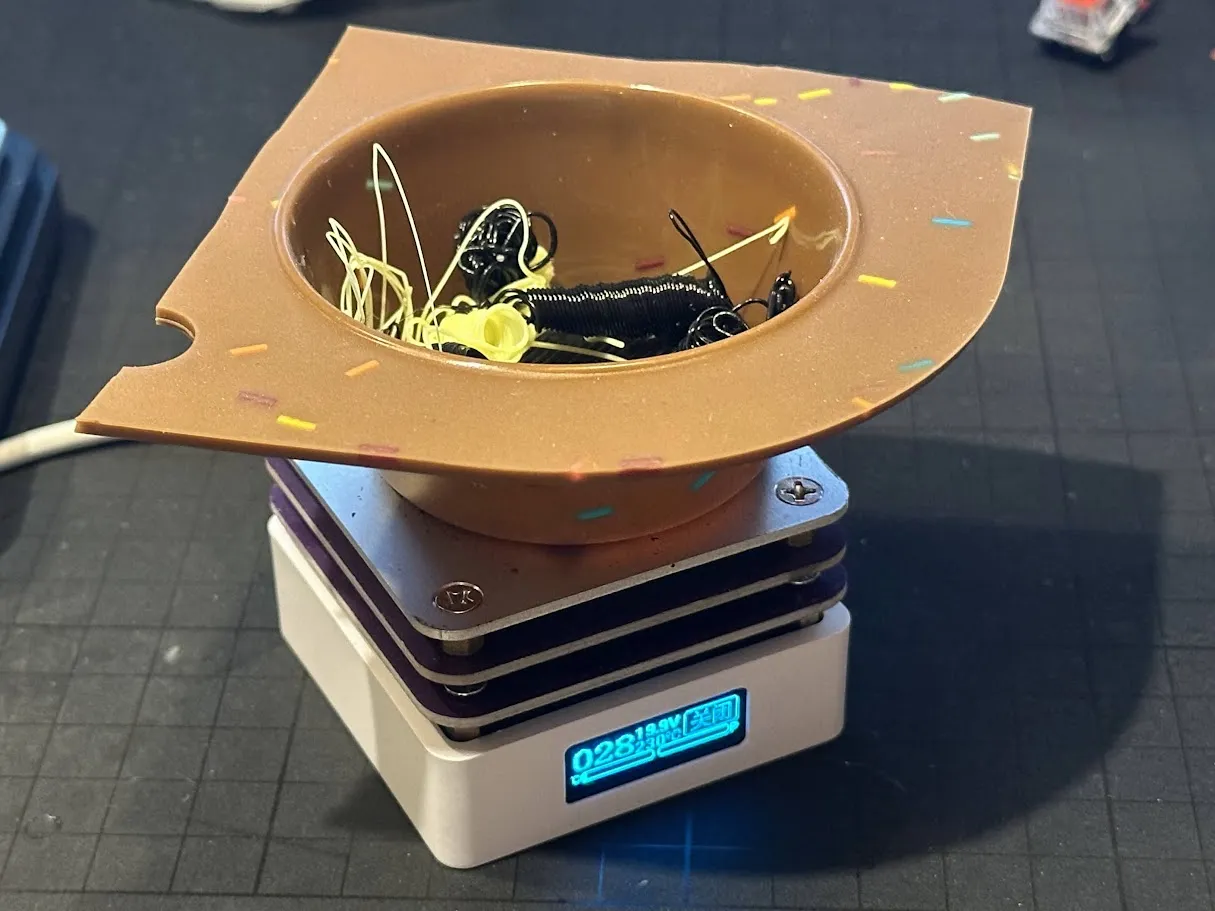
Heating PLA
Heat the PLA to around 230°C using a soldering hot plate or an oven.
Using a cup-shaped silicone mold is convenient.
If you use a hot plate, covering it with aluminum foil will help it melt faster.
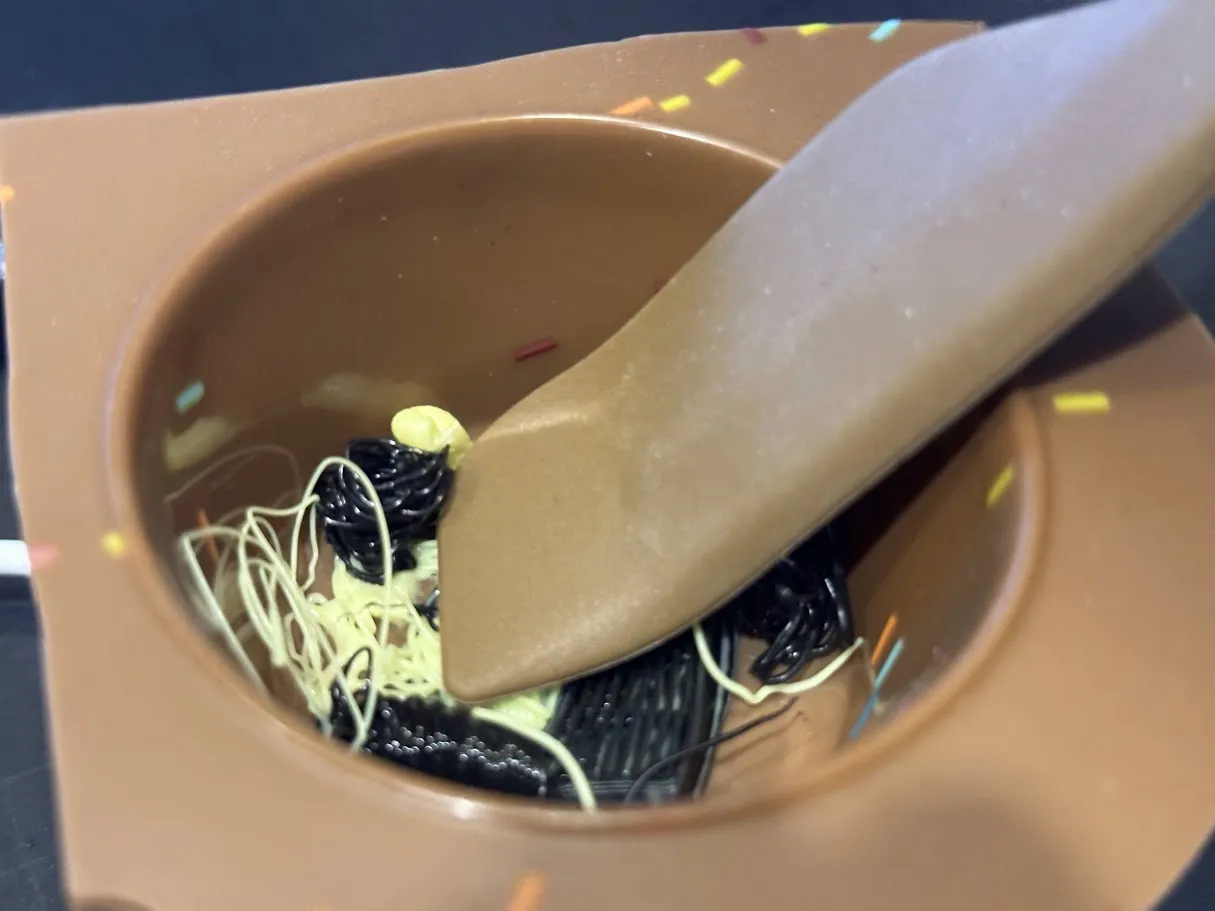
For quicker melting and to achieve a nice marbled pattern, it is also recommended to flatten the PLA with a spatula.
Compression molding
Form the melted PLA into a sphere inside the silicone mold.
Once it has cooled slightly, you can also form it into a sphere using leather gloves.
The important thing at this stage is to ensure it is thoroughly shaped into a sphere to remove any air bubbles.
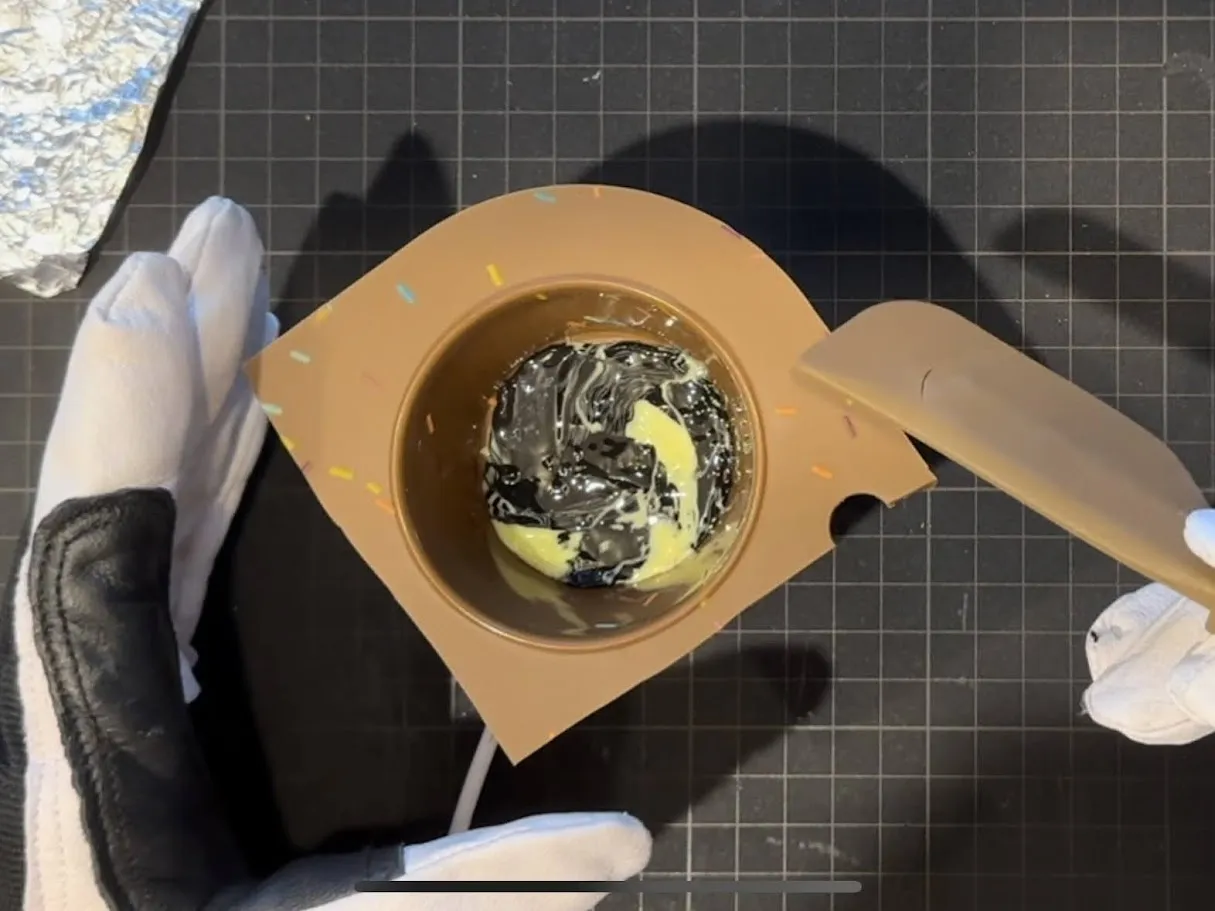
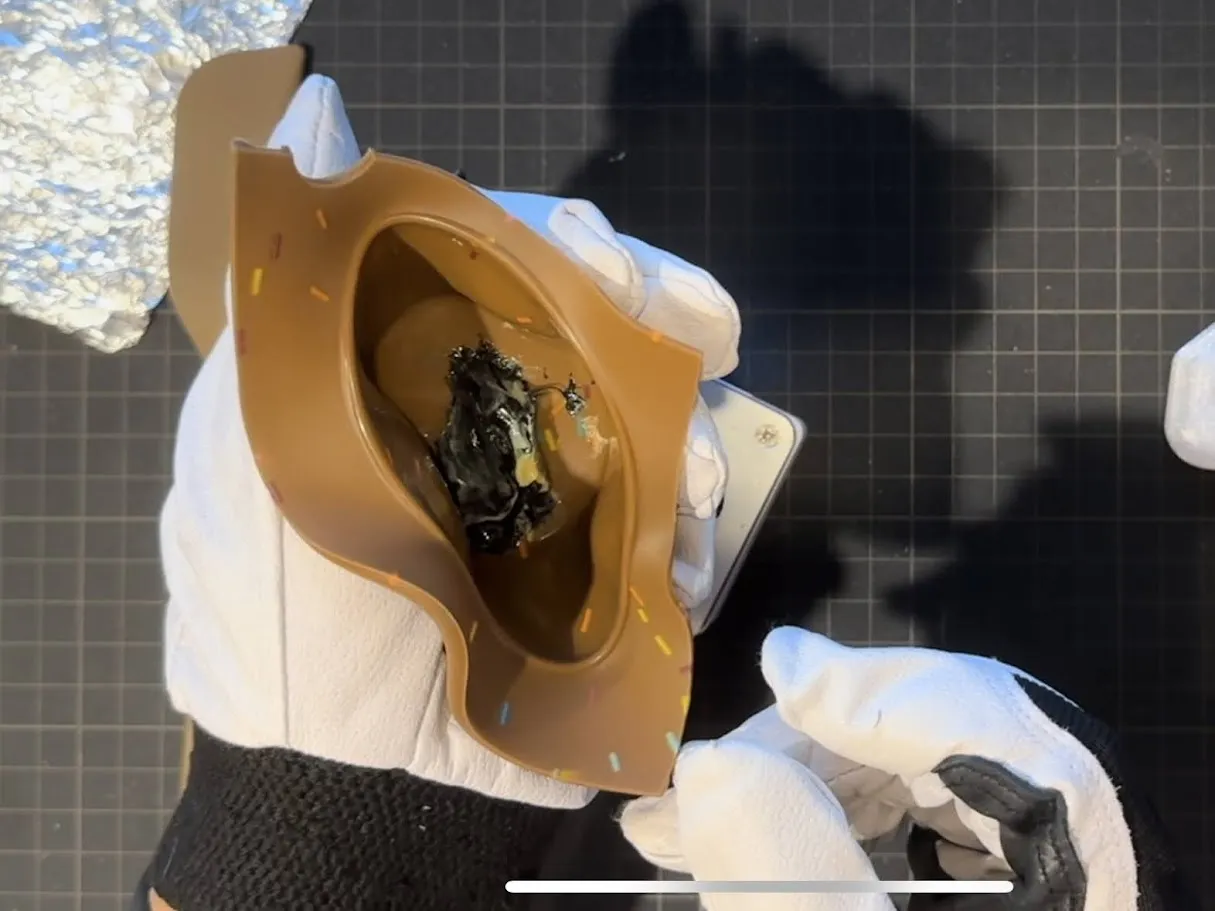
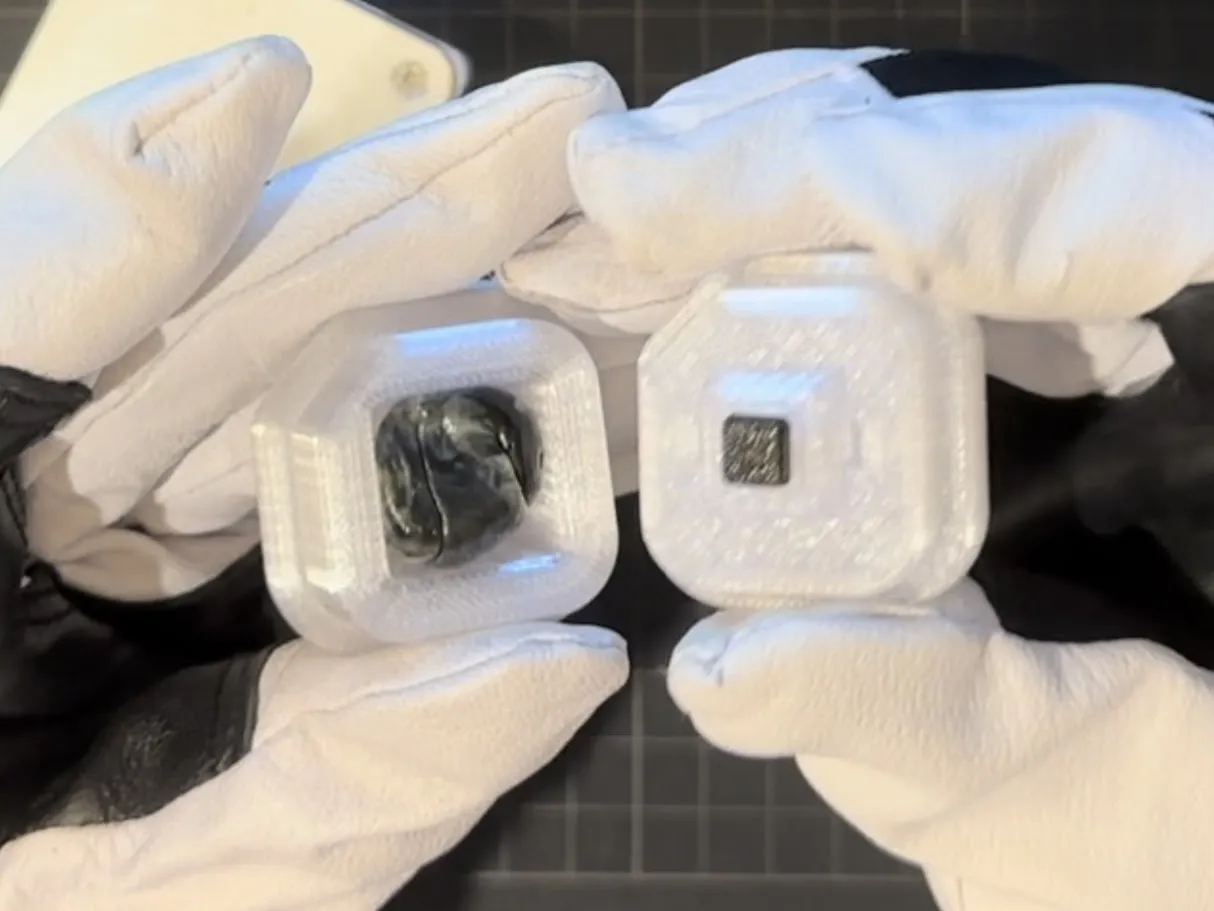
Once the PLA is in the mold, compress it using the mold. Hand pressure is sufficient.
Using a vise or similar tool can cause the mold to adhere too tightly, making it difficult to remove keycap and potentially damaging the mold.
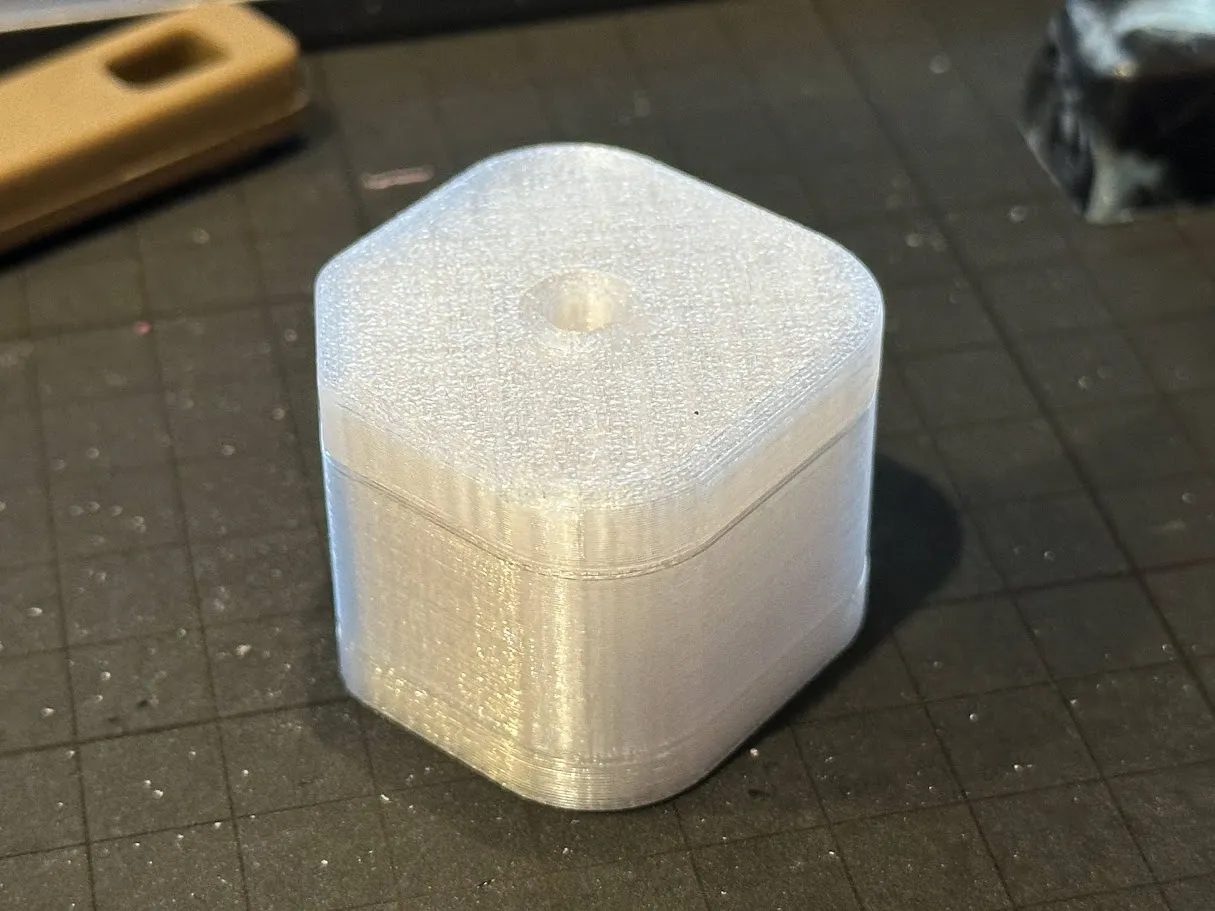
Demolding
Once the mold has cooled sufficiently, demold the keycap.
Using a utility knife can make it easier to remove, but be careful to avoid injury.
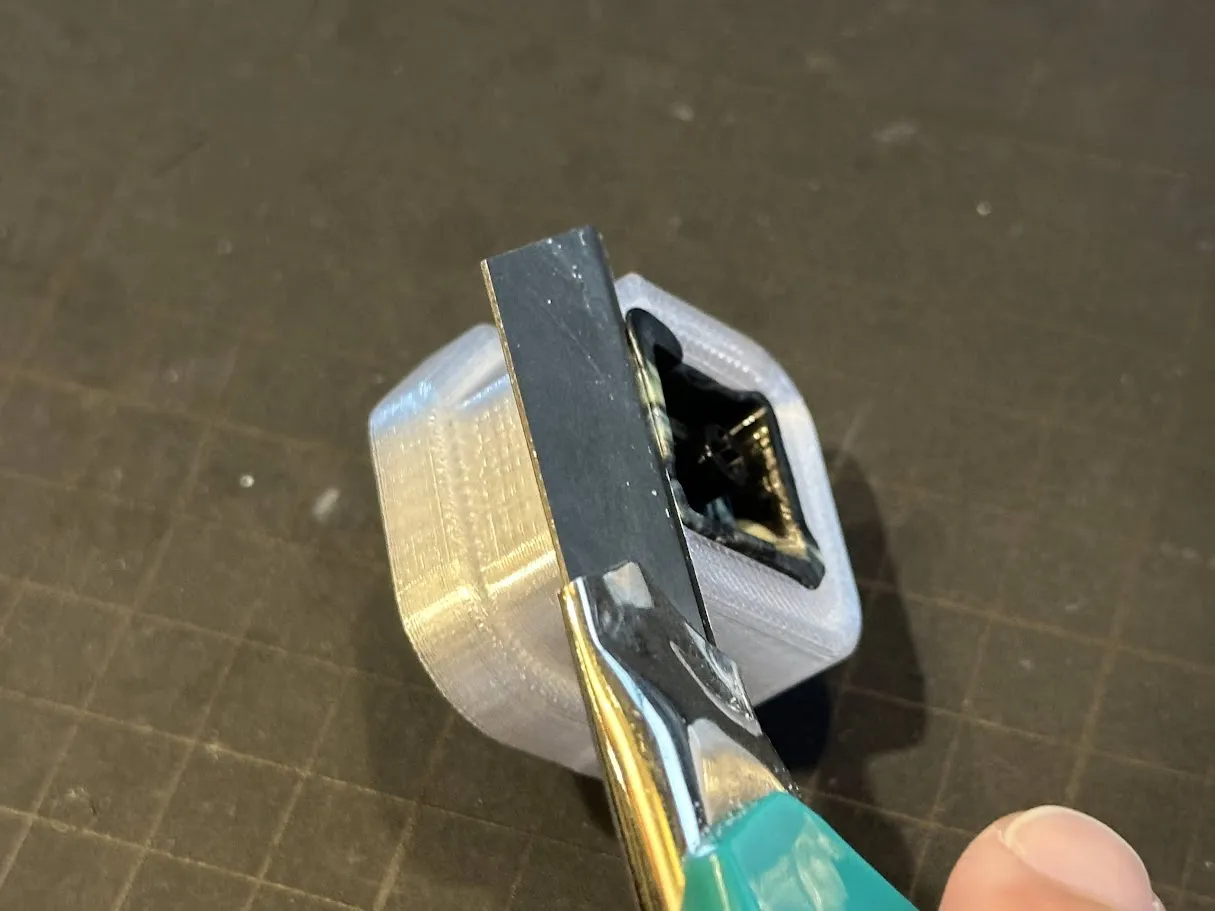
If it's difficult to demold with a utility knife, there are demolding protrusions that you can grip with pliers and pull to remove.
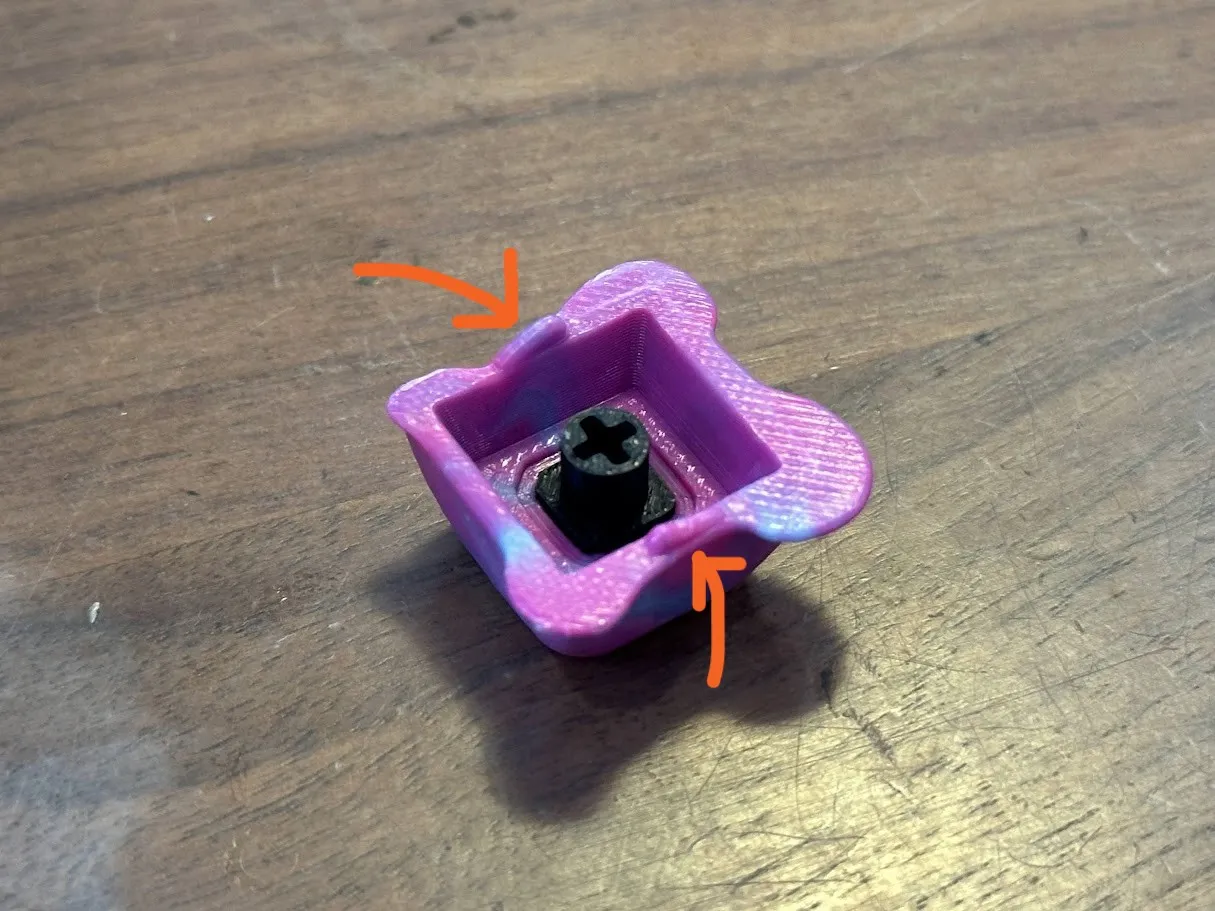
Finishing
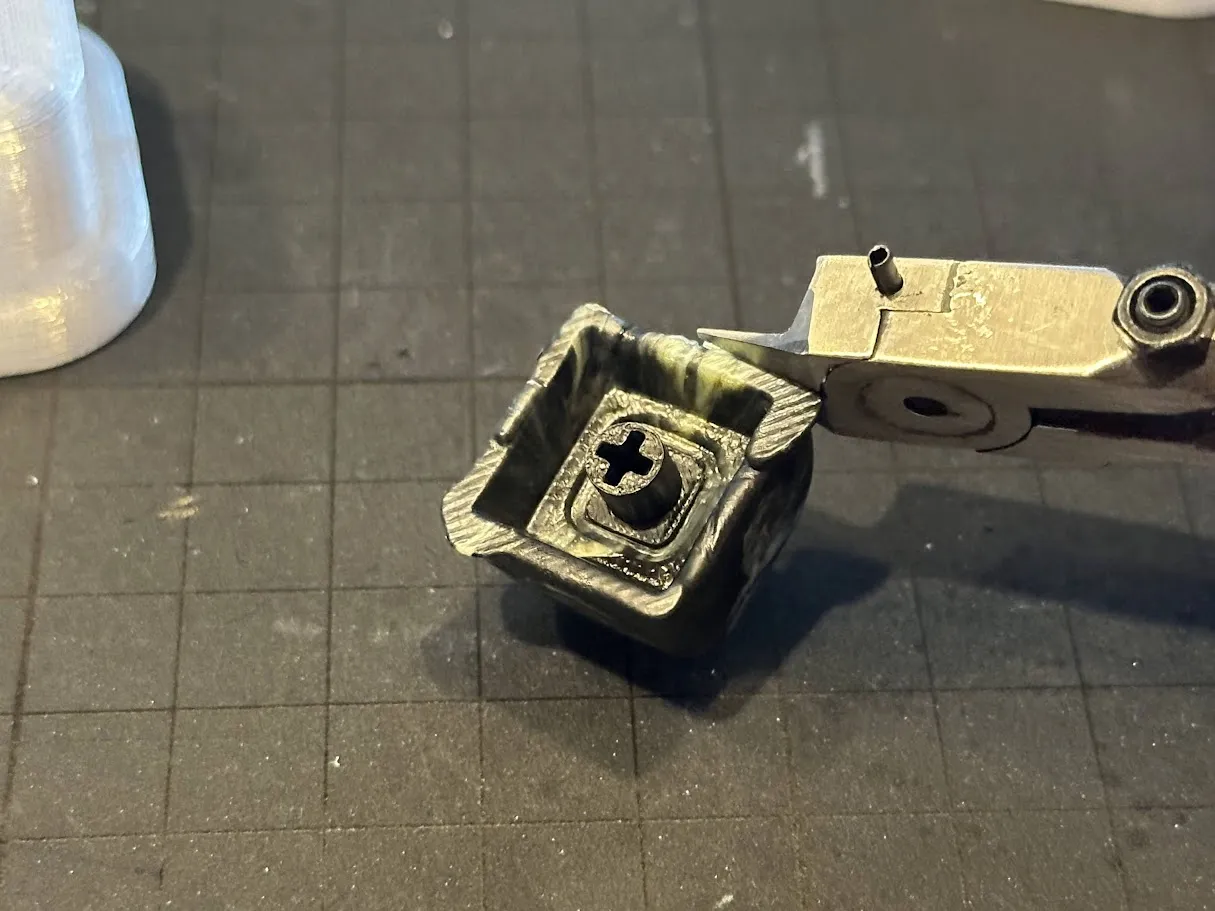
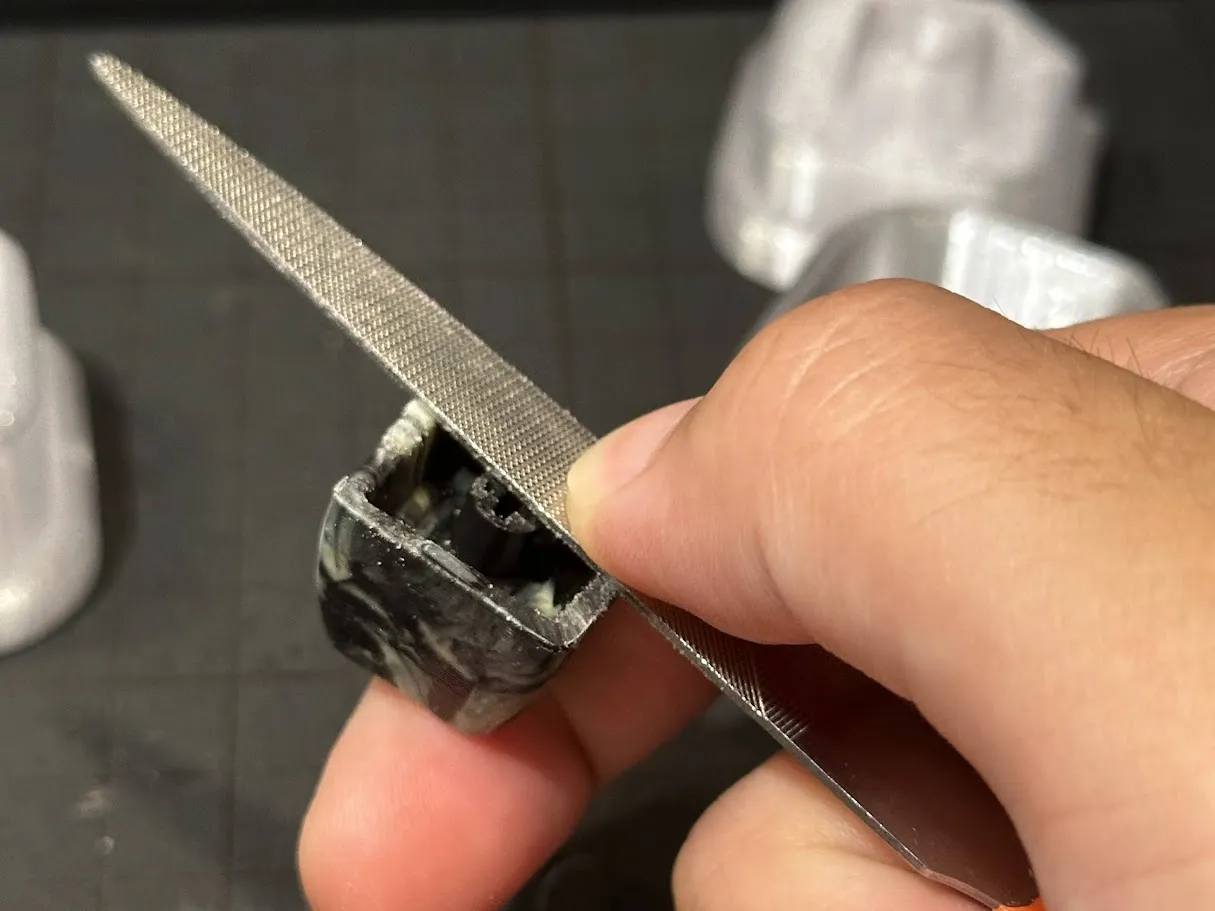
Wipe off the release agent and remove any burrs using nippers or a file.
It is also a good idea to sand the entire surface to remove any layer lines.
Using thin-blade nippers for plastic models is recommended as they can cleanly cut off burrs.
Enjoy!
Membership
If you would like to sell keycaps made using this model, please subscribe to the membership.
License

You shall not share, sub-license, sell, rent, host, transfer, or distribute in any way the digital or 3D printed versions of this object, nor any other derivative work of this object in its digital or physical format (including - but not limited to - remixes of this object, and hosting on other digital platforms). The objects may not be used without permission in any way whatsoever in which you charge money, or collect fees.


Comment & Rating (109)