Search models, users, collections, and posts

Hairy Brush mini

IP Report

Print Profile(3)

All
P1S
P1P
X1
X1 Carbon
X1E
A1
H2S
P2S
A1 mini
H2D
H2D Pro
H2C
X2D
A2L

0.2mm layer, 2 walls, 100% infill
1.8 h
1 plate
4.6(41)

Verion 2.0 - Fix to print WITHOUT any problem
1.8 h
2 plates
5.0(11)

0.16mm layer, 2 walls, 100% infill
2.9 h
2 plates

Open in Bambu Studio
Boost
266
612
70
30
799
378
Released 

Description

HAIRY Brush mini

Modeled after our HAIRY Brush line, the mini version packs all the features the big ones come with and is here for you to try out for FREE!

More information about the whole set and its features you will find under
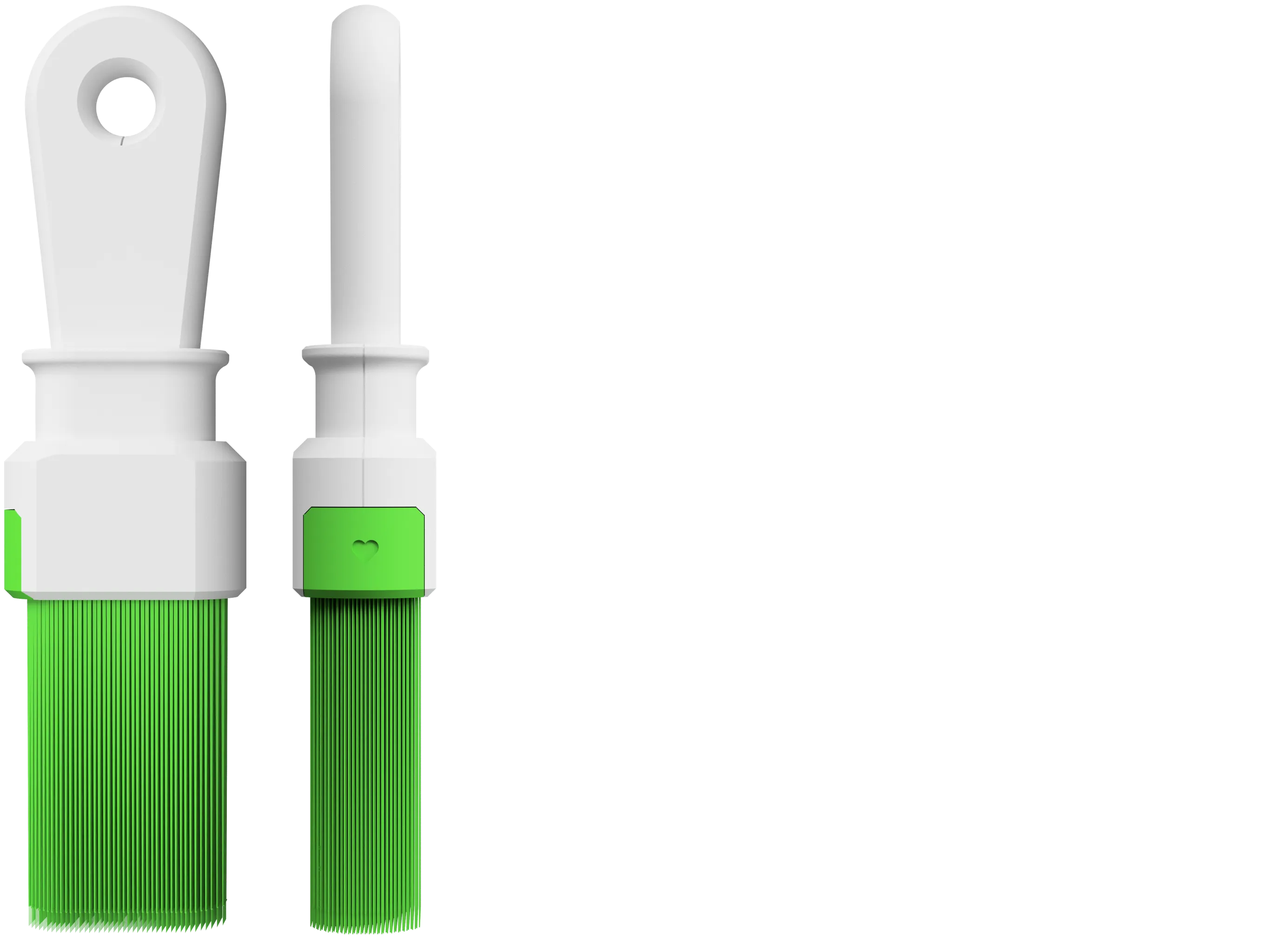
 

 HAIRY Brush - Set

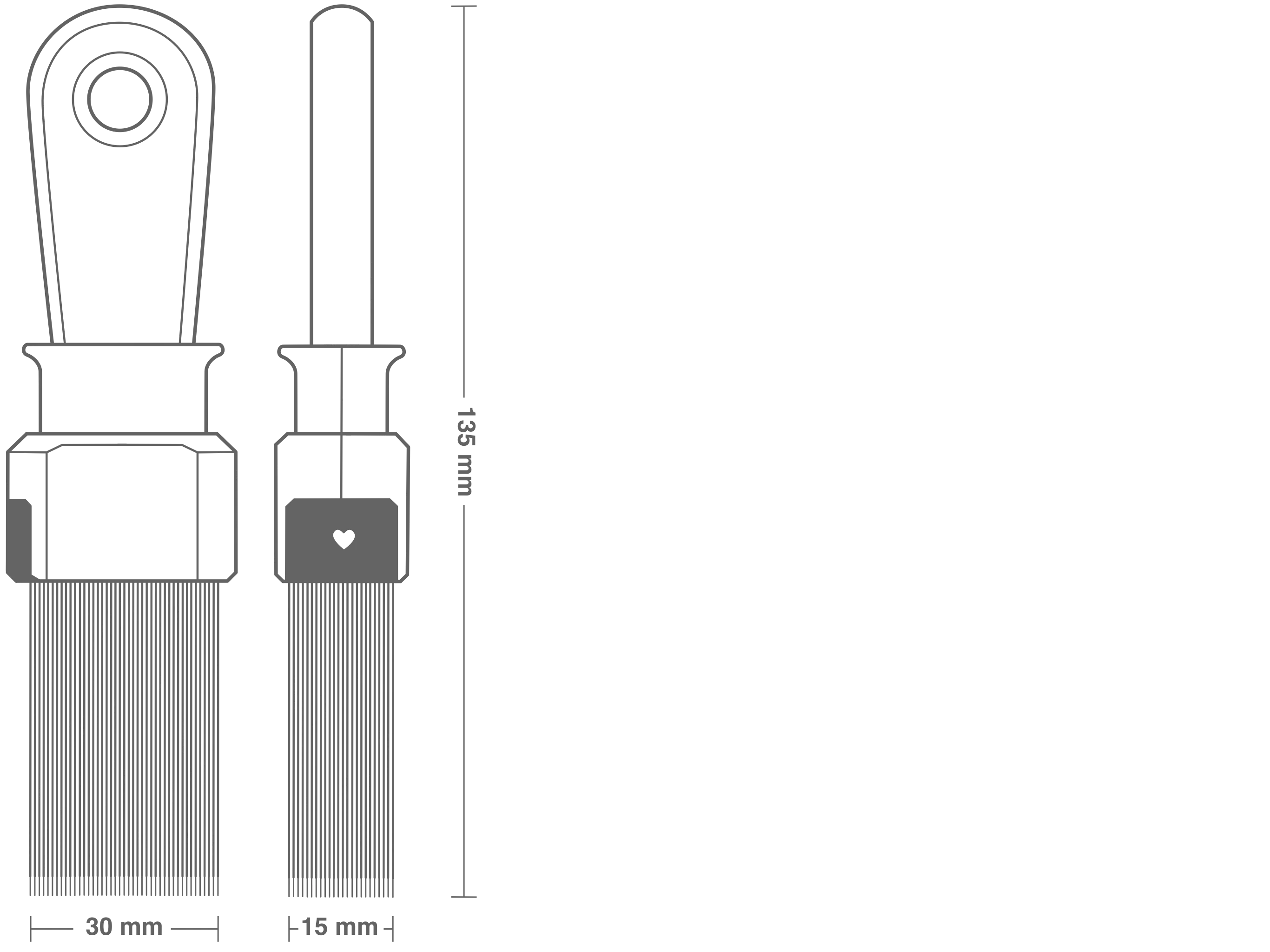
Technical Drawing

Comment & Rating (70)

(0/1000)

Print Profile
0.2mm layer, 2 walls, 100% infill
Simple fix for anyone having trouble with printing the brush: Disable retraction in your filament settings. This fixed it for me after a failed print.
4
Reply
Boosted
Thank you so much for this tip! it kept failing until I disabled retraction.
(Edited)
1
Reply
I cant find the setting to turn that off, is it on the screen connected to the printer
(Edited)
0
Reply
Replying to @user_1008473298 :
It's in the filament settings
0
Reply
Boosted
Print Profile
0.2mm layer, 2 walls, 100% infill
printed on A1 with PLA. turned out great, very useful model. the brush was a bit tricky but disabling retract in the filament settings (set retract distance to 0mm) solved the problem
1
Reply
where do I find that setting on the screen
0
Reply
I printed it with the recommended settings and uploaded it as a profile. With the Basic PLA from Bambulab I was able to easily loosen the bristles without tools.
designer
2
Reply
Boosted
Print Profile
0.2mm layer, 2 walls, 100% infill
Printed well, I had some small issues when assembling it, but great model overall.
0
Reply
hi how did you get this part to stay in? the holes arnt deep enough and there’s no click part. or do you use glue? 🤔 thanks
0
Reply
I tried 3 times but I can't get the brush piece to print properly Any tips? I used PrintGeggo print profile My print bed was freshly cleaned I even tried printing at 50% speed I used Sunlu PLA+, I'm gonna try another filament later
1
Reply
Boosted
its perfect im gonna cry 😭. booooossstt !!
0
Reply
Print Profile
Verion 2.0 - Fix to print WITHOUT any problem
Nice gimmick
Show original
0
Reply
Print Profile
Verion 2.0 - Fix to print WITHOUT any problem
Printed easily, works well
0
Reply
Print Profile
Verion 2.0 - Fix to print WITHOUT any problem
Thanks !
0
Reply
Print Profile
0.2mm layer, 2 walls, 100% infill
Great design Printed with 0.16 layer height with great results I left the print profile Thanks
Show original
0
Reply

License

This user content is licensed under a Standard Digital File License.

You shall not share, sub-license, sell, rent, host, transfer, or distribute in any way the digital or 3D printed versions of this object, nor any other derivative work of this object in its digital or physical format (including - but not limited to - remixes of this object, and hosting on other digital platforms). The objects may not be used without permission in any way whatsoever in which you charge money, or collect fees.