Search models, users, collections, and posts

[BaBo] drawer module 60
IP Report
GIF

Print Profile(1)

All
X1 Carbon
P1S
P1P
X1
X1E
A1
H2D
H2D Pro
H2S
P2S
H2C
X2D
A2L

[Updated 26.01.24] drawer modul 60
[Updated 26.01.24] drawer modul 60
Designer
14.6 h
4 plates
5.0(212)

Open in Bambu Studio
Boost
417
999
294
149
1.9 k
2.5 k
Released 

Bill of Materials

Maker's Supply Kits and Parts
Select all
M3x8 FHCS Machine Screw (20PCS) - AA086

Description

Boost Me (for free)

Do you want to support my work? Here is the opportunity!

Links to my collection:


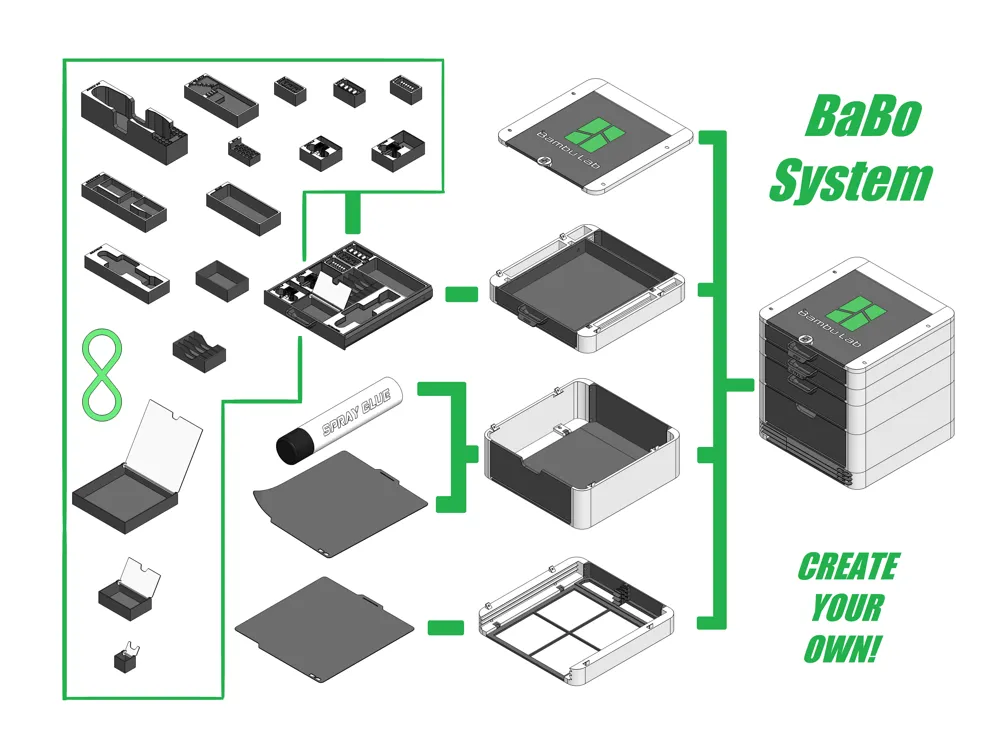
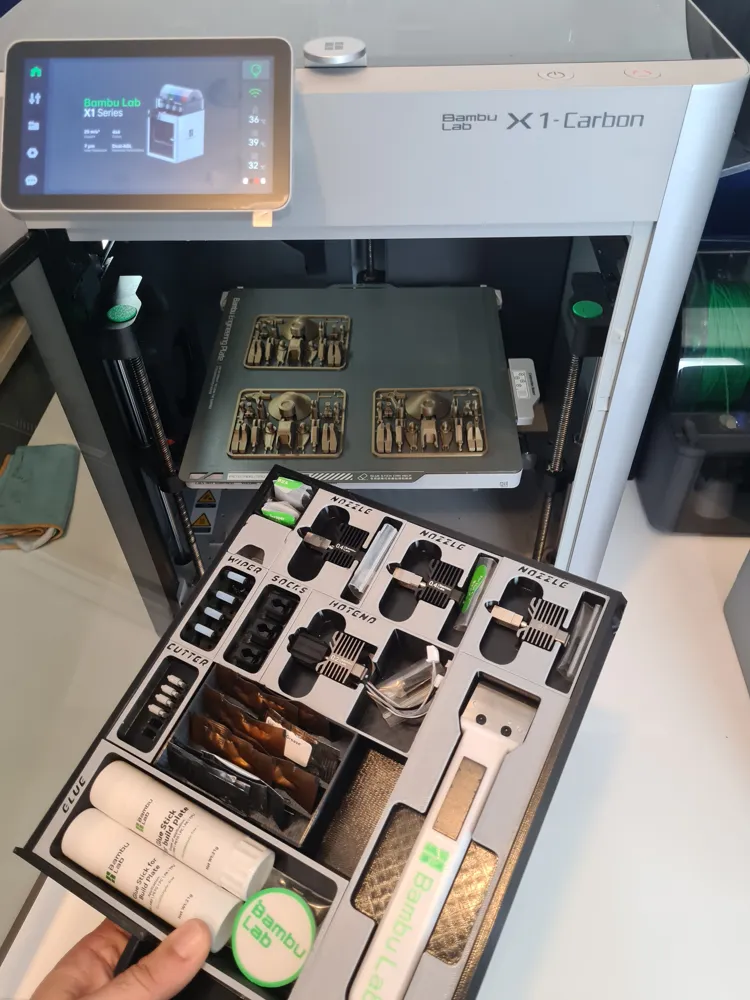
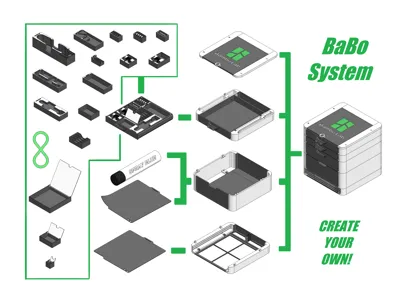
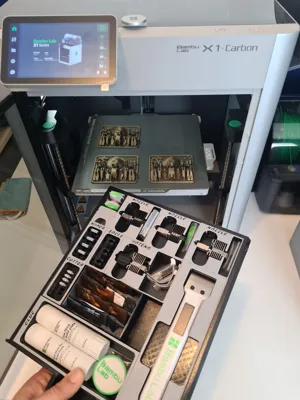
Create your BaBo organizer! A system created to store them all!

Description:

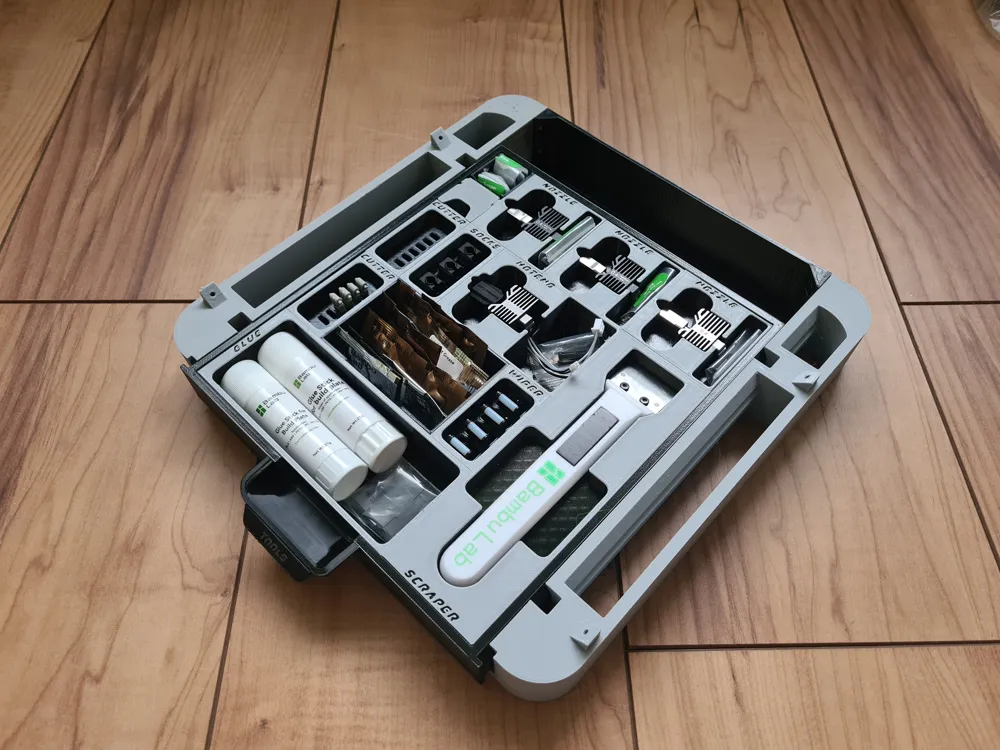
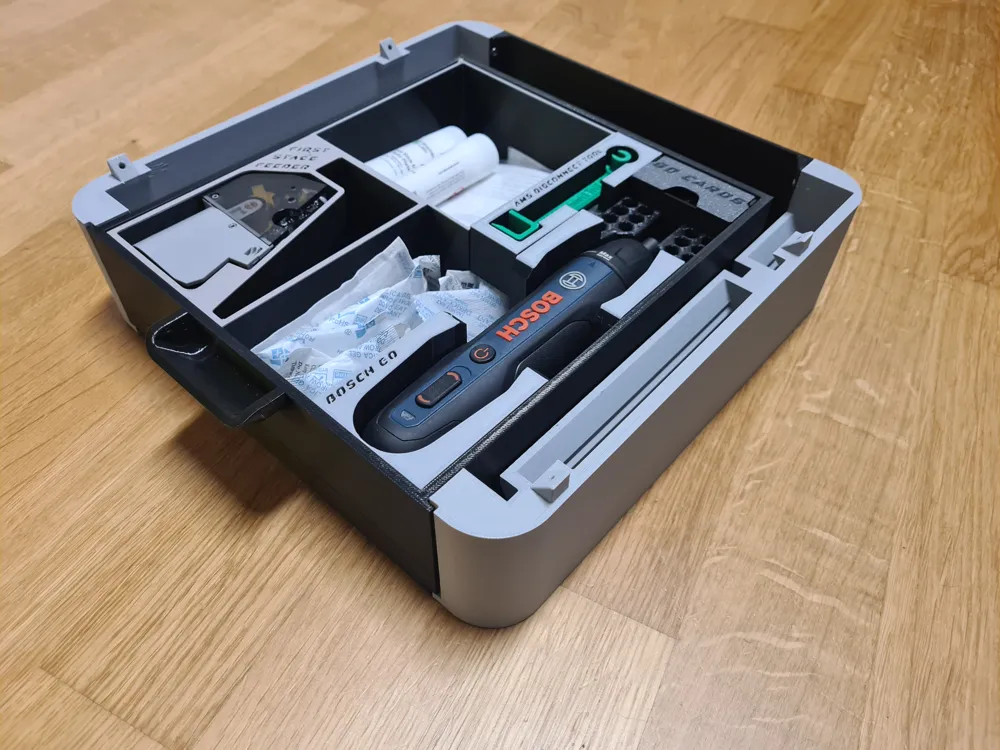
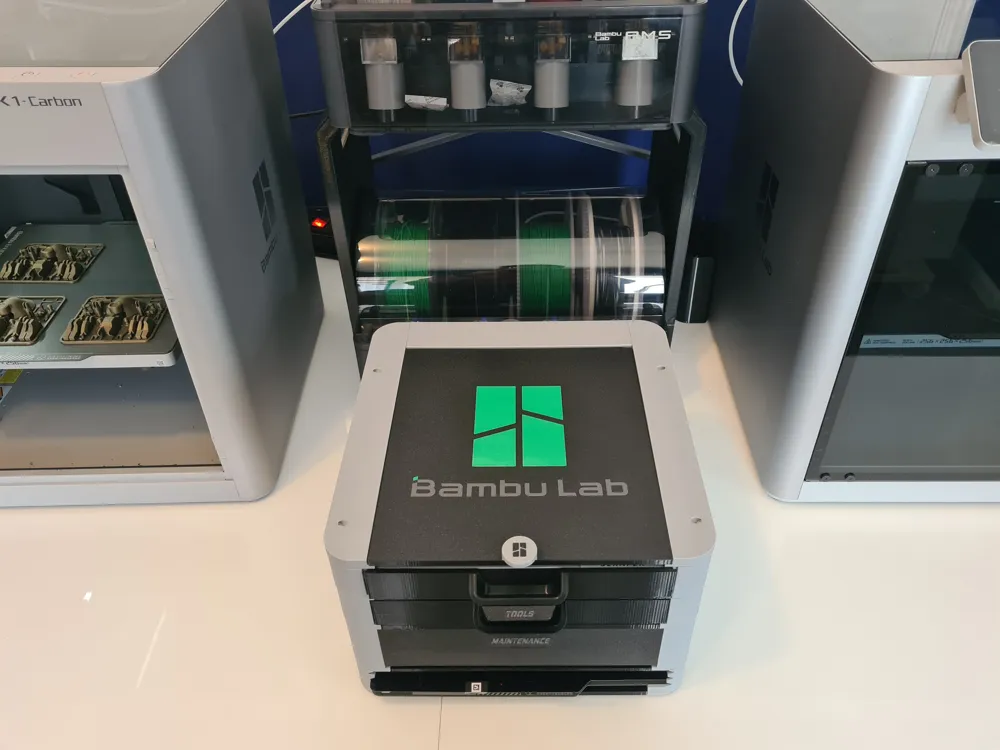
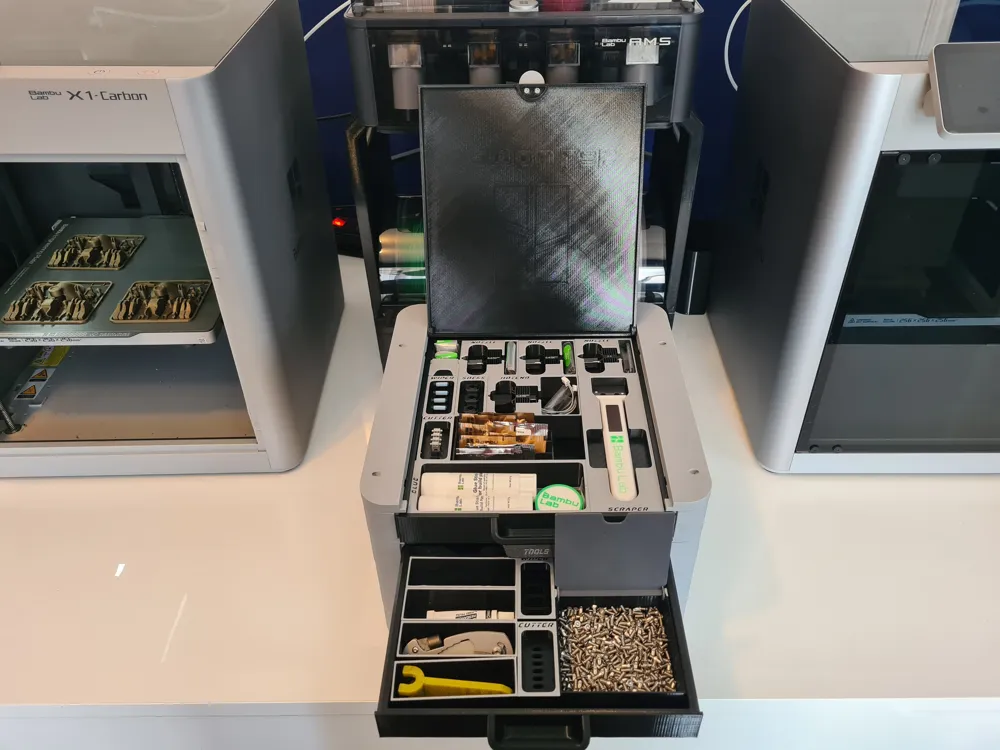
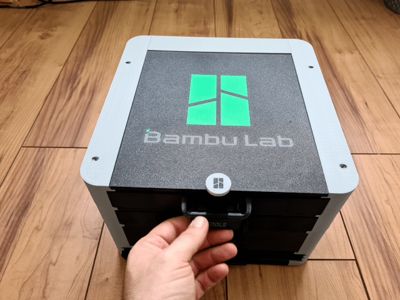
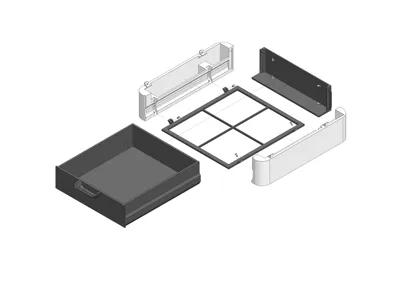
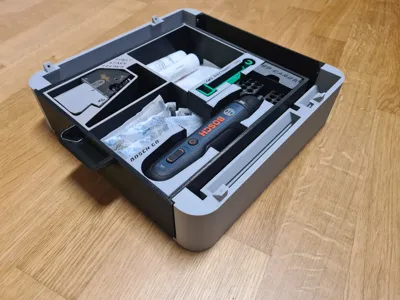
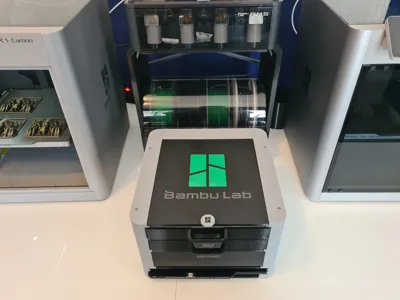
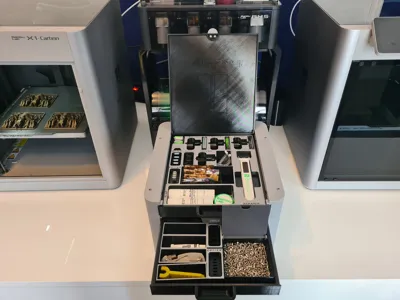
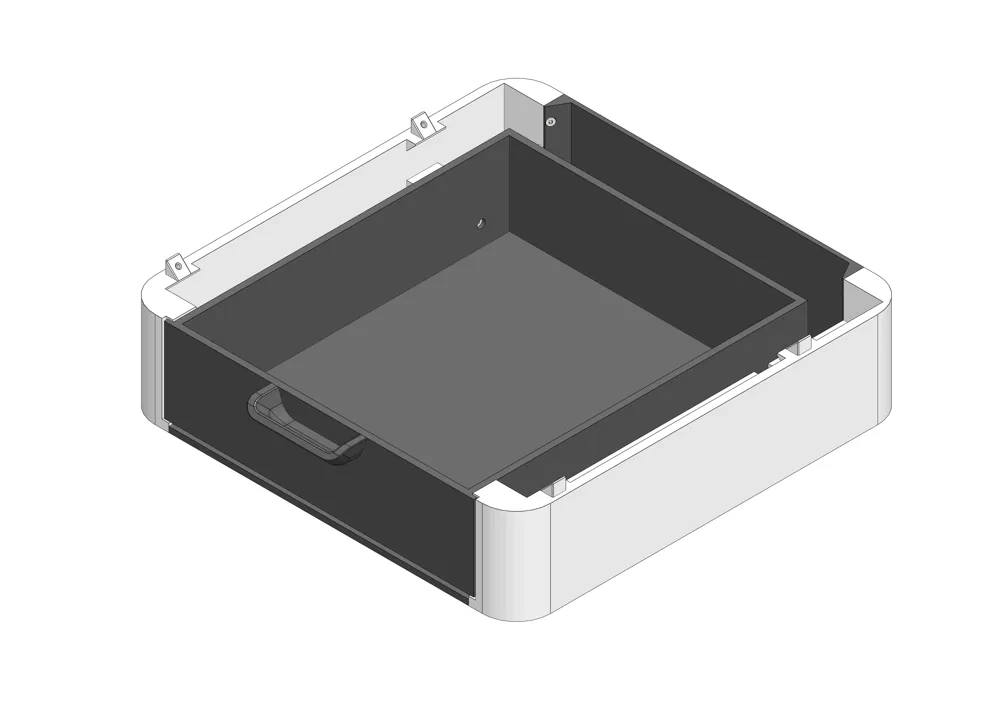

This is the BaBo drawer module 60.


The usable dimensions of the drawer are 240x210x60.

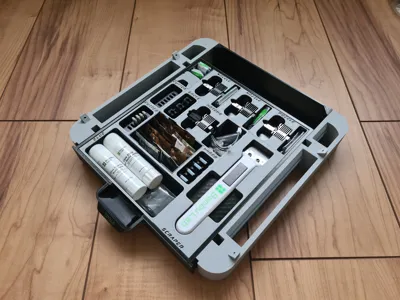
The drawer has space for 8x7 inserts.

The inserts have a grid of 30x30mm, this means a 1x2 insert has the dimensions 30x60mm.


BaBo organizer is a stationary, very flexible system to store your tools, spare parts and even printing plates. The design is based on the iconic look of the Bambu Lab X1 printer. The entire system uses only 1 type of screw, M3x8 countersunk screws.

Update:

(31/10/23)

  • improved connection between modules
  • easier to push back the drawer
  • print profile optimizations

(26/01/24)

  • design optimizations to prevent warping

Printing:

Layer height: 0.2

Supports: No

Brim: No

Material: all


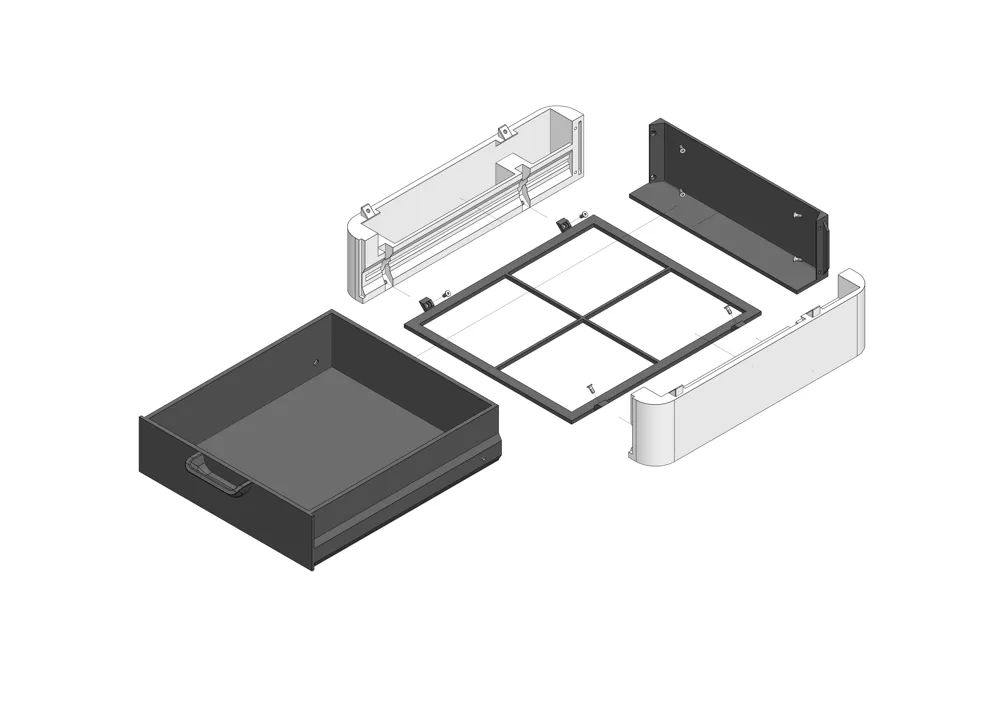
Assembly:

Follow the instructions in the picture.

  • printed parts
  • 16 x M3x8 countersunk screws.


If you like this model, please throw me a like.  Designing the models is time, filament and coffee consuming. If you want to support my work buy me a coffee (PayPal). Thanks!

Comment & Rating (294)

(0/1000)

Print Profile
[Updated 26.01.24] drawer modul 60
Came out perfect, thanks!
0
Reply
@Lenyo Hello! I am printing the modules and looking for the module for the print plate but I can't find it in the collection. Where did you get it? Thanks!
0
Reply
Replying to @user_302746402 :
That is from the designers paid collection on printables.com. You will find a link in his descriptions above I believe.
(Edited)
1
Reply
Hello Willi, I tried to print the part, but I'm having problems with the base on the underside My slicer tells me (Bambu Studio or Orca Slicer) that the base is too close to a restricted area Therefore, it won't even let me slice it I've already tried moving it in all directions, but I'm not getting anywhere Do you have any idea what can be done about it I would also be interested to know if you have any experience regarding to what extent screws can be omitted if glue is used Thank you!! :D PS: I've already printed a few modules and I'm happy with them! ;) Thanks for the work
(Edited)
The designer has replied
Show original
0
Reply
After 100 more postponements I finally managed it... Sry Experiences with screws->glue would still be helpful! :)
Show original
0
Reply
Please try downloading the file again. It should then be back in the correct position
Show original
0
Reply
I found some problems in the printing process.Why does the wavy pattern appear in the middle area only when printing the top of the drawer,It is normal when printing the previous layer.I used Bambu P1S, the material is PLA, the flow ratio is 0.98, the maximum volume speed is 21 ,the value of K is 0.025.And the printer made the sound of sawing wood when the wavy marks appeared, so I'm not sure if it's the probelm of belt.I hope someone can help me figure it out
(Edited)
The designer has replied
0
Reply
You might want to print a bed level test and see if this problem shows up there too. https://makerworld.com/models/17910 If you have something straight, like a ruler, you can place it over the spot and see if there is an indentation.
0
Reply
Replying to @Willi3D :
I tried a single layer, but it was very smooth, this wavy pattern almost only appears when printing the top surface. Is my top surface speed set too high? Thank you for your reply and hope to continue to communicate with you
Show original
0
Reply
Print Profile
[Updated 26.01.24] drawer modul 60
I Love the Babo Organizer
The profile uploader has replied
0
Reply
Love it!
0
Reply
Hi Willi, I’m trying to print your side panels for the second time and still doing some warping at both end see the pictures attached Plea I need some help!
The designer has replied
0
Reply
Remote diagnosis is always difficult. Hmm, of course classic plate hygiene. Activate brim. Avoid any draught. Don't even walk past it too often. Maybe increase plate temperature. Print each part individually
0
Reply
The print profile is no longer public
Perfectly fits with no gaps. I love the modification. Thank you!!
The profile uploader has replied
0
Reply
thanks for your precious feedback! please boost one of my models @platini76 for support my work. Thanks!
0
Reply
The print profile is no longer public
Still need to print lid for set but is doing it's job on holding my junk on workbench. It's stacked full currently. I printed in PETG.
The profile uploader has replied
0
Reply
thanks for your positive feedback, it is really appreciated.. let's look my other models..:)
0
Reply
Print Profile
[Updated 26.01.24] drawer modul 60
After printing two Babos for my printer accessories, including small parts, I now needed to create another one for all the screws and nuts so that I could finally put an end to the chaos of boxes within boxes within bags 😁 Thank you for sharing your great work... 🙏🖖 (BBL PETG-HF black/orange)
0
Reply
Print Profile
[Updated 26.01.24] drawer modul 60
Amazing design and easy to print
(Edited)
Show original
0
Reply
Boosted
thank you thank you thank you, BaBo is the BEST, it’s not only easily modular but is compatible with Gridfinity, don’t hesitate! I love my new desk setup!
0
Reply

License

This user content is licensed under a Standard Digital File License.

You shall not share, sub-license, sell, rent, host, transfer, or distribute in any way the digital or 3D printed versions of this object, nor any other derivative work of this object in its digital or physical format (including - but not limited to - remixes of this object, and hosting on other digital platforms). The objects may not be used without permission in any way whatsoever in which you charge money, or collect fees.