Search models, users, collections, and posts

A1 MINI SIDE BOX增加加防尘和主板侧出风口风扇位

Remixed by

Print Profile(4)

All
A1 mini
P1S
P1P
X1
X1 Carbon
X1E
A1
H2D
H2D Pro
H2S
P2S
H2C
X2D
A2L

0.2mm layer, 2 walls, 25% infill
Designer
4.3 h
1 plate

0.2mm layer, 2 walls, 25% infill
Designer
5 h
1 plate

0.2mm layer, 2 walls, 15% infill
Designer
5 h
1 plate

0.2mm layer, 2 walls, 25% infill
Designer
6.1 h
3 plates

Open in Bambu Studio
Boost
13
61
17
2
57
1
Released 

Description

5.26更新第4个3mf,应要求位移版本,提供6015,6010,6025风扇罩

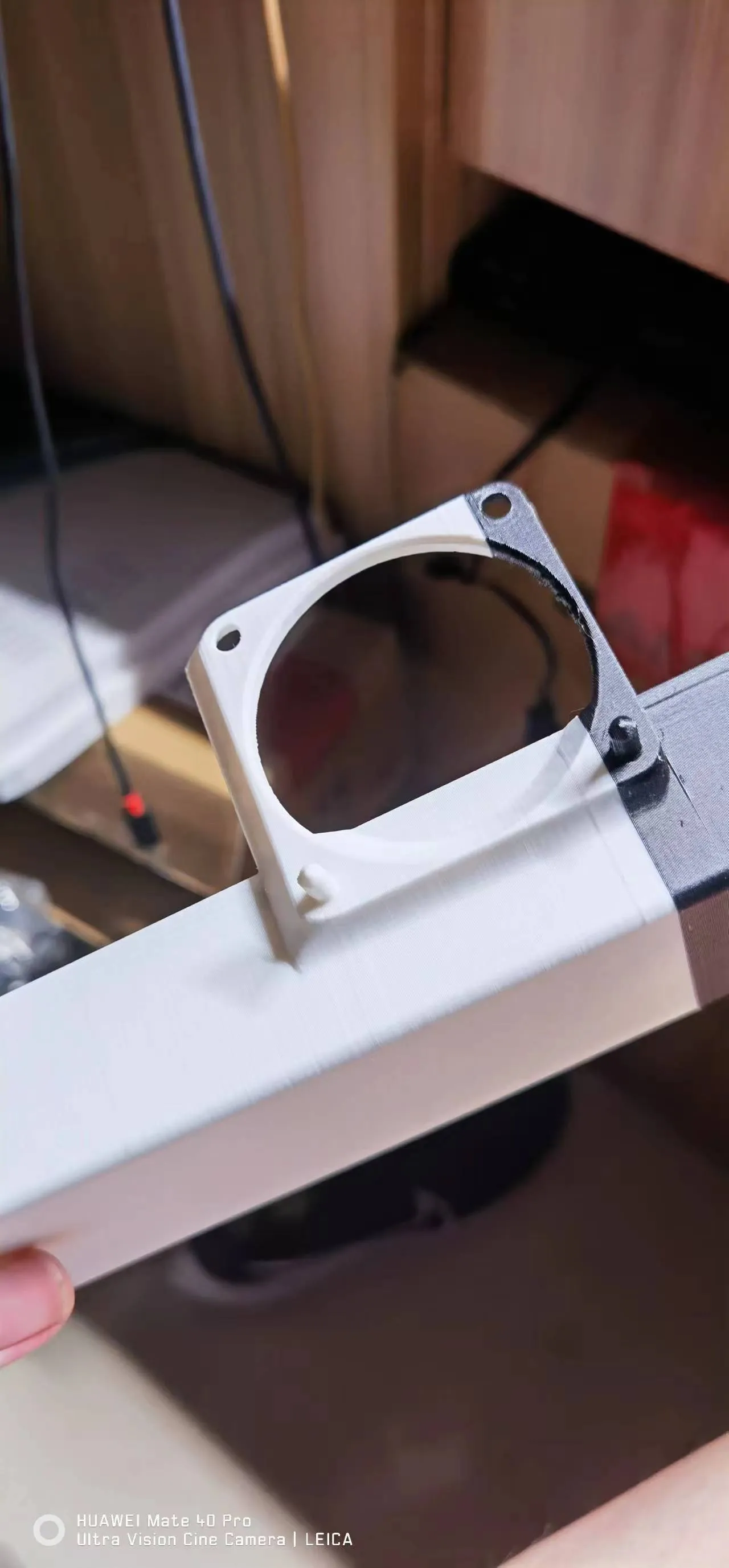
对原side box进行了修改,增加了无支撑的一体电源防碎屑盖子

还提供4cm,6cm侧面风扇固定架,需要支撑,辅助主板散热,减少封箱后过热丢步,延长主板寿命

另外请根据使用材料的收缩率不同自行调整缩放,当然这可能导致风扇孔位发生兼容性问题,推荐使用较耐温的材料防软化缩变,实测该位置外壳可到五十六度
 

machine translation


Modified the original side box by adding an unsupported power supply debris proof cover


We also provide 4cm and 6cm side fan mounting brackets, which need to be supported to assist the motherboard in heat dissipation, reduce overheating and step loss after sealing, and extend the lifespan of the motherboard


In addition, please adjust the scaling according to the different shrinkage rates of the materials used. Of course, this may cause compatibility issues with the fan hole position. It is recommended to use materials that are more heat-resistant to prevent softening and shrinkage. The actual measurement shows that the shell at this position can reach up to 56 degrees


Comment & Rating (17)

(0/1000)

Why not move it further to the right
The designer has replied
Show original
1
Reply
Worried that hands might easily touch fan blades when inserting or removing cards
Show original
0
Reply
Replying to @user_2183084378 :
Why not make a fan cover
Show original
0
Reply
Replying to @user_287903907 :
It will reduce airflow and increase fan noise unless the shroud creates a large negative pressure zone but that would be too thick
Show original
1
Reply
Everyone do you also get frequent warnings about the build plate being misaligned or the print head being obstructed Can't find the reason don't know if it's a firmware update issue or something else They say foreign objects near the build plate can also cause false alarms
The designer has replied
Show original
0
Reply
This happened to me previously when I accidentally bumped the build plate out of alignment After that it started giving this warning intermittently You can disable the clog detection It failed to detect actual clogs so many times and could also lead to filament overflow
Show original
0
Reply
Replying to @user_2183084378 :
Print head detection has never been enabled, I don't know if it's a bug, the nozzle has already poked a small hole in the box
Show original
0
Reply
Replying to @leeziyang :
Nozzle hitting the box? This box is designed based on the A1 mini box, and that model has been downloaded thousands of times. Aside from needing to fine-tune the width due to different material sinkage rates, I haven't seen this issue. Additionally, the G-code has limits, and the box is outside the printing area. Your situation sounds a bit like the A1 mini scraper bug
Show original
0
Reply
The Mini feels quite hot to the touch, is it better for the fan to blow air in or pull it out
The designer has replied
Show original
0
Reply
For motherboard cooling, external exhaust is recommended because the internal fan draws air from below and expels it through that hole, which can reduce the temperature by about seven to eight degrees
Show original
0
Reply
Replying to @user_2183084378 :
Thanks for the guidance the model is printed waiting for the fan
Show original
0
Reply
The original to your remix is unfortunately no longer available. Can you please upload the charger online as well. Thank you very much
Show original
1
Reply
How to wire
The designer has replied
Show original
0
Reply
External USB DC or PWM power supply or draw 24V from the AMS port someone on Bilibili made an AMS port buck converter cable
Show original
0
Reply
Good stuff haha we already have extruder and mainboard cooling when will X and Y motor cooling also be added
The designer has replied
Show original
0
Reply
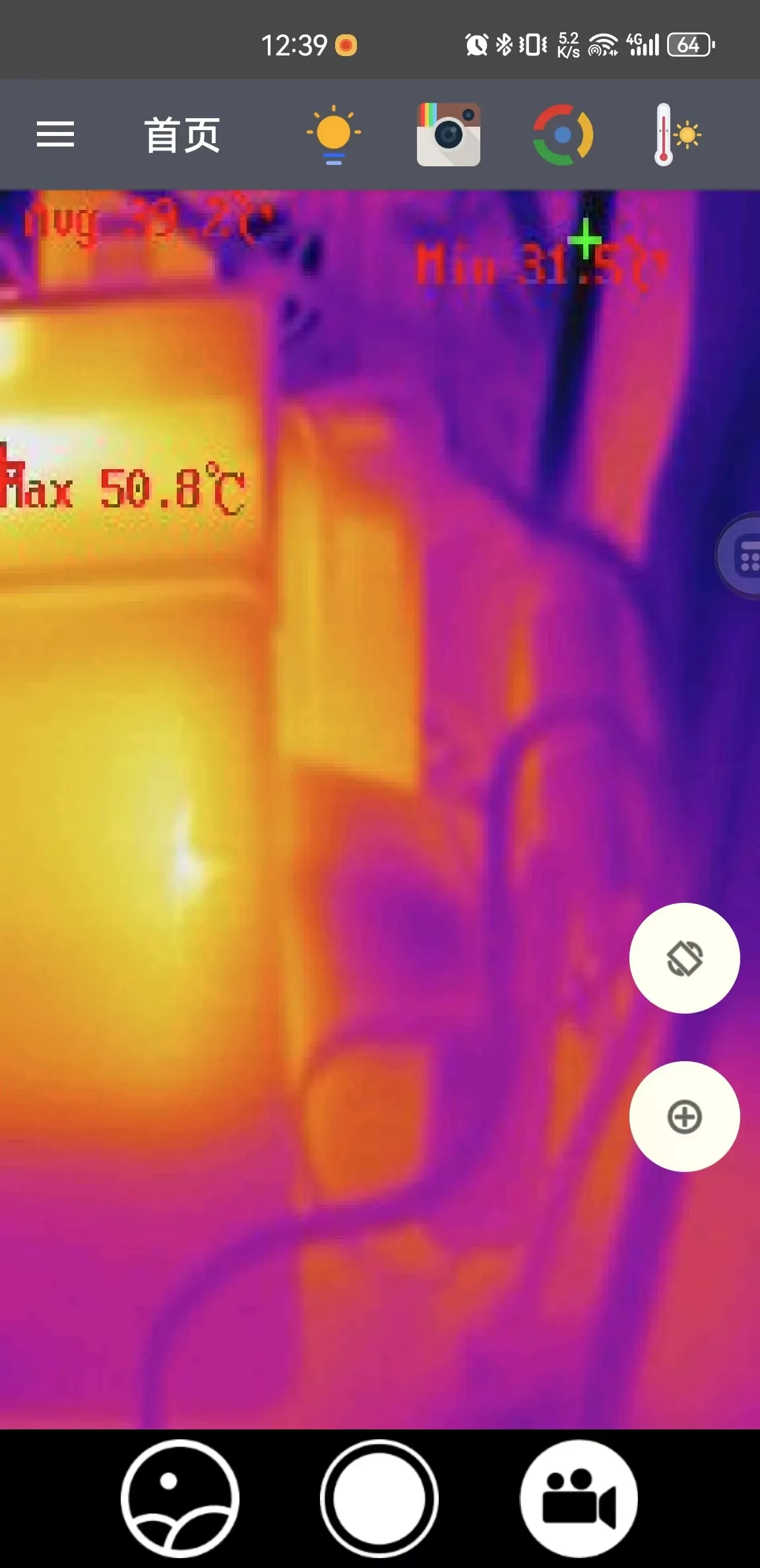
I've observed with thermal imaging that the A1 mini's X-axis doesn't require much cooling, although I also have designs for it on my homepage However, the main heat source for the Y-axis is located underneath, making it more challenging to address from below
Show original
0
Reply
No more

This remix is based on

not existThe model does not exist anymore

License

This user content is licensed under a
Creative Commons Attribution-Noncommercial