
BTT Knomi Display for LGX Lite Extruder




Print Profile(0)
Description
Update: 13\10\24
I have uploaded a Knomi V2 version. The V2 version is the same for both Generic & EVA3 mounts.
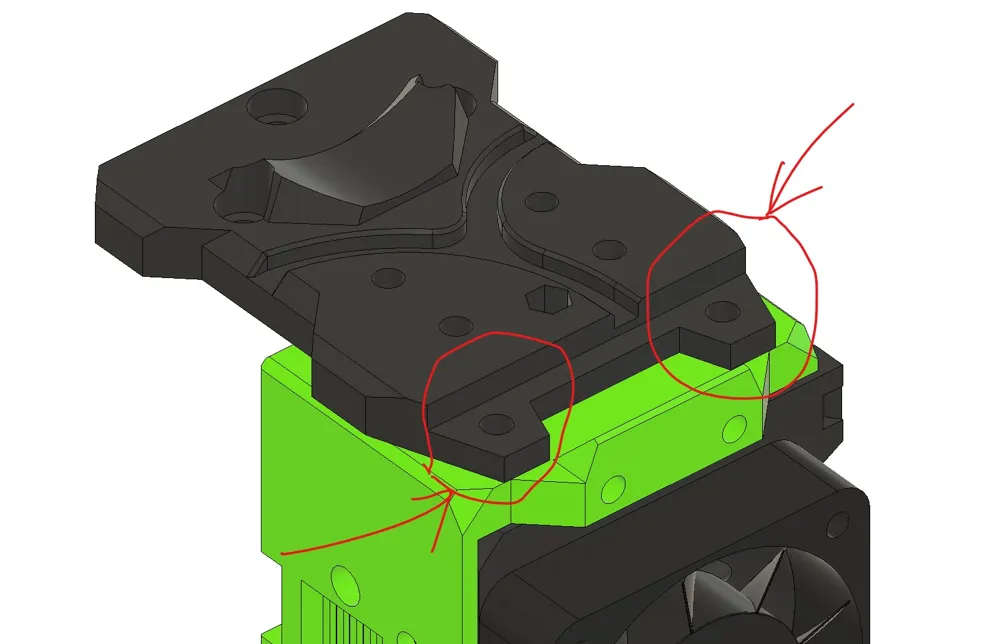
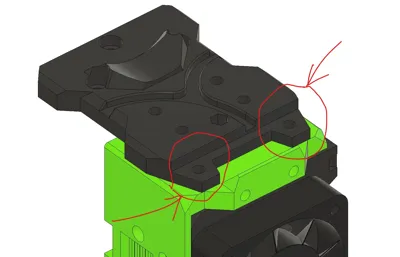
1. Due to the increased diameter of the V2 mount I have modified the EVA3 LGX Lite mount very slightly to accommodate. This does not effect any of the hardware, just removes some adjacent plastic to clear the fixings.
2. Again to the increased diameter of the Knomi V2 the distance between the two sets of fixing centres is a little tighter. Therefore the LGX long motor bolts need to be inserted into the Knomi Mount and “jiggled” into place before inserting into the LGX extruder itself.
3. I have included a step file of al relevant components if custom modification is required.
4, There is no right place for the antenna, I would suggest adhering to the side of the EVA on a suitable flat wall.
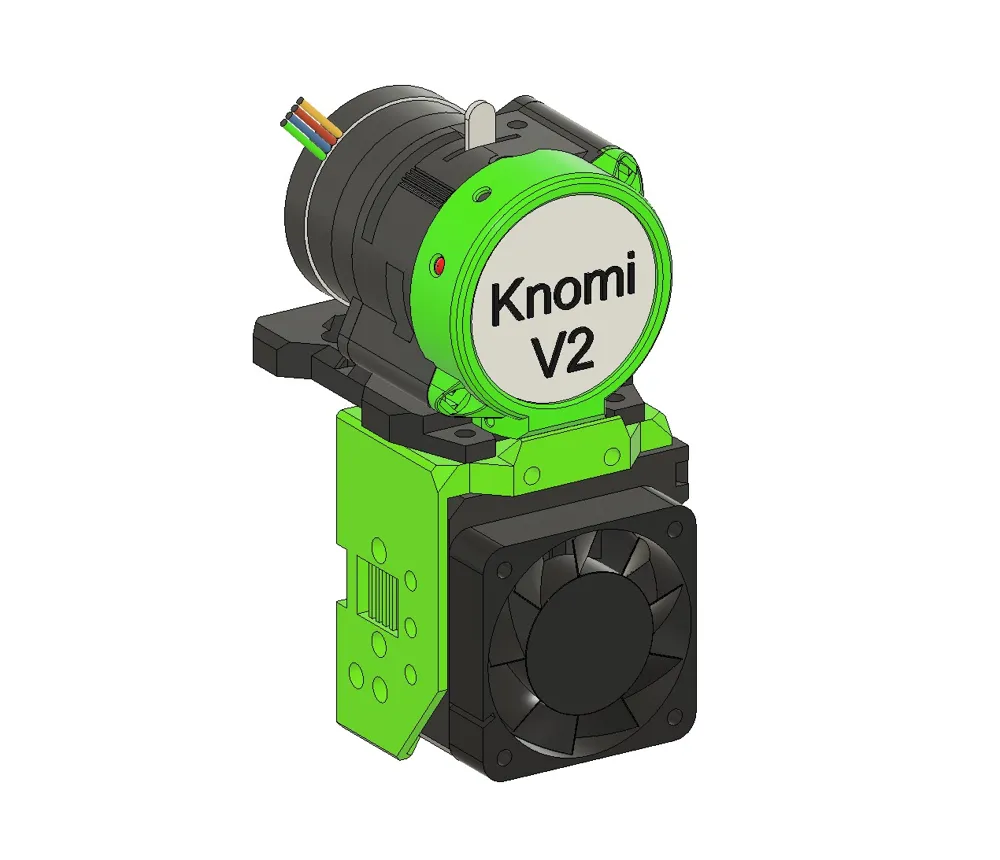
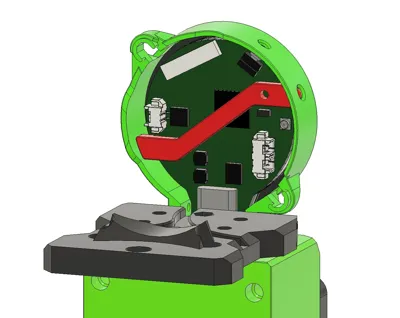
This is a small but perfectly formed Mount for the Knomi display to fit on a LGX Lite Extruder.
Perhaps more useful on a printer like my Minion which does not have any other form of display. A relatively low cost useful, fun addition in my case.
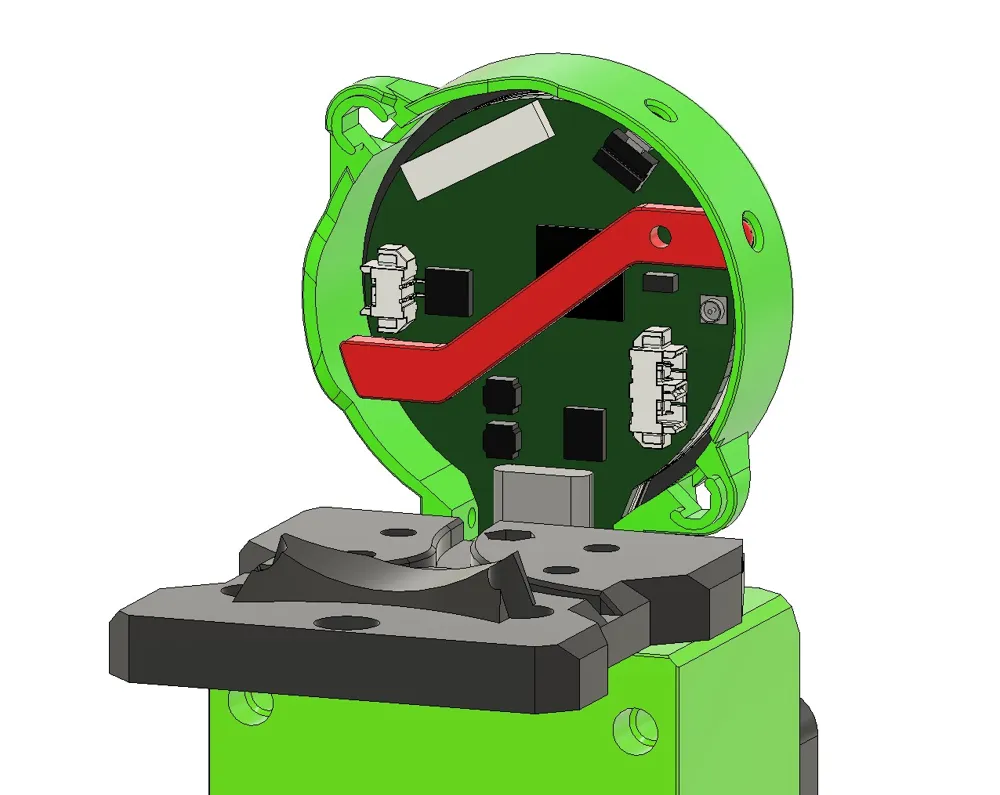
There are two versions. A generic 4 hole bottom mounted version and a EVA version 3 derivative. In both cases the base mount is primarily acting as a spacer to allow the Display power cables to feed under the extruder.
I have printed and assembled the EVA version to prove the assembly but not fully installed on a printer to date.
The installation of the EVA version is a little more fiddly, I will look to improve on this. An elastic band wrapped around the Extruder before removing the assembly bolts makes life so so much easier.
All parts should be printed in the orientation that they have been published. No supports are required.
There is a simple install guide for the Generic version, EVA users should use this as a base for their installation.
I have also uploaded my Kennyesque firmware files for anyone that may want something different. There is a separate zip file with all the required files, ready for compilation. Please read the uploaded documentation in conjunction with the BTT Knomi page before attempting to flash the firmware.
KNOMI - BIGTREETECH documentation
I use a Klicky Probe on my Minion which can sometimes be problematic with the BTT Klipper Macro included with the docs. I have used this great PR from Surion79 to help this. The Homing & Probing now works fine but have not yet worked out a print complete control within Klipper. Majority works within the original concept but still work in progress.
added interface to macro _KNOMI_STATUS by Surion79 · Pull Request #5 · bigtreetech/KNOMI · GitHub
I have also included my source code remix for both Klicky and non Klicky usage. I recommend reading my Firmware install readme file.
For the sake of transparency. BTT kindly gifted the Knomi Display free of charge for using in any relevant product development. BTT have had no editorial control whatsoever with the design, development or this upload.
Short video showing the Generic version on my Minion here:
Documentation (1)
License



Comment & Rating (0)