
Guitar Wall Mount


Print Profile(11)


Description
Boost Me (for free)
If you find my designs useful, a boost would be greatly appreciated!
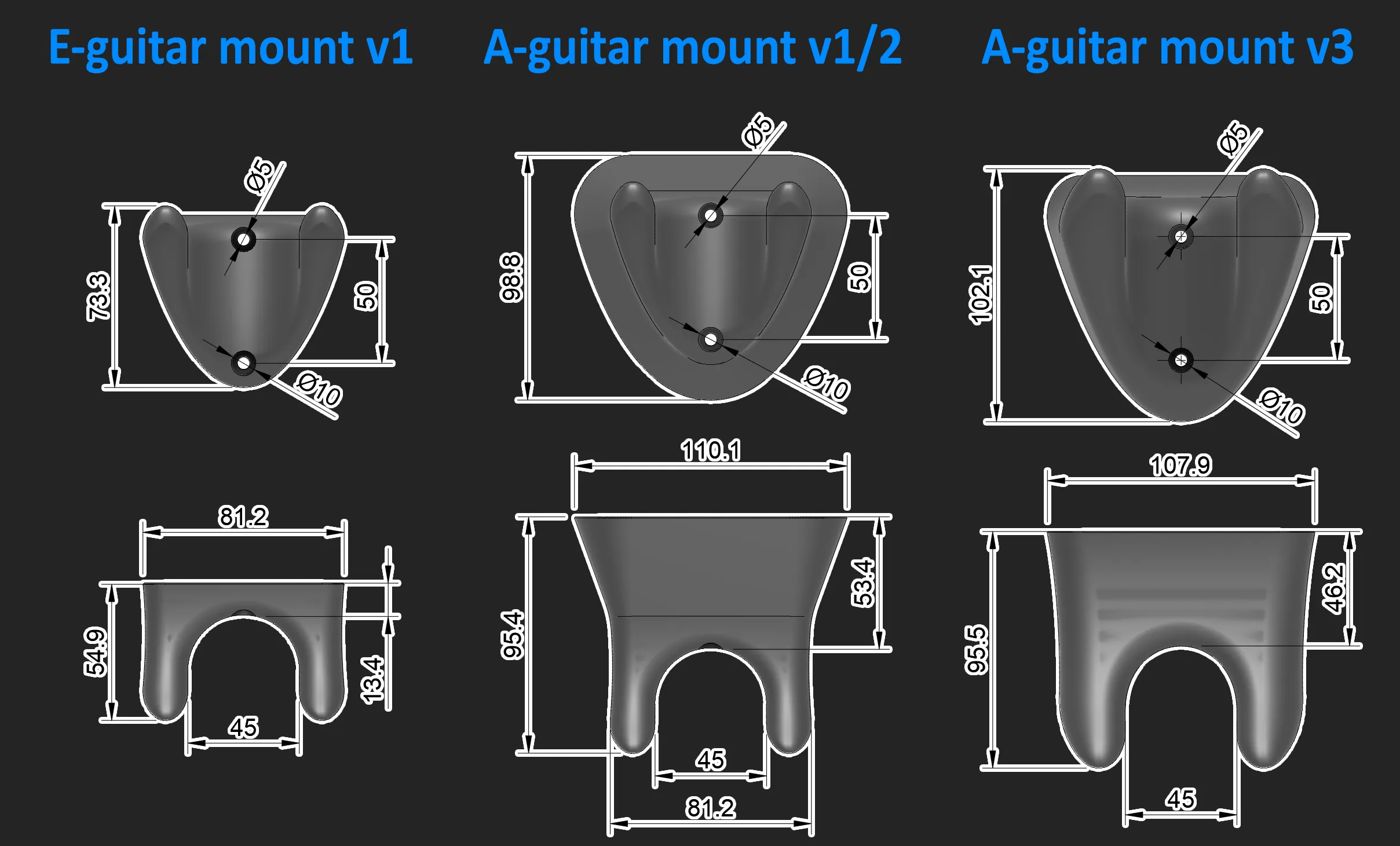
PLEASE CHECK DIMENSIONS BELOW BEFORE PRINTING! And use a scale tool in slicer to make it fit for your guitar if needed (info below).
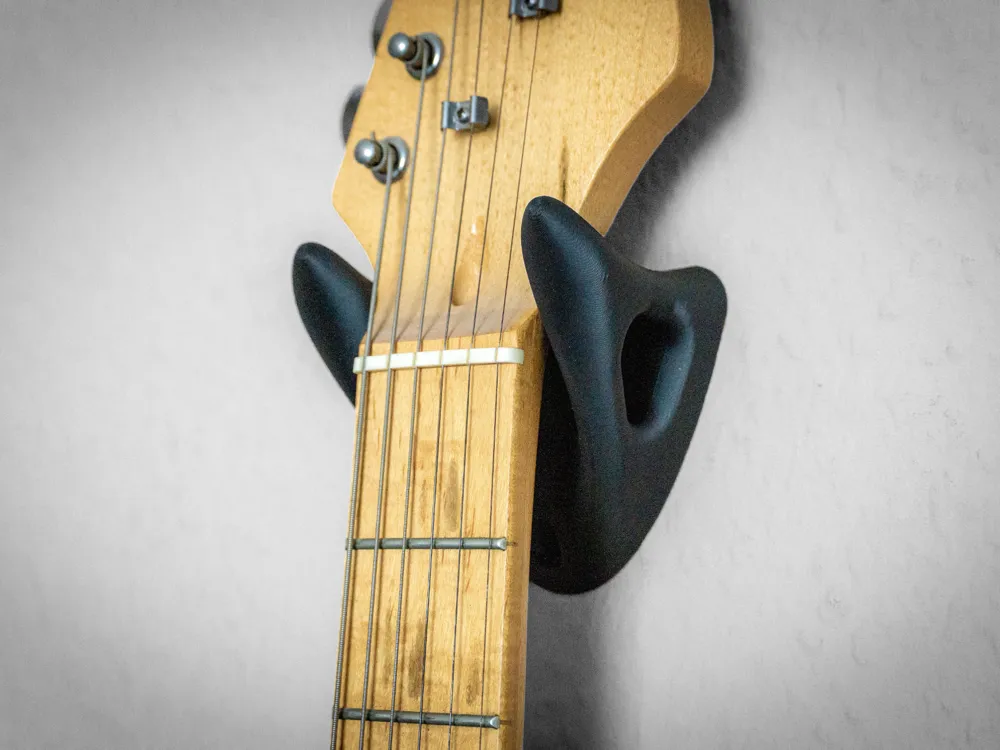
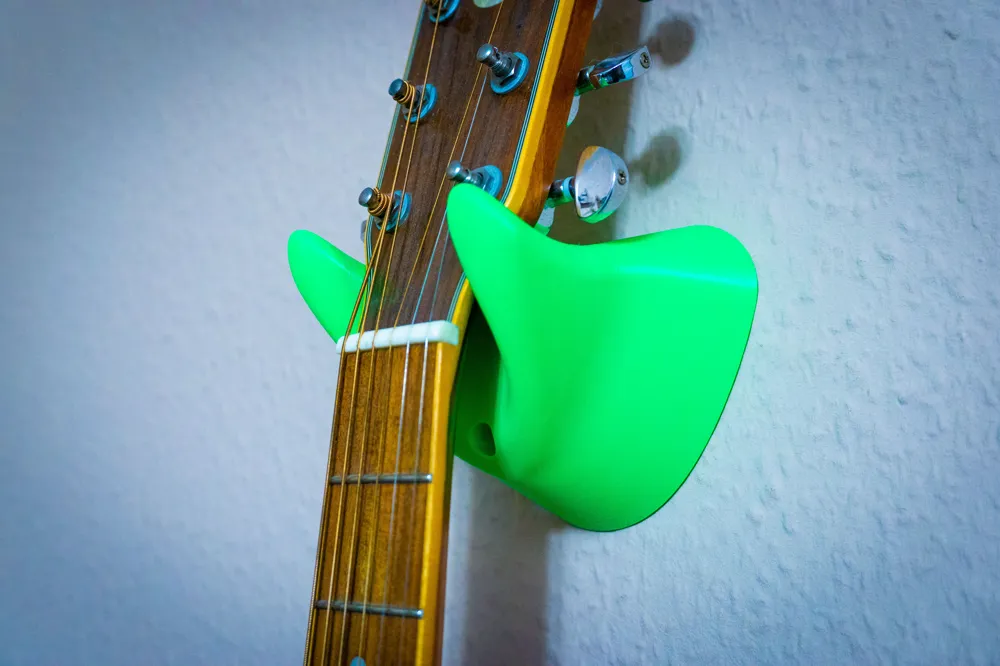
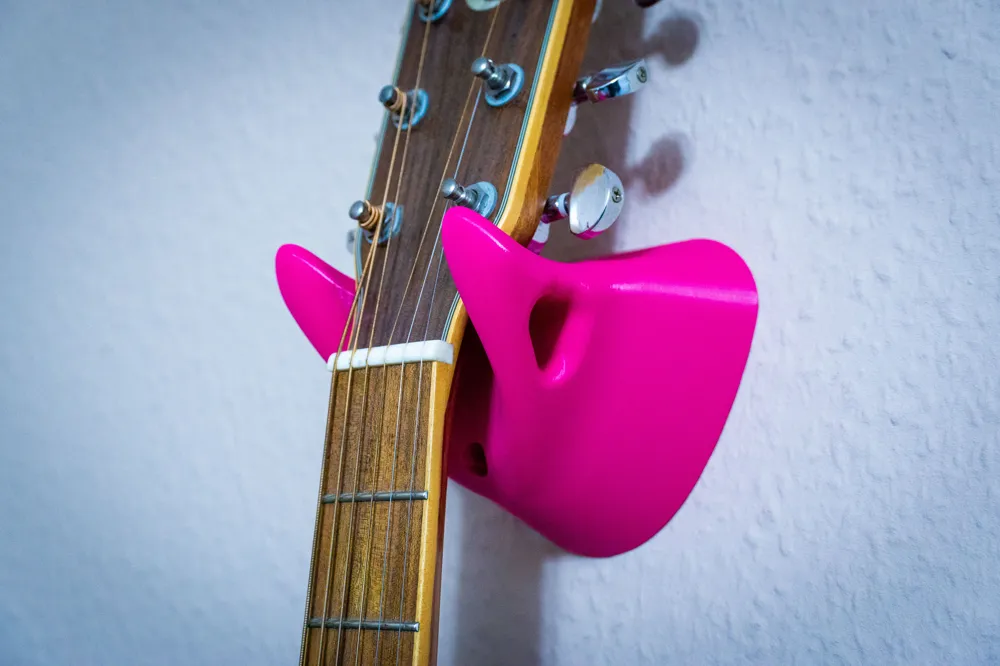
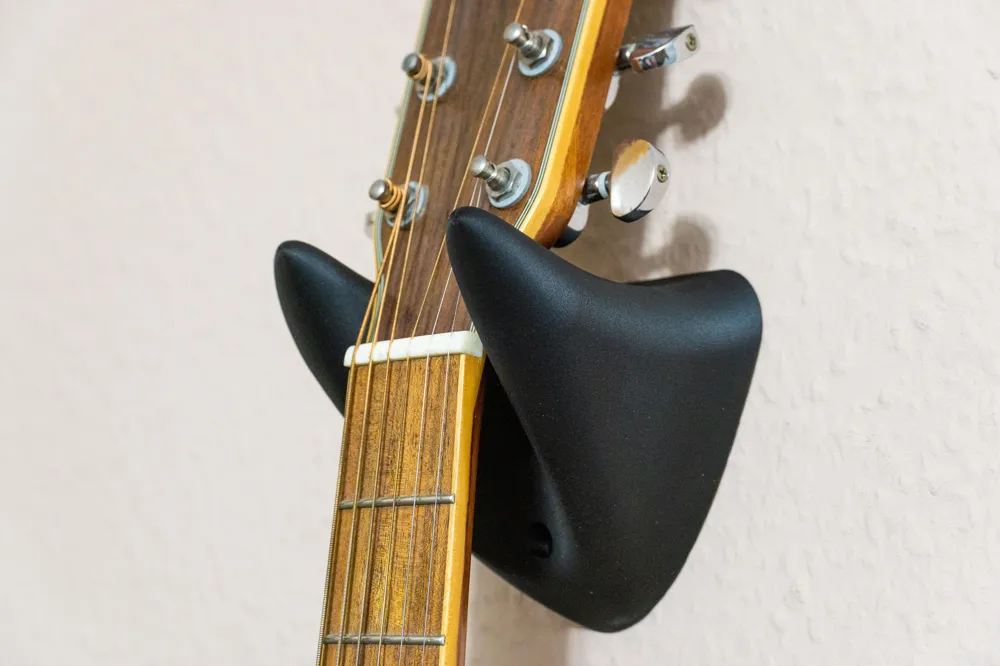
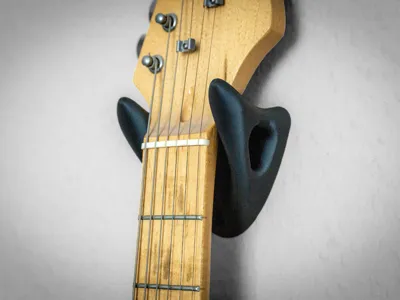
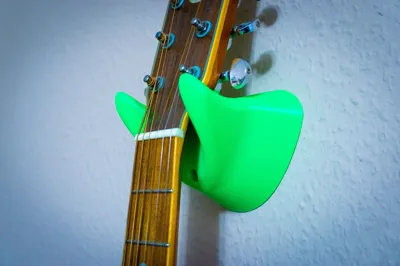
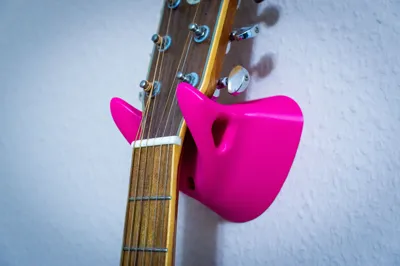
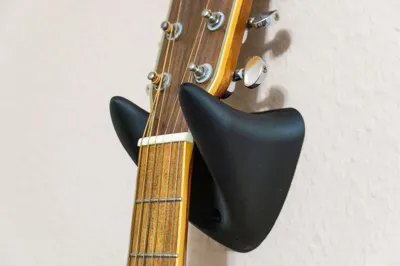
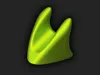
Here is a simple yet very sturdy wall hook for a guitar. For mounting, you need two 5 mm screws.
I designed this hook because my old 3D-printed mount, which I printed a couple of years ago, broke. I searched for a replacement on MakerWorld, but I couldn’t find one that was both strong enough and visually appealing to me. So I decided to design my own 🙂
Primarily, this is a guitar hanger, but of course it can also be used as a general hook for other items such as a broom, a sword, clothes or something else :D
In my profile, you can find a solid version of the model with negative mounting holes. This allows you to scale the mount itself while keeping the holes perfectly round. Alternatively, if you have specific screws or special requirements, you can scale or modify the holes separately.
There are two designs specifically for electric guitars and three designs for acoustic guitars (two of which are 40 mm extended versions of the electric guitar mounts).
Scaling information
The default dimensions are shown below. If you want to make the mount wider—for example, to achieve a 50 mm opening—you can calculate the scale factor as follows:
Divide the desired dimension (50 mm) by the original dimension (45 mm), then multiply by 100:
50 / 45 × 100 = 111.11 %
In Bambu Studio, simply select the mount model, open the scale options, and enter the calculated scale factor into the X-axis text box.
License

You shall not share, sub-license, sell, rent, host, transfer, or distribute in any way the digital or 3D printed versions of this object, nor any other derivative work of this object in its digital or physical format (including - but not limited to - remixes of this object, and hosting on other digital platforms). The objects may not be used without permission in any way whatsoever in which you charge money, or collect fees.


Comment & Rating (1499)