
Compact Bit Driver (pocket size screwdriver)

Print Profile(6)


Description
| 😄 Welcome to GlennovitS3D. Join the Club on Printables.com to support creation of new models, get access to exclusive models, and get commercial rights, to sell prints of my models. Join today - GlennovitS3D - or check out my model collection 🗂️ |
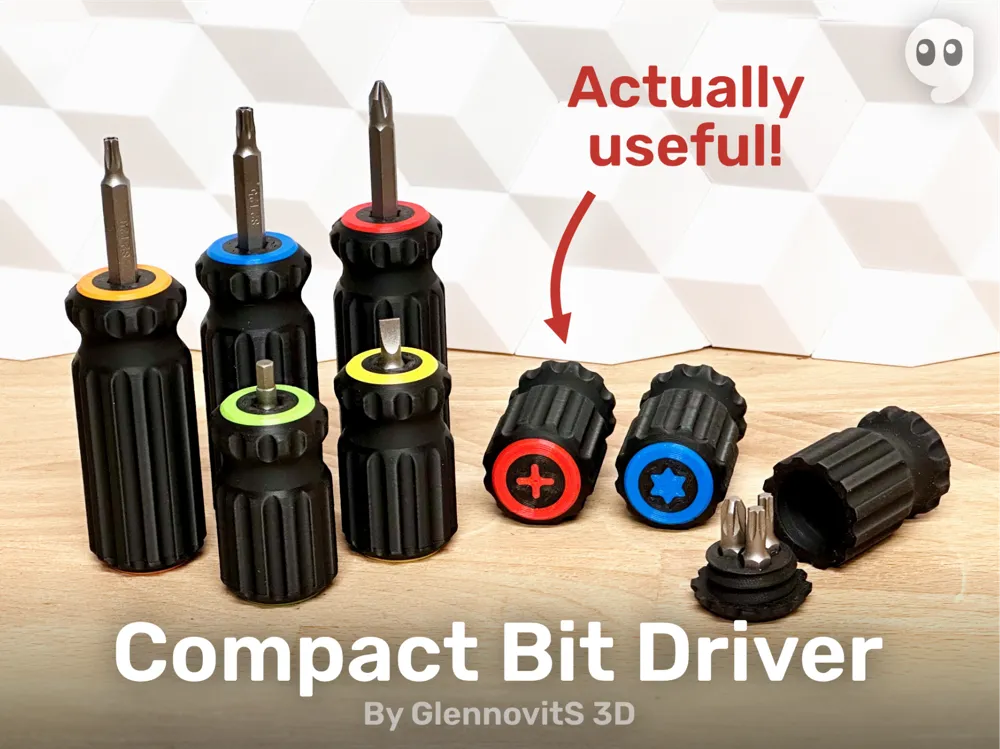
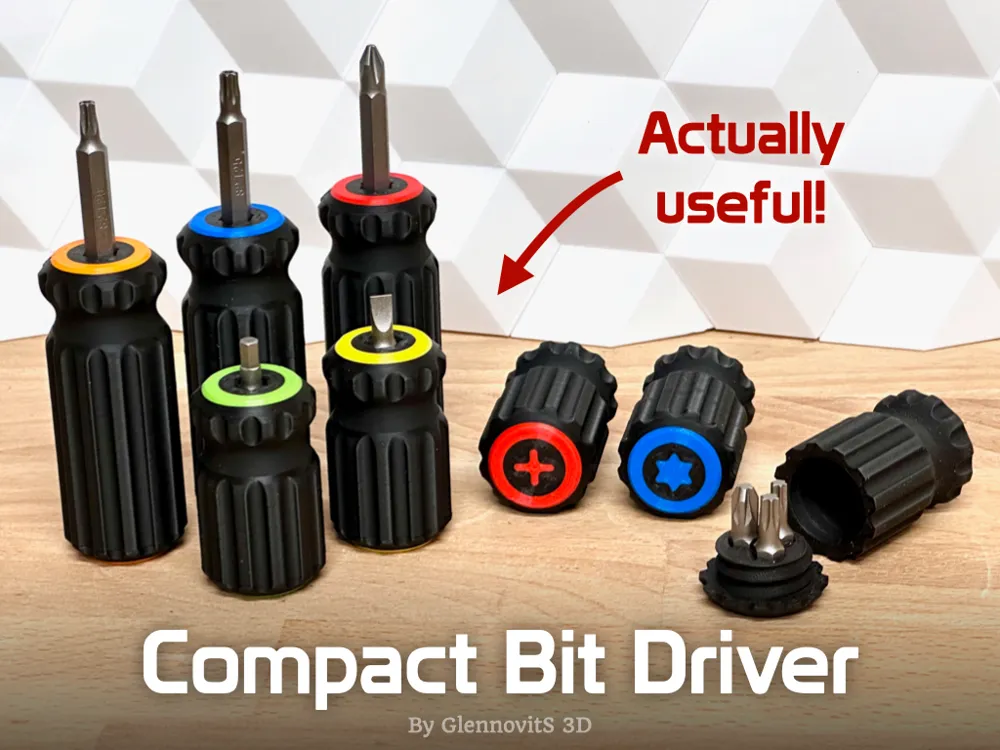
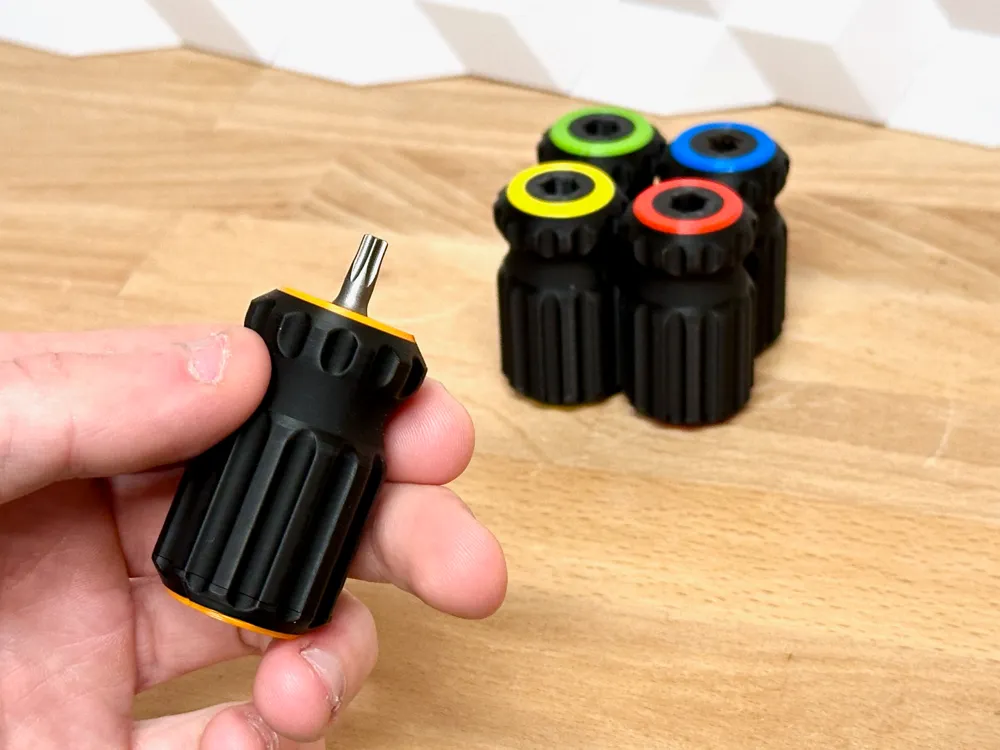
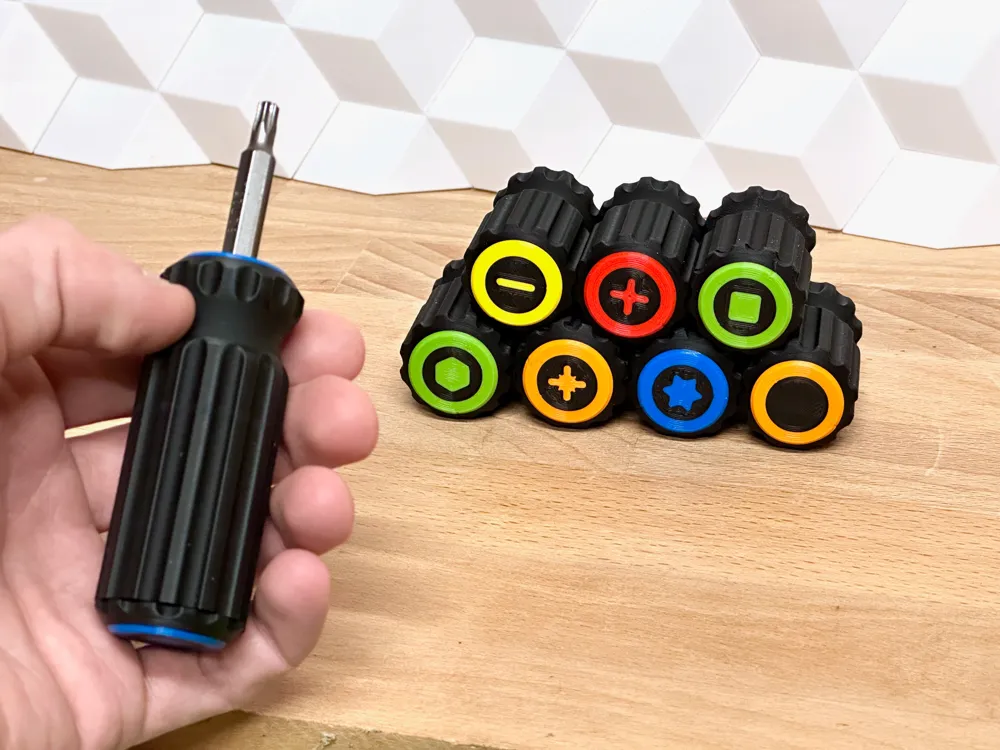
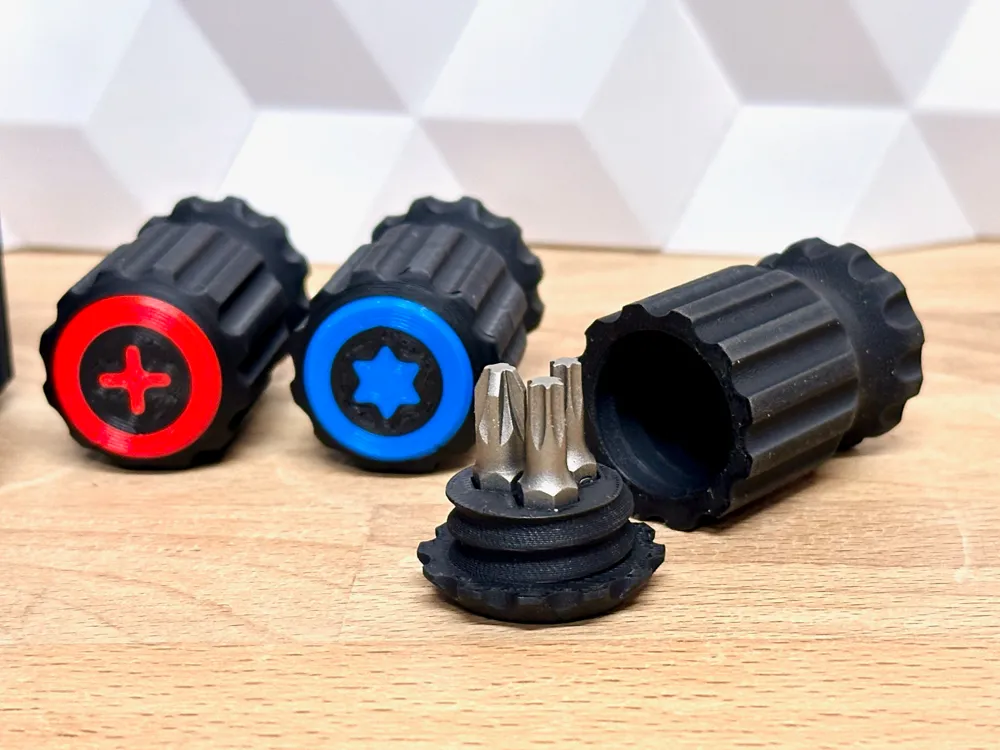
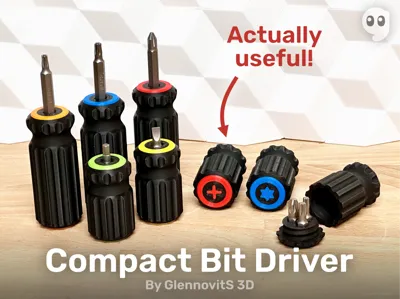
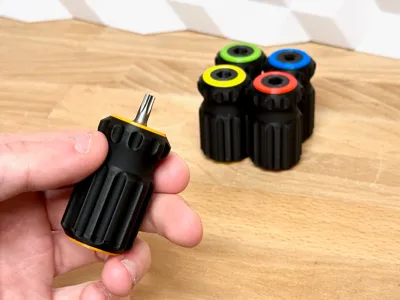
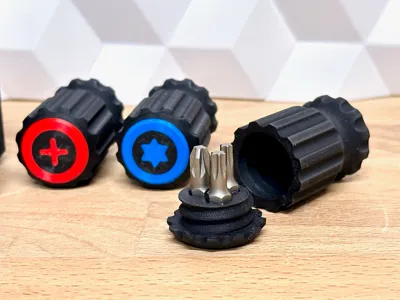
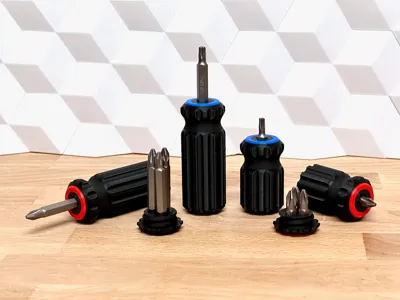
This is a quick and practical print you will actually use! A small and compact bit-driver that stores 3 extra bits. Fits easily in the pocket and great to bring with your most used bits.
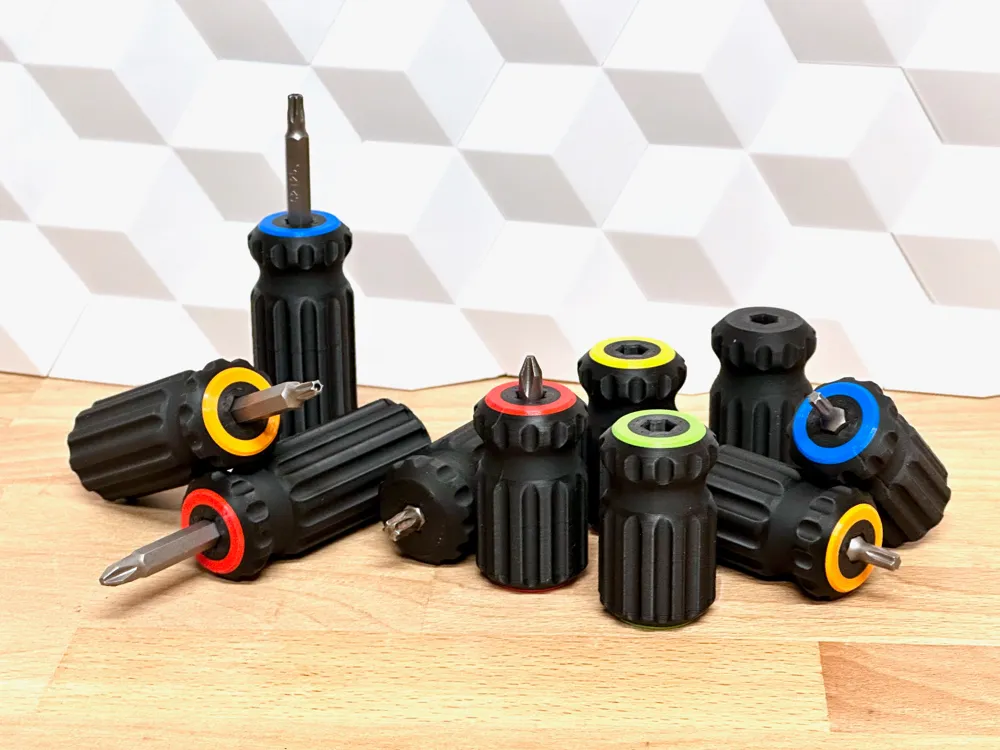
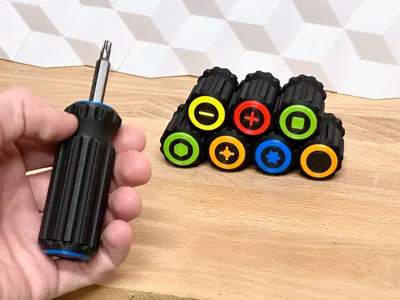
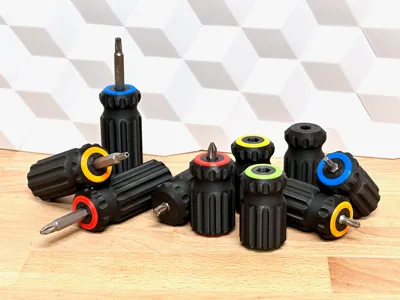
If you want to, you can print multiple versions and colorcode them with different types of bits in each one!
Overview 🔍
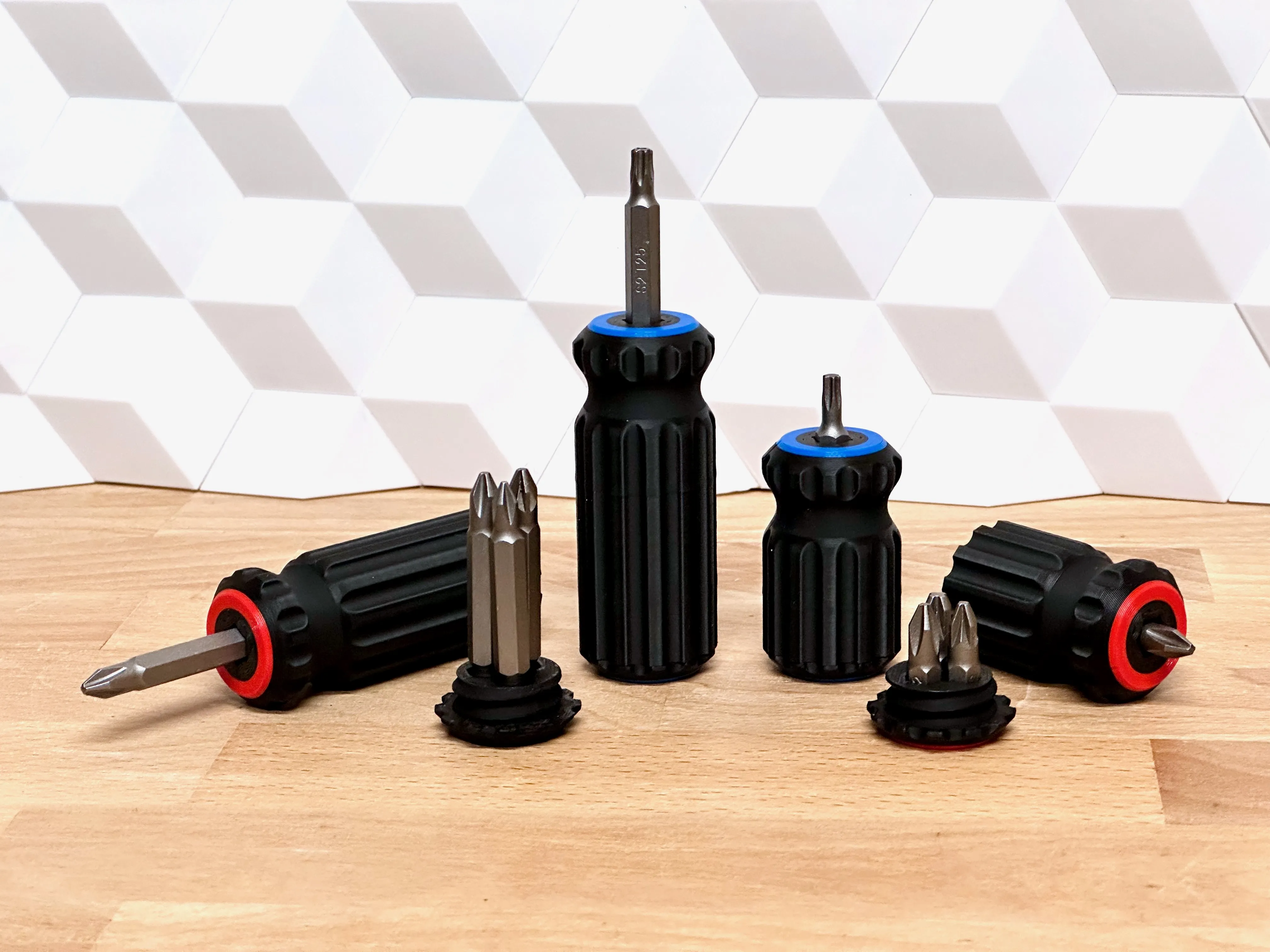
The bitdriver is made to use 1/4" (6.35 mm) Hex driver bits. It comes with different versions for you to choose from.
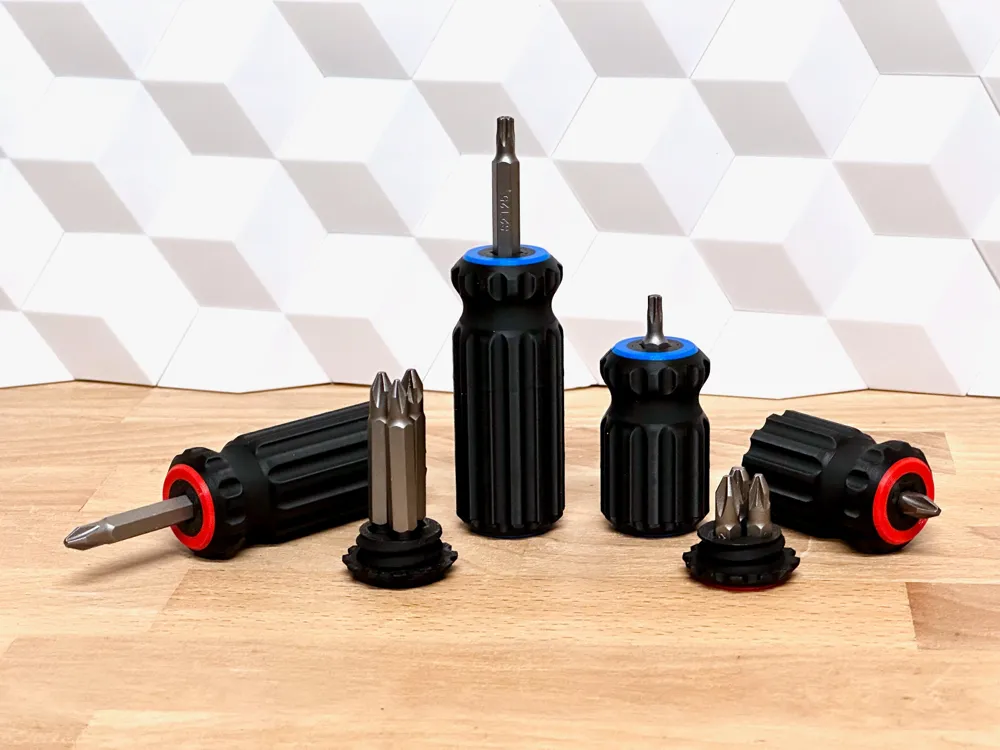
The handle comes in 2 sizes, based on the length of bits it can store:
- Short - for 25 mm bits
- Long - for 50 mm bits
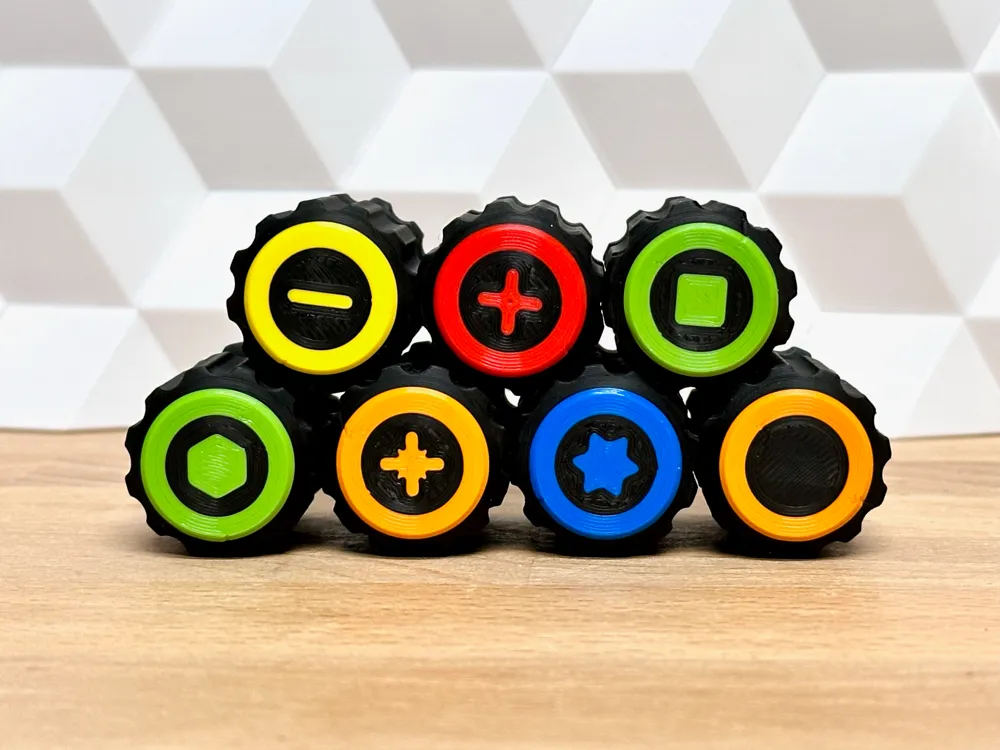
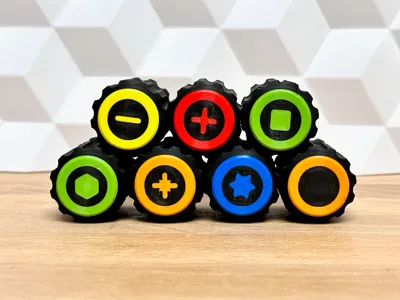
The base (bottom of the handle) comes with different screw-types on the bottom:
- Blank (no icon)
- Flathead
- Philips (PH)
- Pozidrive (PZ)
- Torx (TX)
- Hex
- Square
To print the screw-type and not just a single color base, see instructions below
Multicolor prints 🖌️
This is optional - but looks nice and help you take the right one in first try. You can do like this (in Bambu Studio):
- Insert the Base/Handle you want
- Right click on the model and click on Split > To parts
- In the left pane Process click on Objects
- Select individual parts of the base/handle and choose filament for each.
Assembly 🛠️
This one is easy - print a handle and a base and screw them together!
Optional: A magnet with diameter of 5 or 6 mm, can be glued in the handle below the bit. Not necesary, as the fit should be fairly tight.
Print instructions 🖨️
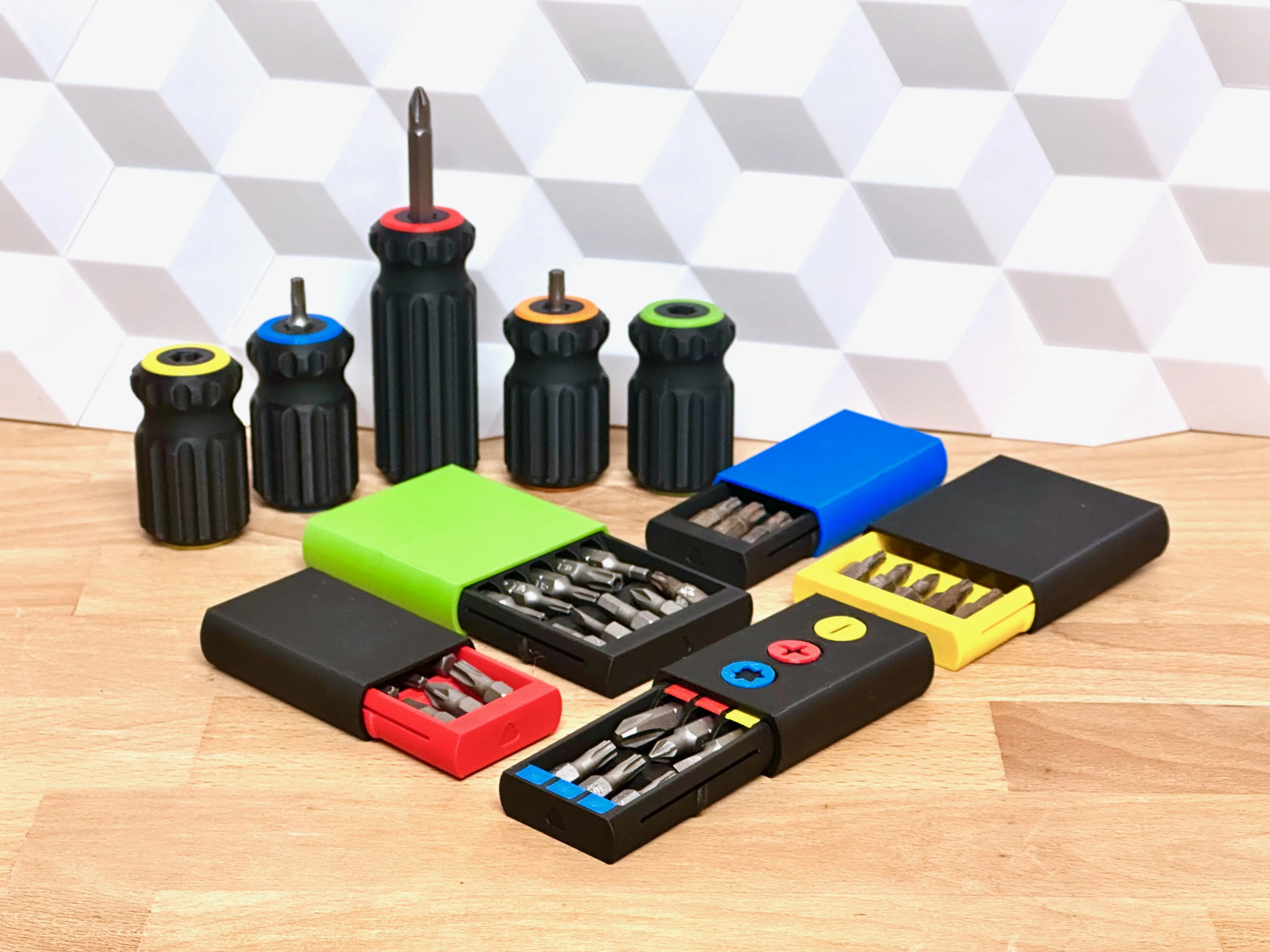
To make these strong enough for practical use, consider stronger-than-average print settings. Suggestions:
- Walls/perimeters: 3-5 - the more walls, the stronger - so test and see what you find the best.
- Infill: 20-40% - the more infil, the stronger it will be.
- Supports: No - the print-in-place hinge prints without supports!
Need extra bit-storage? ❇️
Also check out my new Compact Bit Box - to match your new DIY tool kit!
https://makerworld.com/en/models/424726#profileId-328159
| More practical prints? I got you covered! Check out this collection of practical models - everything from tools to storage solutions. Or maybe see this collection of tool models |
Filament 🧵
I printed these in filament sponsored by FormFutura - and they work great! To be sturdy enough for practical use I used their Tough PLA mostly - and their Easyfill PLA for color organizing. If interested, check out their products here:
- Tough PLA (aff): https://formfutura.com/product/tough-pla/?aff=11
- Easyfil PLA (aff): https://formfutura.com/product/easyfil-pla/?aff=11
Want to show your support?
You can see ALL my designs on Printables - and you can become an active supporter. I would really appreciate it!
https://www.printables.com/@GlennovitS3D#join
Happy printing!
License

You shall not share, sub-license, sell, rent, host, transfer, or distribute in any way the digital or 3D printed versions of this object, nor any other derivative work of this object in its digital or physical format (including - but not limited to - remixes of this object, and hosting on other digital platforms). The objects may not be used without permission in any way whatsoever in which you charge money, or collect fees.


Comment & Rating (711)