Search models, users, collections, and posts

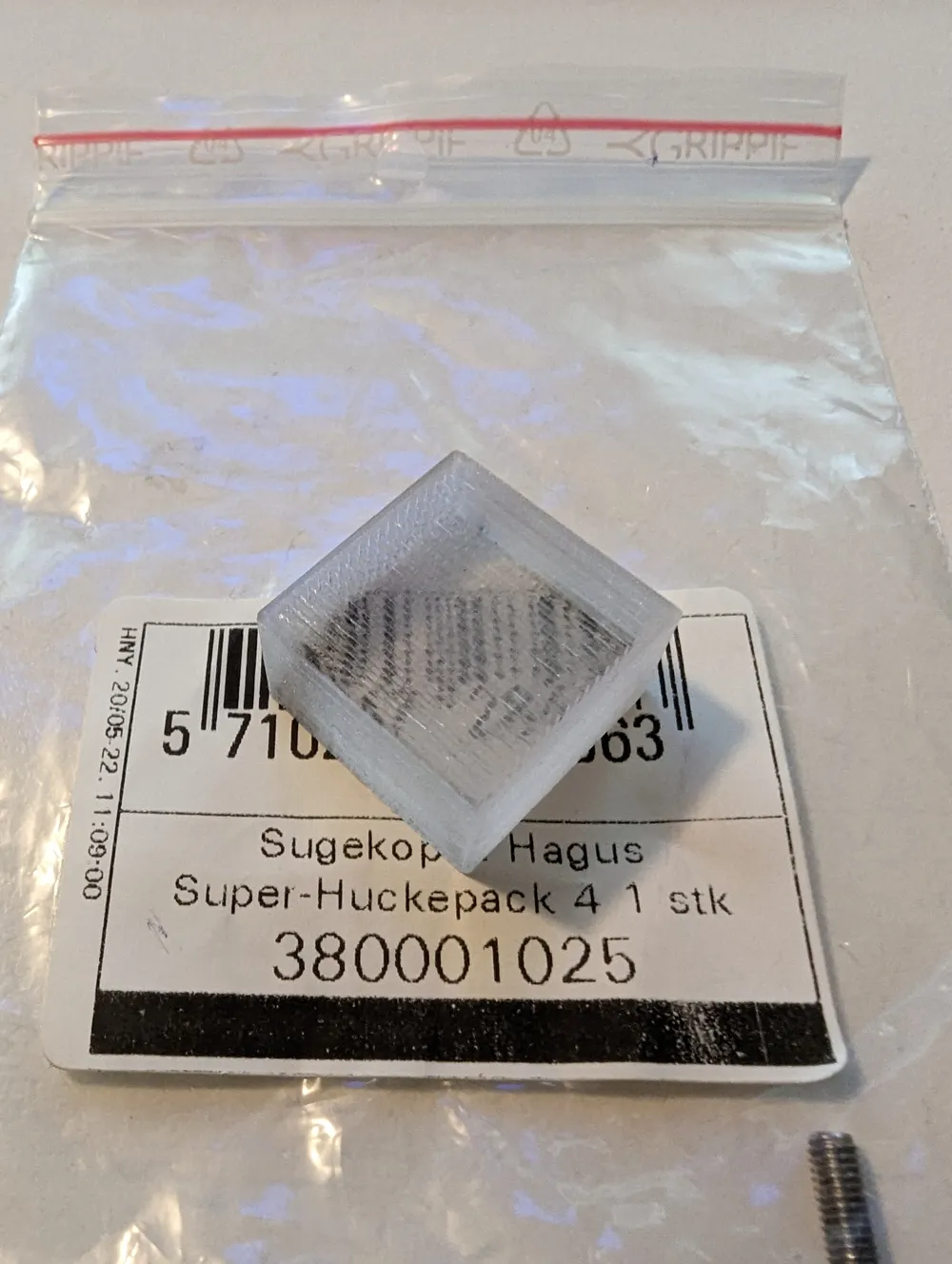
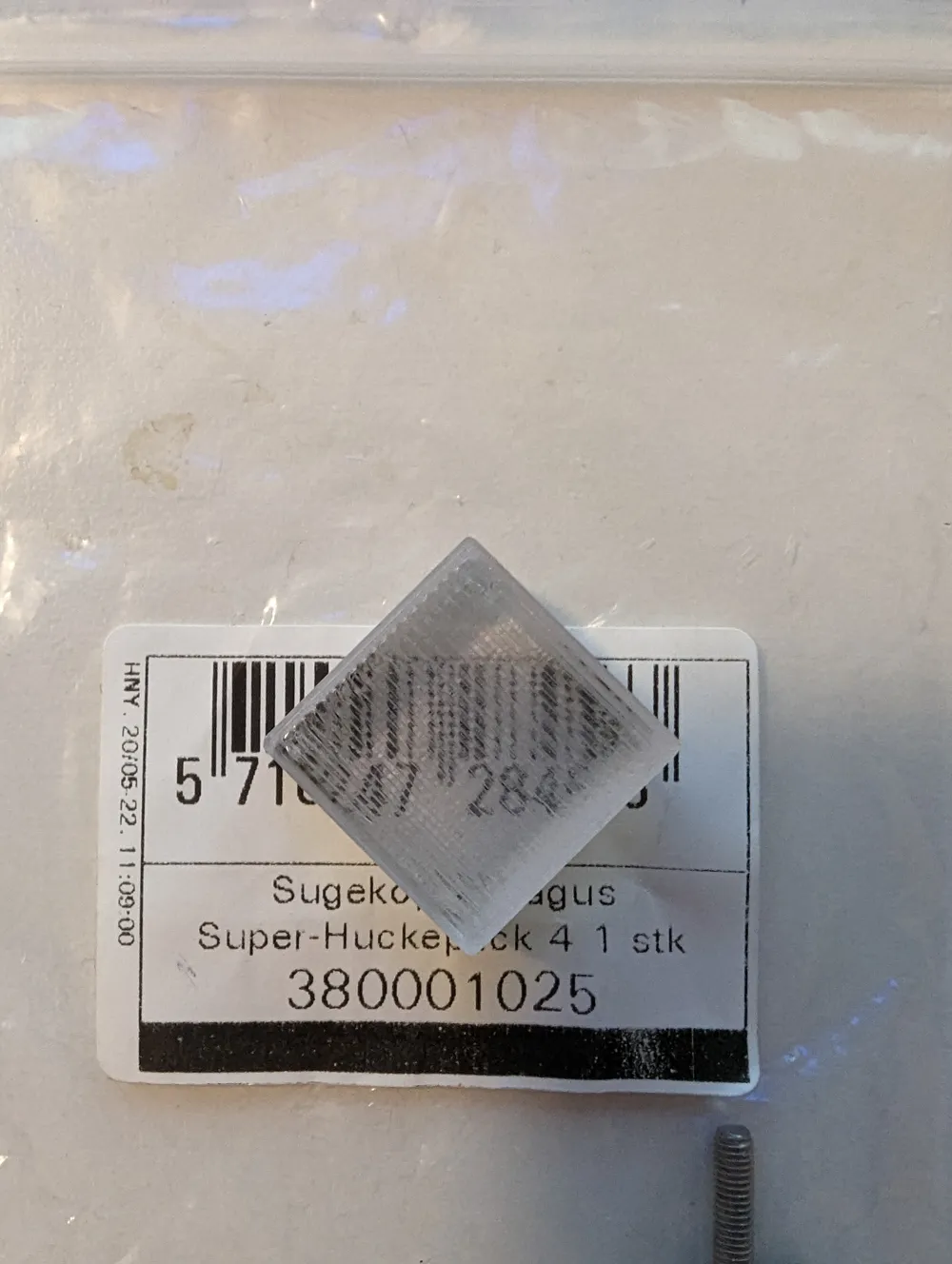
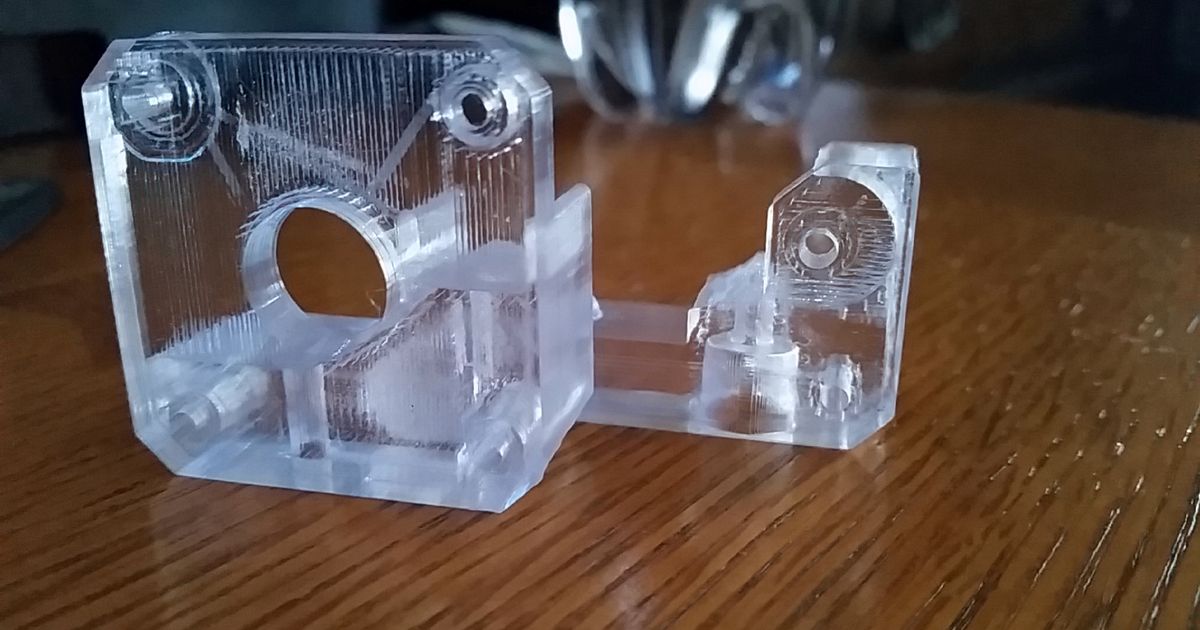
Printing glass (transparent PETG)

Remixed by

Print Profile(3)

All
P1P
P1S
X1
X1 Carbon
X1E
A1
A1 mini
H2D
H2D Pro
H2S
P2S
H2C
X2D
A2L

Poverty painters profile (best result)
Designer
2 h
1 plate

4.6(121)

Rygar1432 original settings
Designer
1.3 h
1 plate
4.4(7)

0.1mm layer, 2 walls, 100% infill
14.6 h
1 plate
3.8(9)

Open in Bambu Studio
Boost
379
1005
163
40
2.9 k
1.5 k
Released 

Description

Rygar1432 innovated the printing of transparant PETG and /u/PovertyPainter tweaked it for use on the P1P.


Here are their findings as two 3MF files.


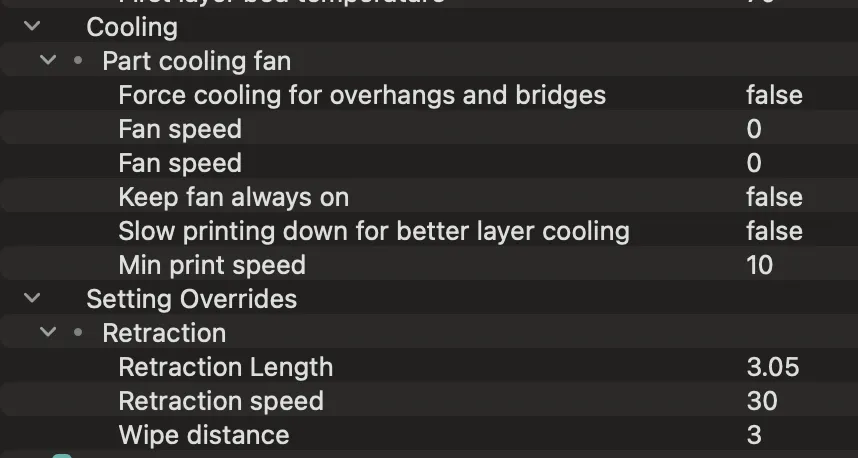
I strongly recommend adding the following settings to your filament profile (downloadable JSON):
Comment & Rating (163)

(0/1000)

these settings caused my x1c to clog twice this morning running long prints, i refined your settings to operate better and currently testing them out. retracting at 3.05mm is not good for these printers, the extruder gets way too hot causing the filament to soften in the extruder body and pulling from the hot end that far makes the filament soft as well. i know because i cooled my hotend and then took it apart, touching the extruder body and motor burned my fingers after 10 minutes of resting. my recommendation for p1s and x1c owners is 1mm retraction, shut off wiping because it puts a streak through the print, set your speed to 25mm/s, normal acceleration to 10,000, initial acceleration to 5,000, nozzle temp to 230 to 240. uncheck print infill first. be careful using this persons profile guys, operates ok for short prints and looks ok, long prints not so much. my settings listed above made a massive difference in the transparency of my finished prints so far. ill upload a profile with my settings later when i know it wont clog so nobody has to deal with that. im using ic3d transparent filament which is more expensive, higher quality filament and it was clogging on this persons profile. oh and a smooth bed will make it look way better, dont use textured beds with transparent glass profiles.
The designer has replied
designer
18
Reply
hi there very helpful to know! And what setting would you recommend for a longer job (I was about start a 25 hour job until read you comment) (p1s)
0
Reply
Replying to @ywd_design :
I used 25mm/s speed, Open chamber door and lid. Set print acceleration back to 10,000. Travel speed to 500mm sec. Shut off wiping. Set petg temp to 230c.
1
Reply
Thanks for the input, looking forward to seeing your profile:) but please don't print PETG on a smooth bed, you'll more often than not have serious problems getting the print off
0
Reply
Print Profile
Poverty painters profile (best result)
I printed HueForge swatches in Overture PETG using this, and look at the difference compared with the same models/filament with the "Generic PETG" preset! Night and day! Takes forever, and you should use a smooth plate/enclosure. But the results speak for themselves (and with zero post-processing). I've used the preset with some other translucent color petg too, and it makes a difference for sure!
profile
7
Reply
Did you polish the 3rd from the left and what settings did you use?
0
Reply
Replying to @Socom :
I used the settings from this print profile to show what results I got. I didn't even do any post-processing here at all!
(Edited)
4
Reply
Print Profile
Poverty painters profile (best result)
Works great, but my filament has moisture, i will reprint it and update it.
The profile uploader has replied
profile
2
Reply
Looking forward to seeing your results! This print doesn't look half bad either :)
0
Reply
Print Profile
Poverty painters profile (best result)
nice results, thank you!
profile
2
Reply
Print Profile
Poverty painters profile (best result)
Used this model and print profile notes as a starting point for my tuning with Bambu PETG Translucent Clear. Pretty satisfied with the results on a textured plate. However, I cannot figure out how to get rid of this blob/defect when I turn the flow rate up. If anyone has advice, let me know!
(Edited)
2
Reply
Print Profile
Poverty painters profile (best result)
290 temperature showed better results
0
Reply
this looks rather bad. I printed a test model with 265° C and another one with 267° C which was already more clouded. which filament do you use? it seems to be of importance when trying to print “glass”. kind regards
0
Reply
Might fuse layers better, but PETG doesn't like that much heat
(Edited)
0
Reply
Transparency is great but not sure why a 'bump' appeared. Do you think is because I might have the chamber fan on? all other fans are off. I don't have much experience printing PETG and would appreciate it a lot if you could help with some nooby questions - 1. how transparent printing performs when printing a larger and more complex model. (e.g. the model I want to print would take 23 hr with this profile) 2. Does longtime printing with his profile damage the printer? (with no fan and long hour printing) Thanks a lot!
The designer has replied
0
Reply
1. It's very hit or miss to be honest, big flat models work best 2. Not if you're not doing it enclosed, and if you are, then have a board fan
0
Reply
shut off wiping, i had that issue too until i turned wiping off
0
Reply
Print Profile
Poverty painters profile (best result)
pretty good. needed a few adjustment for walls, infill, etc
The profile uploader has replied
0
Reply
Looks cool! :)
0
Reply
Print Profile
Poverty painters profile (best result)
Turned out great! Supports were easy to remove, and there were no issues with printing. Had to do some post-process sanding but that’s more likely due to the transparent Sunlu filament and the specific settings I used for it more than the cover itself. Overall, very pleased with this.
0
Reply
Print Profile
Poverty painters profile (best result)
Not Perfect but Nice
0
Reply