
Customizable Spacer, Shim & Standoff Generator
Print Profile(1)
Bill of Materials

Description
Boost Me (for free)
If you enjoyed this model, I'd really appreciate a Boost. It helps me create more free designs for the community. Thank you! ❤️
Boost Me (for free)
If you enjoyed this model, I'd really appreciate a Boost. It helps me create more free designs for the community. Thank you! ❤️
## Short Description
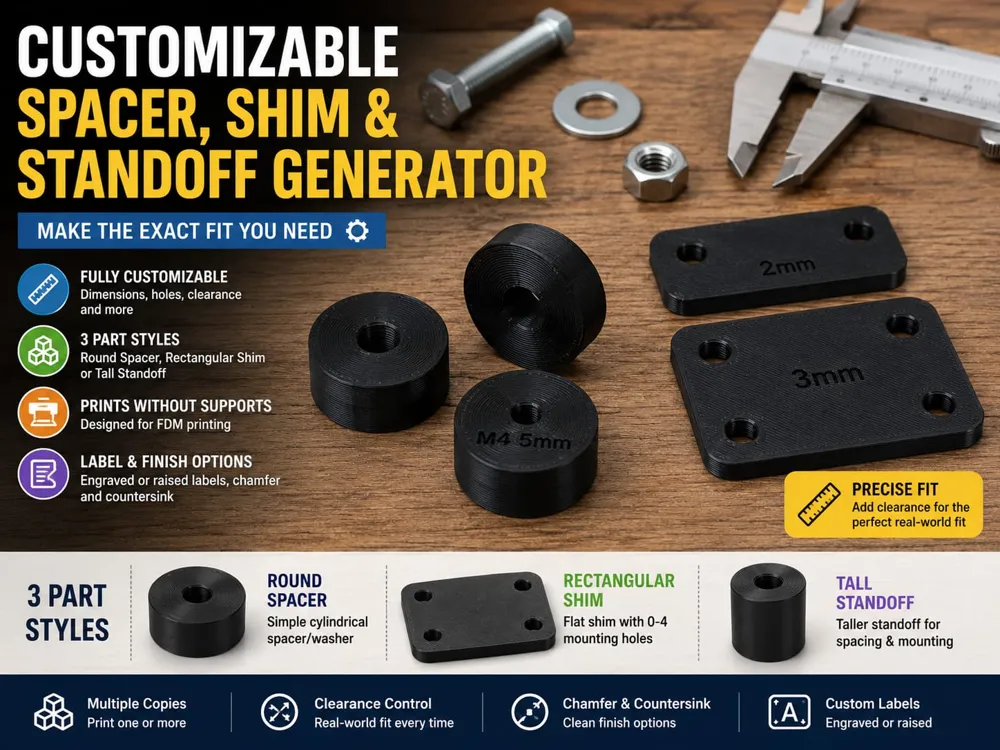
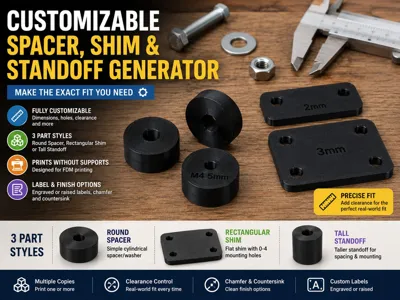
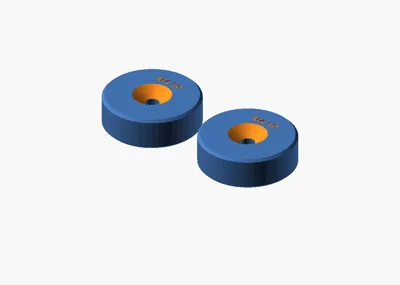
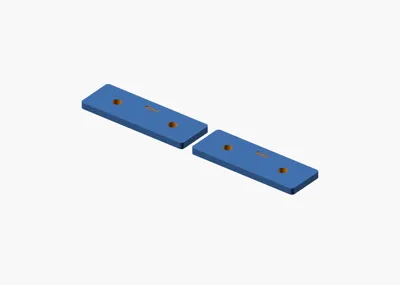
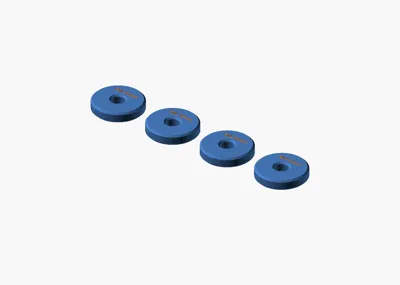
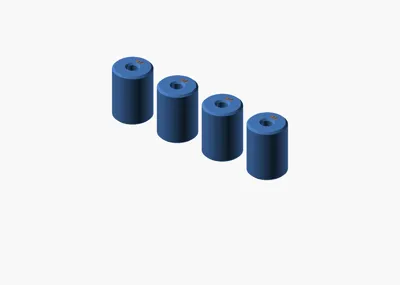
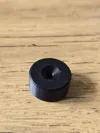
Generate round spacers, rectangular shims, or tall standoffs with custom dimensions, hole sizes, clearances, and copy count.
## Full Description
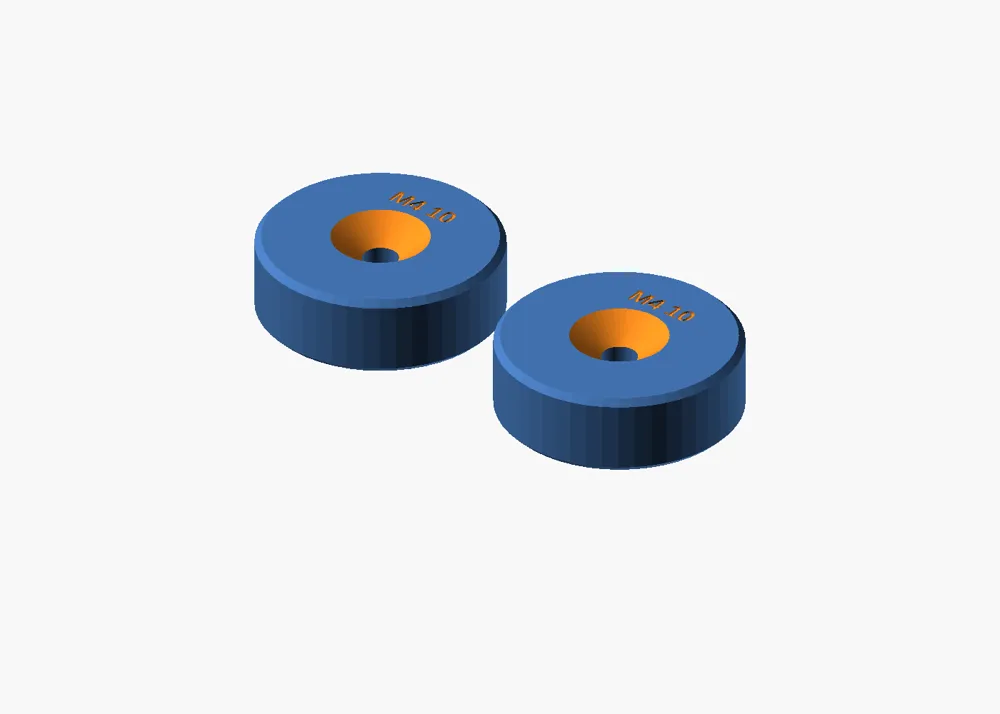
This parametric generator creates simple workshop spacing parts for 3D printers, enclosures, jigs, furniture fixes, craft builds, mounting jobs, and everyday repairs. Choose between a round spacer/washer, a rectangular shim plate, or a taller cylindrical standoff, then set the exact dimensions you need.
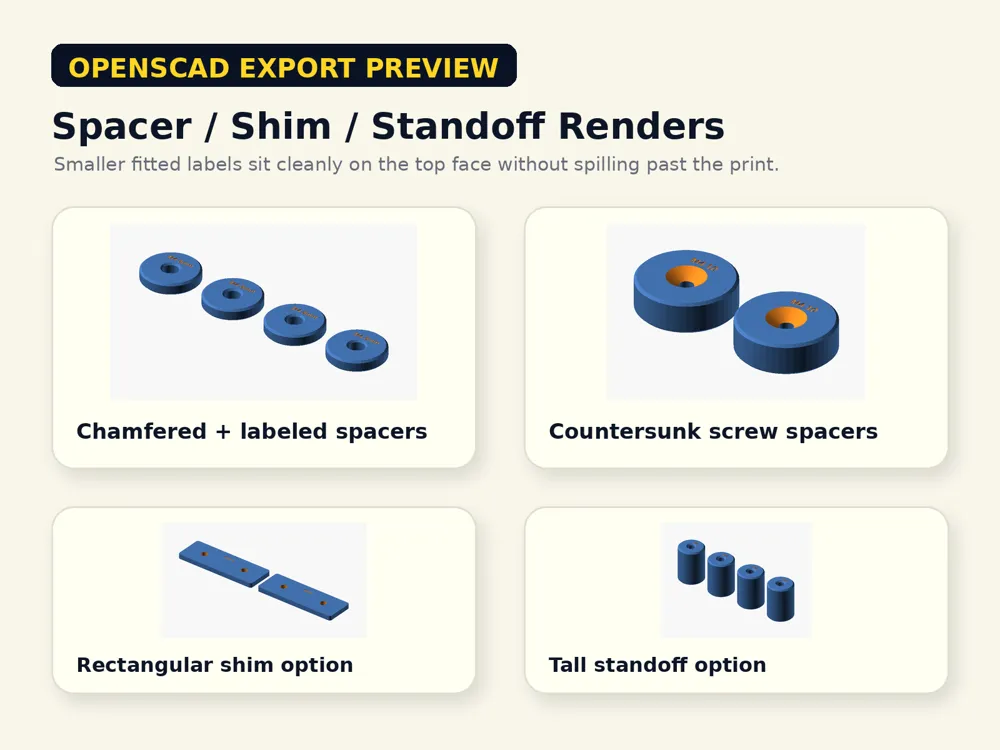
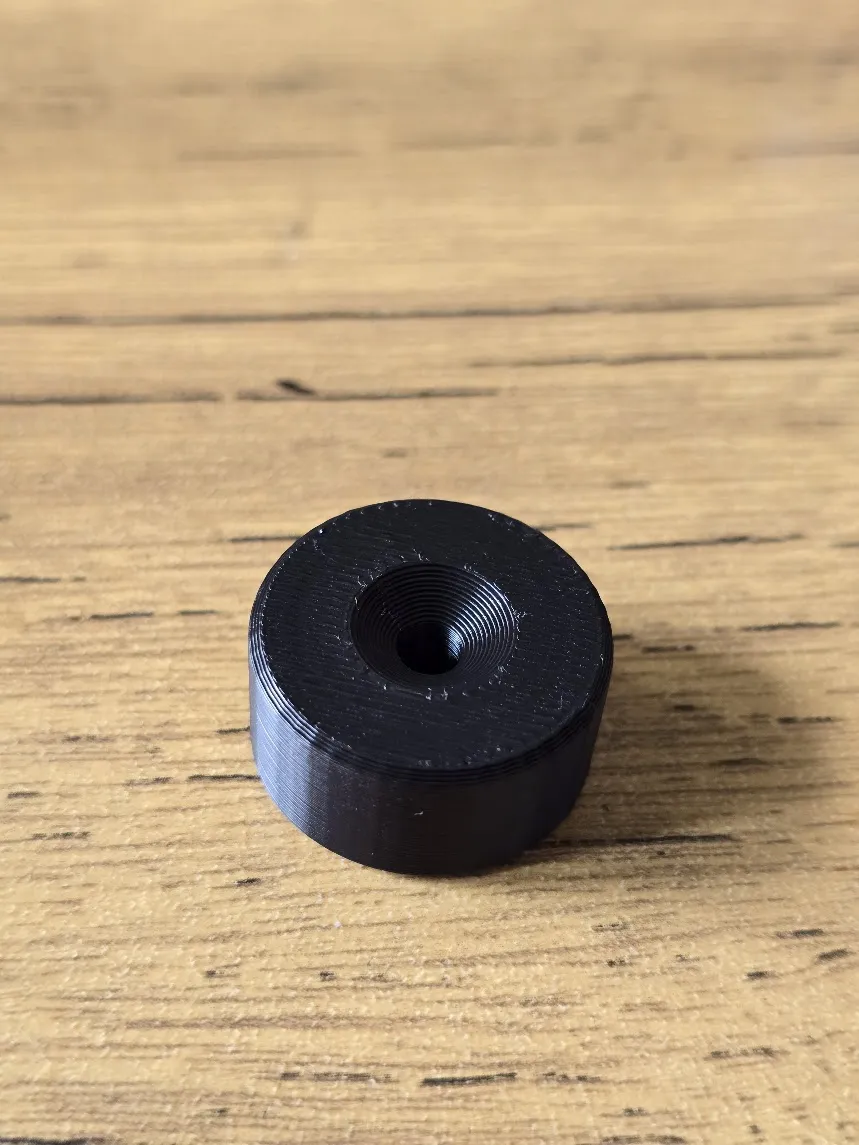
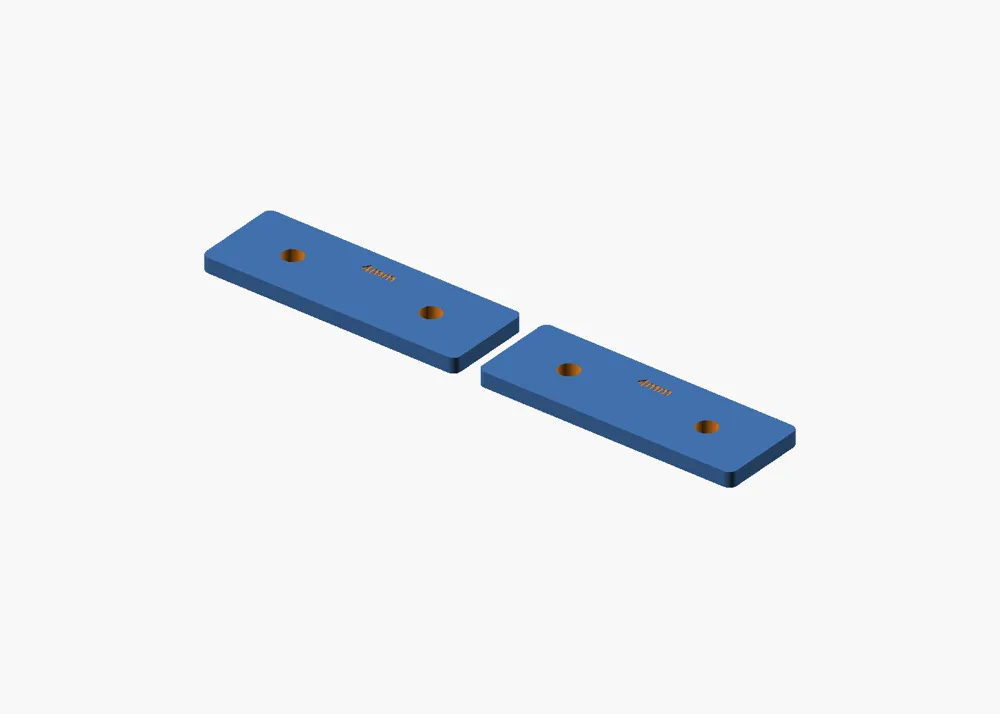
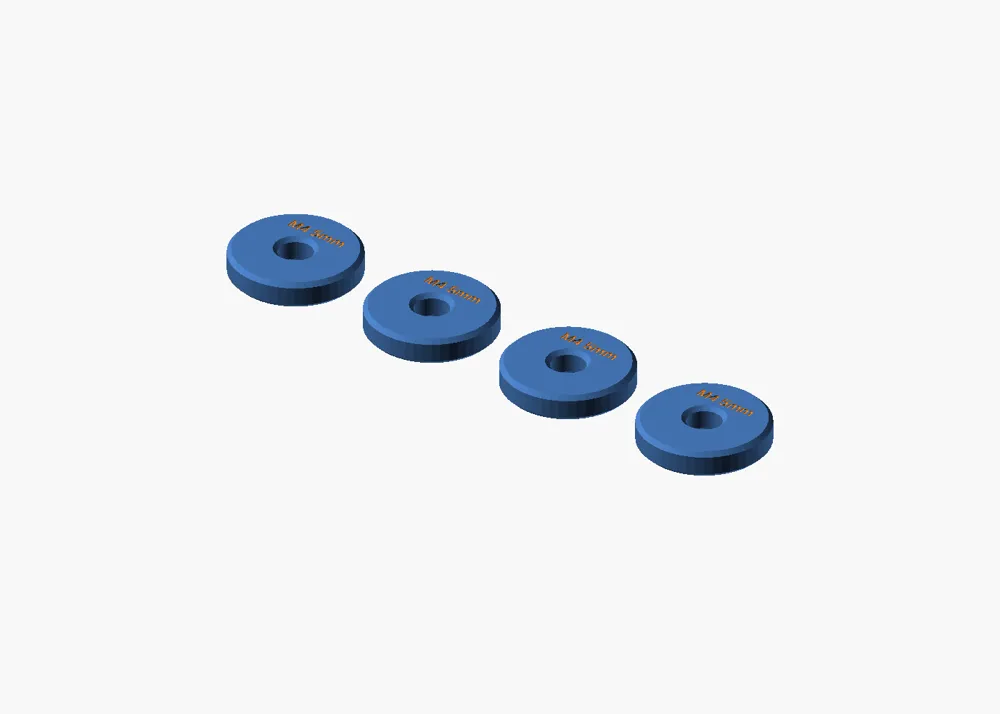
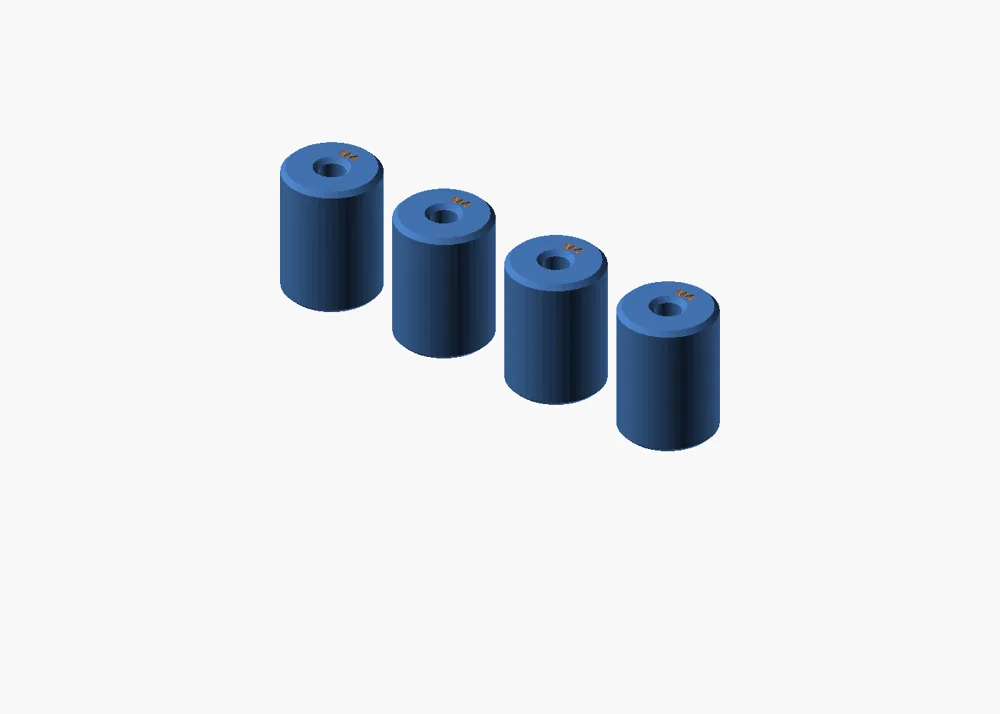
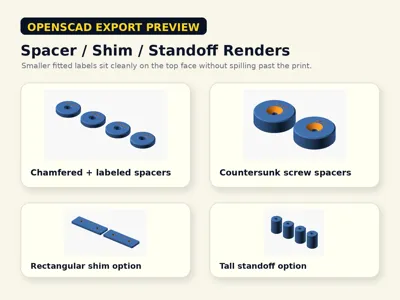
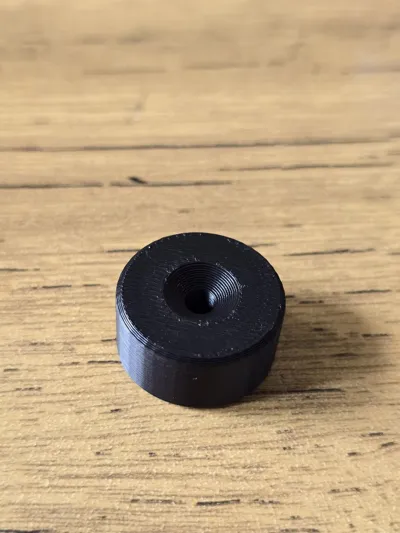
The default model prints a small support-free batch of round spacers with central clearance holes and no unnecessary side notch. Switch to rectangular shim mode for flat plates with 0-4 mounting holes, or tall standoff mode for longer cylindrical stand-offs. A clearance parameter lets you slightly oversize holes for real-world FDM fit, and the copy count parameter lets you print one part or a small set at once.
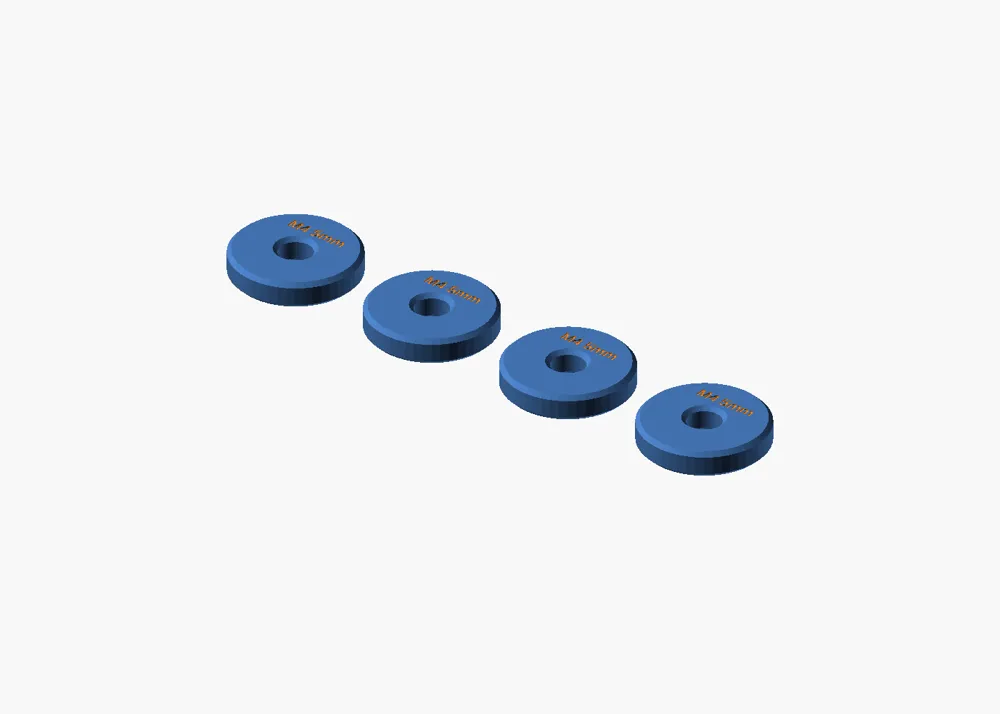
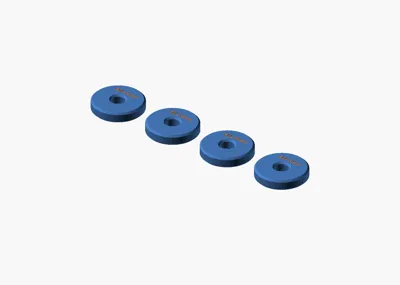
Optional finishing controls include chamfered spacer edges, engraved or raised top labels, and a countersunk top variant for flush-fit screw applications.
This is intended as a practical custom-fit utility print. It is not a certified precision, load-rated, or high-temperature hardware replacement. For functional assemblies, print one test piece first and adjust the clearance for your printer, filament, and screw/bolt size.
## Customization Notes
- Use `part_style` to choose `round_spacer`, `rectangular_shim`, or `tall_standoff`.
- Use `copy_count` and `copy_gap` to print one part or a small batch.
- For round spacers, tune `outer_diameter`, `inner_diameter`, and `spacer_height`.
- For tall standoffs, tune `outer_diameter`, `standoff_height`, and `standoff_hole_diameter`.
- For rectangular shims, tune `shim_length`, `shim_width`, `shim_thickness`, `hole_count`, `shim_hole_diameter`, and `hole_spacing`.
- Use `clearance_extra` to add real-world hole clearance. Start around 0.20 mm for PLA, then test and adjust.
- Use `chamfer_enabled` and `chamfer_size` to soften round spacer/standoff edges.
- Use `label_enabled`, `label_style`, and `label_text` for engraved or raised top labels such as `M4 5mm`.
- Use `countersink_enabled`, `countersink_diameter`, and `countersink_depth` for a countersunk top variant.
- `edge_marker_notch` is off by default; enable only if you want a visible orientation/counting notch.
License

You shall not share, sub-license, sell, rent, host, transfer, or distribute in any way the digital or 3D printed versions of this object, nor any other derivative work of this object in its digital or physical format (including - but not limited to - remixes of this object, and hosting on other digital platforms). The objects may not be used without permission in any way whatsoever in which you charge money, or collect fees.


Comment & Rating (0)