
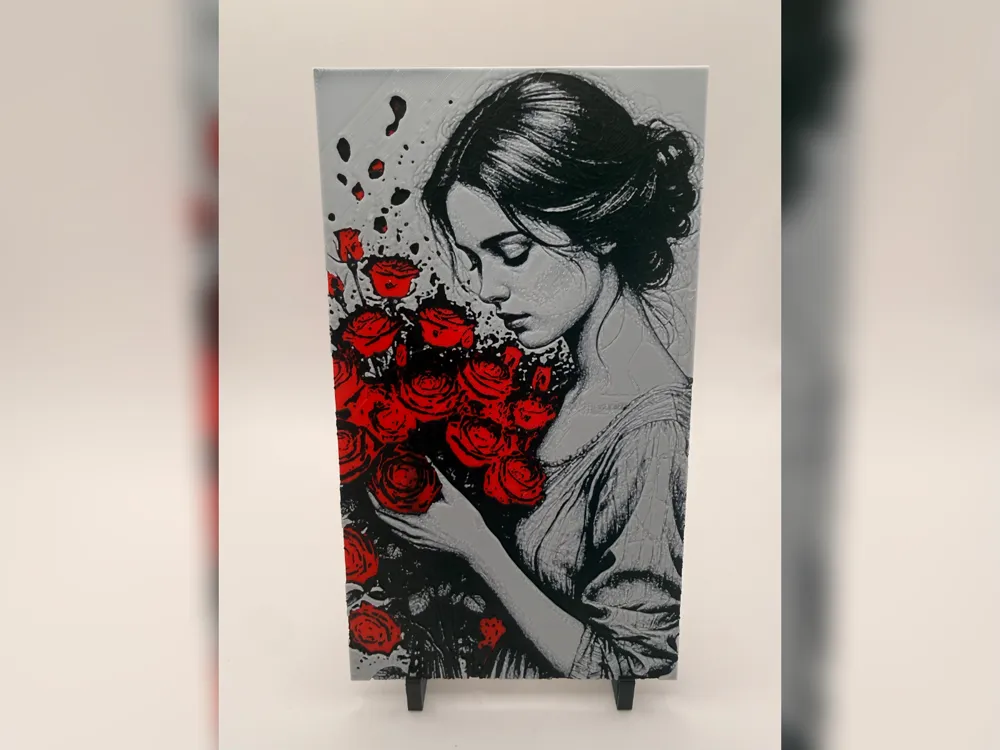
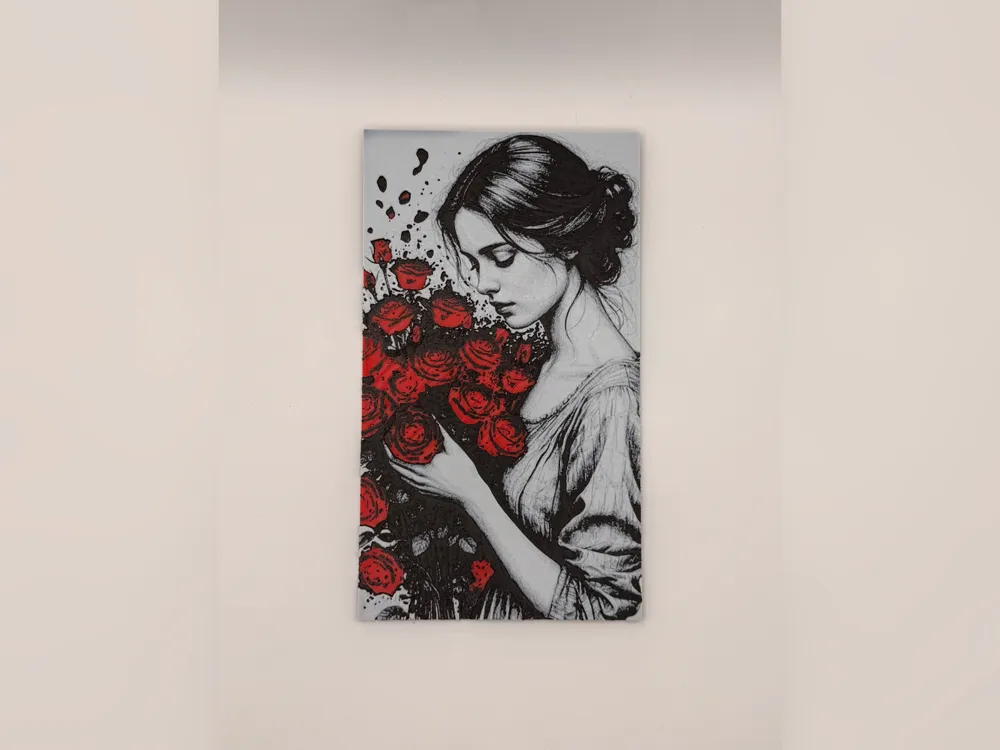
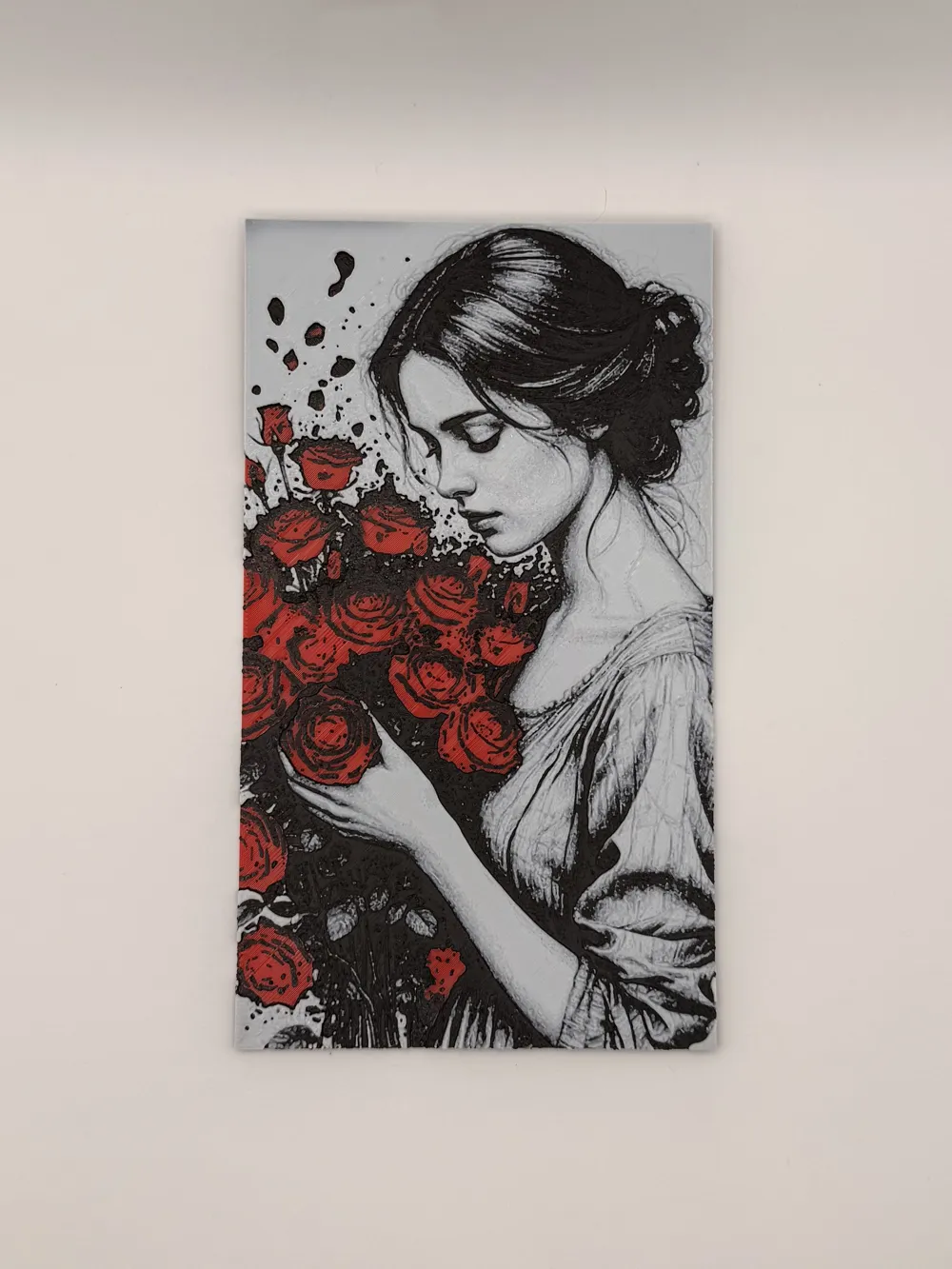
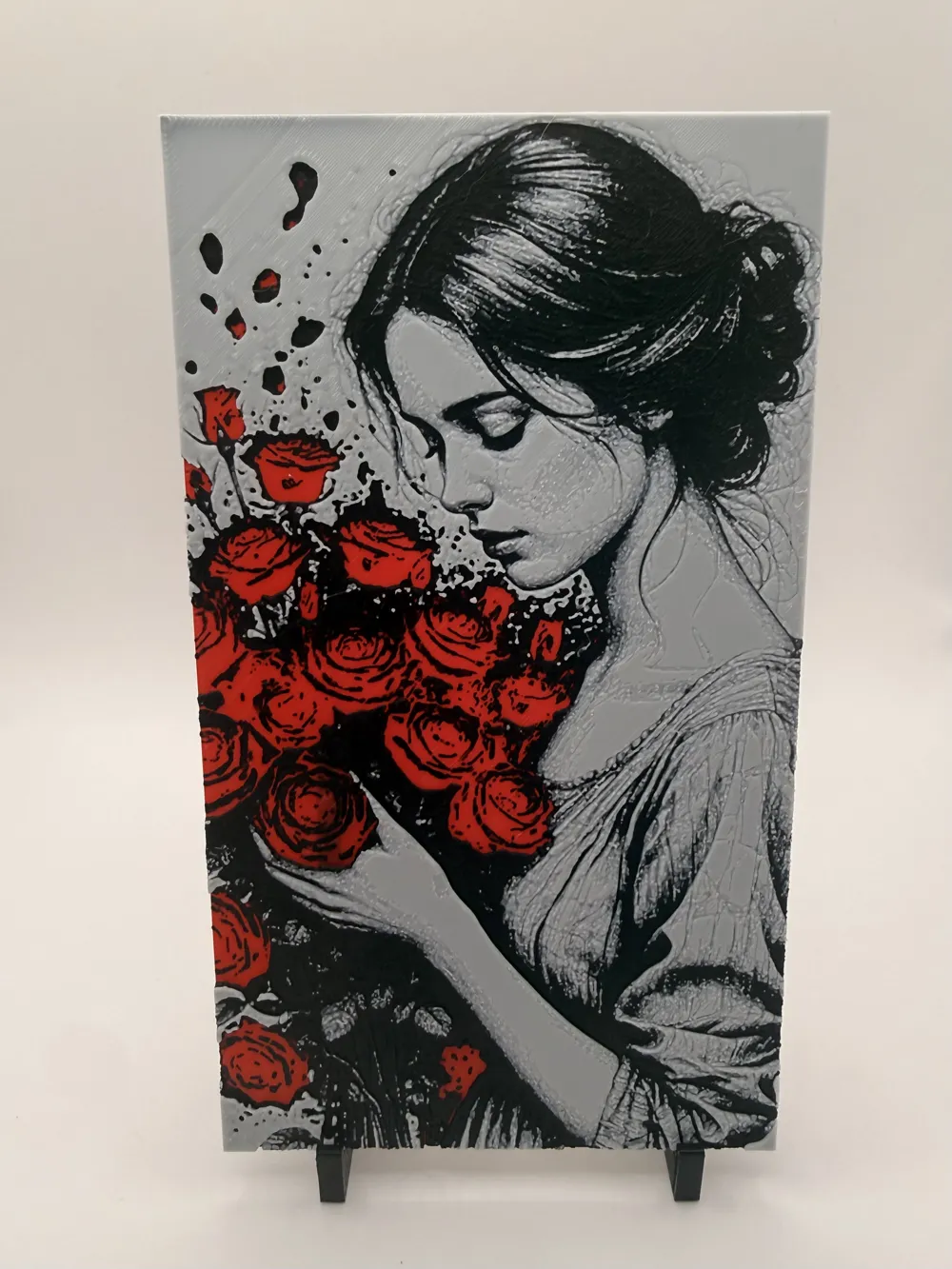
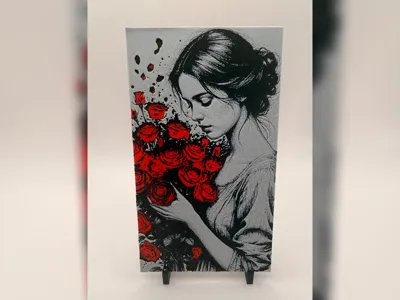
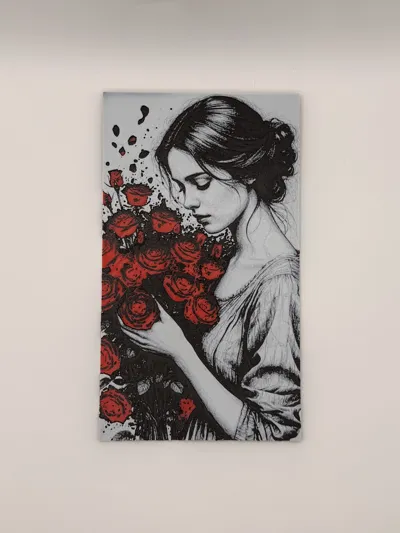
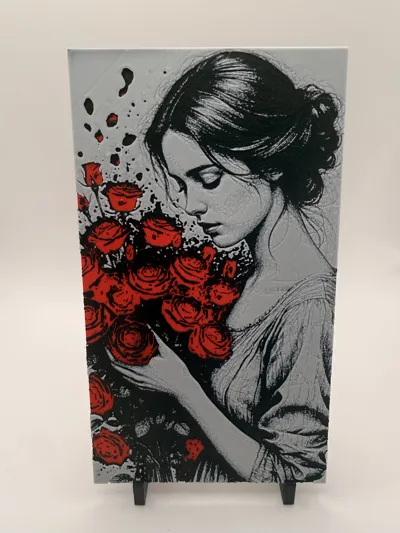
Crimson Rose Reverie Portrait hueforge print


Print Profile(1)
Description
☕ Enjoying my work? Consider buying me a coffee – buymeacoffee.com/jdau
Boost Me (for free)
I hope you find something here that you enjoy printing. Ratings, Boosts, and requests are always welcome, and they help keep new designs coming.
Crimson Rose Reverie Portrait
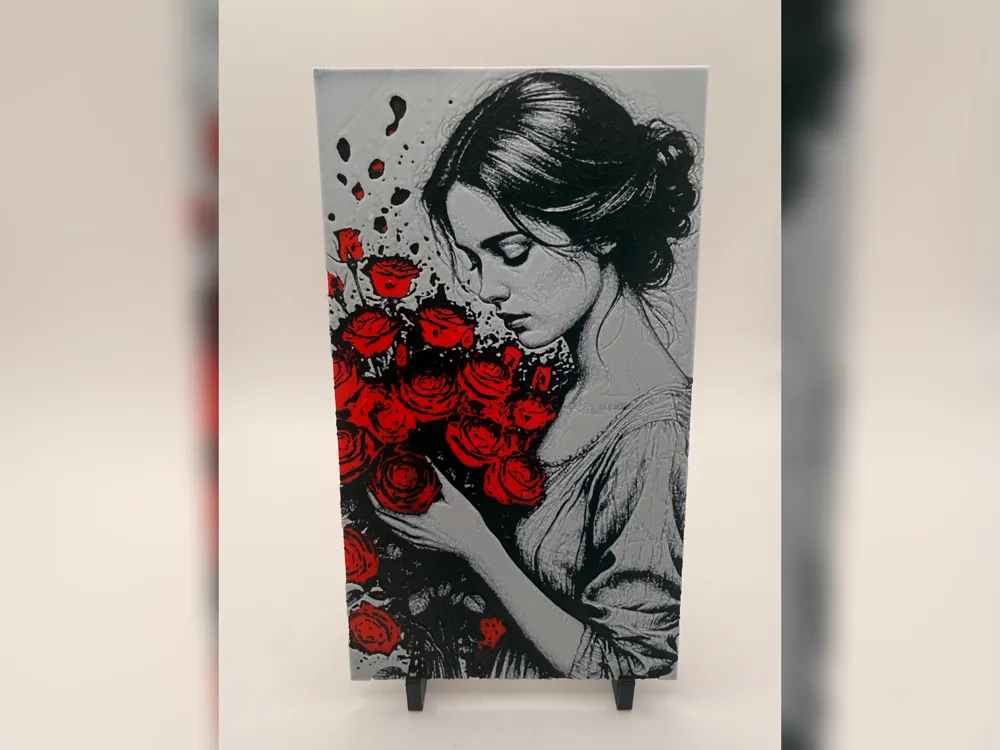
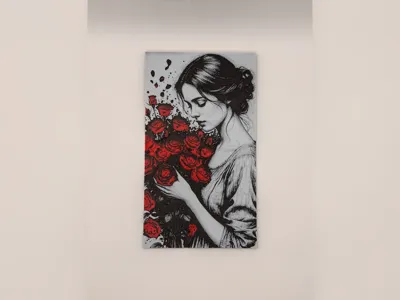
A quiet grayscale portrait with a burst of deep red roses gathered against the figure’s face and hands, giving the whole print a strong colour-pop look without losing the softness of the artwork. In normal light it reads as a romantic floral portrait with a calm, almost sketch-like mood.
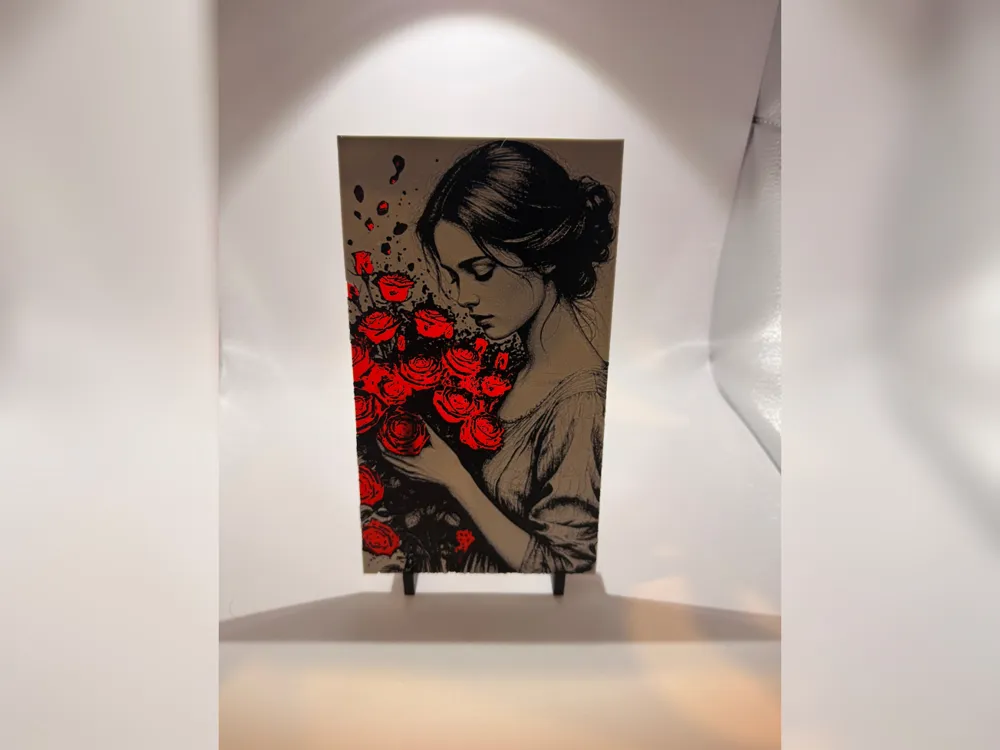
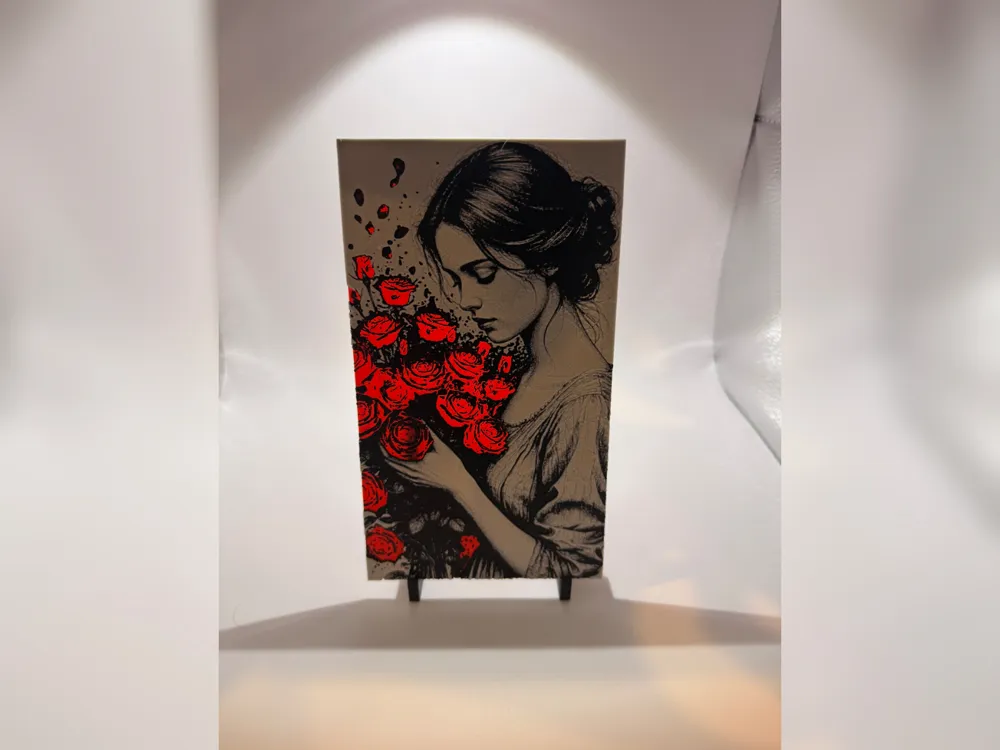
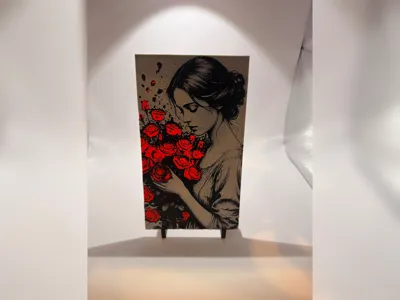
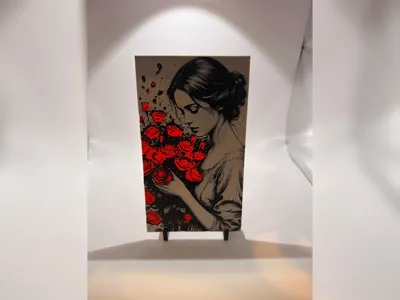
Backlight it and the piece changes character, with the red roses glowing through the darker layers and turning the bouquet into the real focal point. That makes it a great little display print for shelves, bedside tables, reading corners, or as a gift for anyone who likes floral portraits, gothic romance, or prints that reveal a second look when lit from behind.
Print Settings:
- 100% infill
- Sparse Infill Pattern: Rectilinear
- Turn off "Detect Narrow internal solid infill"
- 0.08mm layer height
- 0.16mm initial layer
- Model size: 85.72x150mm
- Optional: You can use a height range modifier up to 0.56mm to print the solid base layers at a higher layer height, such as 0.24mm.
Filaments used:
- #c00d1e PLA BambuLab Basic Red, TD: 4
- #000000 PLA BambuLab Basic Black, TD: 0.6
- #ffffff PLA BambuLab Basic Jade White, TD: 5
This print uses 3 unique filaments.
Similar filament colours may be used, including close Bambu Lab or equivalent alternatives, but results may vary depending on filament brand, colour, transparency, and calibration.
Swap Instructions:
- Start with Red.
- At layer #8 (0.72mm), swap to Black.
- At layer #22 (1.84mm), swap to Jade White for the rest.
Extra Tips for hueforge prints!
- Set your filament temps to 10c lower ~ 210c
- Ensure detect narrow internal solid infill is off
- Resizing! Ensure that you unselect “uniform scale”, and only modify the X & Y axis, the Z axis MUST remain the same
Setting your retraction length to ½ of what it currently is will reduce stringing
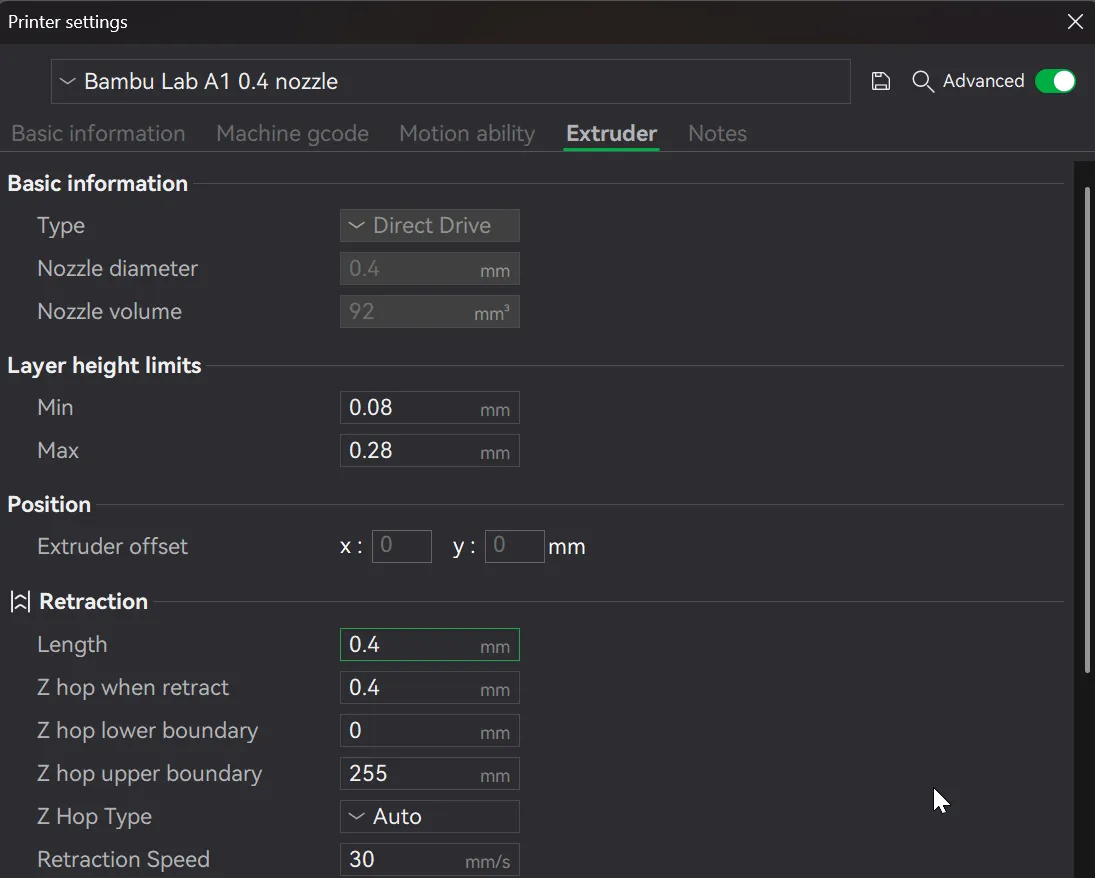
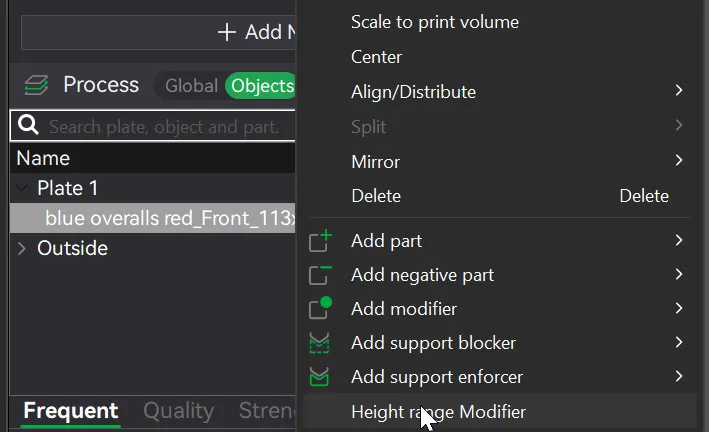
To speed up printing, you can use a height range modifier - Only do this after the swaps/pauses have been inserted and the model sliced first!
i.e. where a model has the following listed: "Optional height range modifier supported up to 0.72mm where noted."
1. Right click on the body under the Objects tab, and select height range modifier
2. Change the two values specified below
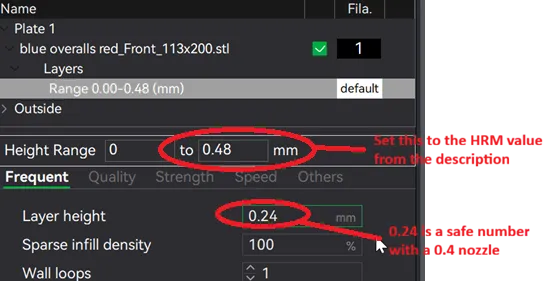
3. Reslice and watch your print time drop down!
License



Comment & Rating (3)