
Custom SVG Sign Generator Pro
Print Profile(3)


Description
Boost Me (for free)
Love this custom model? A Boost goes a long way in supporting my work and fueling future designs! Thank you for downloading! 🤘
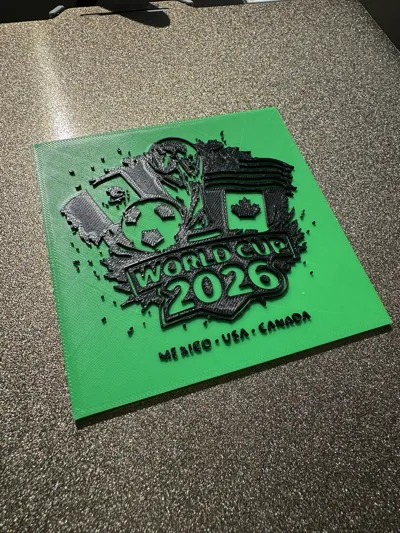
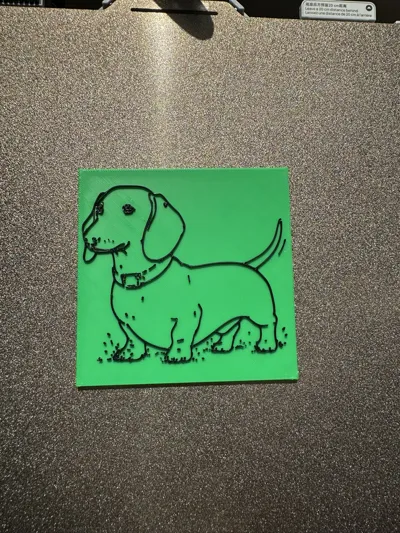
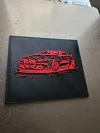
🔥 TURN ANY IMAGE INTO CUSTOM 2-COLOR 3D ART!
Easily create your own custom signs, logos, or wall decor directly in your browser. No CAD skills required! Just upload an SVG, adjust the sliders, and print.
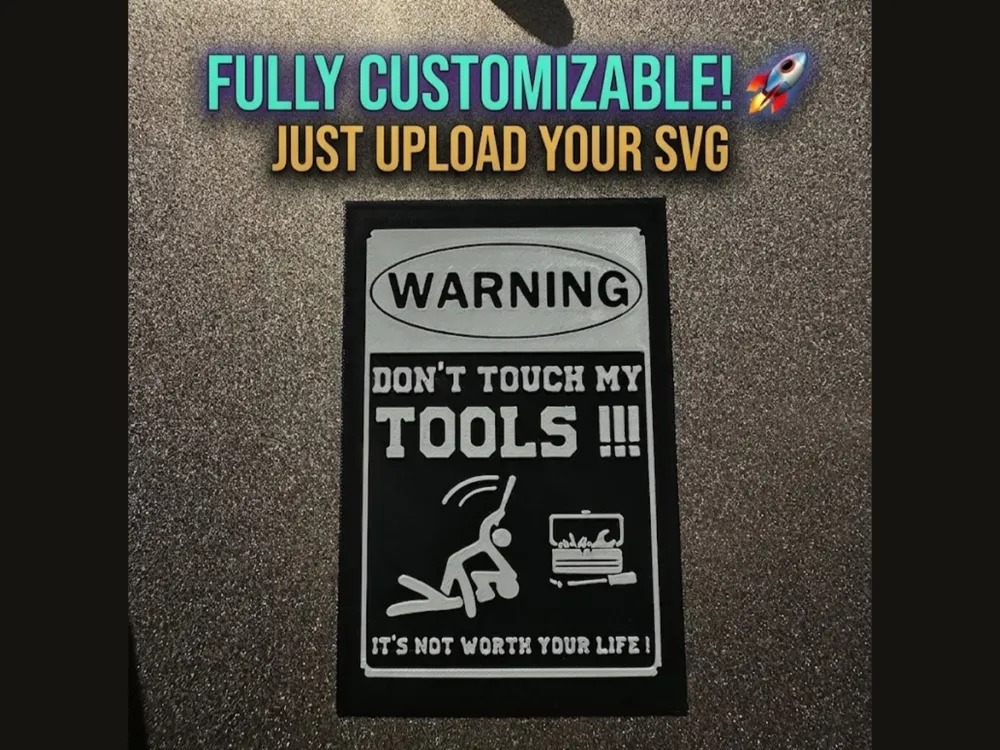
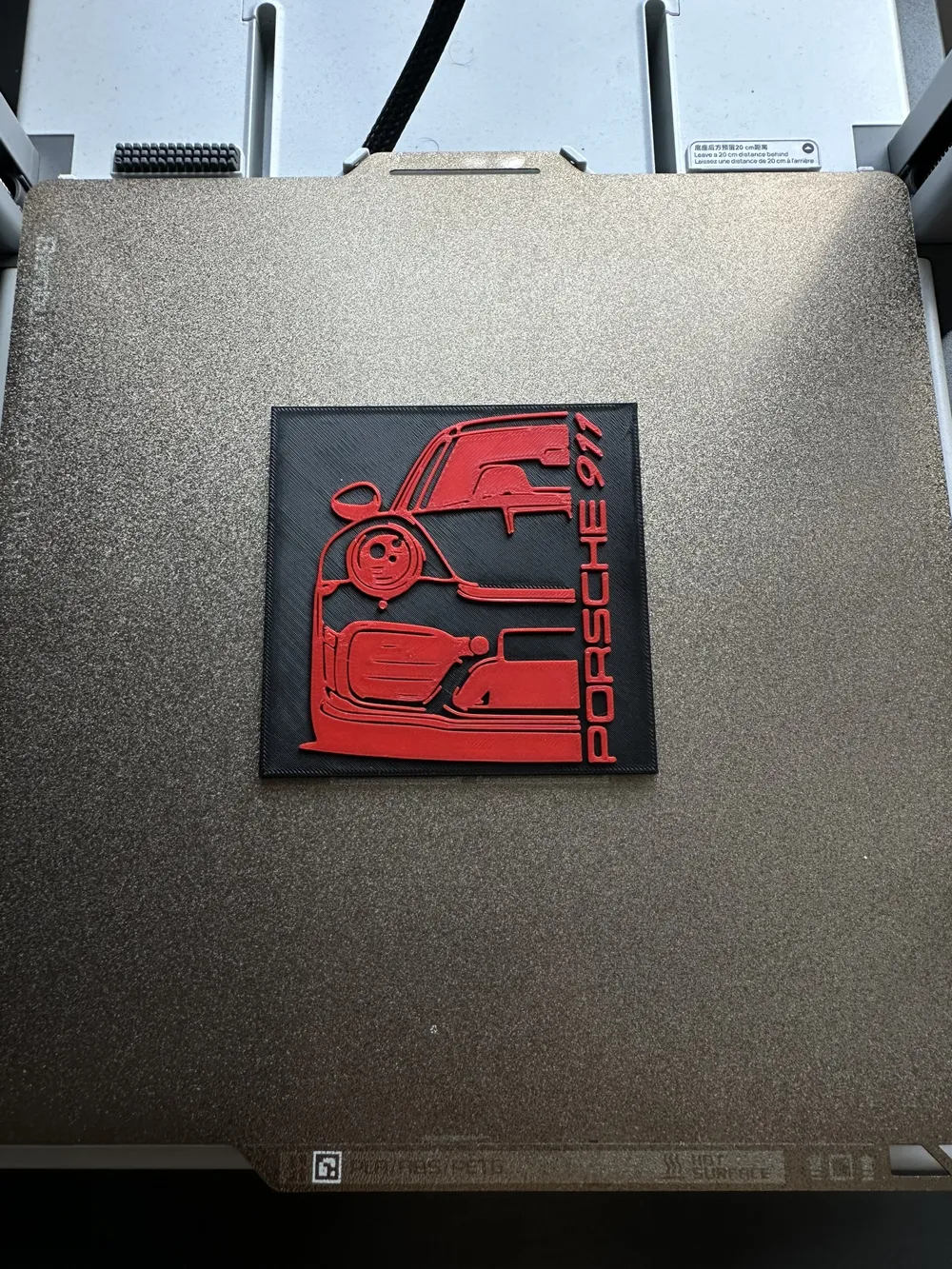
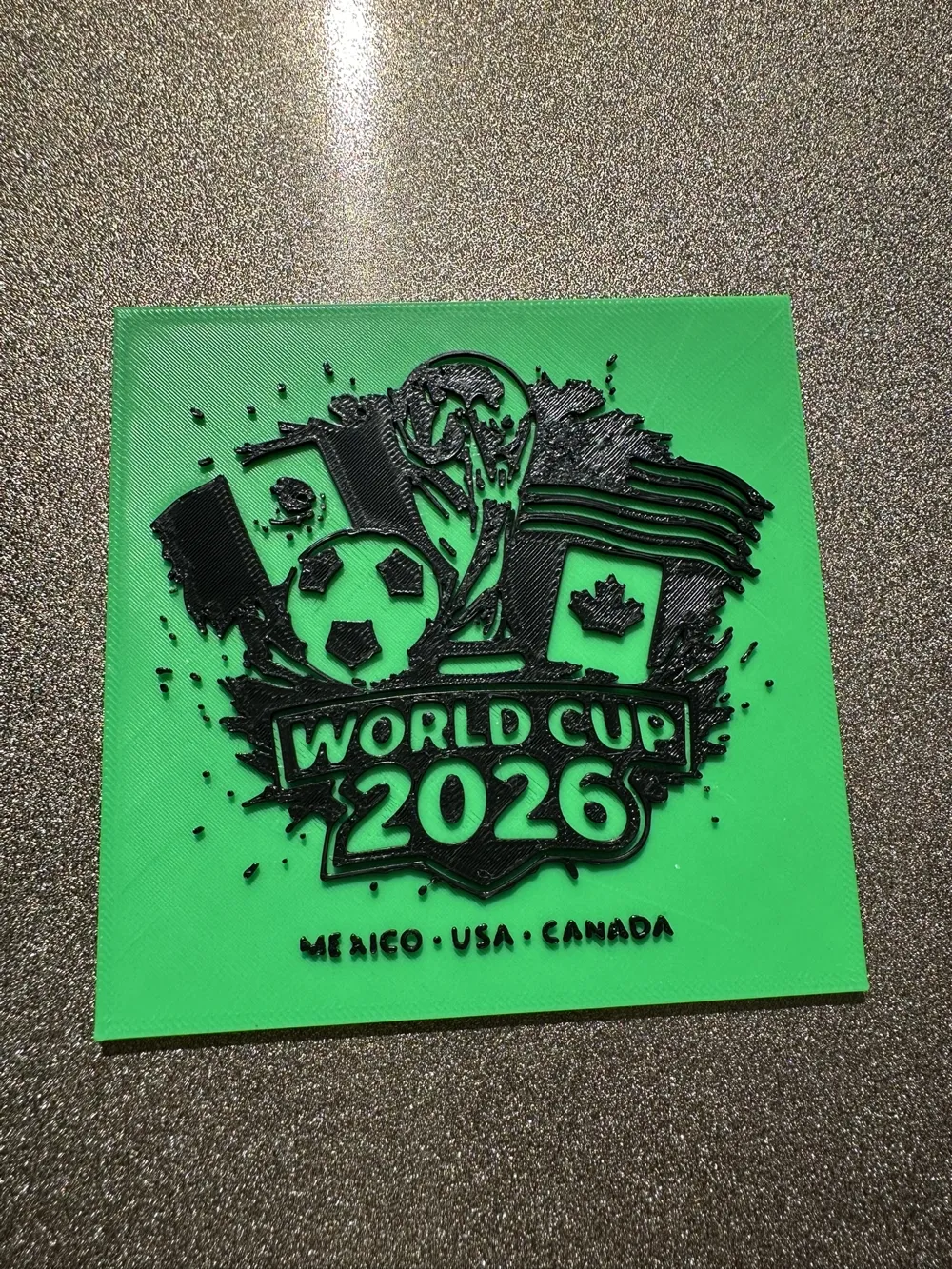
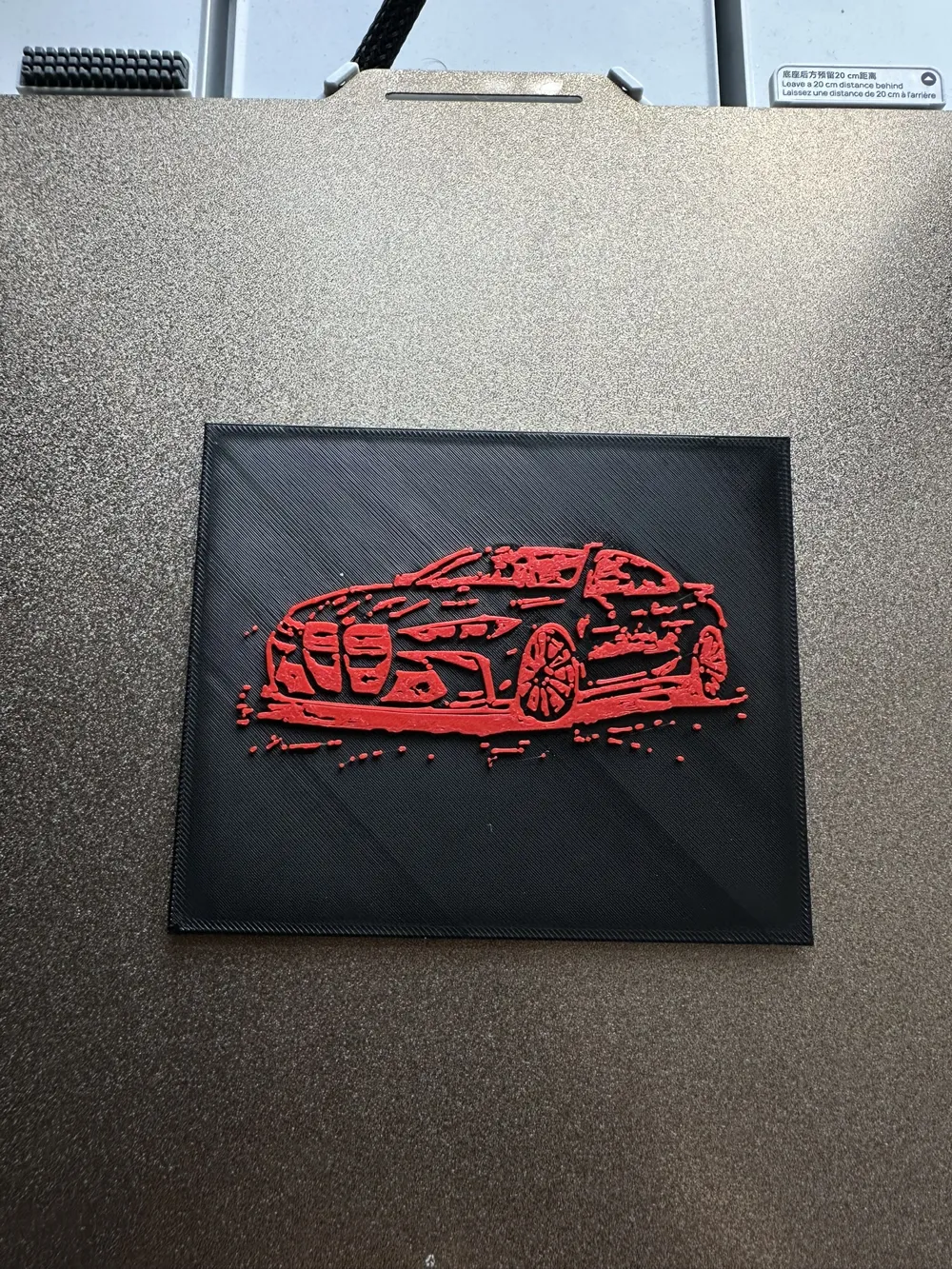
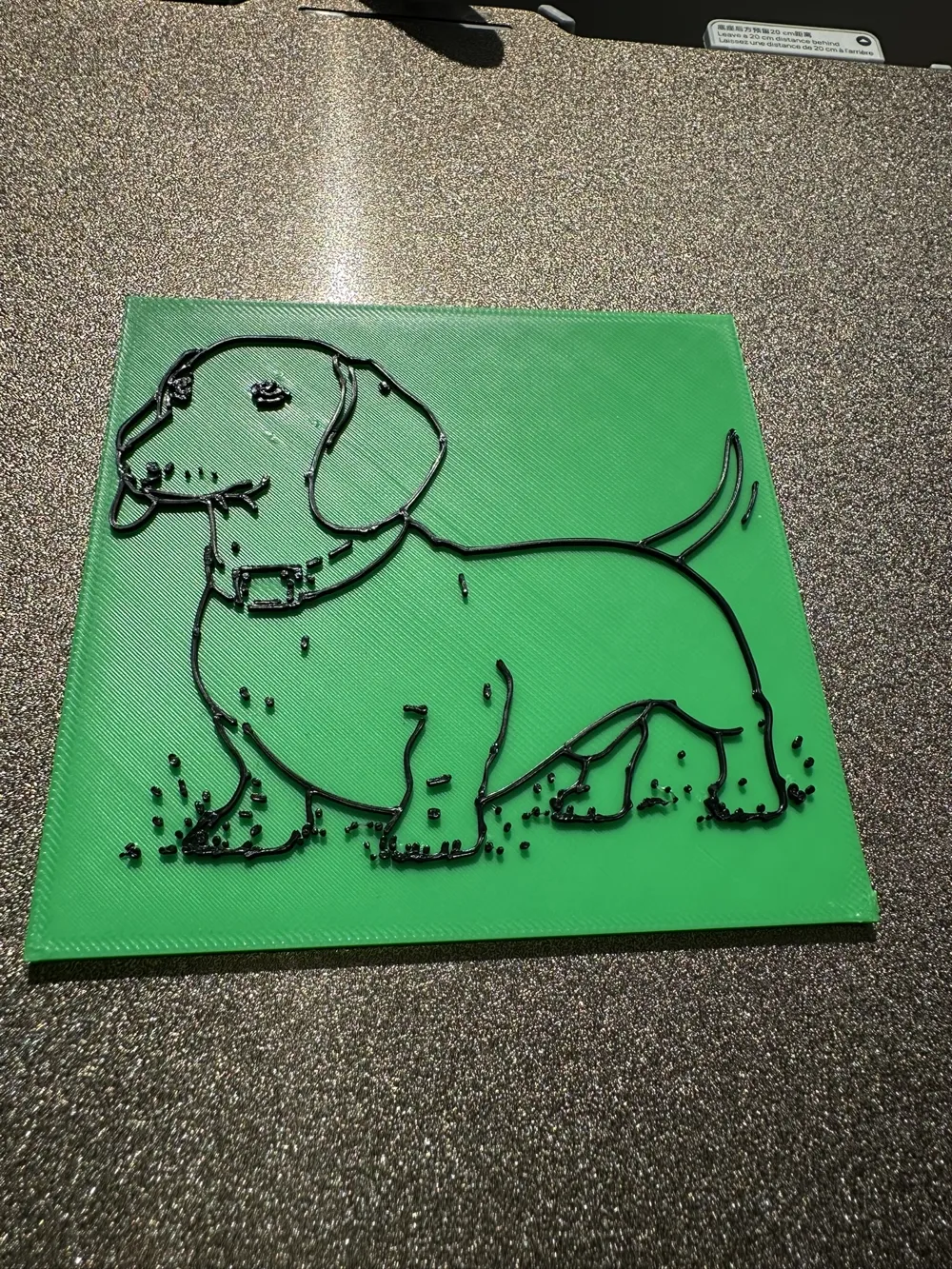
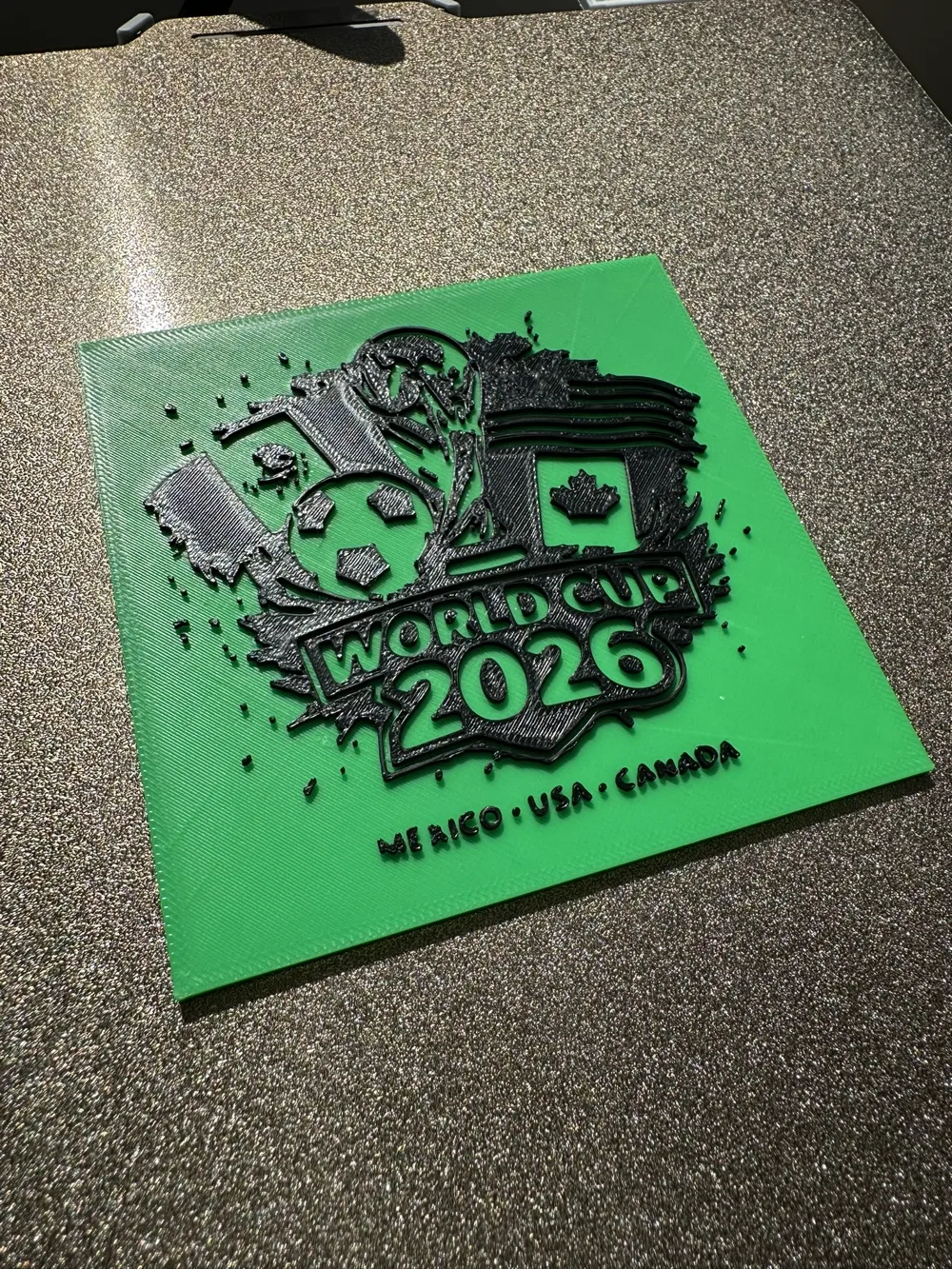
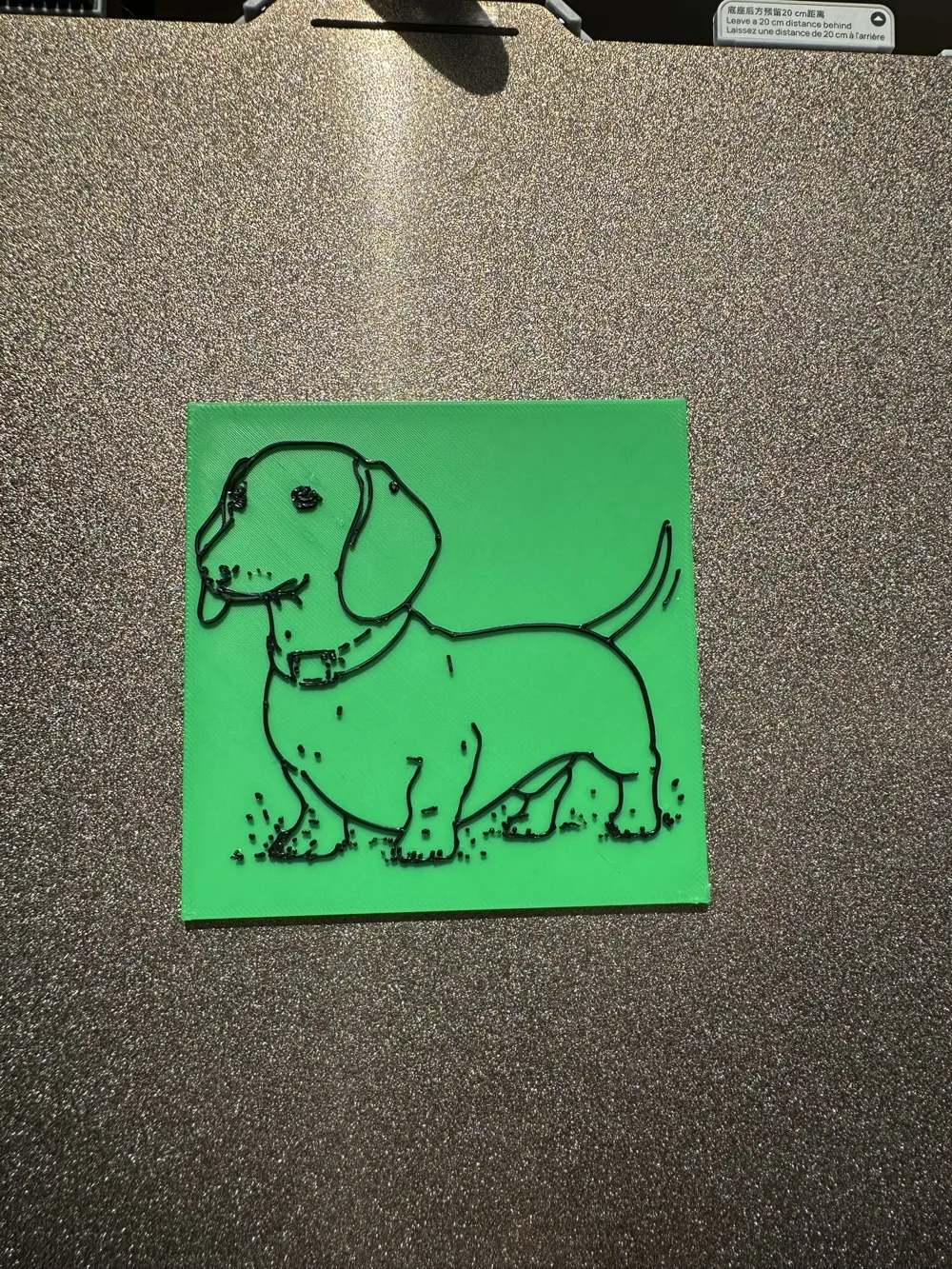
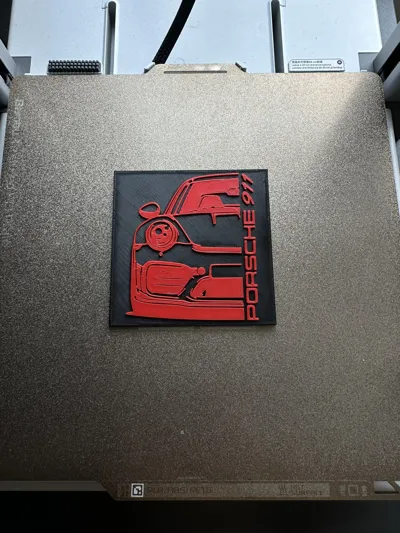
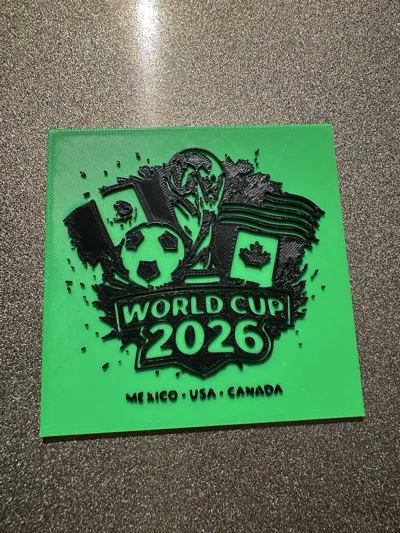
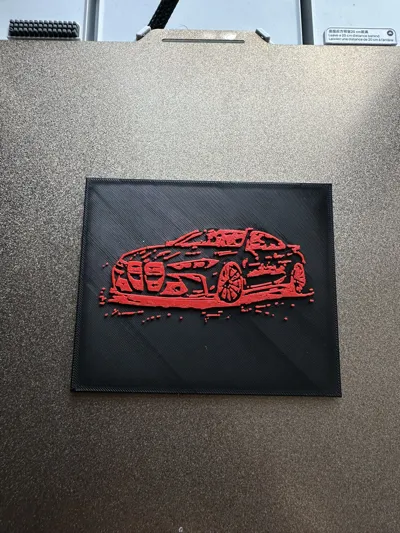
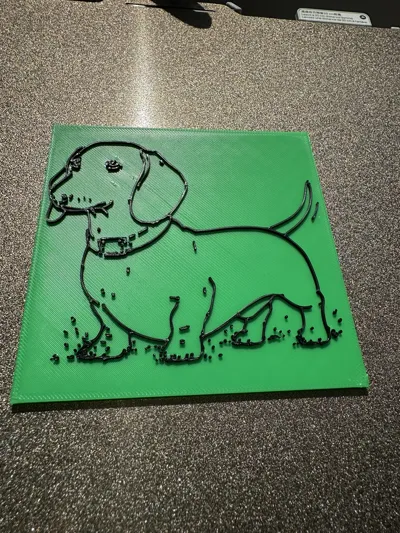
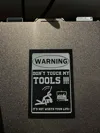
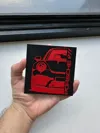
(Check out the 3 examples in the gallery to see what's possible, and watch the quick GIF tutorial below to get started!)
⚠️ SVG upload not working? Turn off your ad blocker!
Nothing happens when you upload? Disable your ad blocker for MakerWorld (or use an incognito window) and reload. That fixes it.
🛠️ HOW TO USE THE GENERATOR:
- Click Customize (📱 Mobile users: This opens the generator in your browser!).
- Upload your own .svg file.
- Tweak the scale, thickness, and position using the sliders.
- Click Generate and print!
💡 PRO TIPS FOR PERFECT RESULTS:
Have a JPG/PNG? The absolute best converter I've tested is picsvg.com! I highly recommend using it first, as it generates the cleanest files for this tool. If needed, you can easily find another free SVG converter online as a backup.
Need ready-made SVGs? Get clean, free vectors from SVGRepo.com or Flaticon.com.
Slicer Warning? If Bambu Studio says "1M triangles could be slow", just click the green "Simplify model" text in the warning. It fixes it instantly with zero visual quality loss!
Printing WITH AMS: Import your customized STL, slice it, drag the right vertical layer slider down to where the top design starts, right-click the "+" icon -> Change Filament.
- Printing WITHOUT AMS: Follow the exact same steps, but instead of Change Filament, select Add Pause. When the printer stops, manually swap your filament spool and hit resume!
📸 SHOW ME WHAT YOU MADE!
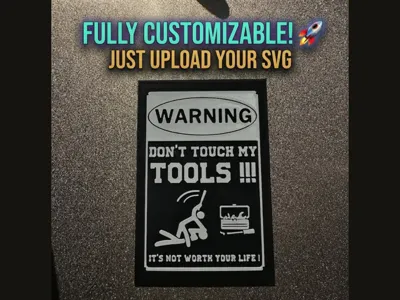
Because this generator is 100% customizable, the possibilities are endless. I am super curious to see what you create with it! Drop a comment with a picture of your custom print—whether it's a gaming logo, a workshop warning sign, or something totally unique! Happy printing! 🚀
Boost Me (for free)
If this generator helped you create something awesome for your wall or workshop, please consider giving it a Boost! 🚀 Your support helps me buy filament for testing and keeps these custom tools free for the community. Happy printing!
License

You shall not share, sub-license, sell, rent, host, transfer, or distribute in any way the digital or 3D printed versions of this object, nor any other derivative work of this object in its digital or physical format (including - but not limited to - remixes of this object, and hosting on other digital platforms). The objects may not be used without permission in any way whatsoever in which you charge money, or collect fees.


Comment & Rating (0)