
eSun PA12+CF Bambu Print Profile
Print Profile(1)
Description
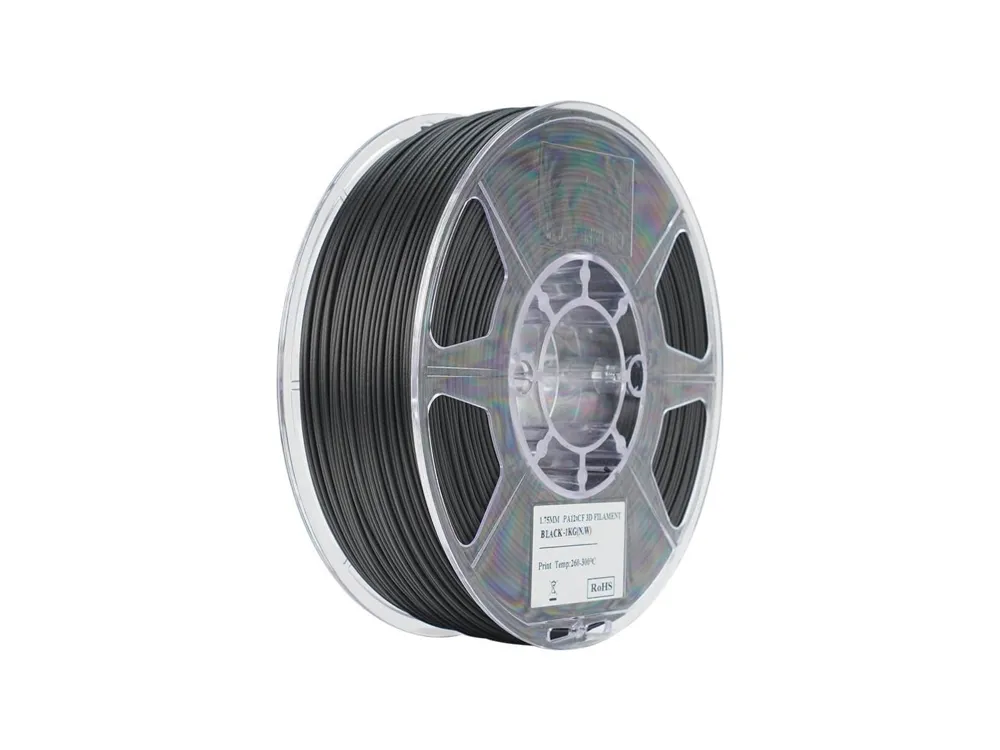
I was tired of guessing, so I built this profile to take the headache out of printing with eSUN PA12+CF / ePA12-CF / PA12-CF / PA12 CF / Nylon PA12 Carbon Fiber on Bambu Lab printers.
How this profile was made:
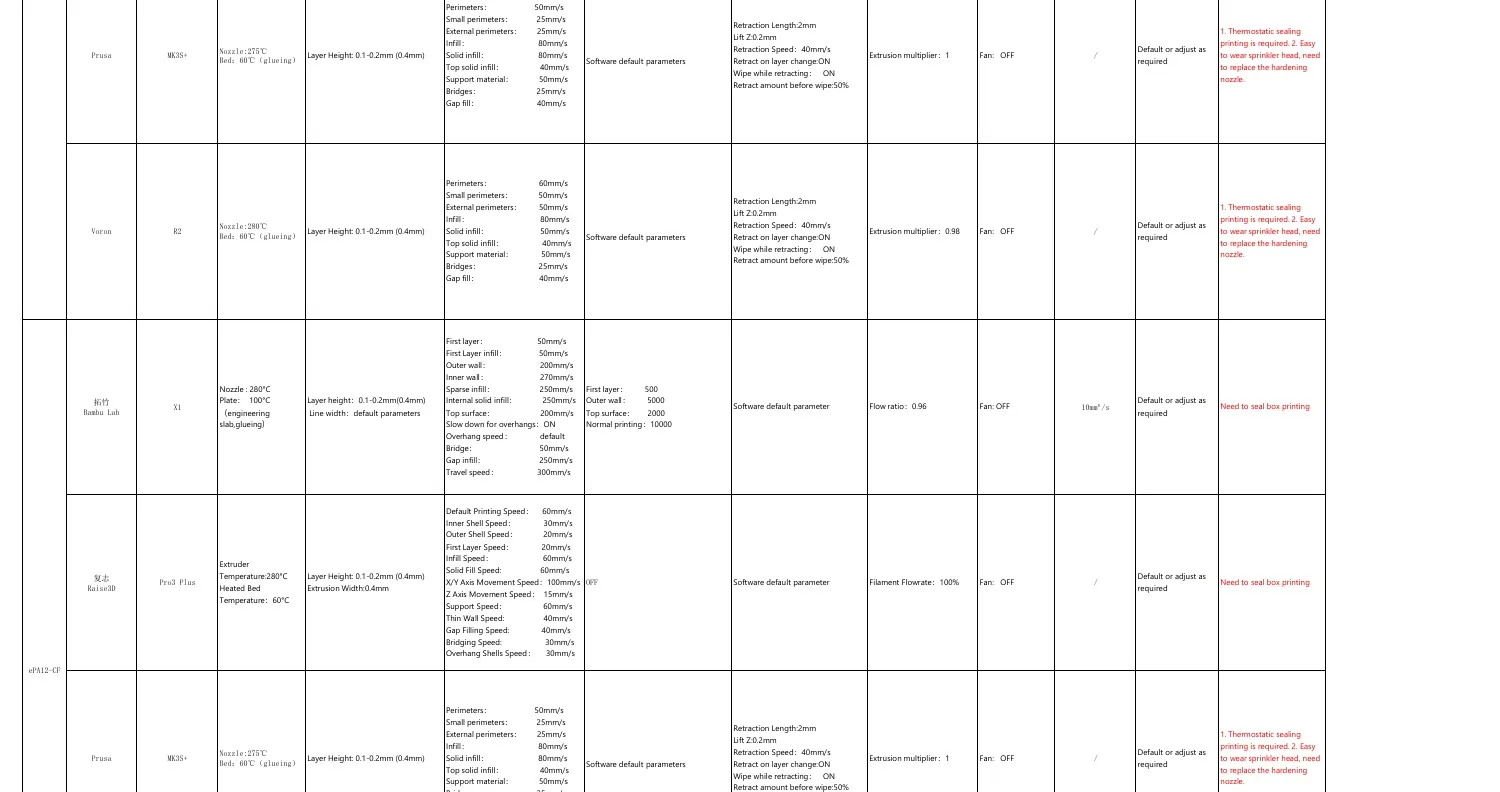
The included filament and process/print-settings JSONs are not just a blind copy of generic slicer defaults. It was consolidated from the supplied eSUN/Bambu machine-specific profiles and checked against the official eSUN fast-filament parameter PDF / product information where available.
It corrects several common issues found when using default generic PA settings:
- Nylon/PA-specific high-temperature behavior instead of generic engineering-material guesses.
- Conservative volumetric flow and speeds for stronger layers and fewer extrusion failures.
- CF-filled variants are marked for hardened-nozzle use and avoid inappropriate 0.2 mm nozzle compatibility.
Compatibility:
This is set up as a Universal Profile. Once imported, it is intended to be available for:
- X1 / X1 Carbon / X1E
- P1S / P1P / P2S
- A1 / A1 Mini
- Other current Bambu Lab printer presets found in Bambu Studio
How to Install:
1. Download the .zip file or the raw profile file from the Raw Model Files section and extract it if needed.
2. Open Bambu Studio.
3. Go to File > Import > Import Configs…
4. Select both included JSON files:
- eSUN_PA12+CF_Universal_Bambu_Filament.json
- eSUN_PA12+CF_Universal_Bambu_Process.json
5. Select the imported eSUN PA12+CF Universal Bambu filament profile in the filament dropdown and the matching eSUN PA12+CF Universal Bambu Process profile in the process/print-settings dropdown.
Important notes:
- Filled/abrasive CF/GF materials should be printed with a hardened nozzle and are not advertised for 0.2 mm nozzles.
- Dry the filament thoroughly before printing. Hardened nozzle is recommended/required for CF-filled variants.
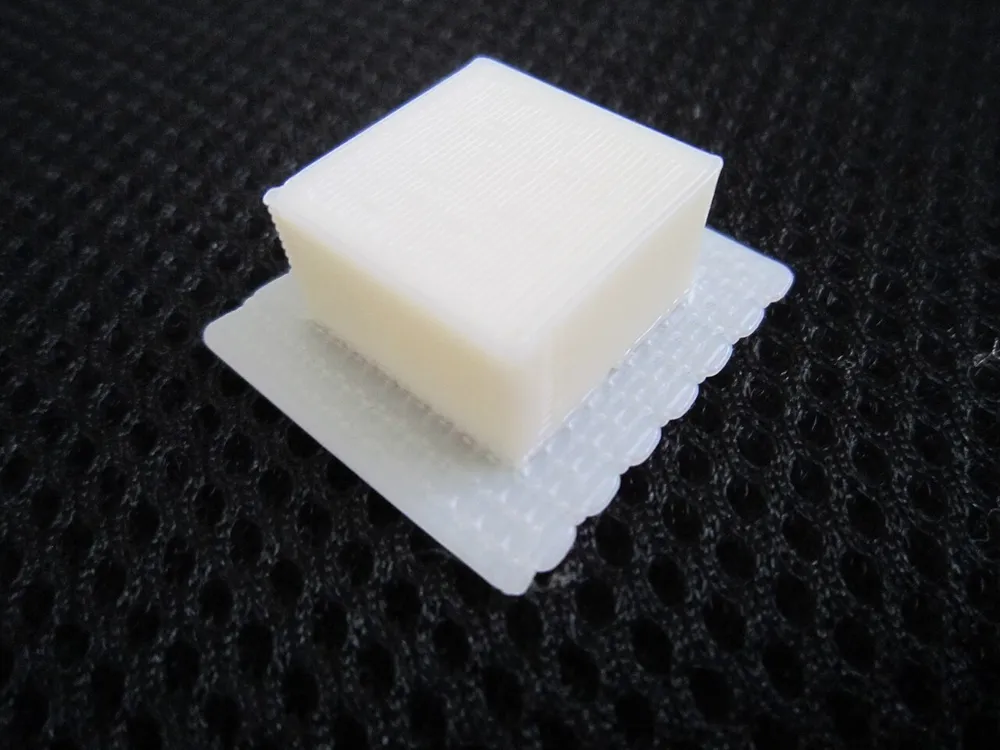
- This upload contains both a universal filament profile JSON and a matching universal process/print-settings JSON. The MakerWorld .3mf test cube itself stays generic so MakerWorld does not reject custom printer/filament types.
License

You shall not share, sub-license, sell, rent, host, transfer, or distribute in any way the digital or 3D printed versions of this object, nor any other derivative work of this object in its digital or physical format (including - but not limited to - remixes of this object, and hosting on other digital platforms). The objects may not be used without permission in any way whatsoever in which you charge money, or collect fees.


Comment & Rating (5)