
eSUN PLA+ / PLA Pro /PLA Plus Bambu Print Profile
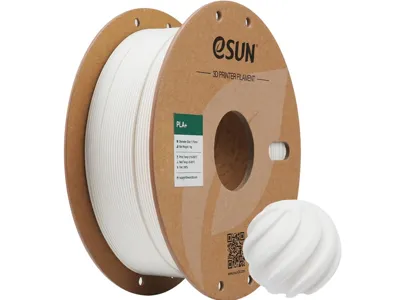
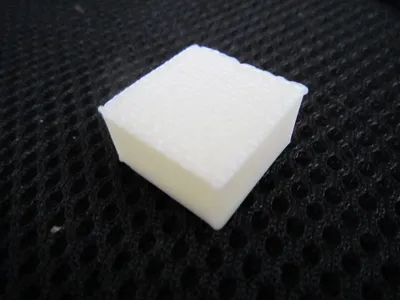
Print Profile(1)
Description
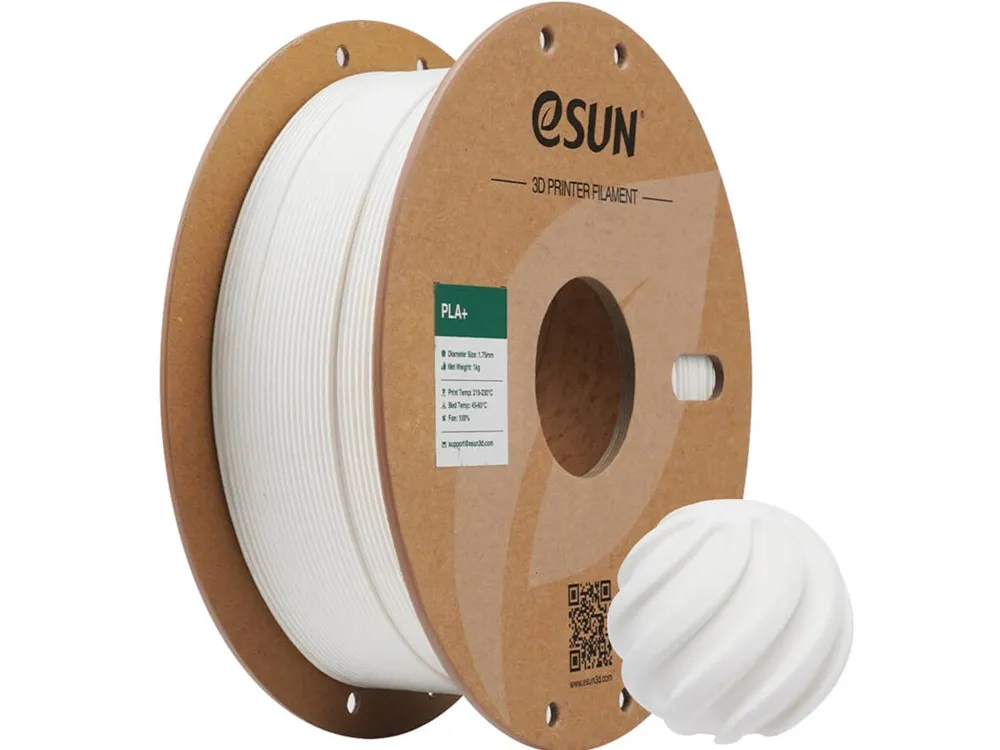
I was tired of guessing, so I built this profile to take the headache out of printing with eSUN PLA+ / PLA Pro / PLA Plus on Bambu Lab printers.
How this profile was made:
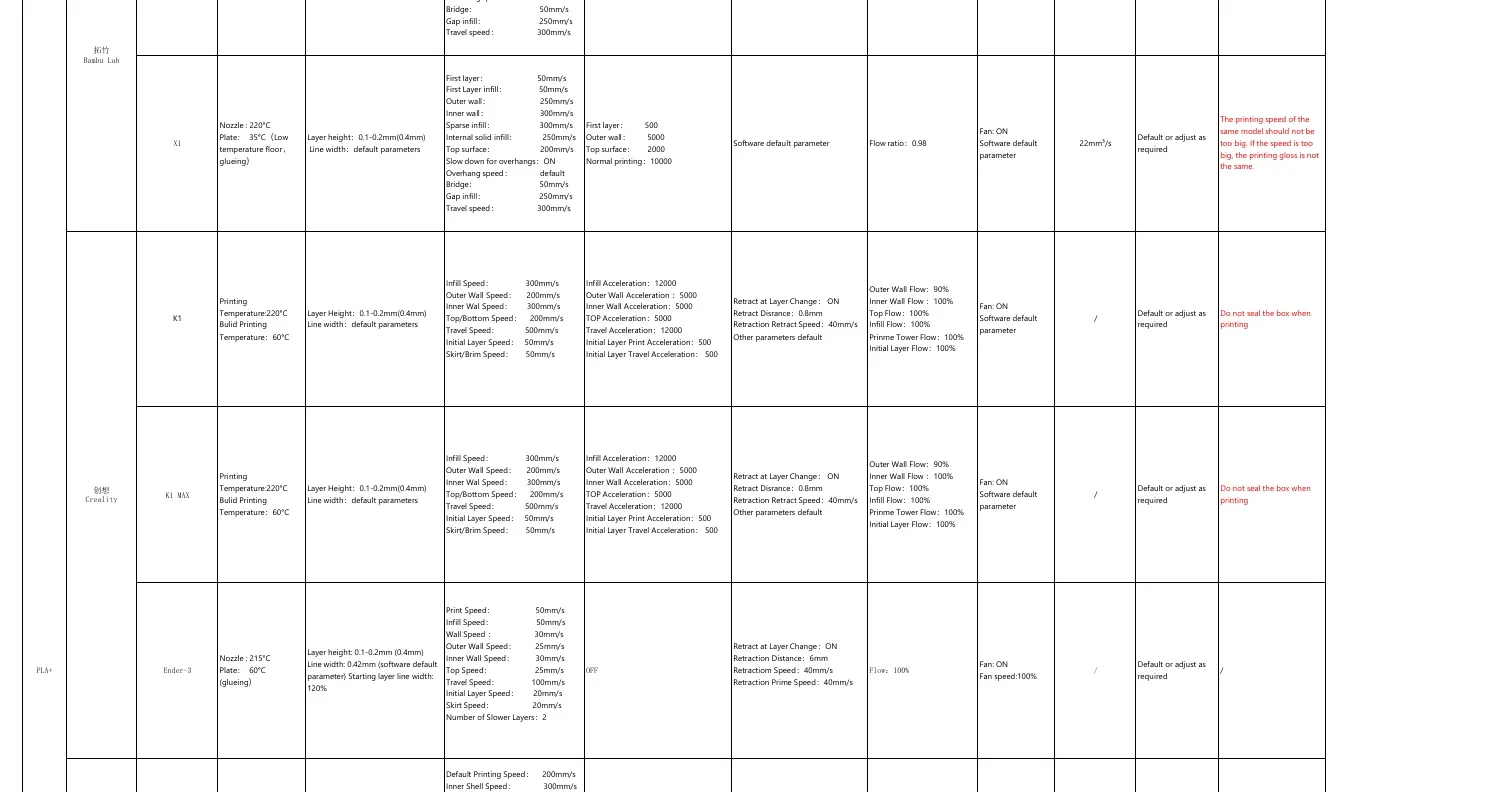
This profile is not just a blind copy of generic slicer defaults. It was consolidated from the supplied eSUN/Bambu machine-specific profiles and checked against the official eSUN fast-filament parameter PDF / product information where available.
What is included:
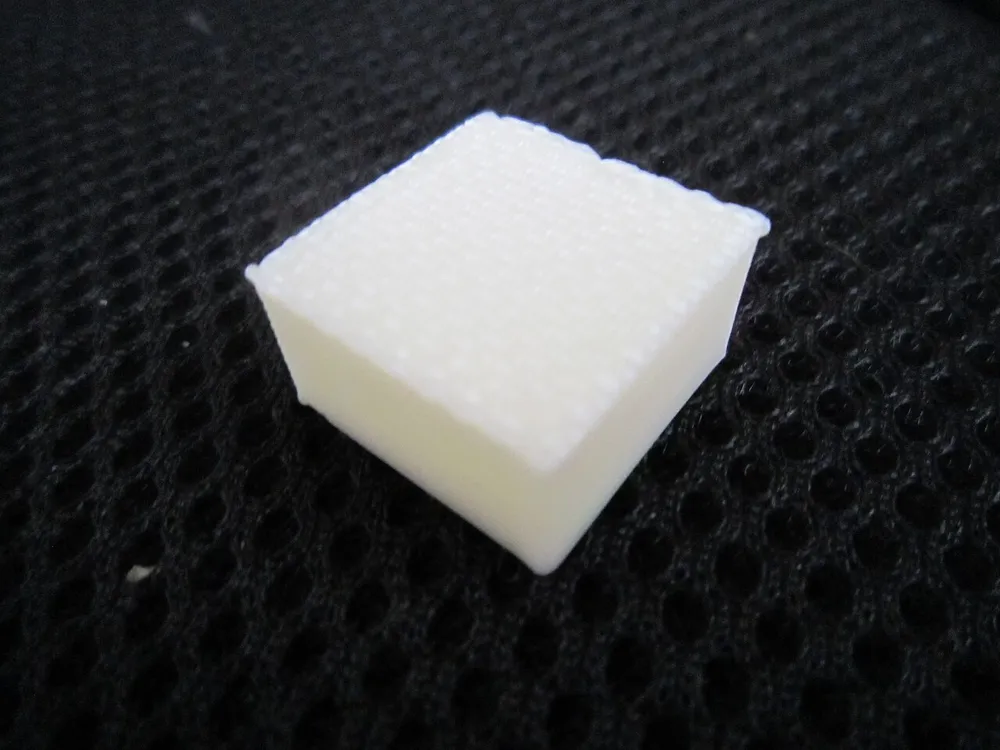
- A MakerWorld-required Bambu Studio .3mf test cube project, anchored to a normal P1S 0.4 nozzle printer profile.
- A universal eSUN PLA+ Bambu Studio filament profile JSON in the raw files ZIP.
- Example images and source/parameter references.
Compatibility:
The included JSON profile is intended as a universal Bambu Studio import profile for common Bambu Lab printers such as X1/X1C/X1E, P1S/P1P, and A1/A1 Mini. The .3mf test cube is only the MakerWorld upload project; import the JSON profile in Bambu Studio for actual use.
How to install:
1. Download the raw files ZIP and extract it.
2. Open Bambu Studio.
3. Go to File > Import > Import Configs…
4. Select eSUN_PLA+_Universal_Bambu_Filament.json.
5. Select the imported eSUN PLA+ Universal Bambu profile in the filament/profile dropdown.
Important notes:
Dry filament is recommended for best surface finish. Printers, nozzles, spools, and chambers can still vary, so treat this as a strong starting profile and fine-tune if your setup needs it.
Image/source notes:
License

You shall not share, sub-license, sell, rent, host, transfer, or distribute in any way the digital or 3D printed versions of this object, nor any other derivative work of this object in its digital or physical format (including - but not limited to - remixes of this object, and hosting on other digital platforms). The objects may not be used without permission in any way whatsoever in which you charge money, or collect fees.


Comment & Rating (0)