
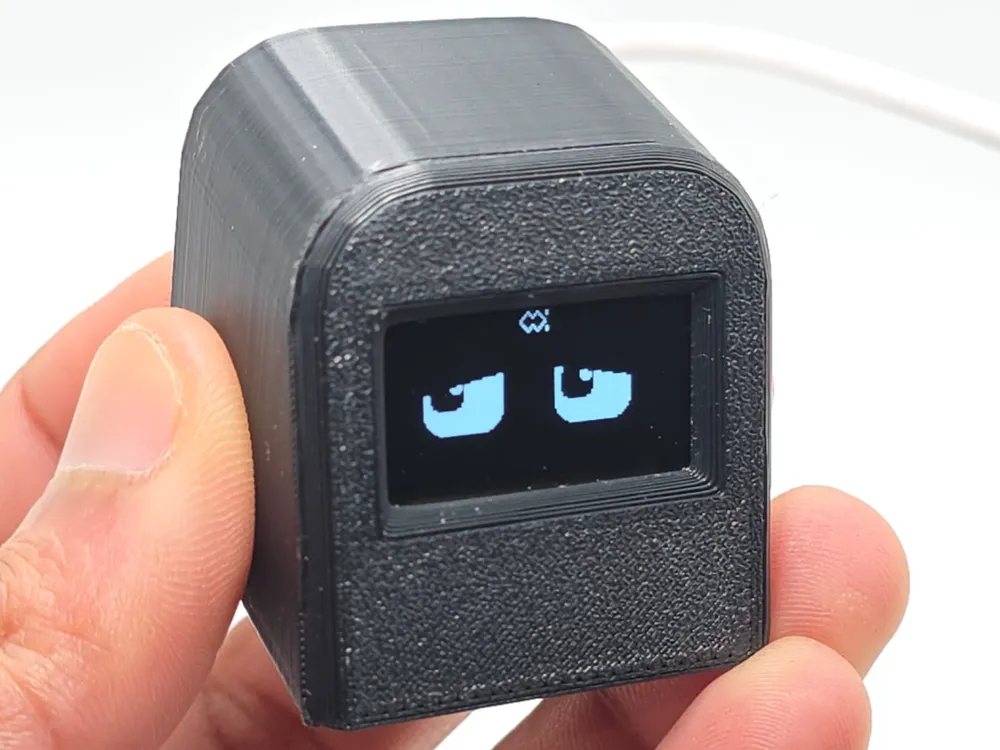
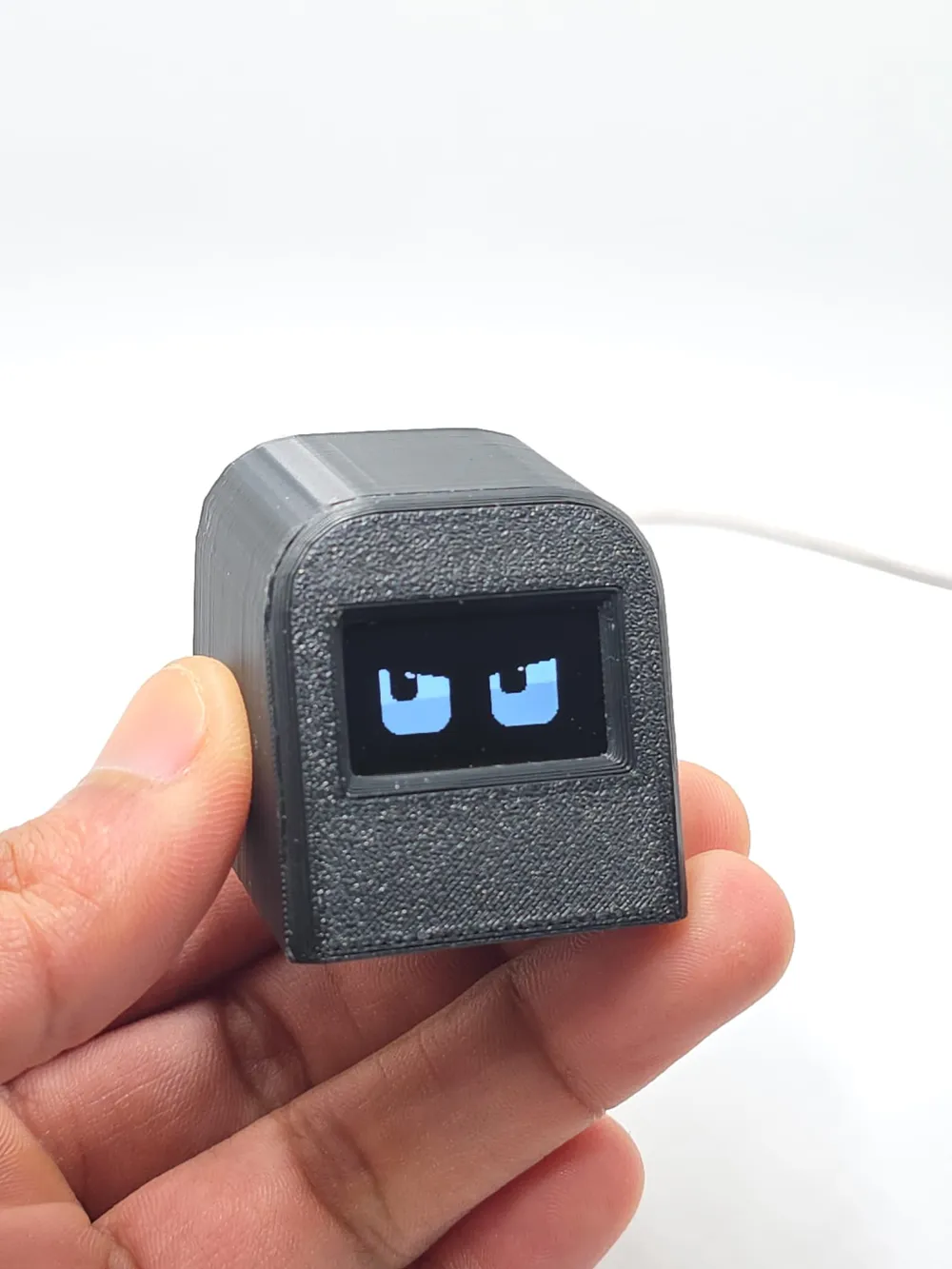
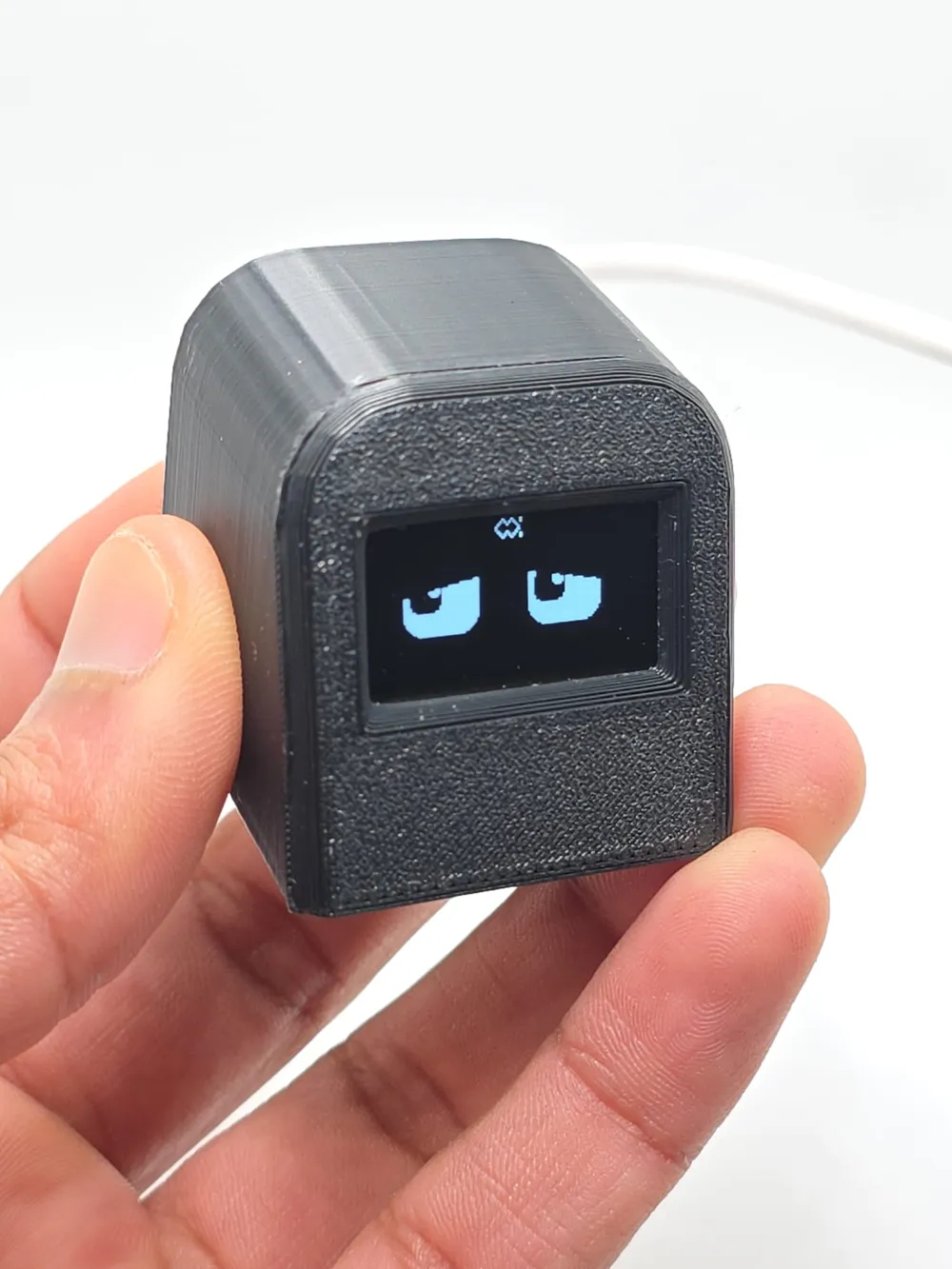
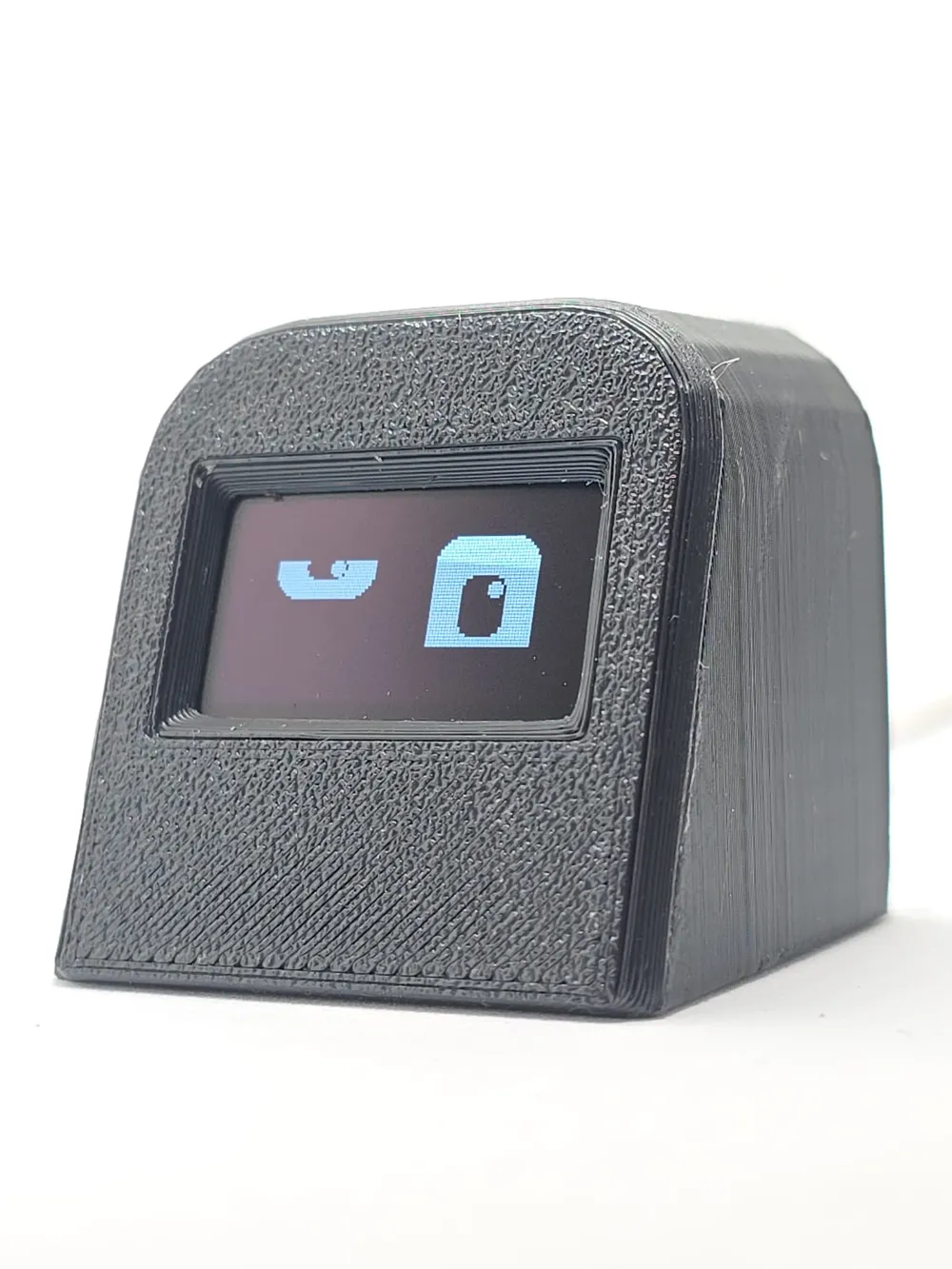
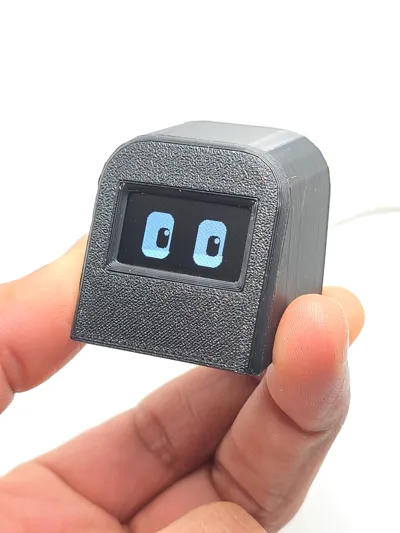
Esp32 c3 super mini, 0.96 OLED (BOBO 3.0)
Print Profile(1)
Description
Components you need
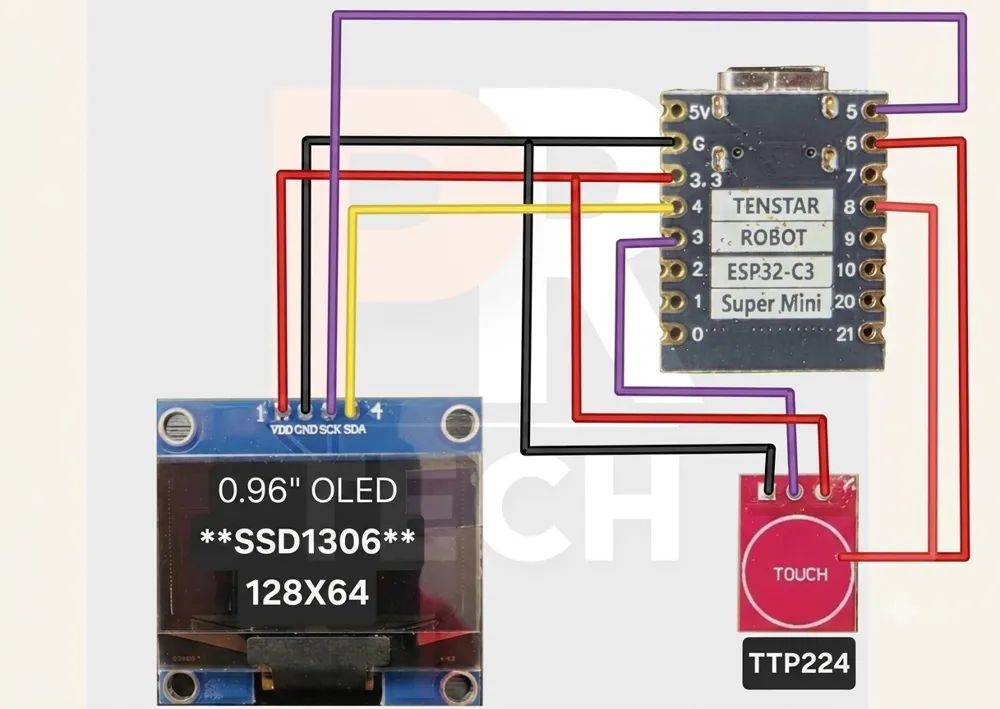
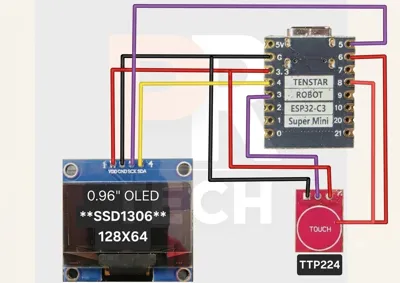
Esp32 c3 super mini,0.96 OLED,TTP223 touch sensor,
SDA PIN-GPIO (4)
SCL PIN-GPIO (5)
TOUCH PIN-GPIO (3)
Download frimware below⬇️⬇️⬇️⬇️
https://drive.google.com/drive/folders/16lcKHQbwy-QvQRGAG2-H6vDV4HBF3kDW?usp=drive_link
Firmware Version: v3.5 | Released: 13 April 2026
1. What is BOBO 3.0?
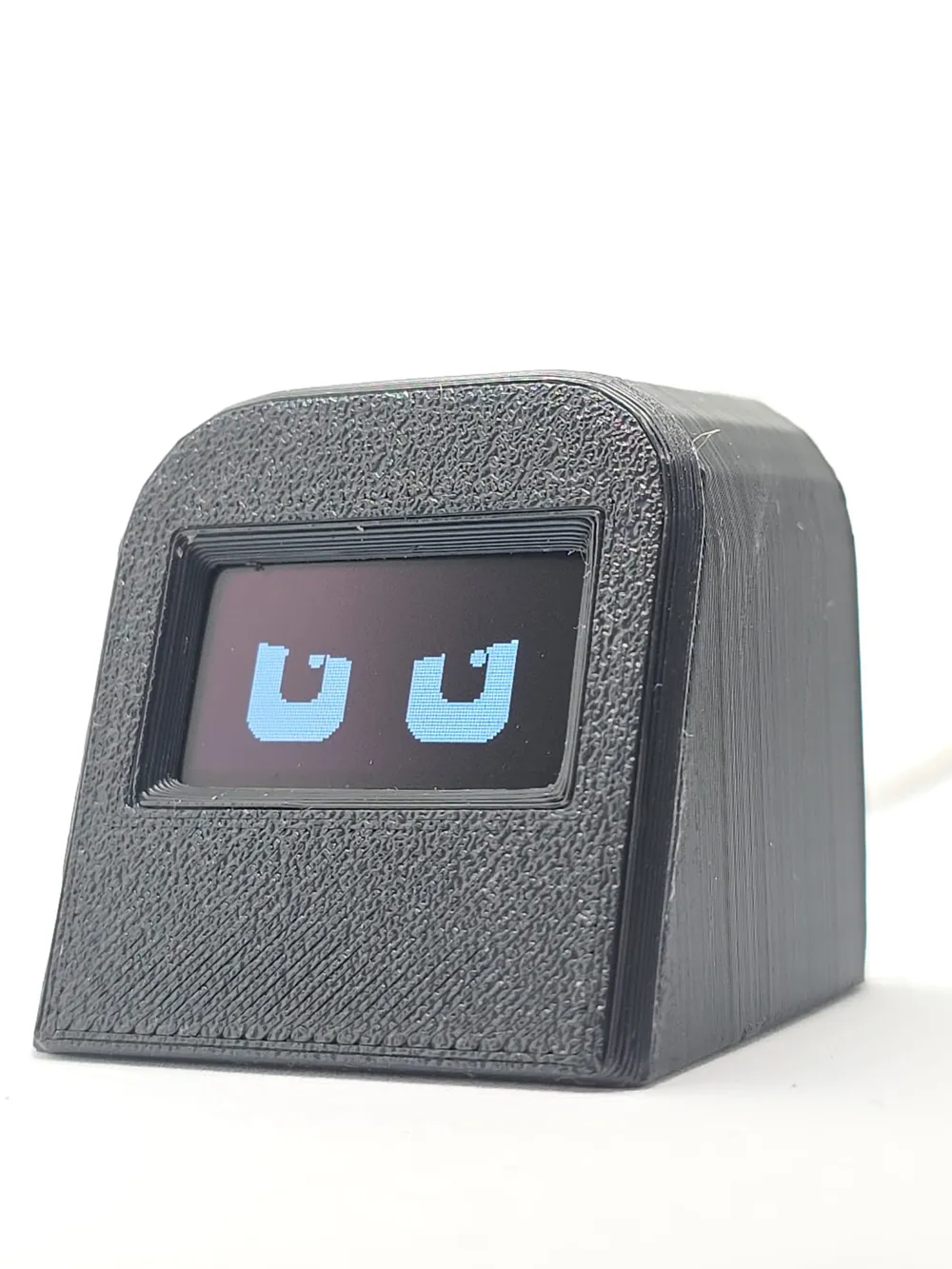
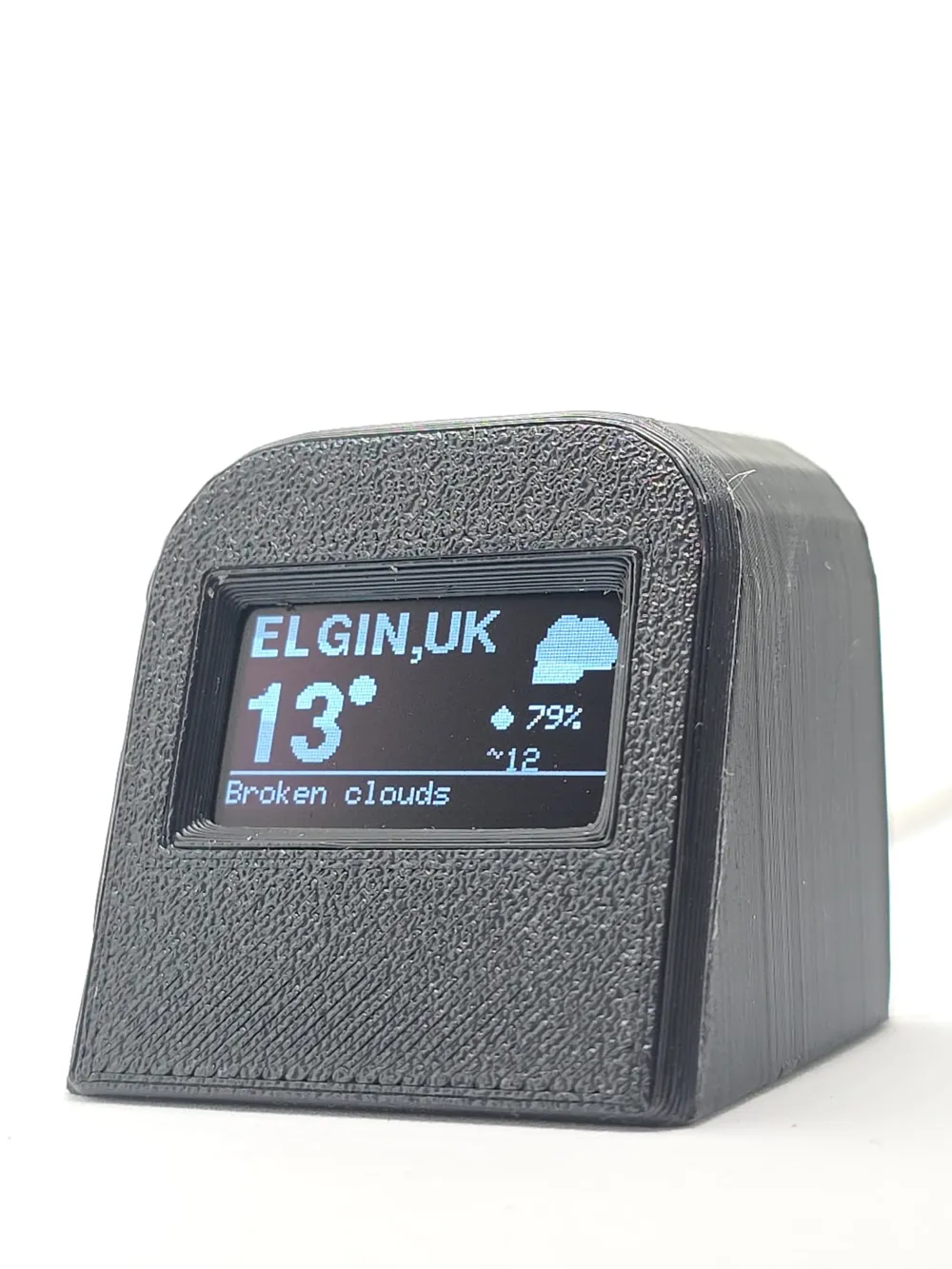
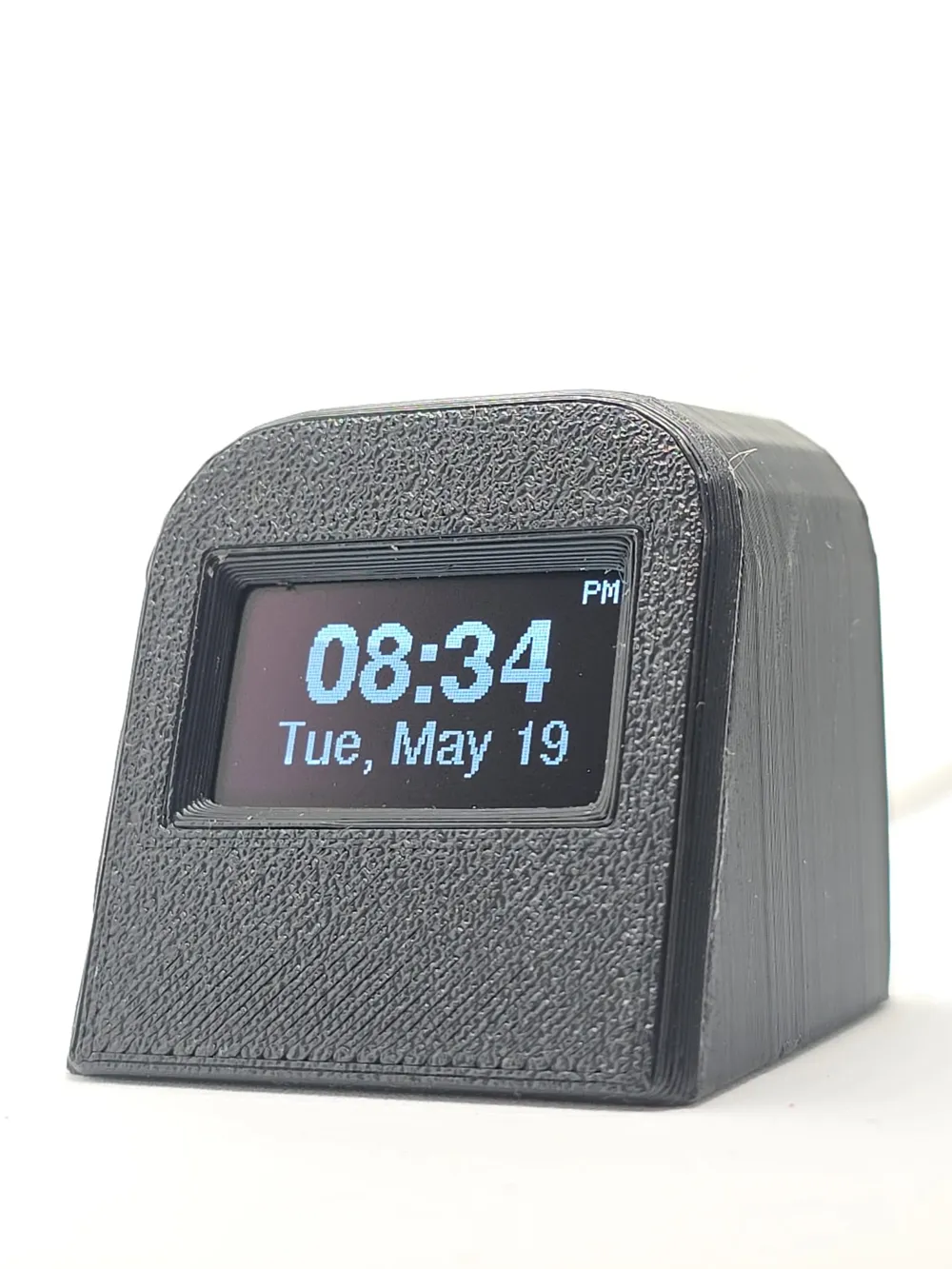
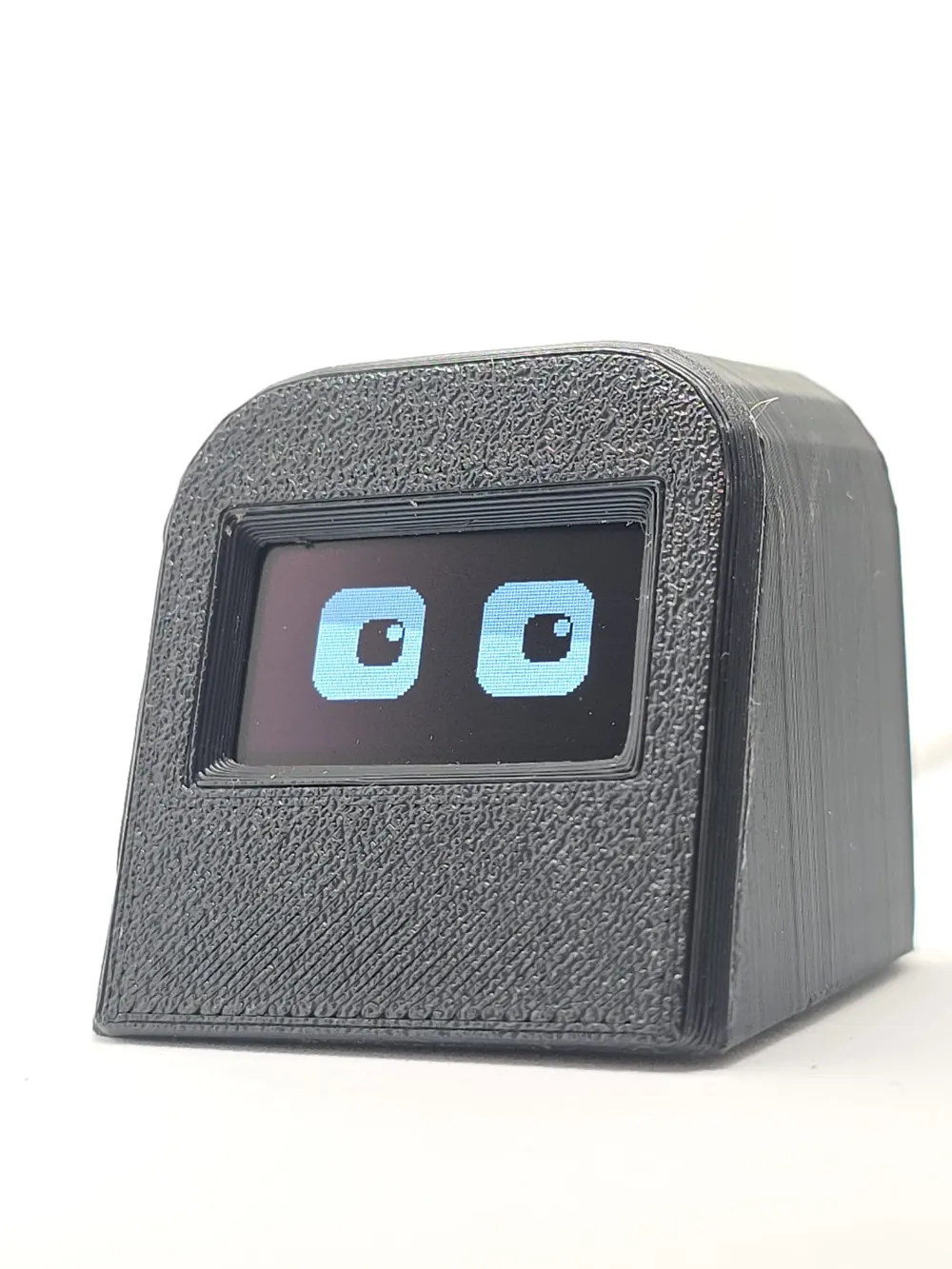
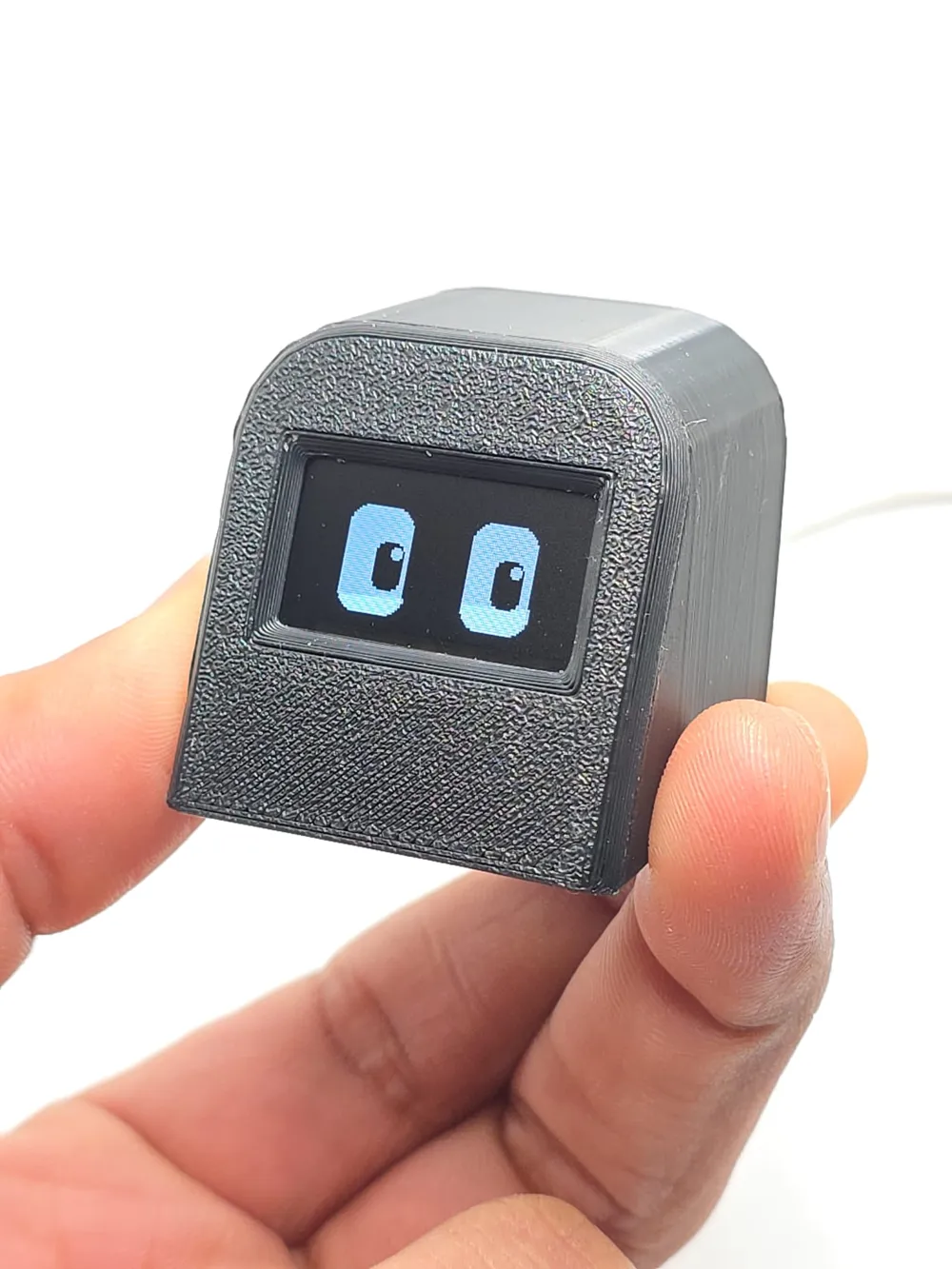
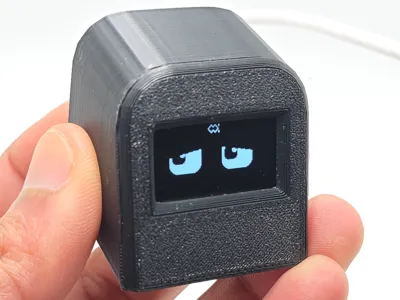
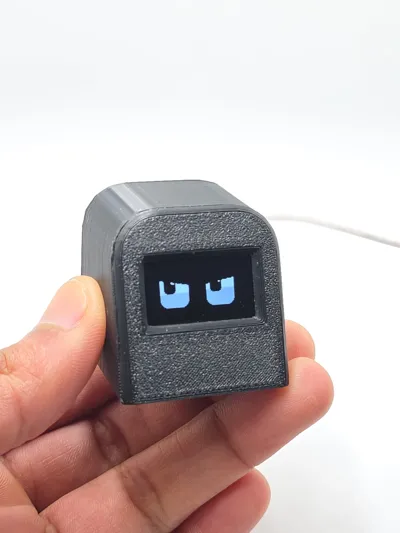
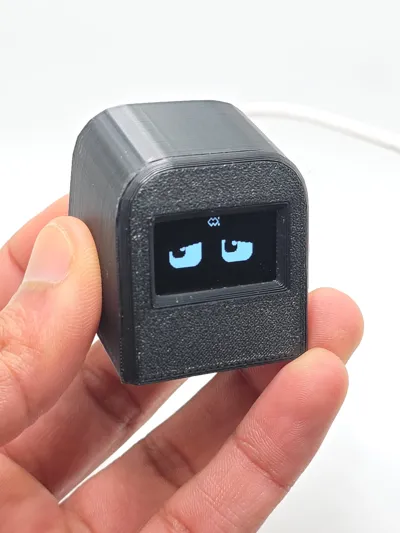
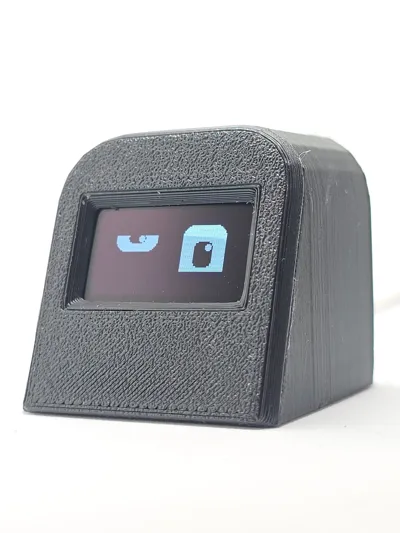
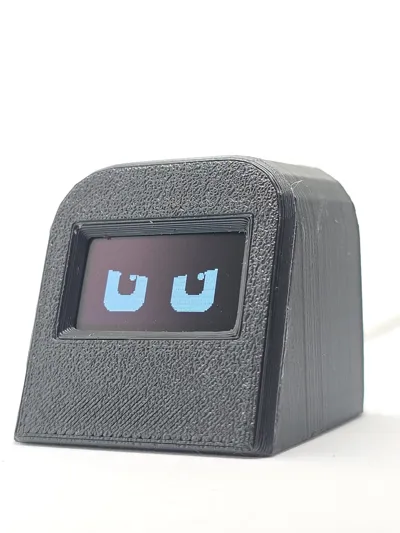
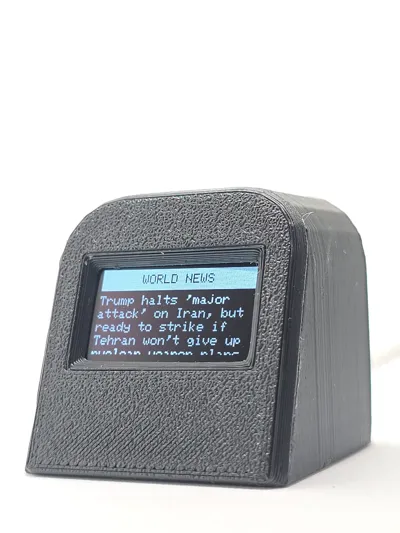
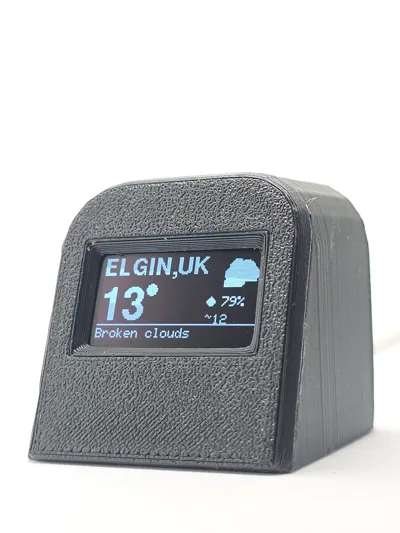
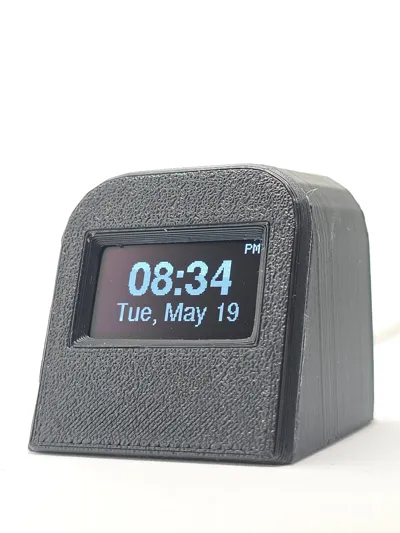
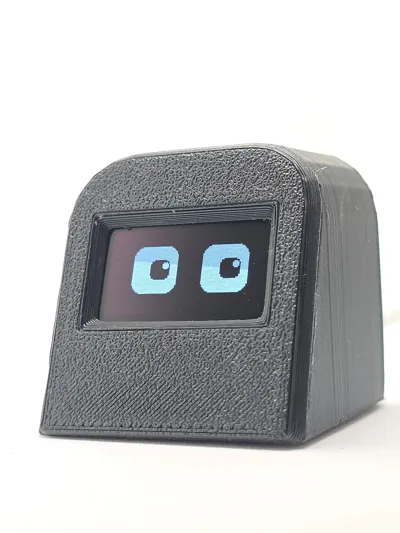
BOBO 3.0 is a compact ESP32-C3 powered smart display with a 0.96" OLED. It features an
animated face, live clock, weather updates, and world news. All configuration is done via a web
browser.
2. First-Time Setup
Connect to WiFi 'BOBO_SETUP' (Password: 12345678), then open http://192.168.4.1 and
complete setup. Click 'Save & Reboot'.
3. Weather API Key
Create a free account on OpenWeatherMap, copy your API key, and paste it into BOBO settings.
Activation may take up to 10 minutes.
4. Touch Controls
Single Tap: Next page | Double Tap: Settings | Triple Tap: Brightness | Long Press: Context actions
depending on page.
5. Pages
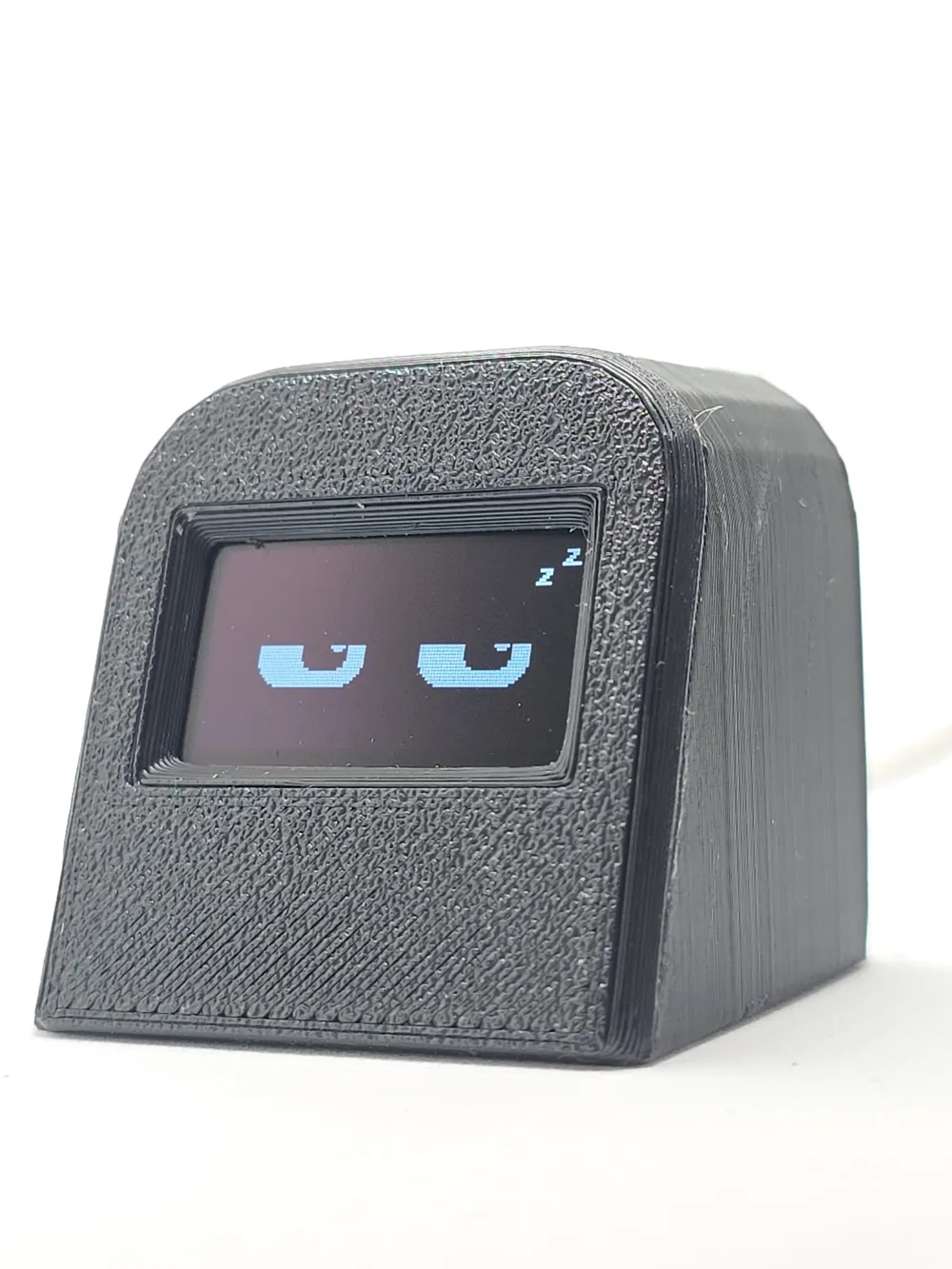
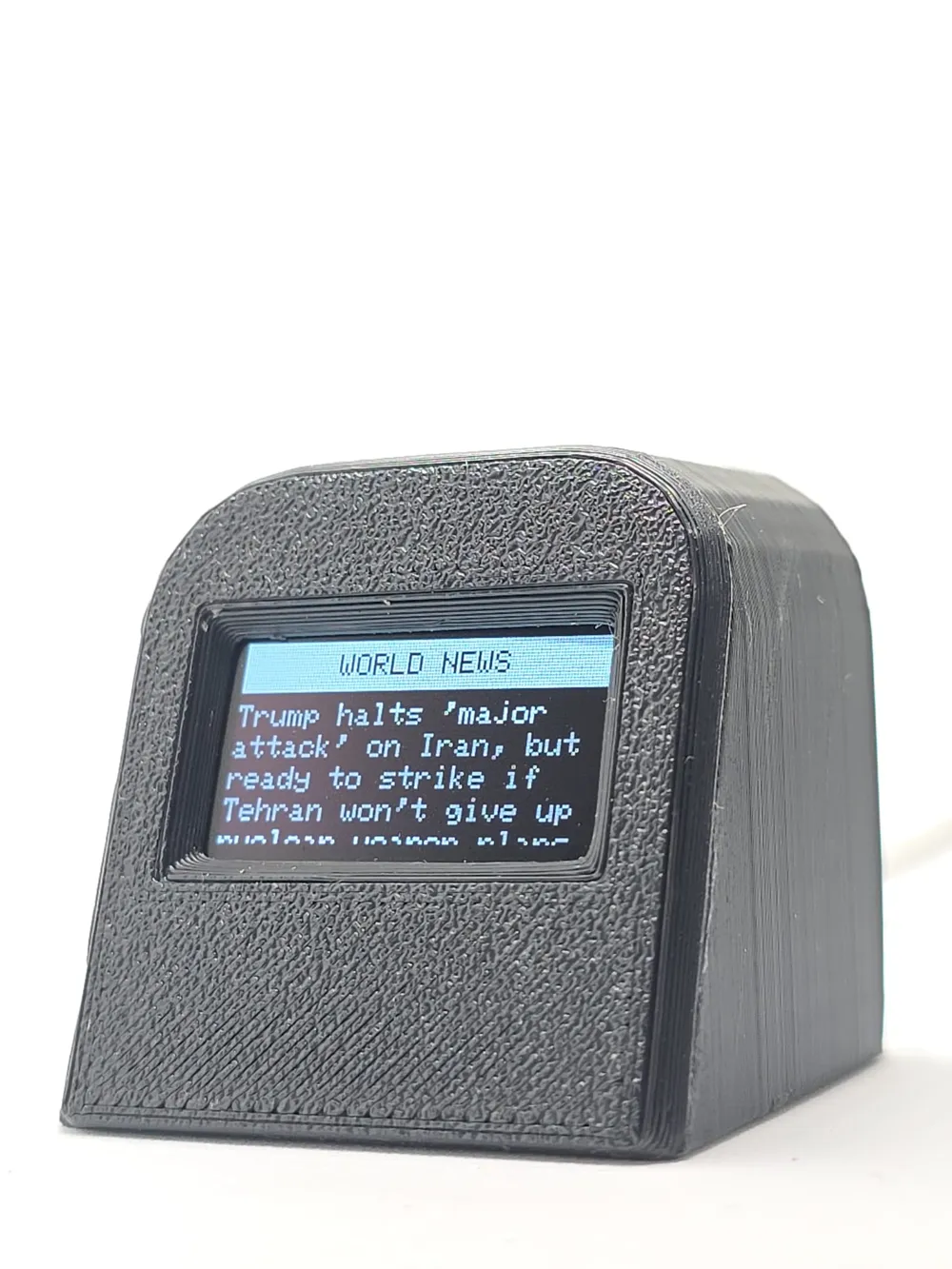
BOBO Eyes (animated moods), Clock (time/date + world clock), Weather (live + 3-day forecast),
News (Google headlines).
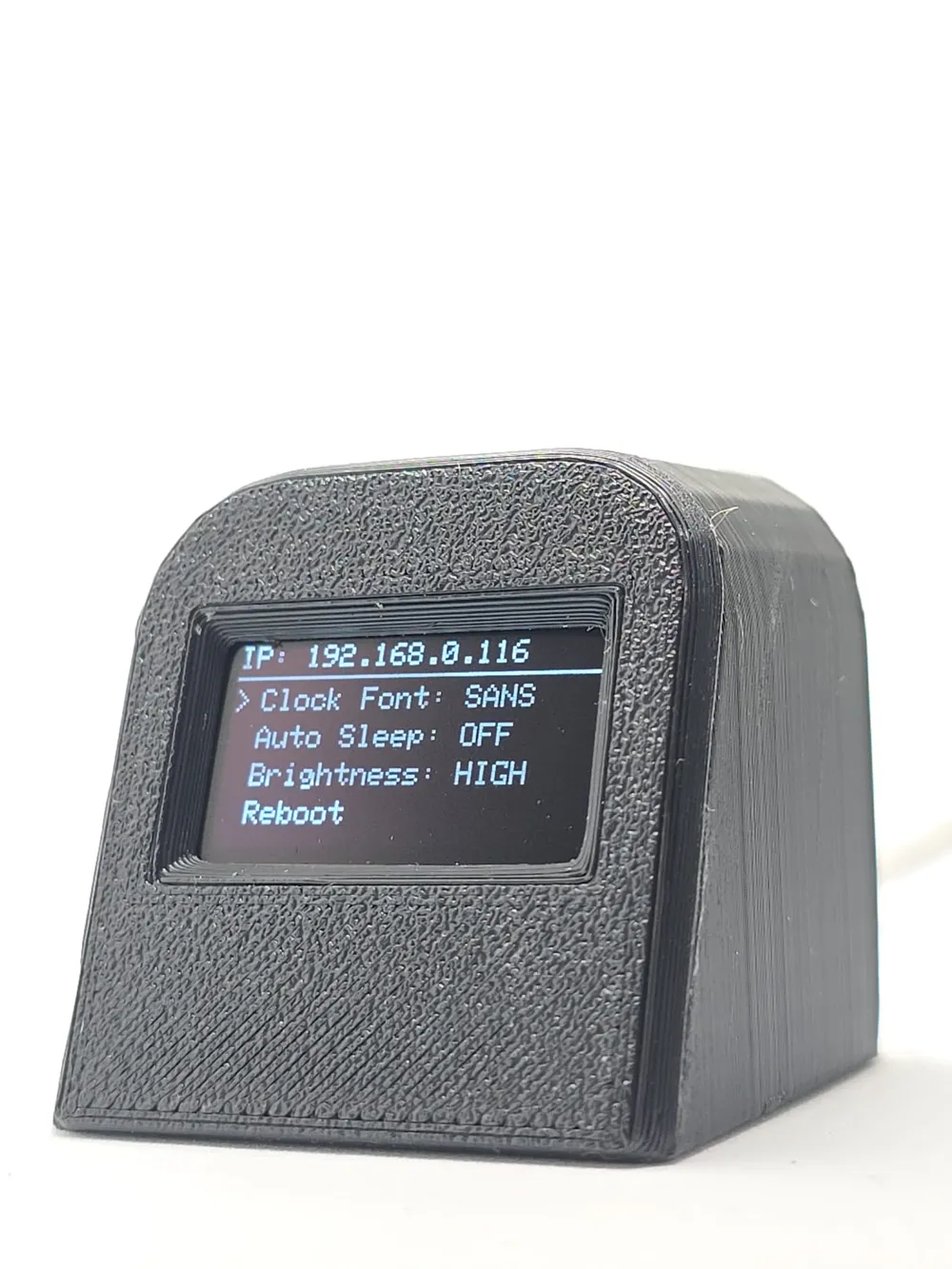
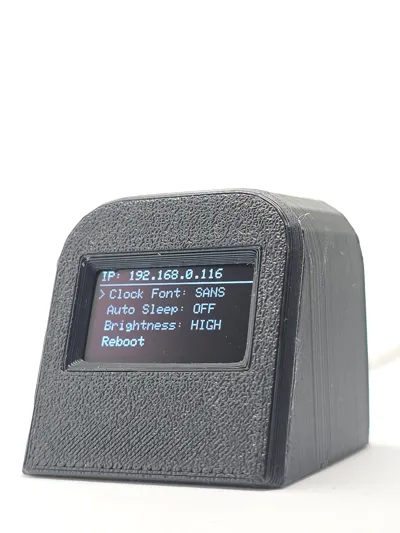
6. Settings Menu
Includes Clock Font, Auto Sleep, Brightness, Reboot, Shutdown, Factory Reset, Exit.
7. Web Portal
Access via BOBO IP on same WiFi. Configure pages, timing, WiFi, weather, and timezone.
8. Auto Sleep
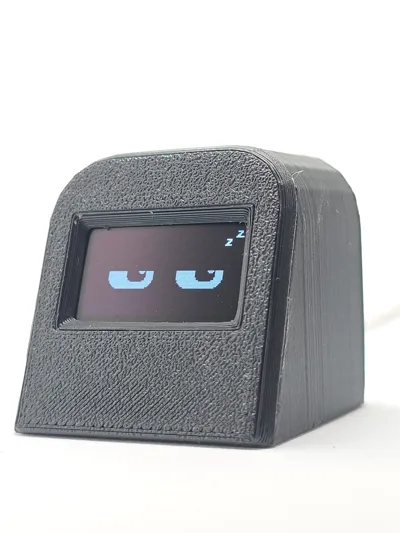
Display turns off after inactivity (1, 5, or 10 minutes). Tap to wake.
9. Updates
Weather & news refresh every 10 minutes. Retries every 60 seconds if failed.
10. OTA Firmware
Upload .bin file via web portal to update firmware wirelessly.
11. Troubleshooting
Common fixes: check WiFi, API key, and reboot device if needed.
License

You may create derivative works based on this object, provided that all such derivative works are published exclusively on the MakerWorld platform and include proper attribution to the original creator. You may not share, upload, host, distribute, or publish this object—or any derivative work of this object—on any other digital platform, marketplace, or distribution channel. Commercial use of this object and any derivative works is strictly prohibited. This includes, but is not limited to, selling, renting, sublicensing, or using the object in any context in which you receive monetary compensation or other financial benefits.


Comment & Rating (4)