
ELT Switch Panel for Flight Sim
Print Profile(1)
Description
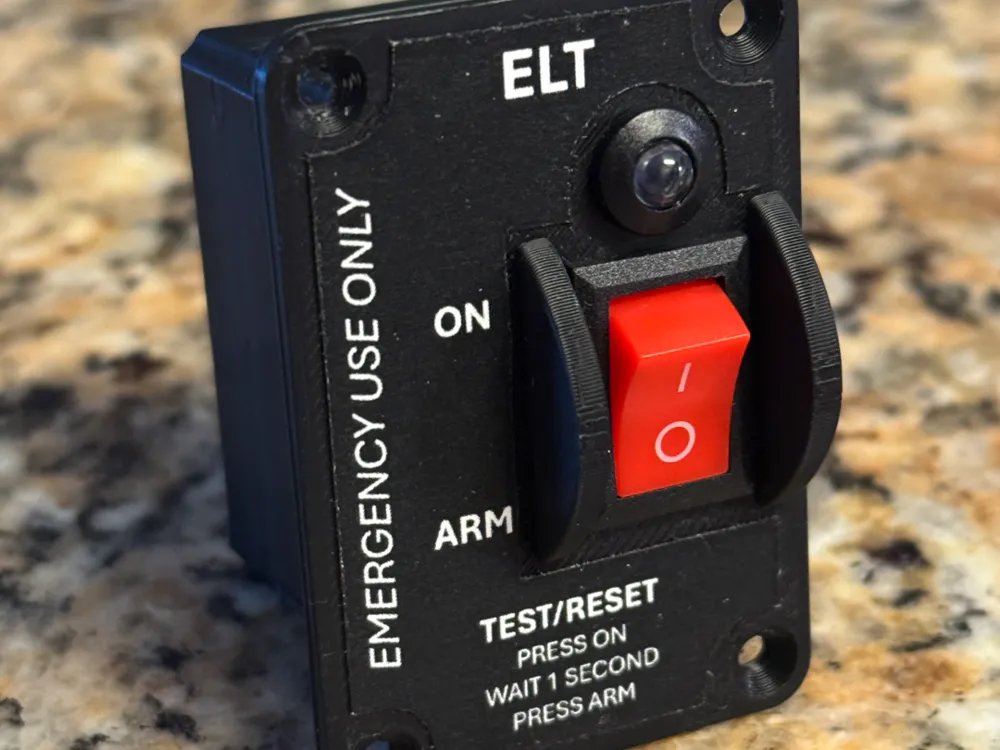
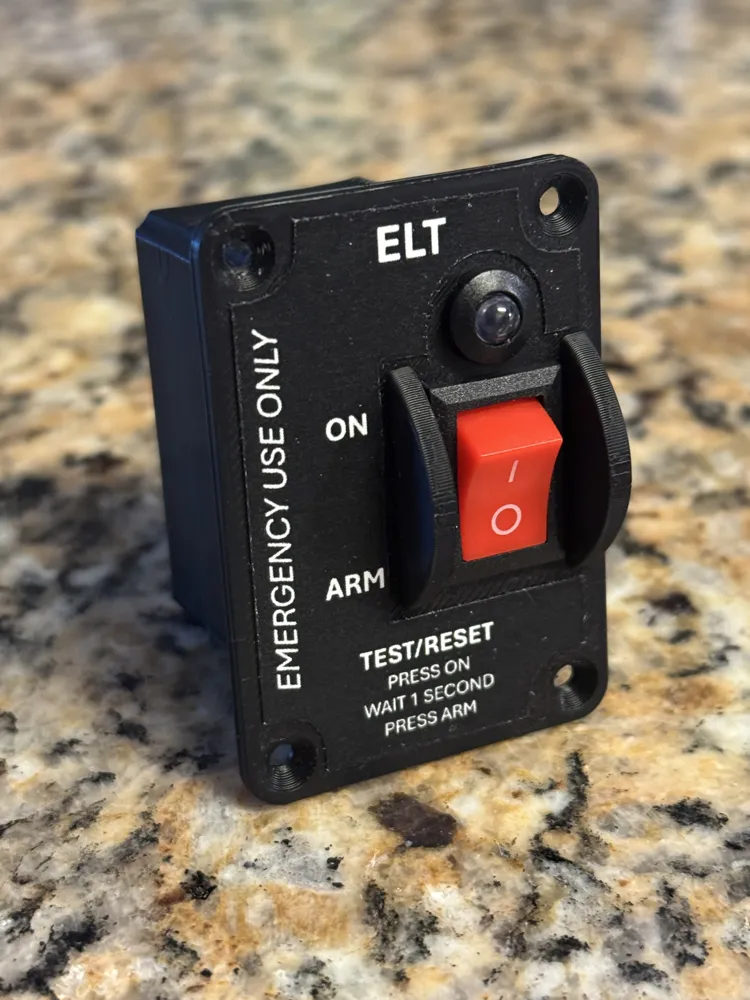
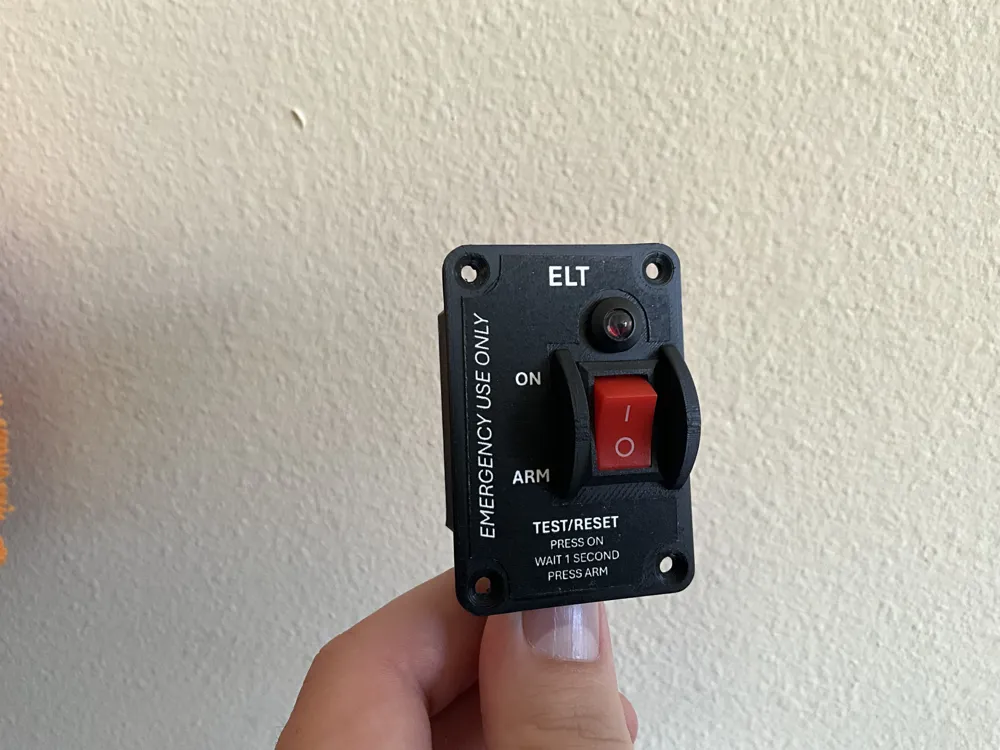
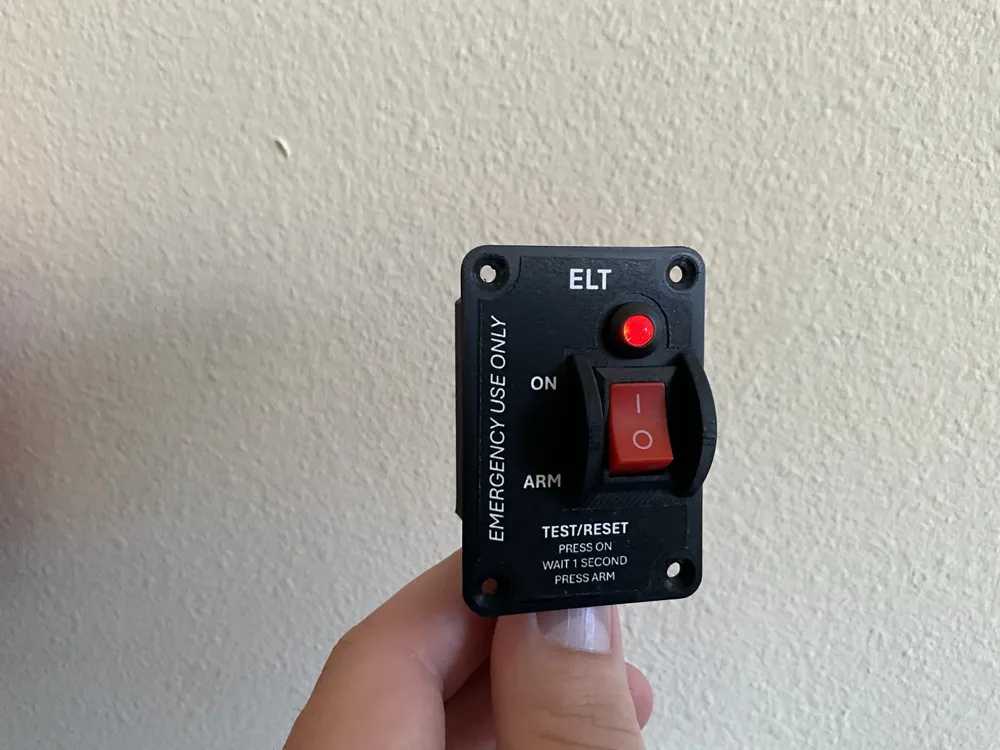
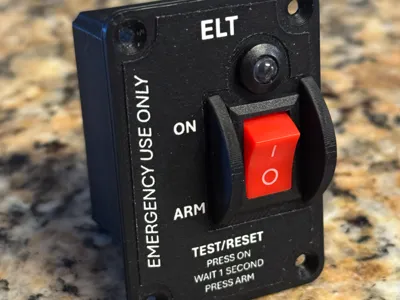
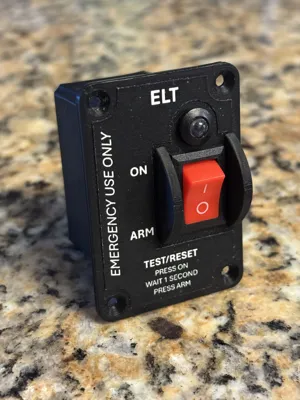
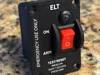
General Aviation ELT Remote Switch Panel for Flight Sim
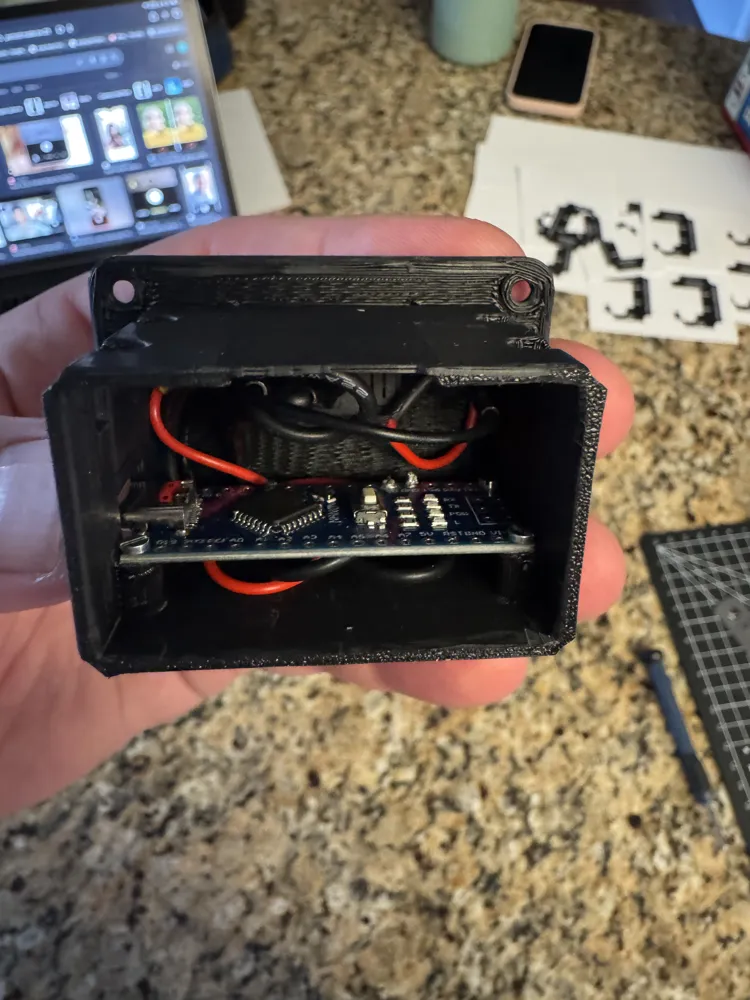
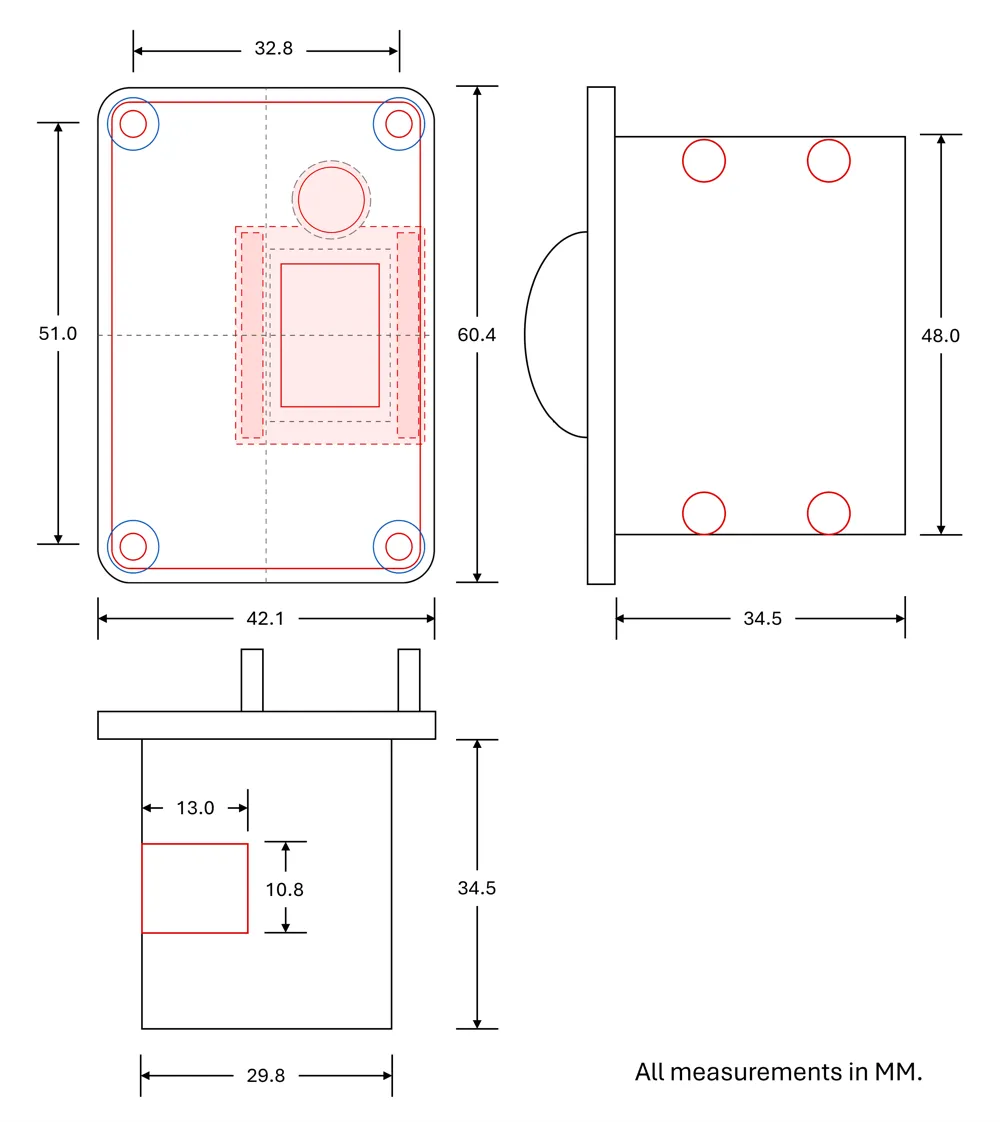
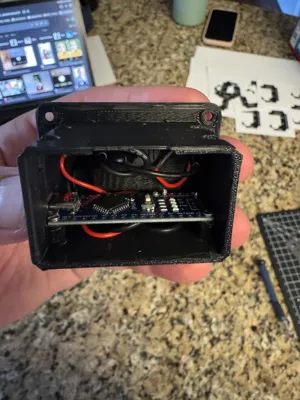
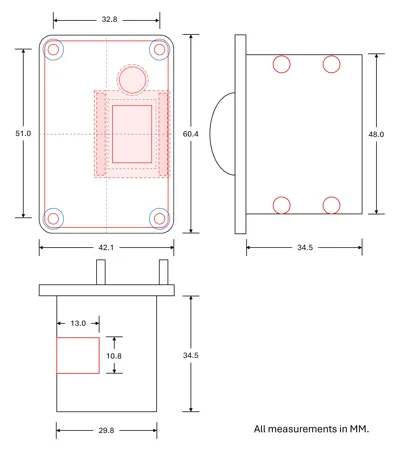
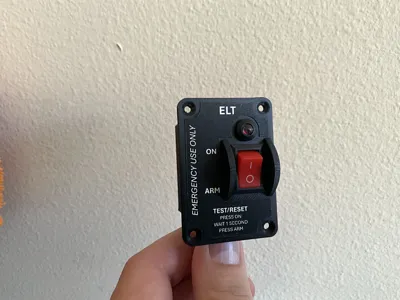
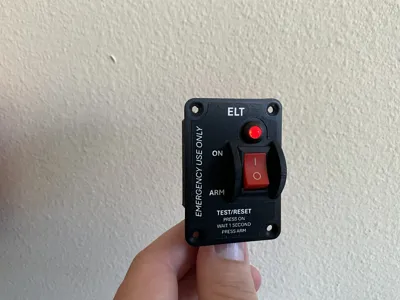
This is a compact, 3D-printable ELT remote switch panel designed for home flight simulator cockpits. It uses a simple ON/ARM rocker switch, a red 5 mm LED indicator, and an Arduino Nano running MobiFlight.
The panel was designed to resemble a common general aviation ELT remote switch layout while staying simple to print, wire, and install. The front face uses a printable sticker/decal for the lettering, so the body can be printed as a single black part.
Verified setup:
Tested in MSFS 2024 with the default G1000-equipped 172 using MobiFlight. The physical rocker switch moves the in-sim ELT switch, and the physical LED follows the simulator’s ELT activated state.
Basic hardware used:
- Arduino Nano 3.0 CH340 ATmega328P with USB-C
- ON/OFF rocker switch
- 5 mm red LED with panel holder
- 330Ω resistor
- 22 AWG wire
- M2 screws for Nano mounting
Included files:
- STL for the ELT switch housing
- Faceplate sticker template
- MobiFlight setup reference
- Build guide PDF
The included PDF covers the parts list, print settings, wiring, Arduino Nano pinout, MobiFlight input/output settings, MSFS 2024 test steps, and basic troubleshooting.
Important notes:
This is an unofficial DIY flight simulator accessory. It is not affiliated with, endorsed by, or approved by any aircraft manufacturer, simulator publisher, or ELT manufacturer. For simulator use only. Not for aircraft use.
Documentation (2)
License

You shall not share, sub-license, sell, rent, host, transfer, or distribute in any way the digital or 3D printed versions of this object, nor any other derivative work of this object in its digital or physical format (including - but not limited to - remixes of this object, and hosting on other digital platforms). The objects may not be used without permission in any way whatsoever in which you charge money, or collect fees.


Comment & Rating (0)