
Justdoit - T-shirt Print
Print Profile(1)

Bill of Materials





Description
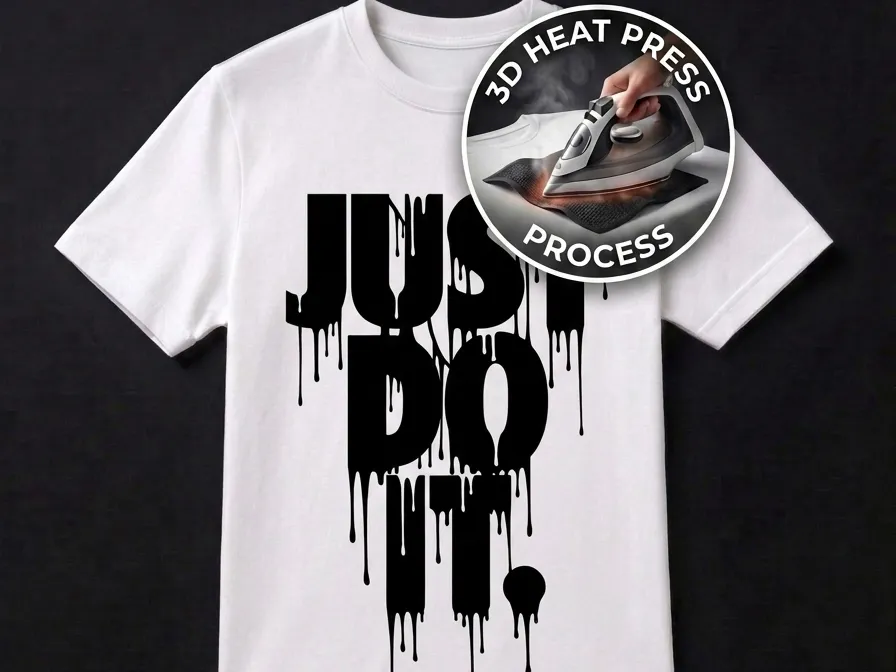
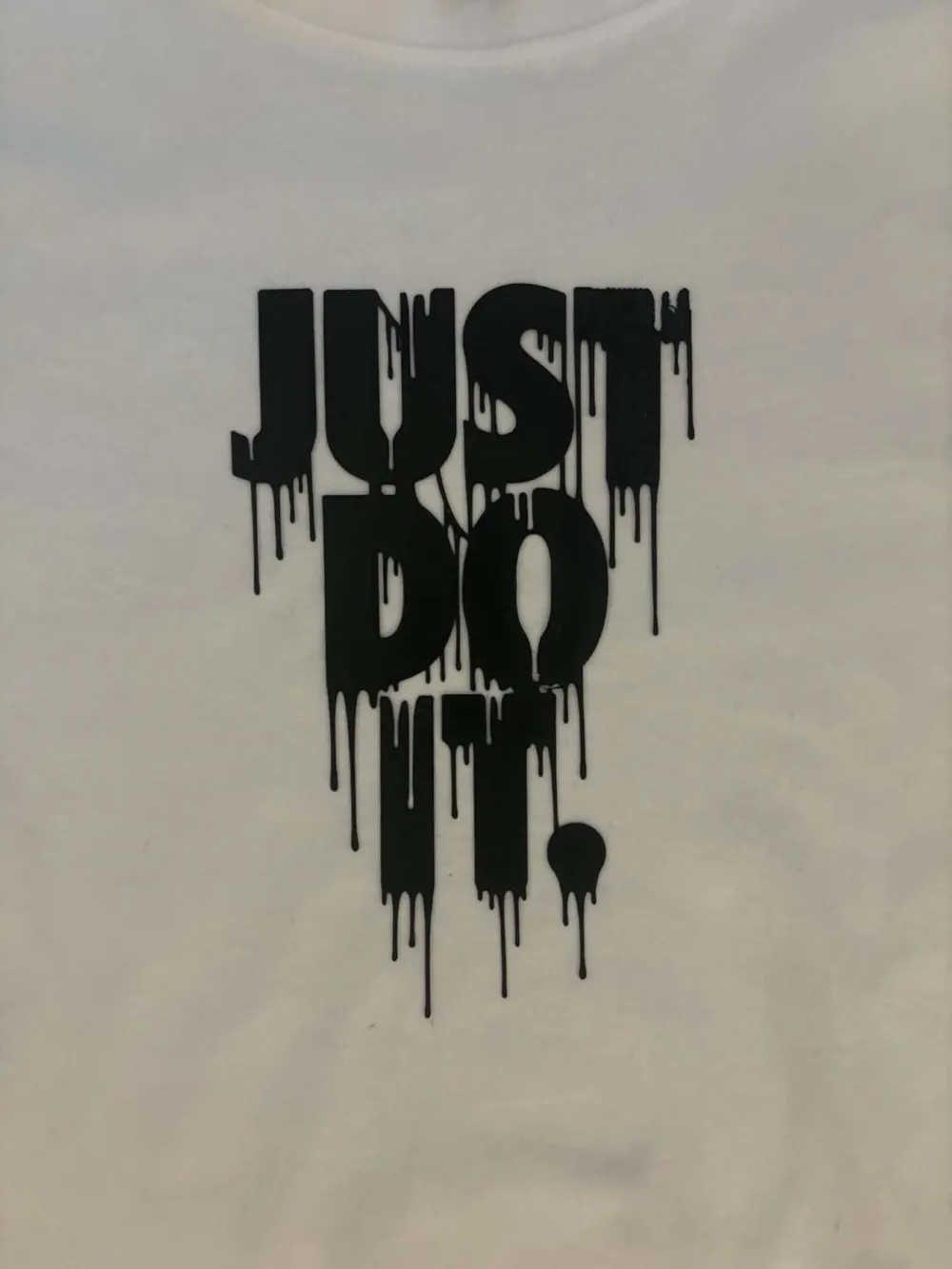
Turn your favorite design into a unique 3D T-shirt 👕🖨️
These thin and flexible 3D prints are designed to be heat-transferred directly onto fabric using a household iron. The result is a durable and eye-catching 3D design that combines modern 3D printing technology with fashion.
Instructions 🛠️👕
- Download the model and open it in Bambu Studio 💻
- Print the model using the recommended settings and carefully remove it from the build plate.
⚠️ Handle with care — the model is extremely thin (approximately 0.3 mm) and may tear or deform if bent too aggressively.
- Prepare your ironing area:
- Place the T-shirt on an ironing board or a flat heat-resistant surface.
- Set your iron to a very high temperature (almost maximum heat, without steam) 🔥
- Allow the iron to fully preheat before starting.
- Position the printed model on the desired area of the T-shirt and cover it with baking/parchment paper 📄
- Apply firm pressure with the preheated iron for 15–20 seconds.
- For larger designs, move the iron slowly and evenly to ensure the entire model receives sufficient heat.
- Maintain consistent pressure throughout the process. ⏱️
- Allow the area to cool for a few seconds, then carefully remove the paper.
✅ The model should remain attached to the fabric while the paper lifts away easily.
- (Optional) Turn the T-shirt inside out and iron the reverse side of the applied design for an additional 5–10 seconds to improve adhesion. 👕✨
Important ⚠️
- Always use the iron at a very high temperature (near maximum setting) and with the steam function turned off.
- Insufficient heat or pressure may result in poor adhesion to the fabric.
- Test on a small area first if using delicate or heat-sensitive fabrics.
Care Instructions 🧼
- Wash garments at temperatures not exceeding 50°C (122°F).
- Turn the T-shirt inside out before washing whenever possible.
- Avoid bleach and aggressive washing programs.
- Do not tumble dry at high temperatures.
⚠️ Washing or drying at excessive temperatures may cause the 3D print to loosen or peel from the fabric over time.
Boost Me (for free)
⭐ Like my projects?
A Boost is greatly appreciated and helps me continue creating free, high-quality 3D designs for everyone.
Thank you for your support! 🚀
License

You shall not share, sub-license, sell, rent, host, transfer, or distribute in any way the digital or 3D printed versions of this object, nor any other derivative work of this object in its digital or physical format (including - but not limited to - remixes of this object, and hosting on other digital platforms). The objects may not be used without permission in any way whatsoever in which you charge money, or collect fees.


Comment & Rating (5)