
Print on Acrylic Clearview Enclosure Exhaust Cover
Print Profile(1)
Description
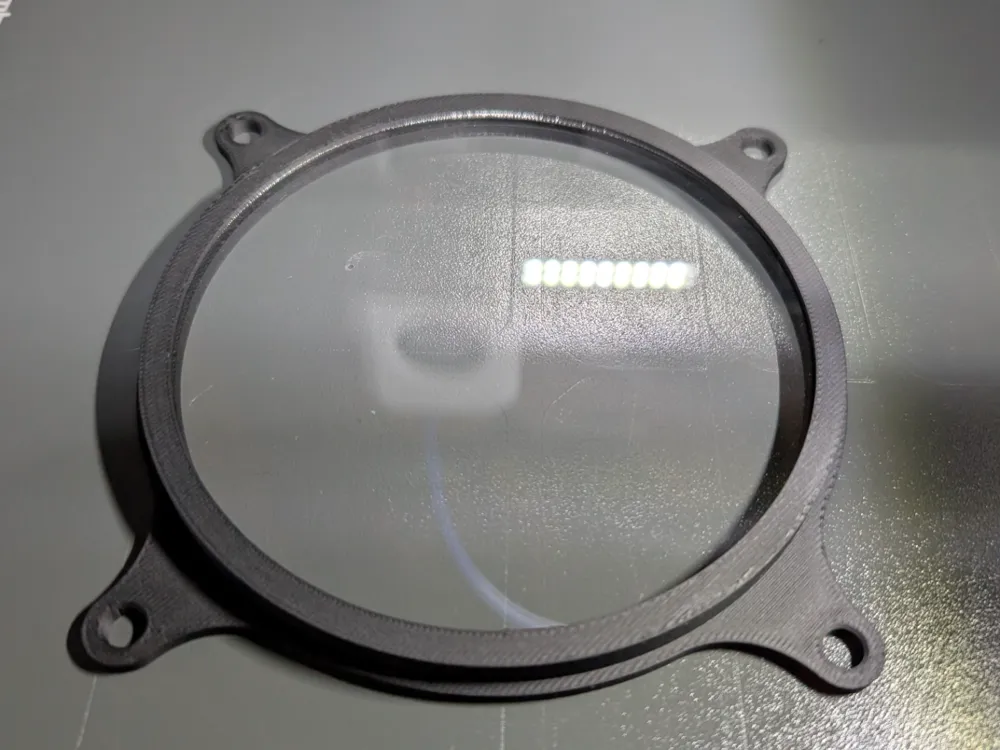
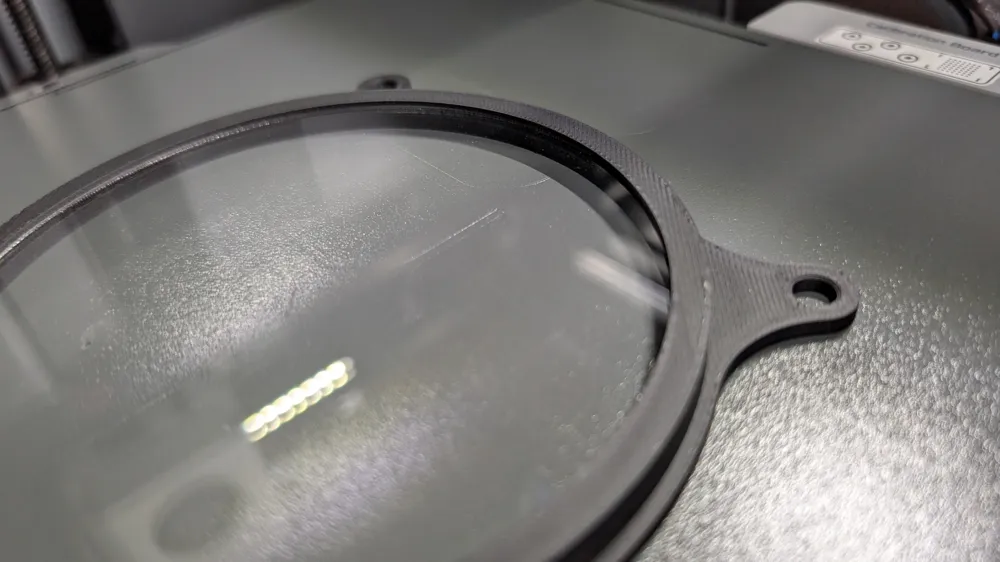
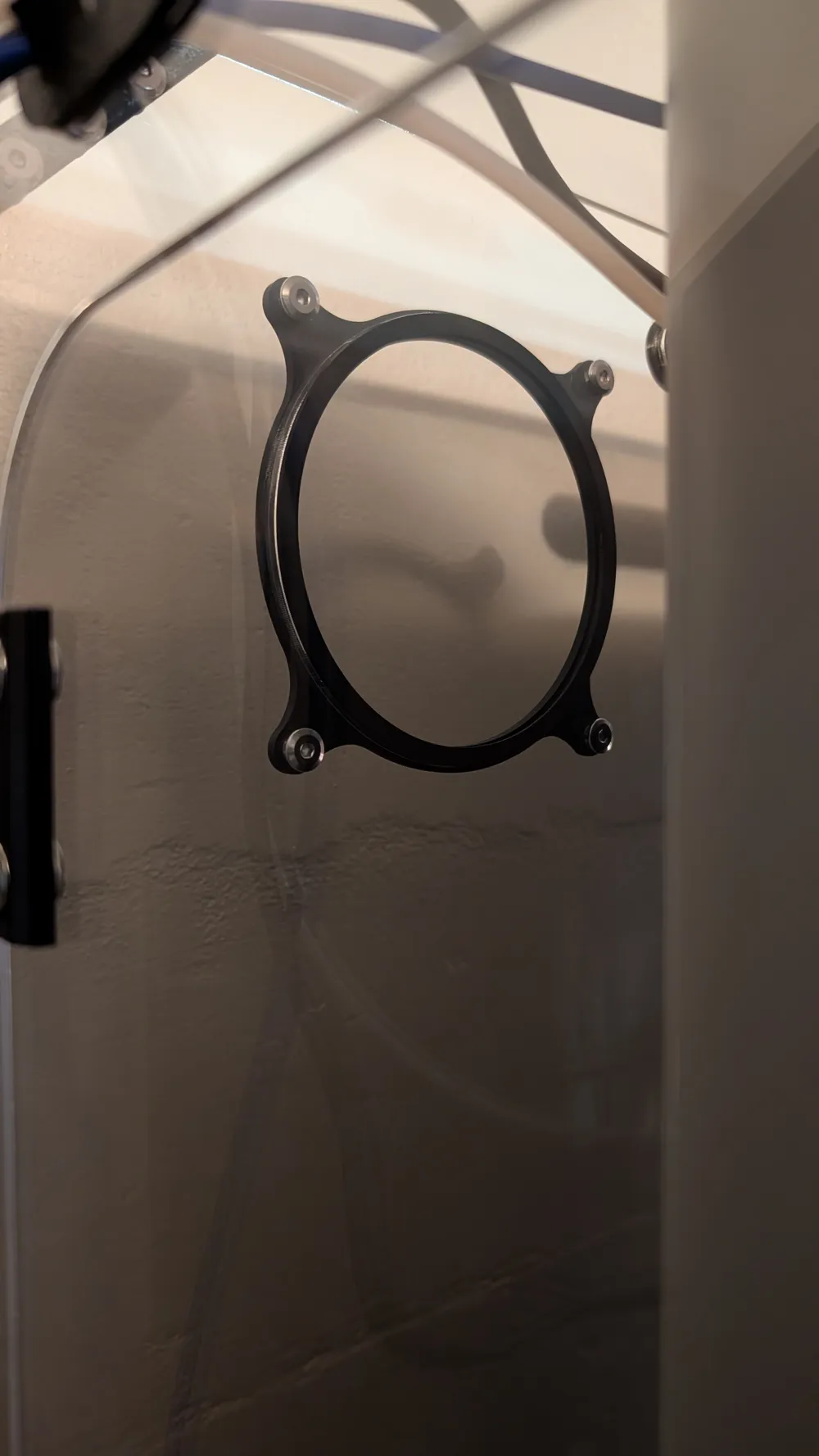
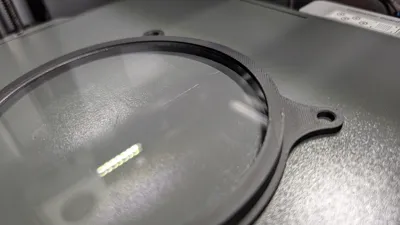
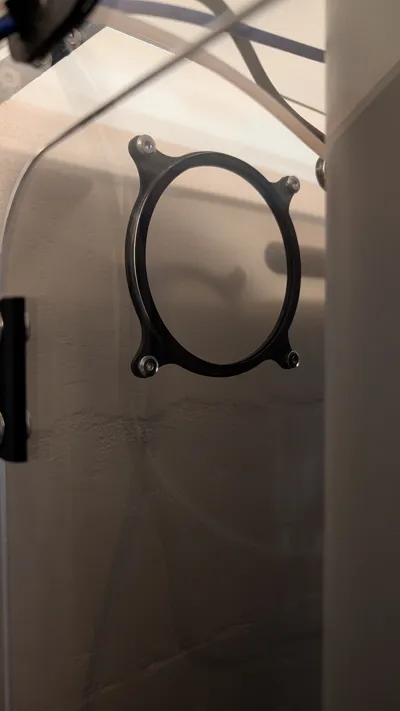
The airport cover that comes with the Clearview Plastic enclosures does not capture the acrylic disk. Overtime from the machine shaking, I've had that disc pop out. This model solves that by printing over the disk and capturing it.
Printing Instructions:
I used PLA Tough. I tried printing PETG on top of acrylic and could not get it to stick, so I went with PLA Tough to handle some of the higher temps that the enclosure may see.
- Measure your insert and use the appropriate profile, rounding up to the nearest thickness. If you do not see a profile that works for you, please let me know and I can generate a model.
- Start the print. Each profile has a pause command built-in. When your printer pauses, insert the acrylic disk and resume. Watch carefully to ensure that the first layer on top of the acrylic is successful.
License

You shall not share, sub-license, sell, rent, host, transfer, or distribute in any way the digital or 3D printed versions of this object, nor any other derivative work of this object in its digital or physical format (including - but not limited to - remixes of this object, and hosting on other digital platforms). The objects may not be used without permission in any way whatsoever in which you charge money, or collect fees.


Comment & Rating (0)