
Print Profile(4)
Description
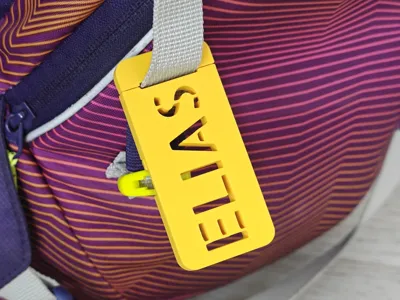
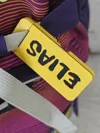
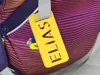
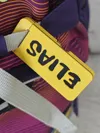
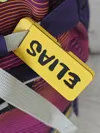
Universal Parametric Snap-On Name Tag
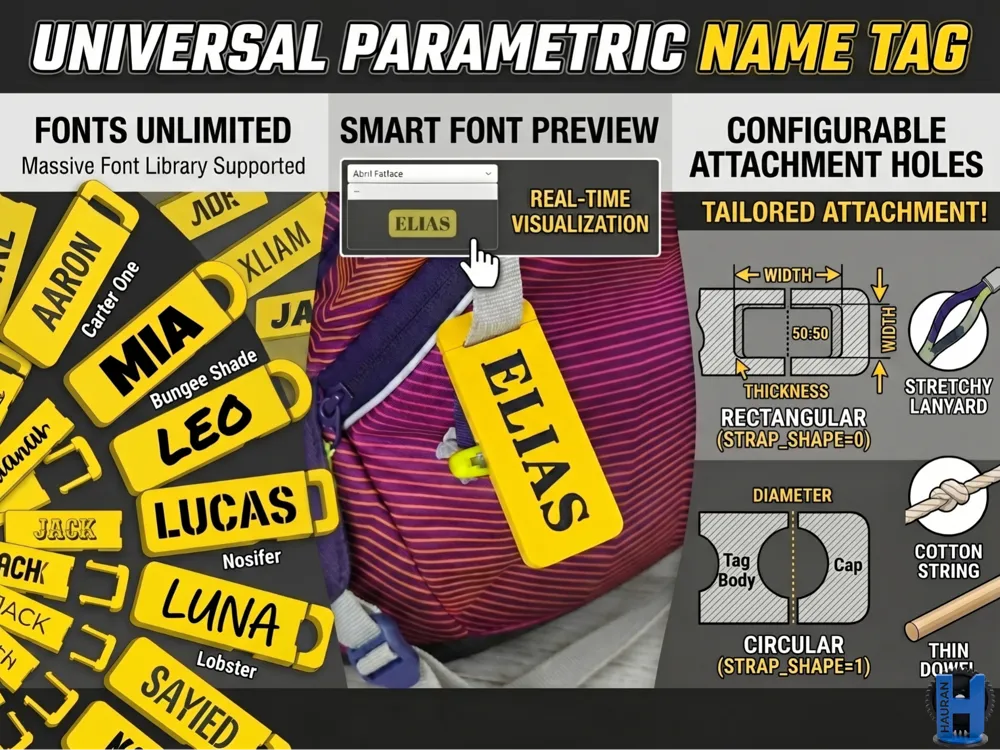
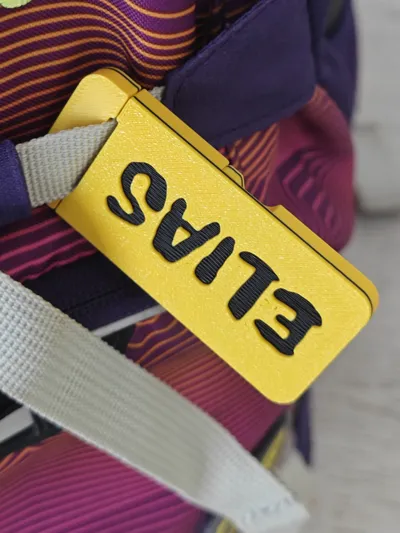
A fully customizable, multi-part name tag featuring a highly reliable snap-fit mechanism. Designed to clip around various objects without needing to open loops or unbind attachments, it is ideal for everything from flat backpack straps to round cables, paracords, or stroller frames.
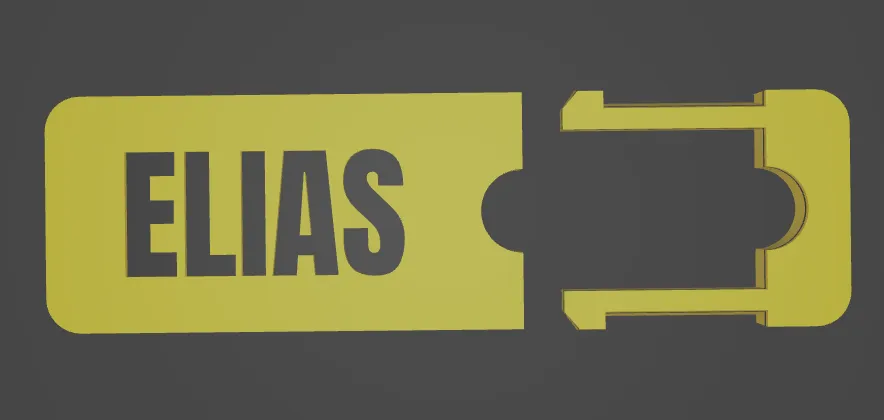
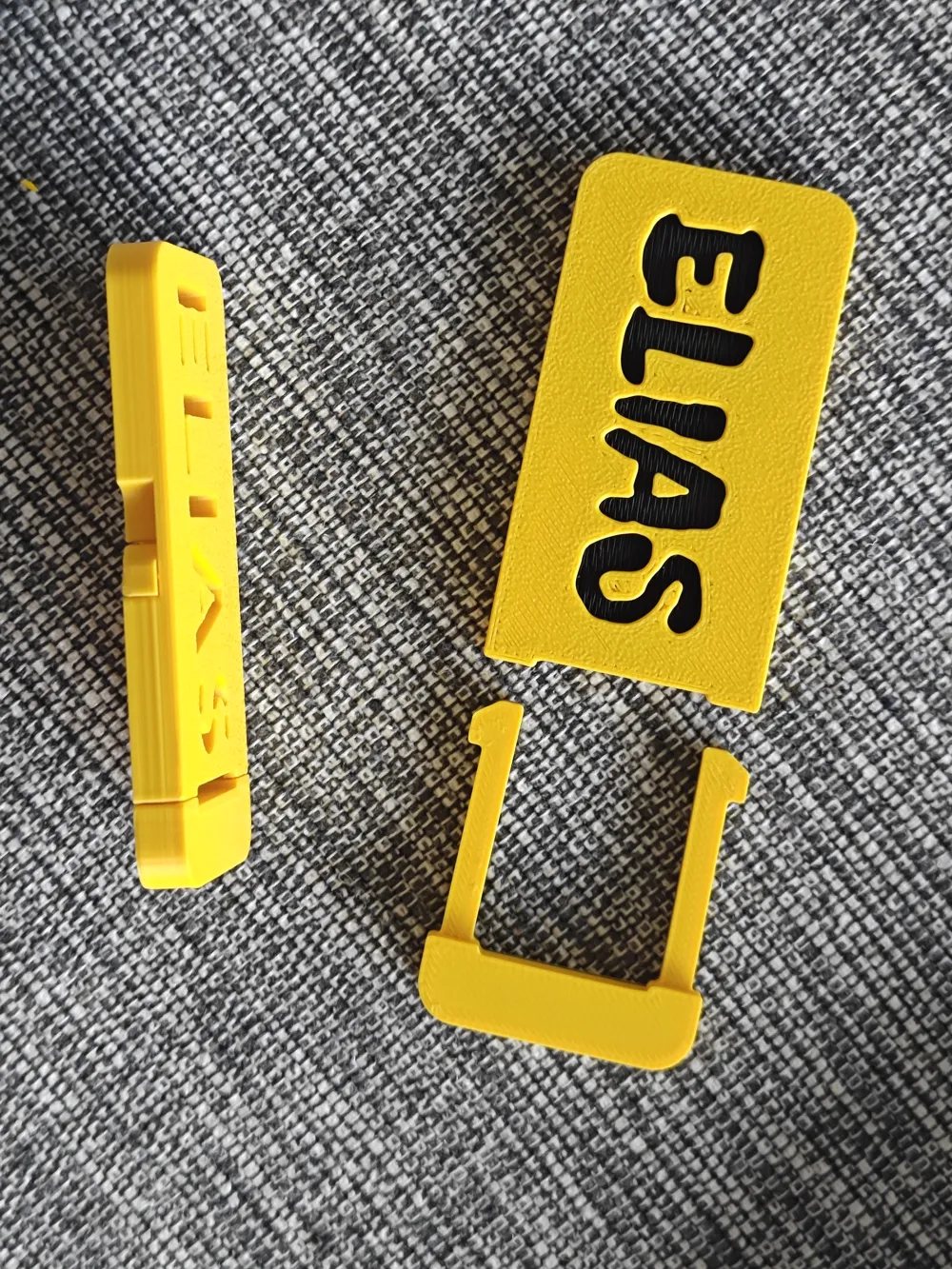
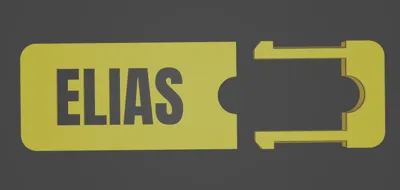
The assembly splits into two distinct interlocking sections that seamlessly enclose your choice of attachment profile.
Customization Capabilities
Using the portal's built-in configurator, you can completely redefine the tag's appearance and mechanical dimensions:
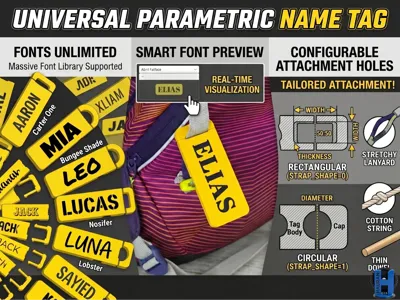
- Attachment Shapes: Toggle between a Rectangular profile (adjustable width and thickness for flat straps, belts, and ribbons) and a Circular profile (adjustable diameter for ropes, cables, or tubes).
- Text & Typography: Input any custom name or label. Adjust the font sizing or switch between over 50 integrated font styles.
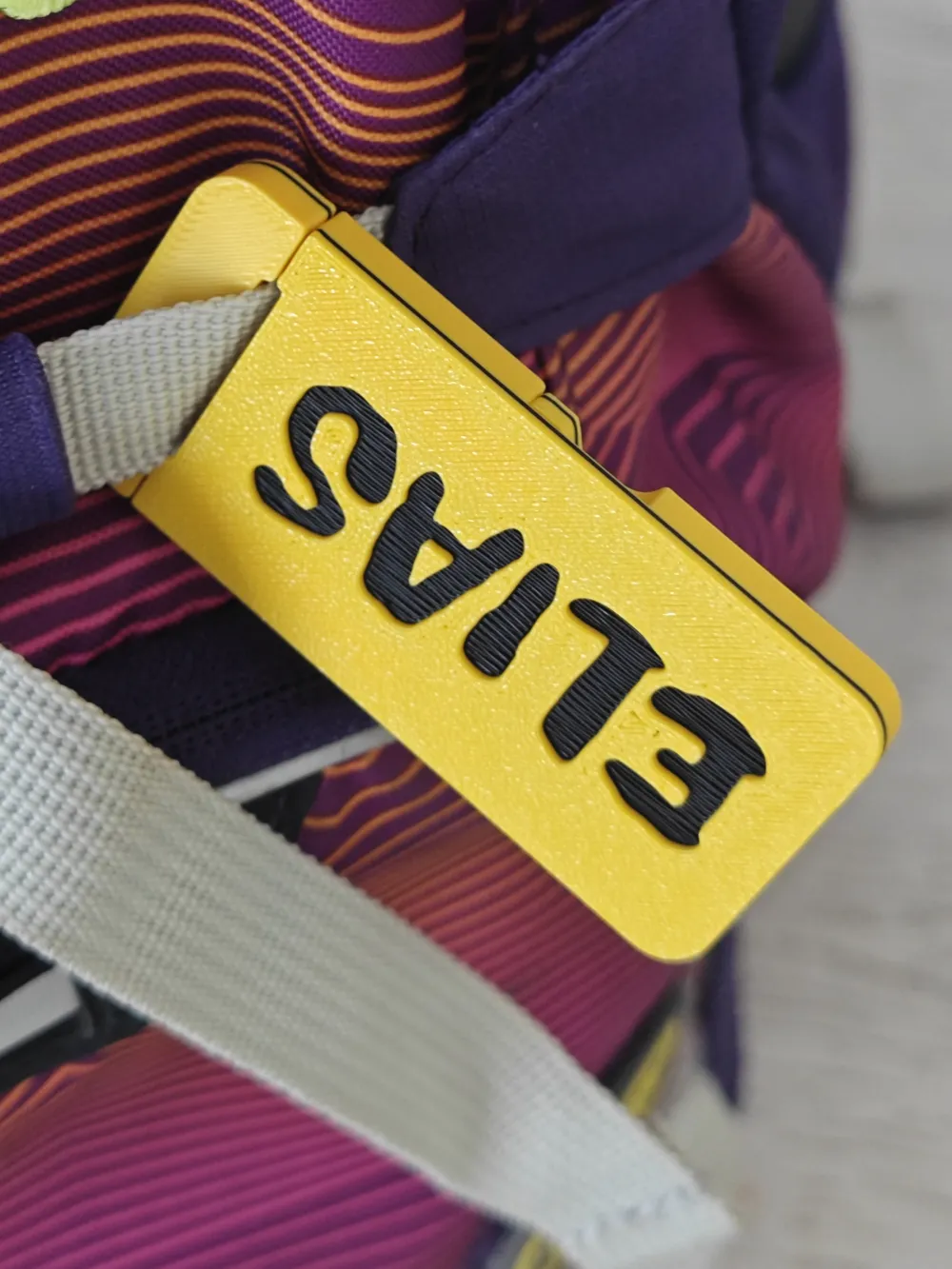
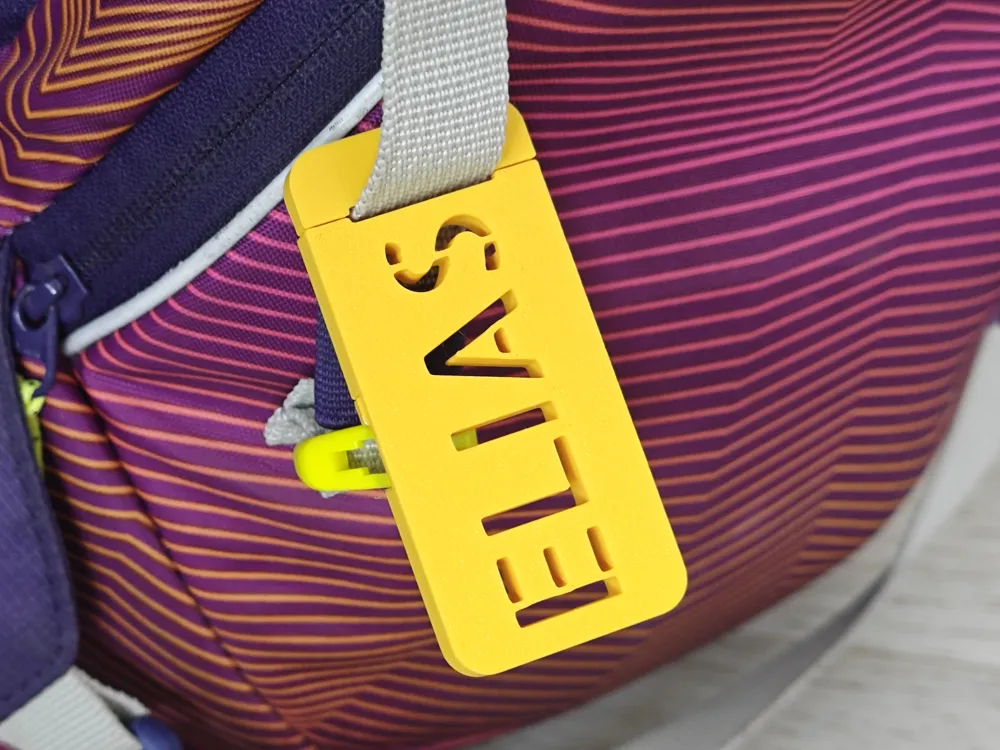
- Cutout Modes: Choose standard Engraved text for a multi-colored look or switch to Cut-through Stencil mode for a bold, physical cutout style.
Structure & Material Distribution
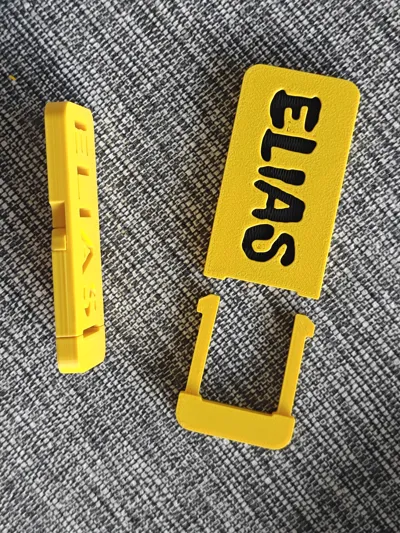
The generator yields 2 separate printable objects:
- The Tag Body (Part A): Houses the main textured faceplate, the dynamic custom text layout, and the female receiving locks.
- The End Cap (Part B): Contains the matching half of the clamping profile and the heavy-duty male locking arms.
Step-by-Step Customization Guide
This workflow allows you to discover the perfect font and finalize your high-quality model in under 60 seconds. Follow the steps below, referring to the annotated images.
1. See All Options: Enabling the Preview Grid
Start by opening the Customizer panel in MakerWorld. Locate the parameters on the left.

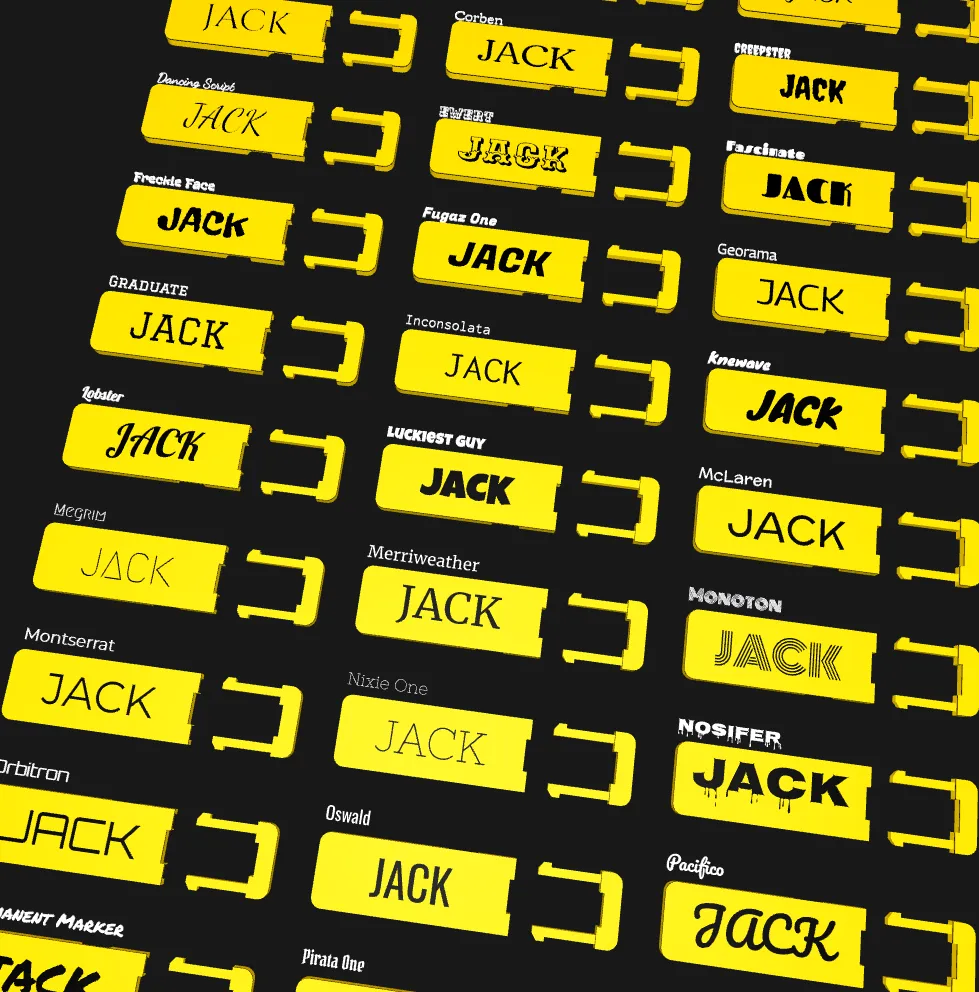
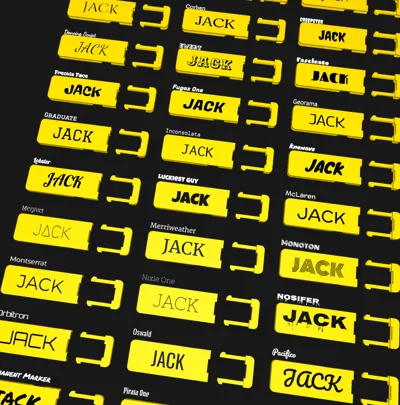
Your first step is to see every option available. Turn the Show_Font_Preview_Grid from false to true. This action displays a grid containing your entered name in every font:
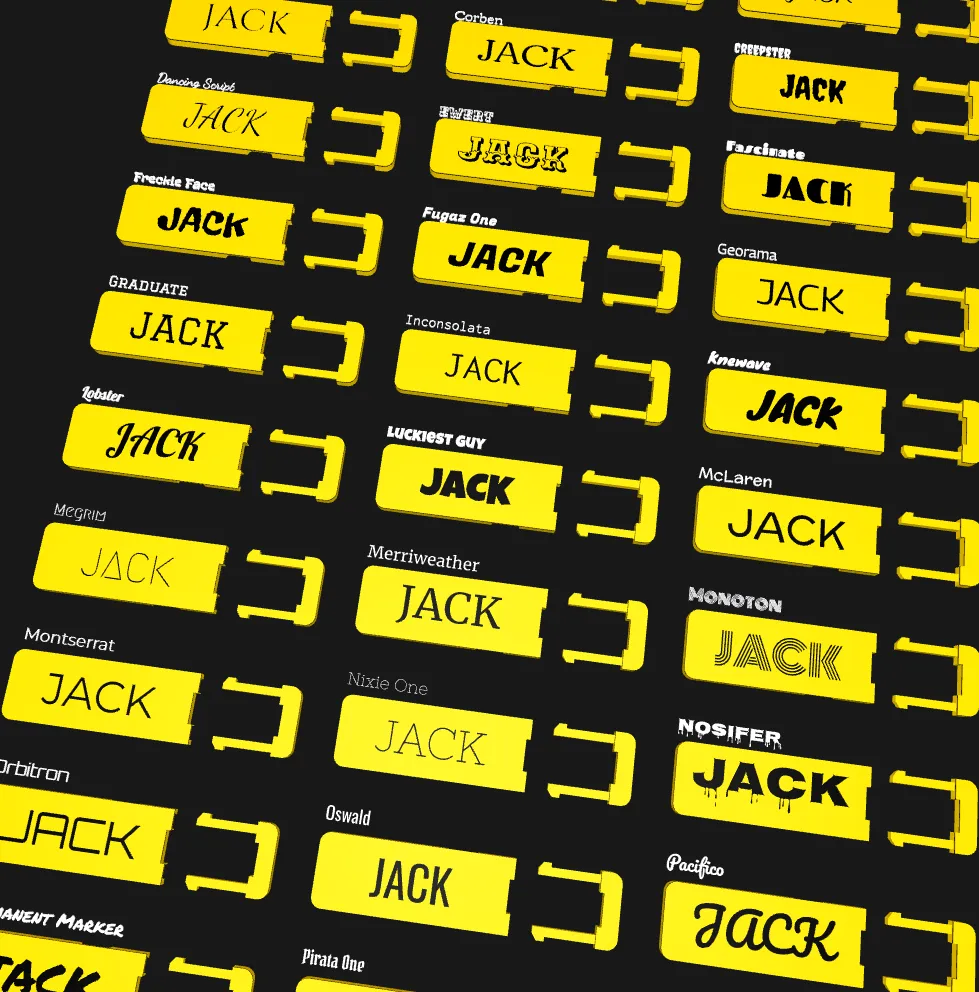
You can navigate moving the view by pressing middle mouse to come across the view zoomed into details.
2. Choose Your Style from the Grid
Examine the results. Every single font rendered in the grid has its correct font name displayed directly above it (e.g., "Permanent Marker" above "ELIAS"). Locate your favorite design and note its name.
3. Select and Fine-Tune Your Keychain
Once you have identified your chosen font:
- Return to the customizer parameters.
- Turn Show_Font_Preview_Grid back to false.
- Navigate to the Font_Name drop-down menu and select the font you chose from the grid (e.g., "Permanent Marker").
Remember that it will be printed upside down to make sure interlocking mechanism can be printed without supports. So name is facing DOWN
Boost Me (for free)
Do you find whit name tag innovative and like it? Please leave me a boost!
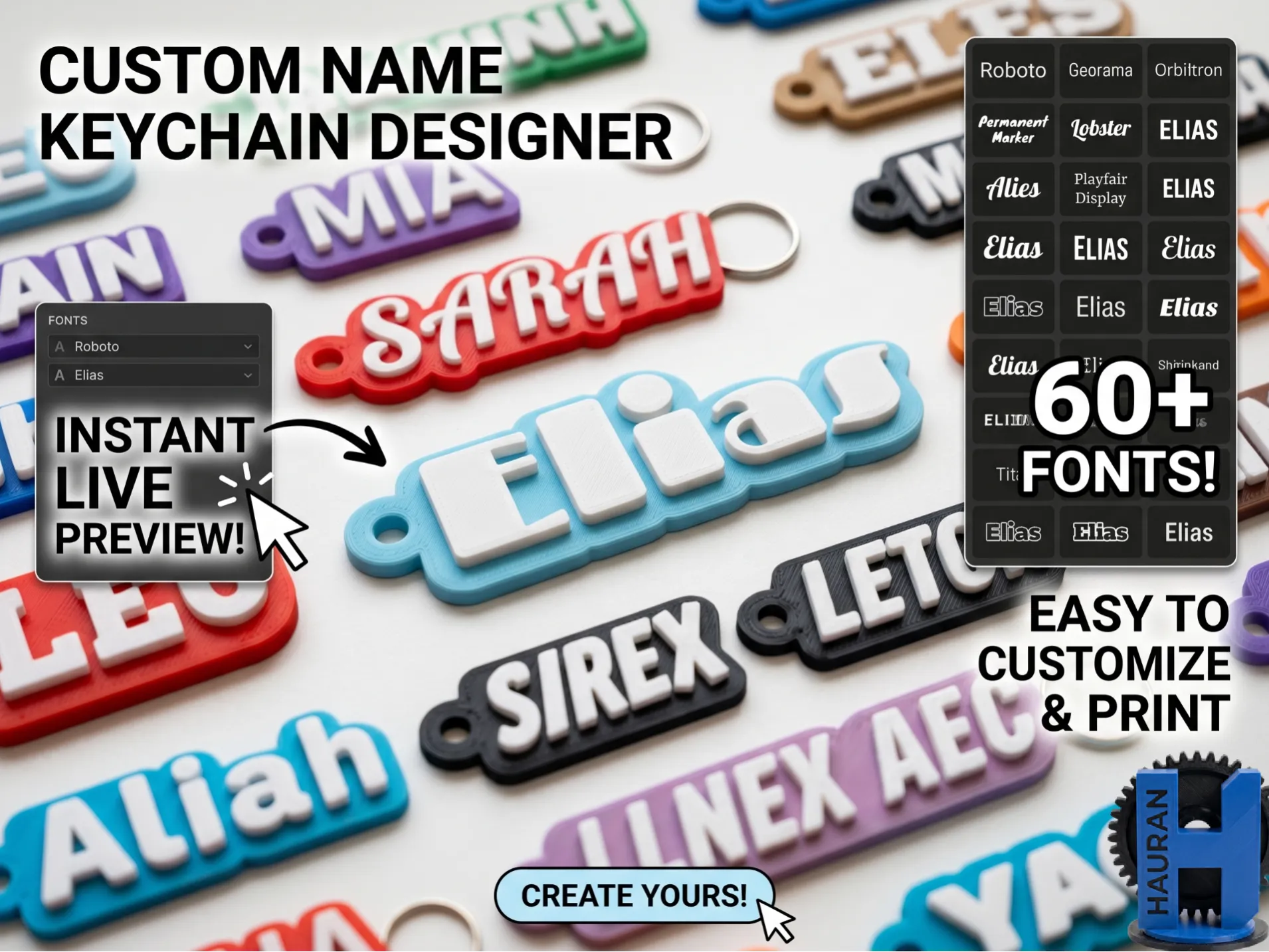
You might be interested of my keychain
generator which allows you to preview
fonts the same way--→
License

You shall not share, sub-license, sell, rent, host, transfer, or distribute in any way the digital or 3D printed versions of this object, nor any other derivative work of this object in its digital or physical format (including - but not limited to - remixes of this object, and hosting on other digital platforms). The objects may not be used without permission in any way whatsoever in which you charge money, or collect fees.


Comment & Rating (0)