Search models, users, collections, and posts

Floral Key Holder With Tray - Wall Mount
IP Report

Print Profile(4)

All
P2S
H2S
X1E
P1S
P1P
X2D
H2D
X1 Carbon
X1
A1
H2C
H2D Pro
A2L
A1 mini

High Quality Multi Colour
Designer
10.4 h
1 plate
5.0(8)

Single Colour
Single Colour
Designer
5.9 h
1 plate
4.5(2)

Multi Colour - Faster print
Designer
7.9 h
1 plate
5.0(1)

A1 Mini Single Colour
Designer
4.5 h
1 plate

Open in Bambu Studio
Boost
679
2268
20
3
262
126
Released 

Bill of Materials

Bambu Filaments
Select all
Beige (10201) / Refill / 1kg

Description

Membership

Want to sell prints of this design? You can get a Commercial License via my profile, allowing you to sell physical prints of all my models while your subscription is active :)

Join

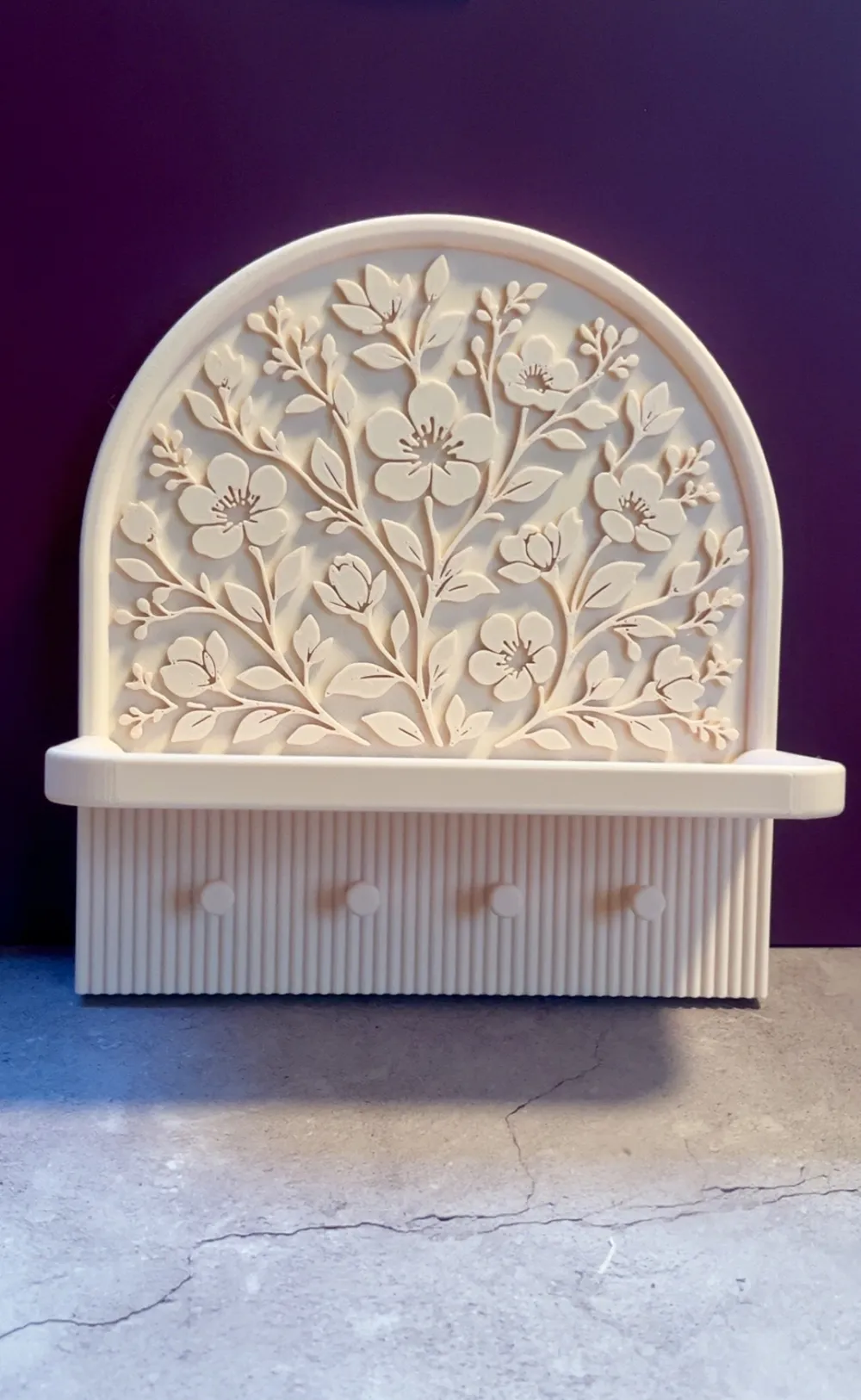
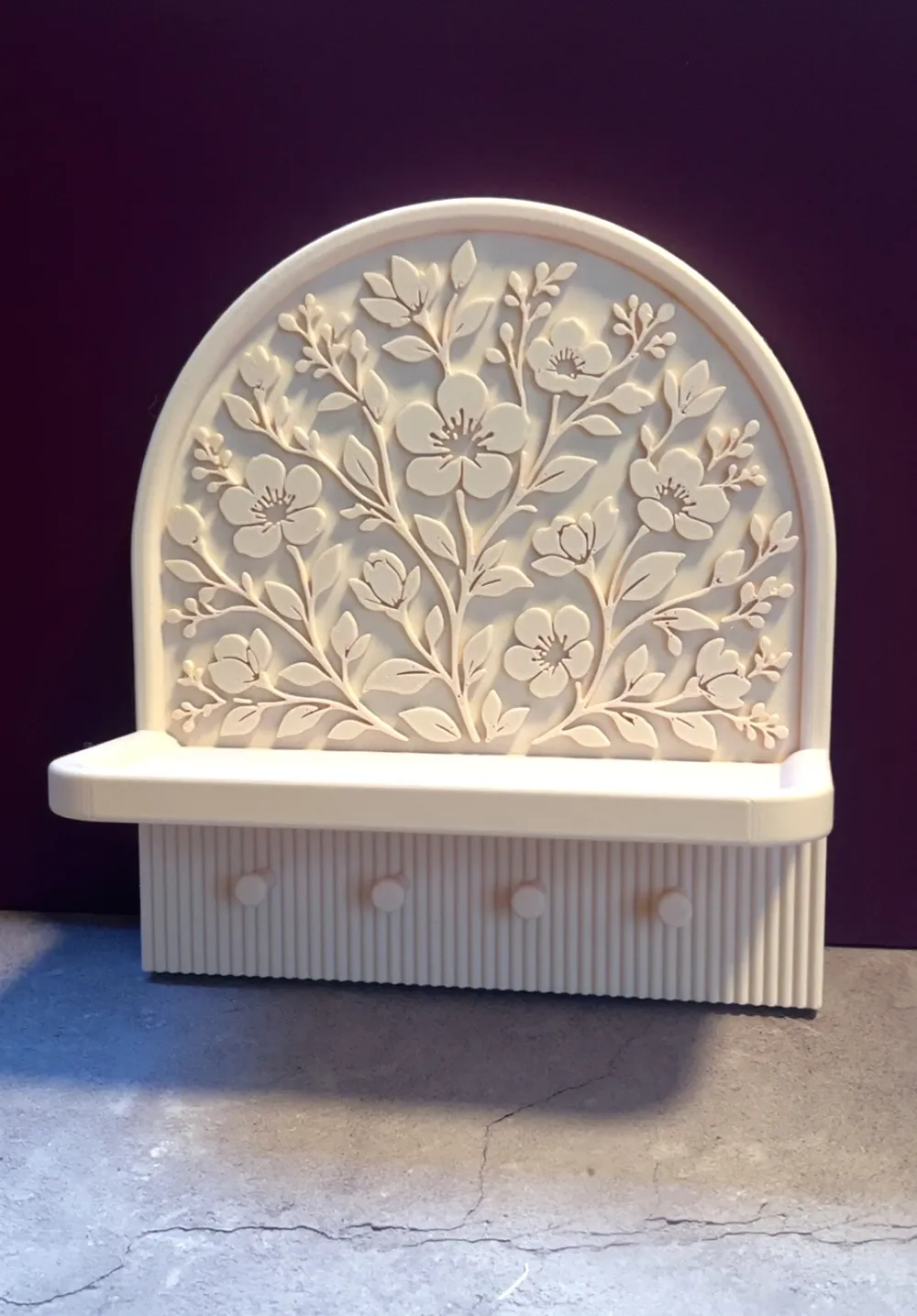
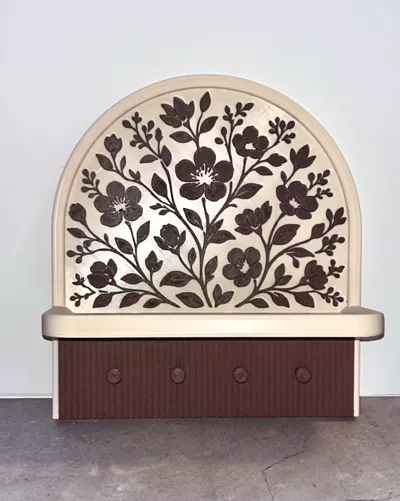
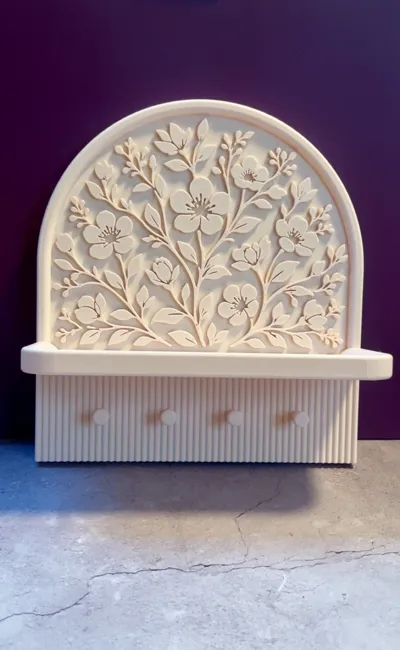
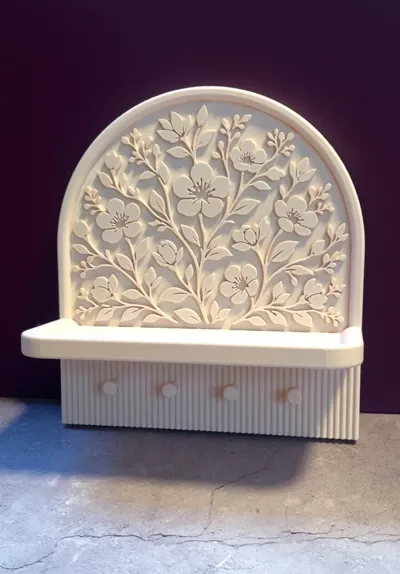
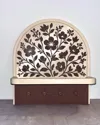
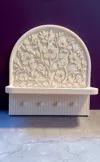
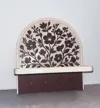
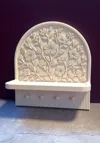
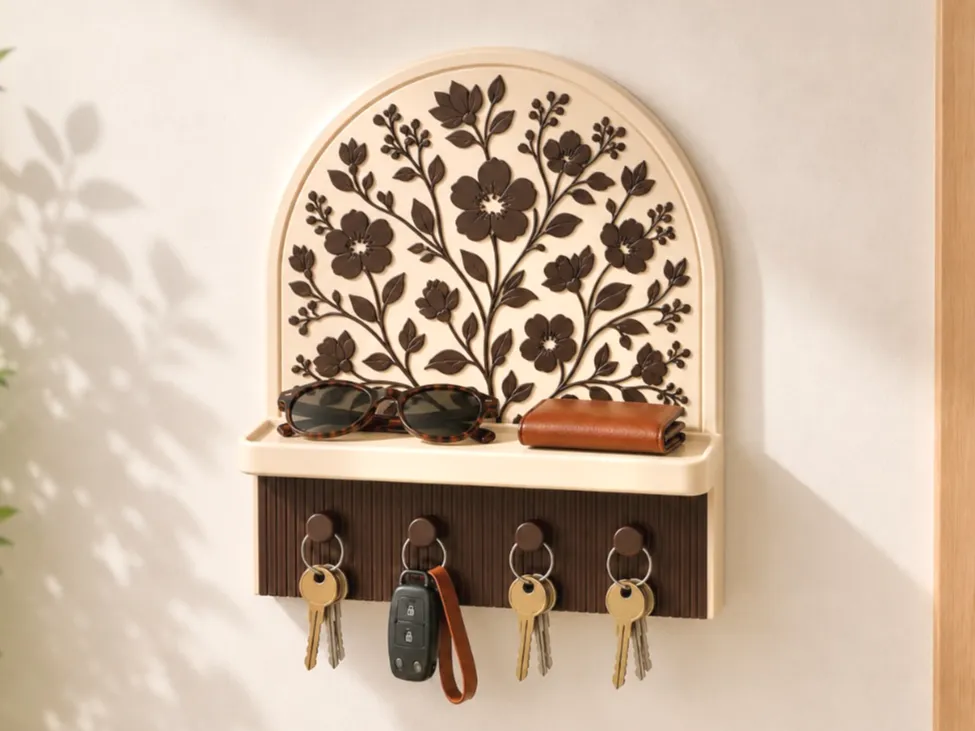
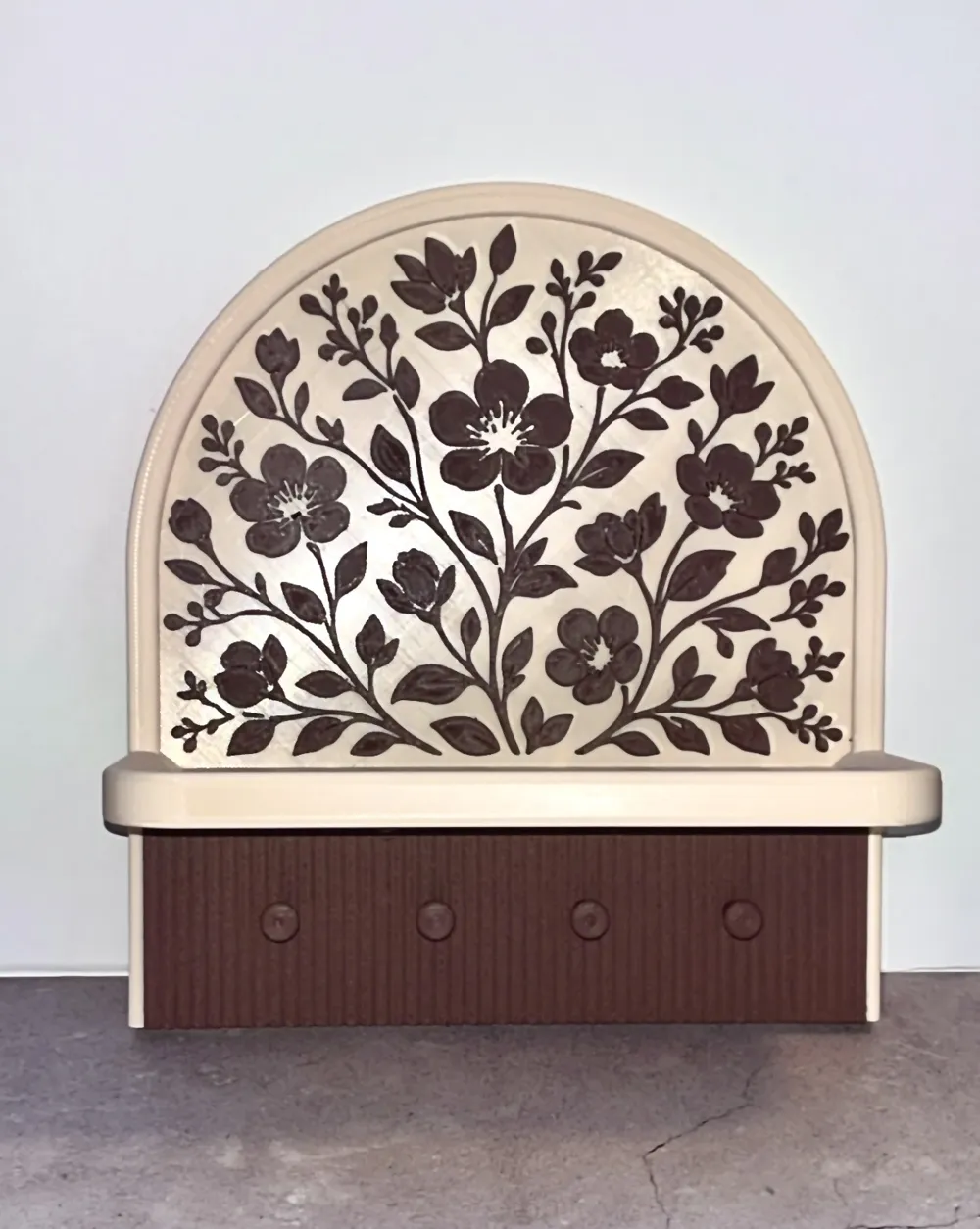
Add a touch of elegance to your entryway with this floral-inspired key holder featuring a detailed flower relief and a practical storage tray. Designed with 4 key hooks and a sturdy shelf for sunglasses, wallets, decorations, and everyday essentials.


Optimized for easy 3D printing with no supports or assembly required - simply print in place and enjoy!


An A1 Mini compatible version is included in the print profiles.


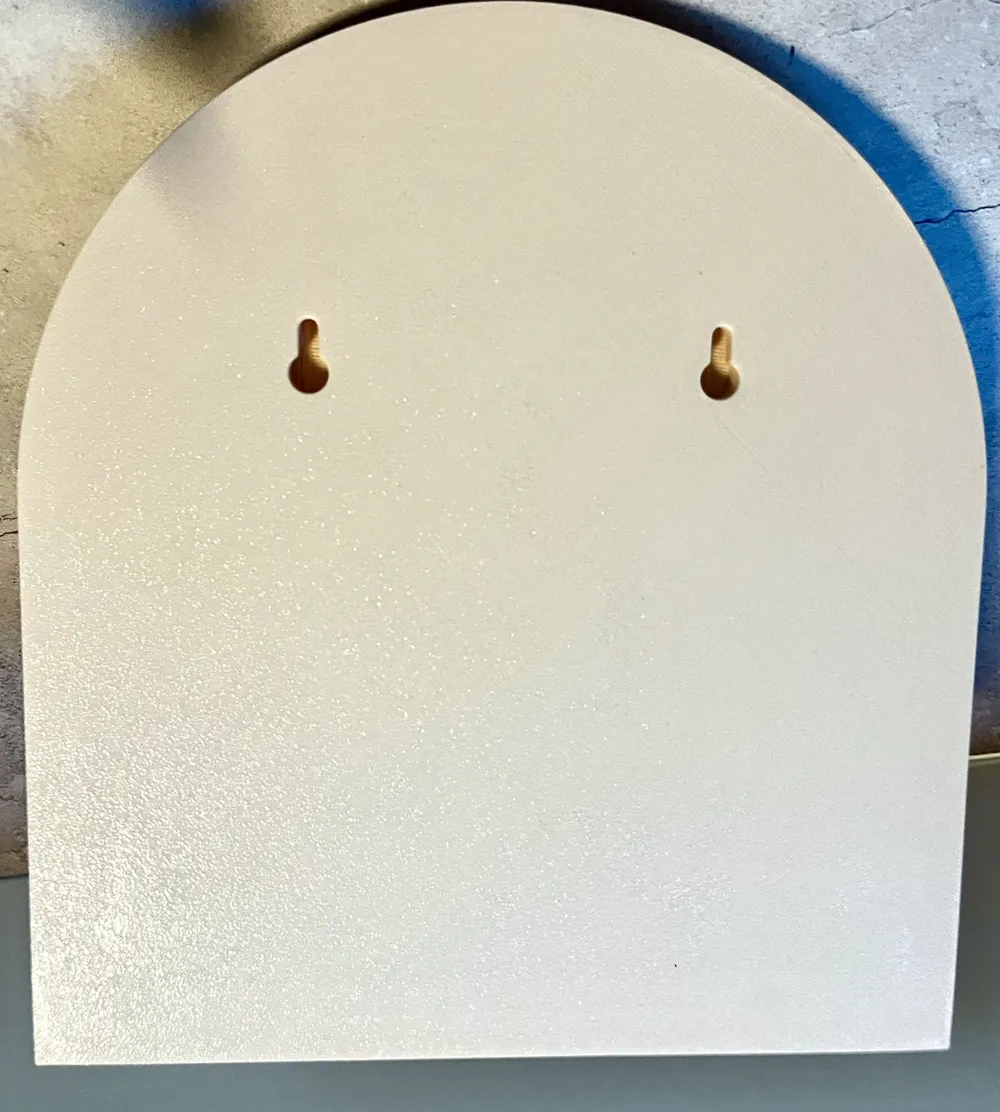
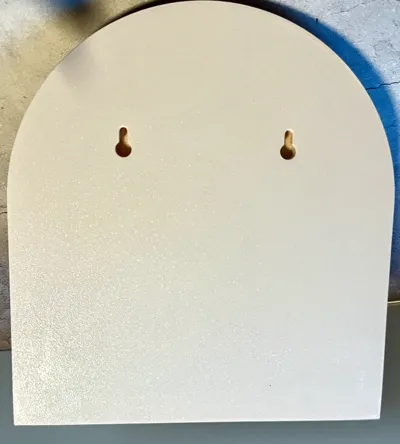
The model also features optional wall mounting holes that can easily be repositioned or customized directly in Bambu Studio to fit your setup.


Highlights

  • Elegant floral relief design
  • Print-in-place with no supports
  • No assembly required
  • 4 practical key hooks
  • Functional tray for small everyday items
  • Optional customizable wall mounts
  • Lightweight, durable, and easy to print


Collection

If you like this design, feel free to check out my other floral home decor models for matching styles and accessories!

https://makerworld.com/collections/21657980


Print Settings

  • 0.2 mm layer height
  • 10% infill
  • 3 walls
  • Modified settings for hangers, to provide strength (more infill and walls)


Filament Used

  • 3D Saga PLA Wood (Cherry)
  • Bambu PLA (beige)


I’m always looking to improve my designs, so if you print one, please feel free to share a photo! I’d love to see what color combos you come up with.


All feedback, ideas and requests are very welcome!

Boost Me (for free)

Enjoyed this model? A Boost would mean a lot and helps me keep creating and improving future designs. Thanks for the support! 🚀

Comment & Rating (20)

(0/1000)

Pinned by Designer
Print Profile
High Quality Multi Colour
Gorgeous, I enlarged it to 115%
The profile uploader has replied
1
Reply
Looks stunning! Thank you for sharing😊
0
Reply
Print Profile
Single Colour
overall good . a bit hard to fit the screws on the back but it did work . thank you
The profile uploader has replied
2
Reply
As mentioned in the description, I’ve made sure to add the screw holes in bambu studio so you can costumize the size and dept using the scaling if you use other screws😊But thank you, glad you like it!
0
Reply
Print Profile
Single Colour
just a gorgeous print ! Came out absolutely perfect with zero issues
The profile uploader has replied
0
Reply
Thank you very much, really appreciate it😊 Looks great!
0
Reply
Print Profile
High Quality Multi Colour
The profile uploader has replied
profile
2
Reply
Love the colour combo, looks great!
0
Reply
Print Profile
High Quality Multi Colour
super ok
0
Reply
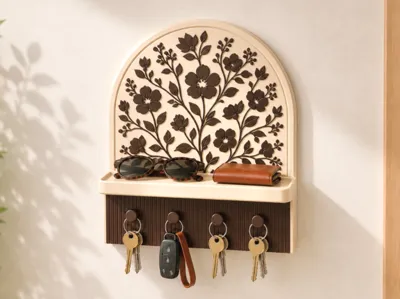
this is AI picture? keys on thenhooks look weird
The designer has replied
1
Reply
I can't even slice the thing. Every time I slice it closes the entire program.
1
Reply
@Dru11knows I’ve used fusion360 to design this entire model, just like all my other models😊The first picture has been used AI to change background and lighting yes, just like a lot of other creators - to get a decent front cover picture that demonstrates the purpose of the model. I have of course also included loads of pictures of the print. If you can’t slice the model, it may be because of missing software updates, not enough capacity on computer etc, since it’s a detailed model with lots of faces. Try simplifying the model by right clicking the object and press simplify, to see if that solves anything. I’ve included both the .mf file for bambu studio and the STL for other slicers.
(Edited)
0
Reply
Print Profile
High Quality Multi Colour
it turned out very nice, really
The profile uploader has replied
Show original
0
Reply
Thank you😄
0
Reply
Print Profile
High Quality Multi Colour
very nice design printed great
The profile uploader has replied
0
Reply
Great to hear, thanks!
0
Reply
Print Profile
High Quality Multi Colour
0
Reply
Print Profile
High Quality Multi Colour
0
Reply
Print Profile
High Quality Multi Colour
0
Reply

License

If you want to use this model commercially, please join my membership.
Join Now
This user content is licensed under a Standard Digital File License.

You shall not share, sub-license, sell, rent, host, transfer, or distribute in any way the digital or 3D printed versions of this object, nor any other derivative work of this object in its digital or physical format (including - but not limited to - remixes of this object, and hosting on other digital platforms). The objects may not be used without permission in any way whatsoever in which you charge money, or collect fees.