Search models, users, collections, and posts

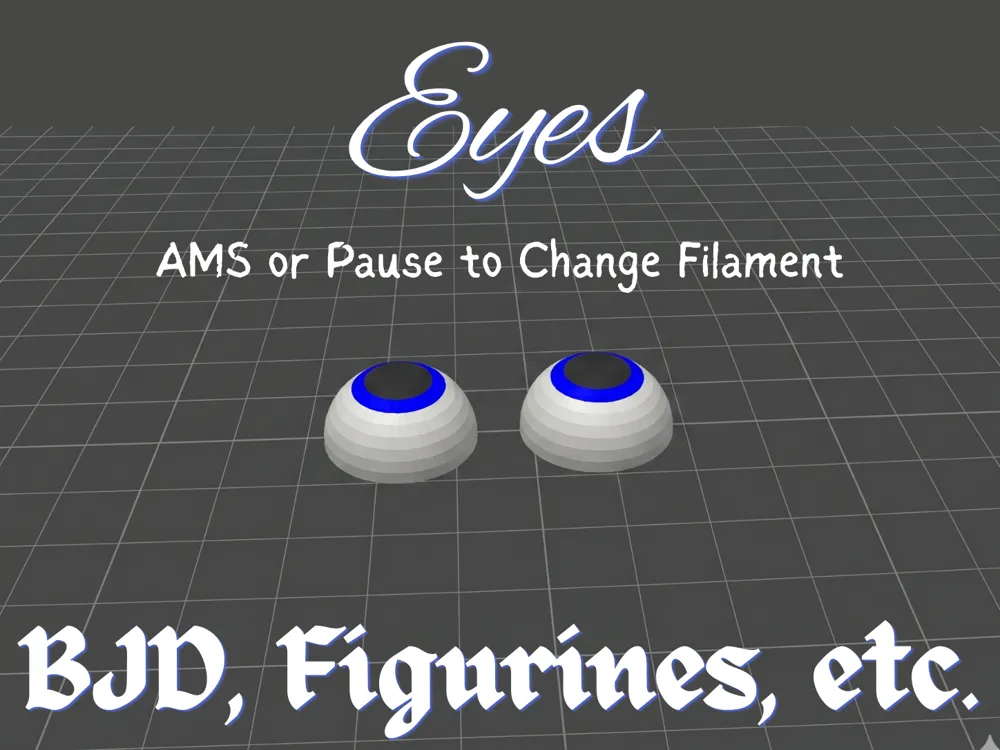
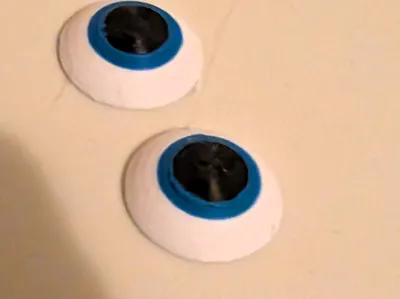
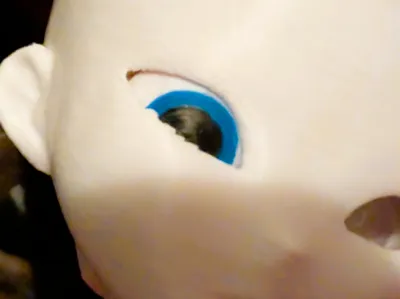
Eyes for BJD, Figurines, etc.
IP Report
Print Profile(4)
V2 AMS - 0.1mm layer, 2 walls, 5% infill
Designer
31 min
1 plate
V2 Pauses (No AMS) - 0.1mm layer, 2 walls, 5% infill
Designer
31 min
1 plate
V1 AMS - 0.1mm layer, 2 walls, 5% infill
Designer
25 min
1 plate
V1 Pause (No AMS) - 0.1mm layer, 2 walls, 5% infill
Designer
25 min
1 plate
Open in Bambu Studio
Boost
32
60
1
0
32
30
Released



Description
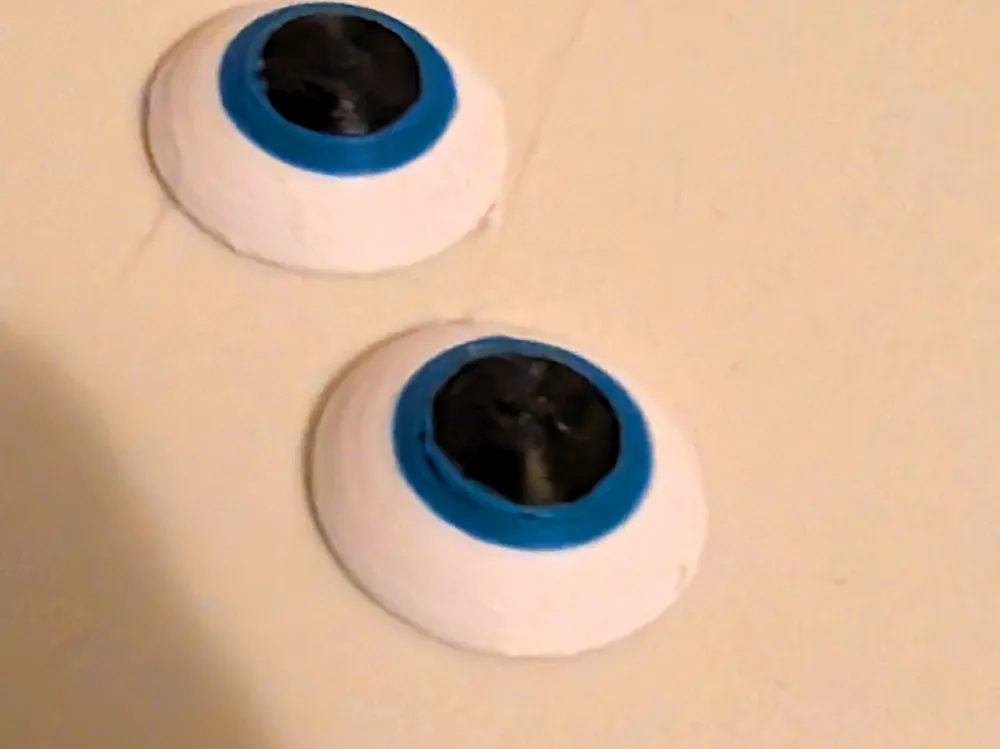
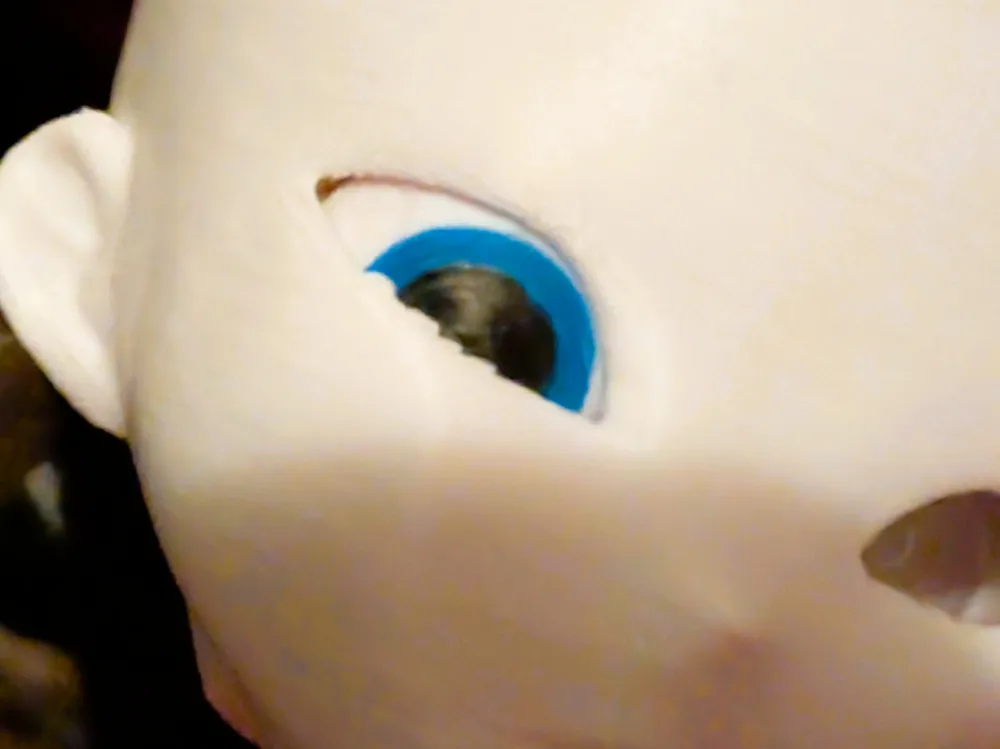
Customizable Dome Eyes for BJDs, Figurines, & More
Bring your ball-jointed dolls, figurines, and custom projects to life with these 3D-printable dome eyes! This project is designed to be highly versatile, offering different profiles and file formats whether you are using a multi-material system (like AMS) or doing manual filament swaps.
I’ve provided two distinct shapes depending on the look and clearance you need. Both are fully colored in OBJ format for easy drop-in printing:
- Version 1 (Low Profile): 20mm x 20mm x 6mm. Created using the Fillet tool in Fusion 360 for a softer, lower-profile curve.
- Version 2 (Perfect Dome): 20mm x 20mm x 10mm. Created using the Revolve tool in Fusion 360 for a geometrically perfect spherical dome.
For Non-AMS Users & Remixers: I have also included the uncolored STEP files for both versions. These are perfect if you want to experiment with setting up manual pauses to change filament colors, or if you simply want to remix the geometry for your own custom projects.
Printing Guidelines & Tips
- Layer Height & Adhesion: I recommend printing these at a 0.1mm layer height with a 0.1mm first layer to get nice, smooth curves on the dome. To ensure the eyes stay firmly stuck to the bed during printing, I strongly suggest using a 5mm brim.
- Seam Placement: The print profiles are set up with a Random seam. Feel free to experiment with your slicer's seam settings to see which alignment looks best for your specific needs and filament choices!
- Nozzle Size: You can print these using either a 0.4mm or a 0.2mm nozzle. A quick heads-up on the 0.2mm: I found that the outer ring around the iris actually wasn't quite as clean-cut as it is with the 0.4mm. Your mileage may vary, so experiment and find what's best for you.
- Custom Scaling: You are more than welcome to scale these models up or down in your slicer to get the perfect fit for your specific doll or figurine sockets.
- Thickness Warning: If you scale the models down, ensure your black layer (the pupil) remains at least 0.3mm thick (which is 3 layers at a 0.10mm layer height). If the black layer gets any thinner than that, it will become translucent and your iris color will bleed through.
License

This user content is licensed under a
Creative Commons Public Domain


Comment & Rating (1)