
Decorative wall panels with wave effect


Print Profile(1)
Description
Boost Me (for free)
If you want to support my projects I would be grateful. Thank you
Please read the instructions before printing
Object description:
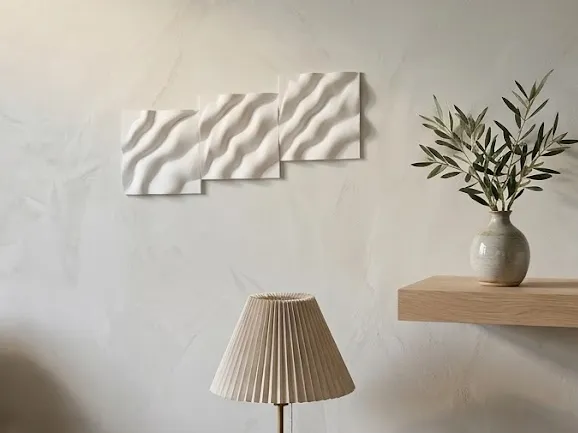
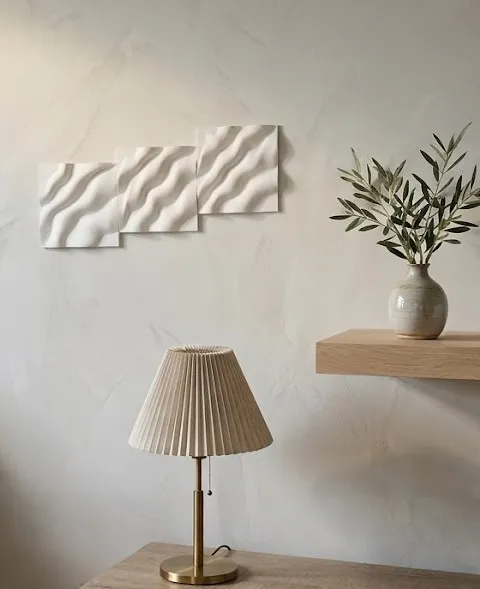
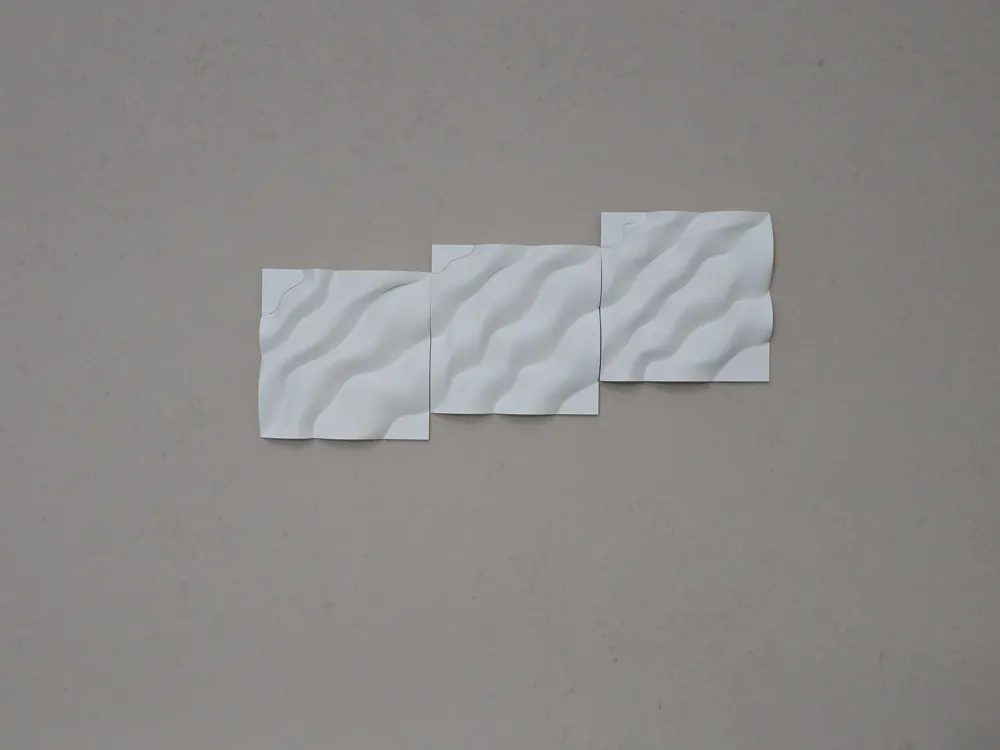
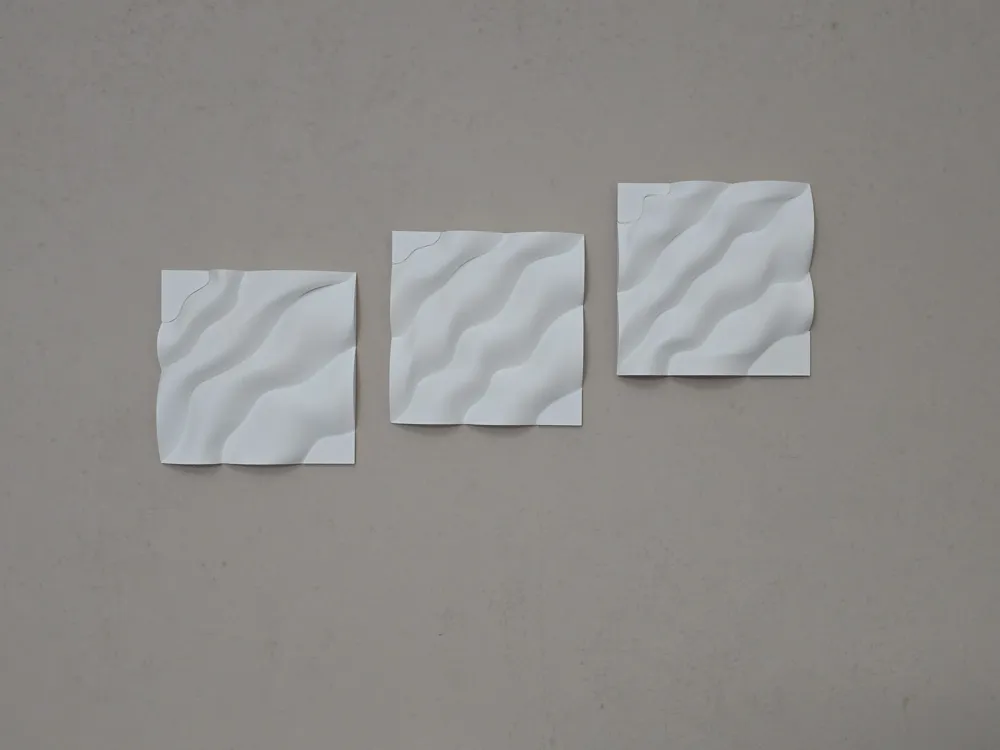
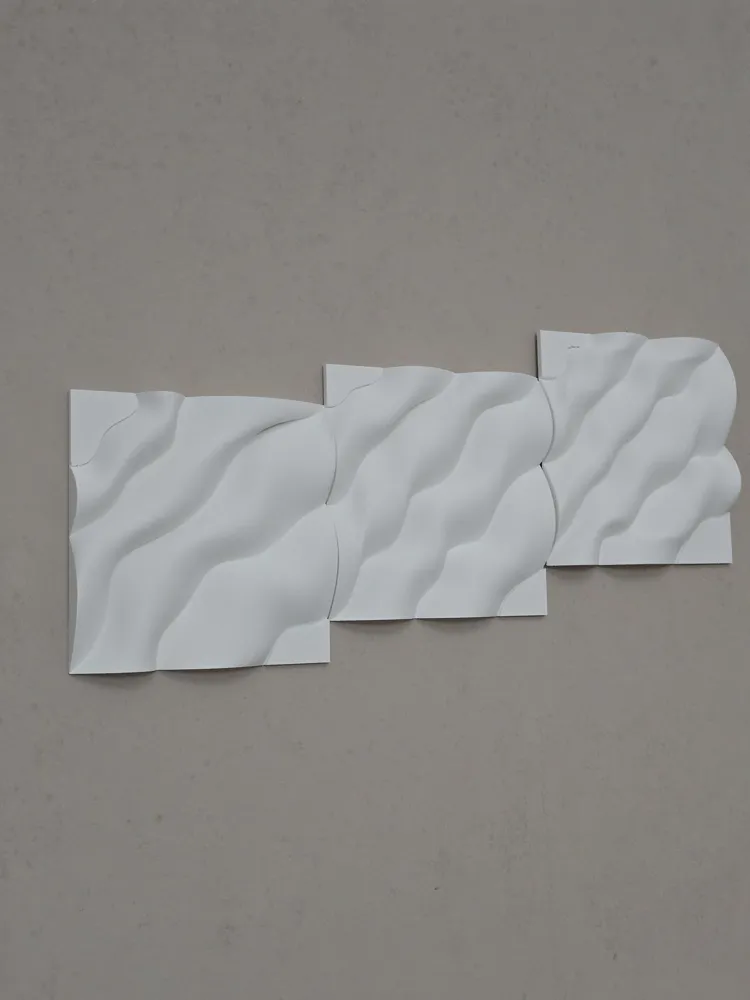
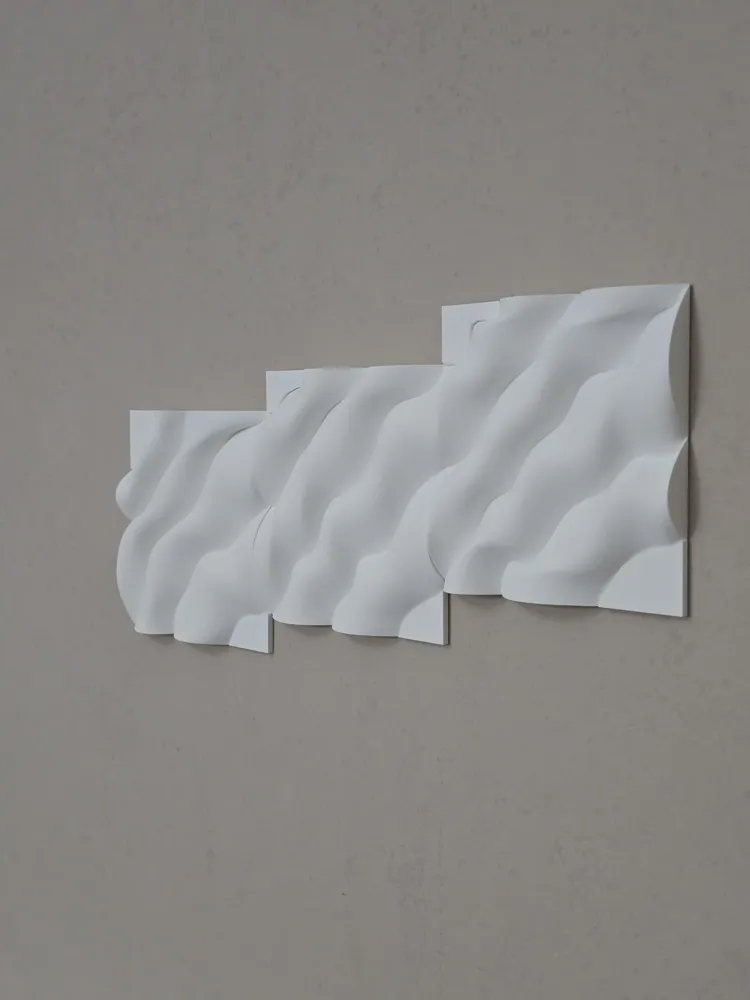
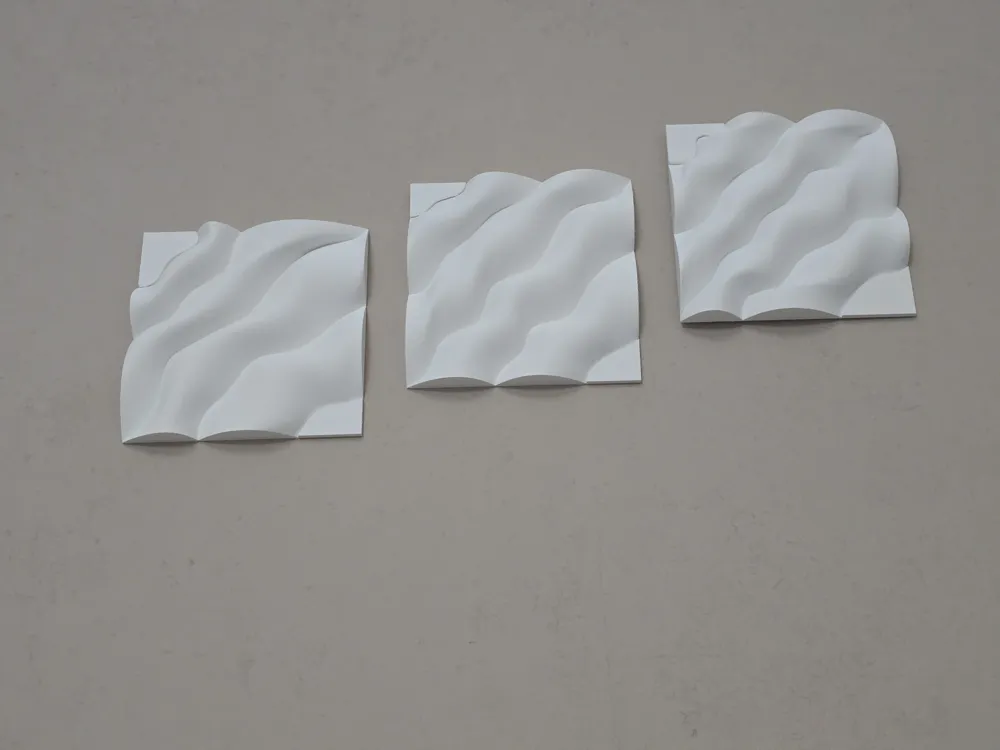
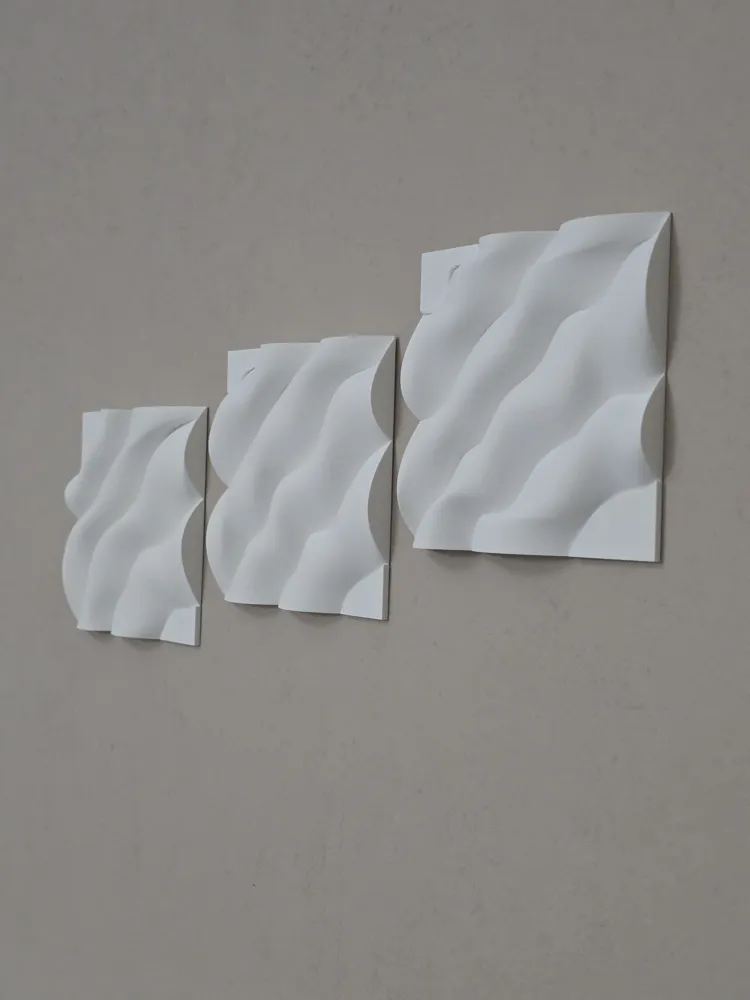
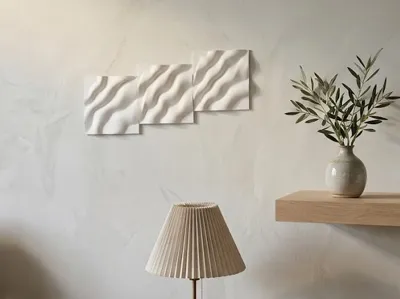
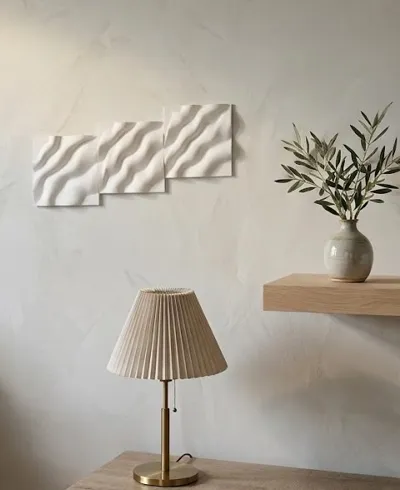
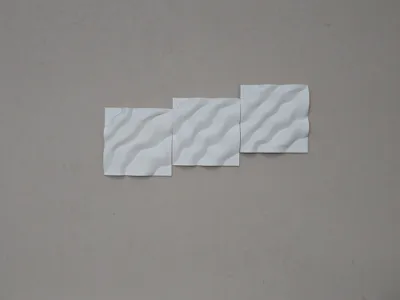
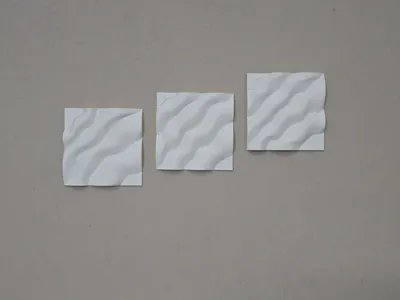
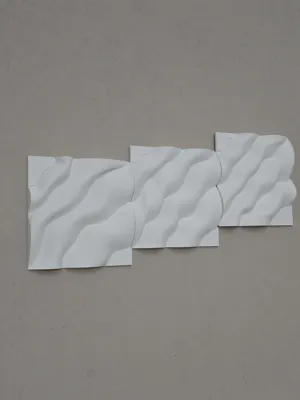
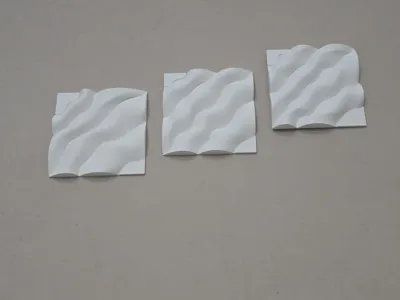
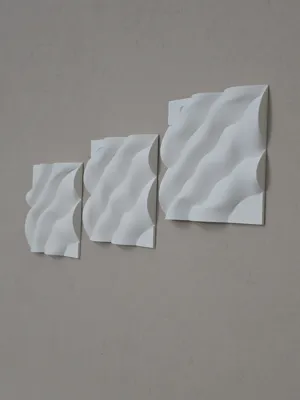
The three geometric elements shown in the photo are 3D decorative wall panels with a wavy pattern.
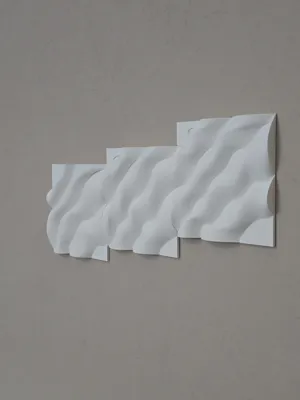
These square modular components are installed in sequence. When placed side by side and finished, their continuous curvilinear protrusions create a fluid and modern three-dimensional effect with great visual impact, widely used in contemporary interior design to enhance accent walls, offices, or living rooms.
Main Features
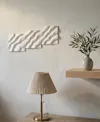
Embossed design: The surface simulates the natural movement of waves or sand dunes, offering a dynamic play of light and shadow depending on the lighting. The panels can be joined completely or hung slightly spaced (see presentation photo).
Print instructions:
Printed in PLA Matte White Bambulab.
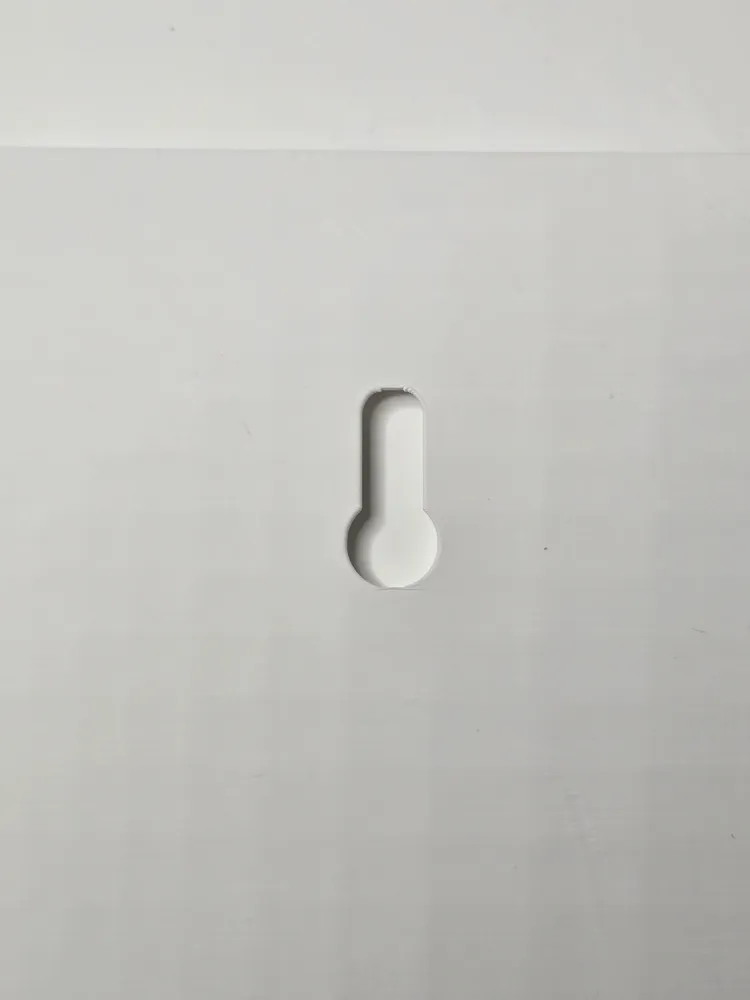
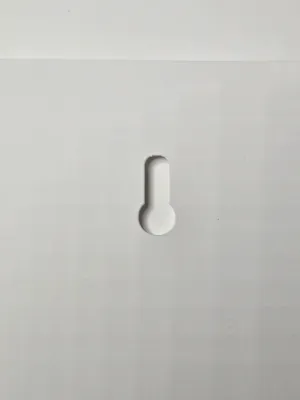
Printing is very easy. Supports are only needed for the rear holes and detach with extreme ease.
Colors can be changed in the slicer at the time of printing.
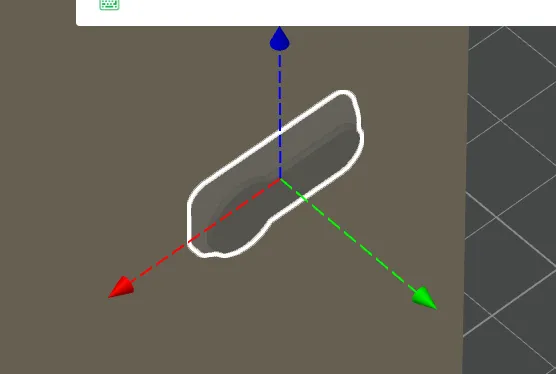
If you enlarge or reduce the panels, know that the negative Kayhole objects (the rear holes) will enlarge/reduce accordingly, so you must select each object named Kayhole and restore the original size (x 9.50 mm, y 21.86 mm, z 3.00 mm), then move the Kayhole object to make sure it punches each panel as in the photo.
GENERAL TIPS
A tip I always give is to first clean the print bed with dish soap and a sponge, rinsing with hot water, then drying it with compressed air, avoiding touching the surface with your hands. I also recommend performing the dynamic flow and flow rate calibrations provided in Bambu Studio. Personally, before printing, I dry the PLA with AMS 2 PRO for about 1 hour. It is these small precautions, along with many others, that determine the success of a good print.
Before leaving negative reviews, please adjust these parameters. If you have difficulties or continue to experience problems, do not hesitate to contact me; together we will find solutions in a perfect collaborative atmosphere. I have made several prints of this object, and they all turned out perfect as in the photo: if you have incorrect parameters, dirty or clogged nozzles, poorly calibrated machines, damp or poor quality filaments, do not blame me.
PRINT INSTRUCTIONS:
Layer height 0.2 mm
Initial layer height 0.2 mm
Seam position aligned
Wall loops 2
Top shell layers 5
Bottom shell layers 3
No supports
Infill 8 %
Grid pattern
Outer wall speed 200 mm/s
Inner wall speed 300 mm/s
Normal print acceleration speed 10,000 mm/s
Outer wall acceleration speed 10,000 mm/s
License

You may create derivative works based on this object, provided that all such derivative works are published exclusively on the MakerWorld platform and include proper attribution to the original creator. You may not share, upload, host, distribute, or publish this object—or any derivative work of this object—on any other digital platform, marketplace, or distribution channel. Commercial use of this object and any derivative works is strictly prohibited. This includes, but is not limited to, selling, renting, sublicensing, or using the object in any context in which you receive monetary compensation or other financial benefits.


Comment & Rating (0)