Search models, users, collections, and posts

Magsafe External Battery Stand
IP Report
GIF
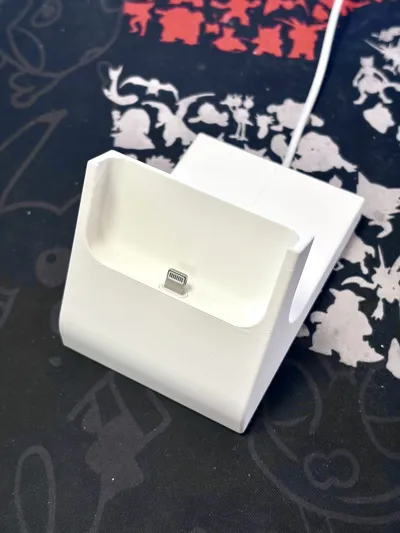
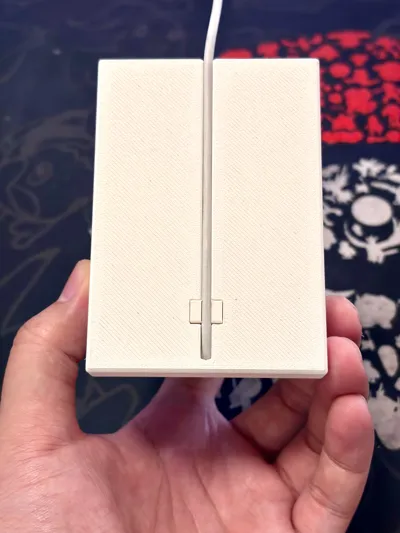
Print Profile(1)
Magsafe External Battery Stand
Designer
1.3 h
1 plate
Open in Bambu Studio
Boost
1
0
0
0
1
3
Released
Description
Content has been automatically translated.
Boost Me (for free)
If you like my model, please give me a free boost! Thank you for your likes
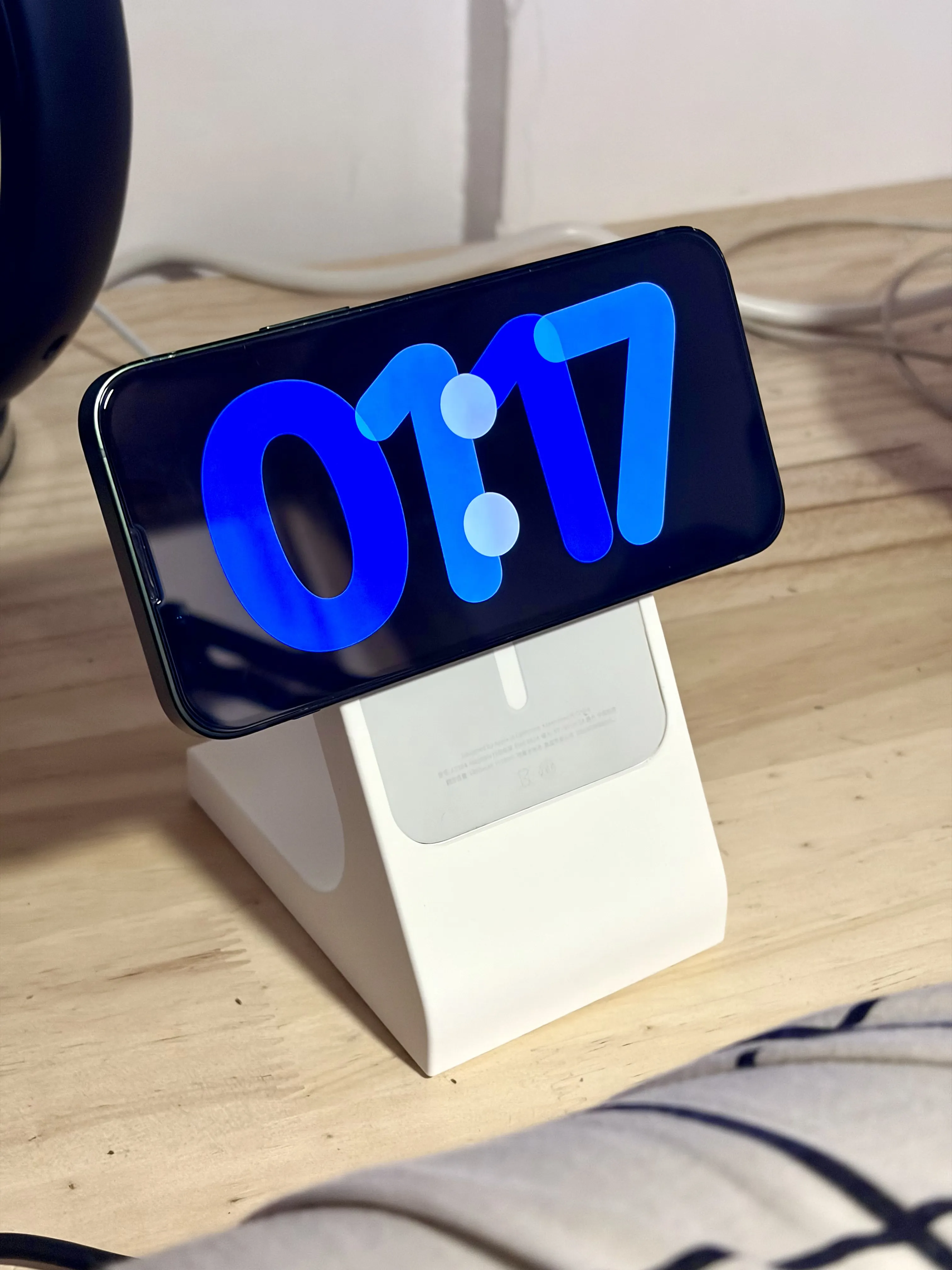
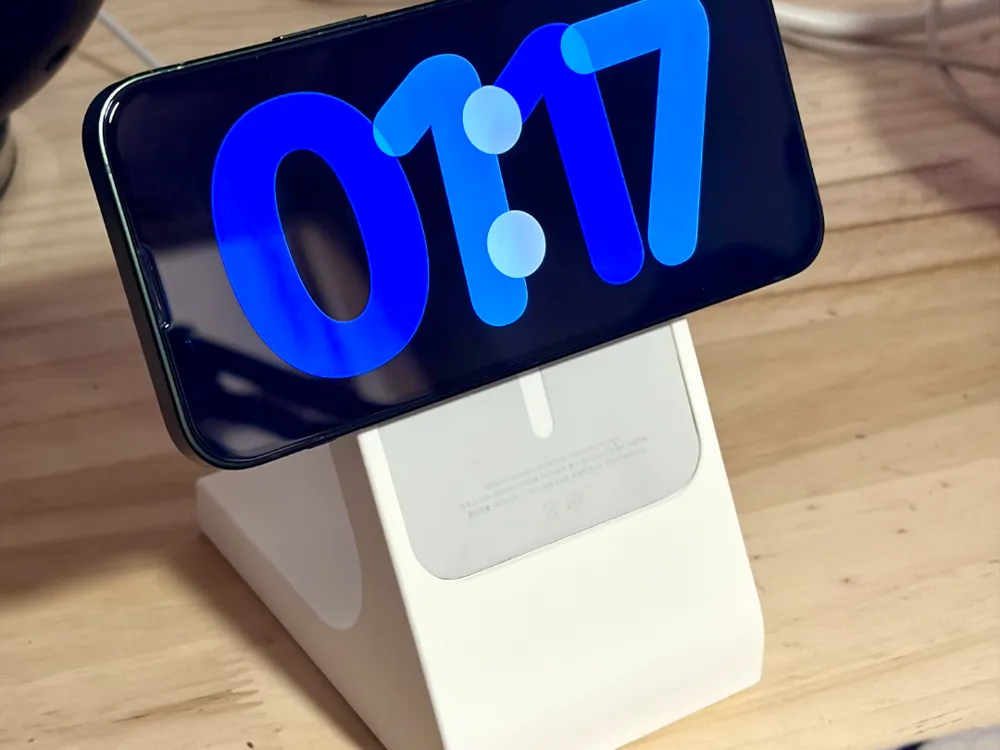
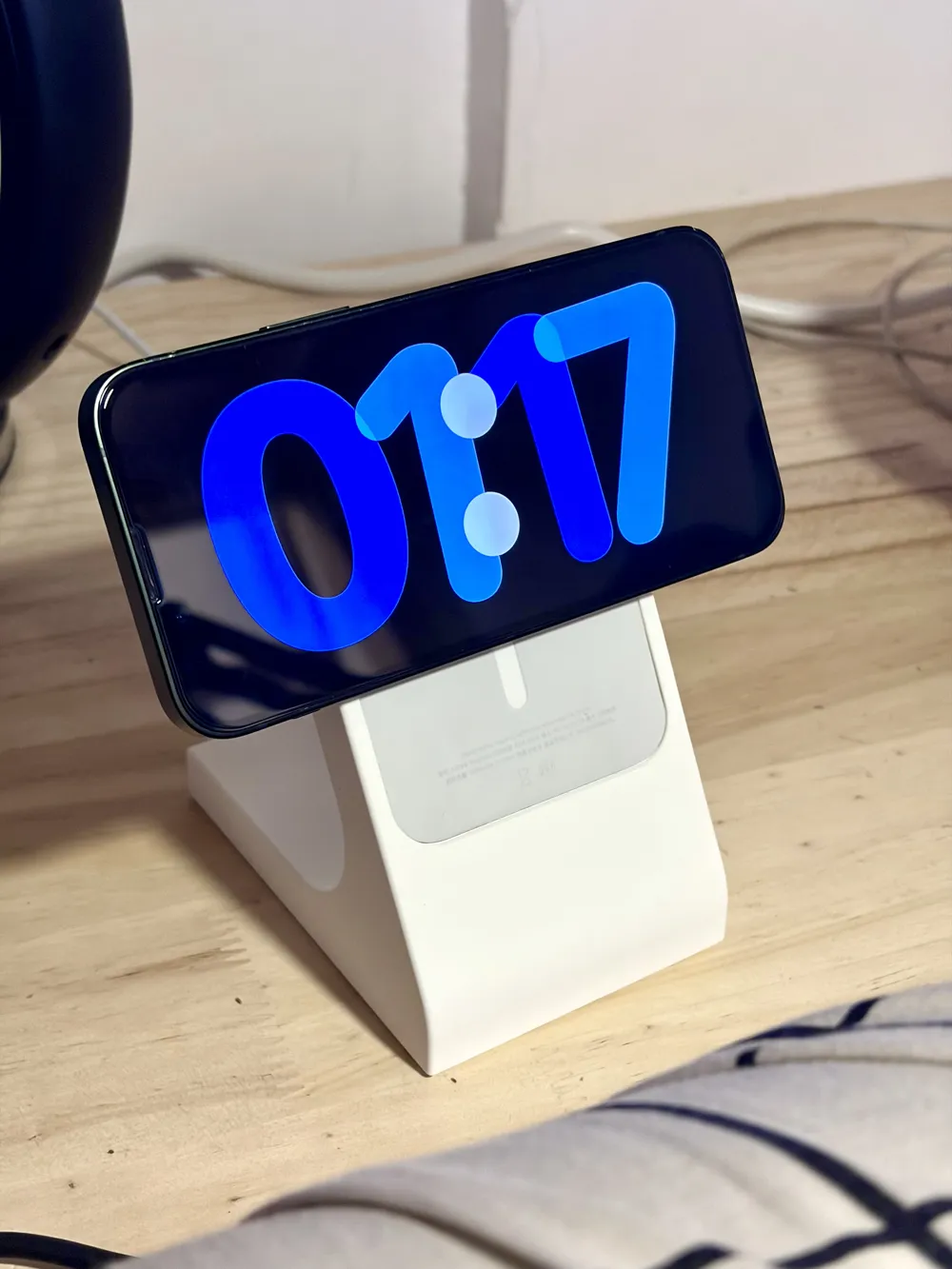
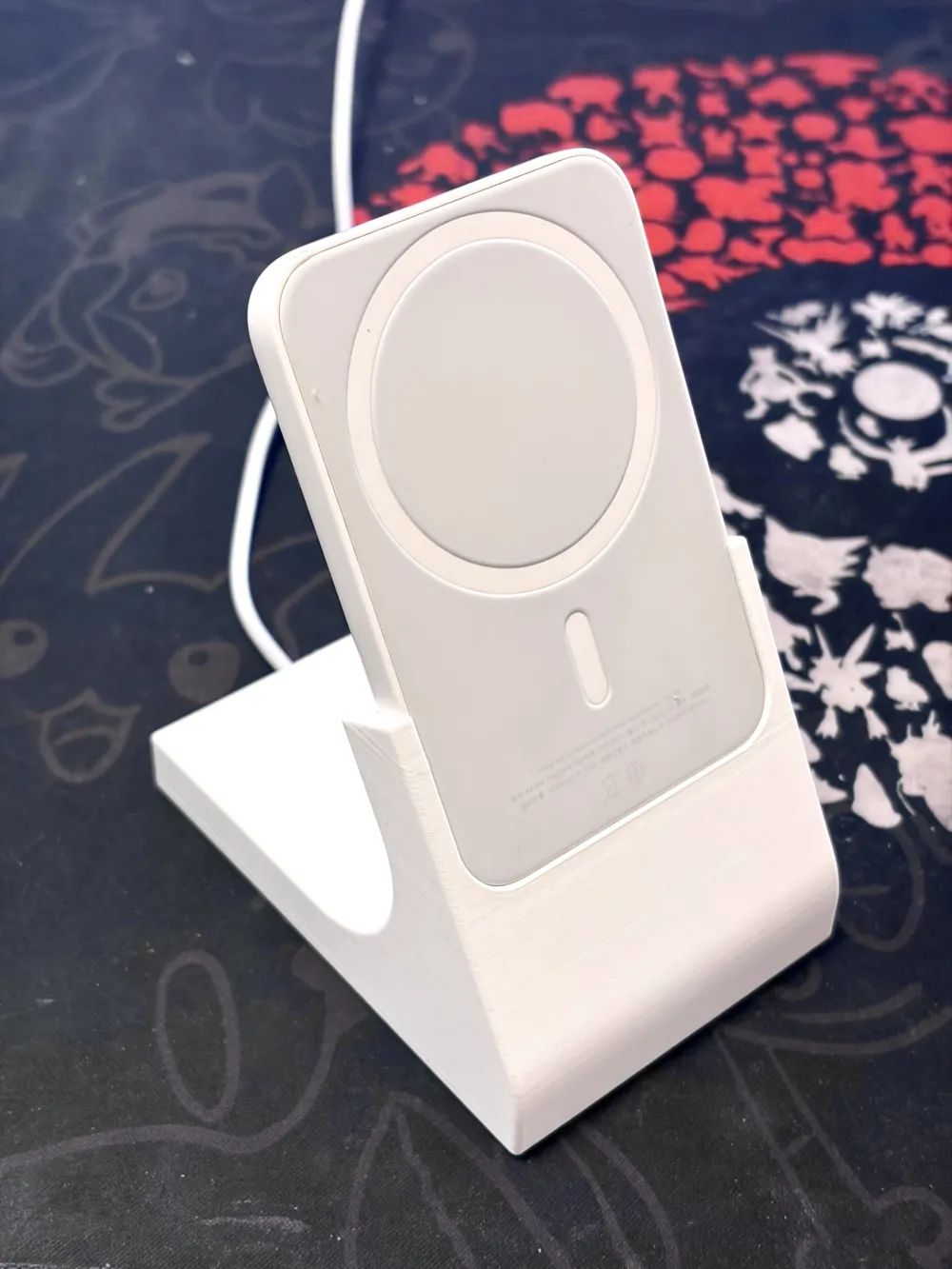
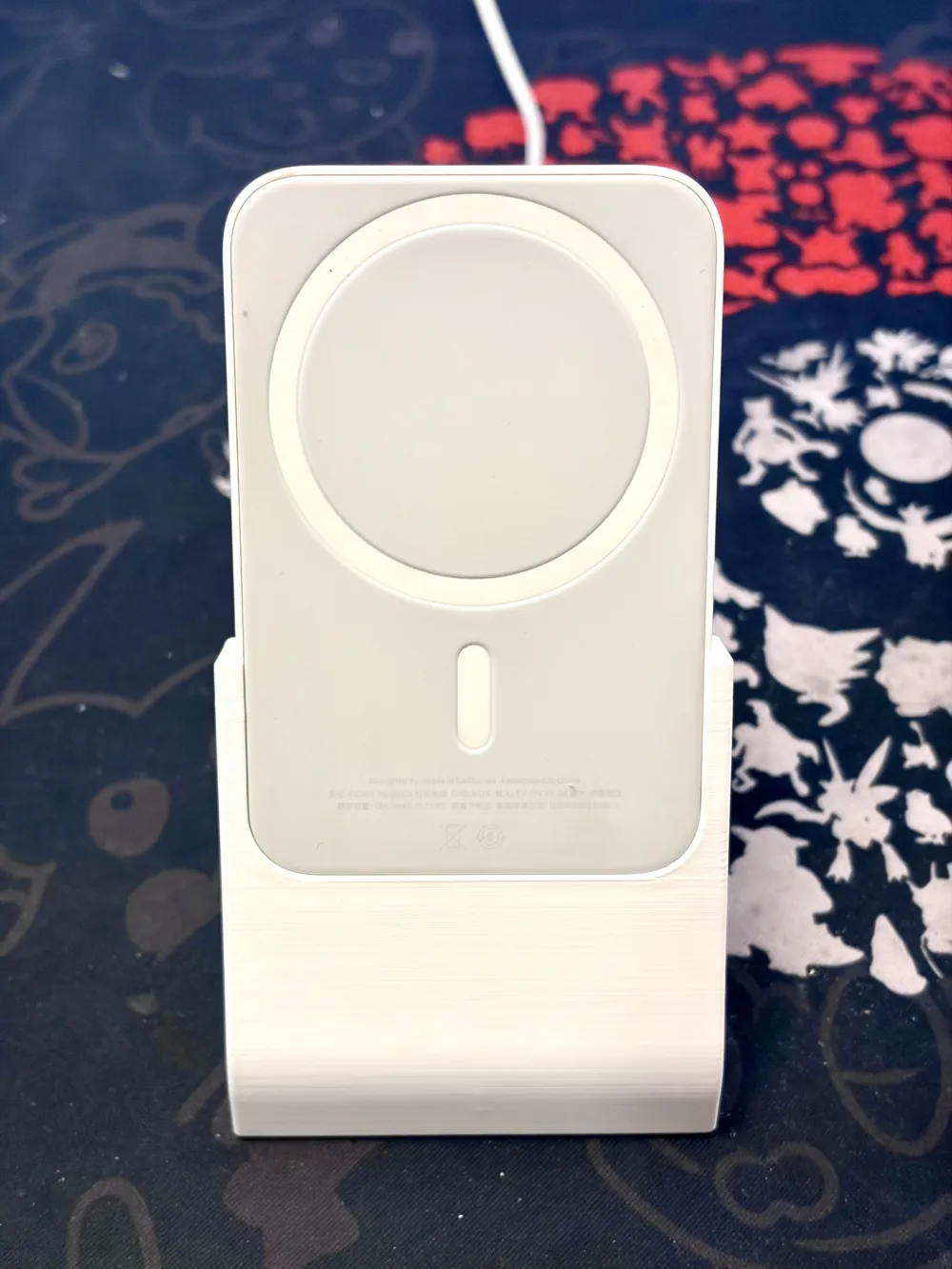
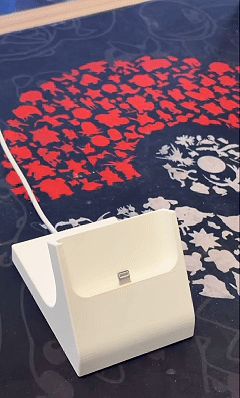
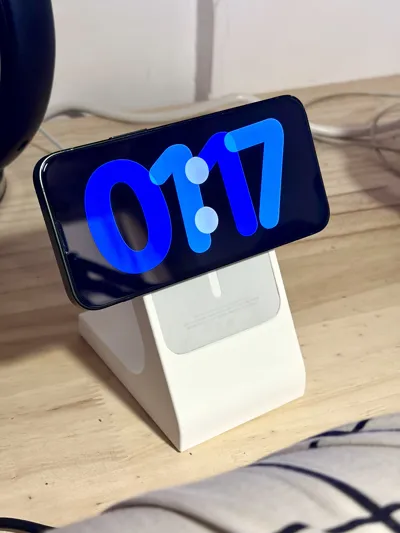
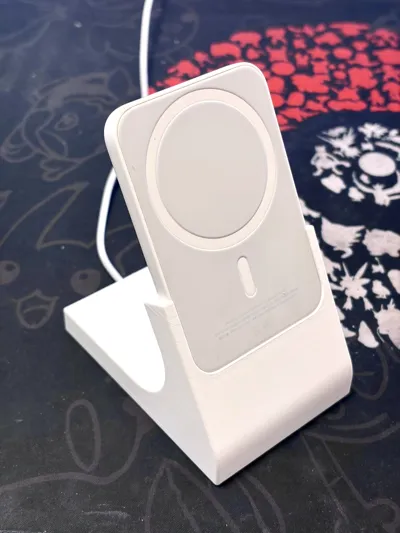
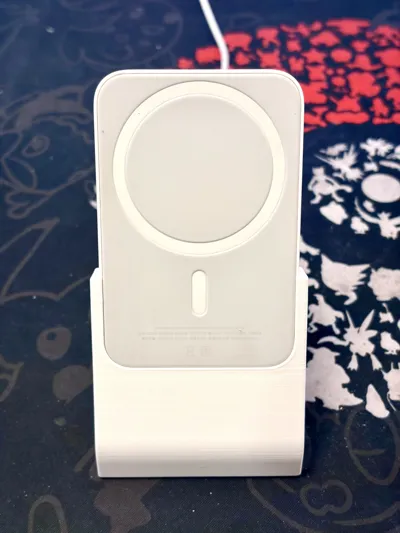
Magsafe External Battery: Reborn as a Desktop Stand!
I recently replaced my iPhone 17, and now all my devices have switched to Type-C ports. Consequently, the Magsafe external power bank I had prepared for my iPhone 13mini, which uses a Lightning port, started gathering dust in a corner of my drawer.
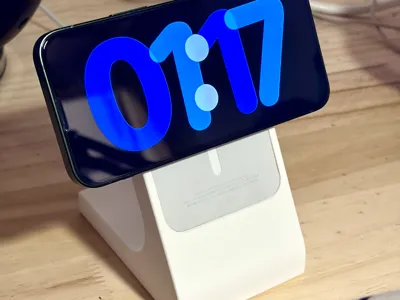
One day I bought a magnetic charging stand, and I suddenly realized that if I made a stand for my external battery, my 13mini could become a desktop clock while charging in landscape mode!
The stand itself can be printed perfectly without supports, and the cable clip only requires minimal support removal.

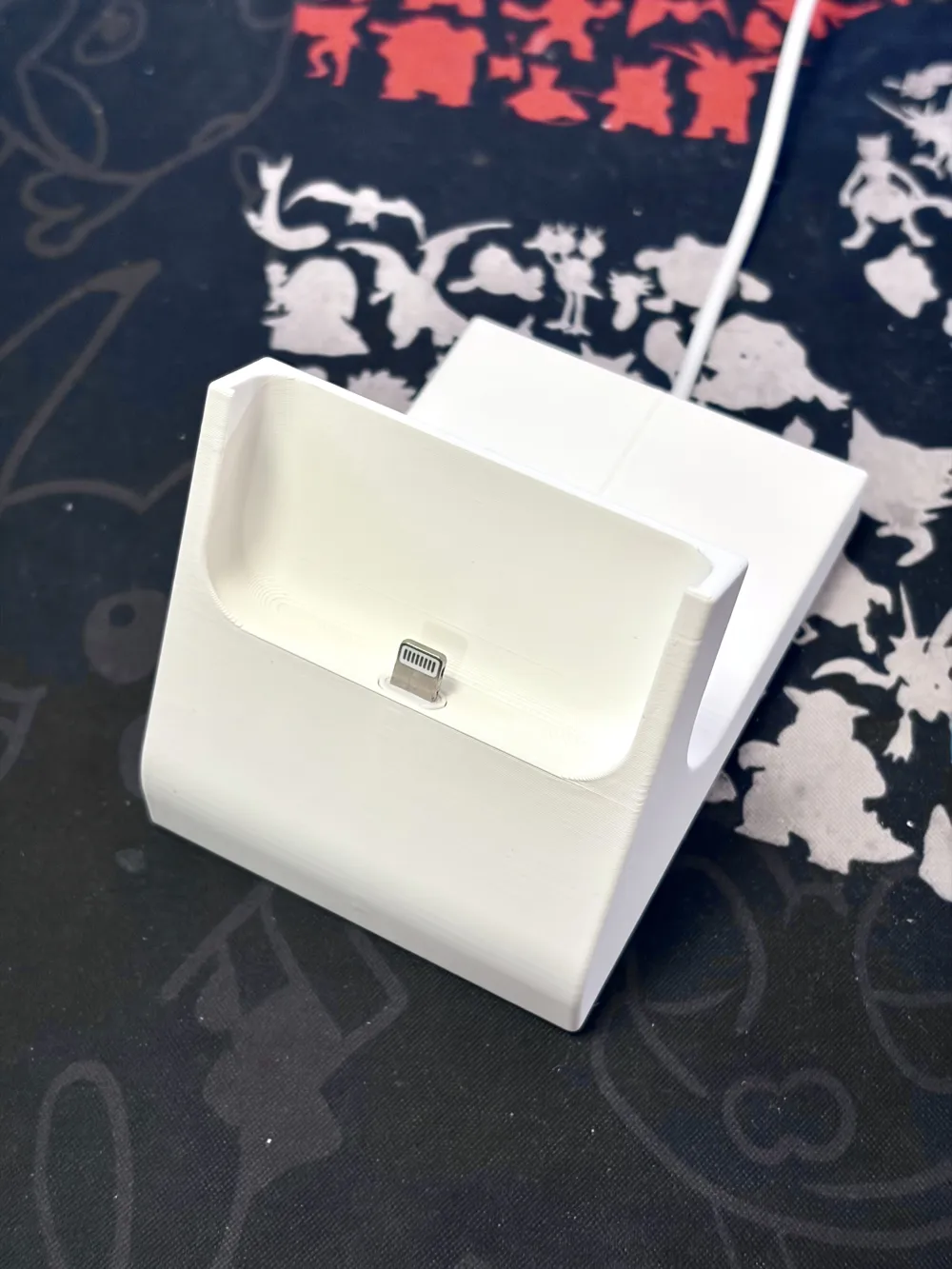
Currently, it only supports Apple's official Lightning charging cable; the specifications for other charging cables are currently unknown.
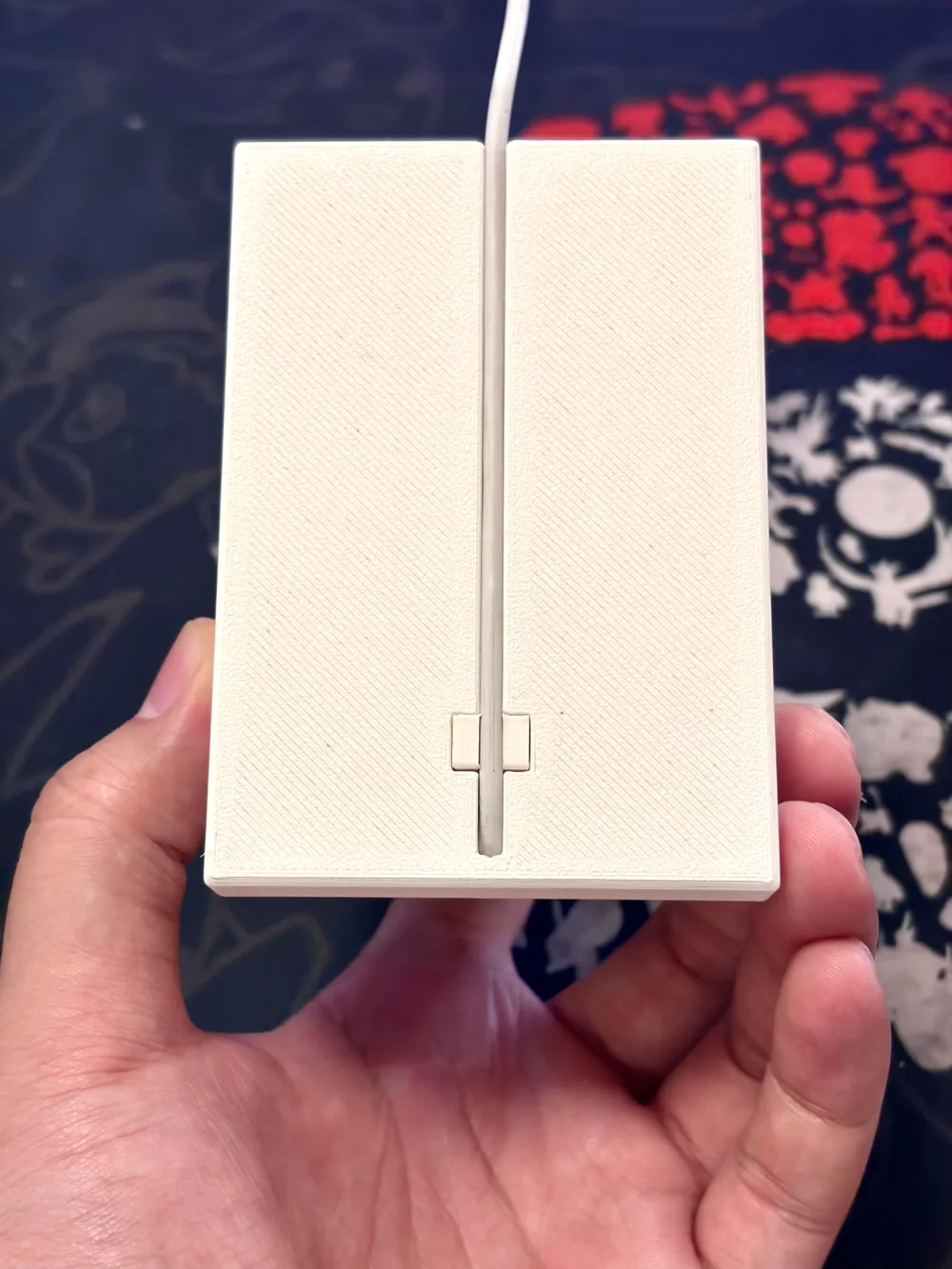
During assembly, first insert an unused official original Lightning cable from the bottom, insert the Magsafe external battery into the base, then insert the fixing clip from the bottom. Then, simply snap the cable into the groove at the bottom of the base. After installation, the external battery can be charged on the base and can also be removed for use when you need to take it out.
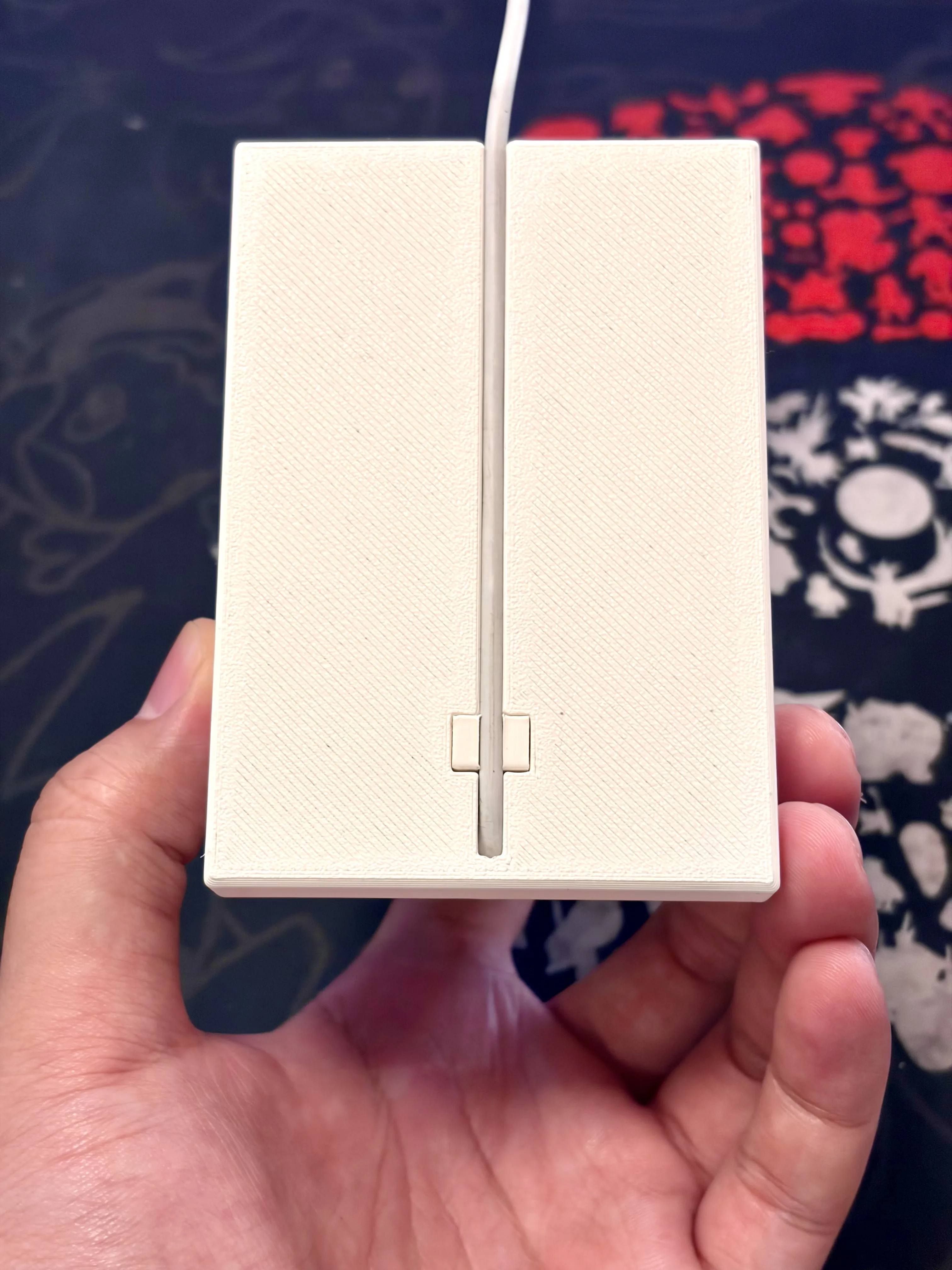
Attention! When designing this base, considering that the Lightning interface has been discontinued for many years and few people primarily use Lightning devices, the cable clip uses a non-removable one-way buckle. Once the buckle is inserted, it is very firm and almost impossible to pull out. Therefore, please do not use your primary Lightning cable as the power cable for this base. If you only have one Lightning cable but still want to use the base, please do not install the cable fixing clip; simply using the bottom cable groove can also secure the cable.
License

This user content is licensed under a Standard Digital File License.
You shall not share, sub-license, sell, rent, host, transfer, or distribute in any way the digital or 3D printed versions of this object, nor any other derivative work of this object in its digital or physical format (including - but not limited to - remixes of this object, and hosting on other digital platforms). The objects may not be used without permission in any way whatsoever in which you charge money, or collect fees.


Comment & Rating (0)