
TwoTrees TTC450 Ultra Z-Probe Holder
Print Profile(0)
Description
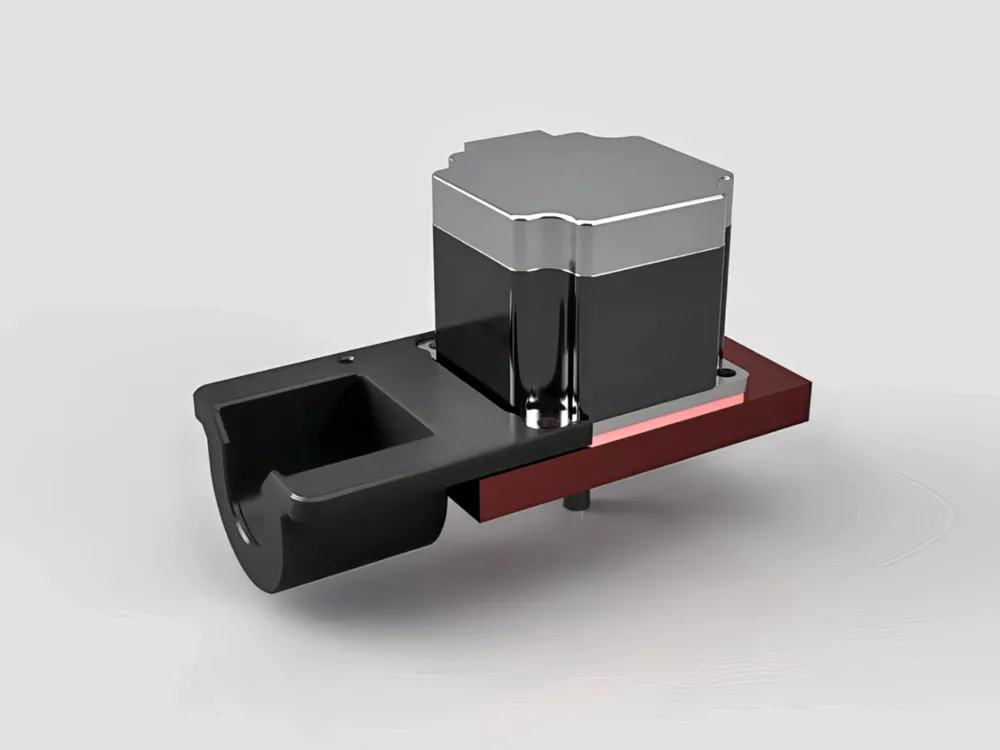
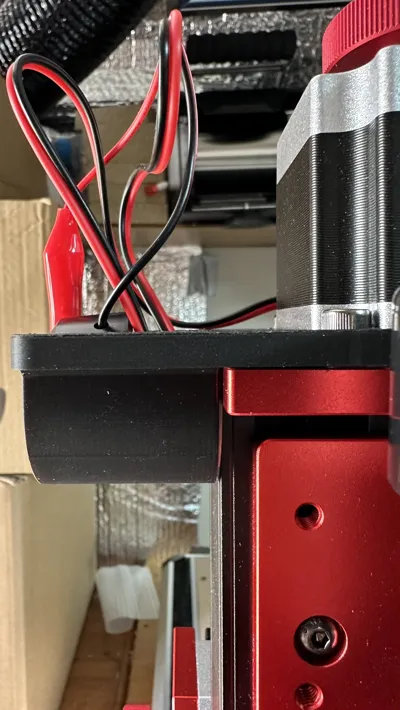
One small improvement I wanted to make to my CNC setup was a proper holder for the Z-probe. The Z-probe is one of those accessories that gets used regularly, but it can easily end up loose on the bench, tangled in other cables, or unplugged and put away somewhere “safe” — which usually means it takes longer to find when I need it.
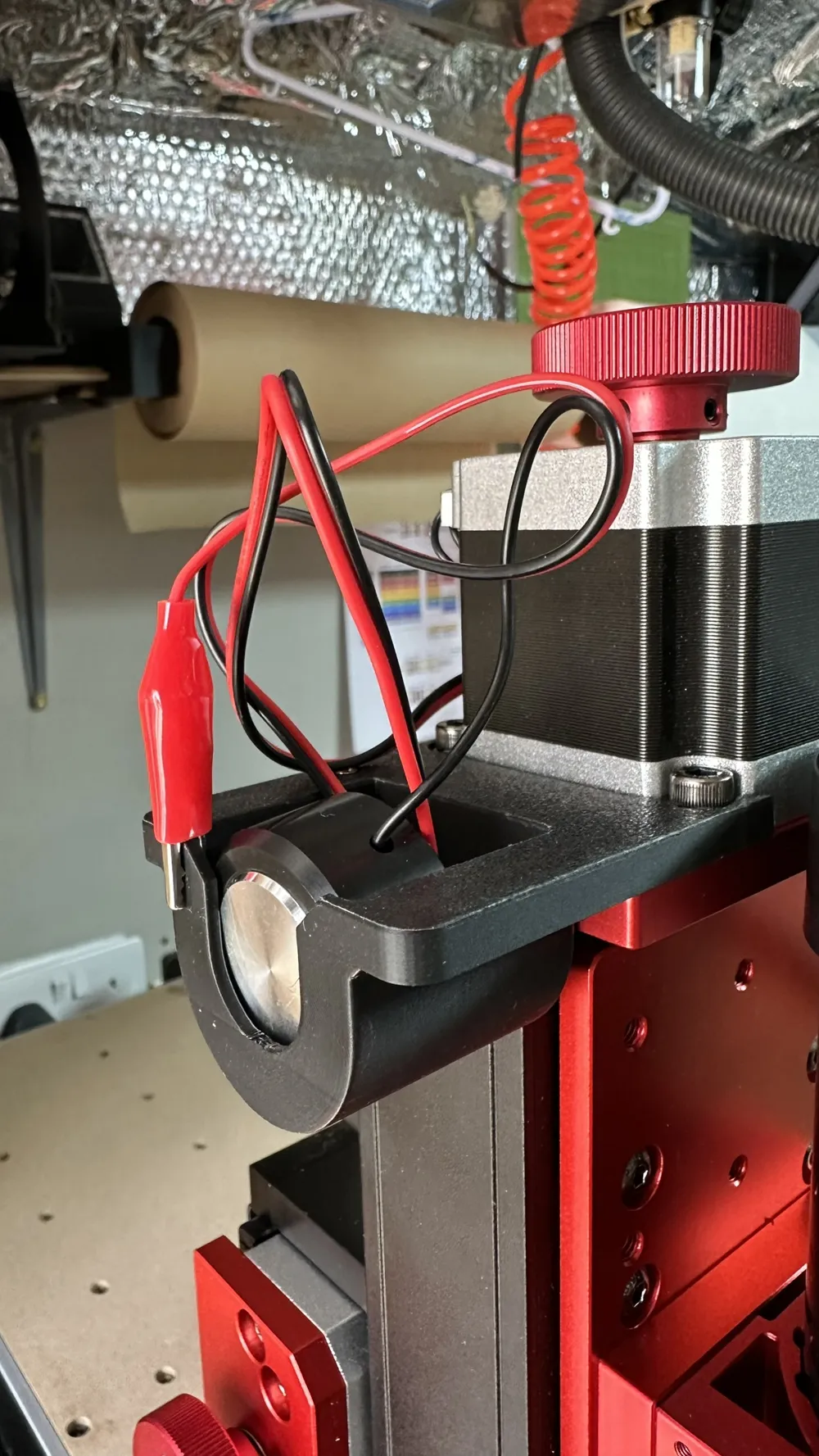
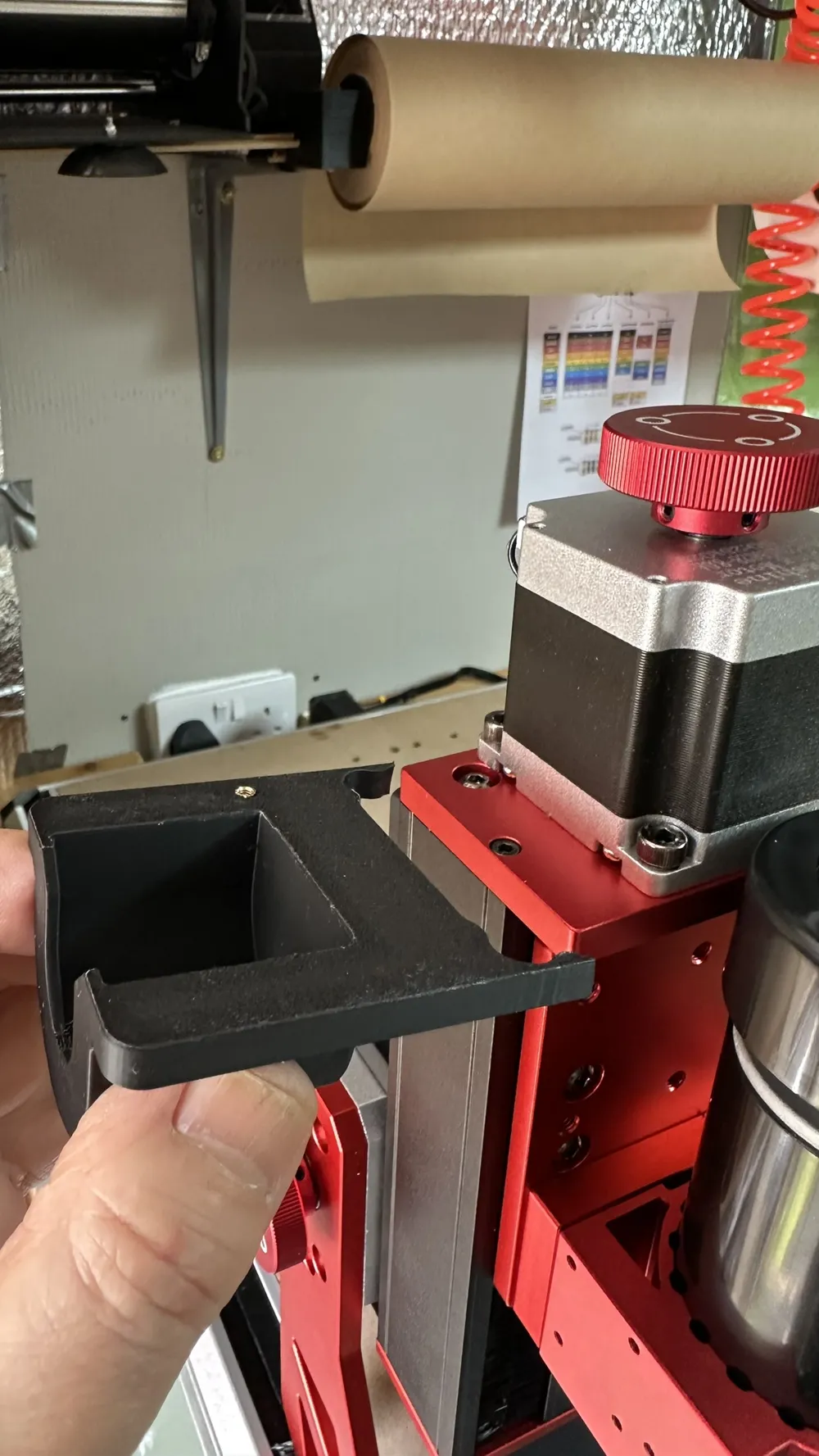
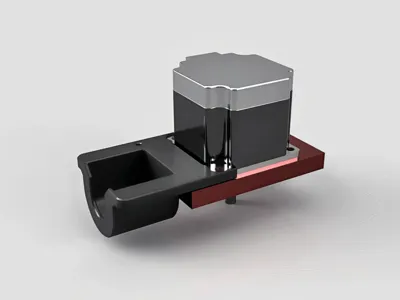
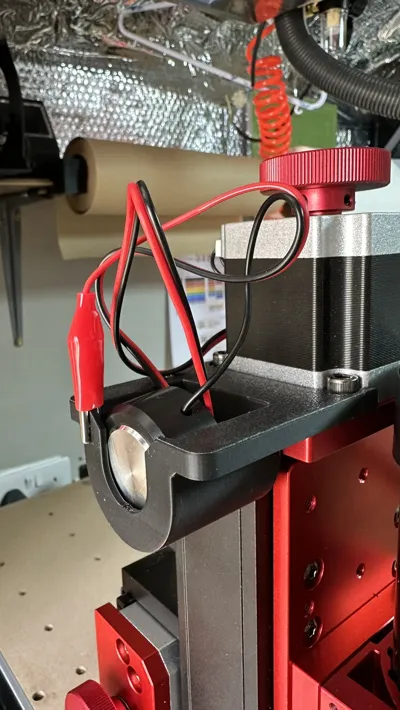
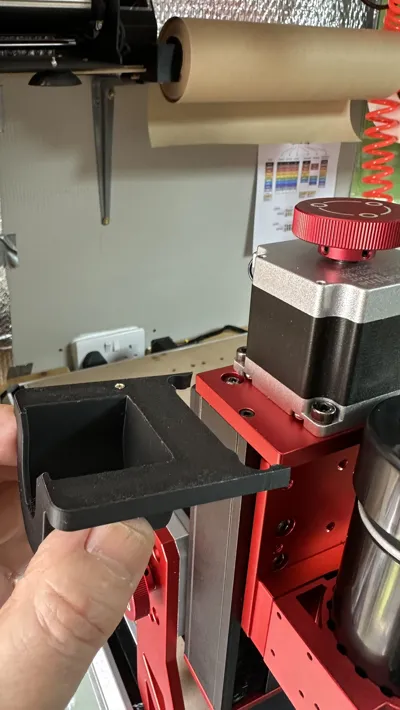
To solve this, I designed and 3D-printed a dedicated holder that mounts neatly on the Z-axis area of the machine. It keeps the probe plate, crocodile clip, and cable together in one place, right where they are needed.
The main benefit is convenience. The probe is always ready to use, so when I need to set the Z-zero point on a workpiece, I can simply lift it out of the holder, clip it to the cutter, place the probe plate on the material, and run the probing routine. Once finished, everything goes straight back into the holder.
Another reason for making this holder was to avoid repeatedly plugging and unplugging the probe cable from the machine. The probe socket on the TTC450 Ultra is not especially easy to access once the machine is assembled, and small connectors can eventually become loose or worn if they are constantly used. By leaving the probe plugged in permanently and storing the plate safely in the holder, there is less strain on the socket and less chance of damaging the connector over time.
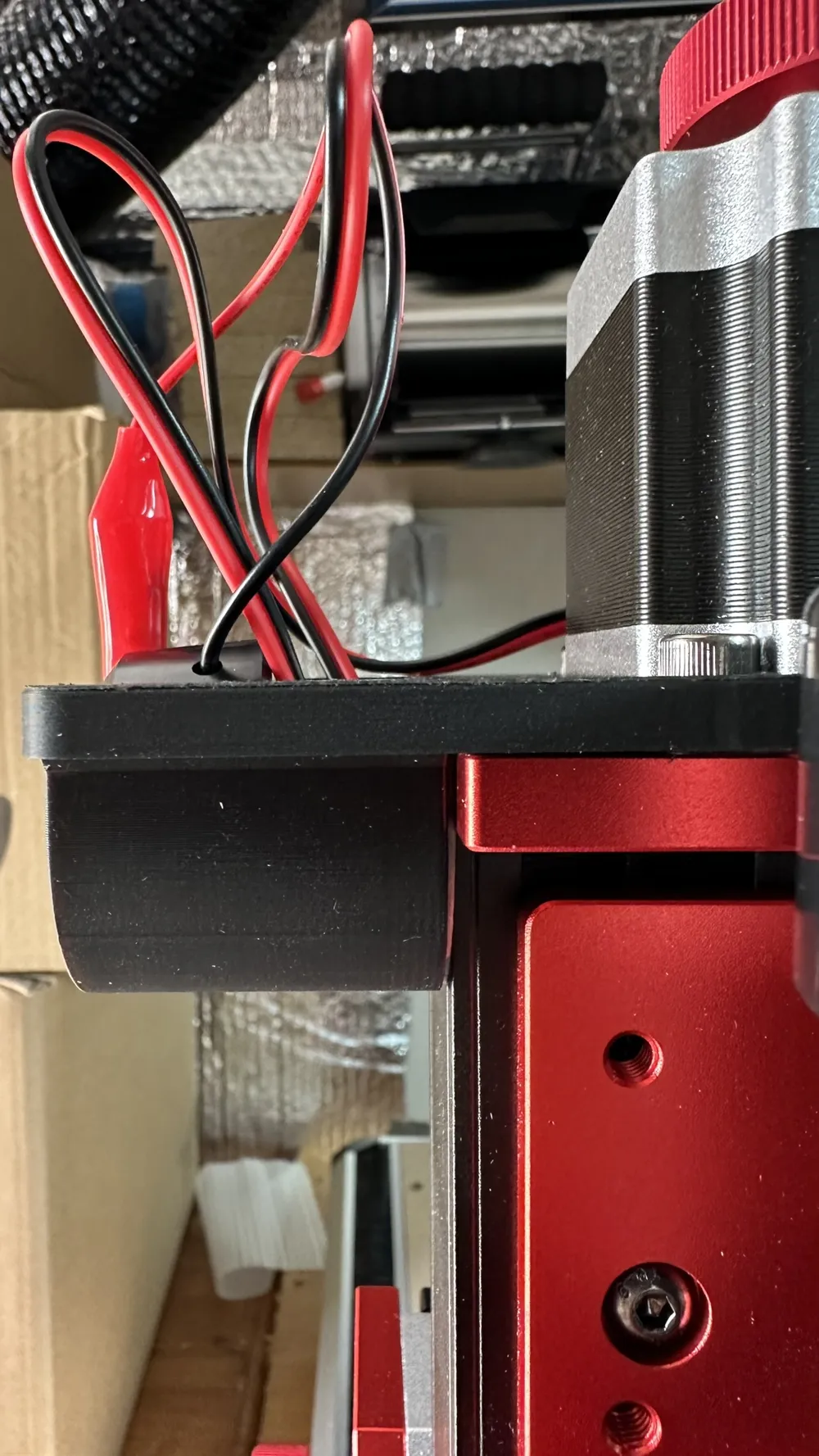
The holder also helps with cable management. Instead of the probe lead hanging loose or getting caught around the spindle area, the cable can be kept under control and stored safely when not in use. This reduces clutter around the machine and helps prevent the probe clip or plate from accidentally getting in the way during setup or cutting.
Overall, it is a simple 3D-printed addition, but it makes the CNC feel more organised and practical to use. The probe is protected, the cable is managed, the connector is left alone, and the whole setup is ready whenever I need to zero the machine.
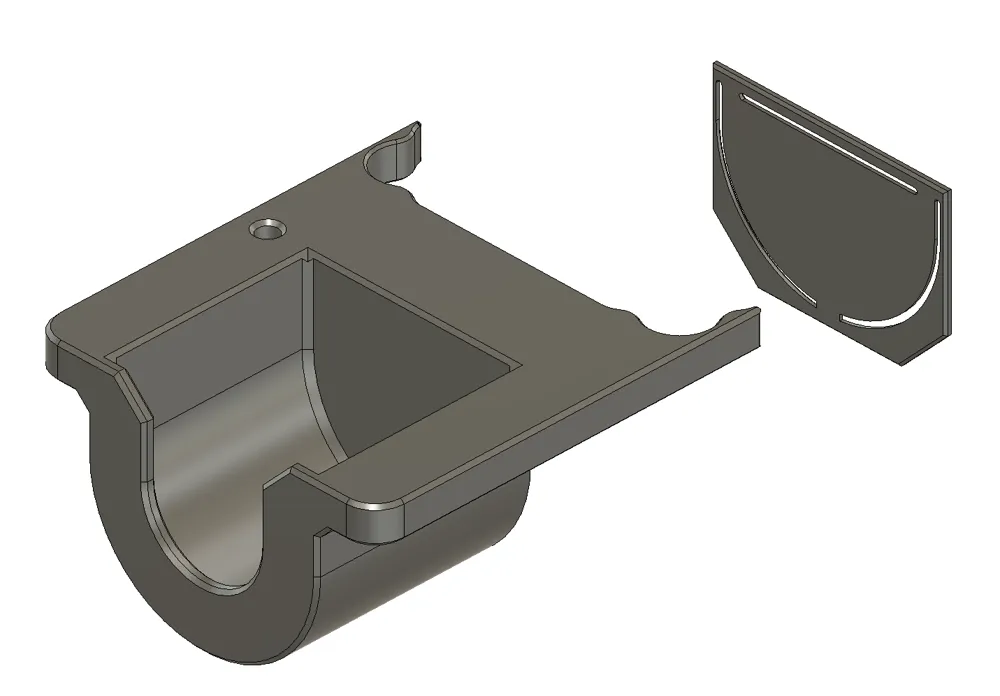
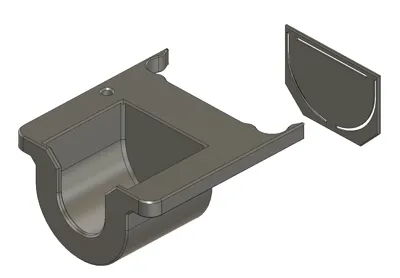
I added a stencil to mark out the 3M adhesive patch on the inside face of the caddy. This adhesive patch holds the caddy securely against the Z-axis assembly when fitted.
The caddy can be mounted on either side of the Z-axis assembly, depending on which side gives the best cable routing and easiest access to the probe.
It is exactly the sort of small workshop improvement that does not take long to make, but makes the machine nicer to use every time.
License



Comment & Rating (0)