
Print Profile(4)




Description
Boost Me (for free)
Thanks for your support!
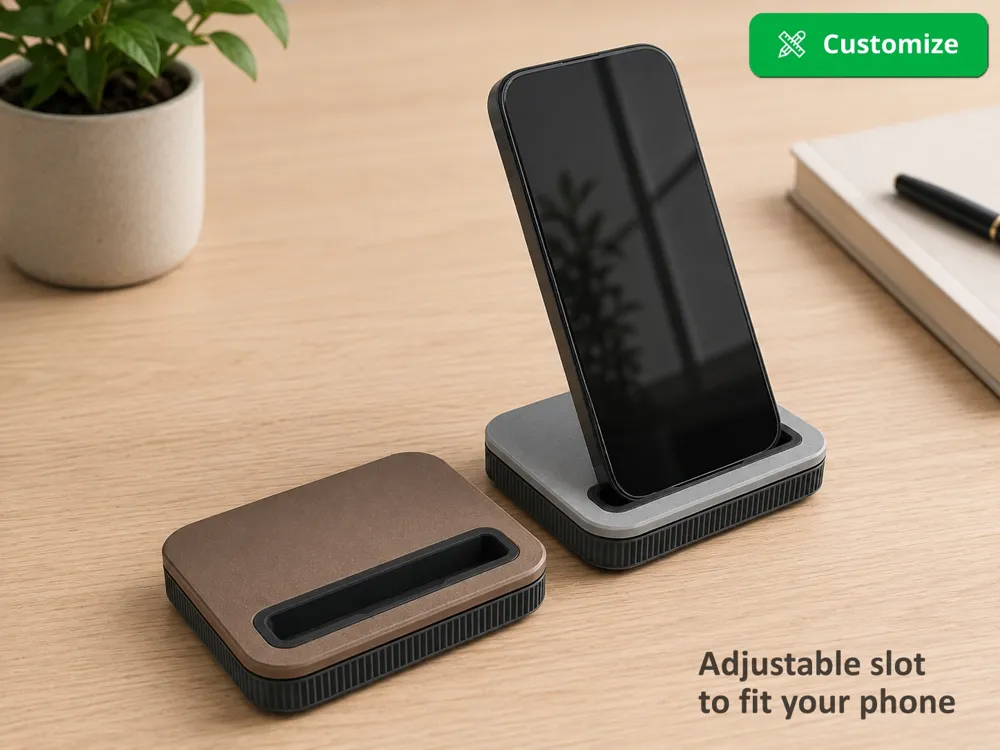
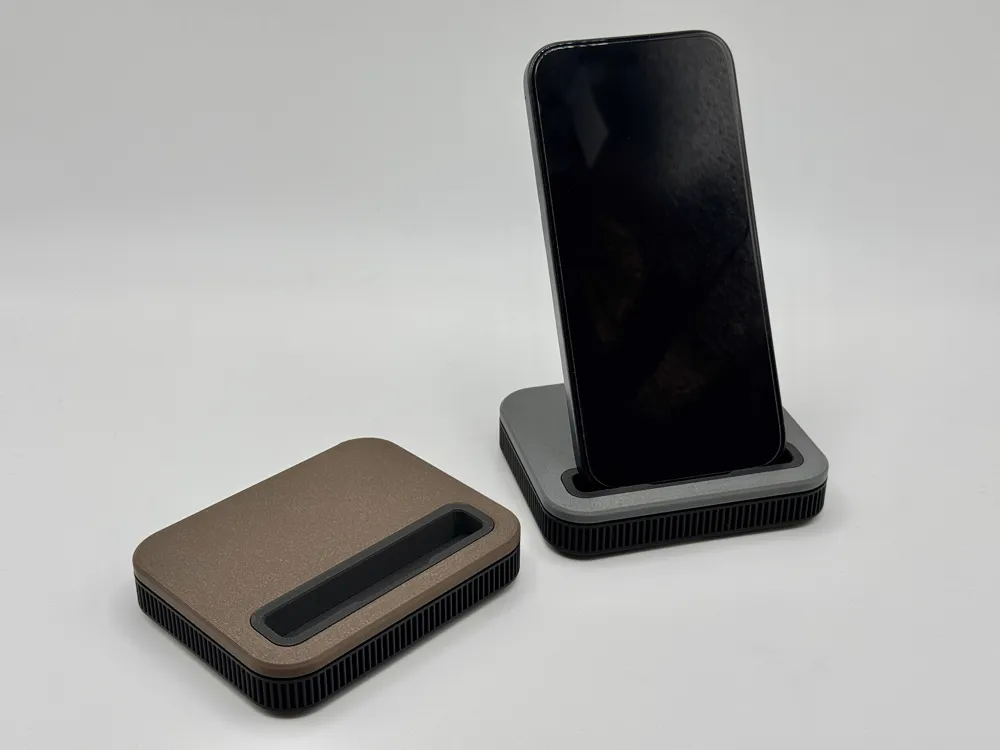
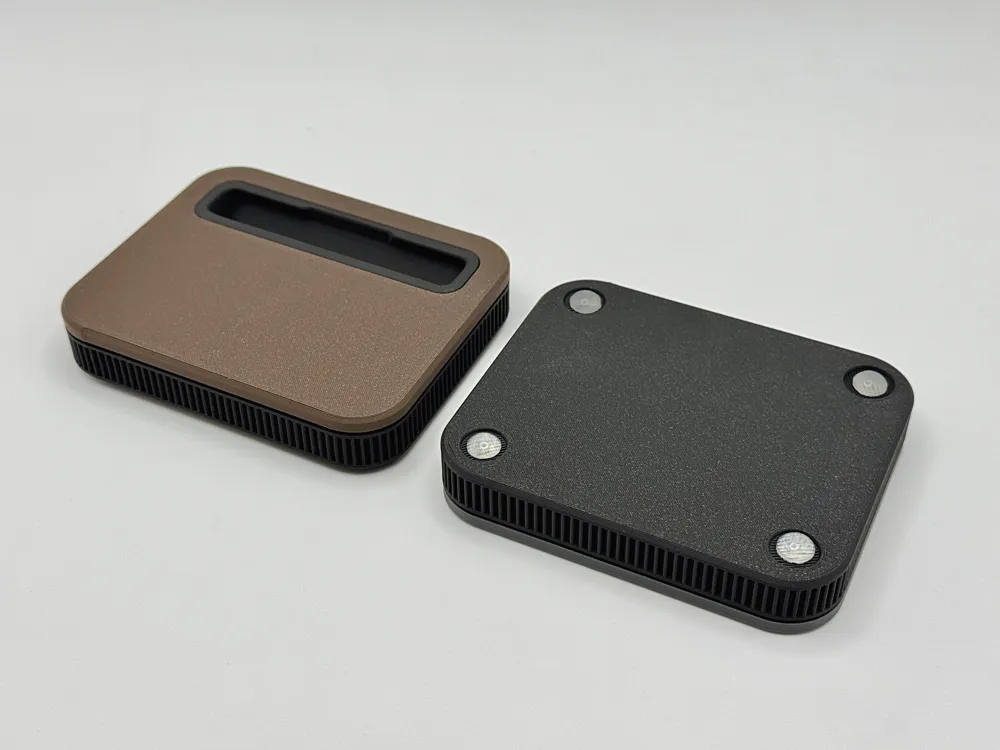
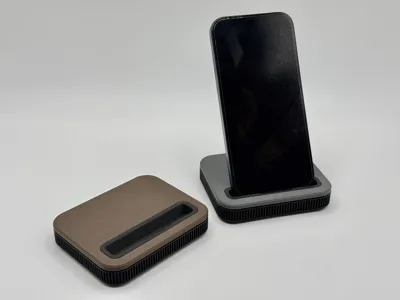
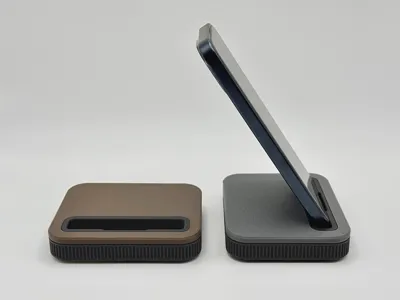
Designed with a simple and elegant aesthetic, this phone stand is the perfect addition to any modern desk setup.
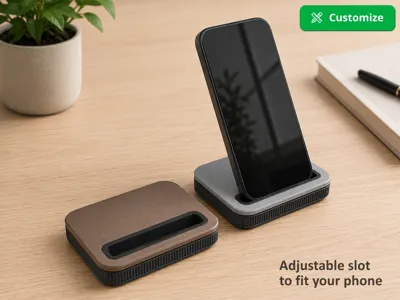
The slot for the smartphone can be easily adjusted to fit any model using the “Customize” button.
Features
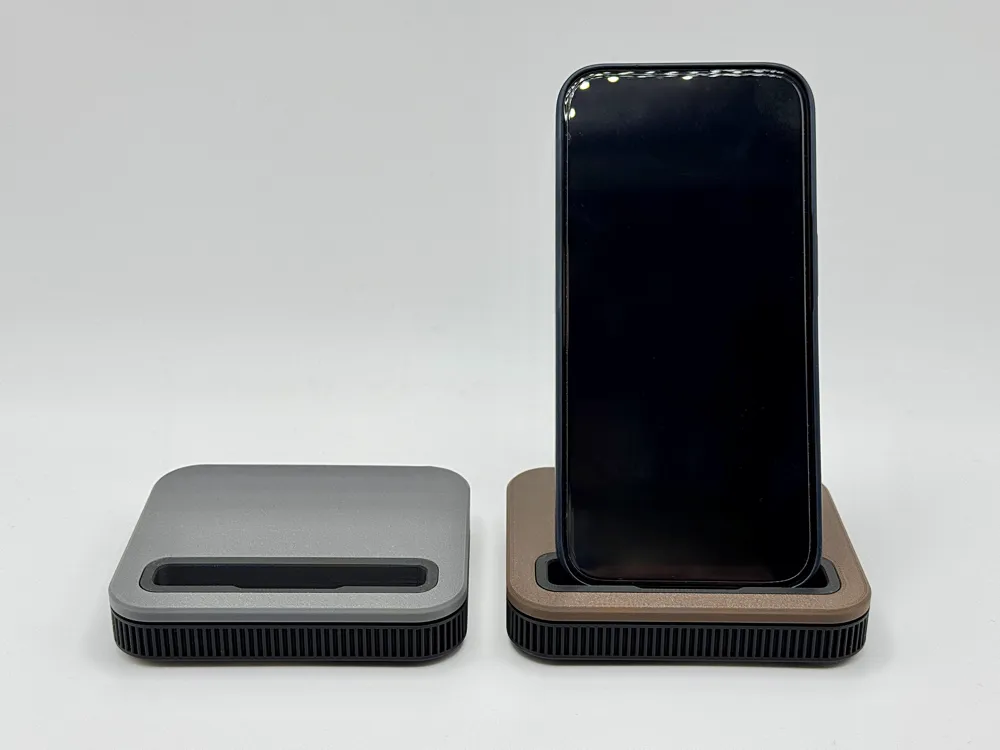
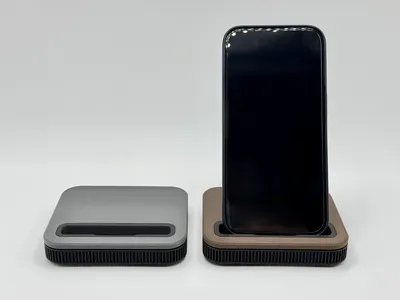
- Sleek and elegant two-color design
- The slot is adjustable, making the mount suitable for all smartphones
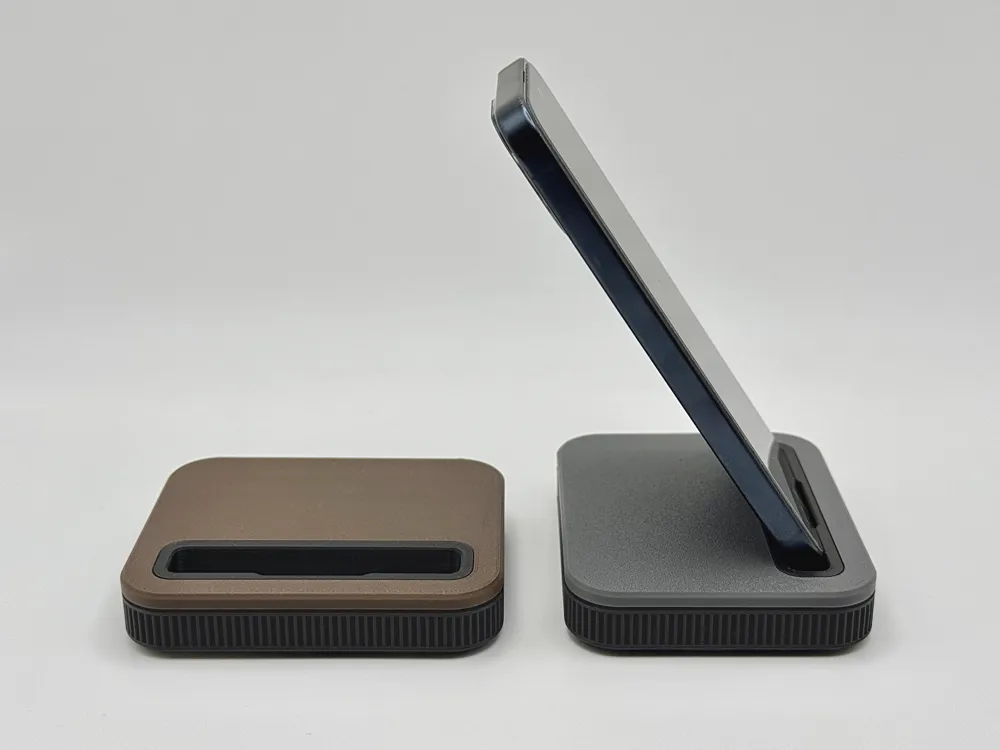
- Comfortable phone angle
- Simple print without AMS and easy assembly
Print profiles
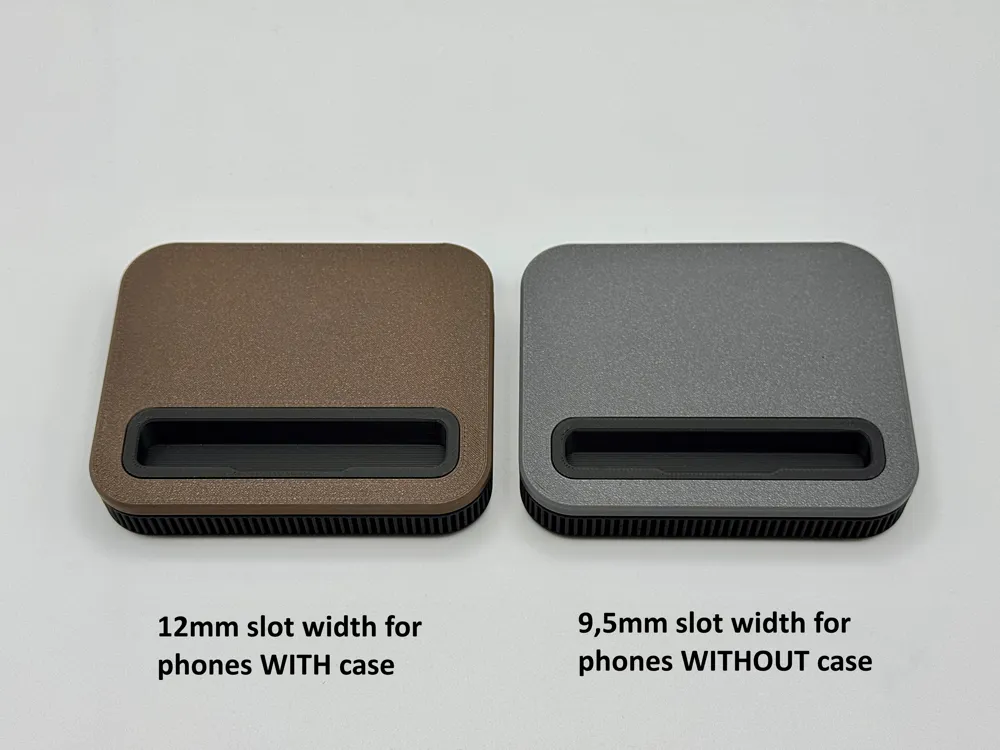
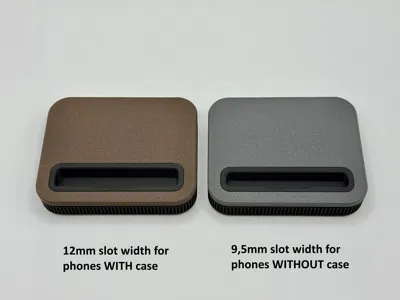
- Standard phone without case
Slot: 75 x 9,5mm (length x width)
For smartphones that are 8 to 9.5 mm thick and up to 72mm wide
- Standard phone with case
Slot: 77 x 12mm (length x width)
For smartphones that are 10,5 to12 mm thick and up to 74mm wide
- Large phone without case
Slot: 80 x 9,5mm (length x width)
For smartphones that are 8 to 9.5 mm thick and up to 77mm wide
- Large phone with case
Slot: 82 x 12mm (length x width)
For smartphones that are 10,5 to12 mm thick and up to 79mm wide
If your phone doesn't fit any of the predefined profiles, or if you'd like to customize the mount to fit your model perfectly, I recommend using the configurator.
Configurator Instructions
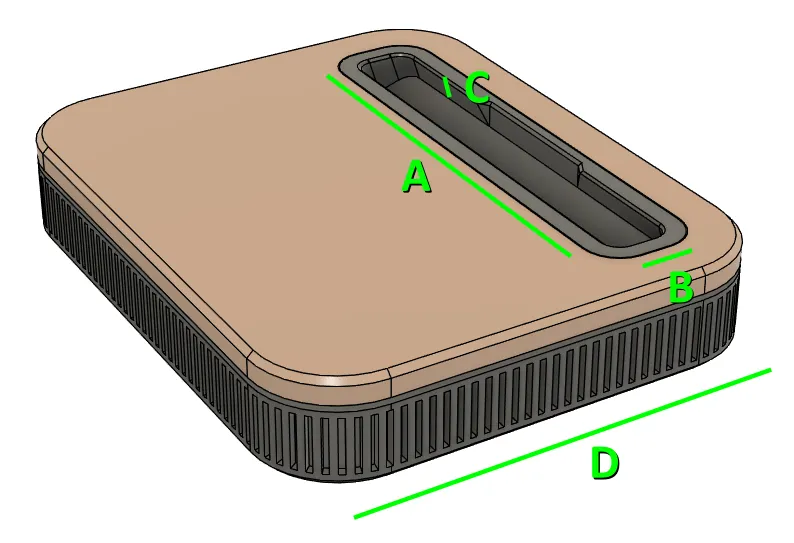
A - Slot length: Measure the width of your phone and add +3 mm
B - Slot width: Measure the thickness of your phone and add +1 mm
C - Slot depth: The slot is 4.5 mm deep at the front edge. This should work well for most phones. If necessary, this value can be adjusted from 2 to 8 mm. For example, if the front edges of the smartphone are heavily rounded and it therefore does not sit securely in the holder.
D - Main body depth: By default, the holder is 80 mm deep
Note:
- If you don't have anything on hand to measure with, you can also ask an AI like Gemini for the dimensions of your own phone. Just make sure to specify that you want the thickness without the camera bump.
- The width of the stand automatically adjusts to the length of the slot. The outer dimension is 23mm wider than the length of the slot.
With this information, you can make the holder perfectly square if that is the look you prefer.
Bambu Studio settings after generating:
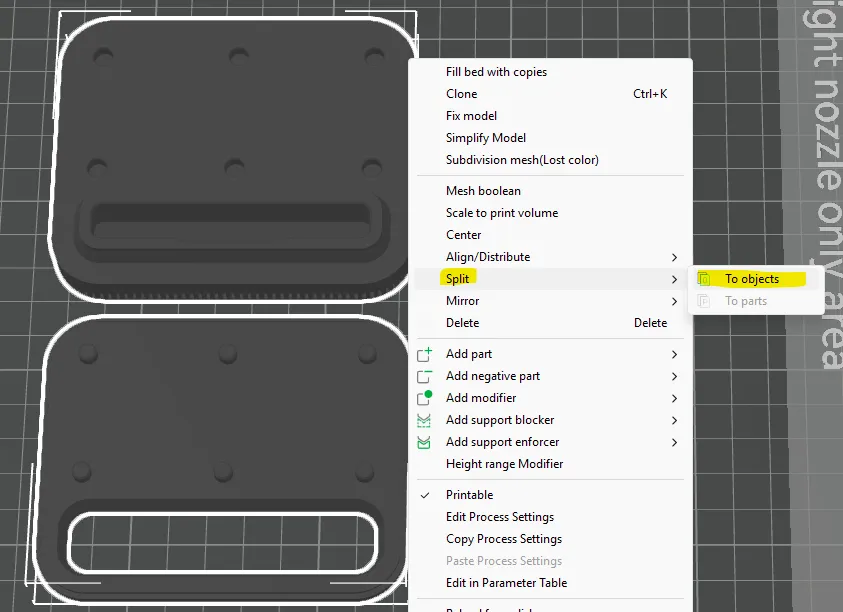
To print the model in two colors, you must first split the model into two parts after loading it into Bambu Studio;
Right-click on the model -> Split -> into Bodies
You can then drag the second part of the model onto a new build plate.
Print settings:
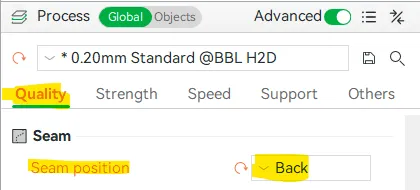
I recommend moving the seam position to the back.
Otherwise, the holder can be printed using the default settings.
Assembly:
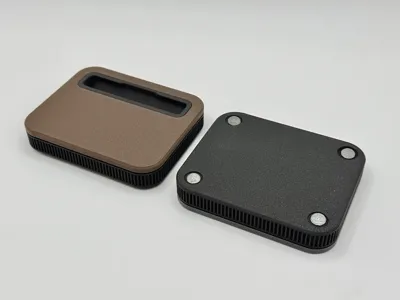
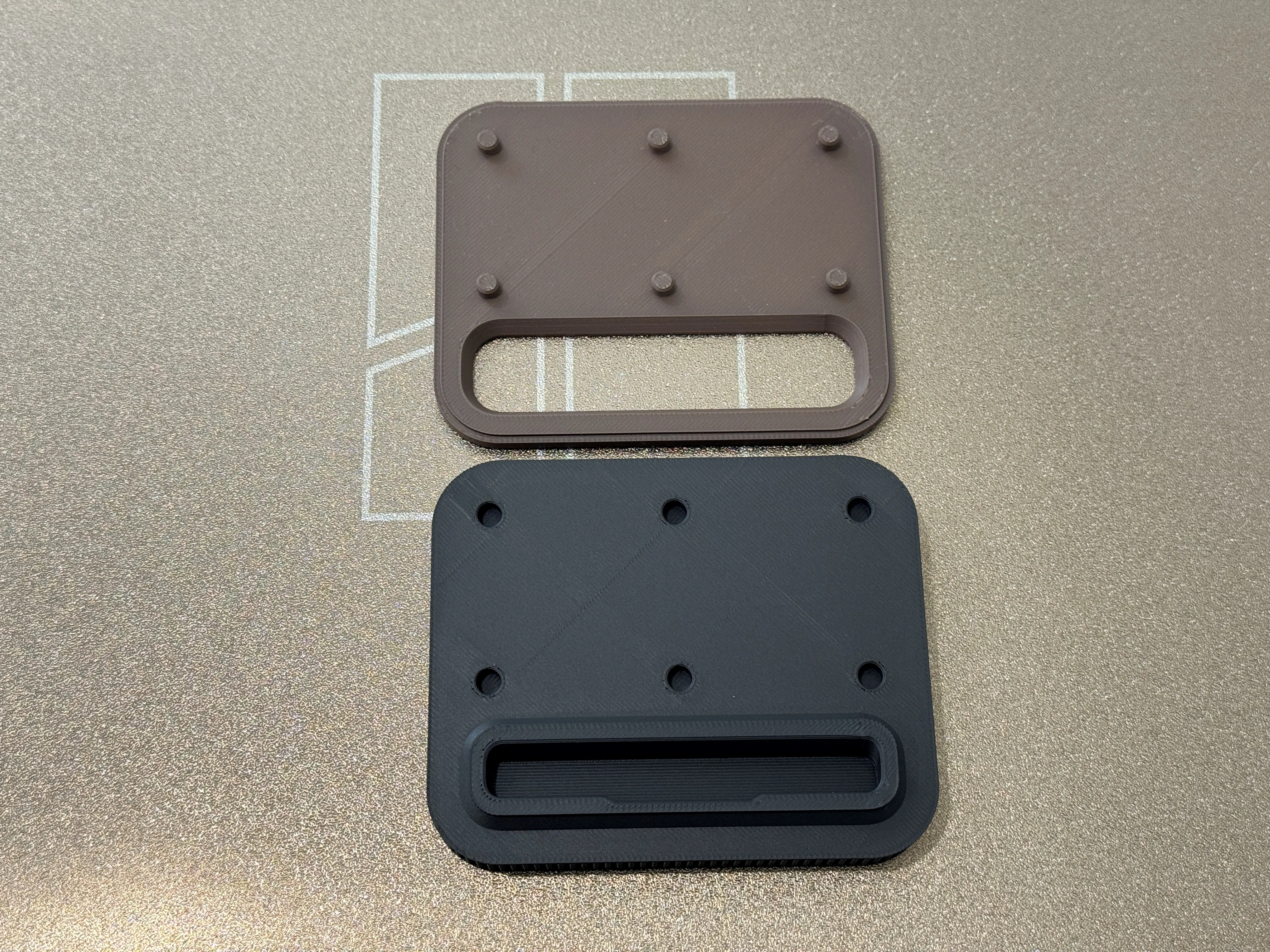
Simply snap the two parts together.
I also recommend sticking silicone pads into the recesses on the bottom so the holder doesn't slip when you're using your phone in it.
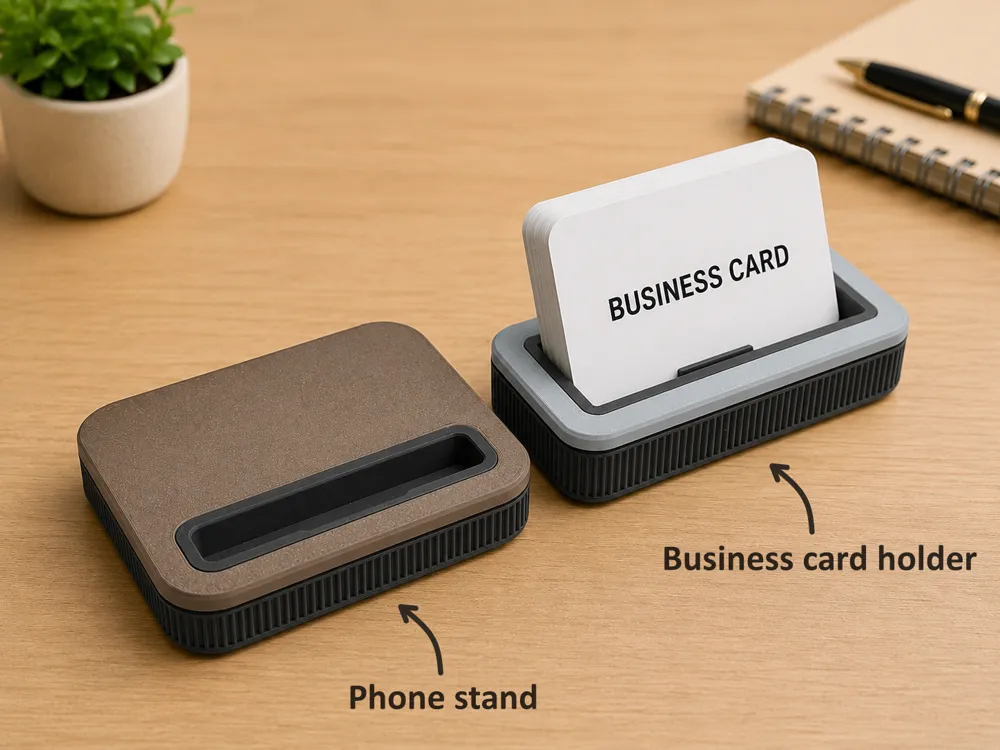
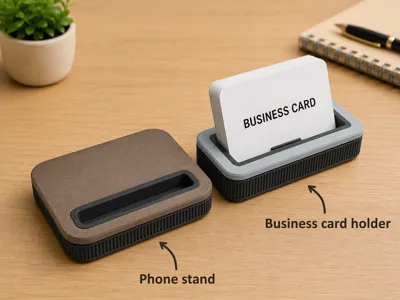
Link to the business card holder (last picture of the gallery): Link

License

You shall not share, sub-license, sell, rent, host, transfer, or distribute in any way the digital or 3D printed versions of this object, nor any other derivative work of this object in its digital or physical format (including - but not limited to - remixes of this object, and hosting on other digital platforms). The objects may not be used without permission in any way whatsoever in which you charge money, or collect fees.


Comment & Rating (13)