
Round Console Deck - No PCB Macro Pad
Print Profile(1)






Description
# Round Console Deck - No PCB DIY Macro Pad
Boost Me (for free)
If you like unique DIY electronics and creative 3D printed projects, consider boosting this model 🔥
This project was designed from scratch with:
No PCB
Fully hand-wired design
Custom desktop software
Arduino Nano support
Beginner-friendly assembly
Compact round ergonomic layout
Your boost helps support more open-source hardware projects, tools, and future upgrades ❤️
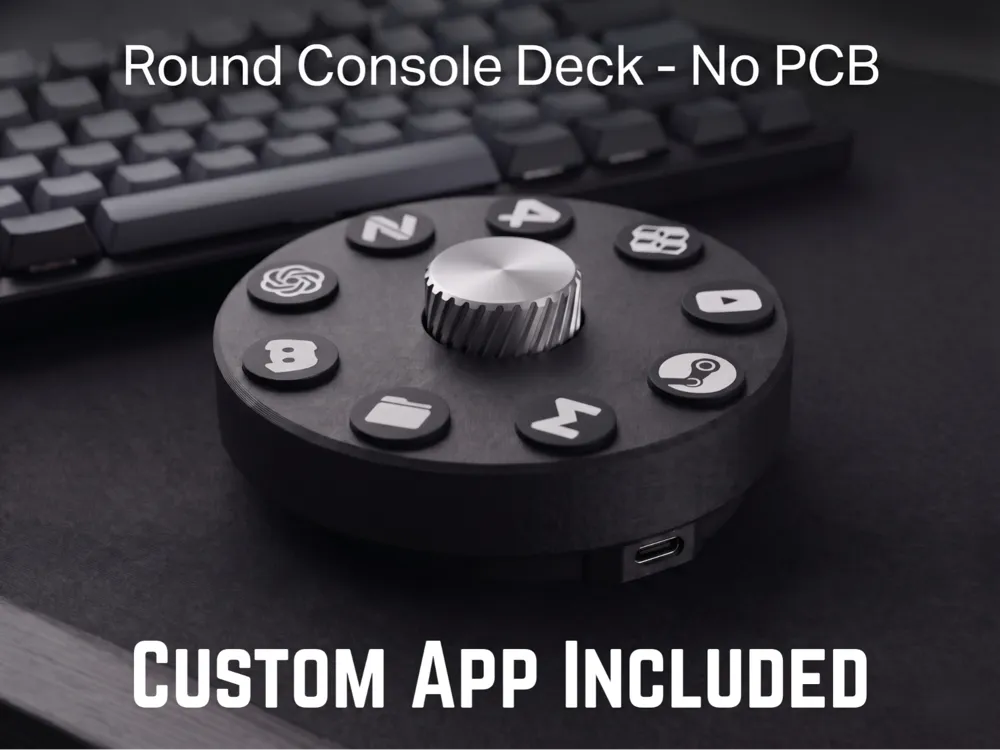
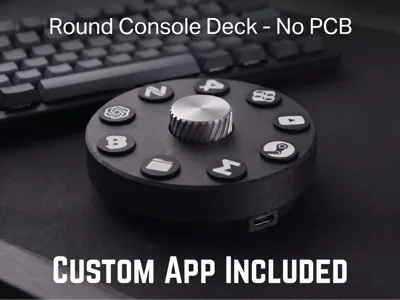
A compact circular macro controller designed for creators, developers, streamers, and productivity-focused desk setups.
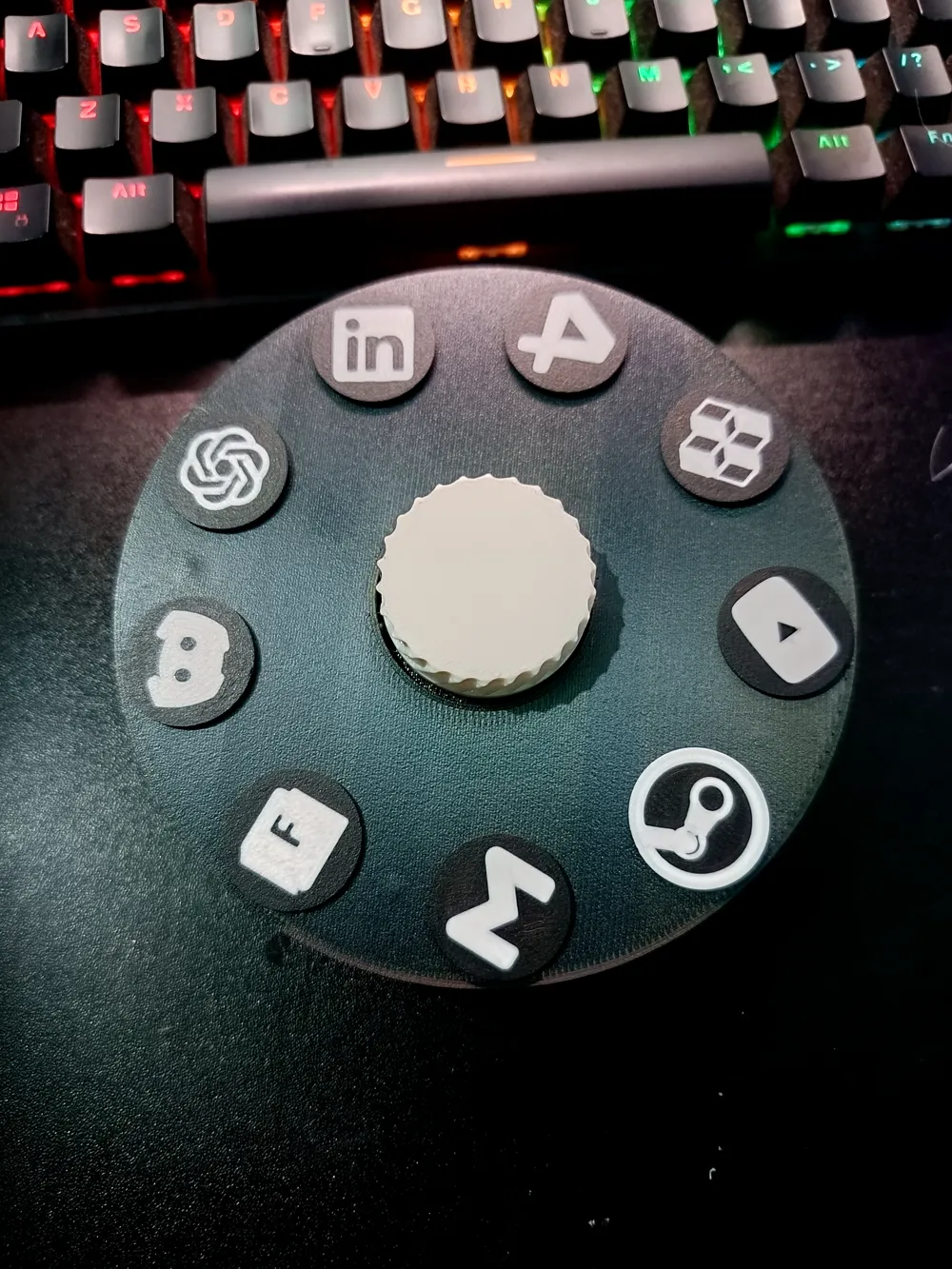
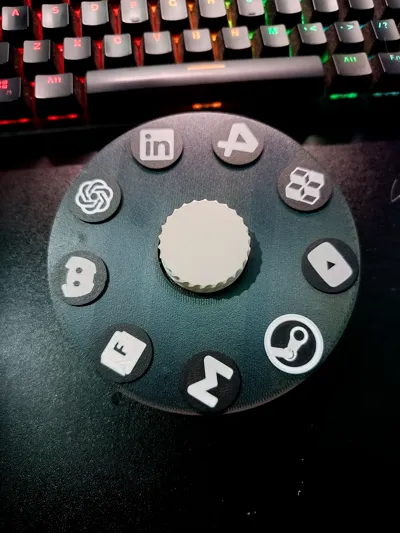
Unlike traditional rectangular macro pads, this project uses a unique round ergonomic layout with 8 circular shortcut buttons surrounding a central rotary encoder knob.
This project is designed to be:
- Easy to print
- Easy to assemble
- Beginner-friendly
- Fully hand-wired
- No PCB required
---
# Features
✅ Circular ergonomic design
✅ 8 programmable macro buttons
✅ Rotary encoder knob
✅ Arduino Nano based
✅ USB powered
✅ No custom PCB required
✅ Compact desk footprint
✅ Clean minimal aesthetic
✅ Fully 3D printable
✅ Custom desktop control software included
You need:
- Arduino Nano
- Tactile Switch 6x6x4.3
- Volume Encoder KY-040
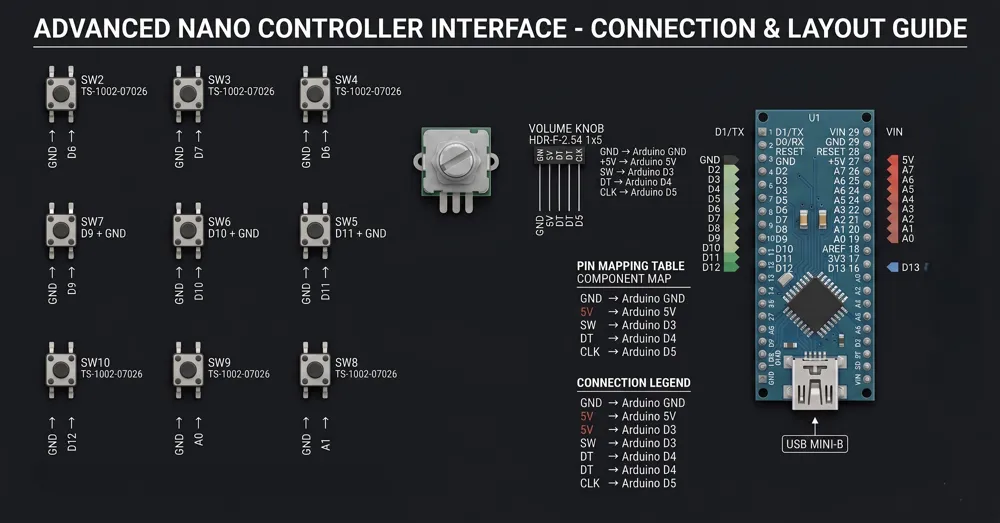
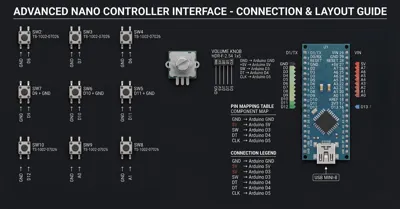
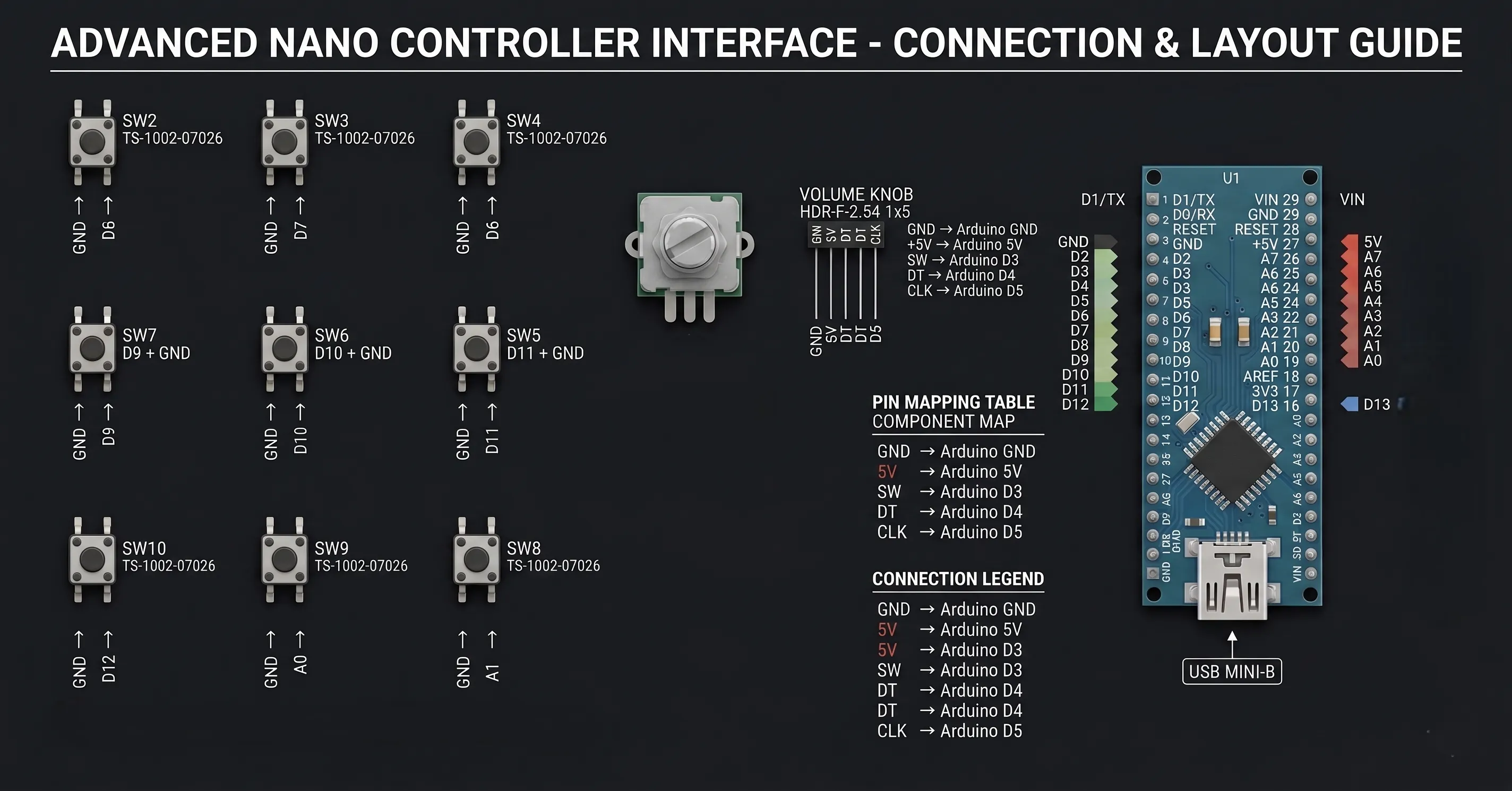
Electronic Diagram:
# Custom Desktop Application
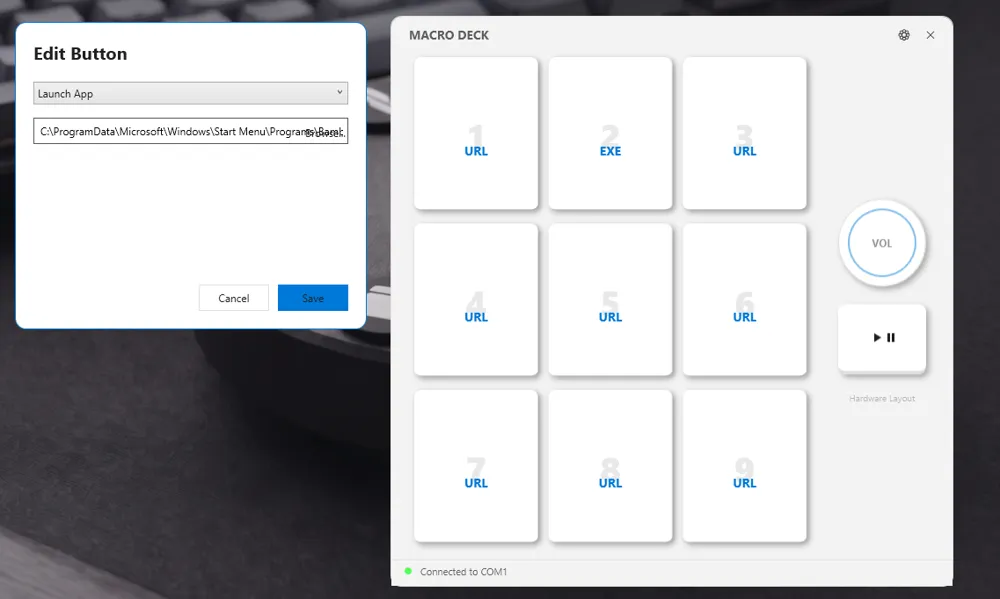
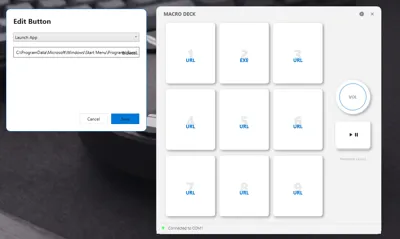
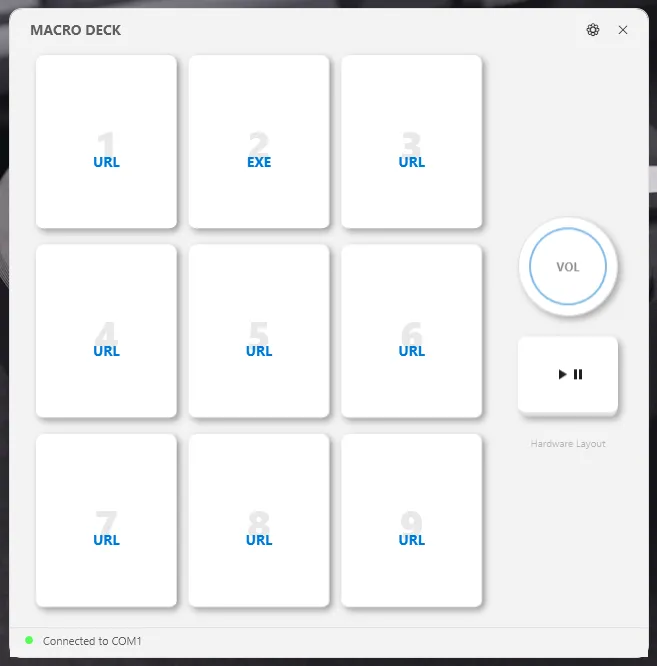
This project includes a custom-made Windows application developed specifically for the Round Console Deck.
The software allows you to:
- Assign URLs
- Launch EXE applications
- Configure button actions
- Control media playback
- Manage macro shortcuts
- Connect directly to the hardware via COM port
Included:
- Windows App
- Arduino Code
- Setup Files
Download Here
Tutorials:
How to Make Custom Button Skin for Round Console Deck - No PCB Macro Pad
Custom App For Round Console Deck - No PCB Macro Pad
# Electronics Used
- Arduino Nano
- 8x Tactile Switches
- Rotary Encoder Module
- USB Connector
- Basic Hookup Wires
---
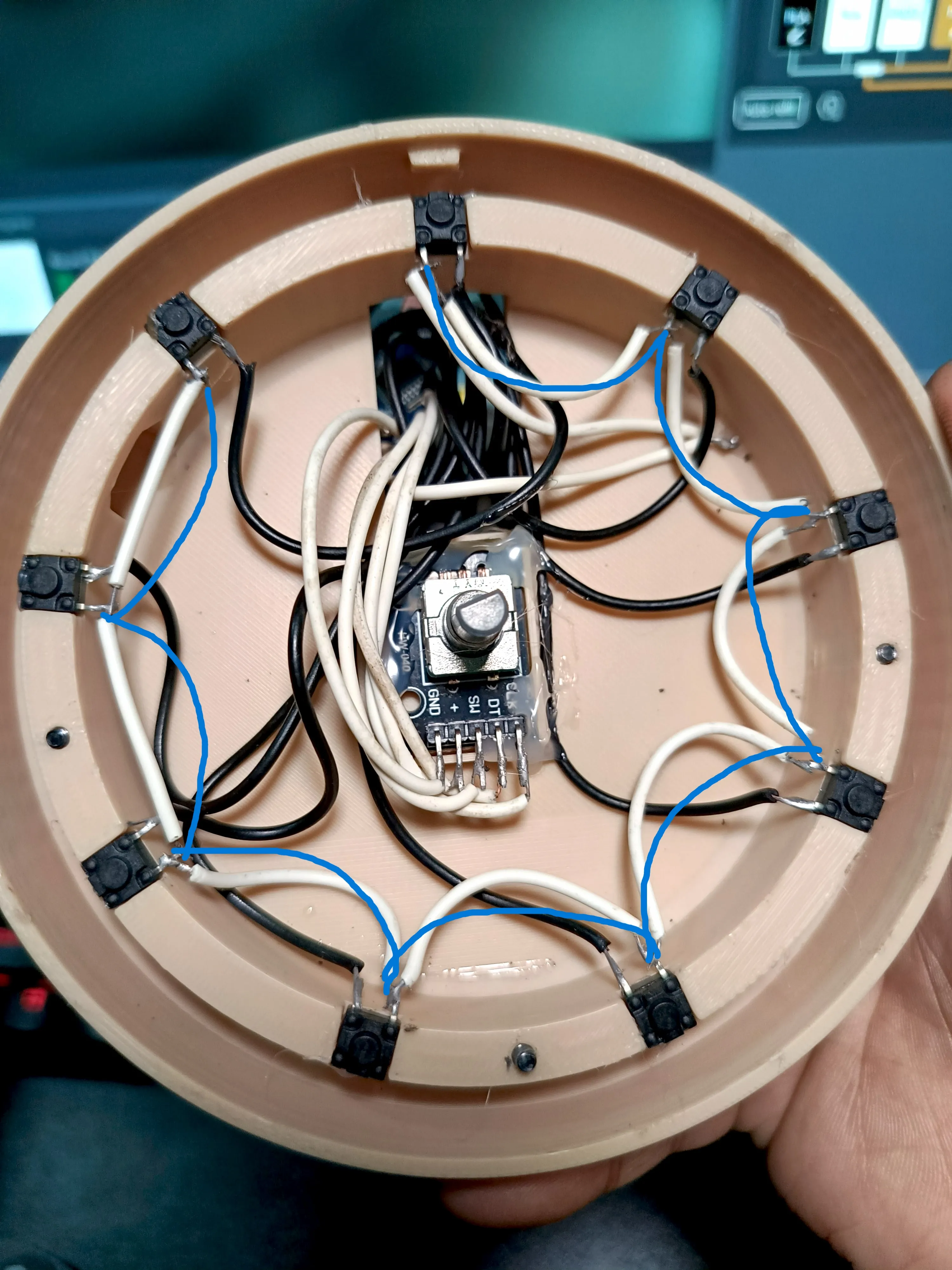
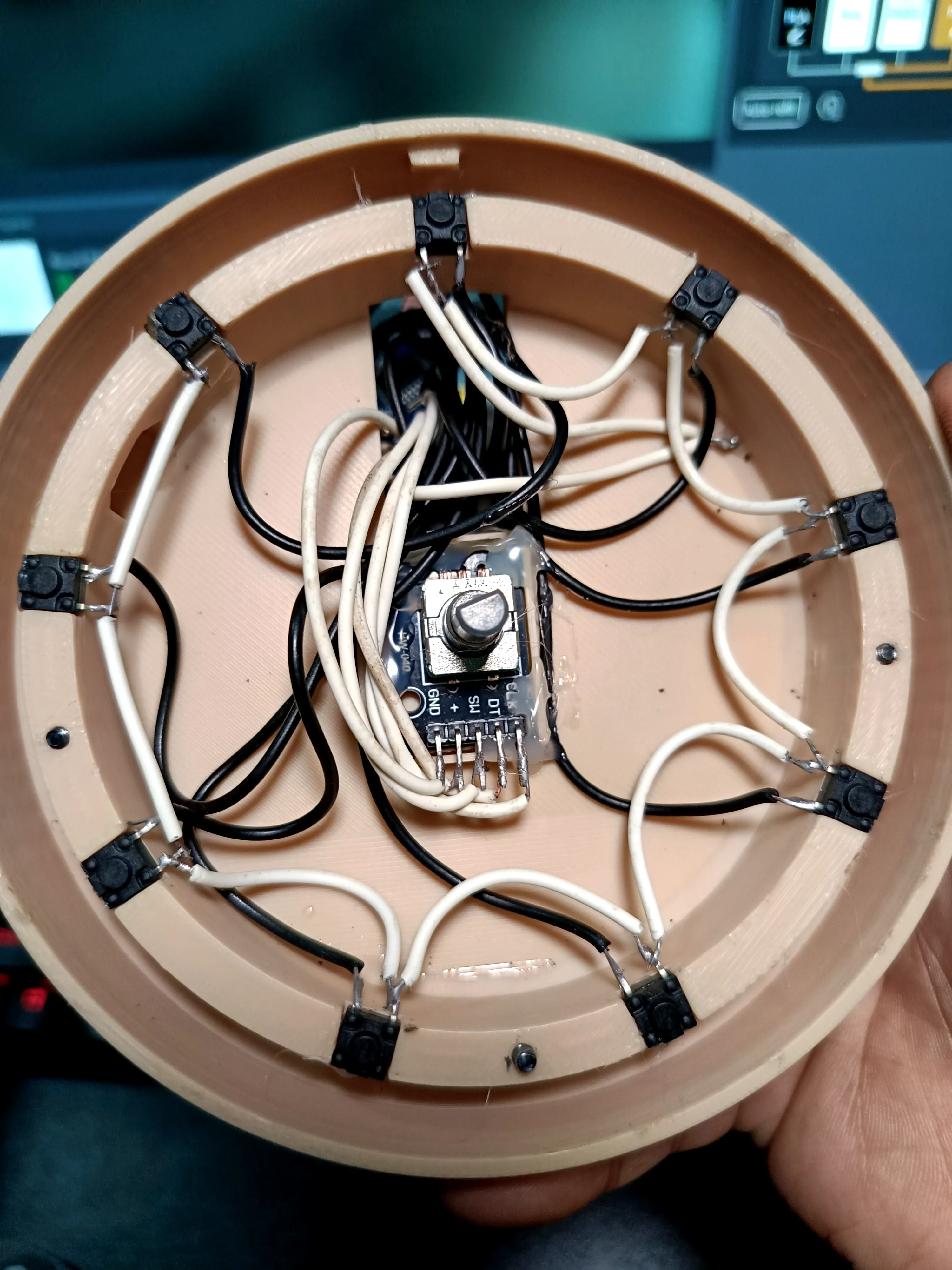
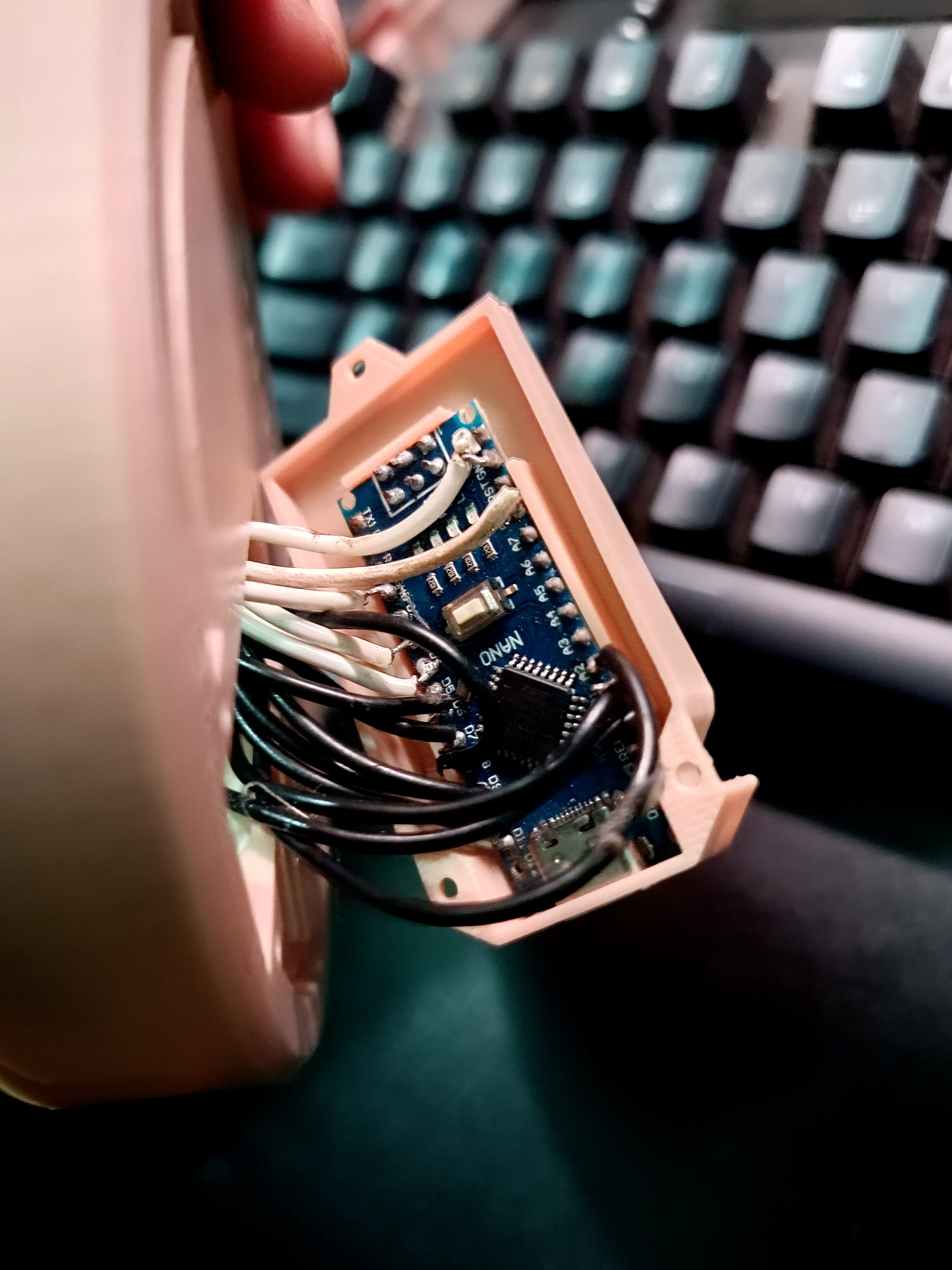
# Wiring Design
The internal wiring is intentionally simple and beginner-friendly.
Each button uses:
- 1x GND connection
- 1x Signal connection
The rotary encoder handles:
- Volume control
- Scrolling
- Media actions
- Custom shortcuts
# Printing Information
Recommended settings:
- Layer Height: 0.2mm
- Material: PLA / PETG
- Supports: No
- Infill: 15–20%
The design is optimized for FDM 3D printers.
---
# Assembly
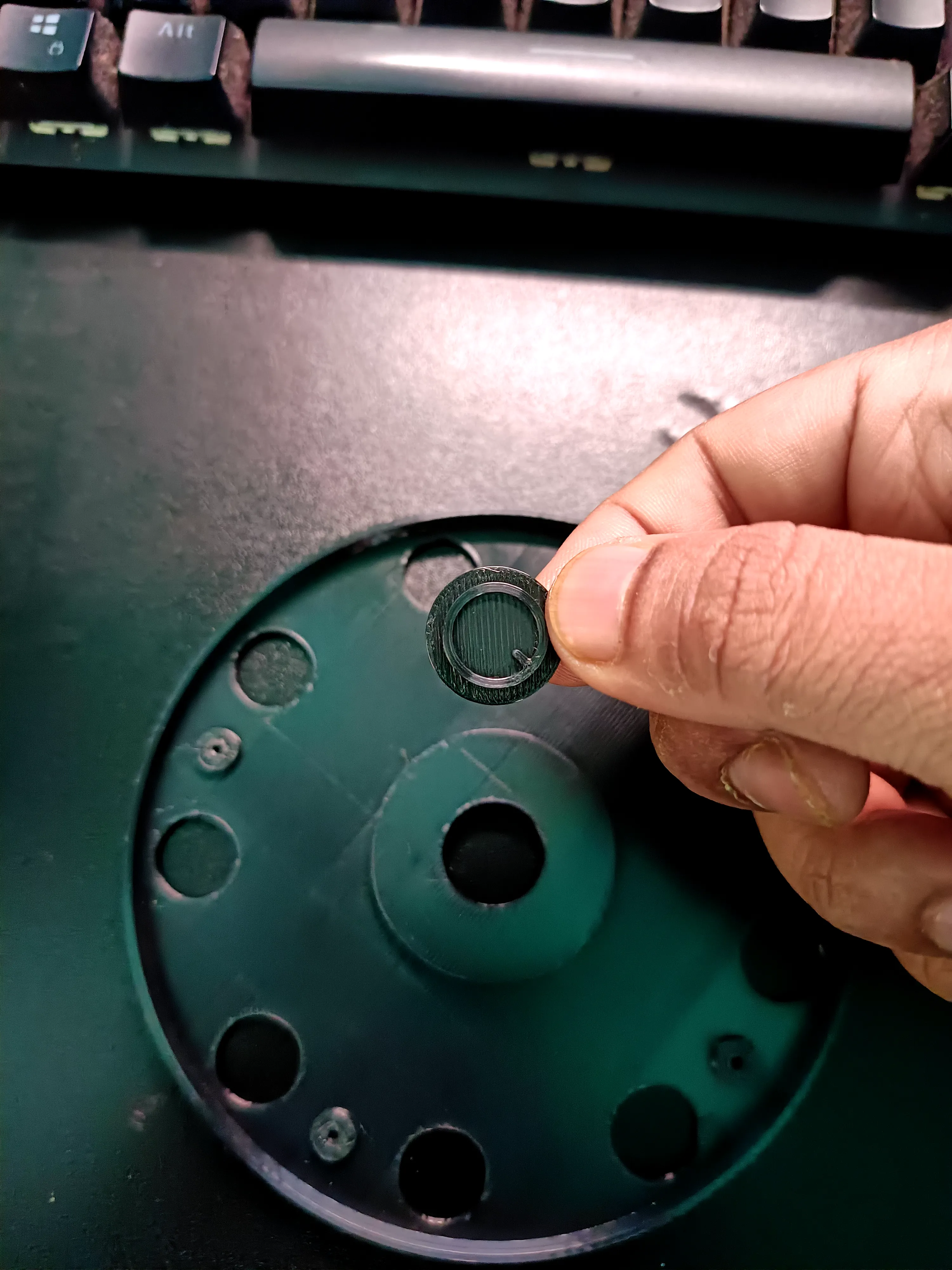
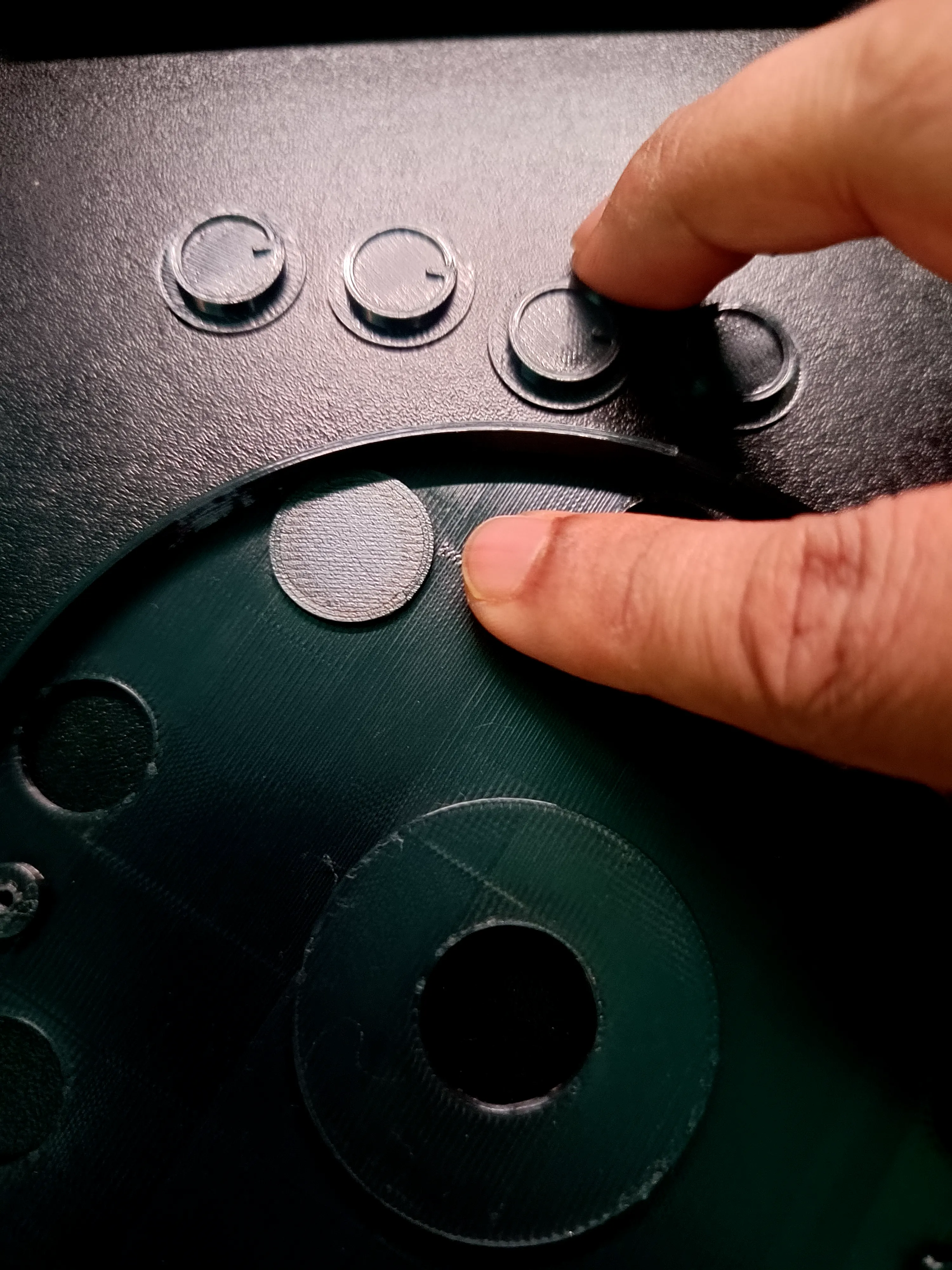
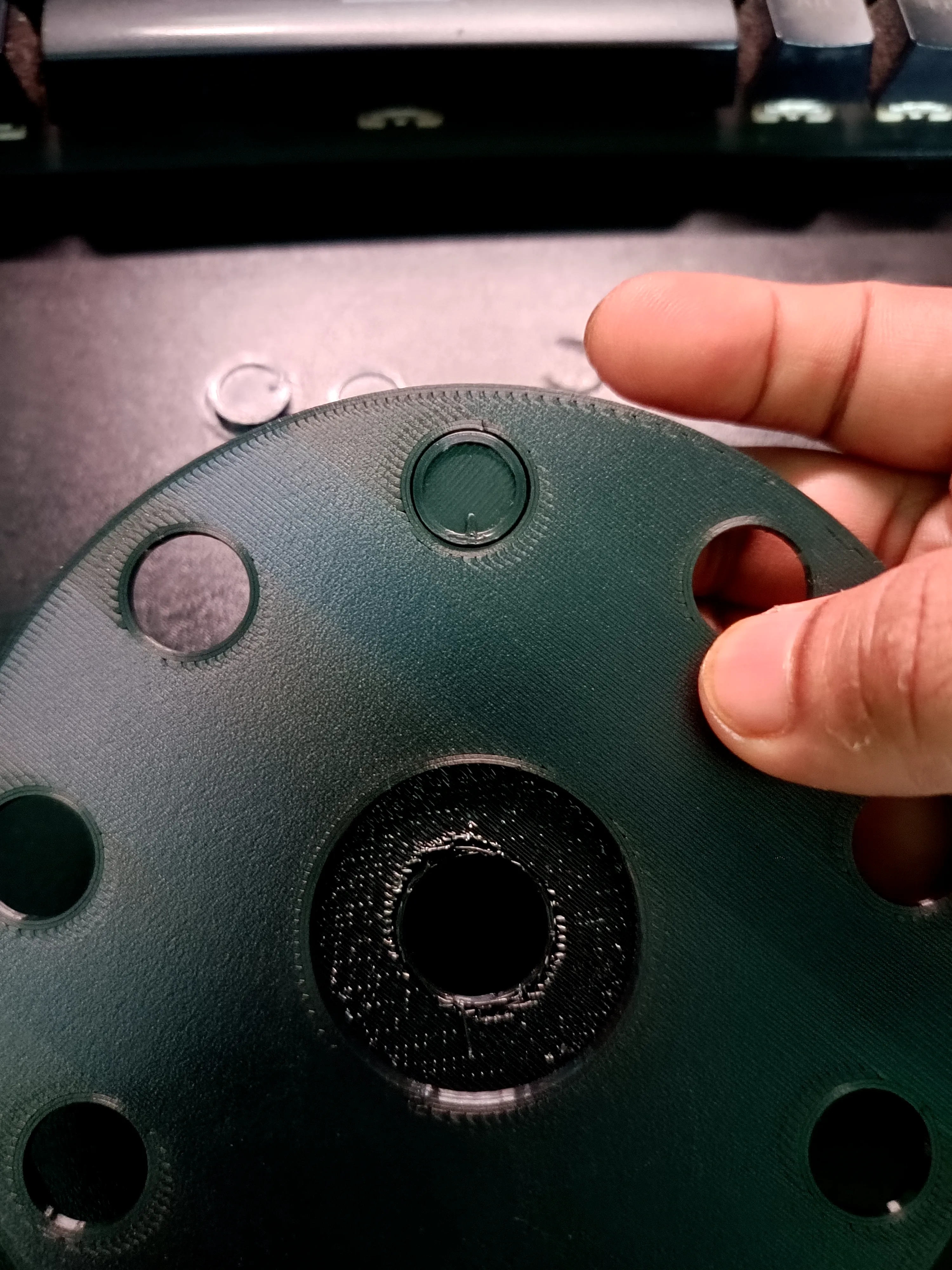
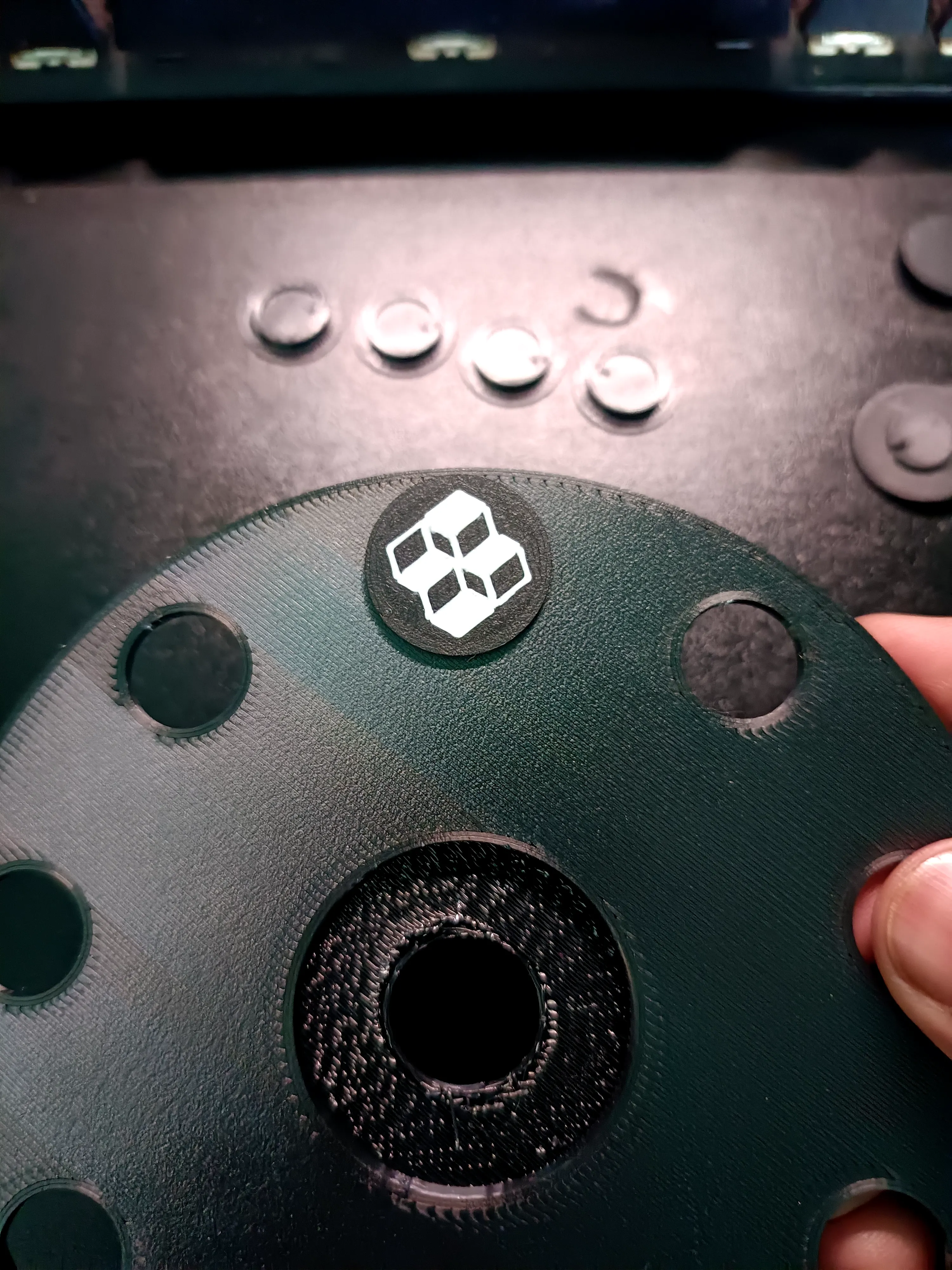
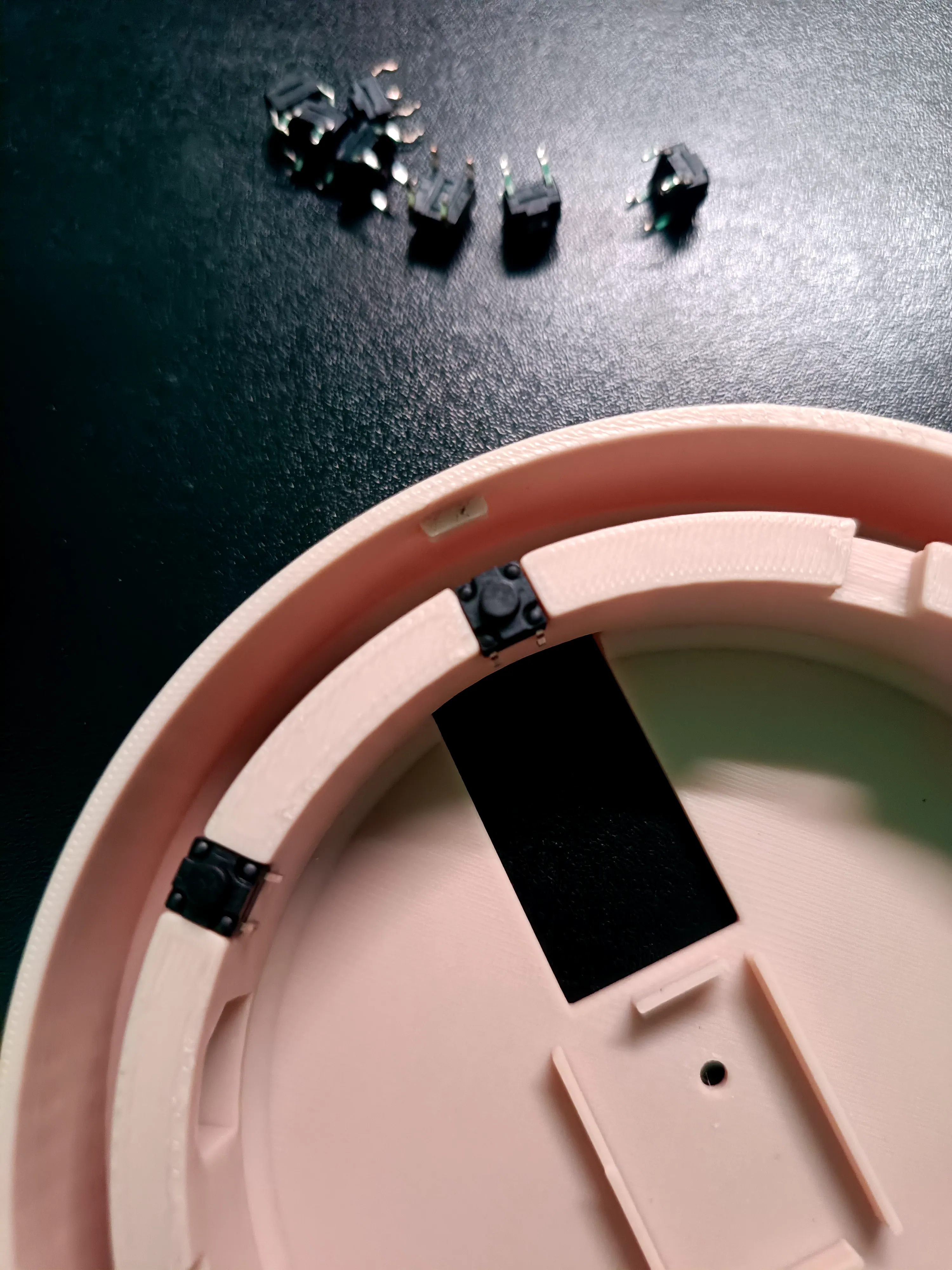
The included images show:
- Button cap installation
- Internal switch mounting
- Hand-wired button layout
- Arduino Nano mounting
- Rotary encoder installation
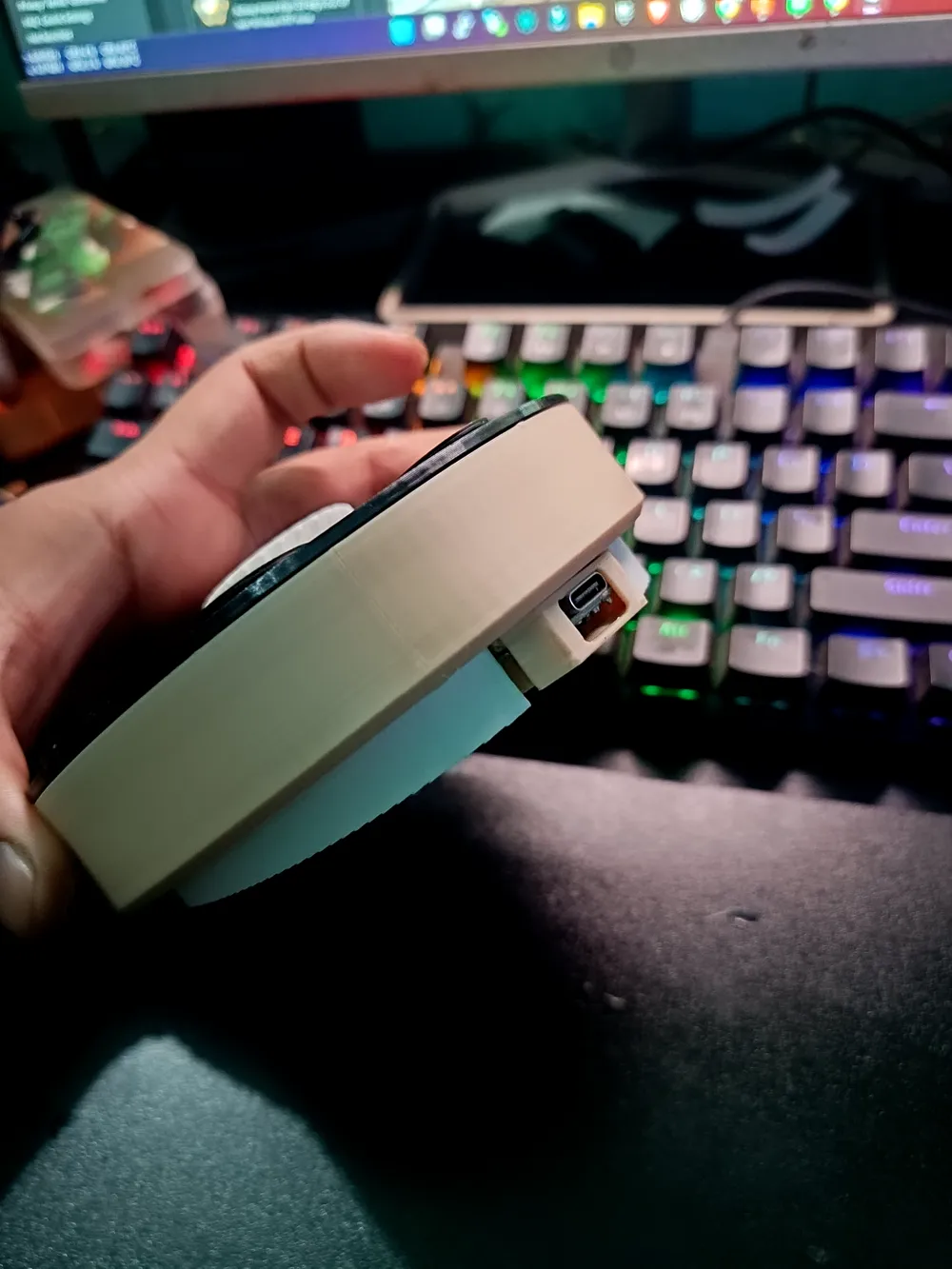
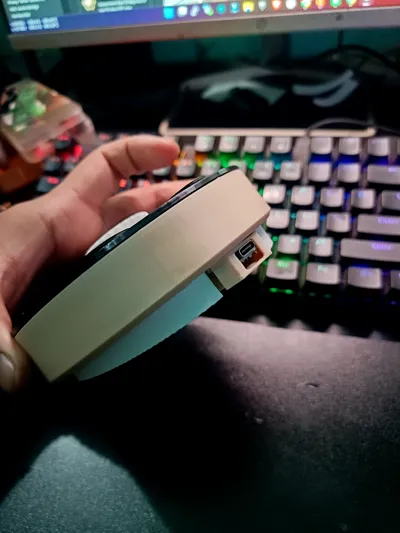
- USB connector placement
No soldering PCB is needed.
---
# Software Compatibility
Works great with:
- Productivity workflows
- OBS shortcuts
- Browser shortcuts
- App launchers
- Media controls
- Stream Deck style actions
- Gaming shortcuts
---
# Included Files
- Main Body STL
- Top Cover STL
- Button Caps
- Encoder Knob
- Internal Mounting Parts
- Arduino Code
- Windows Desktop App
---
# Notes
This is a DIY community project designed for customization and remixing.
Feel free to modify:
- Icons
- Colors
- Firmware
- Button layouts
- Desktop software
- Internal wiring setup
Enjoy building your own Round Console Deck 🔥
License

You shall not share, sub-license, sell, rent, host, transfer, or distribute in any way the digital or 3D printed versions of this object, nor any other derivative work of this object in its digital or physical format (including - but not limited to - remixes of this object, and hosting on other digital platforms). The objects may not be used without permission in any way whatsoever in which you charge money, or collect fees.


Comment & Rating (1)