
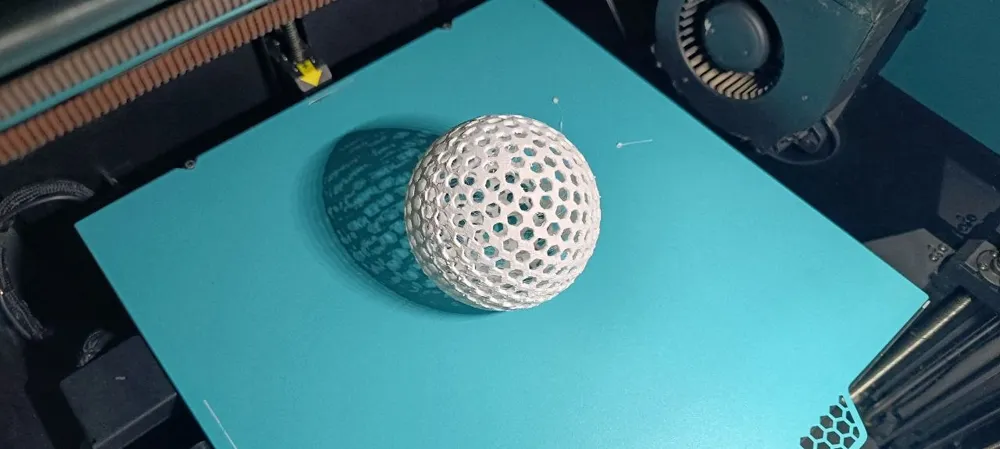
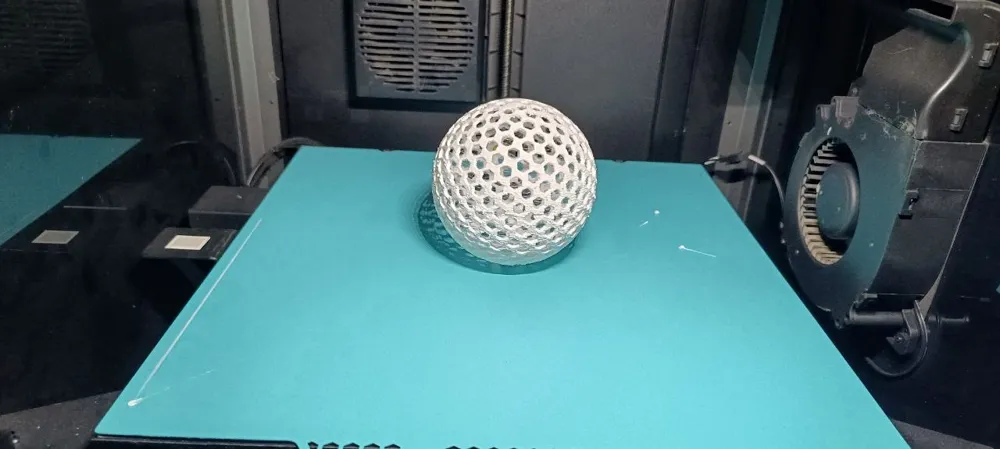
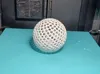
Flexi Airless TPU Ball Customizable
Print Profile(1)
Bill of Materials





Description
Membership
Please Join for Commercial use, your support also much appreciated
Customizable Airless Ball Generator
MakerWorld / Bambu Lab Parametric Model Maker Exclusive

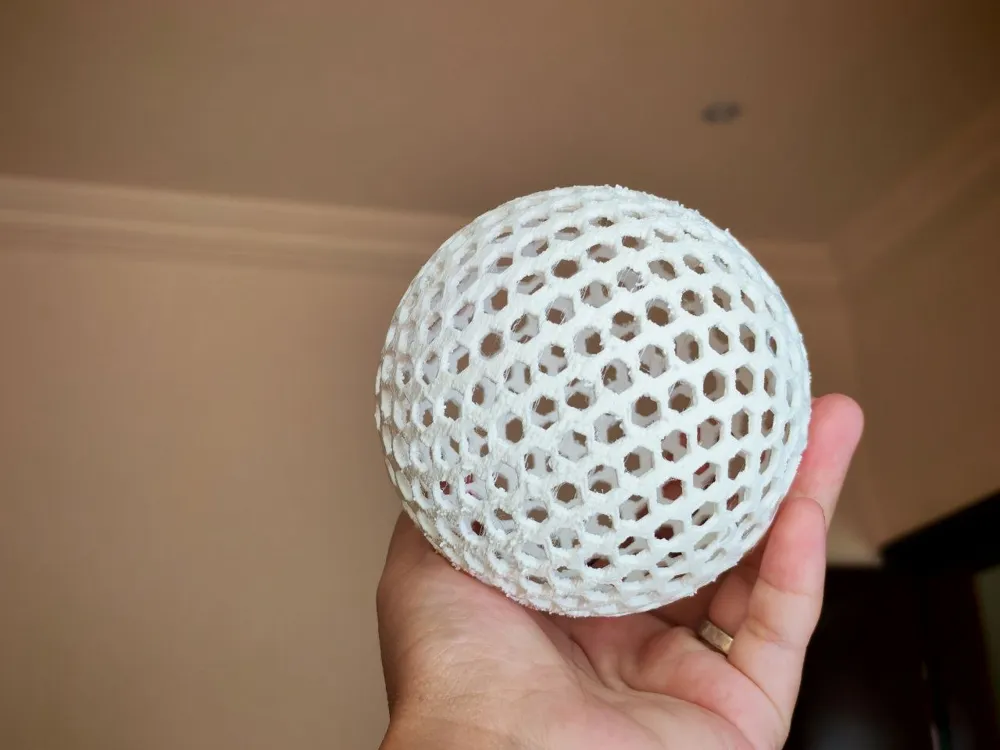
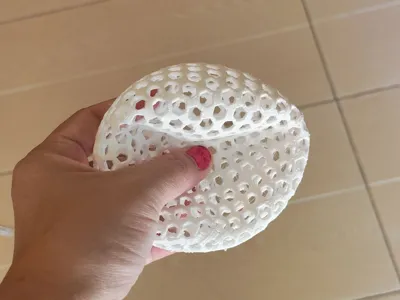
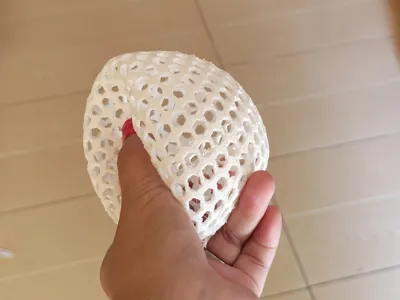
This is a fun customizable airless ball generator made for MakerWorld Parametric Model Maker.
You can create your own flexible ball directly from the customizer.
Change the size, shell thickness, hole density, hole shape, and pattern style.
The model includes three style options:
Icosahedron Ribs – strong geometric ribs with a technical look.
Basketball Seams – a sporty ball style with classic seam lines.
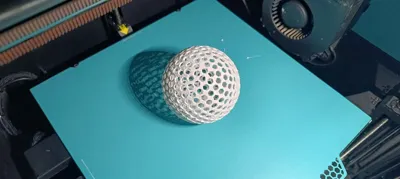
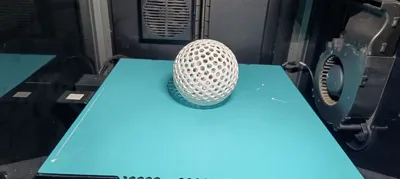
Pure Lattice – a clean open airless structure.
You can also enable a flattened bottom.
This helps the ball sit better on the build plate and makes TPU printing easier.
The generator is designed mainly for TPU.
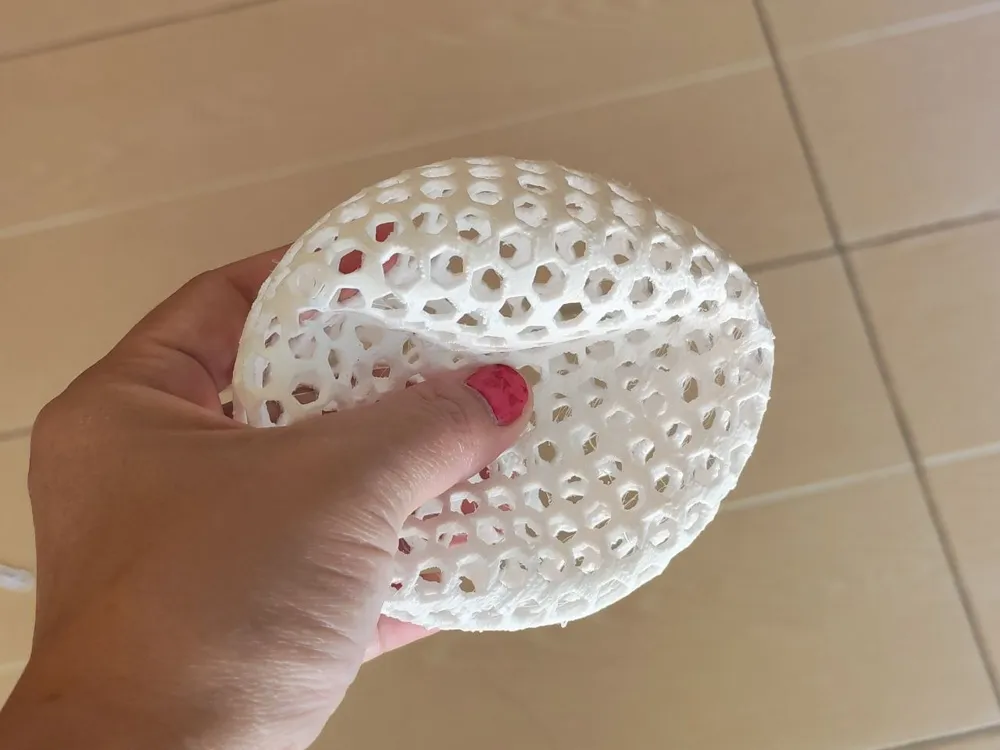
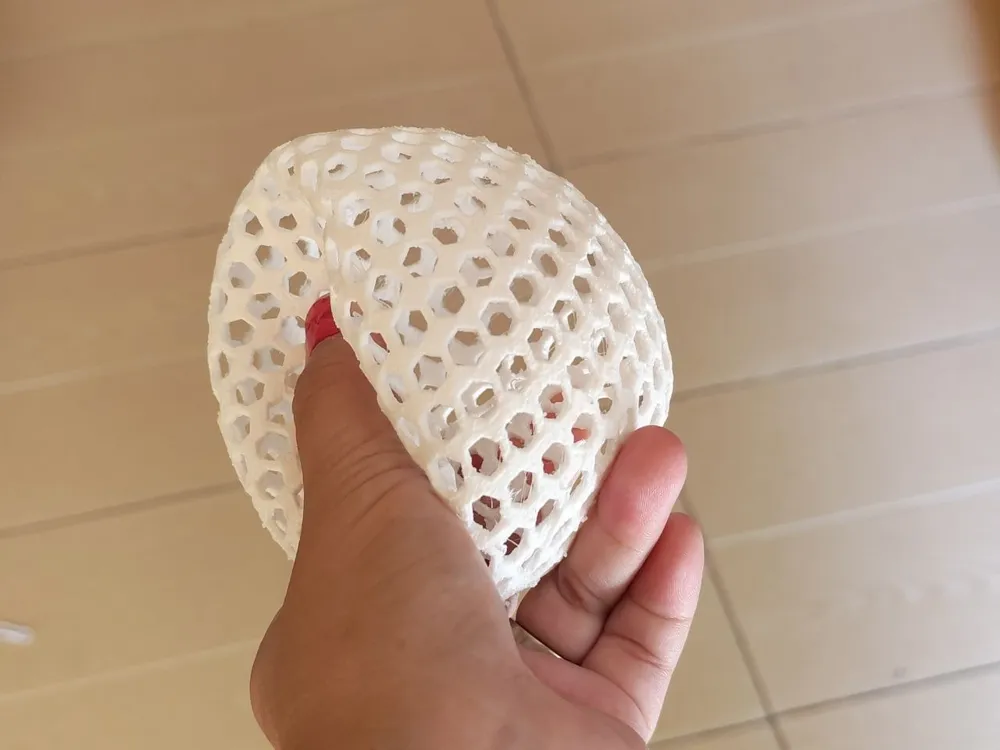
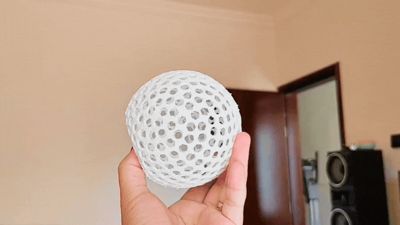
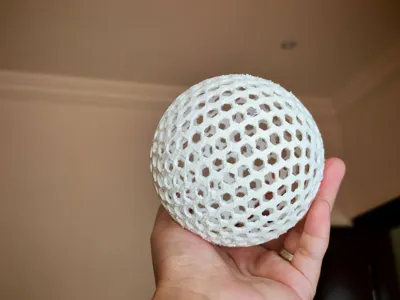
It can make a soft, flexible, lightweight ball with a cool airless structure.
Great as a desk toy, flexible test print, display model, or fun experimental print.
How to Use the Generator
Open the model in MakerWorld Parametric Model Maker.
Use the customizer panel to adjust the settings.
Start with the default values first.
Then change one setting at a time.
Recommended options to try:
Radius
Controls the full size of the ball.
A bigger radius makes a larger ball.
Thickness
Controls the shell strength.
Increase this if you want a stronger ball.
Number of Holes
Controls how open or dense the lattice is.
More holes create a finer pattern.
Fewer holes create a stronger, chunkier structure.
Hole Sides
Controls the hole shape.
Use 6 for hexagon holes as start.
Use 0 for round holes.
Auto Hole Size
Recommended to keep enabled.
It automatically calculates a safe hole size so the walls do not overlap.
Lattice Wall Thickness
Controls the spacing between holes when auto hole size is enabled.
Increase it for stronger walls.
Decrease it for a lighter, more open ball.
Pattern Style
Choose between icosahedron ribs, basketball seams, or pure lattice.
Flatten Bottom
Recommended for TPU printing.
It gives the ball a small flat contact area for better bed adhesion.
Flatten Amount
Controls how much of the bottom is flattened.
Use a small value first.
Recommended TPU Print Settings
Use TPU 95A or similar flexible filament.
Print slowly for the best result.
Recommended starting settings:
- Layer height: 0.16 mm to 0.2 mm
- Nozzle: 0.4 mm or larger
- Walls: 2 to 3
- Infill: 0 - 15 %
- Speed: 20–35 mm/s
- Retraction: low or disabled
- Cooling: medium to high
- Supports: not needed if you use the cut option
- Brim: recommended
- Bed adhesion: very important
For Bambu Lab printers, use a TPU profile as a starting point.
Dry the TPU before printing.
Wet TPU may cause stringing, bubbles, rough surfaces, and weak layers.
Printing Tips
Do not make the ball too small.
Small sizes can make the lattice too thin.
If the ball feels too soft, increase the shell thickness or wall thickness.
If the print looks too heavy, reduce thickness or increase the hole count.
If the first layers move, use a brim and clean the build plate.
For the best result, keep the flattened bottom enabled.
TPU needs patience.
Slow printing usually gives a much cleaner and stronger result.
Disclaimer
This is a customizable 3D printable airless ball.
It is made for fun, testing, and display.
It is not a certified sports ball.
It is not made for heavy impact, safety use, pets, or young children.
The final result depends on your filament, printer, slicer profile, and selected parameters.
Different TPU brands may behave differently.
Some settings may need small adjustments.
Use the model responsibly and test your print before heavy use.
Boost Me (for free)
if you enjoy my work kindly Boost
License

You shall not share, sub-license, sell, rent, host, transfer, or distribute in any way the digital or 3D printed versions of this object, nor any other derivative work of this object in its digital or physical format (including - but not limited to - remixes of this object, and hosting on other digital platforms). The objects may not be used without permission in any way whatsoever in which you charge money, or collect fees.


Comment & Rating (1)