
QaxeBox: NerdQaxe++ Thermodynamic ASIC Case
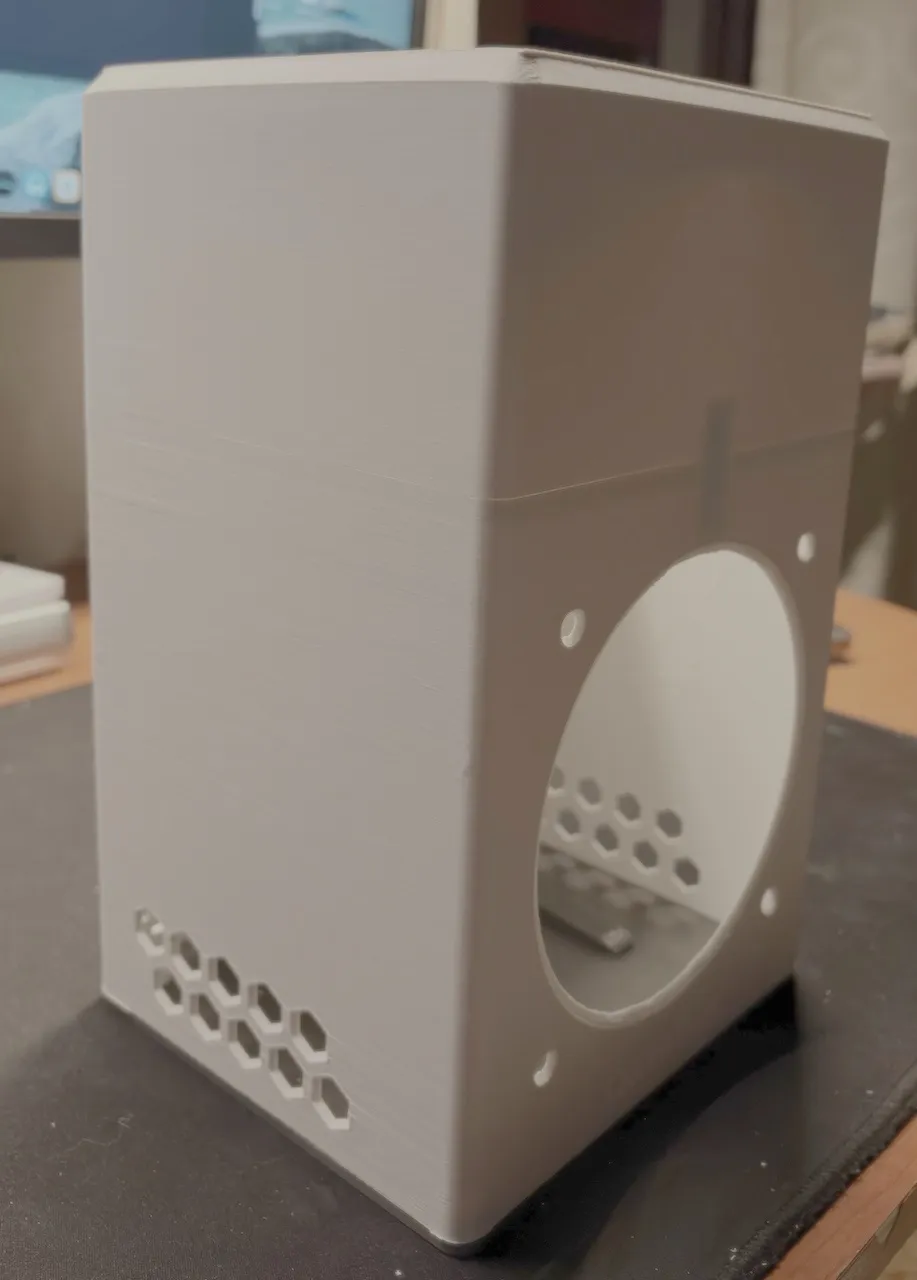
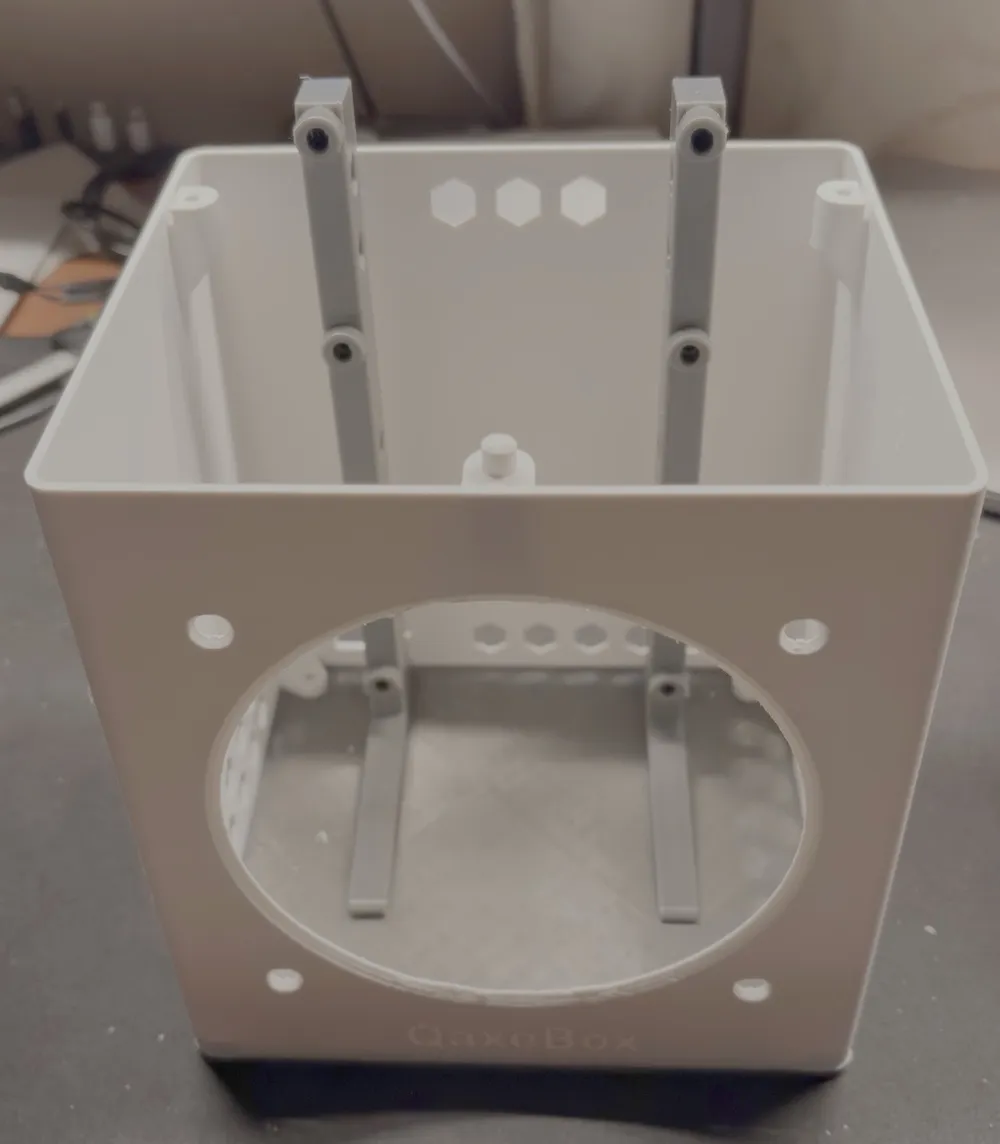
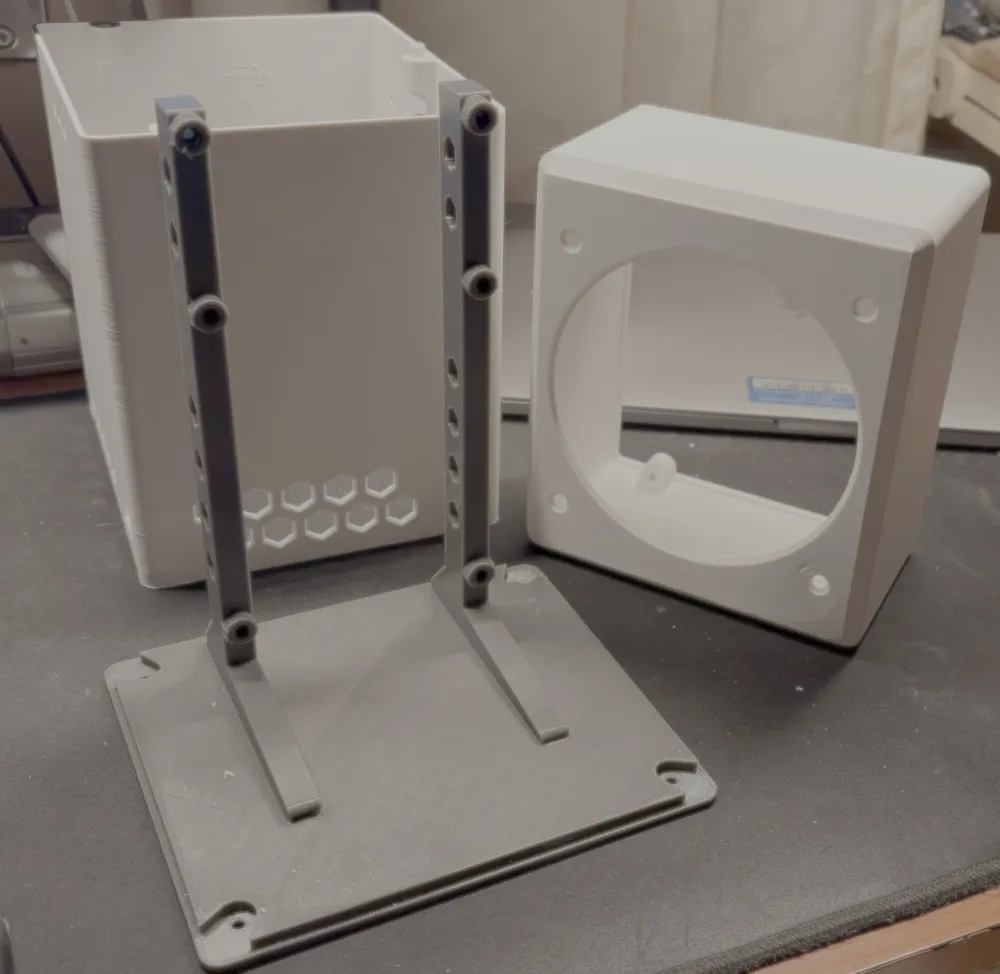
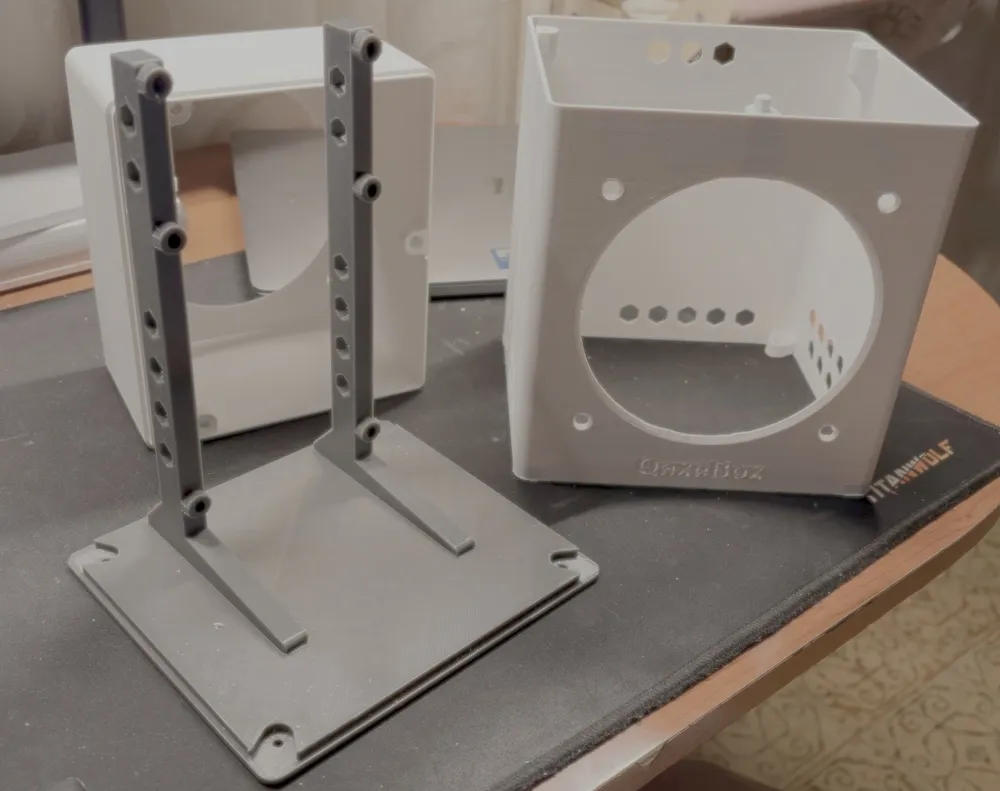
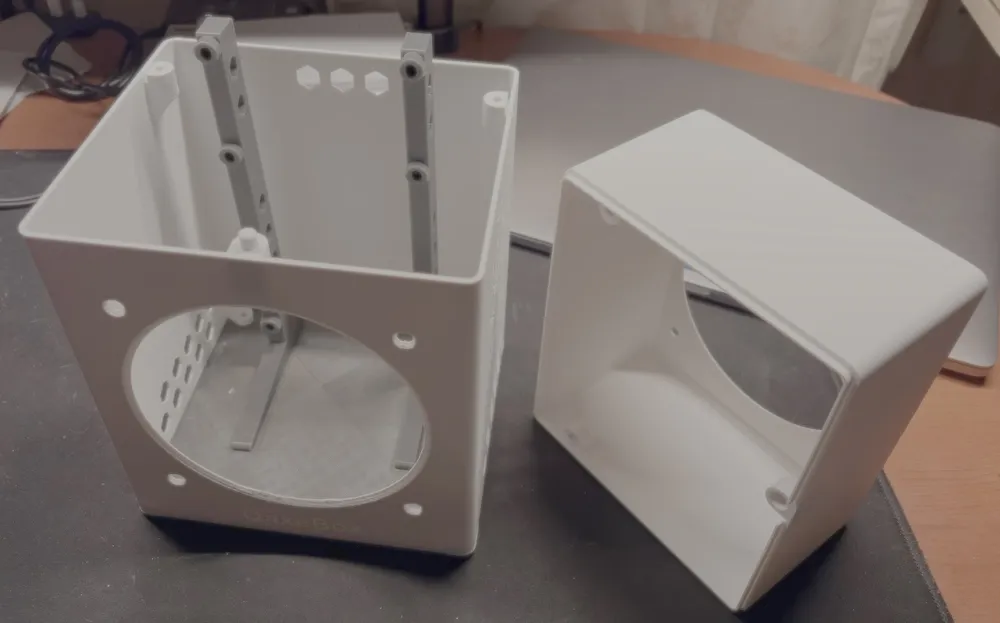
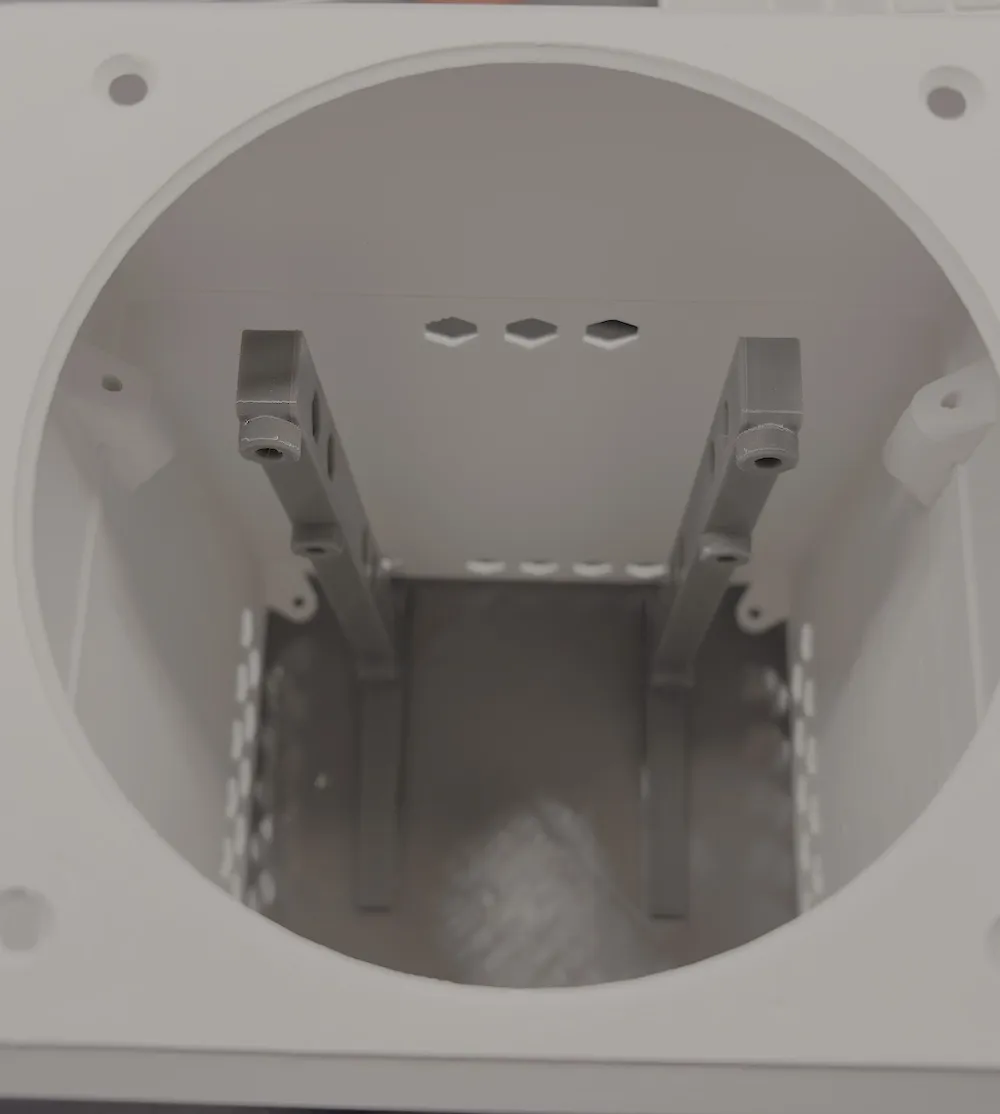
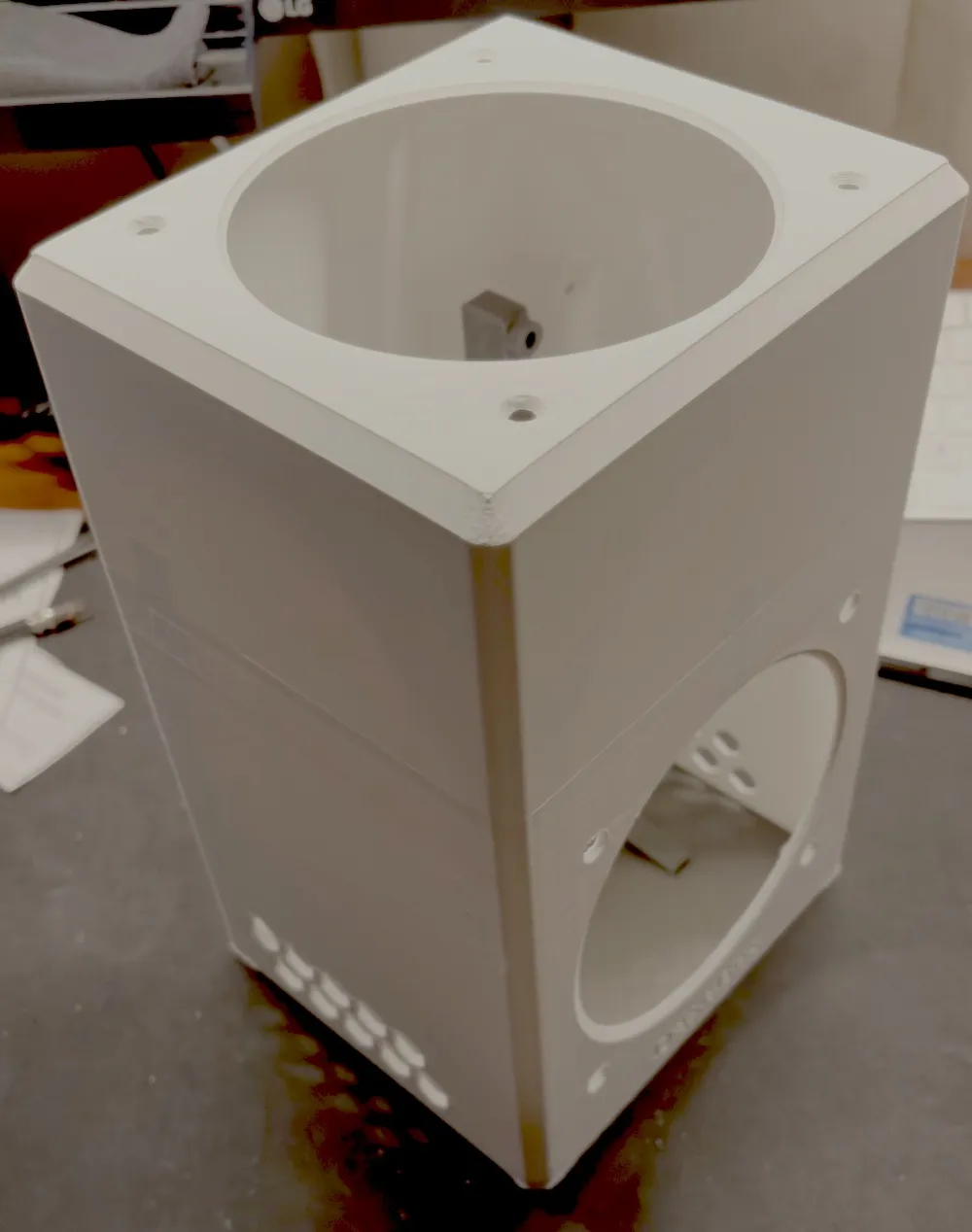
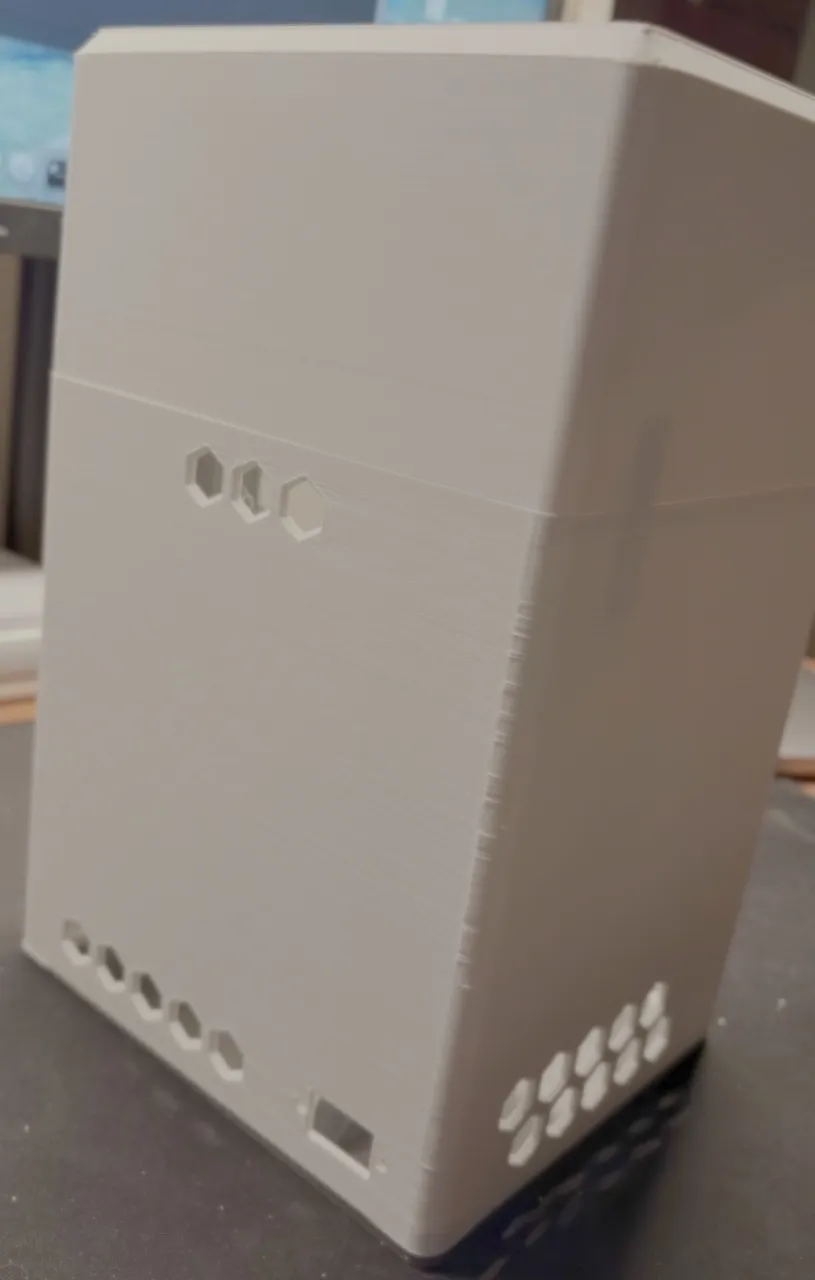


Print Profile(1)
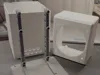
Description
The Design Philosophy
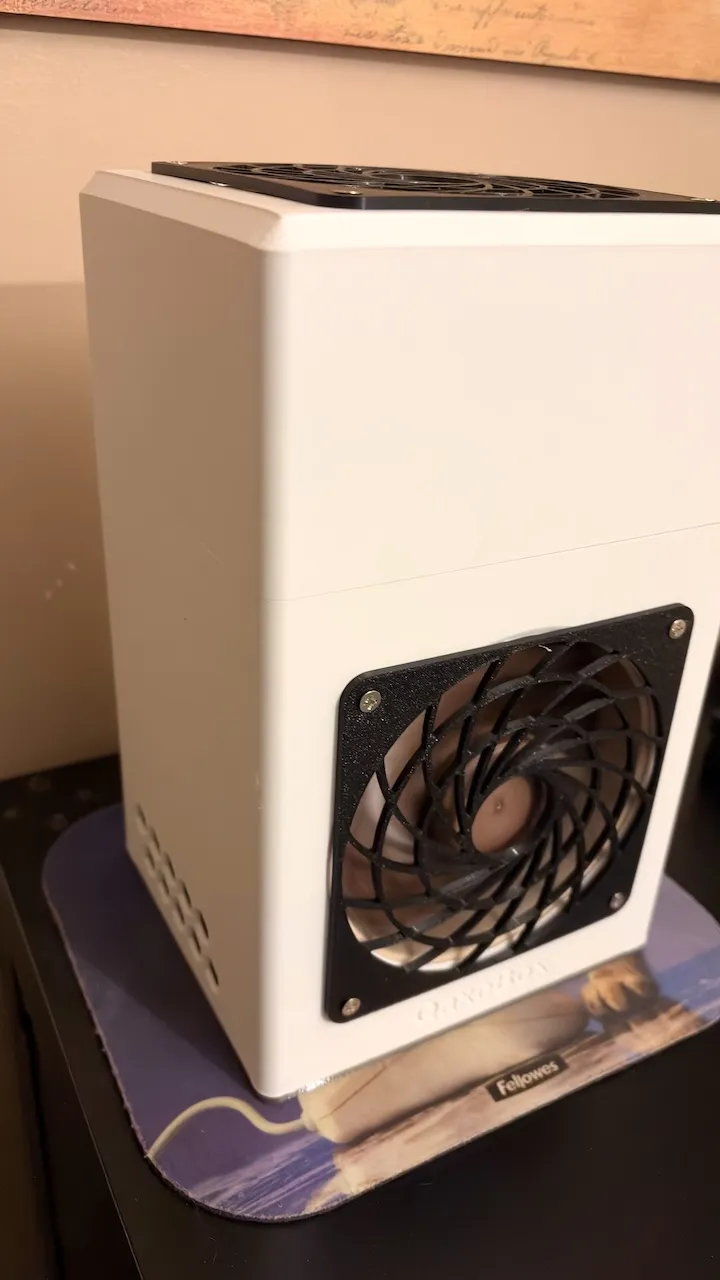
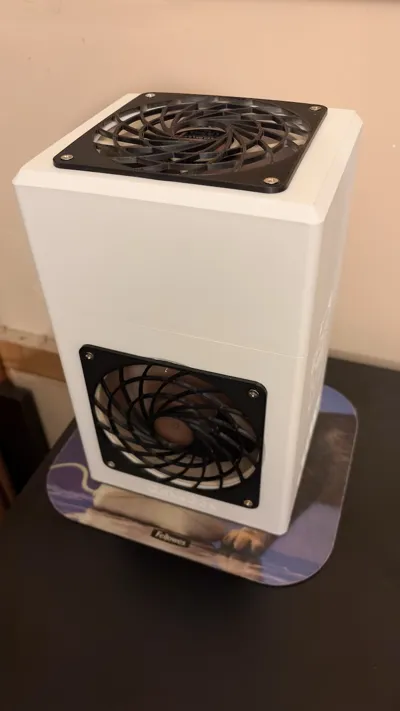
Bitcoin mining, even on a micro-scale with the NerdQaxe++, is a constant battle between heat and noise. The philosophy behind this case isn't just to "house" the hardware, but to transform it into a closed, high-efficiency thermodynamic system.
While traditional cases merely protect components, the QaxeBox Case acts as an optimized static pressure chamber: every molecule of air moved by your Noctua fans is direction forced to maximizing thermal exchange.
Why It Exists (Real-World Performance Data)
Open-air setups or generic cases hot-air rycicled flow. Real-world testing proves the superiority of this architecture:
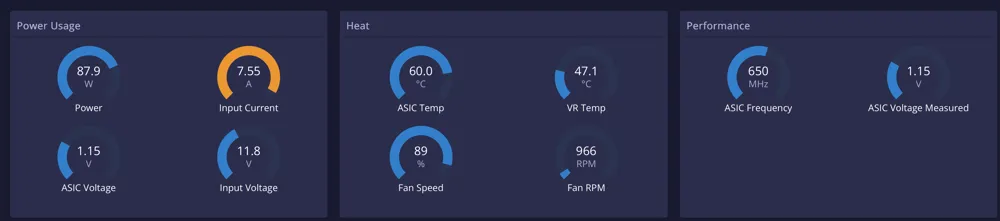
- Without Case: To maintain ASICs at 60°C, Noctua fans must run at 90% speed (high noise).
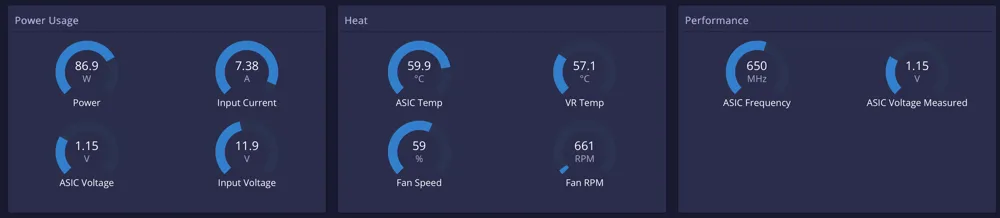
- With this Case: The same 60°C target is achieved with fans at only 60%.
- The Outcome: A drastically quieter system, more stable operating temperatures, and extended hardware longevity.
Pure Parametricity: Tailored to YOUR Needs
The soul of this project lies in its parametric core. This is not a static STL, but a living architecture:
- Custom Fans: Supports 80mm, 92mm, 120mm, or 140mm fans out of the box.
- Hardware Compatibility: Using a thicker heatsink or a different fan adapter ? Simply adjust a single variable in the Customizer.
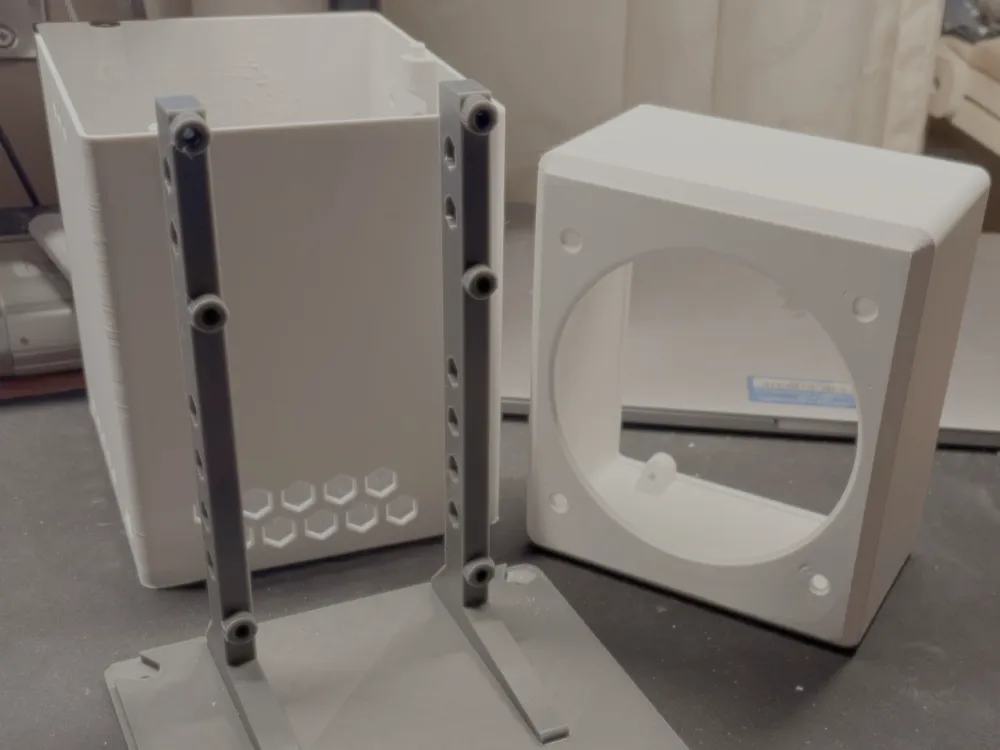
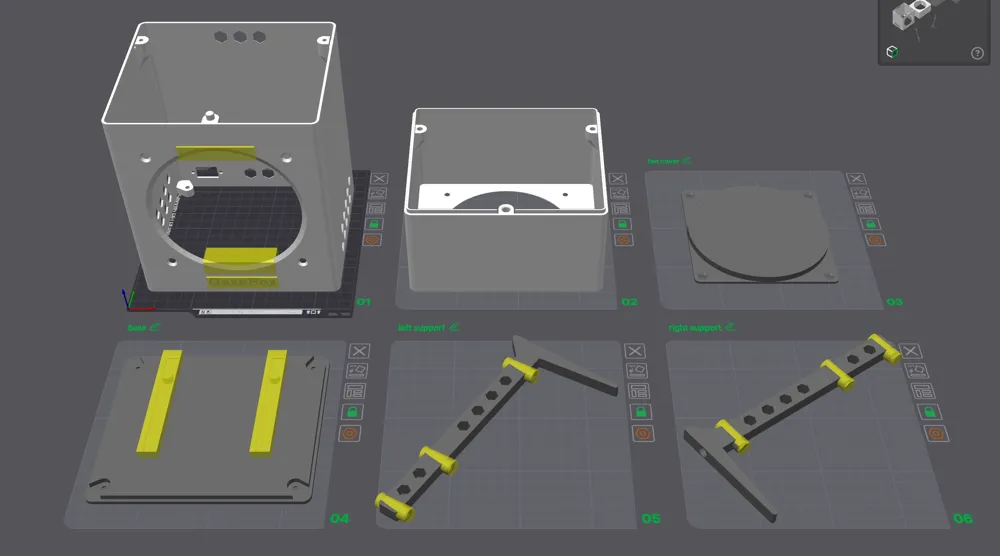
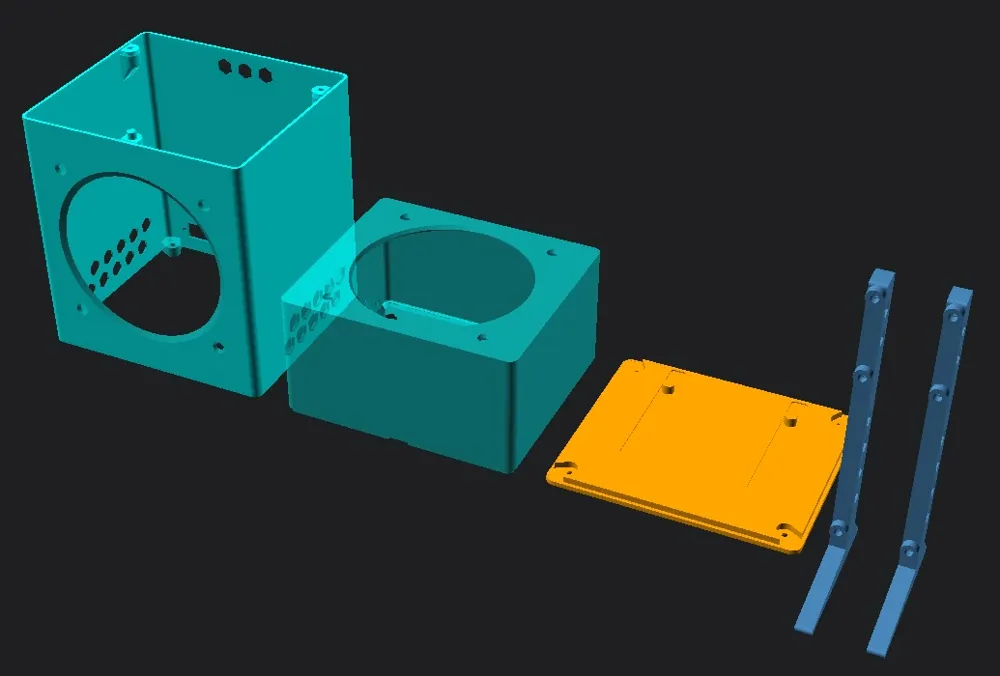
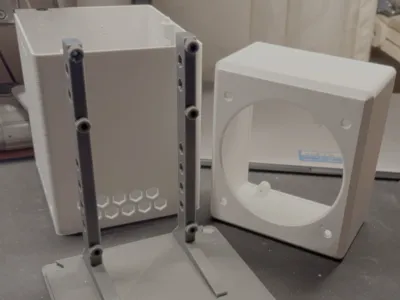
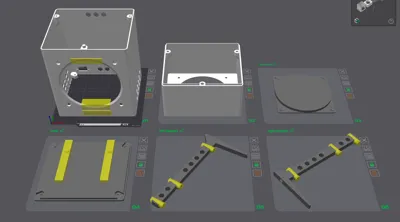
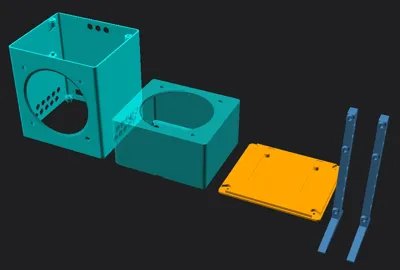
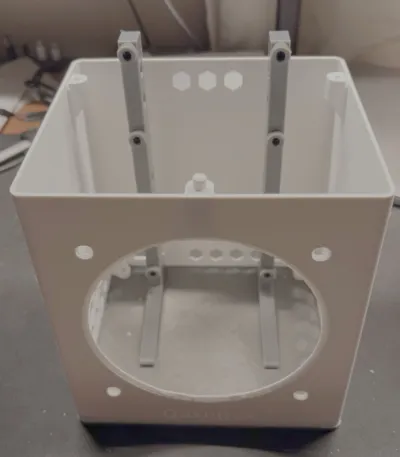
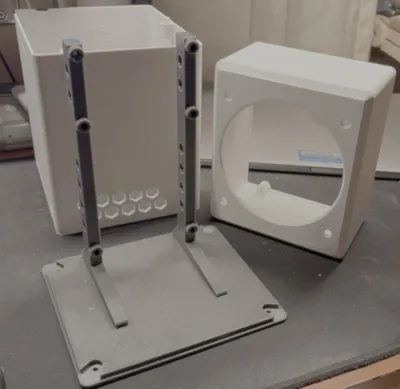
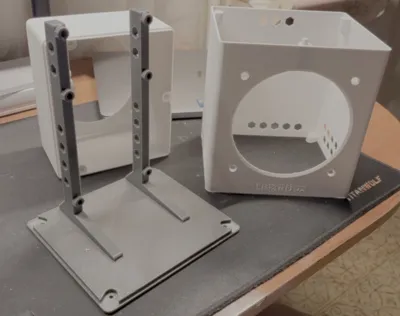
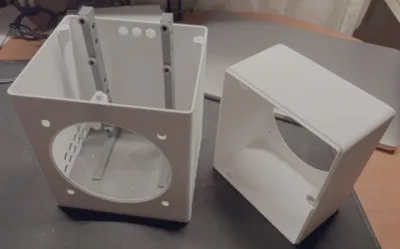
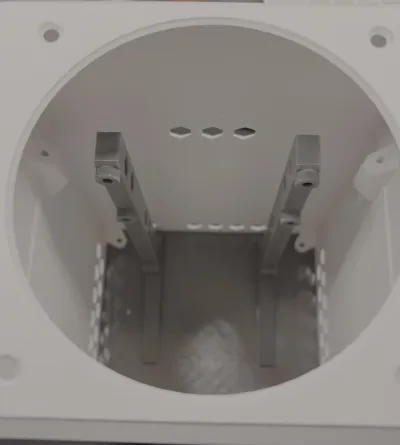
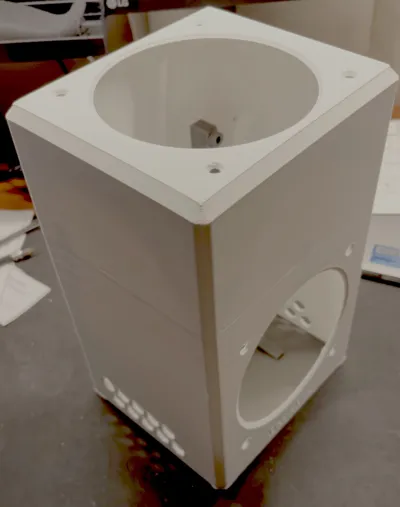
- Modularity: Top shell, bottom shell, base plate, and pillars are separated for easy printing and lightning-fast maintenance.
Key Highlights
- Sleeve-Drop Design: Hardware "drops" into the case onto independent stabilizing pillars, making assembly effortless.
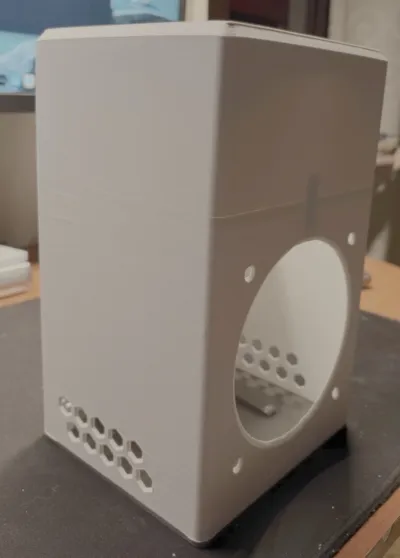
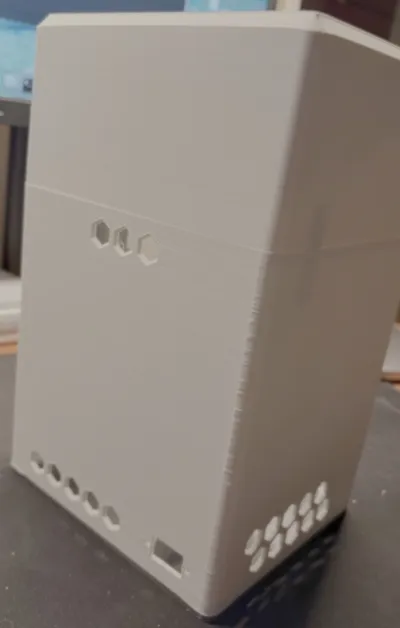
- Airflow Optimization: Hexagonal grids are dynamically calculated based on fan CFM to minimize turbulence and backpressure.
- Bambu Lab Ready: Specifically engineered to fit perfectly within the A1 Mini (180x180mm) print volume.
Airflow Direction & Setup
To achieve the 30% fan speed reduction shown in the benchmarks, correct fan orientation is mandatory:
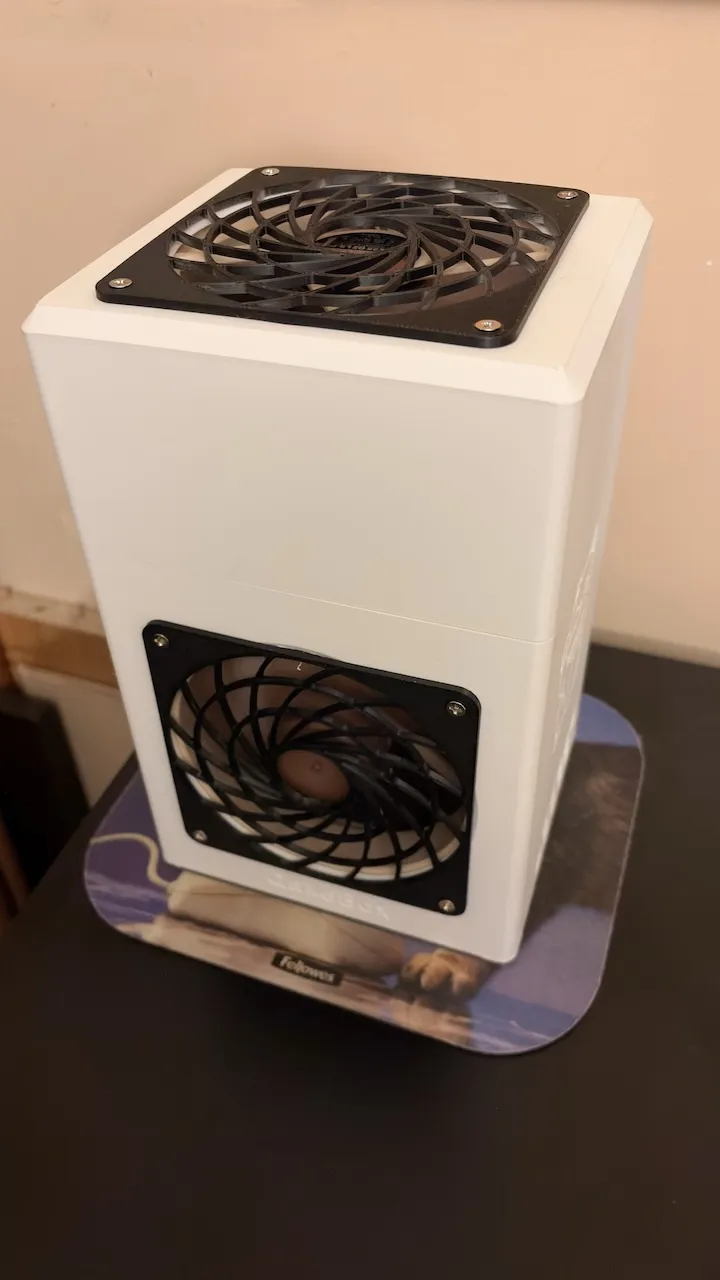
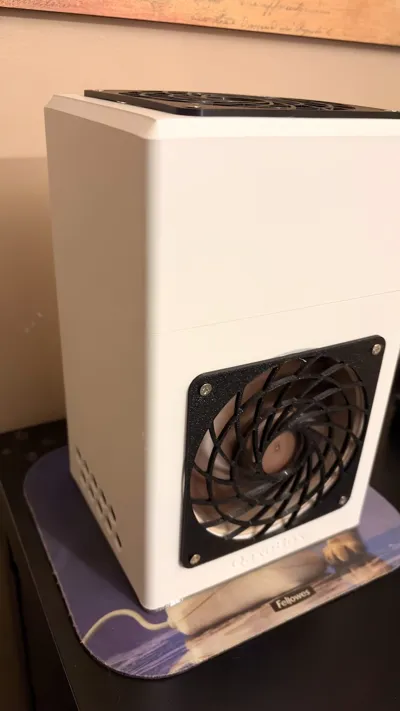
- Front Fan (Intake): Must push fresh air from the outside into the case, forcing it through the adapter and the heatsink fins.
- Top Fan (Exhaust): Must suck air from the inside to the outside. This fan creates the negative pressure required to expel heat and draw secondary fresh air through the side and rear passive vents.
- Pro Tip: Most fans have small arrows embossed on the frame indicating airflow and rotation direction. Ensure the arrow on the top fan points upwards (away from the case).
License



Comment & Rating (2)