
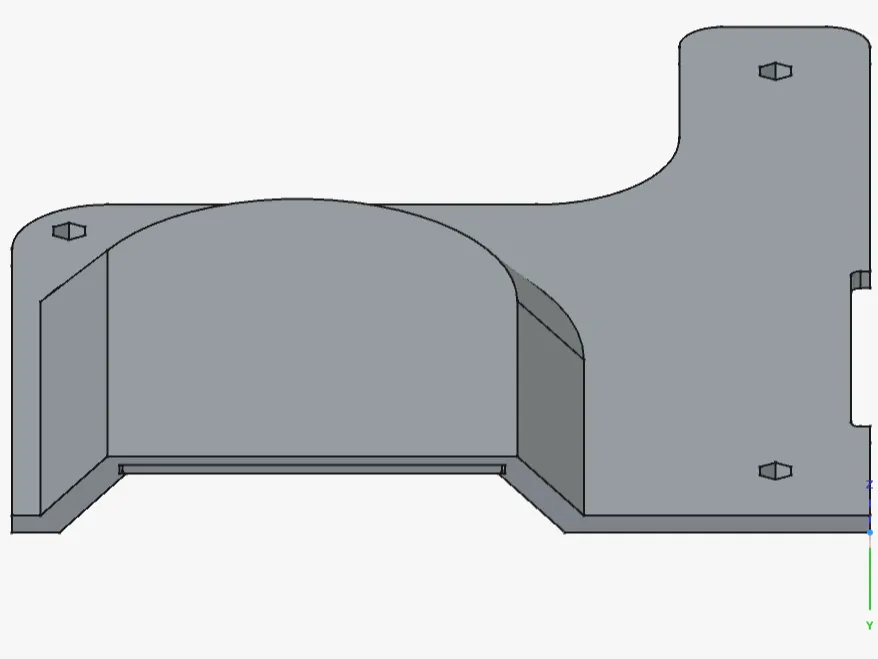
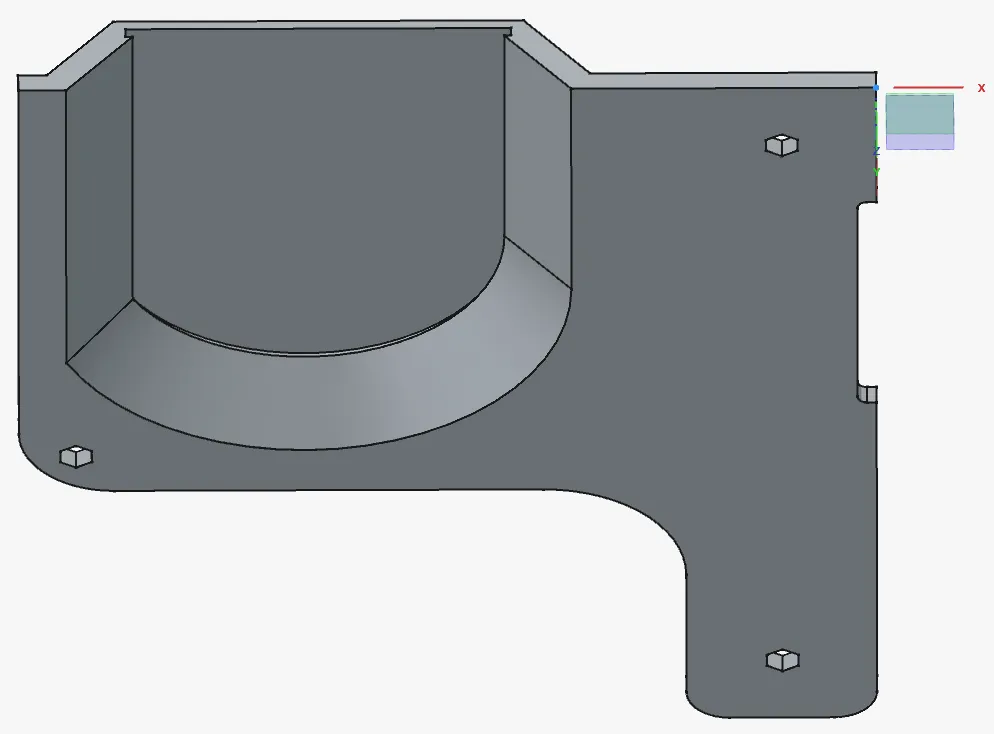
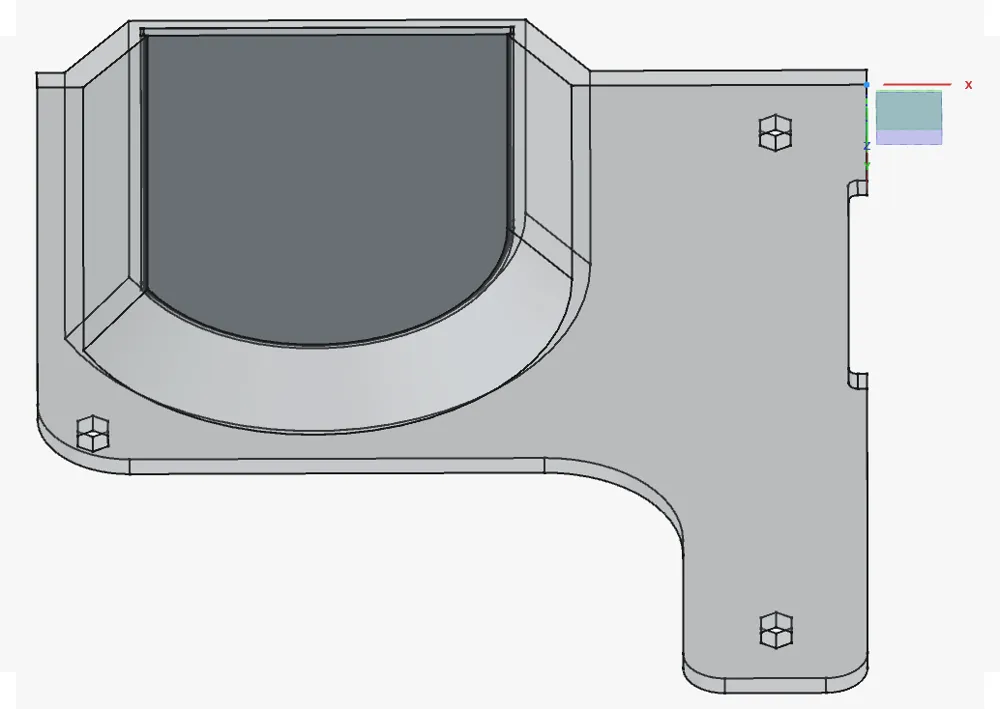
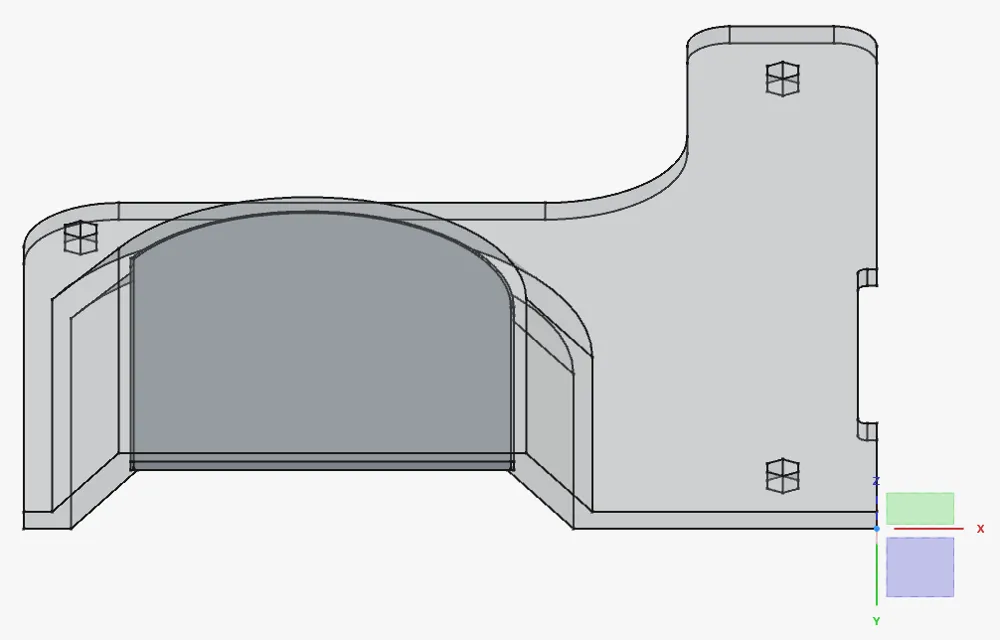
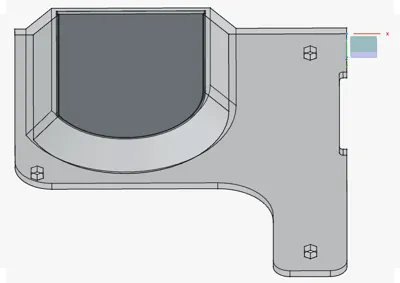
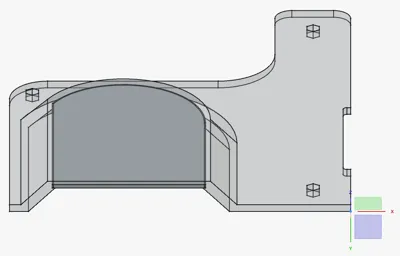
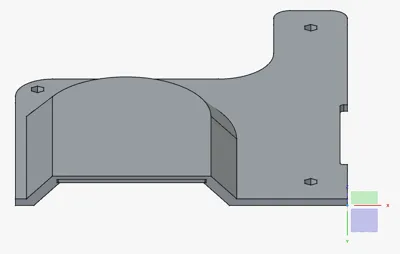
Electronics fan cover V2 for Geeetech a10pro
Print Profile(0)
Description
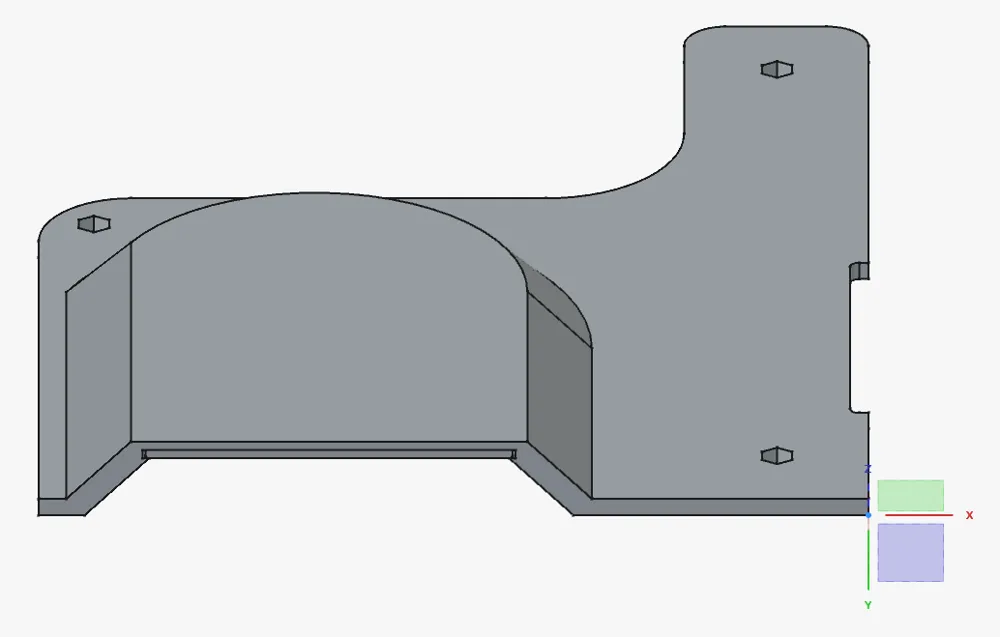
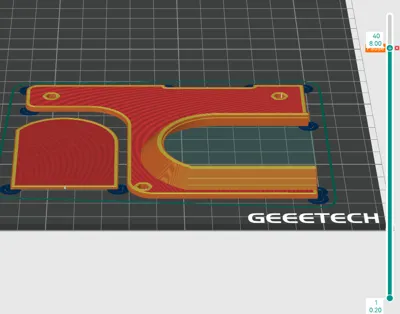
Version one of this fan cover broke, so I made a new one. I took the opportunity to try using a drop-in support workflow.
Prints without supports.
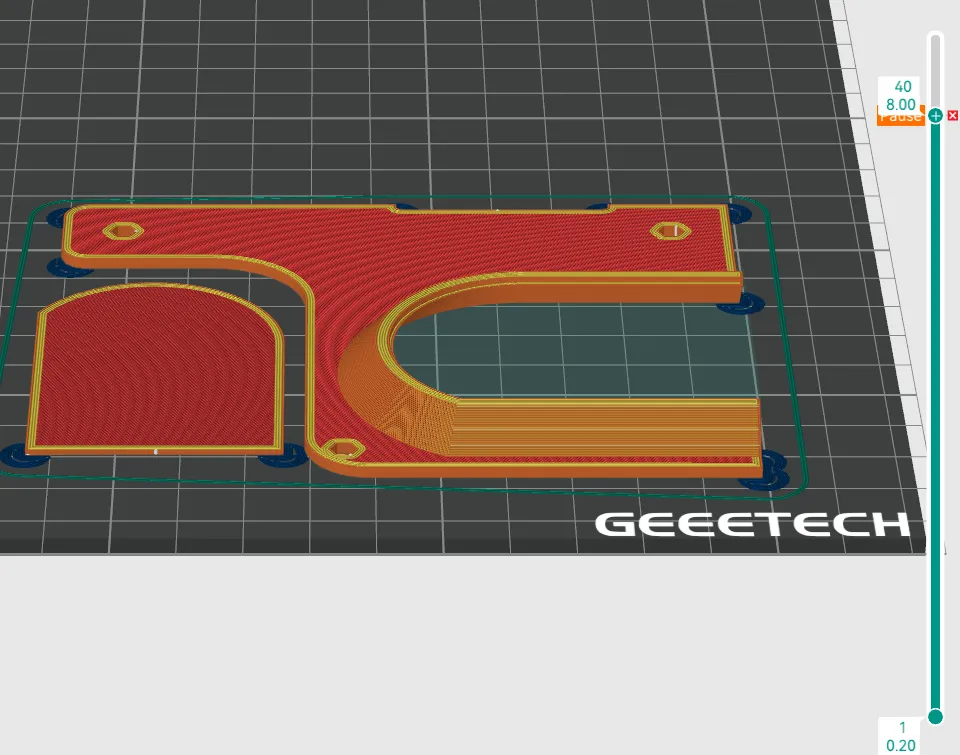
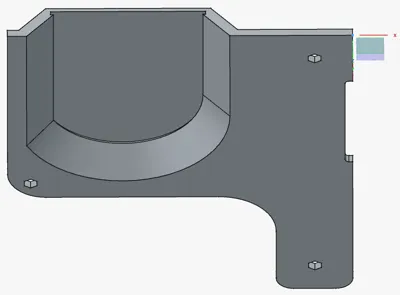
In this project there are 2 models: you can print both object at the same time or you can firstly print the drop-in support, get it off the build plate making sure it doesn't warp, then print the fan cover. While slicing the fan cover add a pause at layer 40 (before layer 41). when the print pauses, drop in the support, make sure it fits well and resume the print. The drop-in support's side that goes in has chamfers.
I suggest printing a test print to find suitable tolerances for your machine and then printing the fan cover. I used 0,3mm tolerances all around the sides (pocket in the fan cover - pad of the drop-in support) and left a 0,2mm tolerance in the z direction.
Another thing that may cause problems is the Y-axis cart's screw bumping into the cover's left side. you can cut the model along the X axis shortly after the mounting screw so you can test if it fits right.
I have uploaded in a separate model a drop-in test you can download and play with (stl, step and FreeCAD file). If you use FreeCAD as I do, you can also change the tolerances variables in the spreadsheet workbench.
License



Comment & Rating (0)