
Param Keycaps Generator- Multi Profiles & Lengths
Print Profile(1)
Description
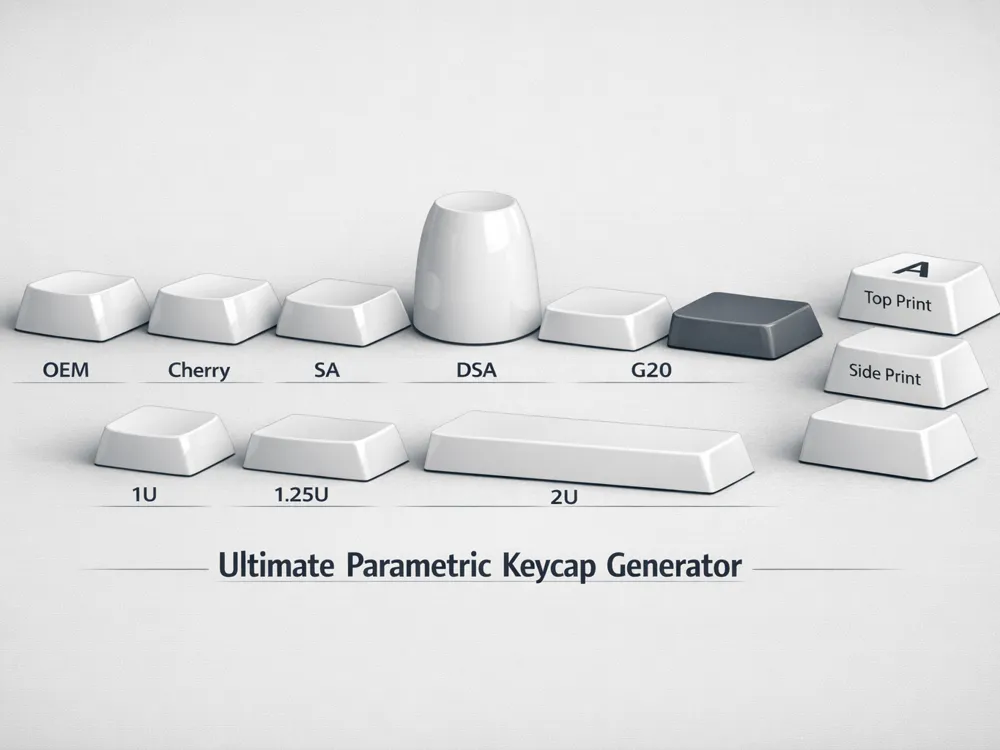
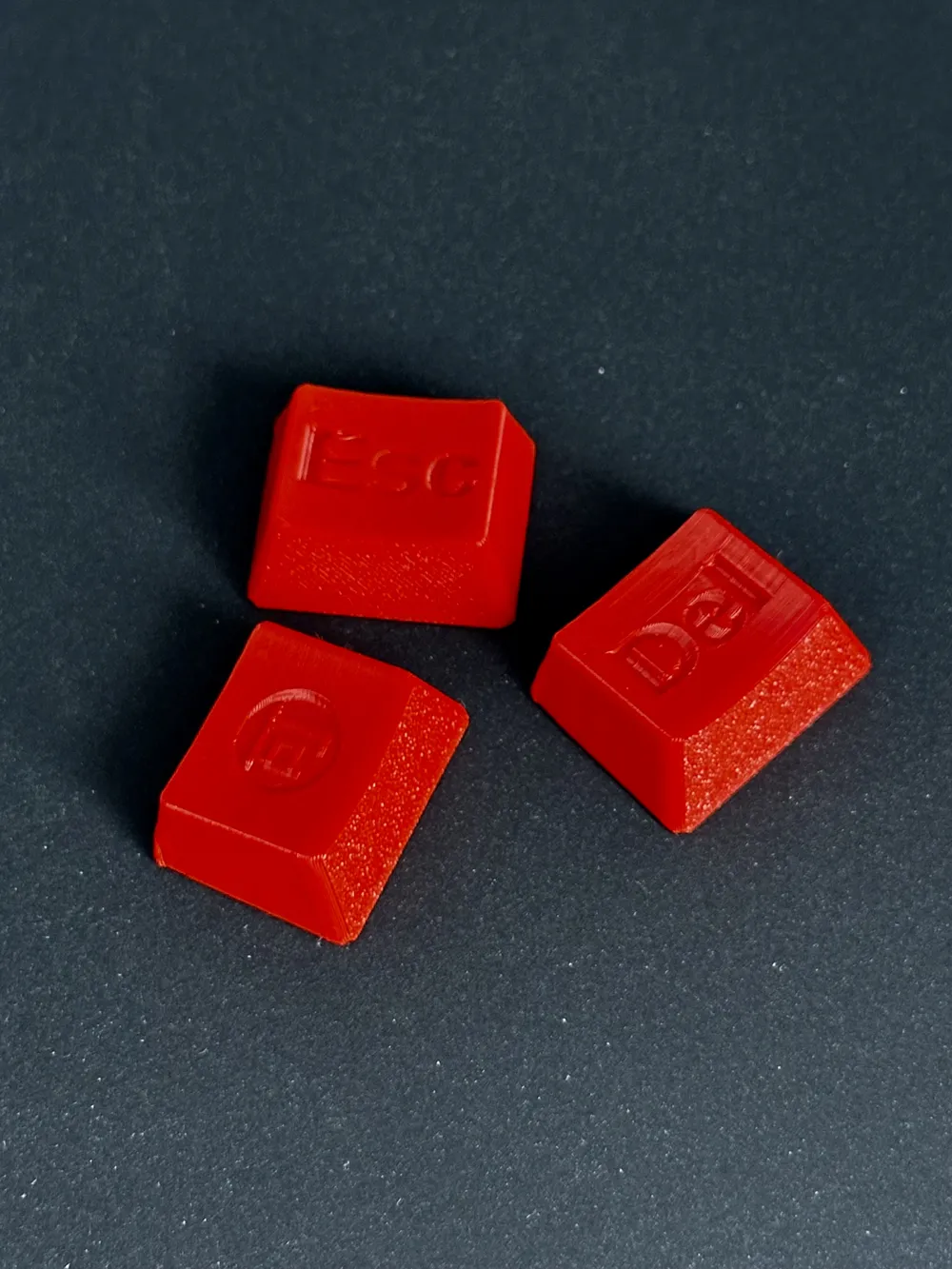
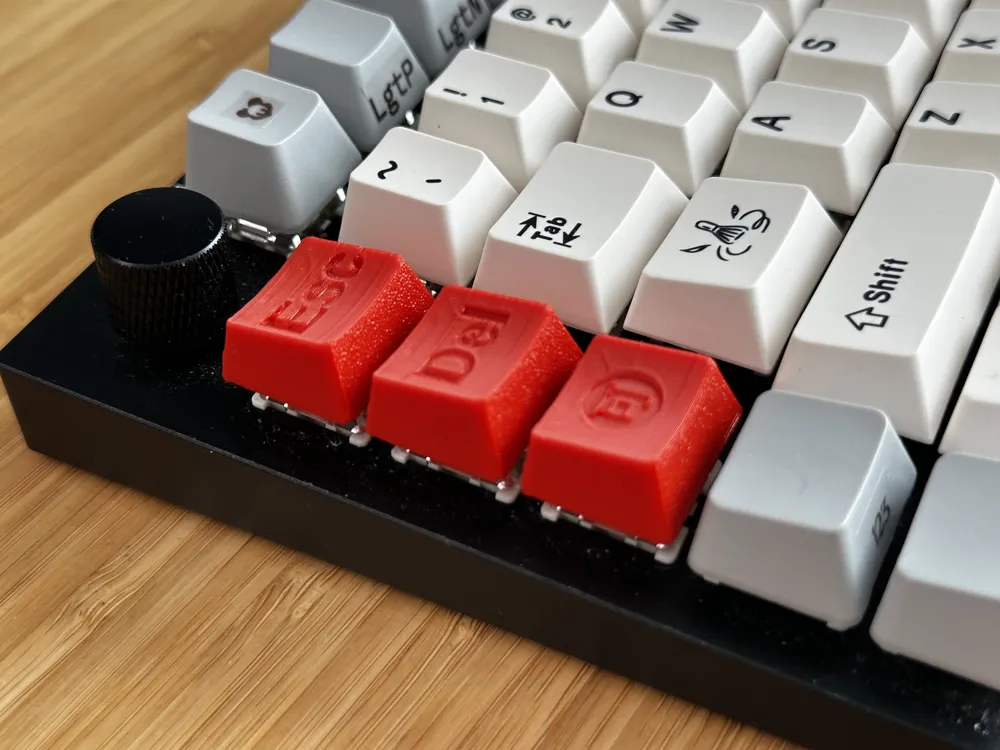
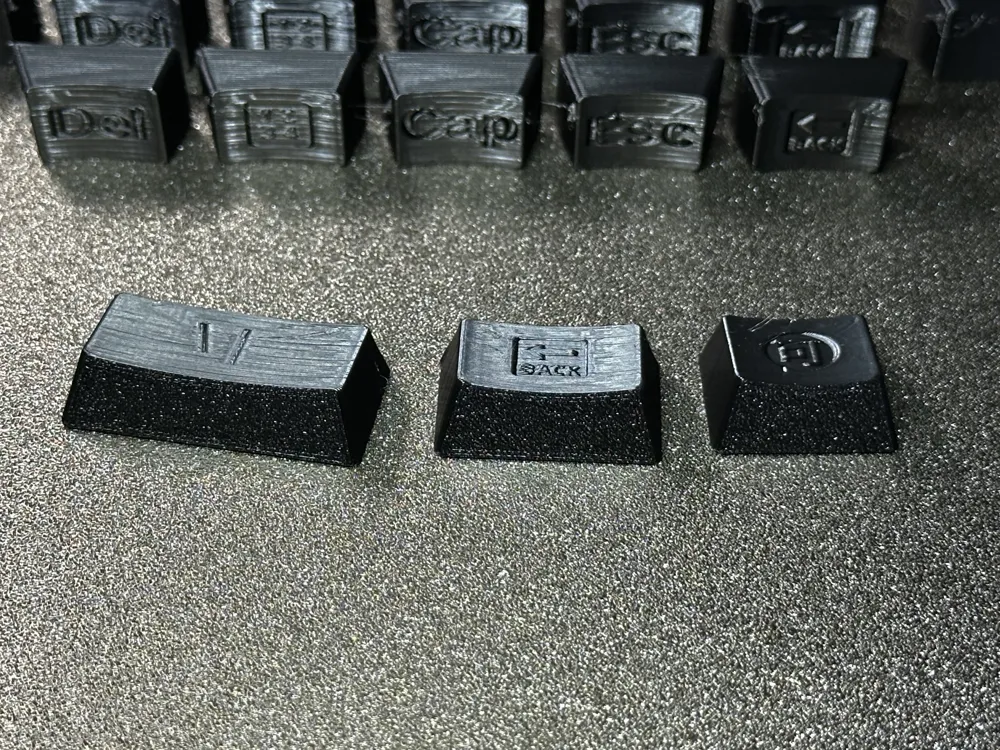
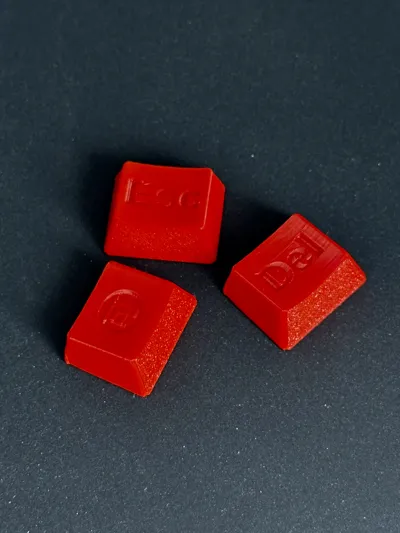
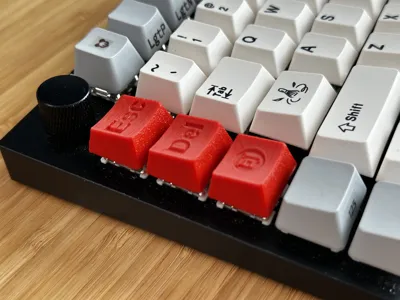
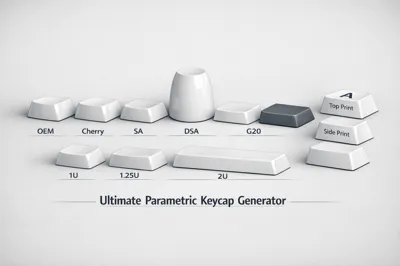
This tool is a one-stop solution for anyone needing specific or full sets of custom keycaps. It supports every major profileand standard unit size, allowing you to generate everything from a single Esc key to a full 6.25u Spacebar.
📦 Full Profile Support:
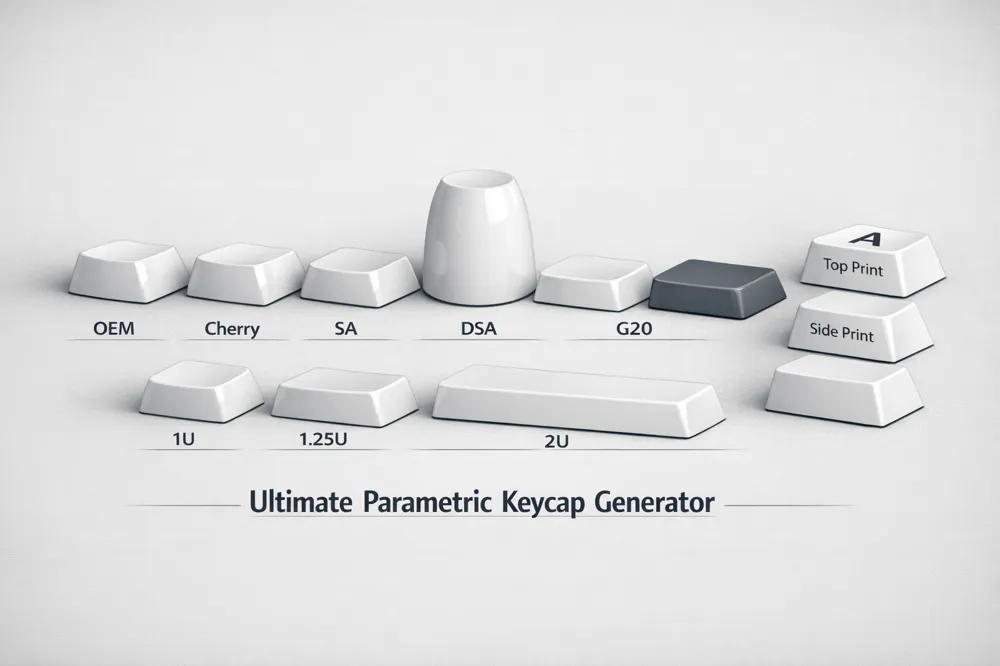
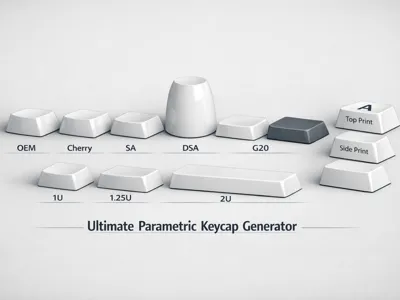
You can switch the entire set between these popular ergonomic shapes:
- OEM: Standard sculpted profile found on most keyboards.
- Cherry (DCS): The classic, lower-profile enthusiast favorite.
- SA: Tall, spherical, and vintage — perfect for that retro look.
- DSA: Low-profile, spherical, and uniform (all rows are the same height).
- G20: Flat, wide surface with rounded edges for a unique feel.
- nSA: NuPhy's low-profile profile — curved tops, gentle slope, ~10mm tall (vs 11.9mm OEM). Community approximation (no official NuPhy CAD published), so exact curves may drift a bit — cap also uses a standard-height stem post, so it may sit slightly proud on real low-profile switches.
📏 Comprehensive Size (U) Options:
Each of the 10 keys can be independently set to standard keyboard units:
- 1u: Standard alphas/numbers.
- 1.25u / 1.5u / 1.75u: Modifiers (Ctrl, Alt, Tab, Caps Lock).
- 2u / 2.25u / 2.75u: Large modifiers (Enter, Shift, Backspace).
- 6.25u: Standard Spacebar.
The generator uses a smart recursive algorithm to automatically space out keys based on their chosen width, so your set always stays perfectly aligned.
🎨 Advanced Customization:
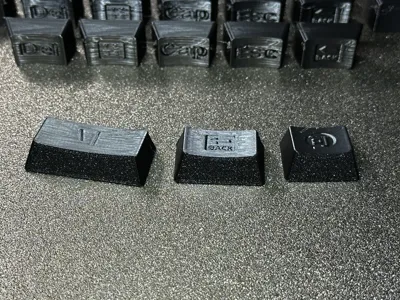
- Legend Placement: Choose Top (正刻), Front (侧刻/Side-print), or Blank (无刻) for each key.
- Per-Key Fonts: Use "Noto Emoji" for icons and "Arial" for text in the same set without conflicts.
- Stem Type: Supports Cherry MX, Alps, and Box switches.
🛠 How to Use:
- Click "Customize".
- Set the Number of Keys (up to 10) and your preferred Profile.
- For each key, select its Width (U), Text, Font, and Legend Position.
- Export and print!
💡 Printing Tips:
- Orientation & Quality:
- For the best legend (text/icon) quality, the face with the legend should be oriented perpendicular to the build plate.
- Different profiles may require different orientations. For example, OEM profiles often print well when placed with the front side on the build plate.
- Users are encouraged to experiment and evaluate the best orientation for their specific profile and printer setup.
- Nozzle: A 0.2mm or 0.4mm nozzle is recommended for fine details.
- Infill: 100% infill is recommended for the best "thocky" sound and durability.
- Support: Usually not needed for the keycap body itself, but check the stem area if you experience issues with bridge quality.
📜 Credits:
This model is powered by the KeyV2 OpenSCAD library created by Robert Sheldon (rsheldiii).
License

You shall not share, sub-license, sell, rent, host, transfer, or distribute in any way the digital or 3D printed versions of this object, nor any other derivative work of this object in its digital or physical format (including - but not limited to - remixes of this object, and hosting on other digital platforms). The objects may not be used without permission in any way whatsoever in which you charge money, or collect fees.


Comment & Rating (3)