
Arc Pro B70 OCuLink Bench Bracket - NFHK/OpenClaw
Print Profile(1)
Description
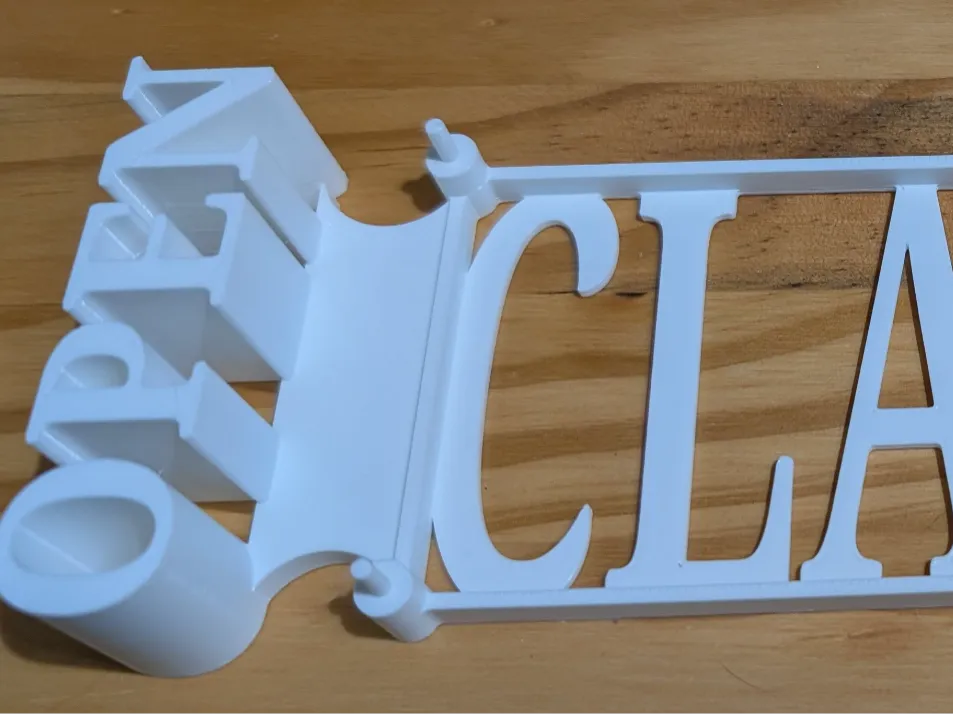
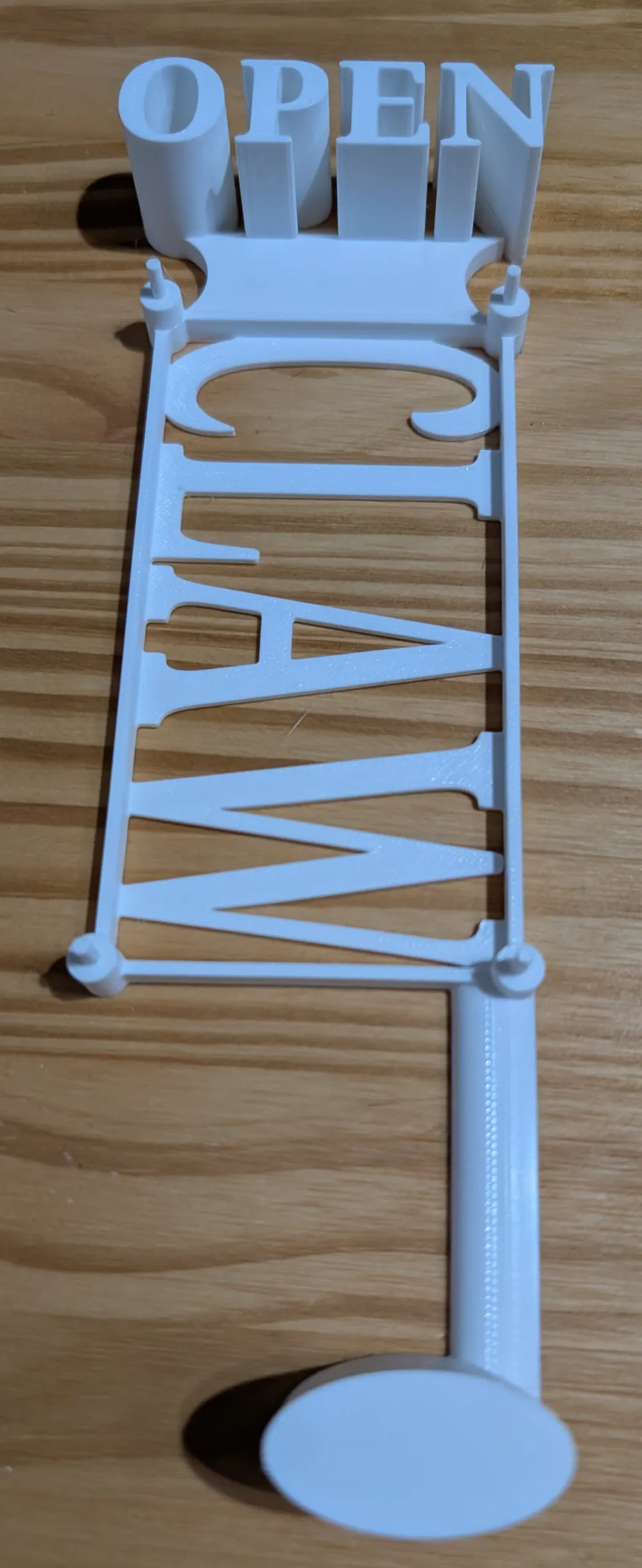
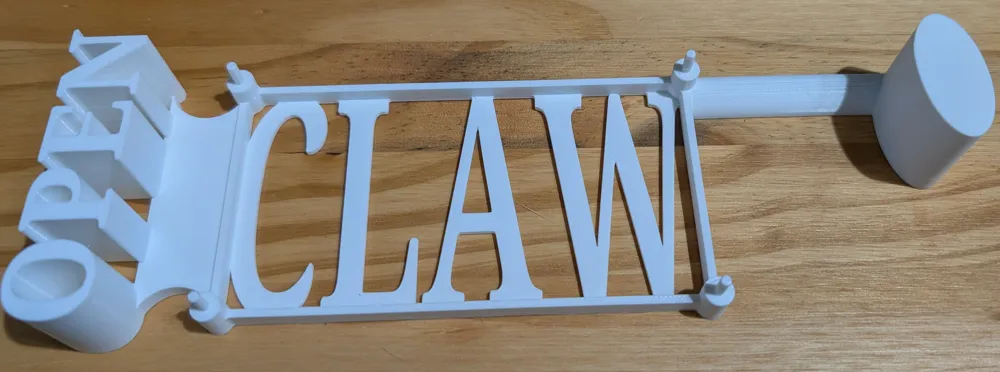
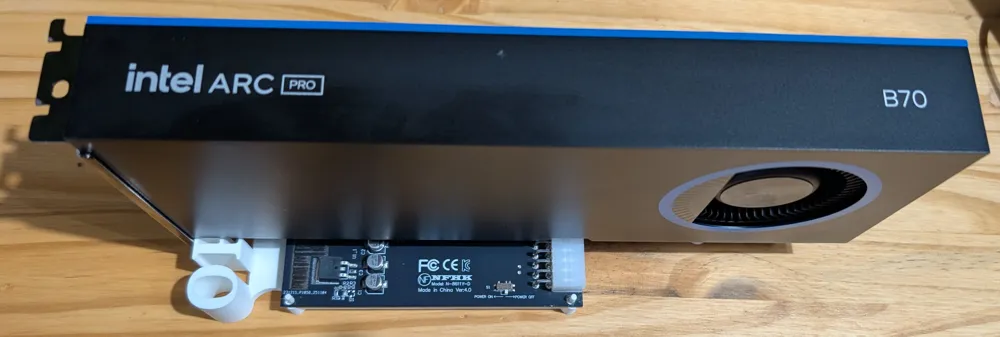
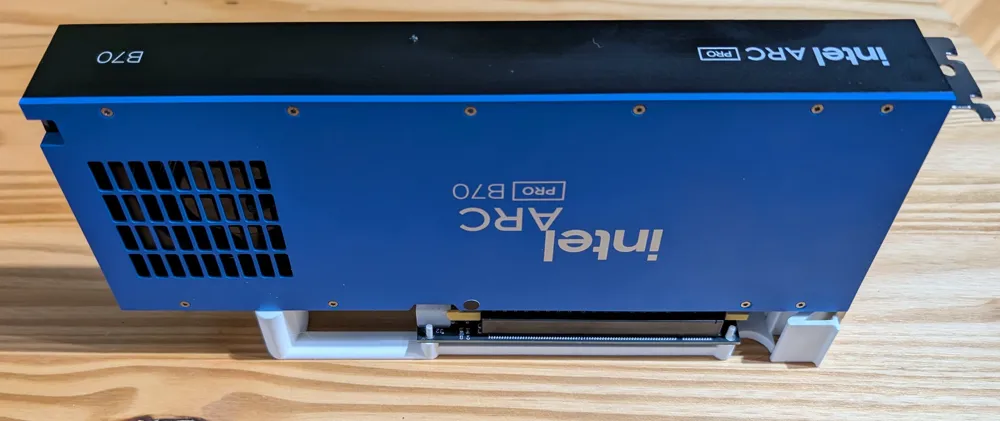
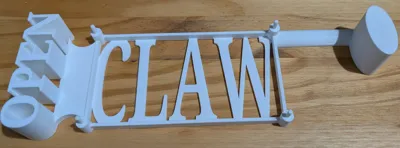
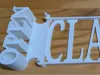
### Intel Arc Pro B70 OCuLink Test Bench Bracket — NFHK Adapter (OpenClaw Themed)
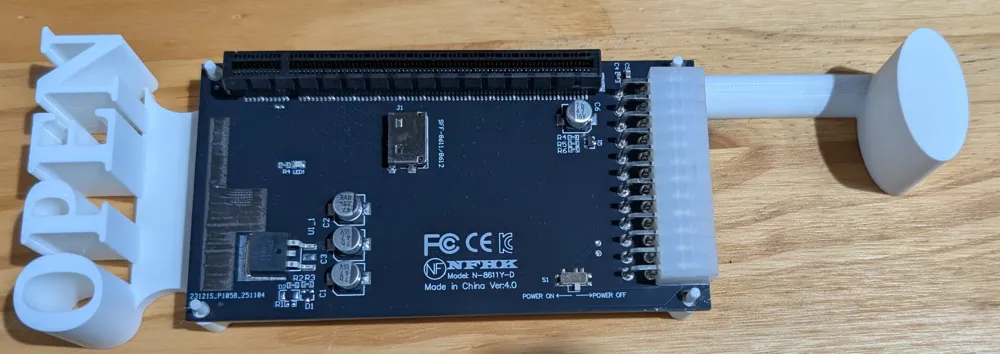
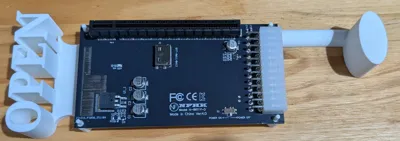
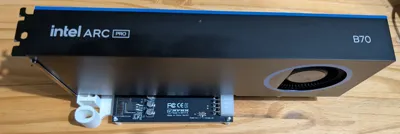
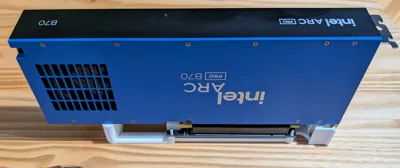
A 3D-printed GPU support bracket designed for open-bench testing of the **Intel Arc Pro B70** connected via **OCuLink** using the **NFHK 4X OCuLink SFF-8612/8611 to PCIe x16 Adapter**.
**⚠️ Compatibility Note:** This bracket was designed specifically for the NFHK adapter linked below. Other OCuLink-to-PCIe adapters have different mounting hole positions and board dimensions — they probably won't fit.
---
### What It Does
- Supports the Arc Pro B70 in an open-bench / test-bench configuration
- Mounts to the NFHK OCuLink adapter board
- Provides stable GPU positioning without a case or chassis
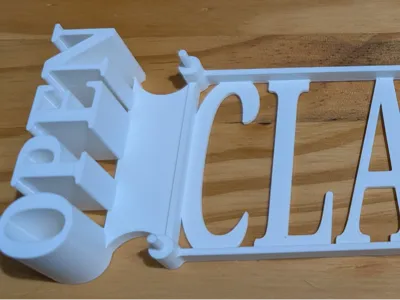
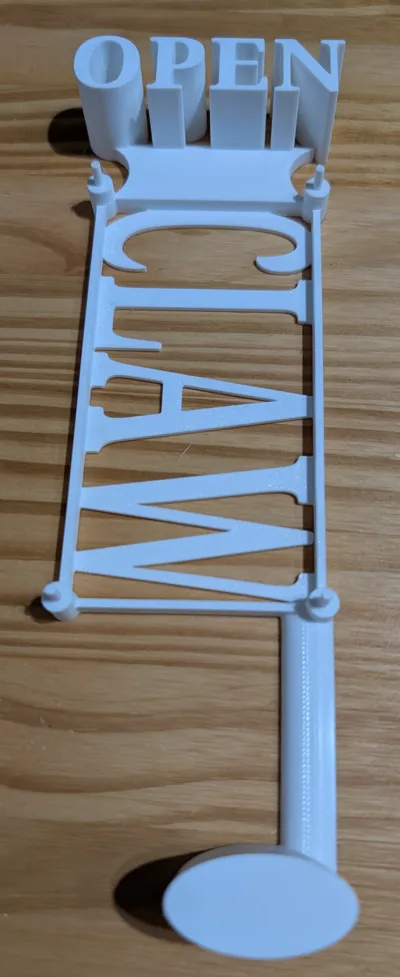
- Features OpenClaw branding (open-source agentic AI platform)
---
### My Build
This bracket is part of a compact AI development workstation I built using a mini PC with an OCuLink port, the Intel Arc Pro B70, and llama.cpp running local LLM inference via Intel's SYCL/Level-Zero backend.
The full build story and benchmarks will be available soon.
Also available on https://www.thingiverse.com/thing:7343934.
---
### Hardware Used in This Build
- **Mini PC:** GMKtec K12 — AMD Ryzen 7 H 255 (8745HS), 32GB DDR5, 512GB SSD, OCuLink — https://amzn.to/4mXsGZG
- **GPU:** Intel Arc Pro B70 32GB — [B&H Photo](https://www.bhphotovideo.com/c/product/1959142-REG/intel_33p01ib0bb_arc_pro_b70_32gb.html) *(I paid $949 — currently listed at $1,101.60 and out of stock)*
- **OCuLink Adapter (REQUIRED for this bracket):** NFHK 4X OCuLink SFF-8612/8611 to PCIe x16 — https://amzn.to/4cT4JOq
- **OCuLink Cable:** https://amzn.to/421cnBq *(works but too short — I recommend buying a longer one)*
- **Fan Controller:** 4-Pin PWM Hub, 6-fan, SATA/DC 5525 — https://amzn.to/48pIu1o
- **Case Fan:** be quiet! Pure Wings 3 120mm PWM (BL105) — https://amzn.to/3OSIyA3
---
### Print Settings
- **Material:** Overture PETG
- **Slicer:** Bambu Studio — generic PETG filament profile, generic print settings
- **Supports:** None
- **Tweaks:** None — I was planning to dial it in but didn't have to. It printed clean on the first try.
- **Print Time:** ~1.5 hours
That's it. No special tuning. If you've got a Bambu printer and PETG loaded, you can slice and print this without touching a single setting.
---
*Hardware links are Amazon Associates links. I receive a small commission on purchases — but these are the exact parts I bought and use.*
License



Comment & Rating (0)