
Absolute Batman Mini Kickstand — Magnetic Logo
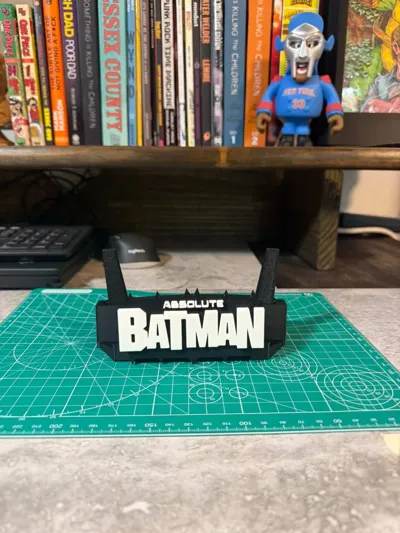
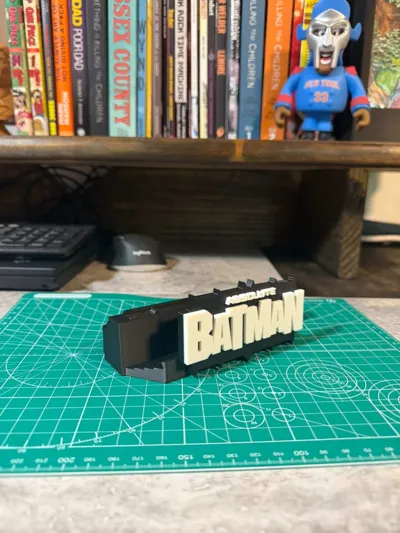
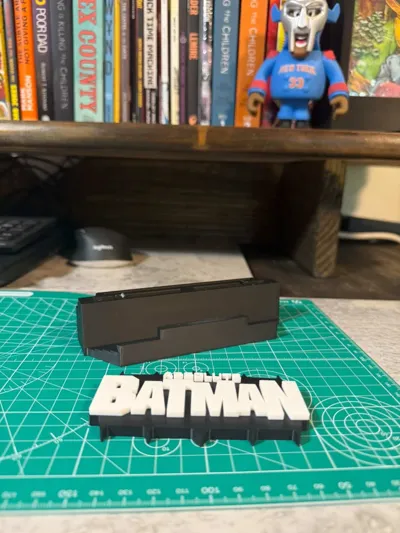
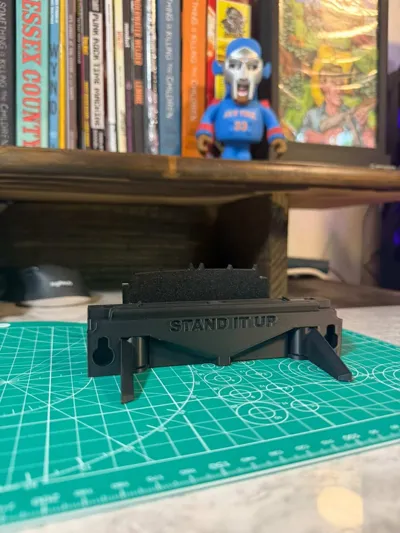
Print Profile(1)
Description
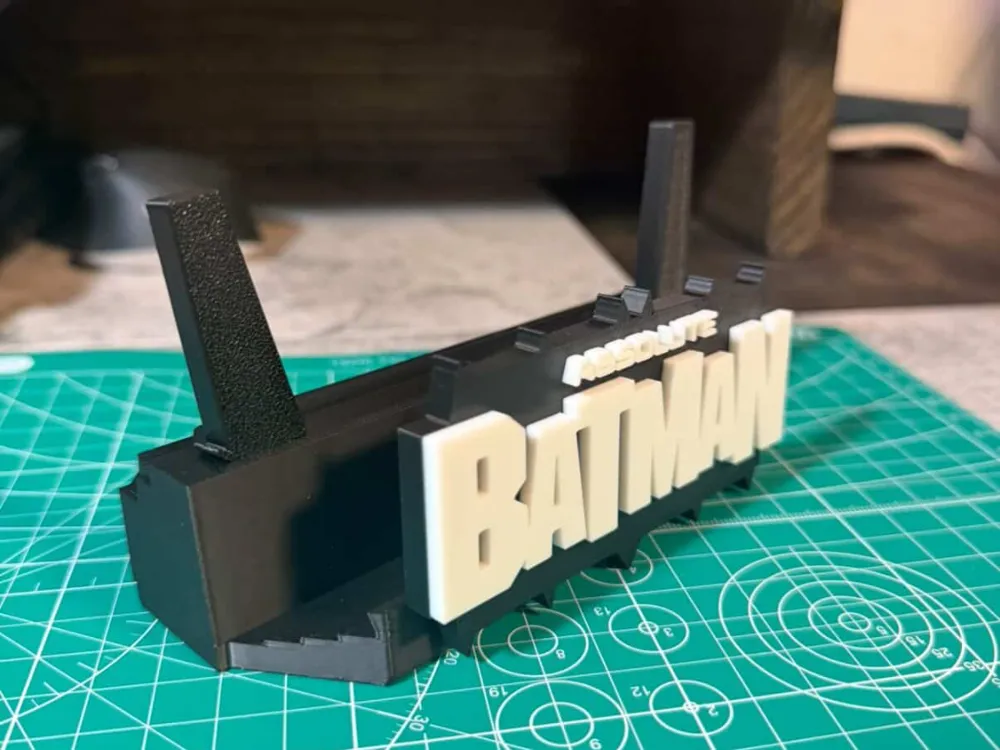
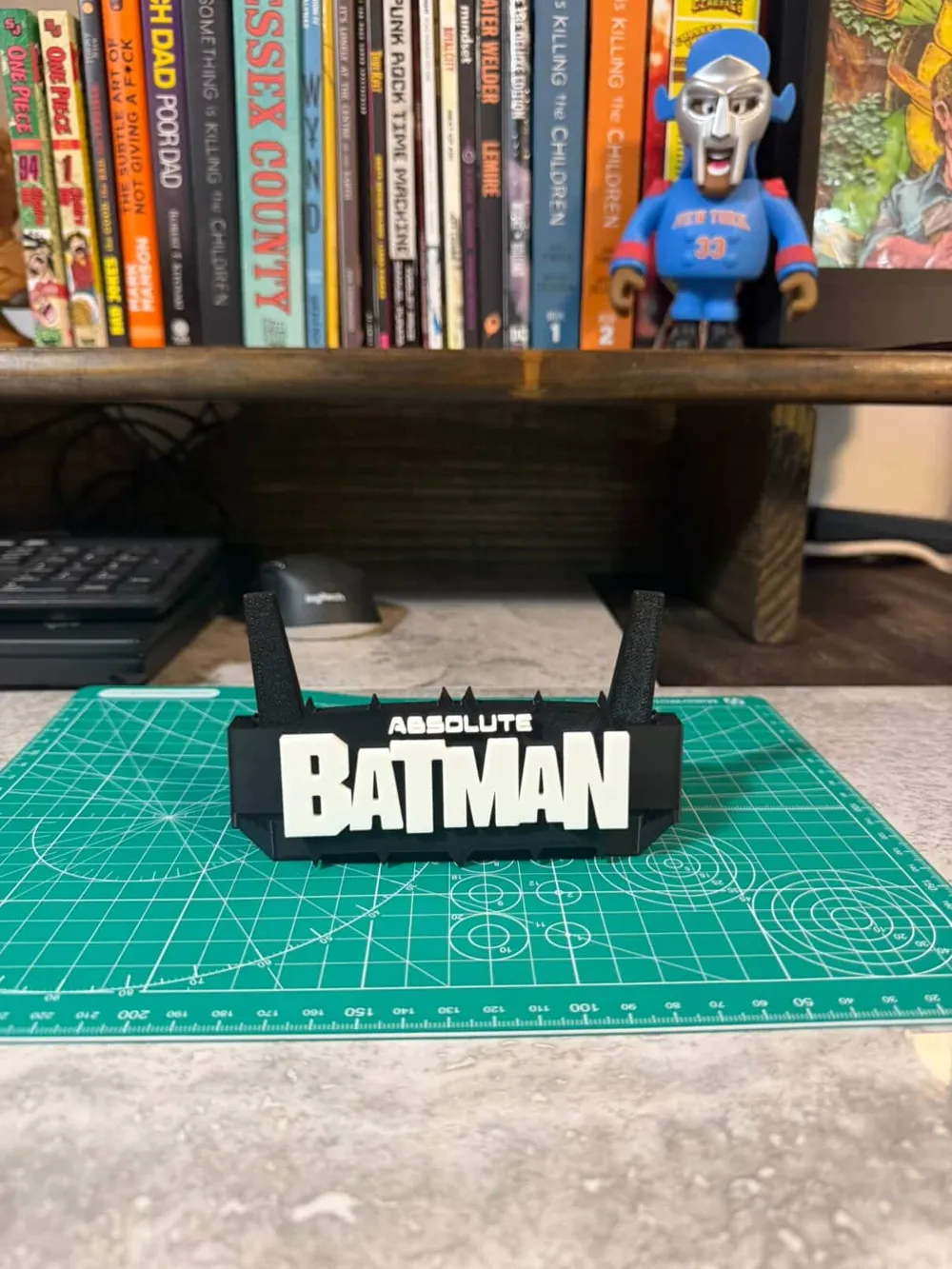
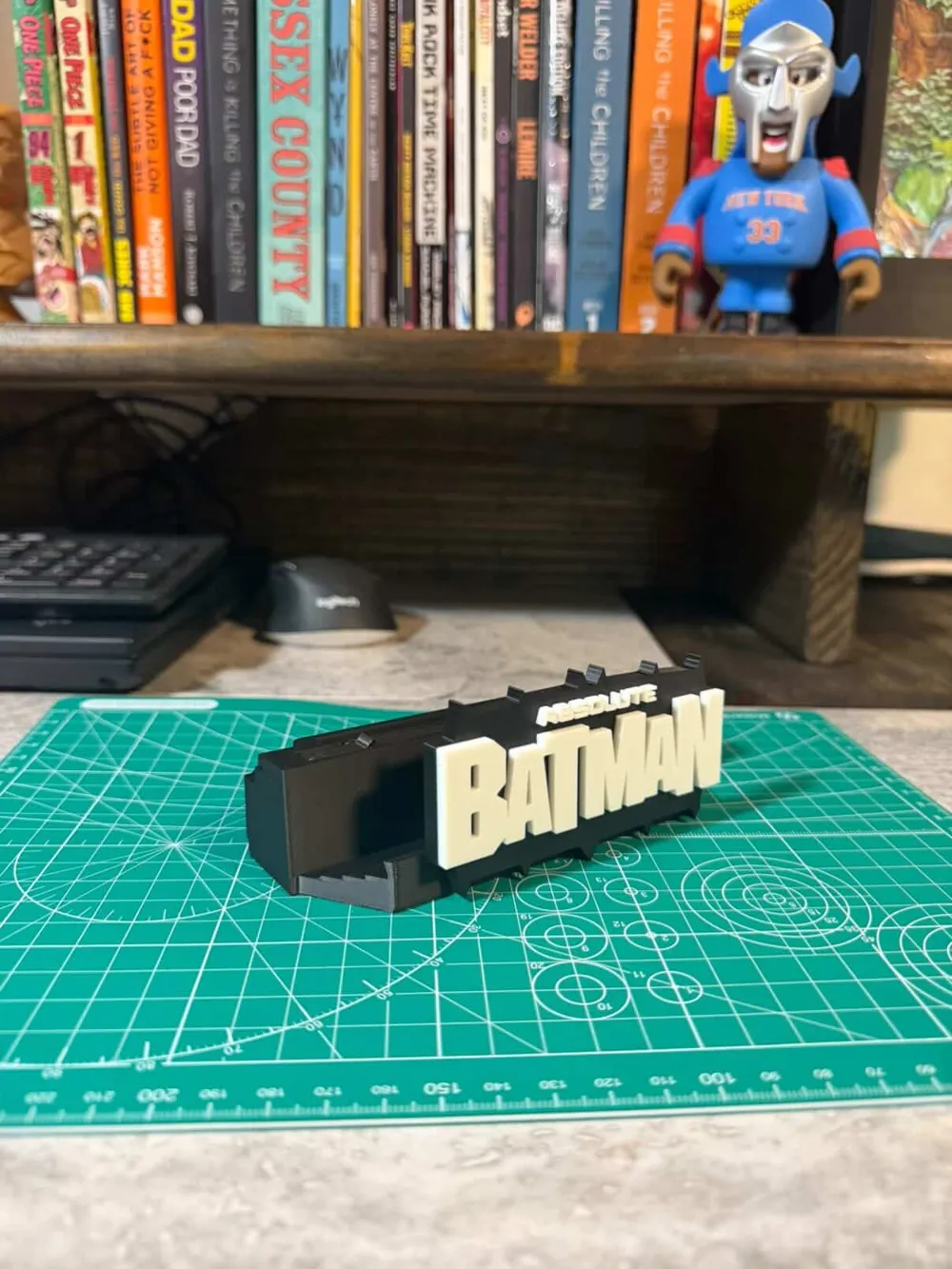
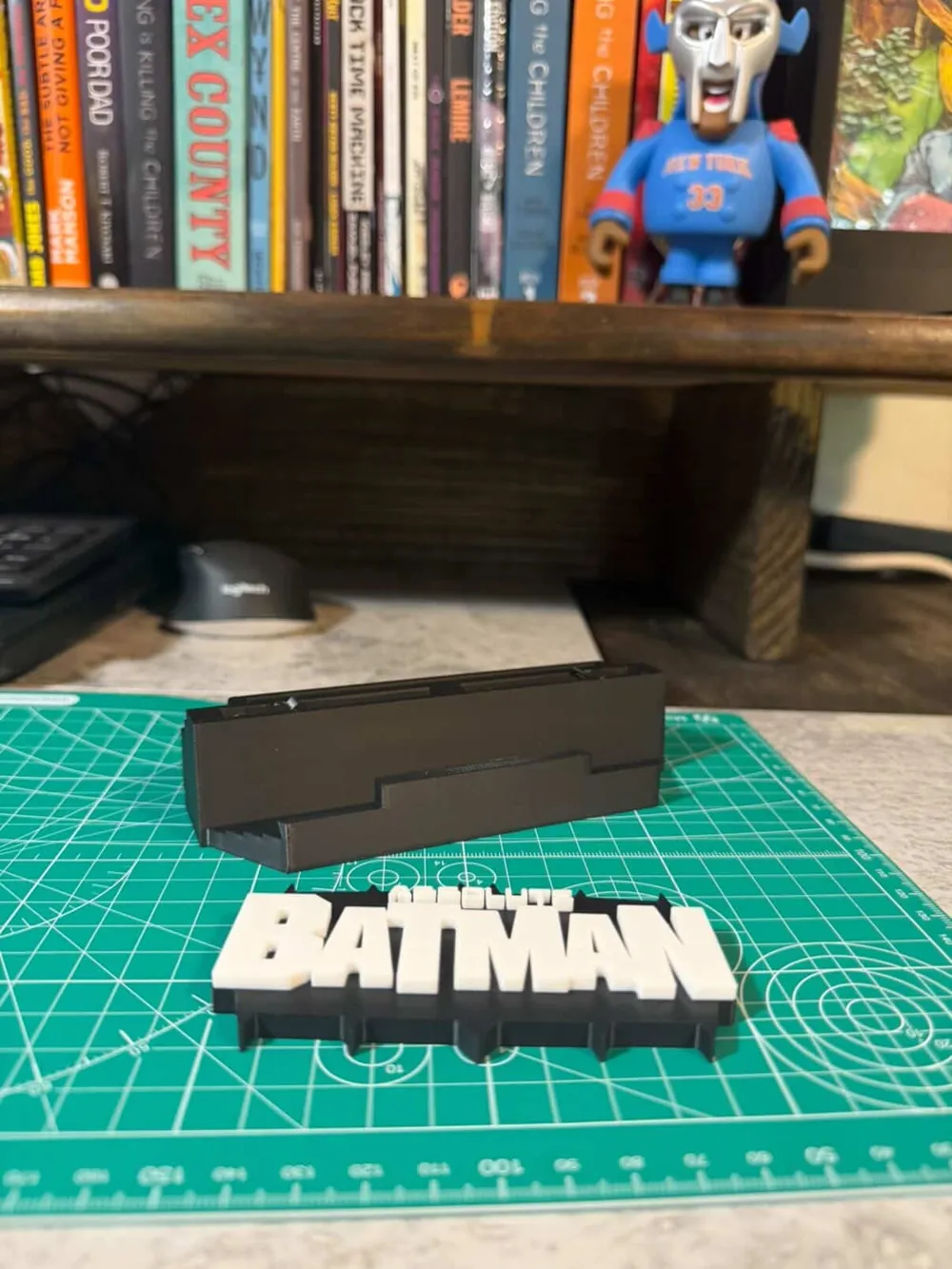
Absolute Batman Mini Kickstand — Magnetic Logo Plate - Glued Logo
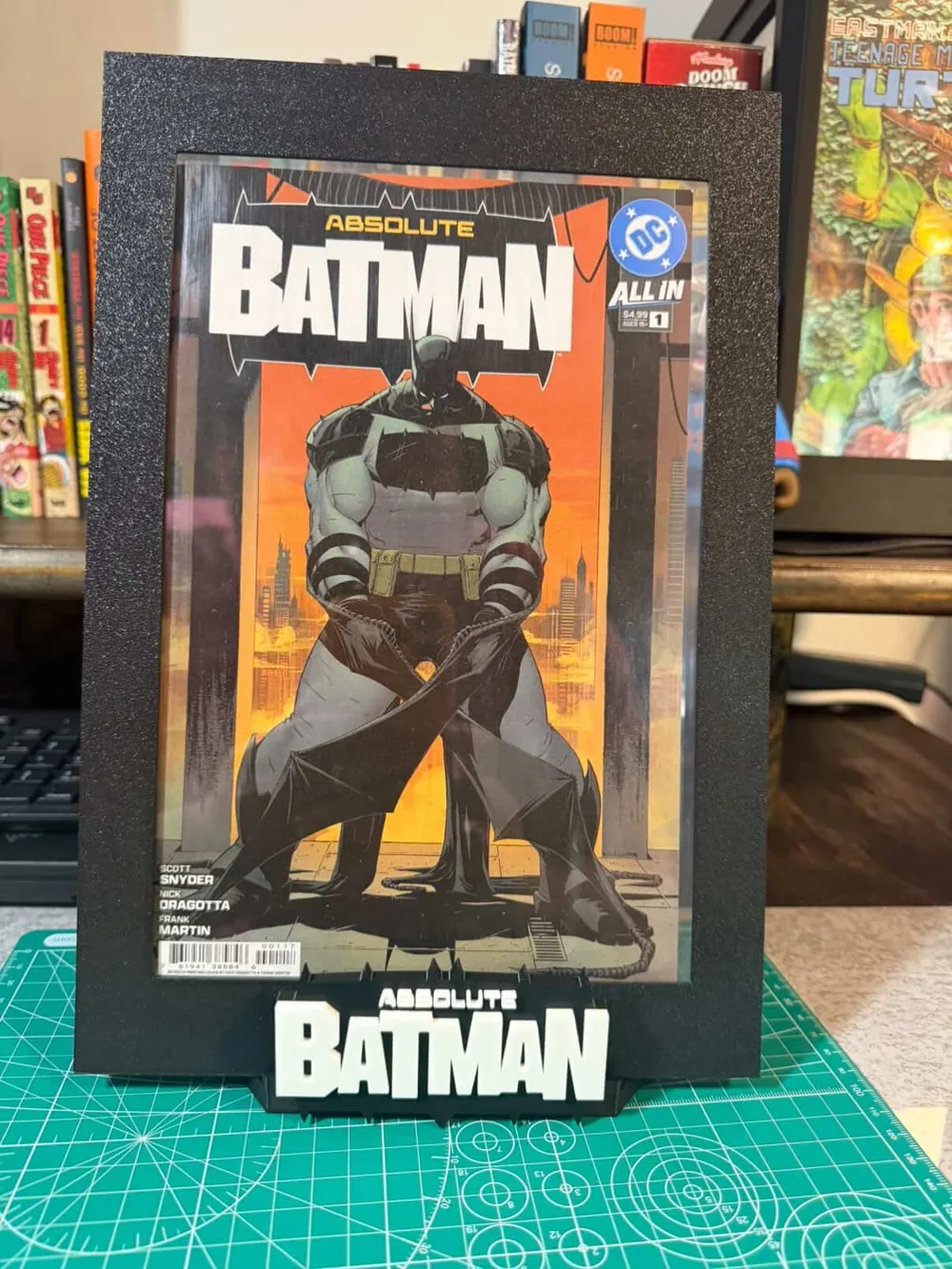
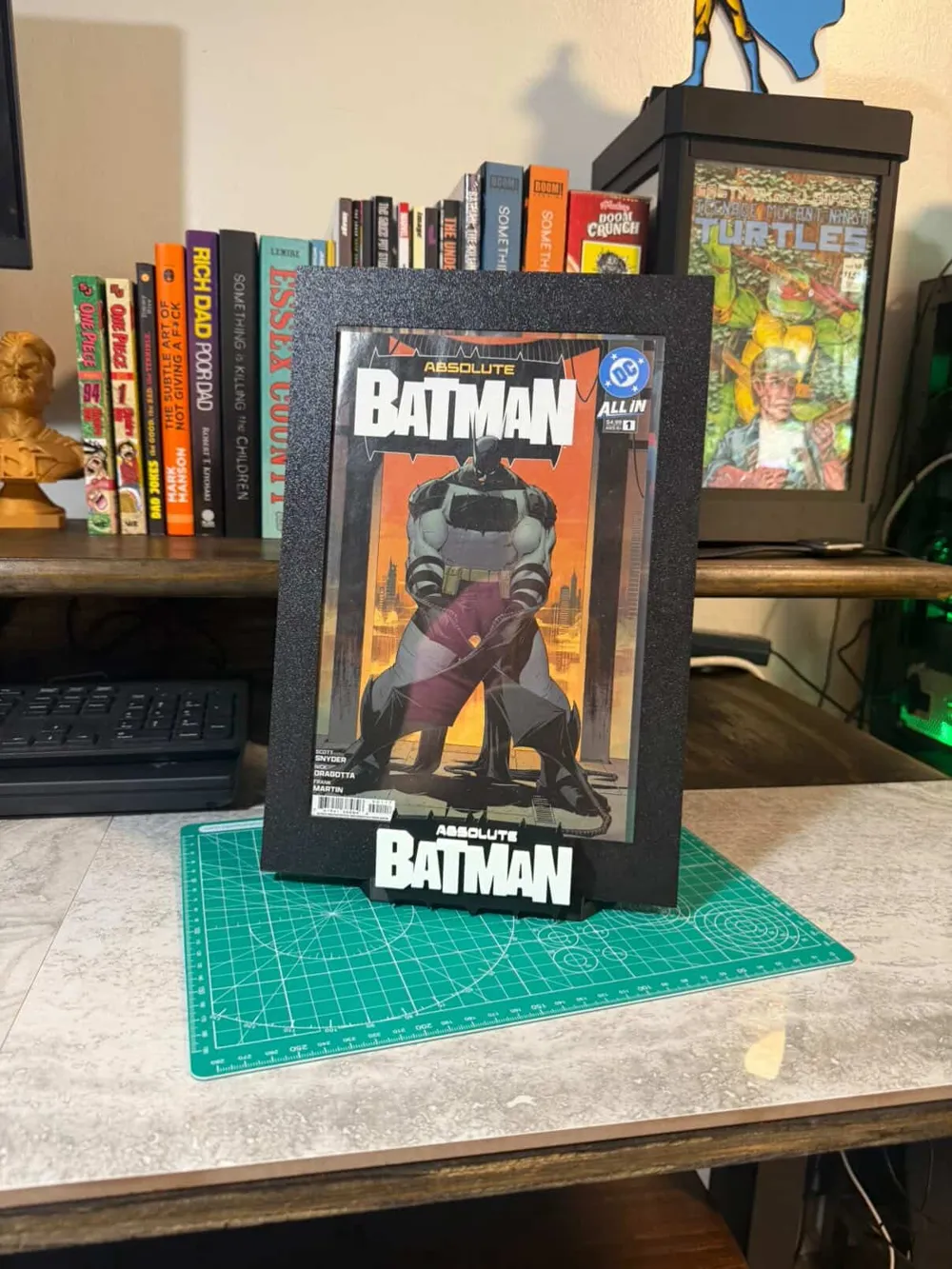
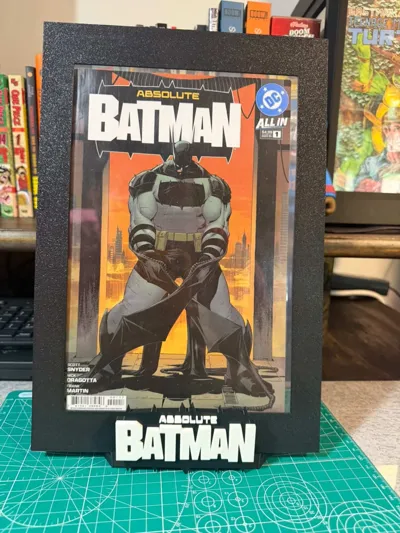
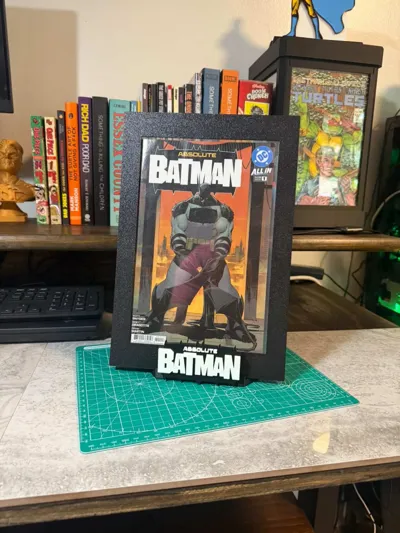
A desk-sized piece of Gotham that actually pulls its weight. The magnetic logo swap system means you can hot-swap face plates in seconds — no reprints, no fuss, just peel and stick.
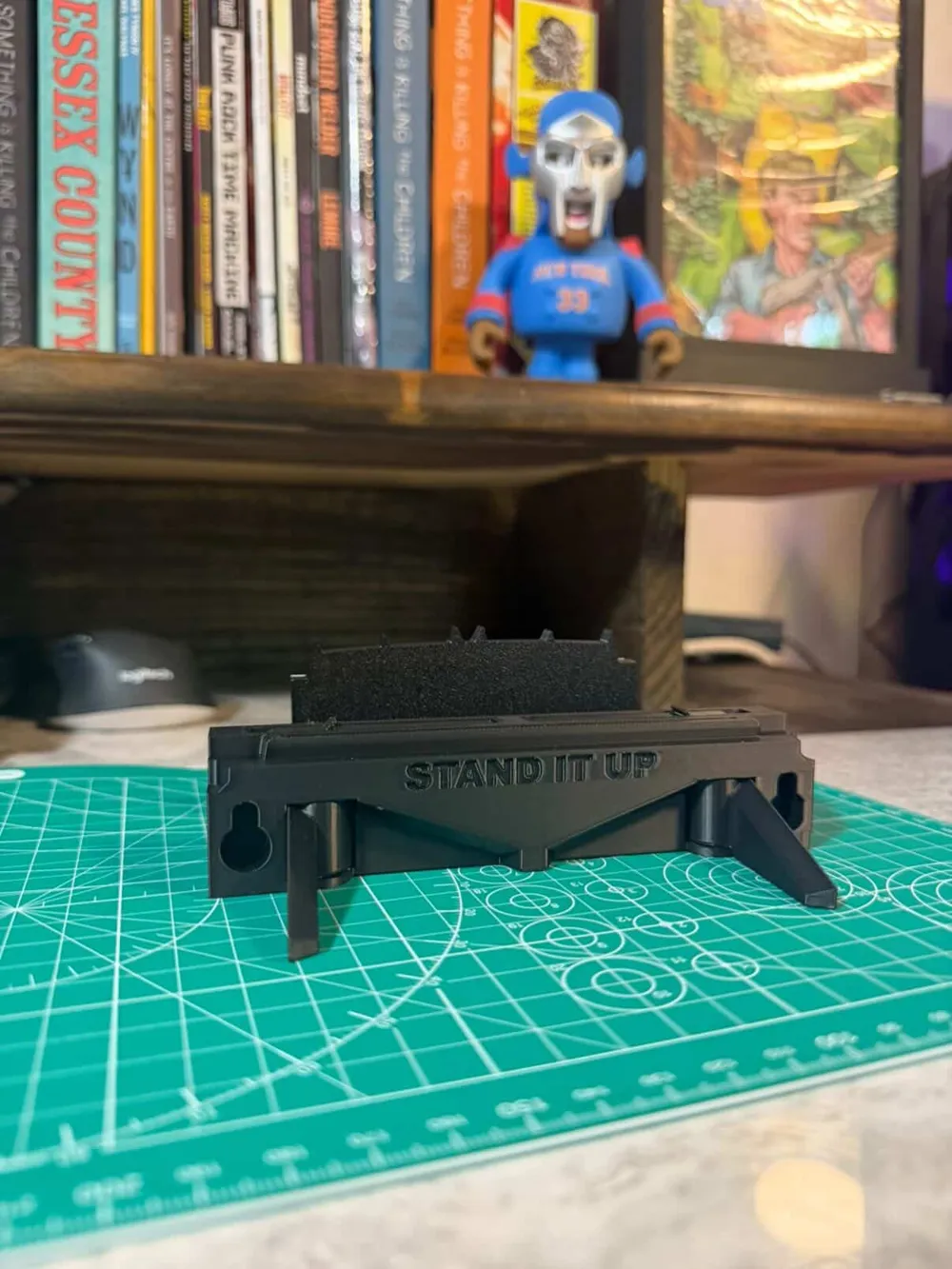
Compact enough to sit next to your keyboard without taking over your desk, this mini kickstand keeps your phone propped at a clean viewing angle while the Batman logo does the talking. The 50×10×3mm magnet spec hits the sweet spot — strong enough to hold the plate firmly, easy enough to swap whenever you feel like changing the look.
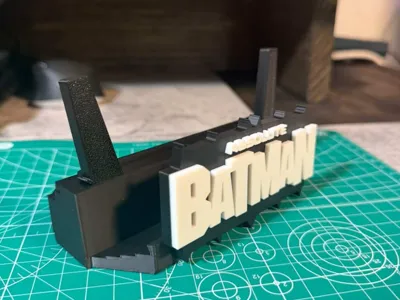
The kickstand arms are print-in-place, so they come off the bed ready to flex — no assembly, no fussing with hinges. The top levers print separately for color theming and pop into place for a clean two-tone or fully custom finish. An optional backboard slot lets you add a branding panel or extra rear support depending on how you want to run it.
This one's aimed at collectors who want function with their display pieces, and sellers who want a killer product shot prop. Printed in multi-color on a Bambu at Bambu prices, it's one of the most affordable logo kickstands on MakerWorld.
✨ Features
- 🧲 Magnetic logo plate system — 50×10×3mm magnet spec, swaps in seconds
- 🔩 Print-in-place kickstand levers — functional right off the bed, zero assembly
- 🎨 Separate top levers for color theming — pop in place, no hardware needed
- 🖼️ Optional backboard slot — add a branding panel or extra rear support
- 🖨️ Optimized for Bambu machines — fast, clean, no fuss
- 📐 Mini footprint, big presence on a desk or streaming setup
- 🚫 No supports needed
- 🧩 Logos can be Glued or magnetic modular — print multiples, swap freely
🛠️ Printing Notes
- Layer height: 0.2mm standard — drop to 0.15mm if you want tighter detail on the bat logo or lever gaps
- Infill: 15–20% on the base; 30%+ on the logo plate for magnet cavity strength; top levers print solid or near-solid for a clean snap fit
- Filament: Matte black on the body is the move — silk yellow or gold on the bat logo and top levers pops hard; the backboard is a great spot for a third accent color
- Magnet fit: 50×10×3mm — press-fit should be snug; if your printer runs loose tolerances, a drop of super glue seats it permanently
- Print-in-place levers: If needed us a straight edge or razor to break the levers free
Finishing tip: A few quick passes with a heat gun over the logo plate and top levers smooths layer lines and really brings out the sheen on silk filaments — keep it moving, a couple seconds per section is all it takes.
🔧 Assembly
- Print base (with print-in-place levers already integrated) and all separate parts
- pop the print-in-place levers gently out
- Pop the top levers into place — they seat with a satisfying click, no hardware needed
- Press 50×10×3mm magnets into the logo plate cavity and base receiver — check polarity before Gluing and seating
- Snap logo plate onto base
- (Optional) Slide the backboard into the rear slot for branding or added stability
🎨 Customization Notes
- Top levers are a great place to introduce a second or third filament color — swap them out seasonally or to match a seller brand
- The optional backboard is your canvas — add a seller name, QR code, or logo in your slicer as an emboss before printing
We’re grateful for all your support! 🙌
👉 Stand It Up now has a Bambu subscription service—a great way to support our work and unlock access to all our free models in one place.
⚠️ Reminder: These files are for personal use only. Please do not resell without permission.
📲 Don’t forget to tag us when you print!
@standitupcomics | IG / FB / TikTok
👉 https://linktr.ee/Standitupstore
Happy printing & displaying! 🎉
License

You shall not share, sub-license, sell, rent, host, transfer, or distribute in any way the digital or 3D printed versions of this object, nor any other derivative work of this object in its digital or physical format (including - but not limited to - remixes of this object, and hosting on other digital platforms). The objects may not be used without permission in any way whatsoever in which you charge money, or collect fees.


Comment & Rating (6)