
P2S High Quality Print Profiles V2 – Test Print
Print Profile(2)


Description
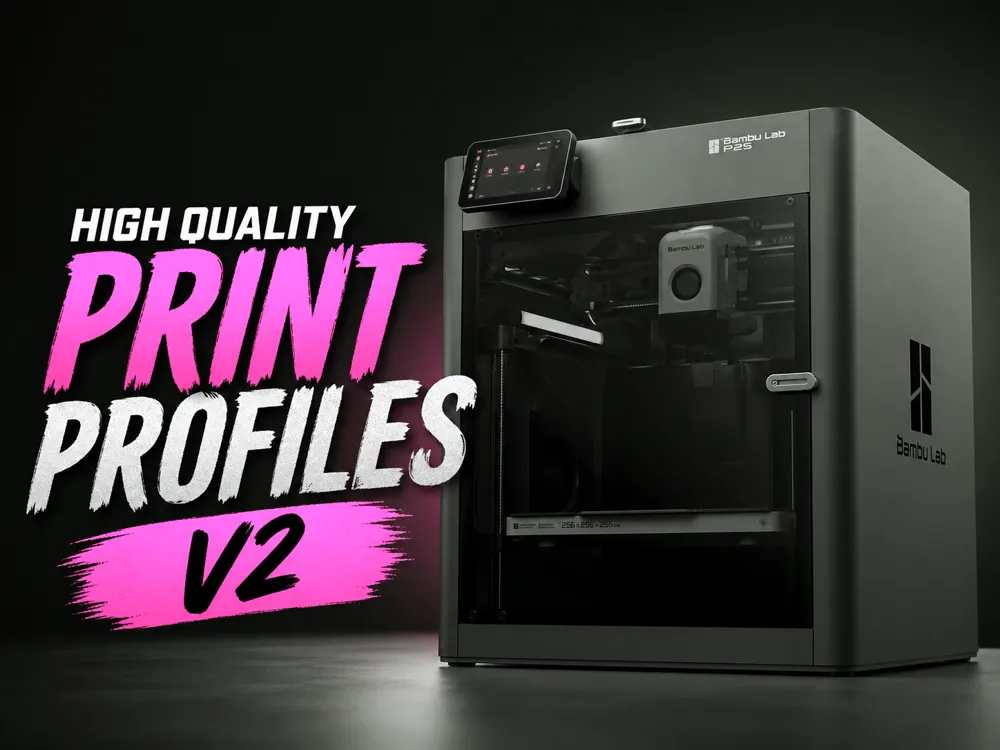
This profile is the result of extensive real-world calibration and testing on the Bambu Lab P2S. Every important parameter has been carefully tuned to strike the balance between high-quality surface finish and fast print times—so you don’t have to choose between the two.
For users who want to push quality even further, the package also includes an Ultra High Quality profile, designed for those who are willing to wait a bit longer in exchange for maximum precision and detail.
What Makes This Profile Different:
- VFA Reduction (Vertical Fine Artifacts):
The outer wall speed has been specifically calibrated to minimize and effectively eliminate the VFA effect commonly seen on the P2S, resulting in smoother, more consistent outer surfaces. - Layer Width Optimization:
Layer width values have been heavily tested and adjusted to improve surface consistency, strength, and dimensional accuracy. Bridge Tuning (Deep Testing Results):
I spent a significant amount of time experimenting with bridge behavior:Best raw bridge results:
Bridge Flow = 1.4
Bridge Speed = 10
→ Produces extremely clean bridge overhangs.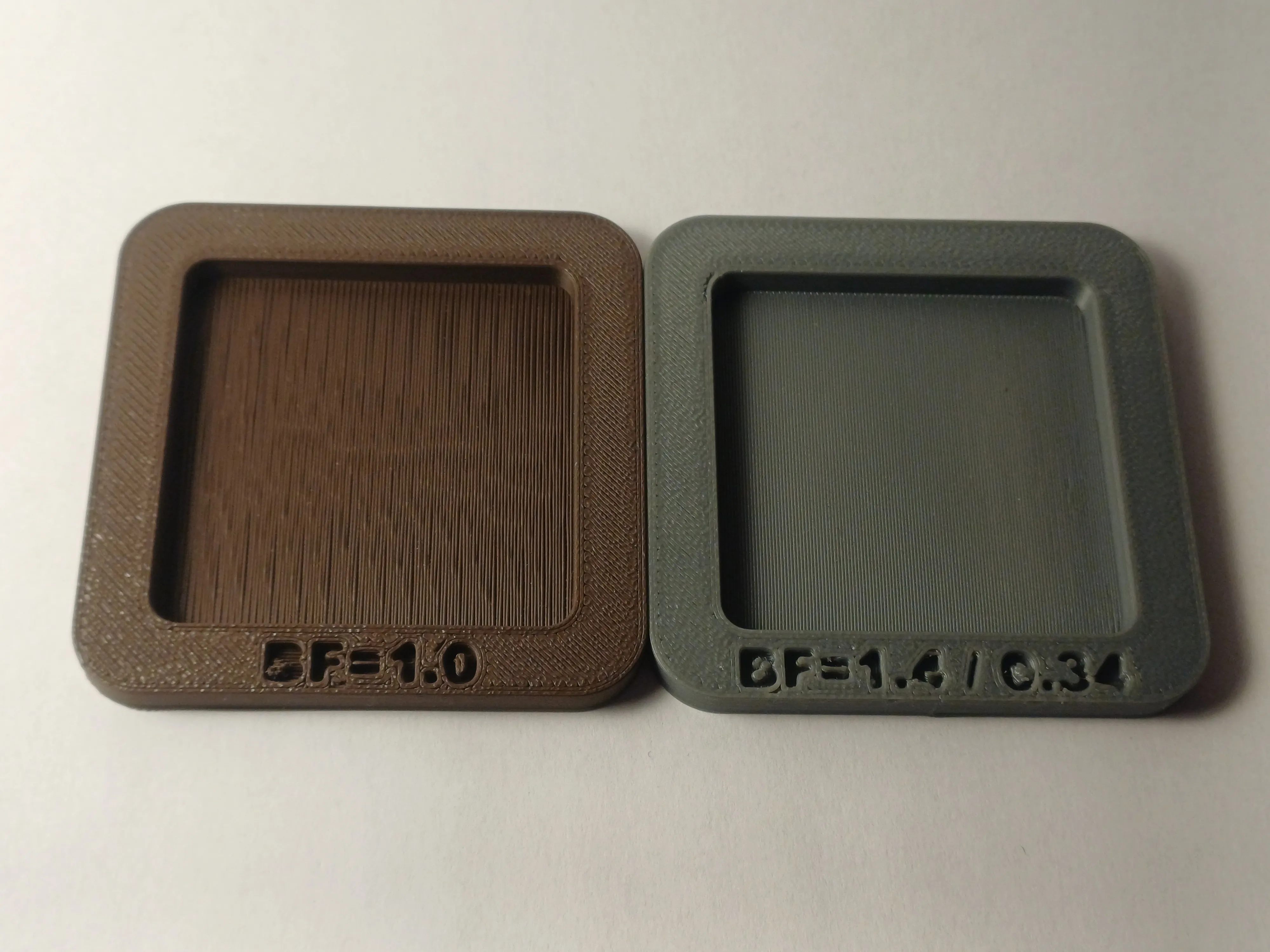
However, this caused inner bridges (first solid layer above infill) to sag noticeably.
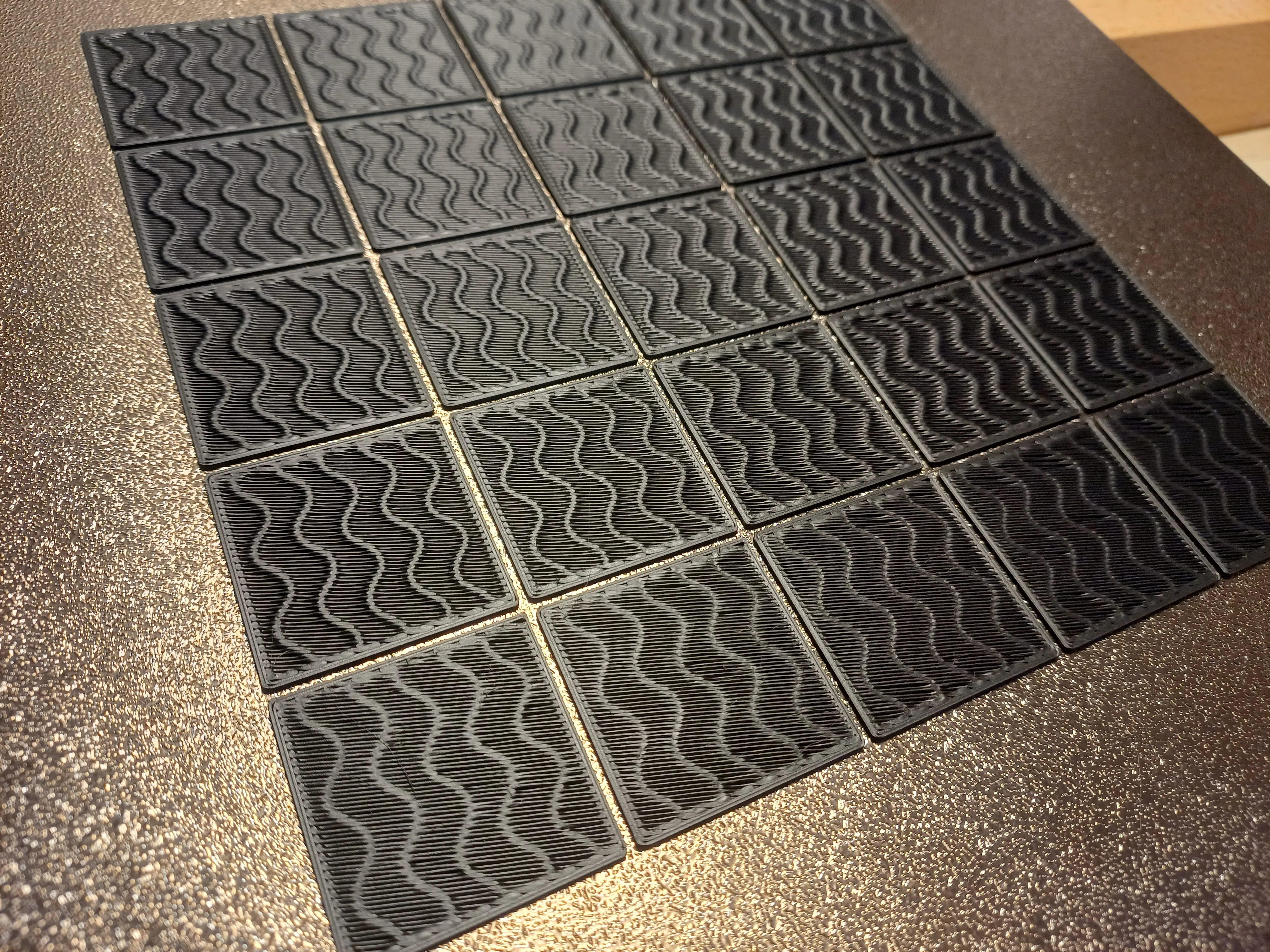
Because of this, the default profile uses:
Bridge Flow = 1.0
Bridge Speed = 50→ These settings give better overall results across most models.
That said, some models may benefit from the more aggressive bridge settings, so feel free to experiment depending on geometry.
- Ironing Calibration:
Ironing flow and speed have been carefully calibrated to work well with most filaments, based on testing with Bambu PLA and Bambu PETG.- Ironing is disabled by default in both profiles.
- However, the tuned values are already saved, so enabling ironing will automatically use these calibrated settings.
- Since ironing behavior varies between filaments, you may still need to fine-tune for your specific material.
Wall Settings Recommendation:
- Default:
Inner/Outer wall order → Best balance for most models. - For models without overhangs where you want the cleanest possible outer surface:
- Set Wall Count = 3
- Change wall order to:
Inner → Outer → Inner
→ This can significantly improve outer wall finish.
Additional Notes:
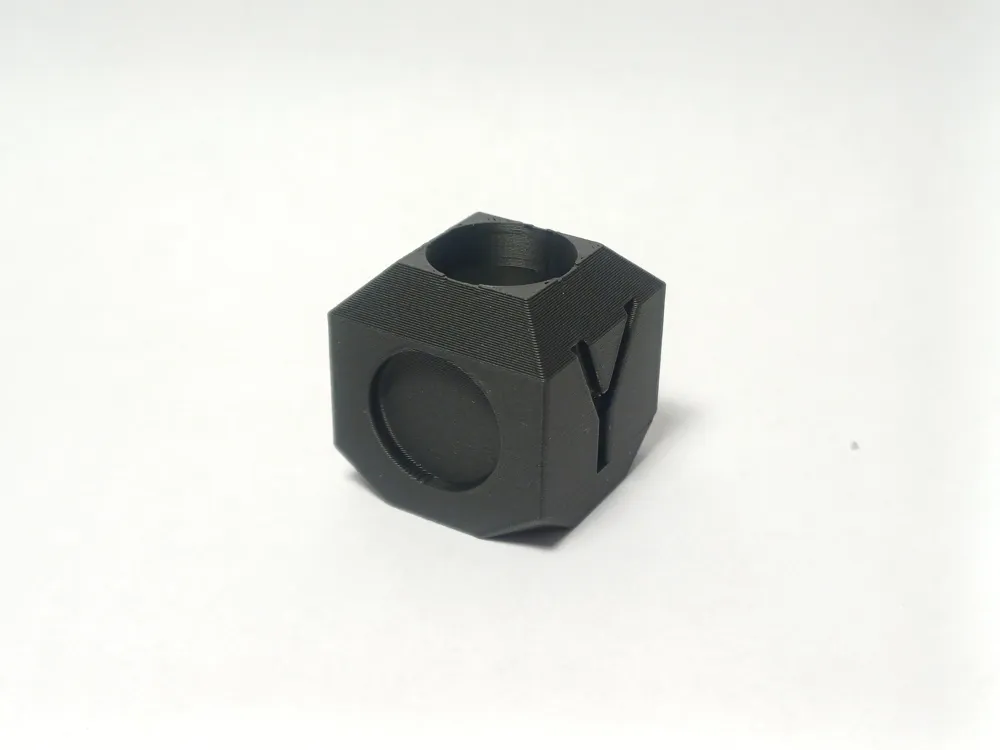
- This package includes a simple test cube model so you can quickly verify print quality and tune further if needed.
- The profile is designed to be reliable across a wide range of prints, while still leaving room for advanced users to tweak specific behaviors.
If you want a profile that’s been dialed in through actual testing—not just theory—this is it.
Boost Me (for free)
Enjoying my work? Support me for free!
License

You may create derivative works based on this object, provided that all such derivative works are published exclusively on the MakerWorld platform and include proper attribution to the original creator. You may not share, upload, host, distribute, or publish this object—or any derivative work of this object—on any other digital platform, marketplace, or distribution channel. Commercial use of this object and any derivative works is strictly prohibited. This includes, but is not limited to, selling, renting, sublicensing, or using the object in any context in which you receive monetary compensation or other financial benefits.


Comment & Rating (125)