
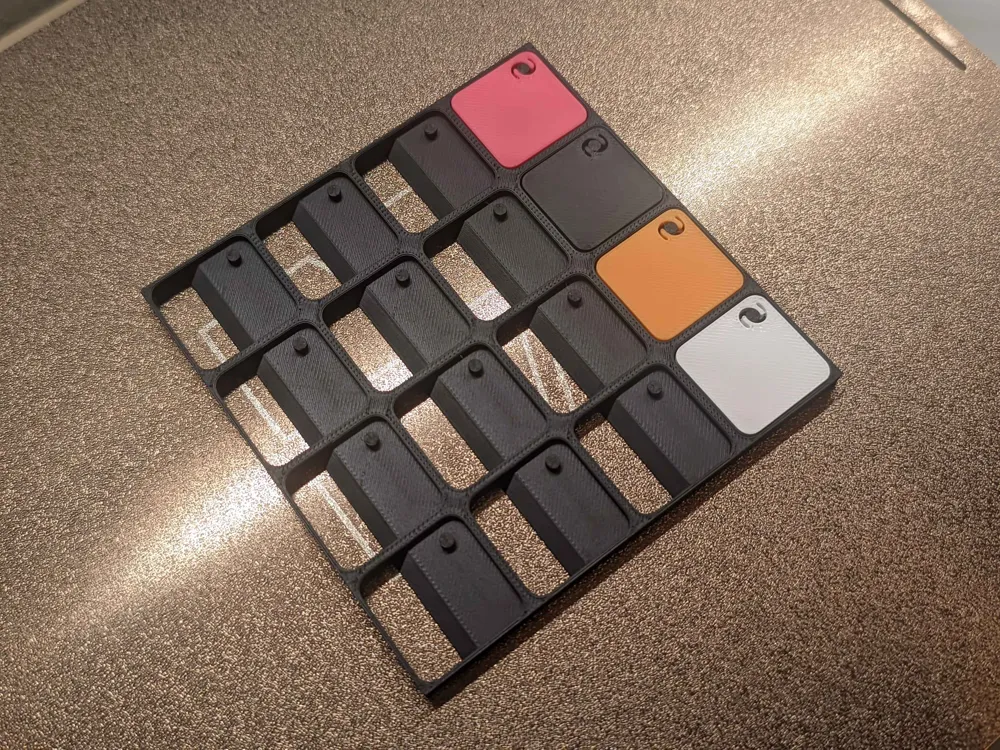
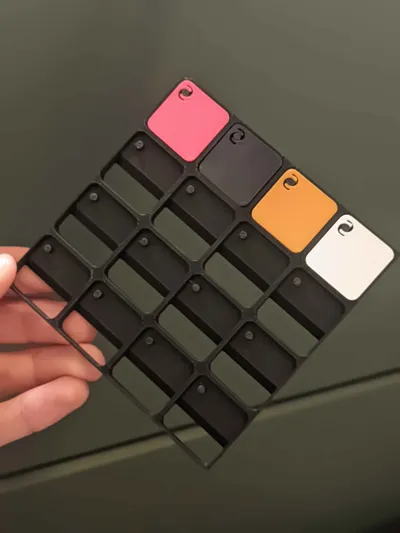
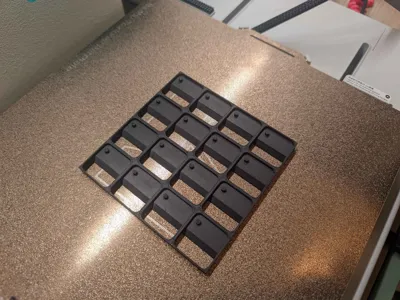
Thinner Modular Filament Wall open back
Print Profile(1)
Bill of Materials

Description
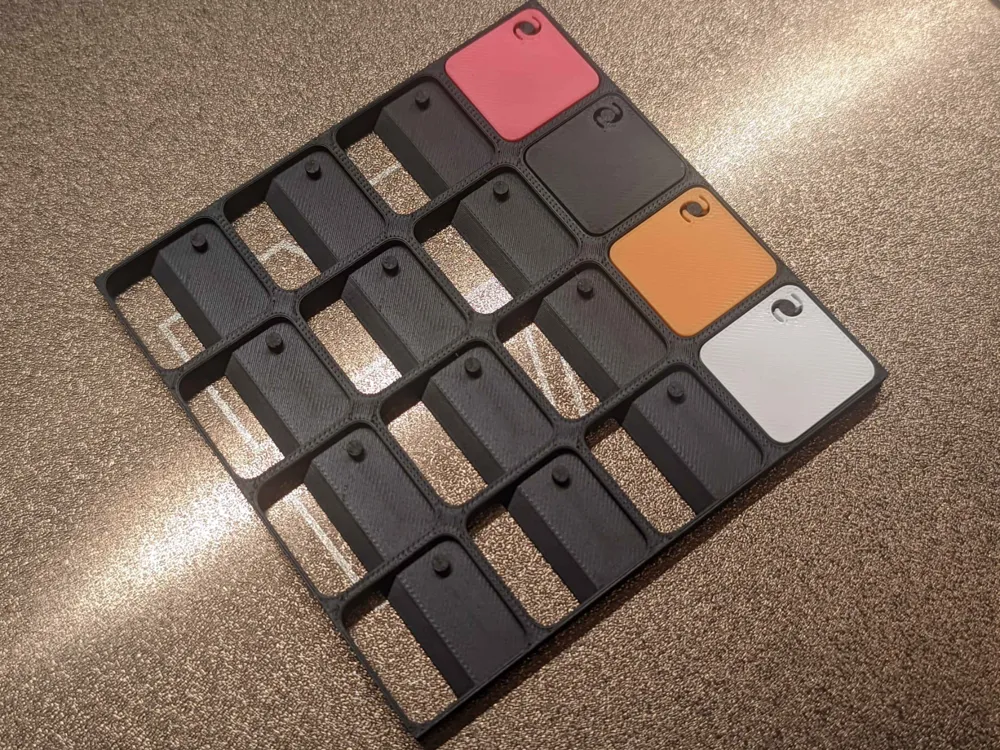
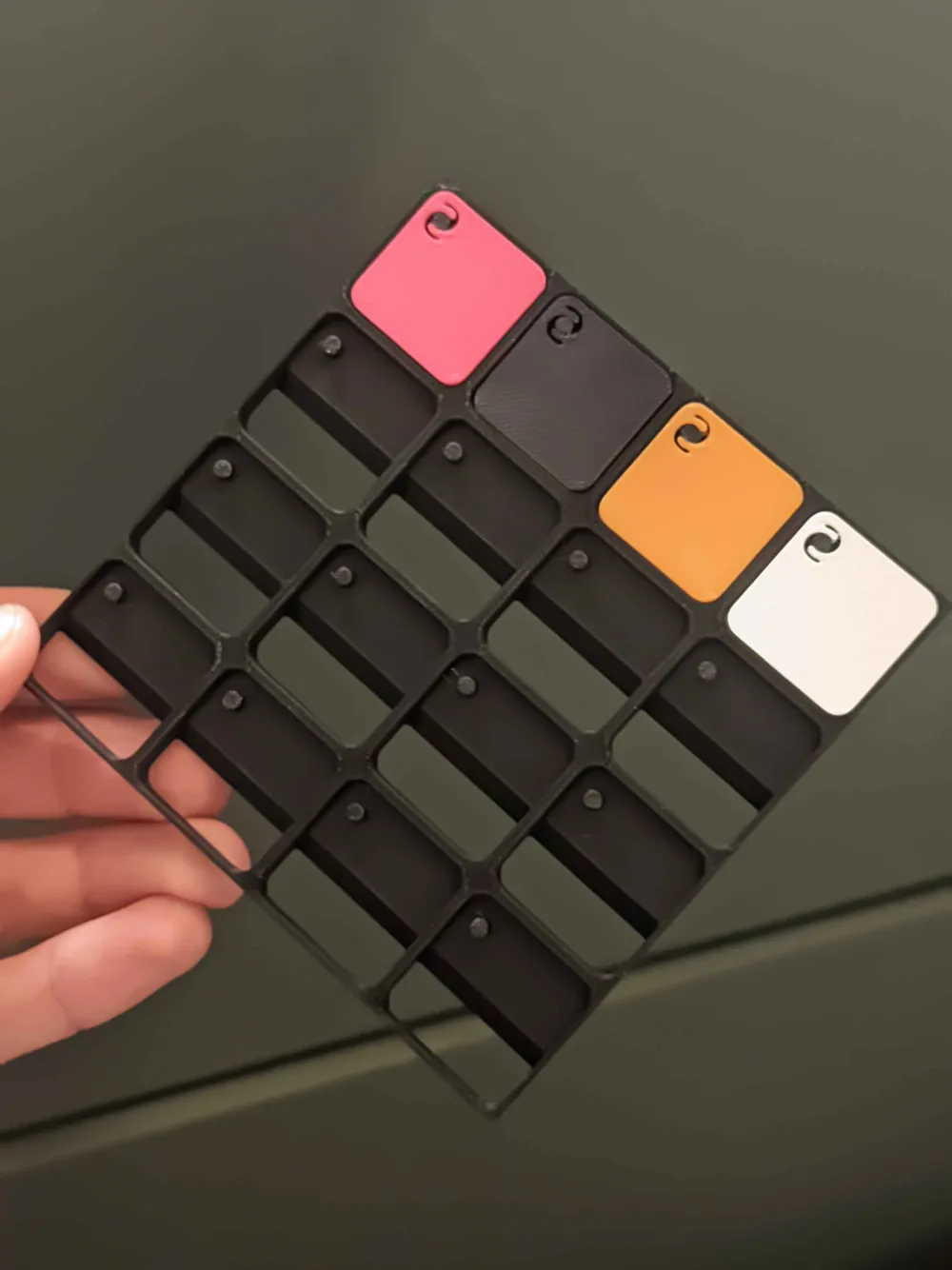
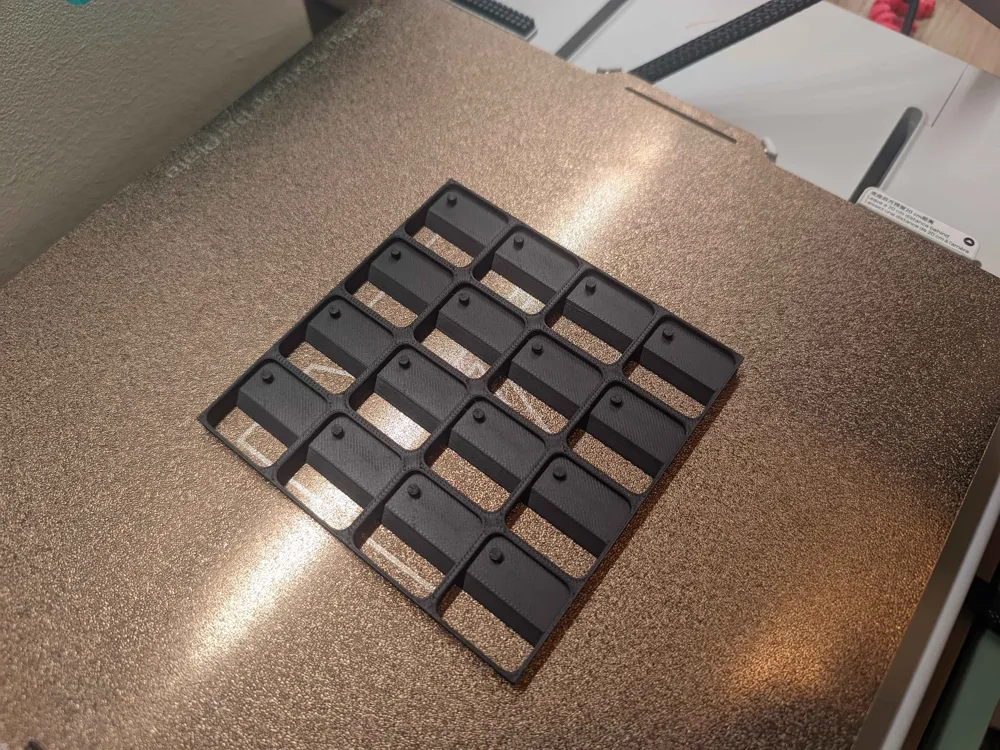
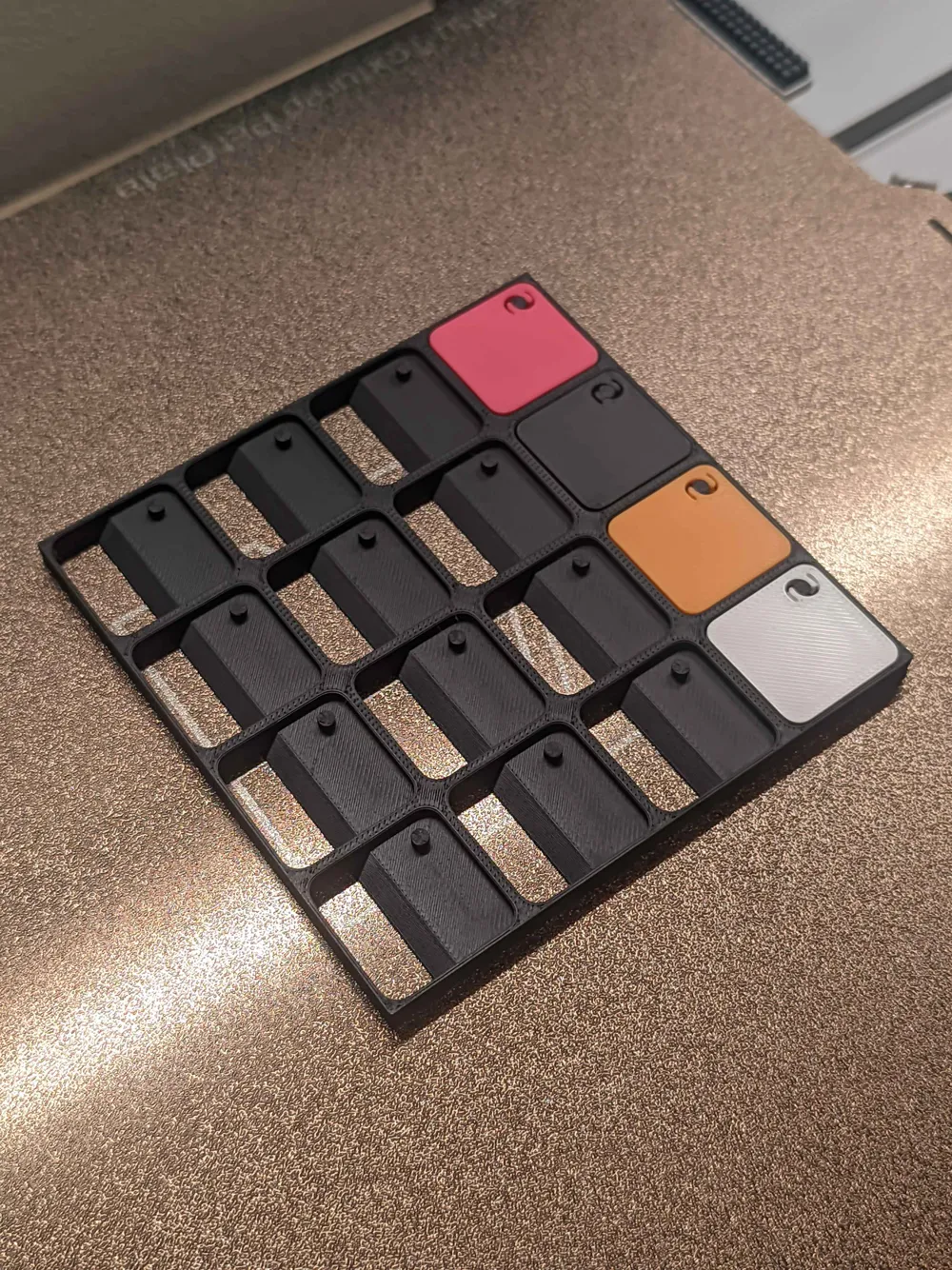
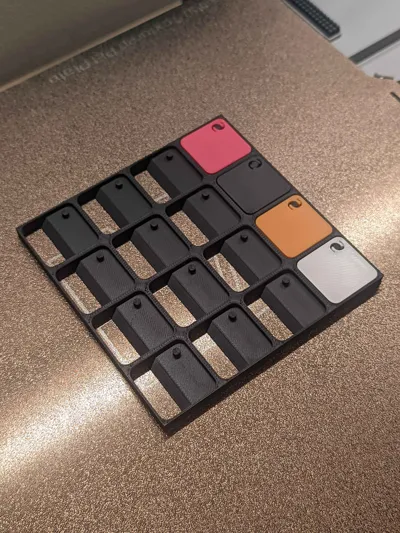
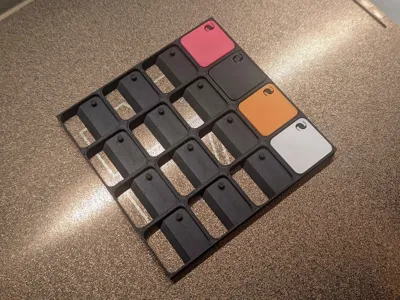
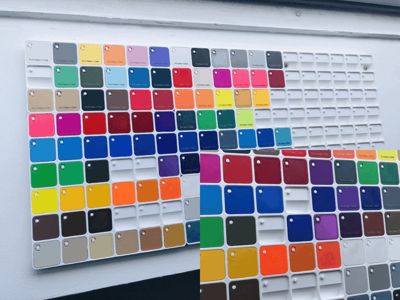
A modified version of the Modular Filament Swatch Wall
I removed about half of the model on the Z axis. So now it has an open back and it consumes about 50% less filament. It functions the same as before.
original description:
Modular Filament Swatch Wall
Wall-mounted, expandable display for movable filament swatches
This is a wall-mounted, modular system designed specifically for filament swatches, built to stay permanently on the wall while remaining fully adaptable.
🔹 Swatches are movable — the panel stays on the wall
Filament swatches can be removed, repositioned, or reorganized at any time without removing the panel itself.
This makes it easy to sort colors, compare finishes, or integrate new filaments while keeping a stable wall layout.
🔹 Fully modular and expandable
The system is modular by design:
- Panels can be placed side by side to create larger displays
- Base panel sizes range from 4×4 up to 8×8
- You can start small and expand progressively as your filament collection grows
- The A1 mini can print single panels up to 6×6
Single panels use half-borders, allowing them to be glued side by side while preserving the correct spacing between swatches.
Complete panels are made from panels with full outer borders and rounded outside corners, for a clean finished look.
🔹 Configurable directly in Bambu Studio
Panels can be printed as-is, or customized before printing directly in Bambu Studio.
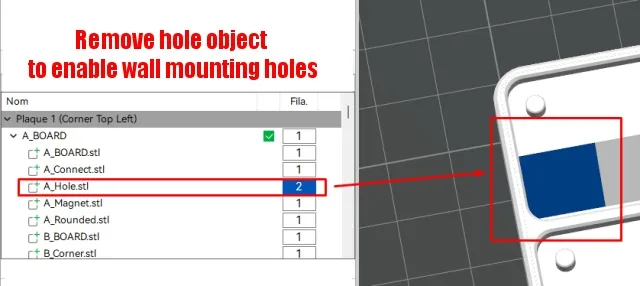
Each panel is composed of multiple named parts, allowing easy configuration by simply deleting objects:
- HOLE objects
→ Remove to enable wall mounting holes - CORNER objects
→ Remove to get rounded corners instead of sharp ones - CONNECT objects
→ Remove to reveal alignment holes, used to glue or assemble panels together
(closed by default)
To make customization intuitive, all objects are grouped by corner using a clear naming convention:
Objects starting with A, B, C, or D correspond to their corner
🔹 Standard swatch size
All swatches use a standard size, making them easy to move between panels while keeping the layout clean and consistent.
This remix is based on

License

You may create derivative works based on this object, provided that all such derivative works are published exclusively on the MakerWorld platform and include proper attribution to the original creator. You may not share, upload, host, distribute, or publish this object—or any derivative work of this object—on any other digital platform, marketplace, or distribution channel. Commercial use of this object and any derivative works is strictly prohibited. This includes, but is not limited to, selling, renting, sublicensing, or using the object in any context in which you receive monetary compensation or other financial benefits.


Comment & Rating (0)