
Prism Prints - Greydwarf Shaman - Valheim Fan Art
Print Profile(0)
Description
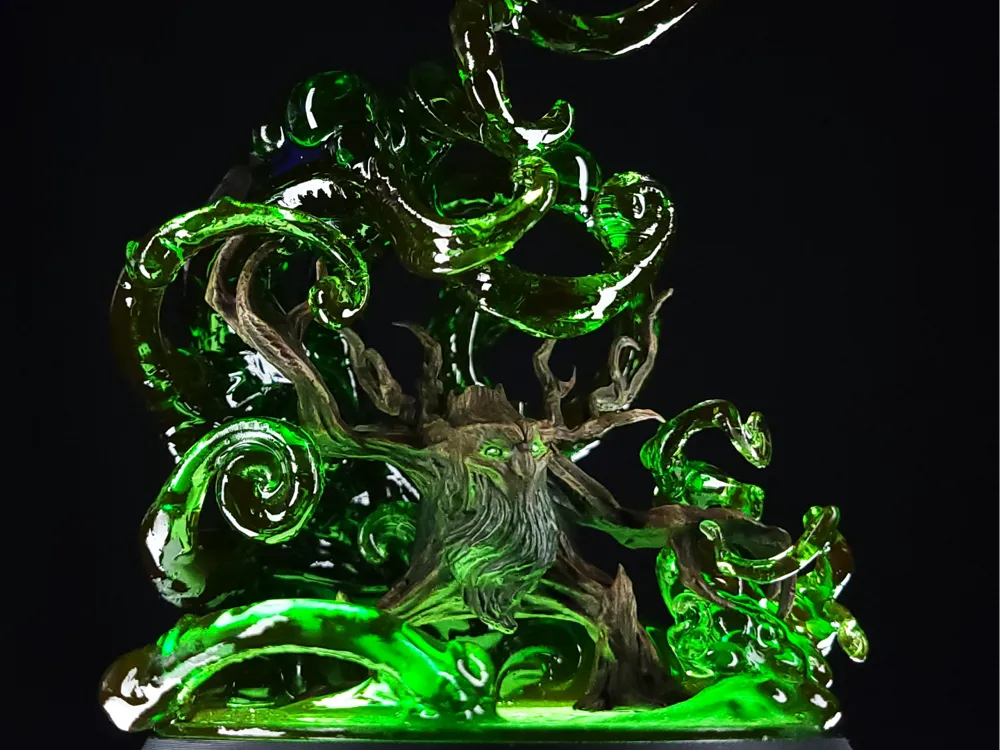
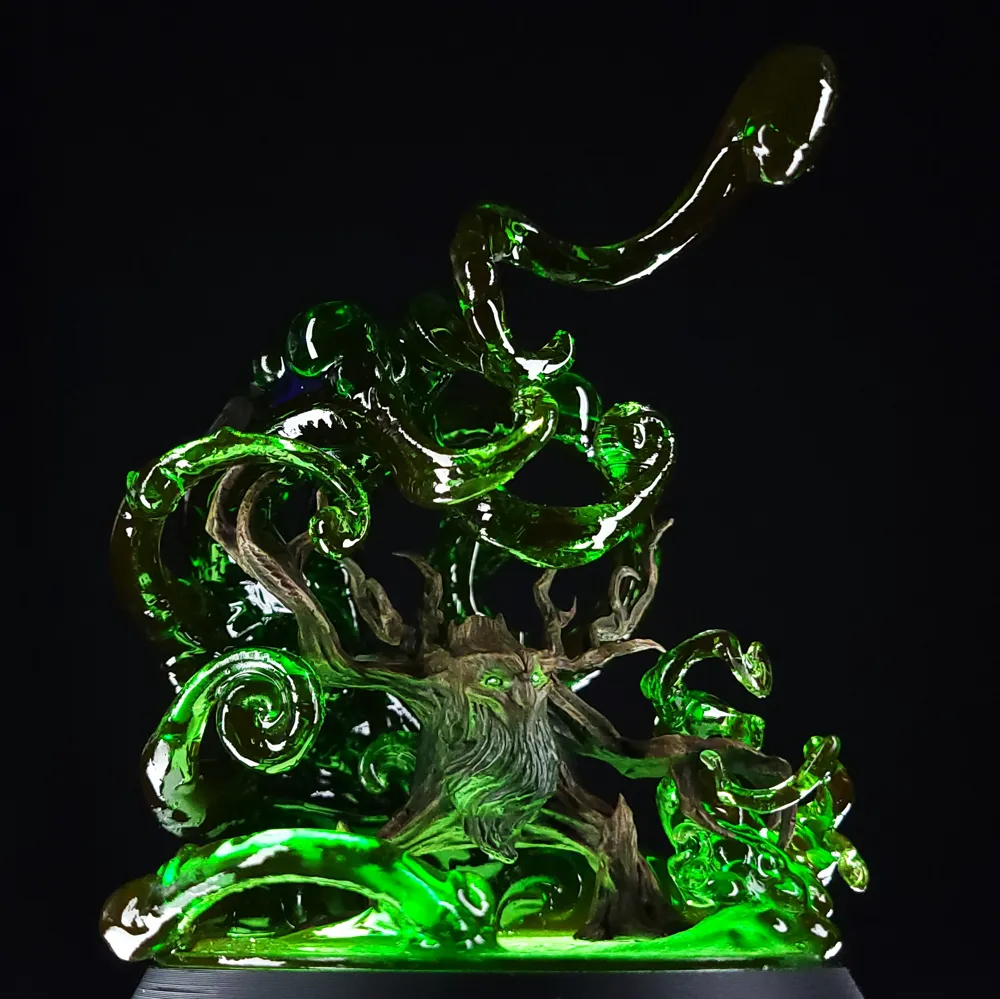
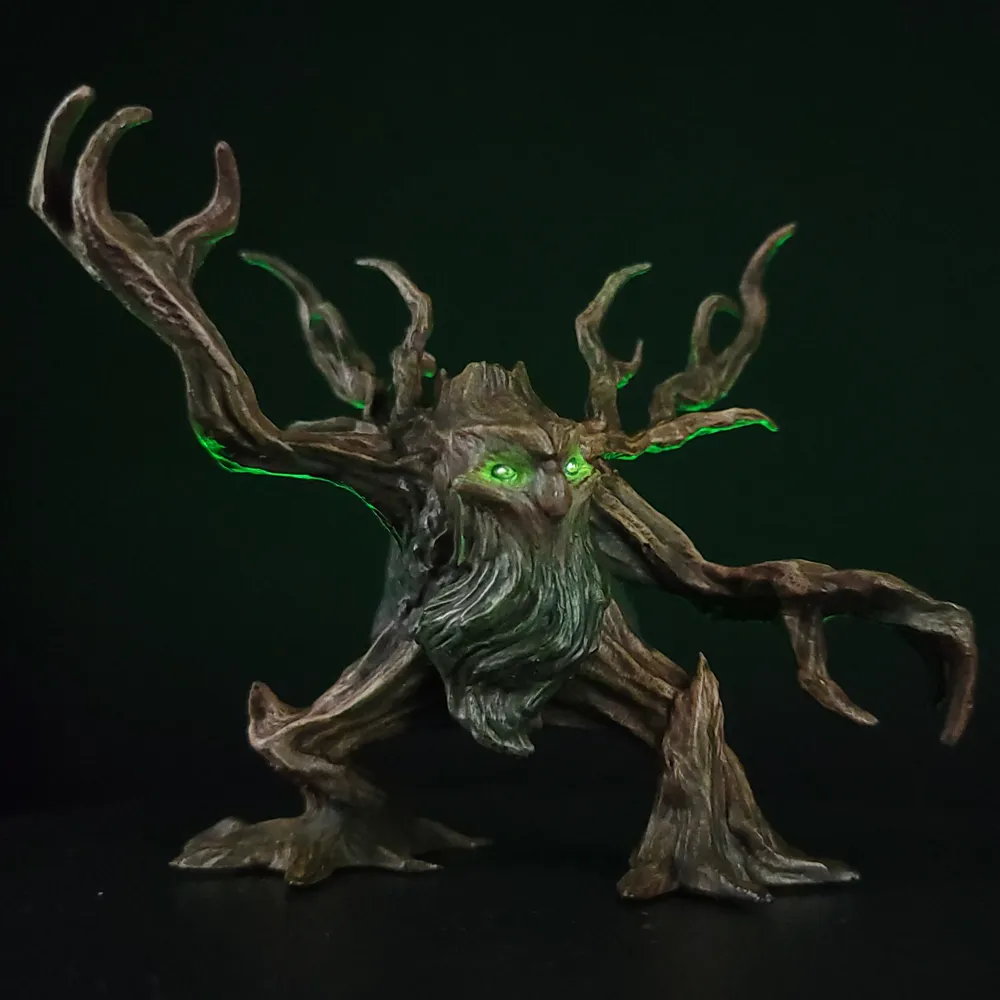
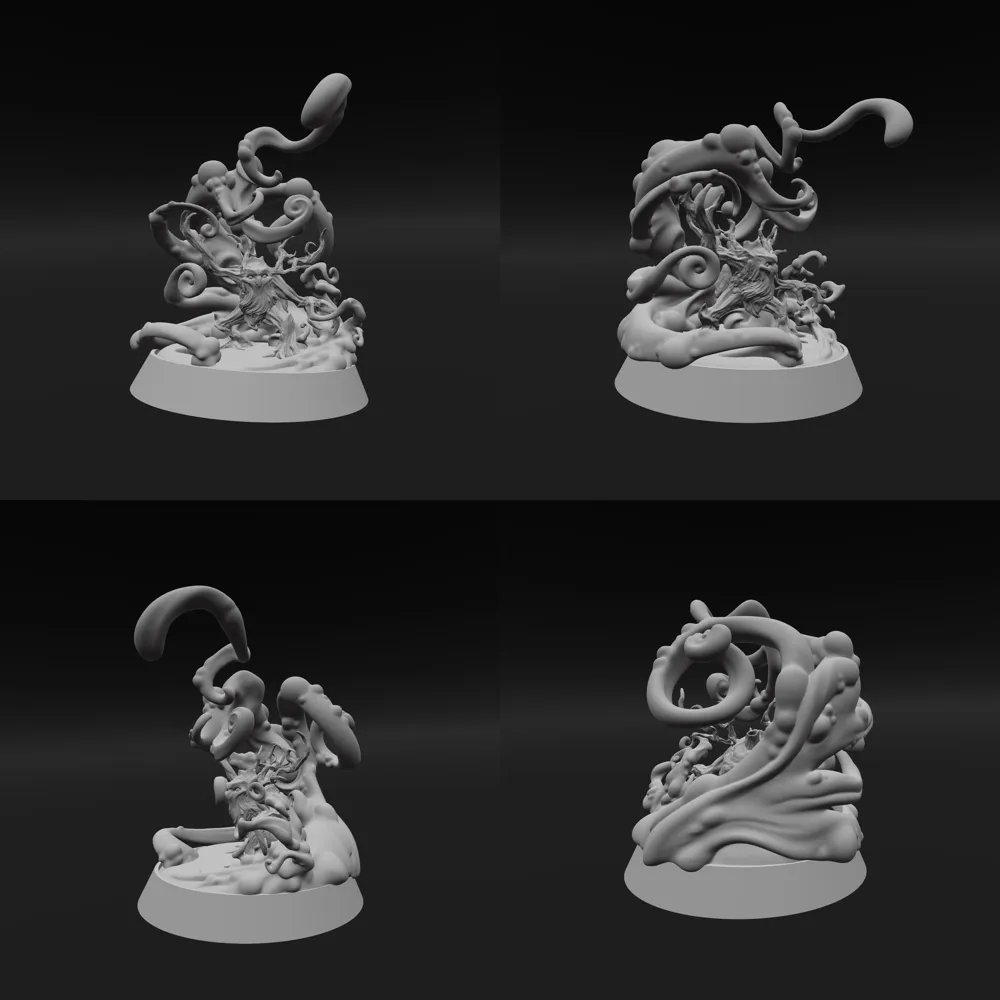
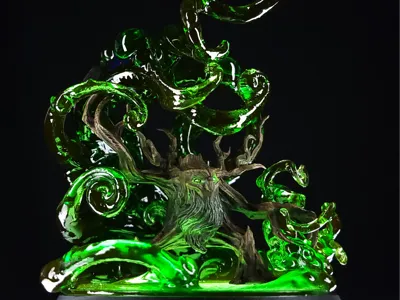
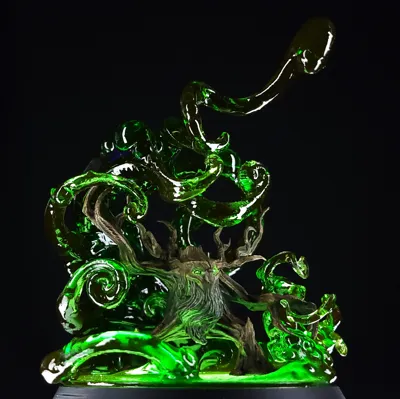
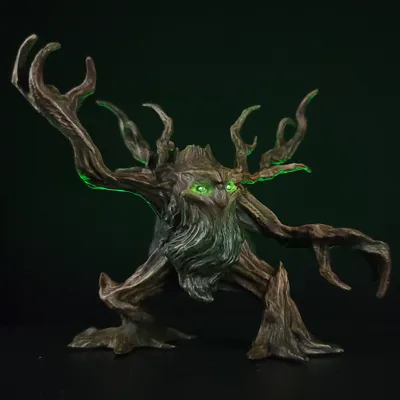
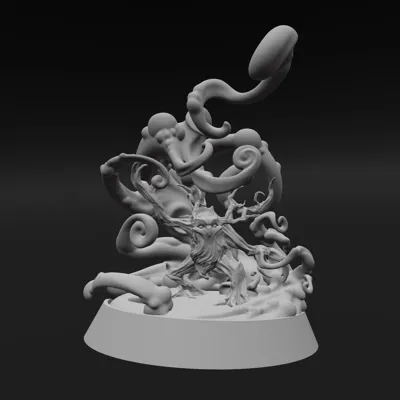
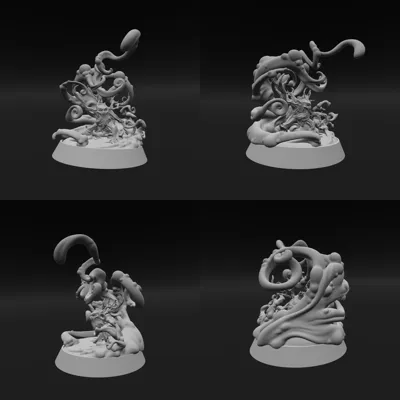
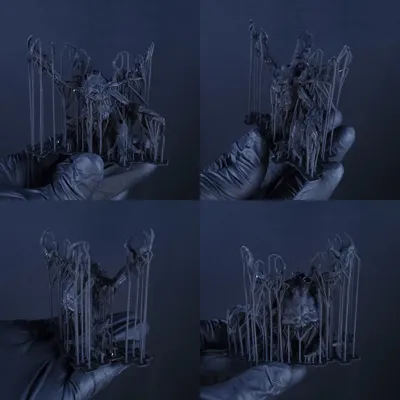
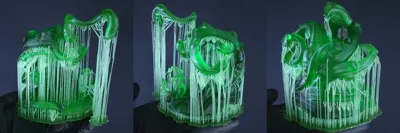
I made my take on a Greydwarf Shaman from the Black Forest biome of the game Valheim. Like the Greyling, the Greydwarf, and The Elder, the Greydwarf Shaman is another tree-like creature. They are slightly larger than the basic Greydwarf, have antler-like branches protruding from the head, and sport a mossy beard. In addition, they have a green glow to their eyes. Apart from making it easier to differentiate between the tree beings in the game, the green glow also hints at the Shaman's move set. It has the ability to spray poison at an enemy, as well as heal other tree creatures nearby.
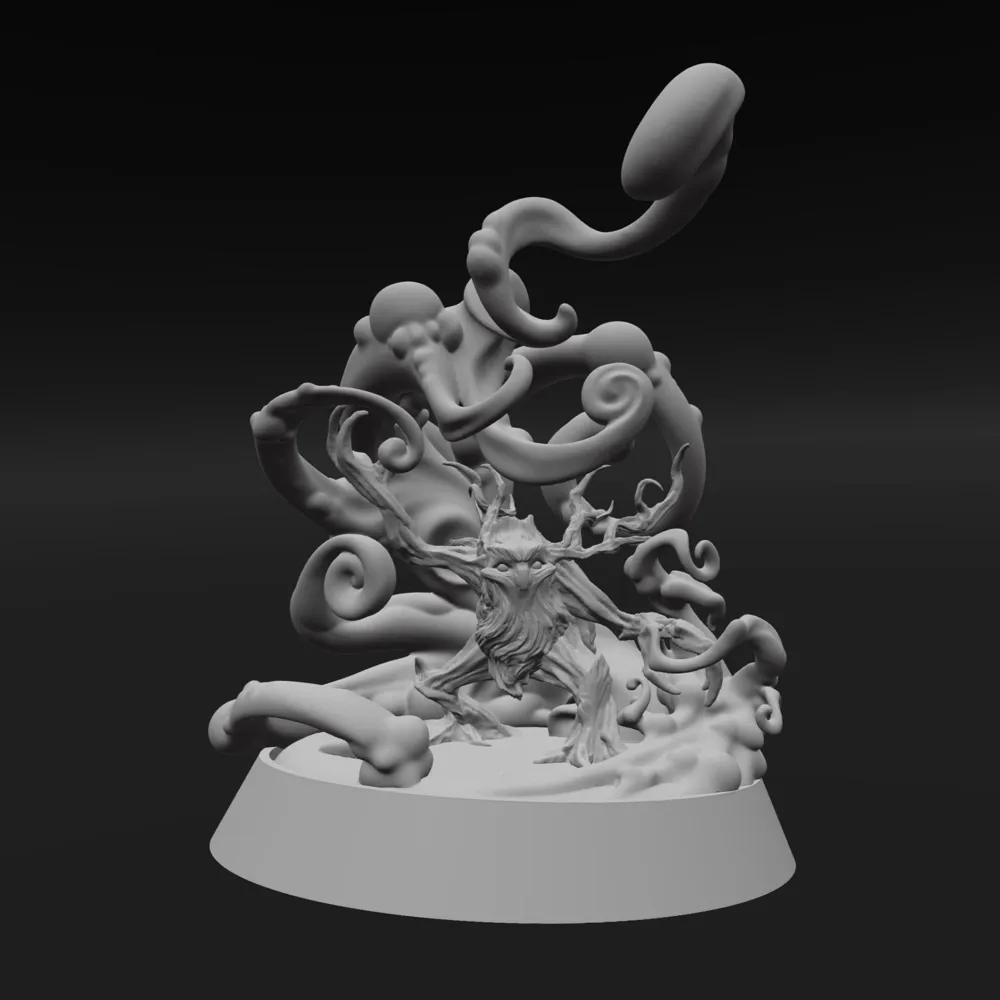
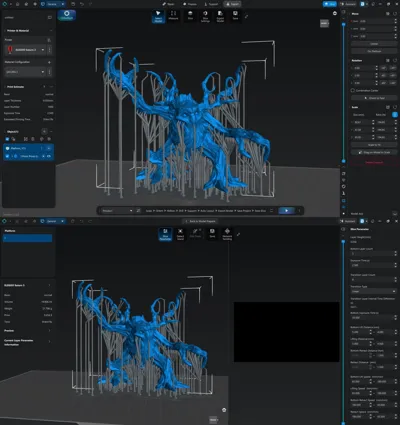
I knew going into this sculpt, I wanted the full Greydwarf line to be cohesive. So, I tried to keep key features of the face, extremities, and even the rock on the back similar. For the Shaman, I wanted to make it feel more like an old worn wizard. I lowered the top of the head and brow ridge, as well as emphasized the bump on the bridge of the nose. For the pose, I started by adding simple shapes to move around until it felt dynamic and interesting. When sculpting wood and bark, I like to use the Move Brush with the cube selected. It helps to keep parts more rigid while defining the form. Alternateing between brushing on and carving away detail adds more depth to the textures. I like using a line alpha with the Standard Brush for this. I needed to add more polygons to get the detail of the wood texture to really come through, but didn't want to explode the file size. In the end, I was able to get some nice detail while still keeping a relatively low polygon count.
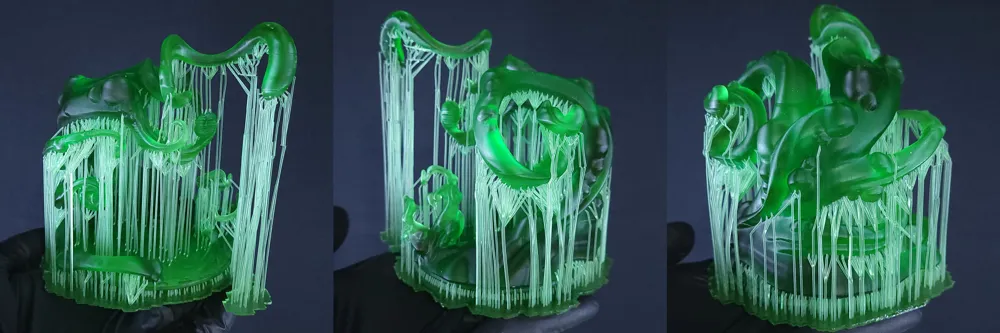
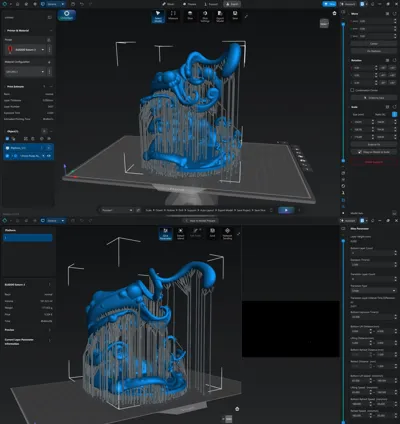
I also had the idea to sculpt the poison magic the Greydwarf Shaman is able to summon. I wanted it to look like it's being pulled from the ground and swirling around to be thrown. For this, the Voxel Brush was the perfect tool. Painting the swirling shapes around the Shaman, then converting it to a Polymesh created the base shape for the magic effects. From here, I can use the brushes in Poly Mode to sculpt in the details. I chose to use the Move Brush with the sphere selected to push, pull, and twist the effects. Since it is poison magic, I used the Inflate Brush to add some bubbles here and there to really sell the look.
License



Comment & Rating (0)