
Large rotating precision driver stand - Laoa Tools
Print Profile(0)
Description
I liked the original design, but I needed it to hold more… And I may have gone overboard here, will see.
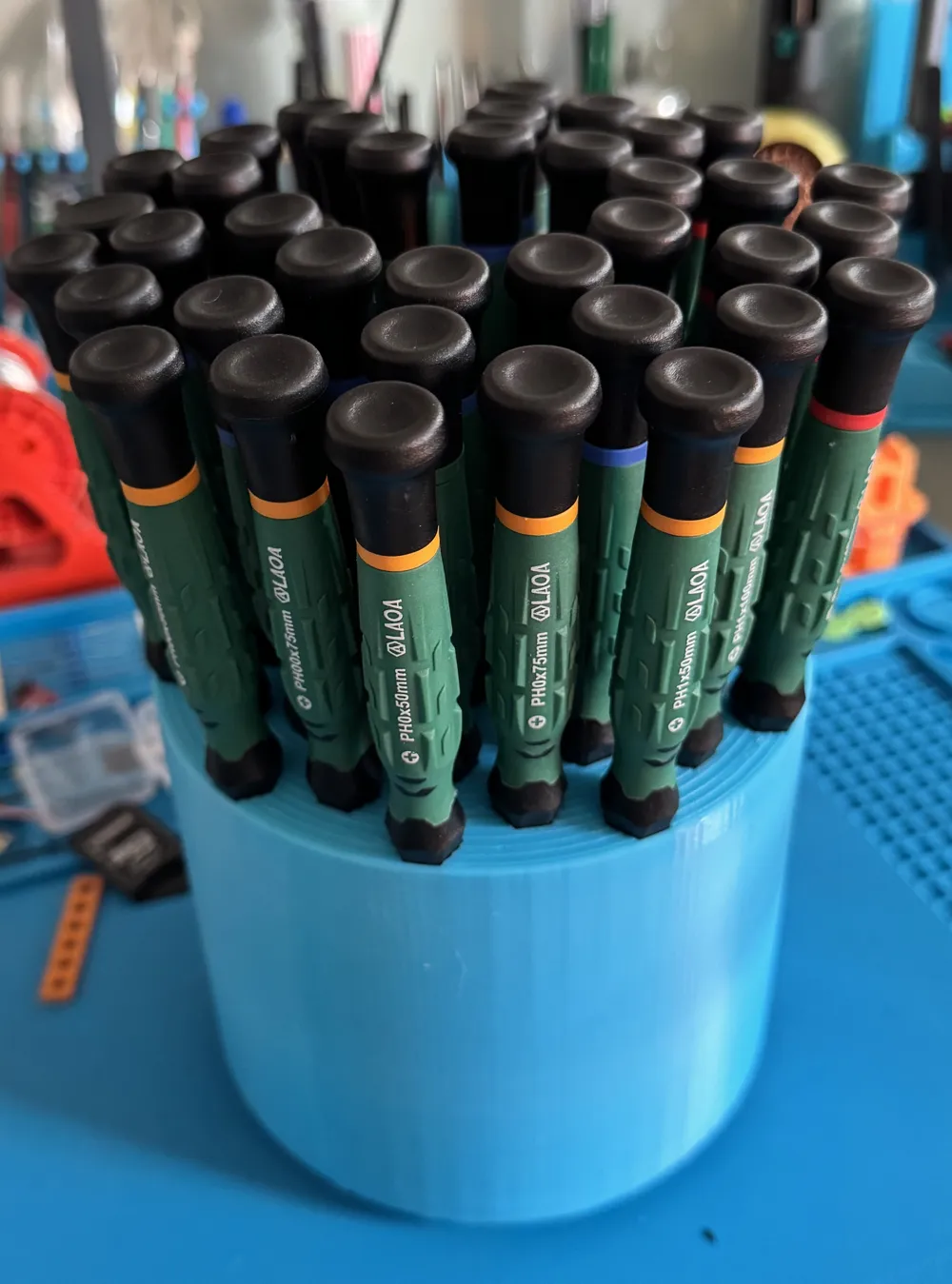
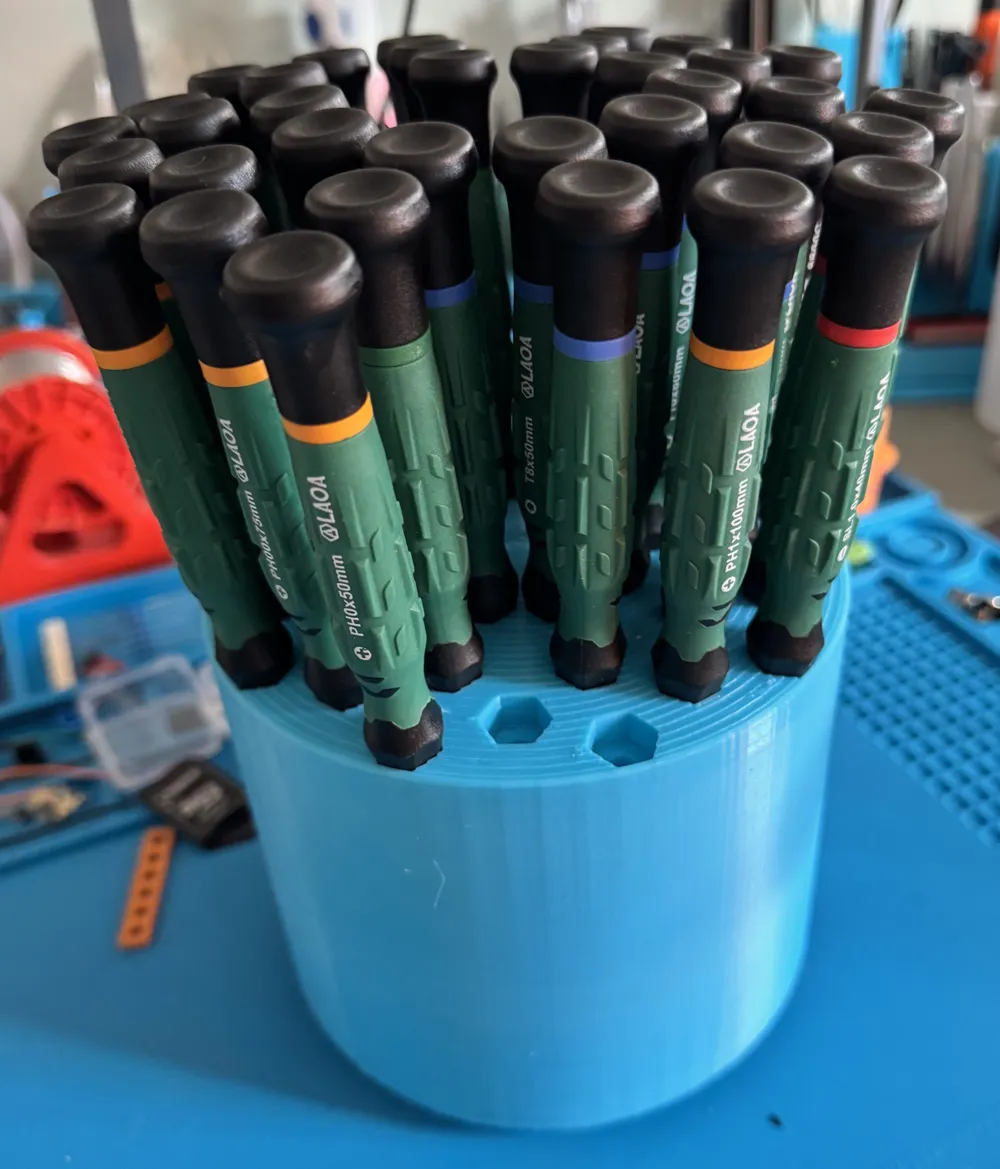
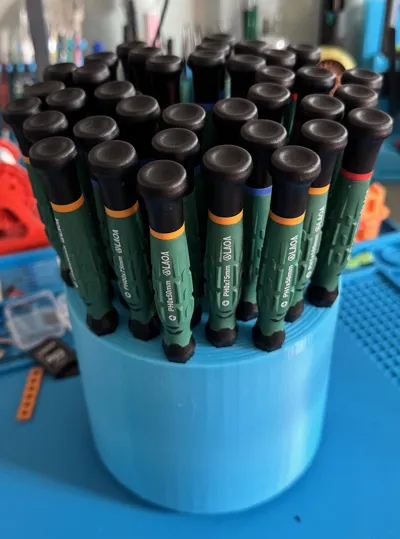
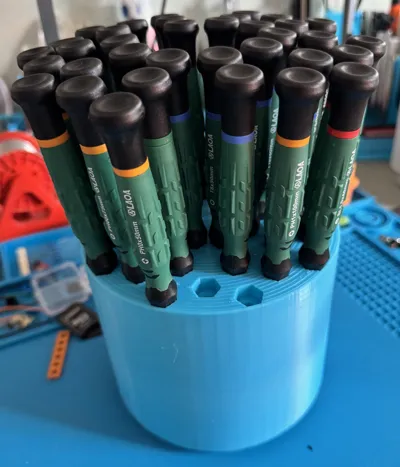
This has been adapted for the Laoa range of precision drivers and holds 40 drivers.
- The hex base design is to enable you to locate the driver securely with the description of it in the orientation you desire.
- Those that only hold the blade typically are too loose, and the driver rotates into the hole as you rotate the holder.
- Laoa are a cost-effective alternative to the more expensive options if you're a hobbyist like me.
There are two versions: the big, round-barrel approach, like the original, and a skeleton version.
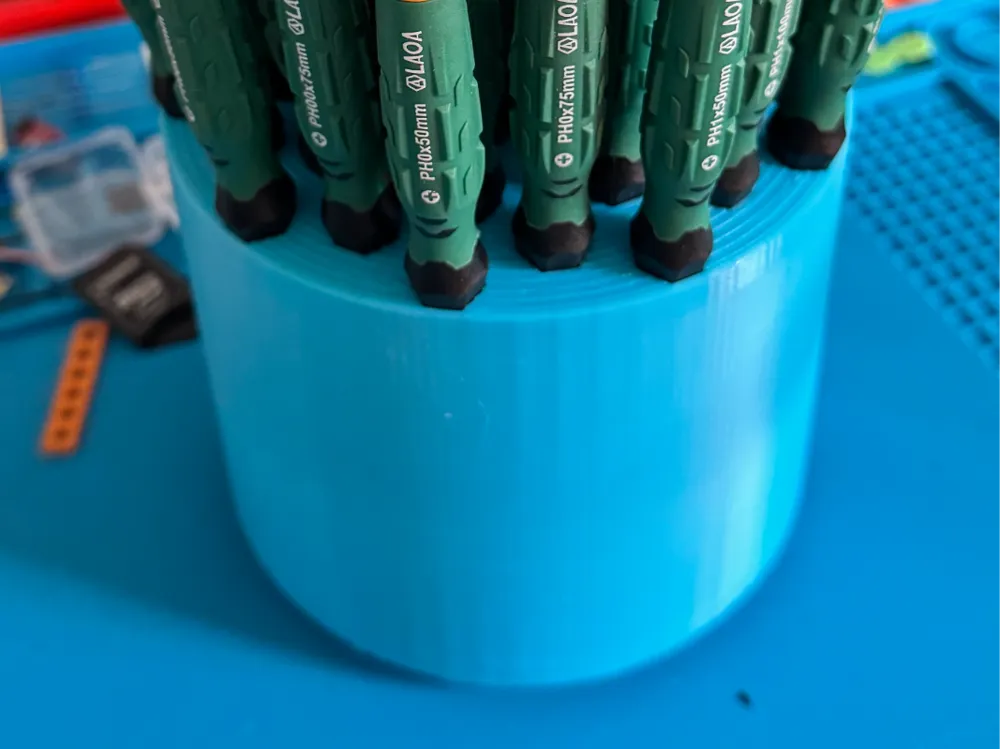
- The big round version I have printed, and this is in the photos. This was printed in PLA with 3 walls and 10% infil.
- 2 walls, 10% would reduce filament by about 10%, but wouldn't substantially reduce print time while increasing fragility.
- The skeleton version I have not printed, but it is the same internal structure as the filled-in one. Once printed, “it's the same” perspective.
Both versions use about the same filament, 330-360g, depending on the number of walls and infill used. The difference is that the skeleton model will take twice as long to print!
- Reducing the number of walls and bumping the infill to 15% for strength doesn't make a lot of difference.
- And this version needs more strength in the holder shafts than the fully enclosed one.
Now for the technical part, each hole has been designed for a particular driver, so they all fit nicely, and the thinner, shorter ones don't rattle around.
- The model has a notch in the top edge to indicate row 1.
The image below shows the intended driver description, shaft diameter, and length, so you can figure out whether your drivers will fit and where they will fit.
- Row 5 mid with an indicated PH1 150mm, I don't have this driver and the model will not accommodate longer than 100mm blades.

How practical is this? TBH, the jury is out, but so far it's looking like the best fit option for the space I have.
Ok, so you have different drivers, and you want a different layout…
I'm no expert with Blender or CAD, so I've devised a way to “punch” the model with the driver parameters I want to use, and I can easily keep track of the changes made and where I am at, or back them off with undo. (There is a limit to undo history.)
I have included a Blender file in my Thingiverse version that contains both STL models: a blank and a pre-punched hex layout for you to make your own.
- You can find the blender file here, as Thingiverse is one of the only places that allows Blender files to be uploaded. https://www.thingiverse.com/thing:7336731
- The blender file also contains “punches” for the various driver sizes, laid out in the four rows needed.
- Arrange the model you want to use on 0,0, and punch it with the desired driver models using a boolean modifier for Inner, Mid and Outer.
- Then rotate the model 36 degrees to do the next row, and so on, all the way around.
- For the 18 deg holes, rotate the model 18 degrees to do the first one, and then rotate 36 degrees for each one, like above.
I'm not in a position to assist with Blender. If in doubt, Google a help video on YouTube, that's how I fugured things out ;)
This remix is based on

License



Comment & Rating (0)