
L-Square & Ruler Pro Editor (Parametric)
Print Profile(1)
Description
Membership
Want to sell physical prints of this model? Get the official commercial license by joining my MakerWorld Membership directly on my profile!
Boost Me (for free)
Support this project and help me create more models made directly for you.
- 🚀 Support with a Boost – every bit of support helps me bring more detailed models to life.
- 📸 Share your prints – I’d love to see your makes in the comments section!
- ✅ Follow my profile to stay updated on all new releases.
- Warning: This designer converts caffeine into 3D objects! ☕🔧 I literally drink buckets of coffee every day while designing.
- If you want to keep me alive (and creating) by buying me a cup, I'd be super grateful:
- 💼 COMMERCIAL LICENSE & CUSTOM MODELING https://www.patreon.com/c/mp3d_art/membership
- https://linktr.ee/MP3DART
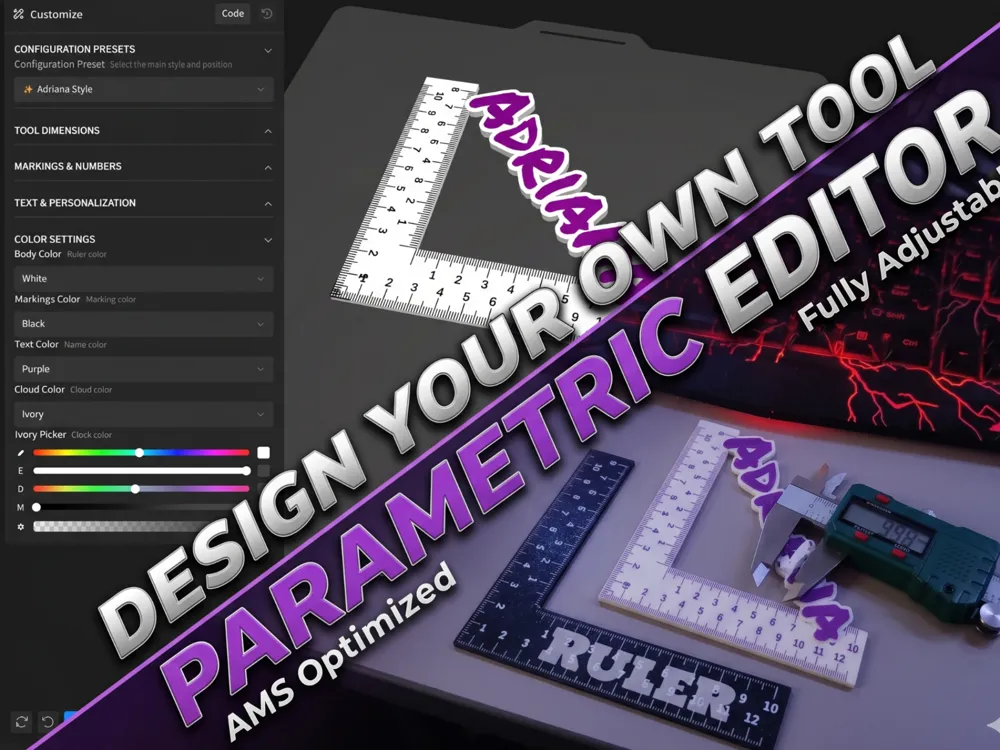
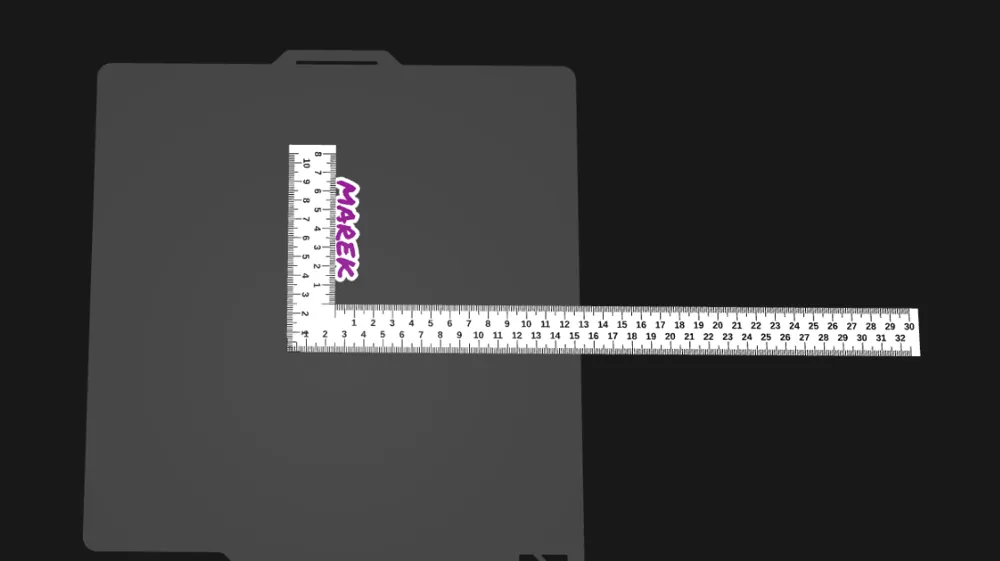
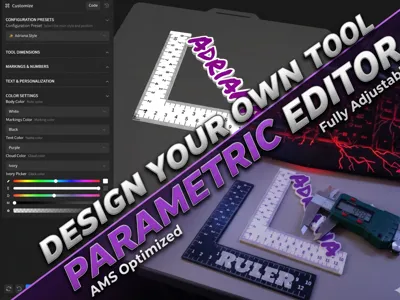
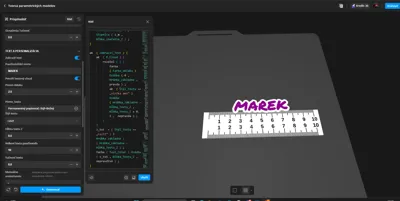
📏 Ultimate Ruler & L-Square Editor (Parametric)
✨ Key Features
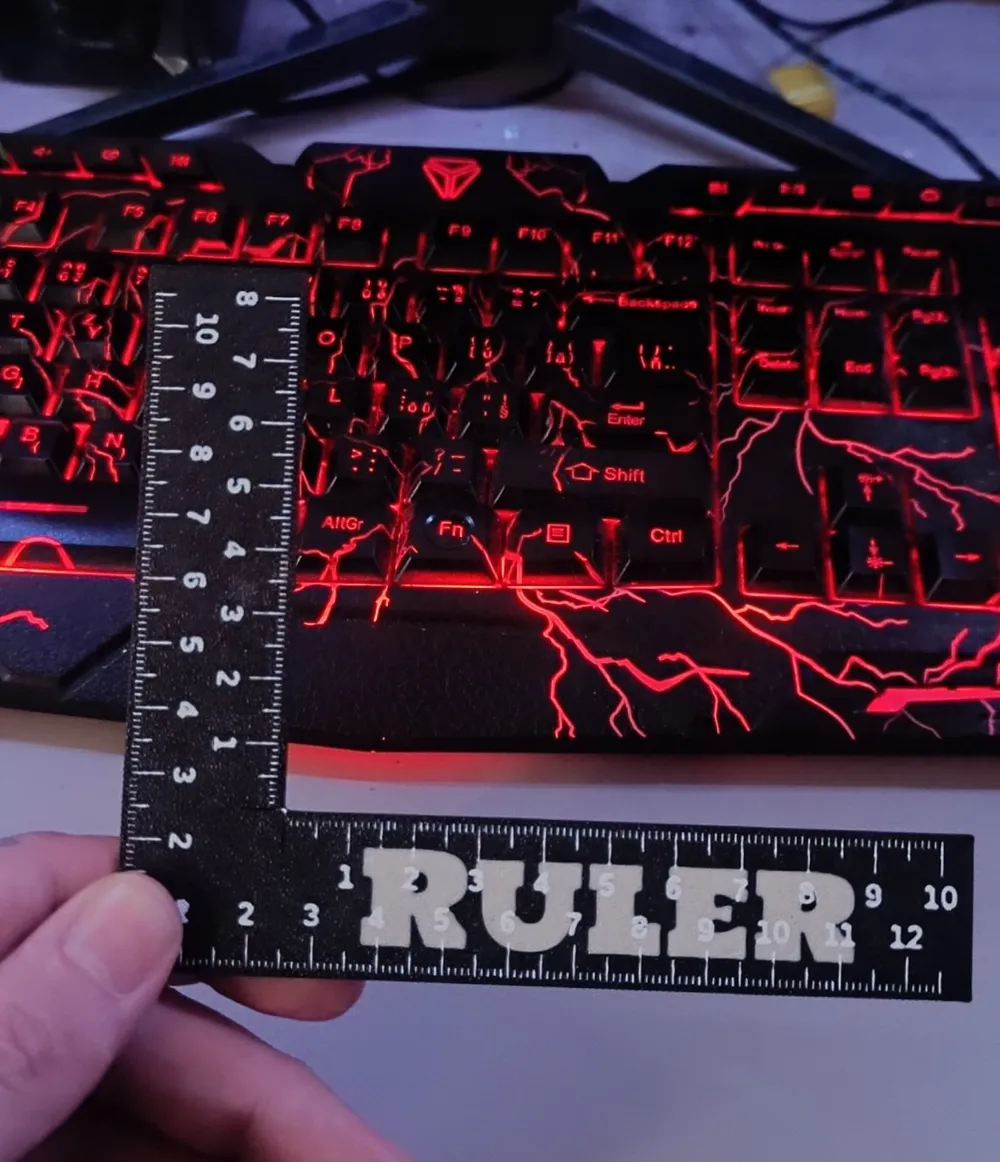
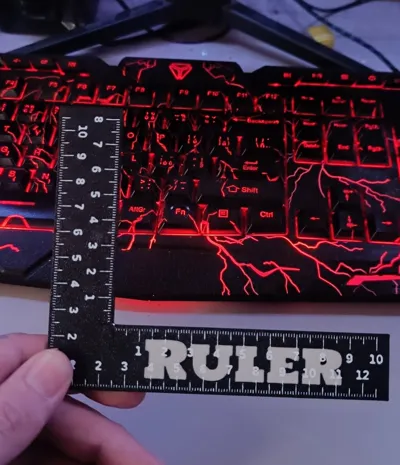
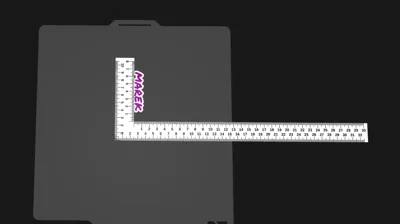
- 2-in-1 Tool: Toggle between a classic Straight Ruler and a professional L-Square (L-uholník).
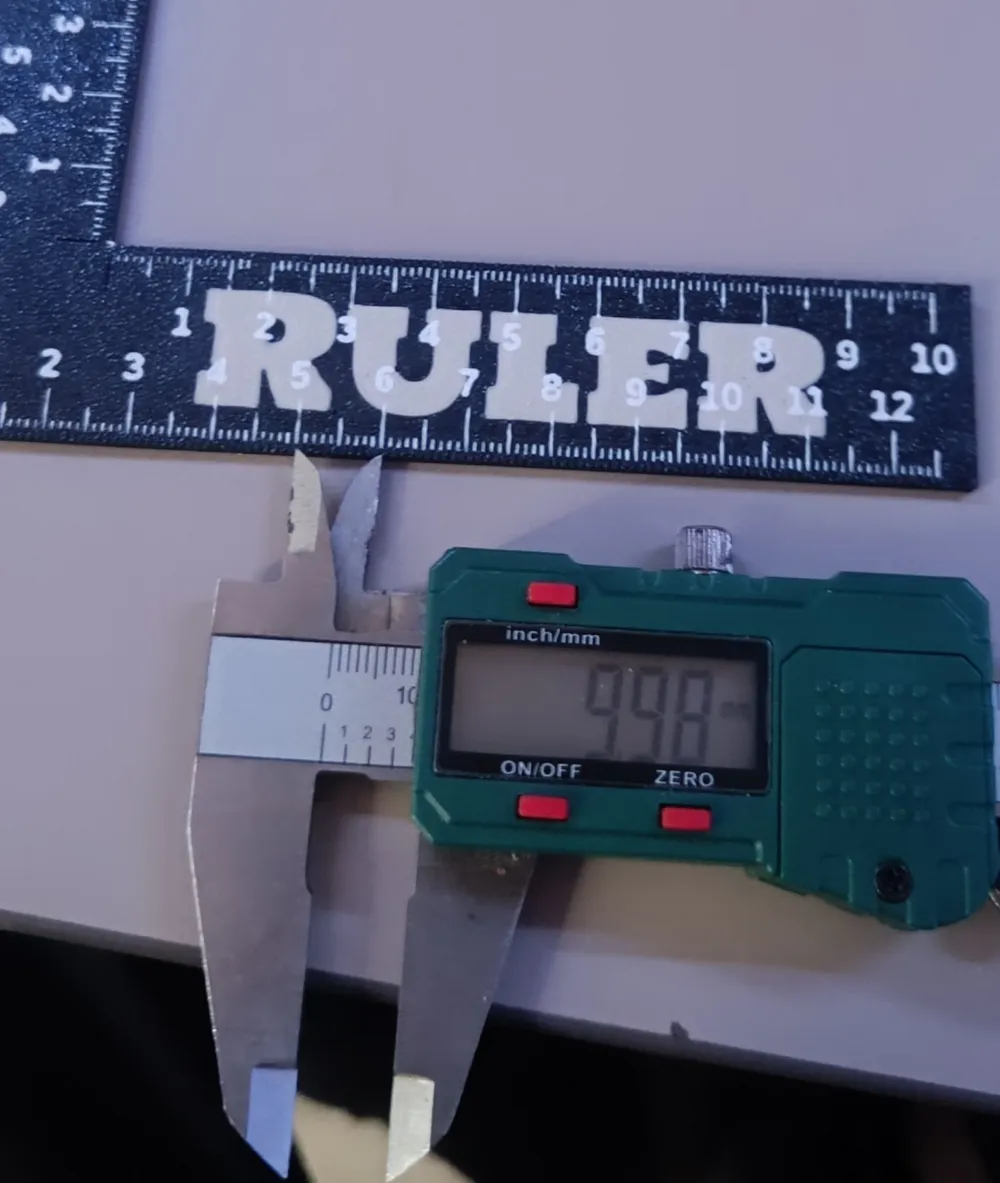
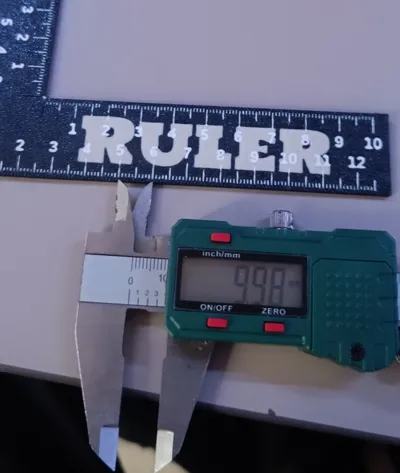
- Fully Parametric: Adjust length (up to 300mm), width, and thickness with simple sliders.
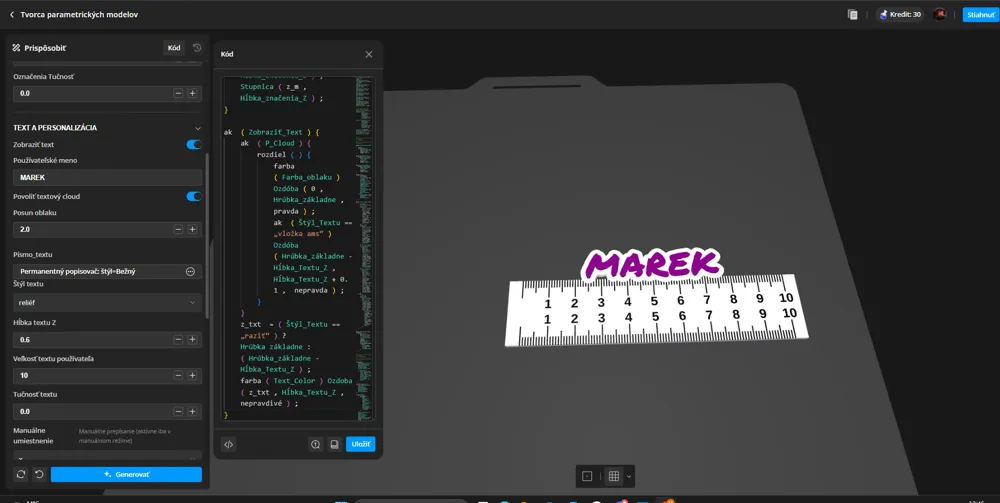
- Smart Edge Snapping: This is the game-changer! Snap your text to the Inner Edge, Outer Edge, or Center of the arm.
- Automatic Mirroring: When snapping to the Outer Edge, the Editor automatically rotates the text 180° so it’s always readable from the outside.
- Integrated Cloud Base: Add a stylish background "cloud" to your text. It’s not just a surface layer—it’s fully integrated into the ruler's body for a premium look and structural strength.
- AMS & Multi-color Optimized: * Flush AMS Inlay: Create a perfectly smooth, polished surface where text and markings are embedded into the body.
- Dual Font Libraries: Choose different fonts for your technical markings and your decorative name.
🚀 Quick Start with Presets
- Adriana Style: The ultimate designer look with diagonal text and cloud base.
- Edge Snap Modes: Instantly align text to X or Y arms on either the inner or outer boundary.
- Classic Modes: Simple, clean, centered text for a professional look.
🛠️ Printing Tips
- For Flush Inlay: Use a smooth or textured PEI plate. The text will be printed face-down (if using a slicer mirror) or as part of the first layers, resulting in a beautiful, seamless finish.
- Boldness Control: If you are using a 0.4mm nozzle and the markings look too thin, simply increase the Markings Boldness slider.
- Material: Works great with PLA, PETG, or even ASA for a more durable workshop tool.
💡 Why call it an "Editor"?
Tag your prints! I’d love to see your customized workshop tools or personalized gifts in the
Thank you for supporting the project.
Follow my profile for more models and updates.
License

You shall not share, sub-license, sell, rent, host, transfer, or distribute in any way the digital or 3D printed versions of this object, nor any other derivative work of this object in its digital or physical format (including - but not limited to - remixes of this object, and hosting on other digital platforms). The objects may not be used without permission in any way whatsoever in which you charge money, or collect fees.


Comment & Rating (0)