
Blaupunkt GTB 8200 A Cover
Print Profile(1)
Description
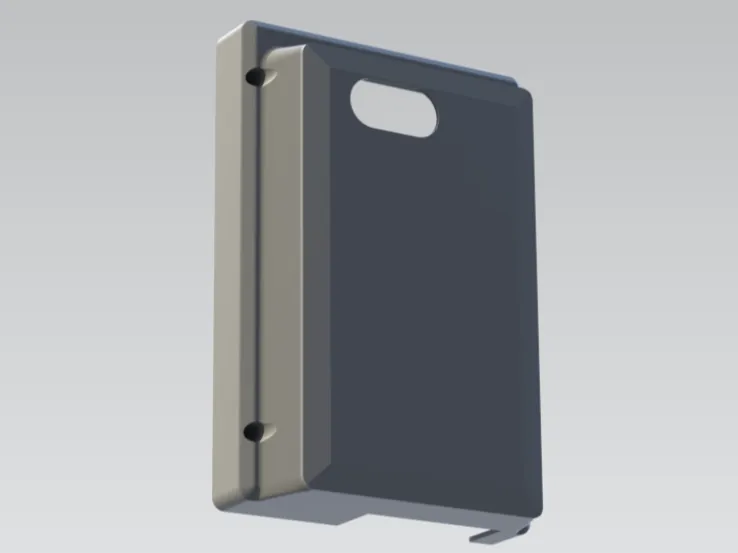
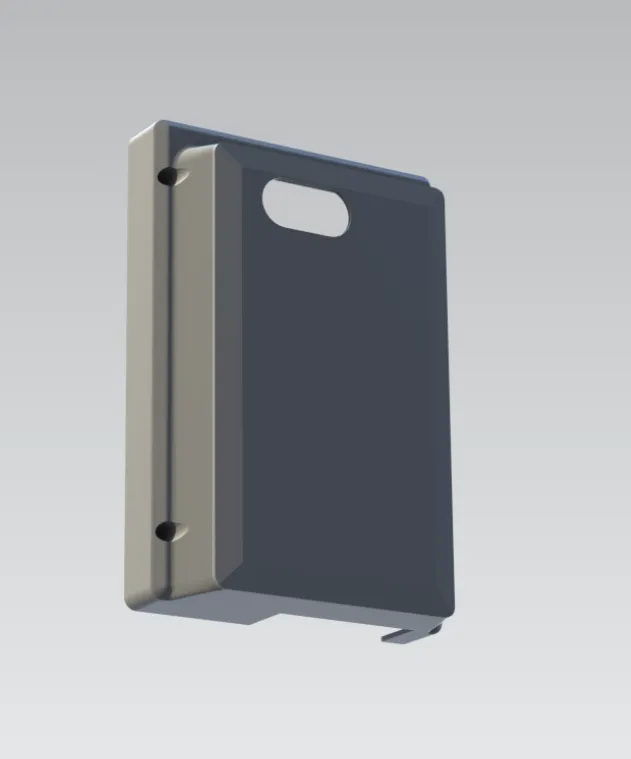
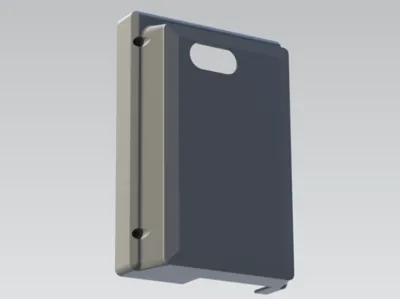
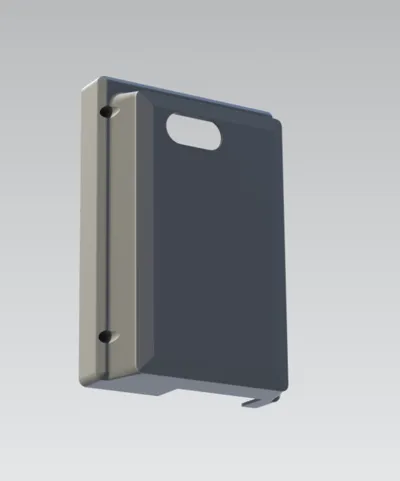
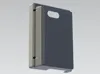
Blaupunkt GTB 8200 A Cover
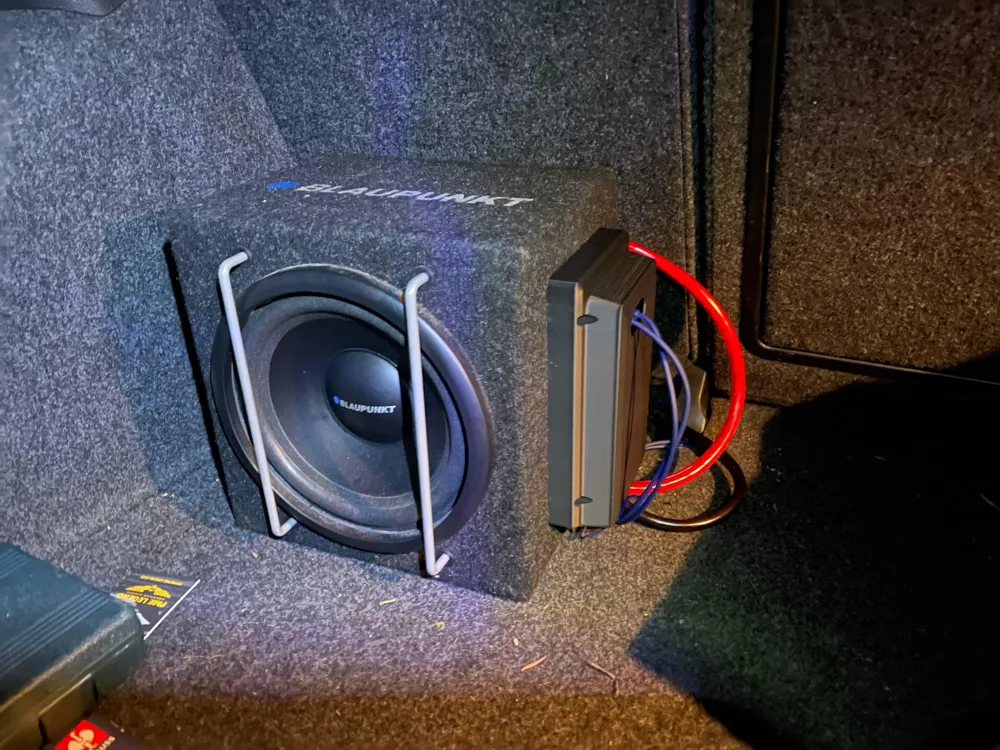
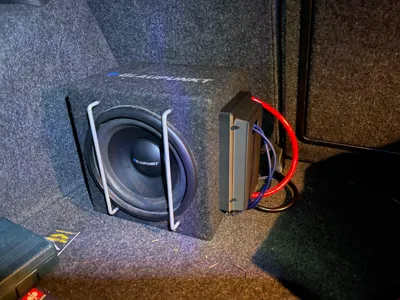
If you are experiencing the same problem as me, my cover might be of some help to you
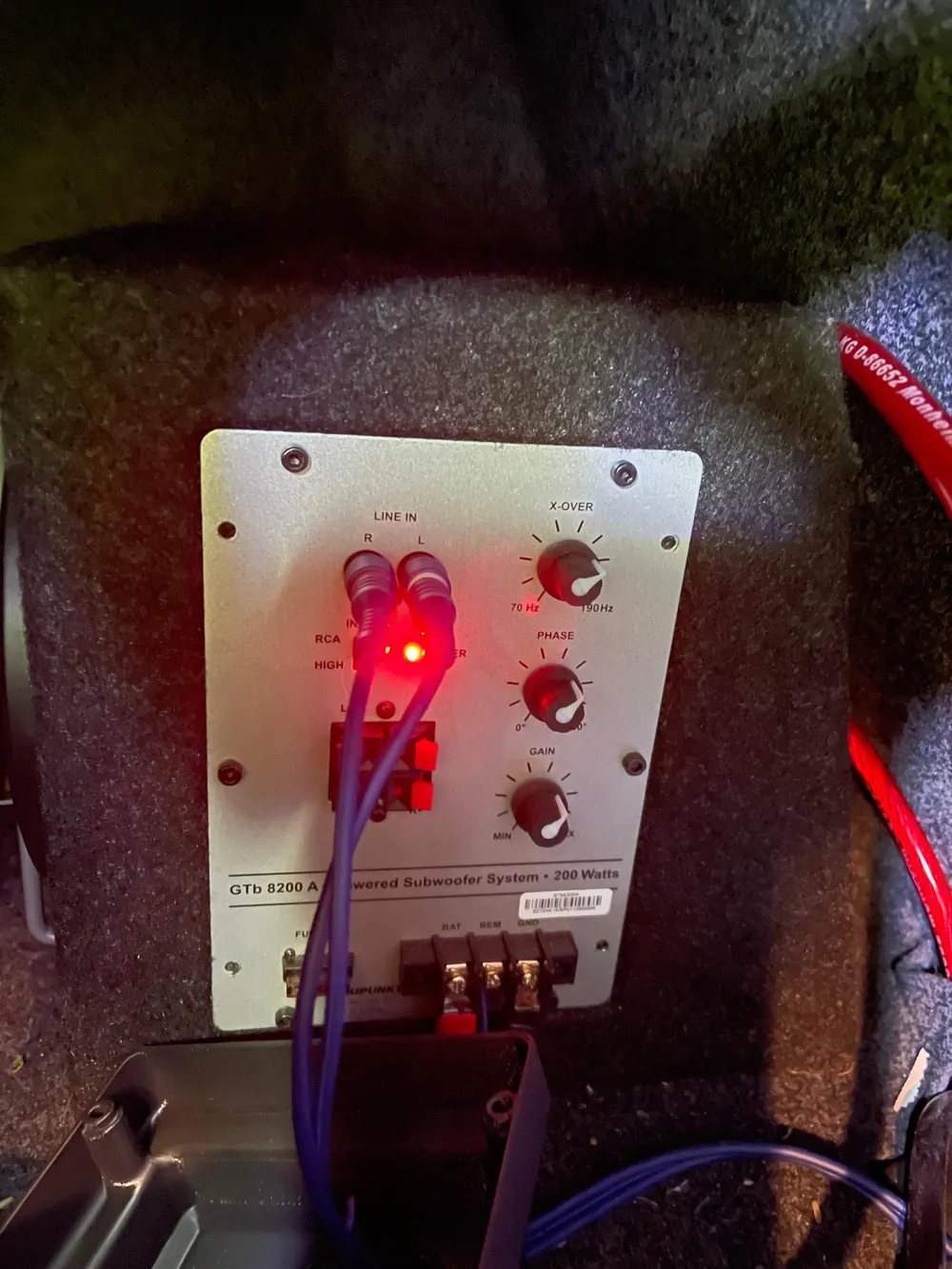
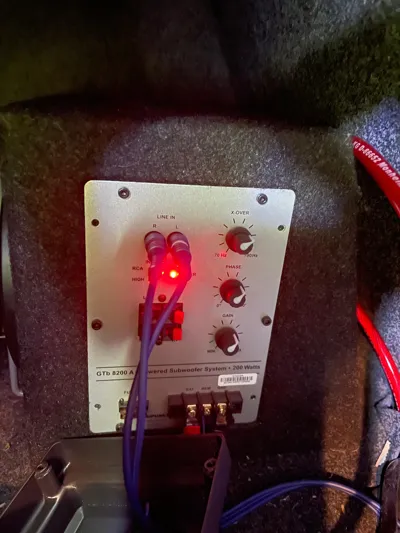
You can simply remove 4 screws from your subwoofer in the designated positions and position the cover
Once you have reconnected all cables and connections, you can mount the cover using the Blaupunkt subwoofer's OEM screws
You will only need tools to remove and reinsert the screws for the subwoofer's side-mounted 'connection panel'
I would appreciate any feedback or questions
License

You may create derivative works based on this object, provided that all such derivative works are published exclusively on the MakerWorld platform and include proper attribution to the original creator. You may not share, upload, host, distribute, or publish this object—or any derivative work of this object—on any other digital platform, marketplace, or distribution channel. Commercial use of this object and any derivative works is strictly prohibited. This includes, but is not limited to, selling, renting, sublicensing, or using the object in any context in which you receive monetary compensation or other financial benefits.


Comment & Rating (0)