
DJI Osmo nano carry case
Print Profile(1)
Bill of Materials
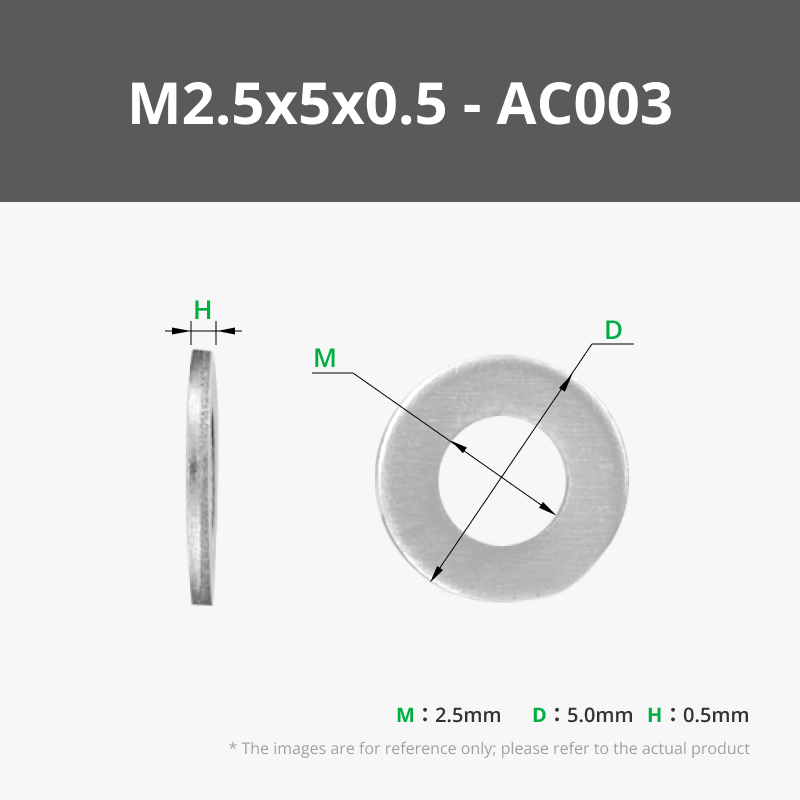

- Superglue x 1: To secure foam in place and also helps if nuts are too loose to glue them into place
- 2mm thick craft foam x 1: Link to the one I used in the description
- M2.5 bolts 16mm x 2:
Description
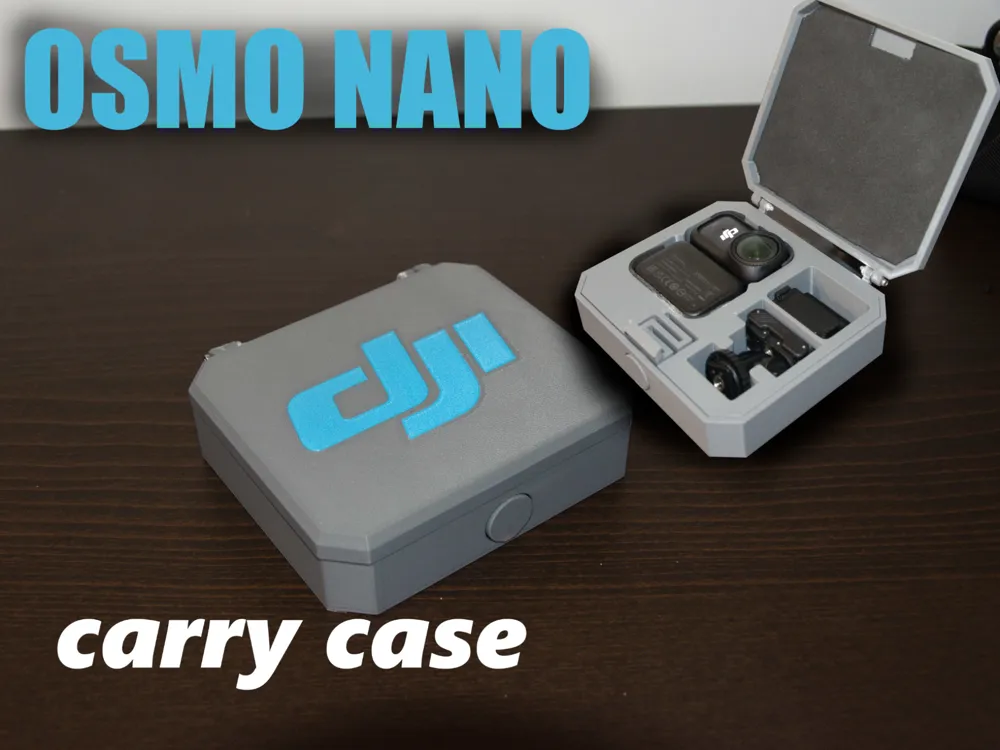
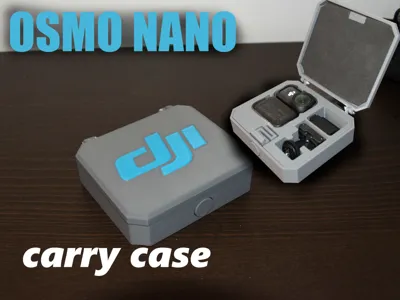
DJI Osmo Nano: All-In-One Compact Carry Case
Keep your DJI Osmo Nano, its hat clip, and a 3rd party go-pro adapter safe, organized and ready to bring on your adventures!
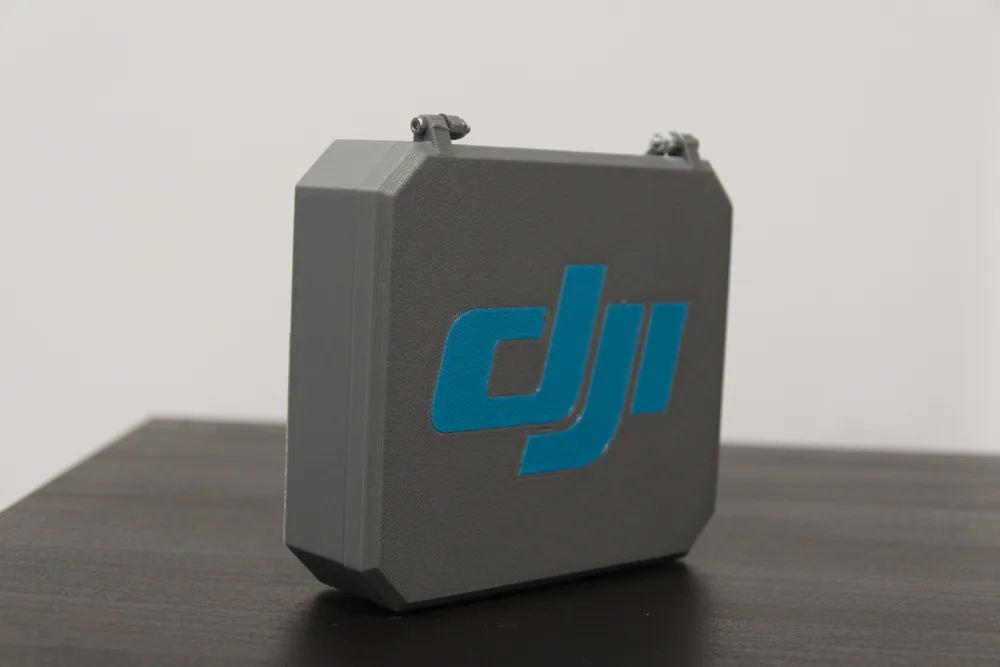
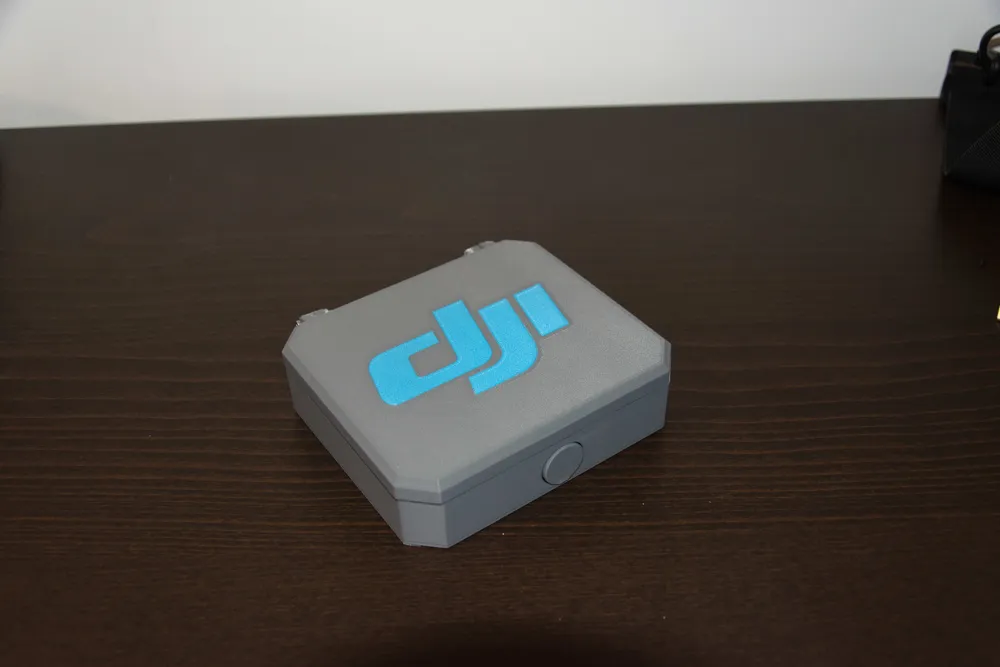
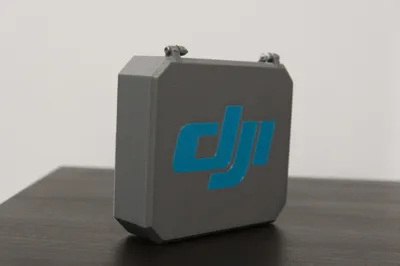
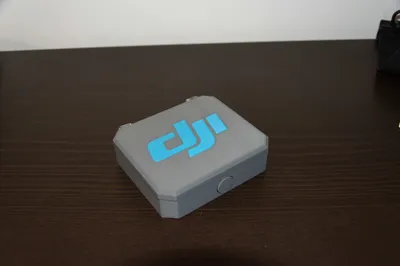
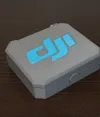
This model features a multi-color top with an integrated DJI logo.
Key Features
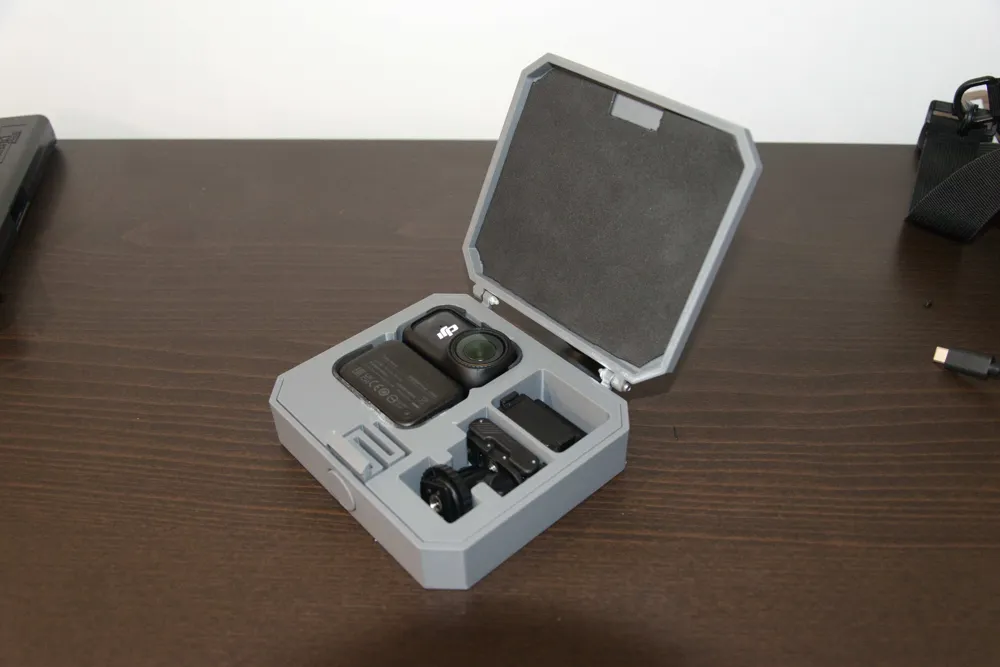
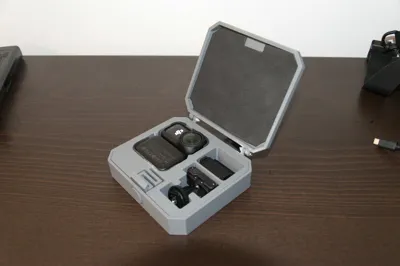
- Custom-Fit Compartments: Specifically designed to hold:
- DJI Osmo Nano (stored inside its original protective cover).
- Vision Dock.
- Official Hat Clip.
- 3rd Party GoPro Mount Adapter.
- Anti-Rattle Design: Integrated space for foam padding to ensure your gear stays silent and scratch-free.
Hardware & Materials Required
To fully assemble this case, you will need the following:
Bolts: 2x M2.5 bolts 16mm
Nuts: 2x M2.5 Nuts
Washers(optional): 2x M2.5 washers
Padding: 2mm thick craft foam
Adhesive: Superglue (for foam)
Print Settings
This model is optimized for fast, functional printing while maintaining a great aesthetic, if possible use my print profile.
if not, use 0.28mm layers and once you added the top cover split into parts and colour the DJI logo.
PLA or PETG
Assembly Instructions (the important bit)
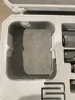
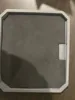
- Foam Lining: Cut your 2mm foam to fit the interior recesses of the top and bottom shells. Use a small amount of superglue to secure them. This prevents scratching and stops the camera from rattling.(see documentation to see how i placed mine.) also make sure to leave space for the camera button/bump on the top of the Nano as its a bit too tight elsewise.
- Hinge Assembly: Align the 2 parts of the case and place a washer in-between and insert your bolts through the hinge mechanism.
- Secure: Thread the nuts onto the ends of the bolts. Do not over-tighten; ensure the hinge moves smoothly. Then glue the nut in place to prevent loosening
- Load Up: place your Osmo Nano (in its cover) and accessories into their dedicated slots, Now you can go out and get the shots you need! (or just leave it in a drawer since its “organized” now)
Disclaimer: None of the links I've provided are sponsored nor are they commission links, simply the items which I purchased my self
Documentation (2)
License

You shall not share, sub-license, sell, rent, host, transfer, or distribute in any way the digital or 3D printed versions of this object, nor any other derivative work of this object in its digital or physical format (including - but not limited to - remixes of this object, and hosting on other digital platforms). The objects may not be used without permission in any way whatsoever in which you charge money, or collect fees.


Comment & Rating (4)