Search models, users, collections, and posts

DJI Mic Mini Dock
IP Report
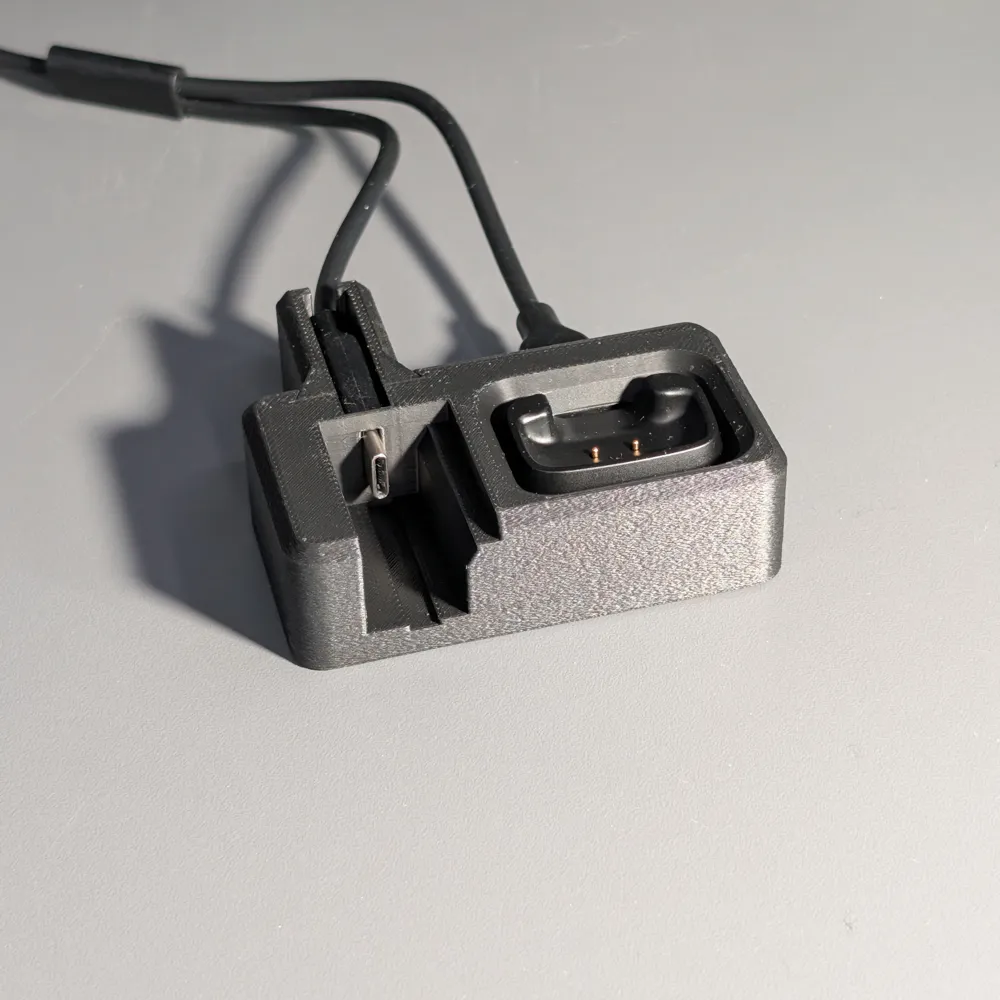
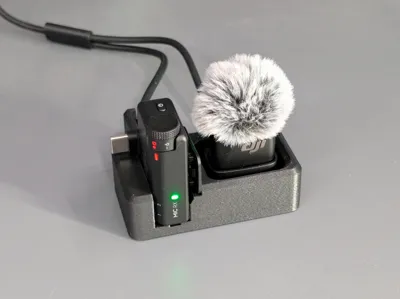
GIF
GIF
Print Profile(1)
0.12mm, No Supports, 2 walls, 10% Gyroid infill
Designer
1.6 h
1 plate
Open in Bambu Studio
Boost
17
44
3
0
53
30
Released
Description
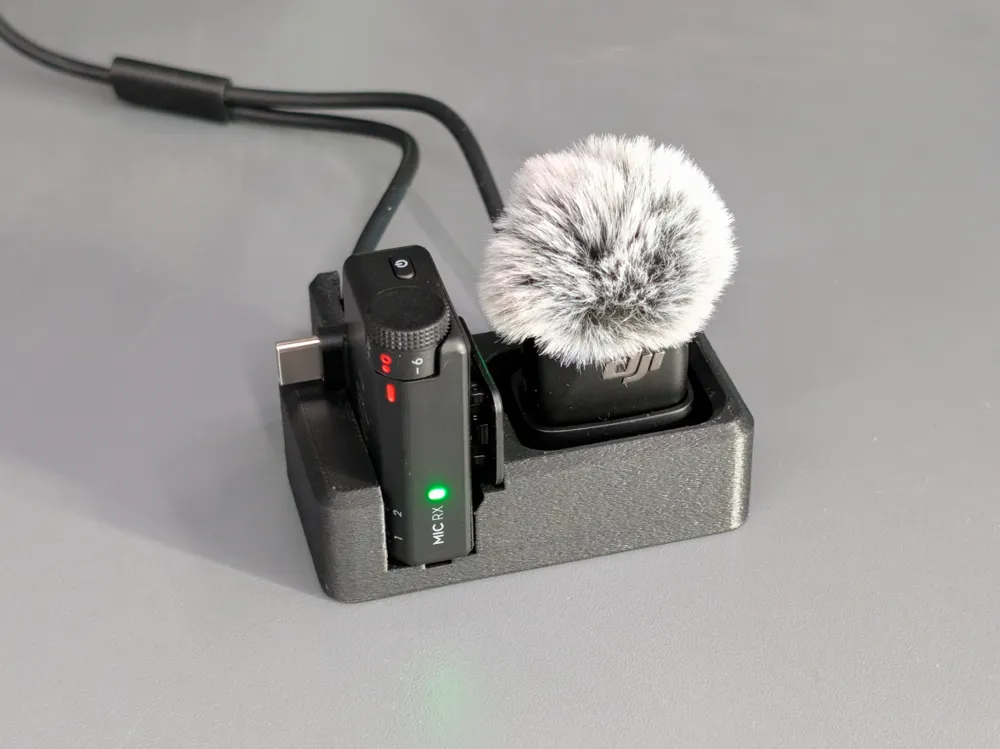


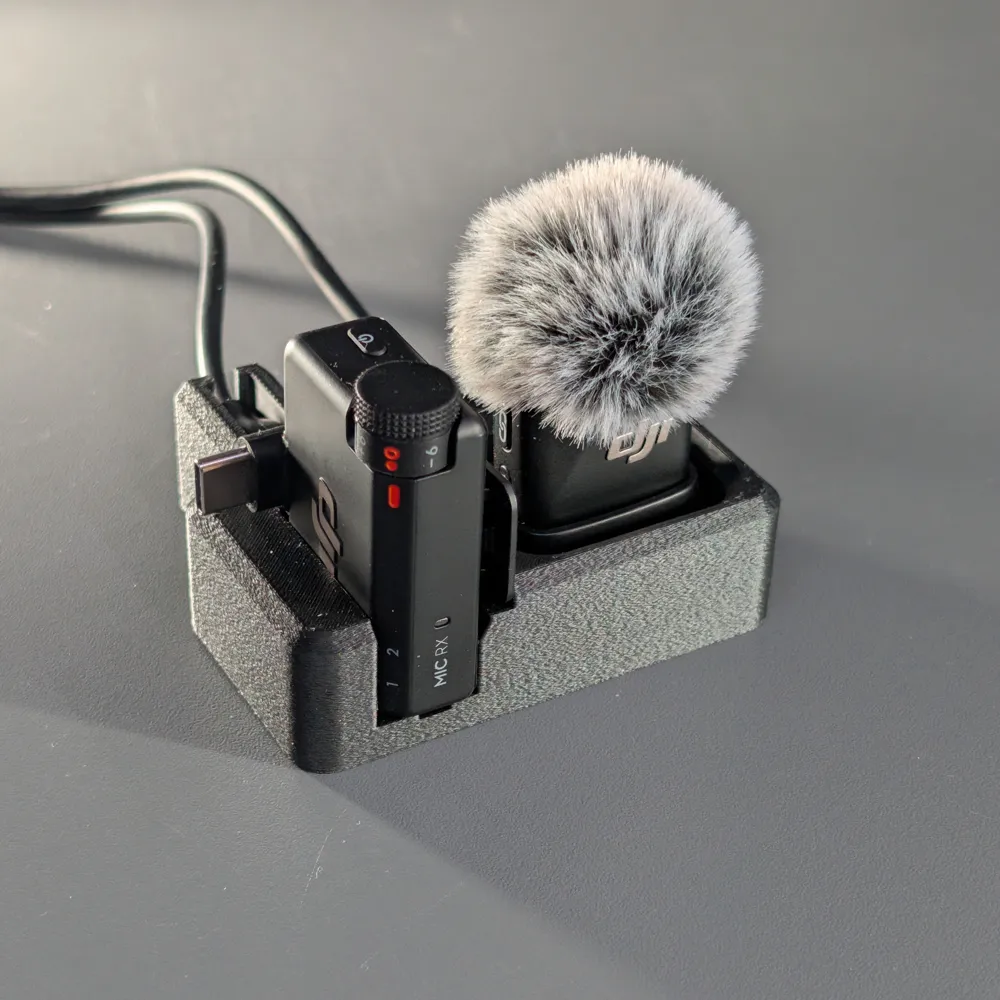
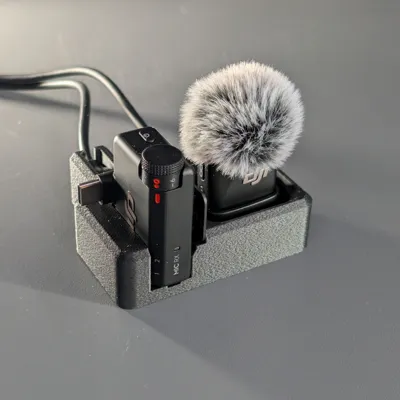
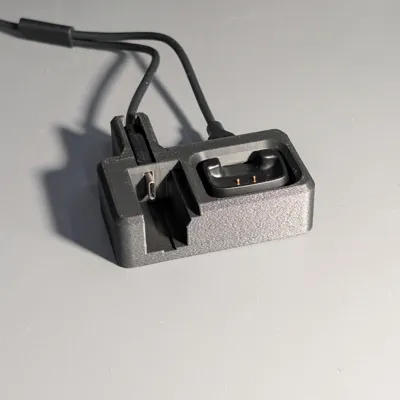
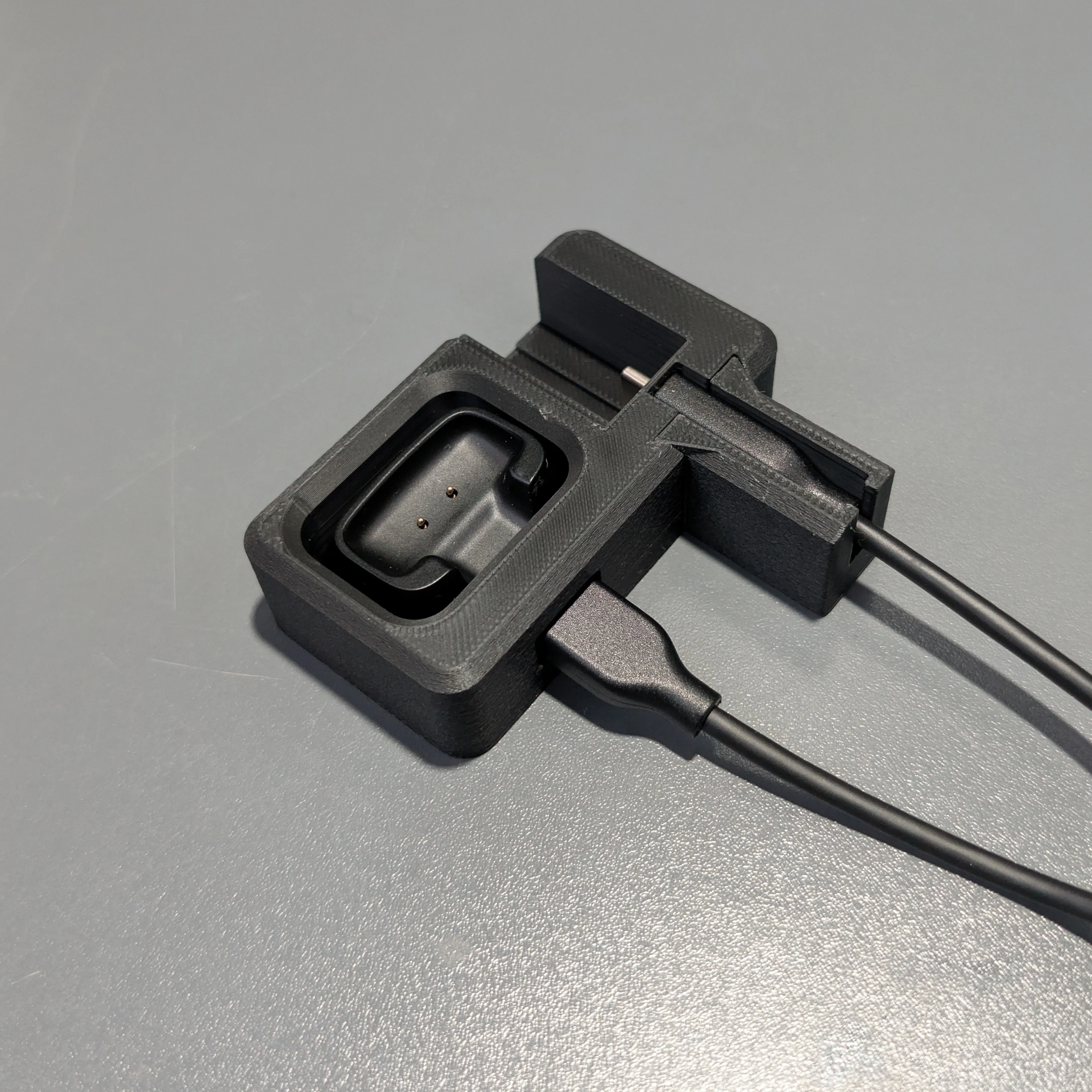
What makes this different from other docks is that the receiver plugs in as you slide it into place for storage. On most other designs, the dock holds the receiver, but you still have to manually plug the cable in every time. This one holds the USB cable in place inside the dock, so the receiver slides in and connects at the same time.
The model prints in 2 parts. The main body holds the mic, receiver, and charging cables.
The second piece slides into place and locks in the USB cable so it doesn’t move when plugging the receiver in or out.
How To Assemble:
1. Place the USB cables into the dock.
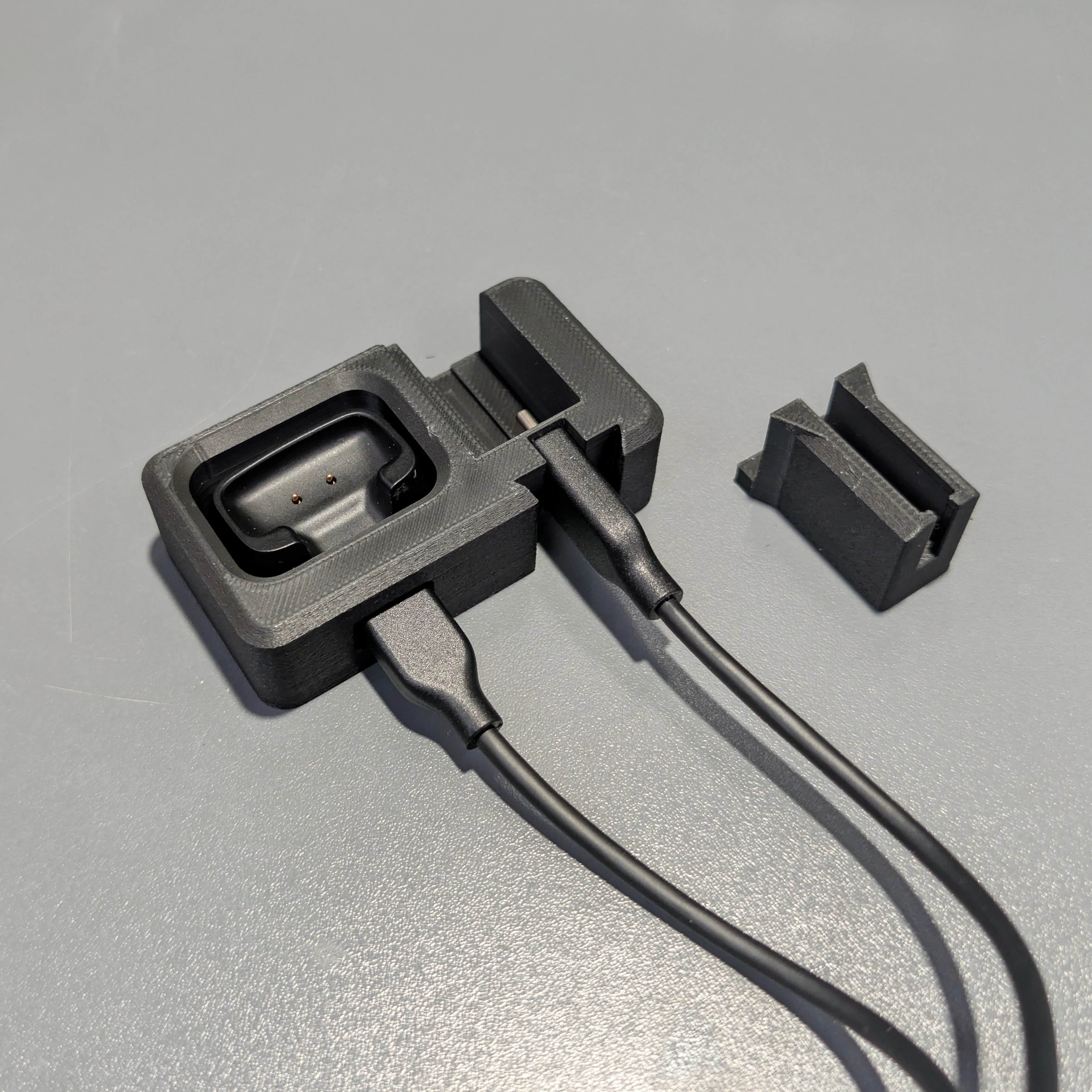
2. Slide the cable lock in from the bottom.
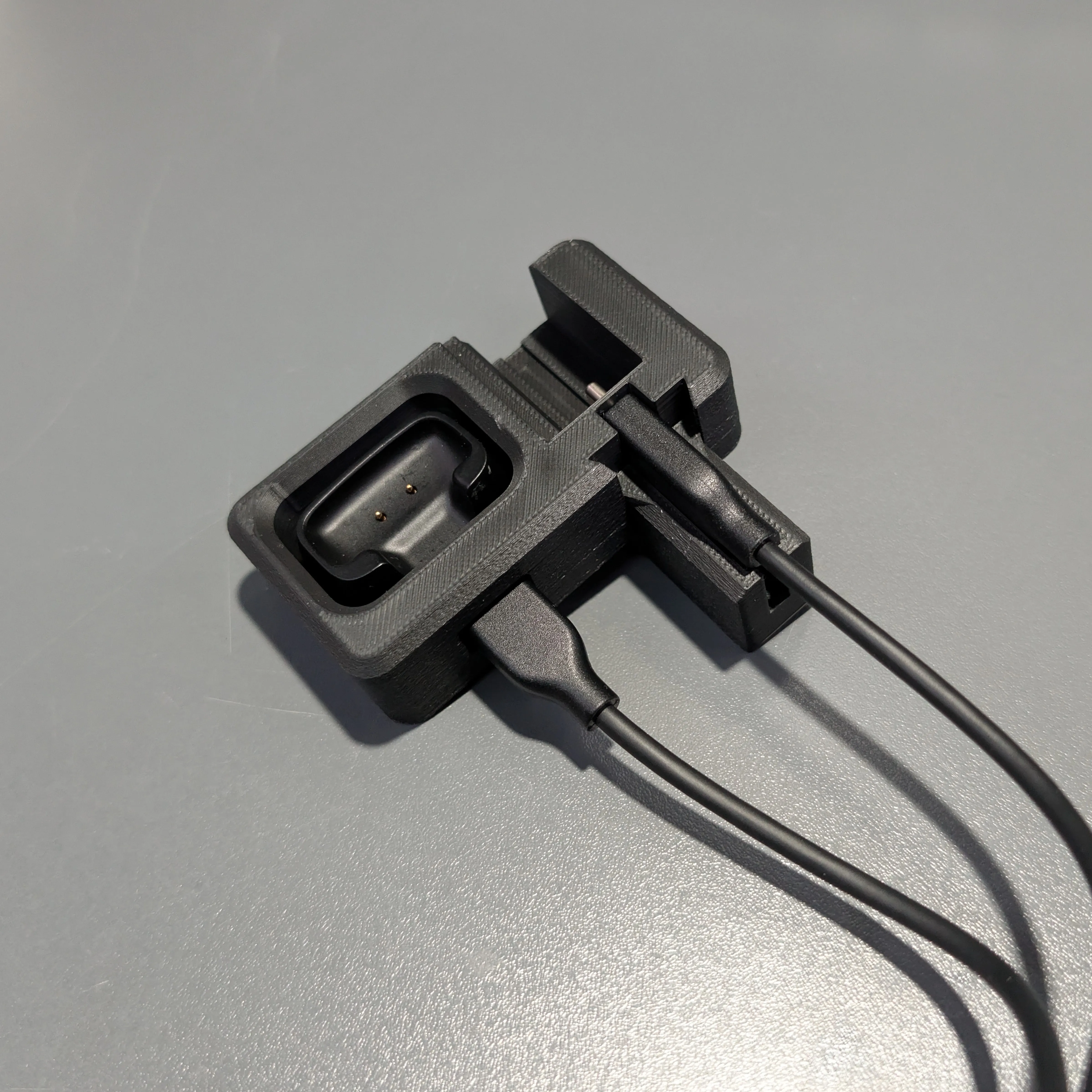
3. Done!
License

This user content is licensed under a
Creative Commons Attribution-Noncommercial-Share Alike


Comment & Rating (3)