
Print Profile(3)


Description
Non-AMS Instructions Below!!!
AMS Users
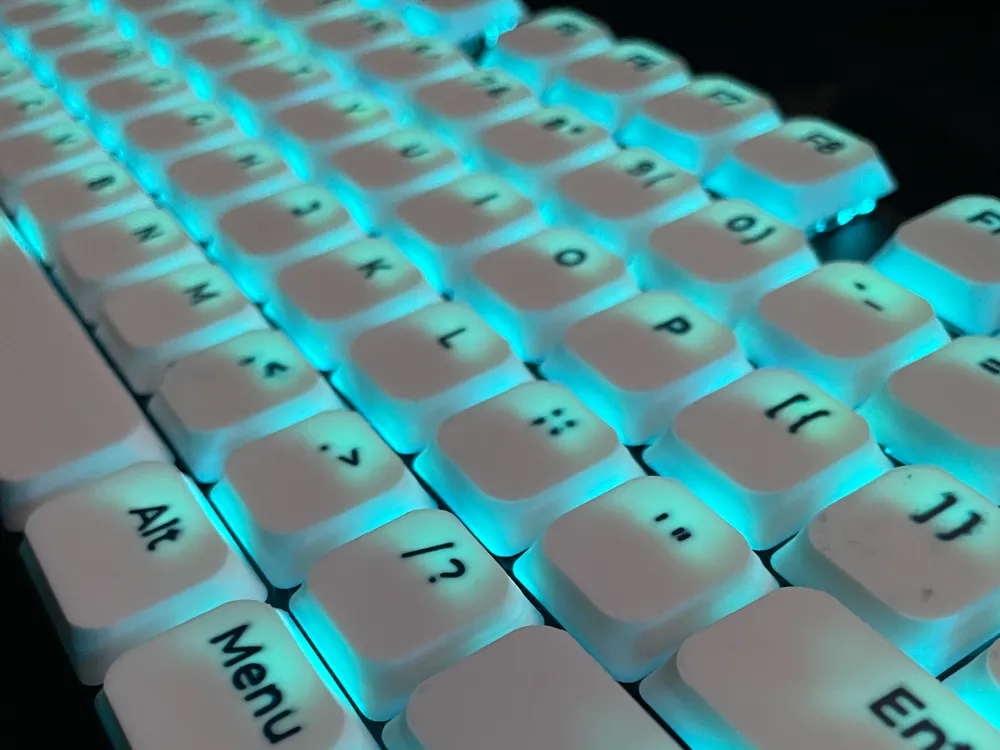
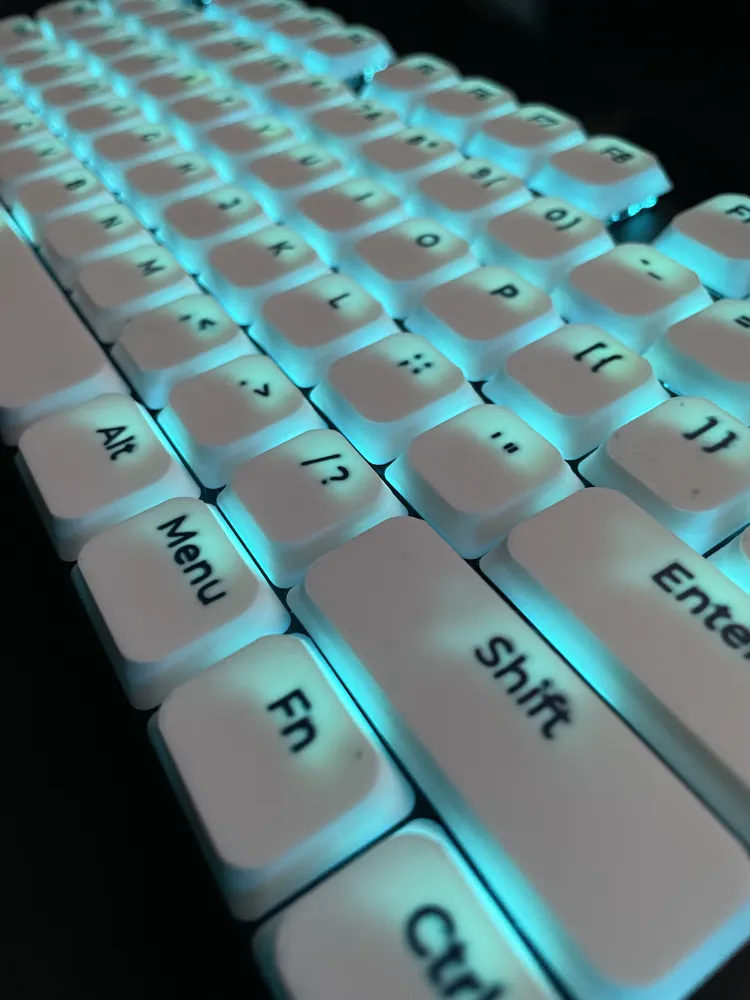
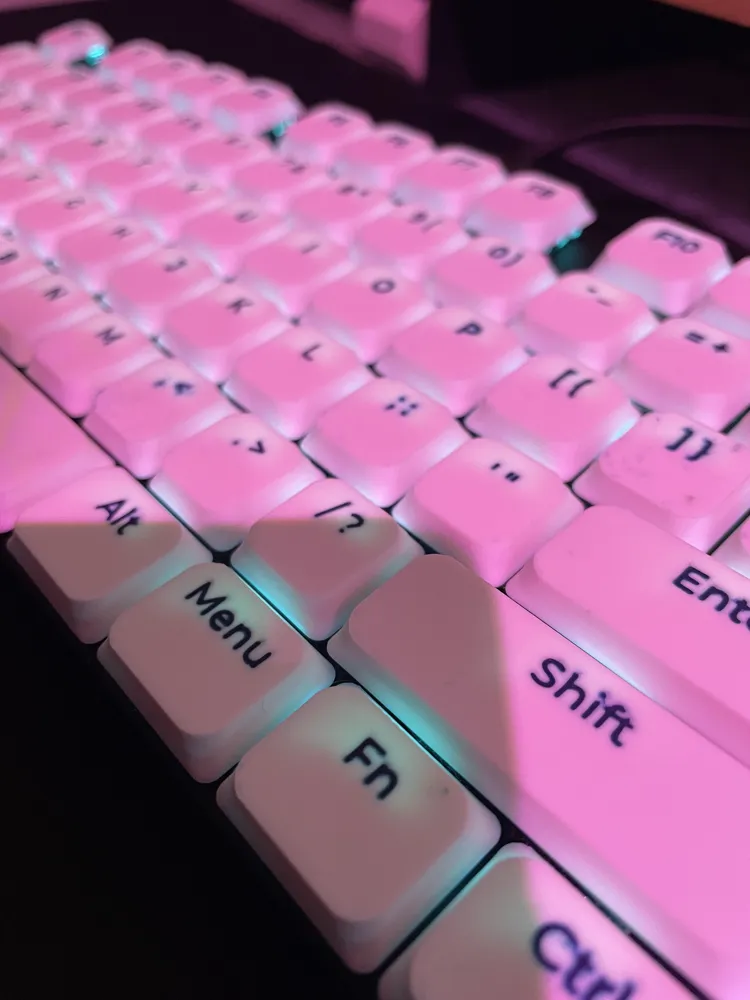
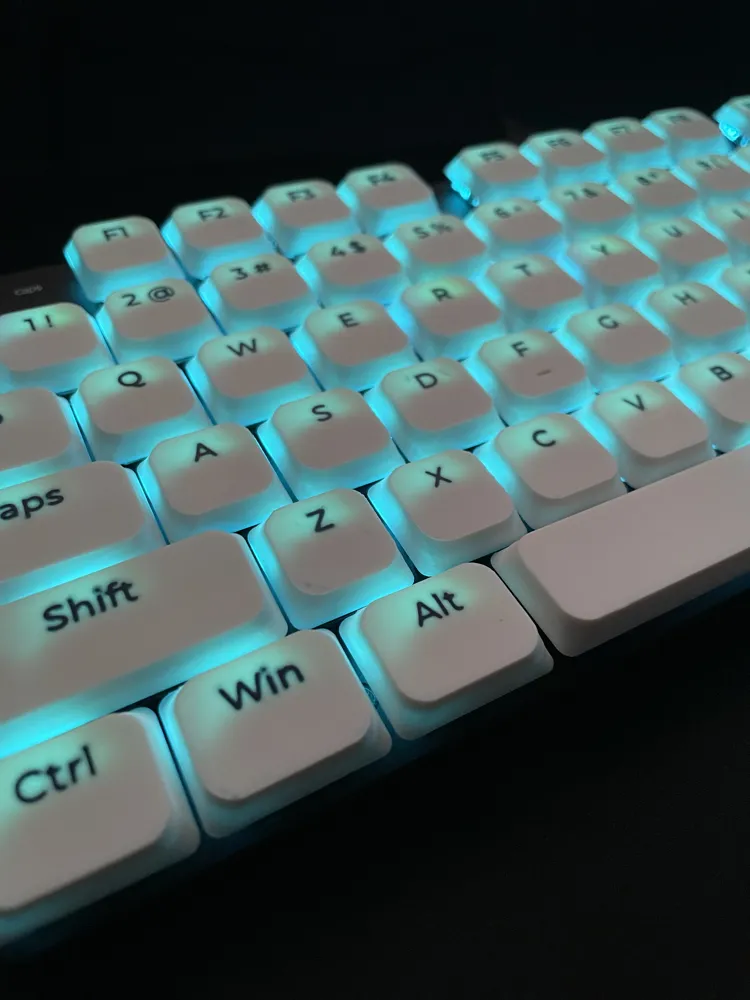
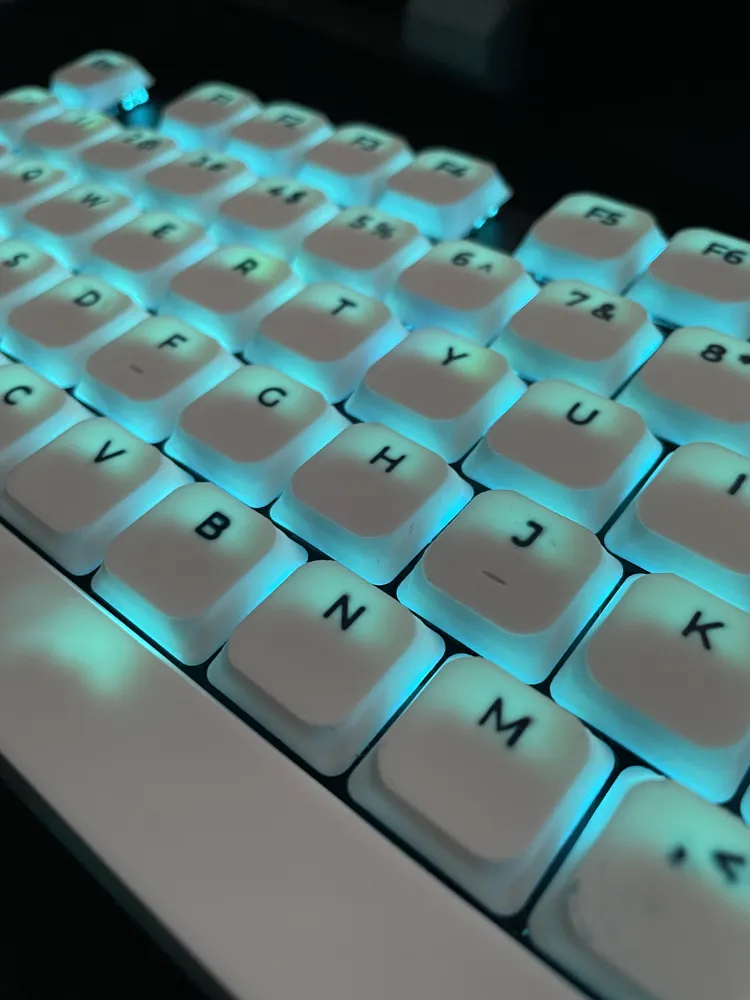
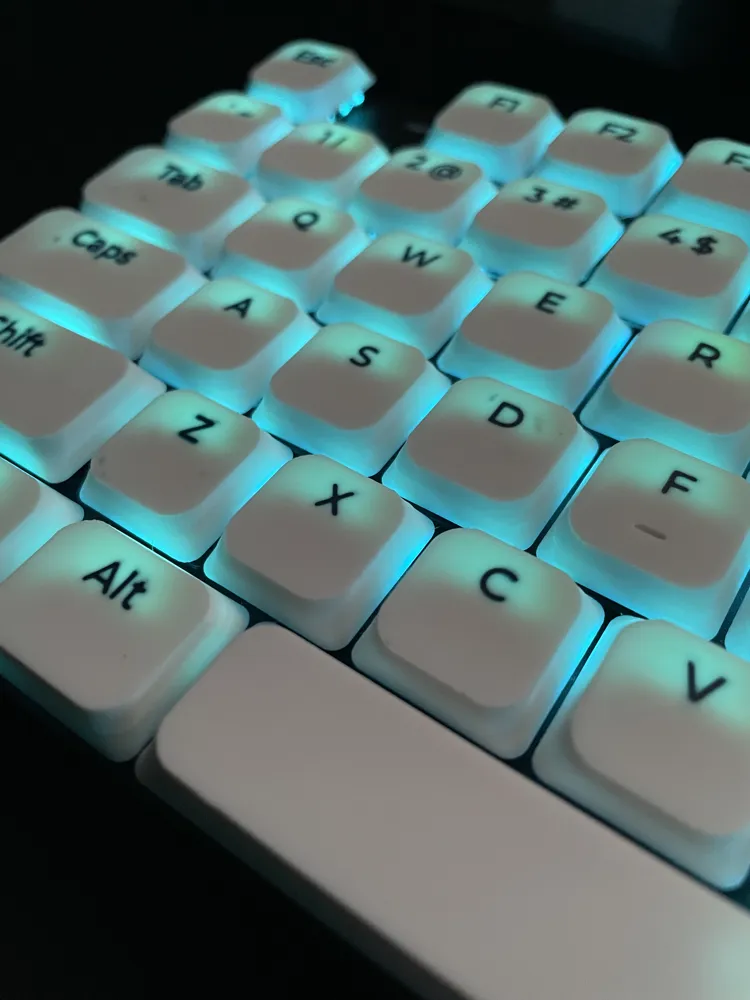
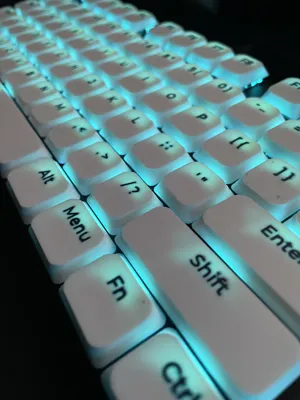
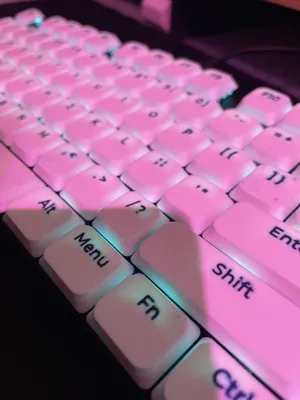
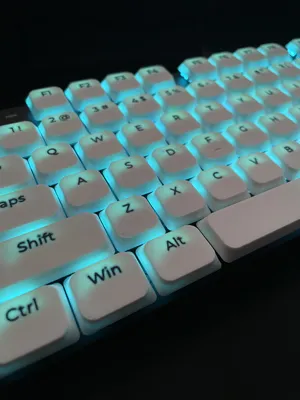
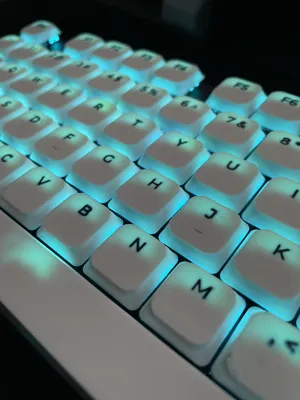
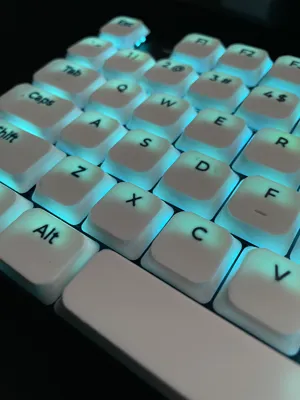
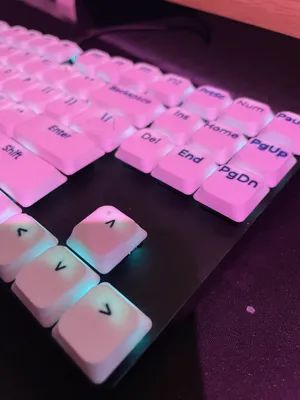
This is a comprehensive set of low profile keycaps for mechanical keyboards using MX switches. The keys have a height of 4.5mm and feature a geometric loft from an R=2 base to an R=4 top. The legends are designed for multi-color printing (AMS). I printed them on my A1 with a smooth PEI bed, the print profile should fit an A1 Mini as well (I don't have one but they all fit inside the plates in the slicer).
The collection consists of over 110 individual files, organized into 5 plates (base and legend for each file in case you don't want to print the legends):
- Alphanumerical: Full alphabet, special keys and number row. Includes both standard and Homing keys (F, J, T, N) with tactile notches.
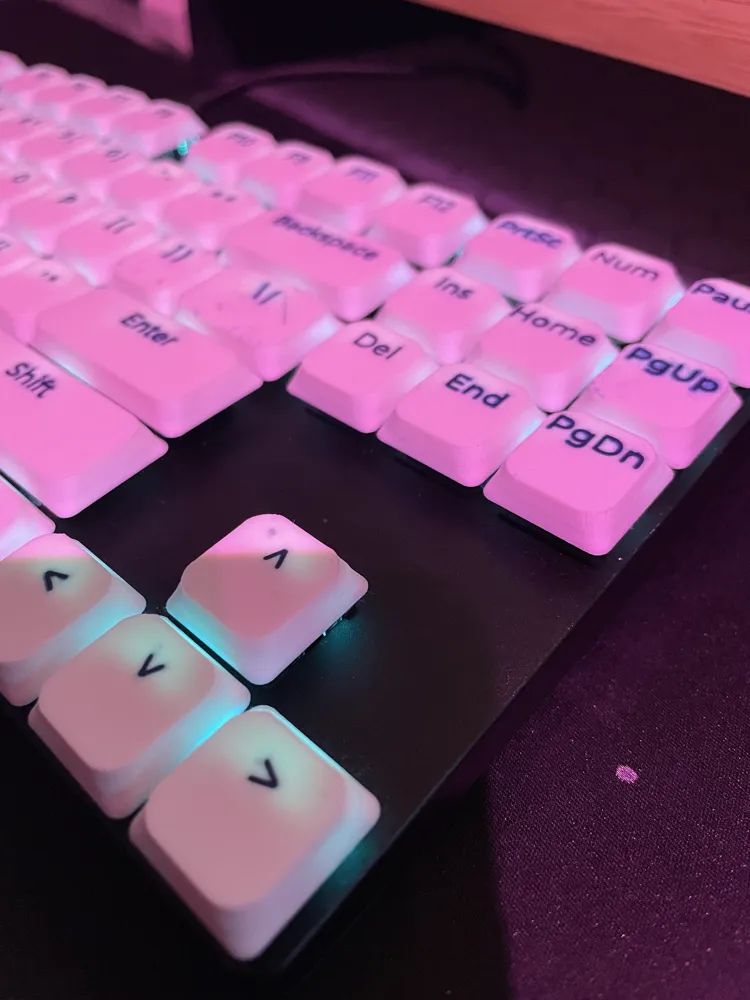
- Navigation: Insert, Delete, Home, End, Page Up, Page Down, and Arrow keys.
- Numpad: Complete number section including 1u and 2u (vertical) Enter and Plus keys.
- F-Row: Esc, F1 through F12, Pause, PrtSc, and Num Lock.
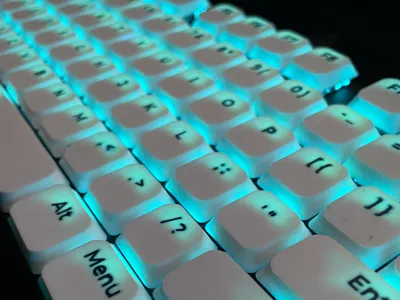
- Modifiers: All common sizes (1.25u,1.5u,1.75u,2u,2.25u,2.75u). Includes Shift, Ctrl, Win, Alt, Fn, Menu, and various spacebar lengths (1.75u,6.25u,7u).
Print Settings
- Nozzle: I used a 0.2mm nozzle for the keycaps in the pictures, I have tried with a 0.4mm nozzle but wasn't happy with the legends
- Orientation: Print Face-Down for the smoothest legend finish.
- Infill: 100% (Solid) is recommended for better mass and a consistent look, especially for backlight.
- Walls: Set wall order to Inner, Outer, Inner for sharp legends and overhangs.
- Cooling: Keep the part cooling fan at a steady, moderate level (approx. 40%). Do not use auxiliary fans.
- Adhesion: No brim required if your bed is properly cleaned.
Technical Specifications
- Stem: MX-style (tested on Gateron low profile and Standard MX Switches).
- Height: 4.5mm.
- Material: Tested in PLA.
Usage
- Keycaps are a tight fit the first time, especially the stabilised keys. what helps is to “loosen” the keycaps a bit by pressing them into a non stabilised key (like “esc”), the stabs will now fit a lot easier.
- I think I modelled all the keycaps on a full size keyboard but if I have missed one let me know! I'll add them as soon as possible.
Non-AMS Users (Manual Inlay Method)
If you do not have an AMS, you can still achieve multi-color legends by following these steps. This profile is split into Legends (the text) and Base (the keycap body).
Step 1: Print the Legends
- Select the "Text Only" plate for the section you want to print.
- Load the filament color you want for your letters/icons.
- Start the print.
- CRITICAL: When the print is finished, DO NOT remove the build plate and DO NOT touch the printed legends. Let the bed cool down slightly, but keep the plate locked in place.
Step 2: Print the Base
- Manually change the filament to your main keycap color.
- Select the corresponding "Base" plate (ensure it's the same set as the legends you just printed).
- Start the print.
- The printer will perform its homing sequence and then print the first layer of the keycap directly around and over the 0.1mm legends.
License

You may create derivative works based on this object, provided that all such derivative works are published exclusively on the MakerWorld platform and include proper attribution to the original creator. You may not share, upload, host, distribute, or publish this object—or any derivative work of this object—on any other digital platform, marketplace, or distribution channel. Commercial use of this object and any derivative works is strictly prohibited. This includes, but is not limited to, selling, renting, sublicensing, or using the object in any context in which you receive monetary compensation or other financial benefits.


Comment & Rating (4)