Search models, users, collections, and posts

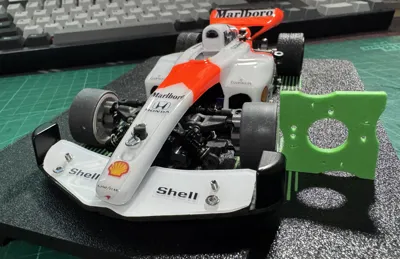
Mini-Z Camber Gauge
IP Report
Print Profile(1)
0.2mm layer, 2 walls, 15% infill
Designer
13 min
1 plate
Open in Bambu Studio
Boost
2
12
0
0
14
5
Released
Description
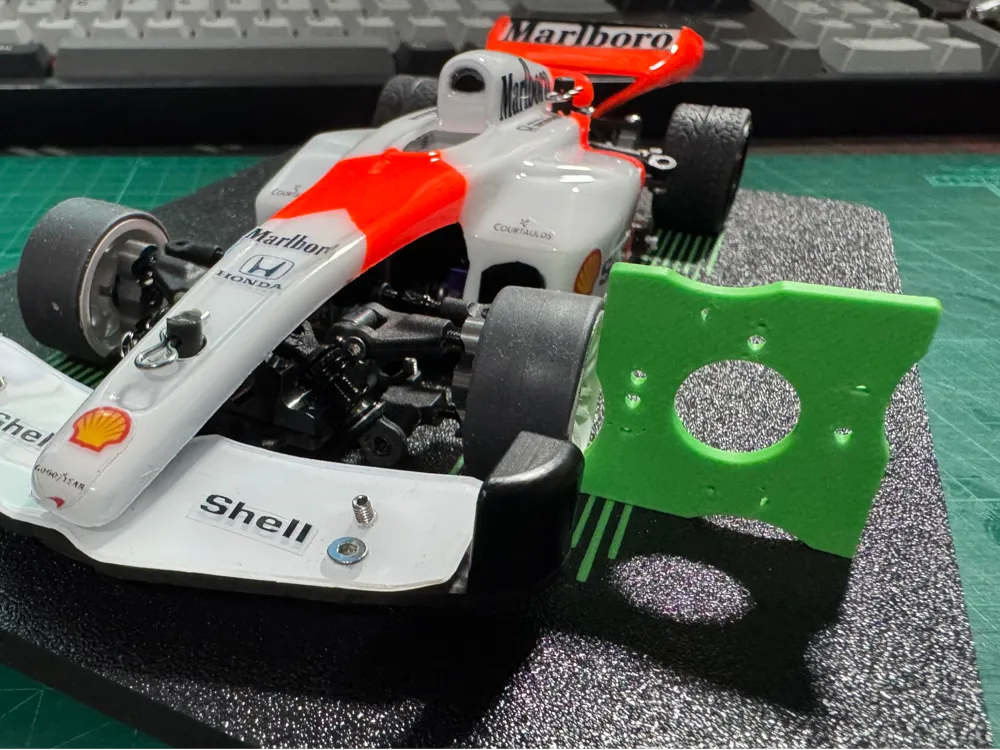
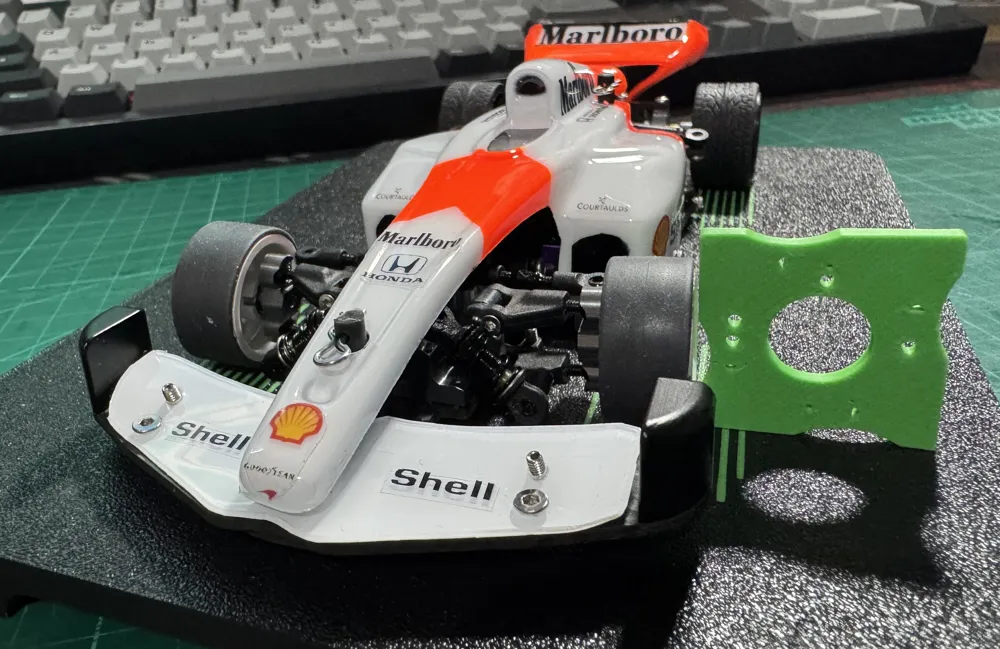
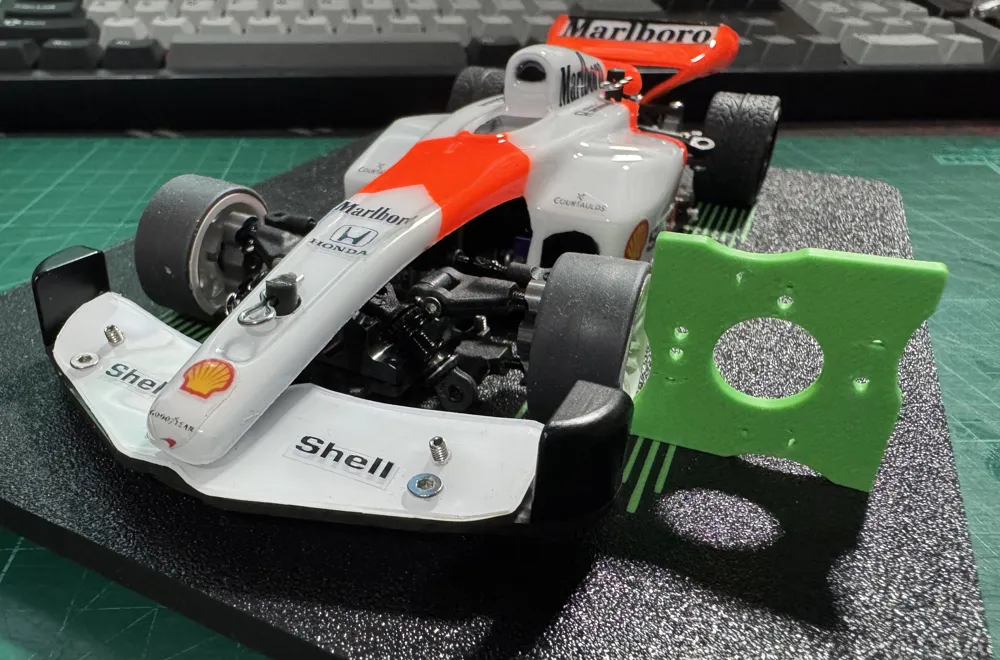
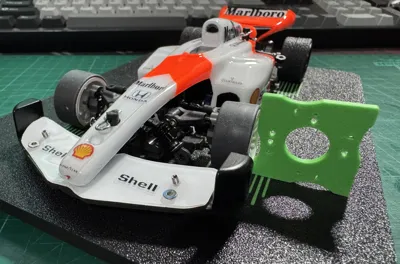
This is just a Mini Z scaled Camber gauge with 0.5, 1, 1.5 and 2 degree settings, the angle you want to set is indicated on the side via small and larger circles with an triangle pointing to the setup board for the angle you are checking.
A small circle indicates 0.5 degrees and a large circle indicates 1 degrees, so a small and large circle is 1.5 degrees, and so on.
Not exactly braking new ground here but I needed something quick.
To use select the angle you want make sure the triangle is pointing down and then slide it to the wheel, adjust the camber until the top and bottom of the wheel or tyre are touching the gauge.
License

This user content is licensed under a
Creative Commons Attribution-Noncommercial-Share Alike


Comment & Rating (0)